Haskell County Easement Deed (In Gross - Utility) Form
Last validated November 2, 2026 by our Forms Development TeamFormatted for recording in Haskell County, for property anywhere in the county: rural and unincorporated areas as well as Haskell, O Brien, Rochester, Rule, Weinert.
- 3 documents included
- Immediate PDF download
- Formatting guarantee
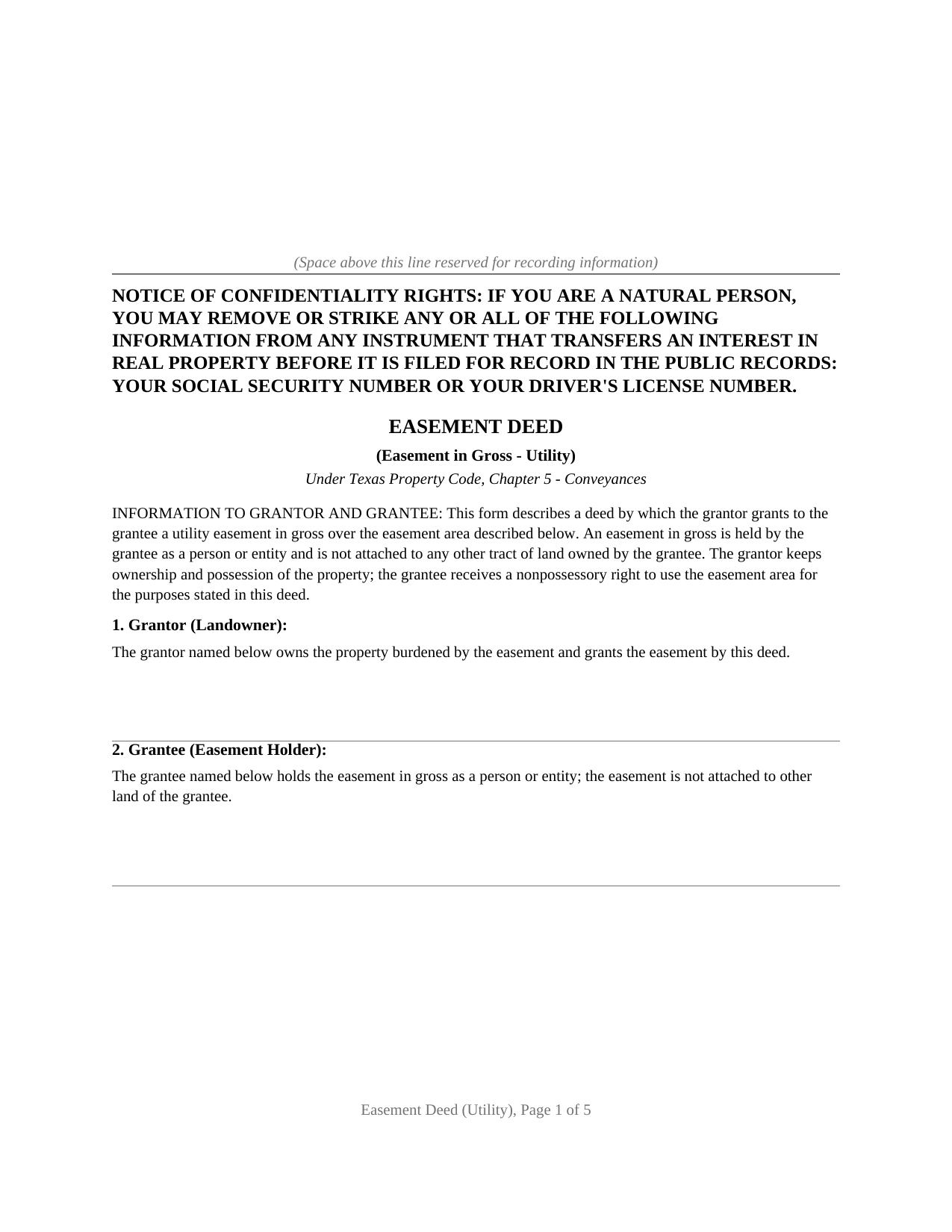
Haskell County Easement Deed (In Gross - Utility) Form
Fill in the blank Easement Deed (In Gross - Utility) form formatted to comply with all Texas recording and content requirements.
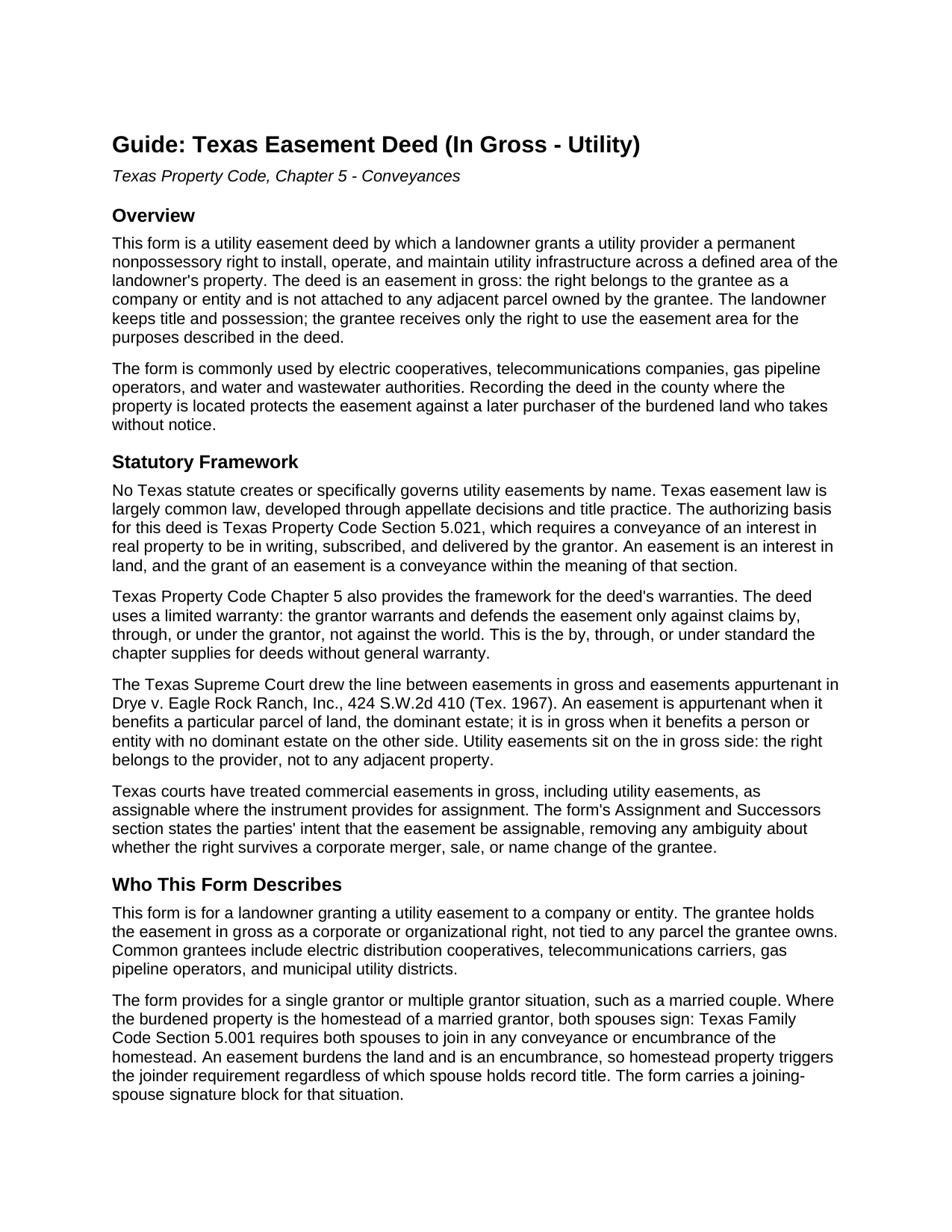
Haskell County Easement Deed (In Gross - Utility) Guide
Line by line guide explaining every blank on the Easement Deed (In Gross - Utility) form.
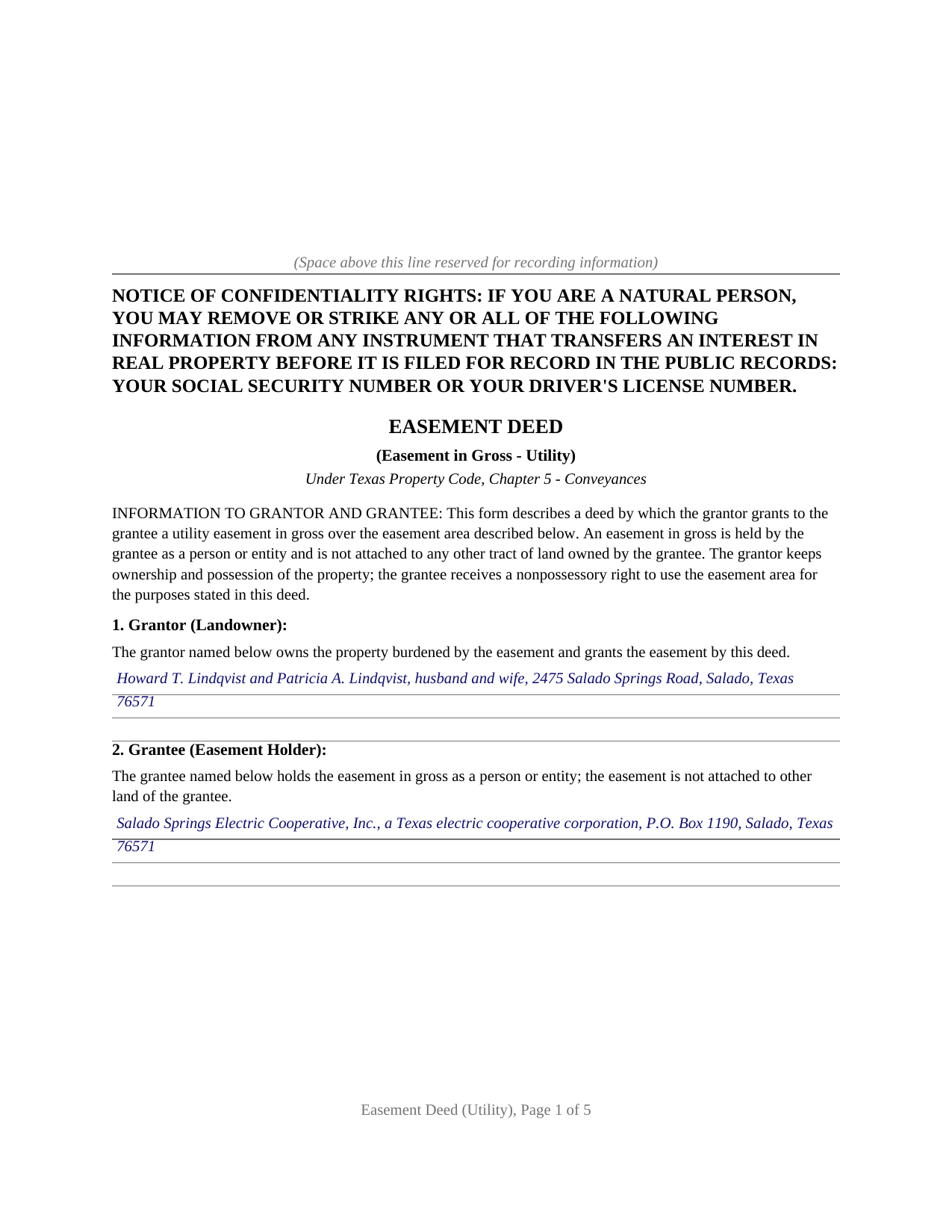
Haskell County Completed Example of the Easement Deed (In Gross - Utility) Document
Example of a properly completed Texas Easement Deed (In Gross - Utility) document for reference.
All 3 documents above included • One-time purchase • No recurring fees
Immediate Download • Secure Checkout
Additional Texas and Haskell County documents included at no extra charge:
Where to Record Your Documents
Haskell County Clerk
Haskell, Texas 79521
Hours: Monday - Thursday 8:30am - 5:00pm, Friday 8:30am - 4:30pm
Phone: (940) 864-2451
Recording Tips for Haskell County:
- Bring your driver's license or state-issued photo ID
- Ensure all signatures are in blue or black ink
- Leave recording info boxes blank - the office fills these
- Make copies of your documents before recording - keep originals safe
- Recorded documents become public record - avoid including SSNs
Cities and Jurisdictions in Haskell County
Properties in any of these areas use Haskell County forms:
- Haskell
- O Brien
- Rochester
- Rule
- Weinert
Hours, fees, requirements, and more for Haskell County
How do I get my forms?
Forms are available for immediate download after payment. The Haskell County forms will be in your account ready to download to your computer. An account is created for you during checkout if you don't have one. Forms are NOT emailed.
Are these forms guaranteed to be recordable in Haskell County?
Yes. Our form blanks are guaranteed to meet or exceed the applicable formatting requirements used for recording in Haskell County, including margin requirements, font requirements, and other layout standards. This guarantee applies to formatting, not to the legal sufficiency of information entered by the user or the suitability of a form for a particular transaction.
Can I reuse these forms?
Yes. You can reuse the forms for your personal use. For example, if you have multiple properties in Haskell County you only need to order once.
What do I need to use these forms?
The forms are PDFs that you fill out on your computer. The free Adobe Acrobat Reader is recommended, and most PDF apps also work. You do NOT enter your property information online - you download the blank forms and complete them privately on your own computer.
Are there any recurring fees?
No. This is a one-time purchase. Nothing to cancel, no memberships, no recurring fees.
How much does it cost to record in Haskell County?
Recording fees in Haskell County vary. Contact the recorder's office at (940) 864-2451 for current fees.
Questions answered? Let's get started!
A utility easement is the most common easement in gross in Texas: the right to run power lines, pipes, or cables across private land belongs to the utility provider as an entity, not to any neighboring parcel. This form prepares the deed that creates that right over a defined area of a landowner's property.
An Easement, Not a Conveyance of Land
An easement is a nonpossessory interest in land. The grantor keeps title and possession and continues to use the property; the grantee receives only the limited right to use a described easement area for the stated utility purposes. The deed says so expressly, conveying an easement only and reserving to the landowner every use that does not unreasonably interfere with the utility's use. The distinction carries weight in Texas, where a grant phrased as a transfer of all right, title, and interest in a strip of ground can be read as a conveyance of the land itself rather than an easement.
In Gross Means Held by an Entity
Texas easements fall into two families. An easement appurtenant benefits a particular parcel, the dominant estate, and passes with that land when it sells. An easement in gross benefits a person or entity and burdens a servient estate with no dominant estate on the other side. The Texas Supreme Court drew this line in Drye v. Eagle Rock Ranch, Inc., and a utility easement sits on the in gross side: the right belongs to the electric, water, gas, pipeline, or telecommunications provider.
Why the Assignment Clause Matters
The in gross classification creates a trap the form is built to avoid. Texas courts have treated easements in gross as ordinarily not assignable unless the instrument provides for assignment. For commercial easements in gross, such as utility easements, courts have recognized transferability, particularly where the grant extends to the grantee's successors and assigns. The form includes an assignment and successors provision stating the parties' intent that the easement be assignable, so the right survives a later sale or merger of the provider rather than being trapped with the original grantee.
Homestead Property and the Spouse's Signature
An easement is an encumbrance on the land it burdens. Where the burdened property is the homestead of a married grantor, Texas Family Code Section 5.001 calls for the joinder of the grantor's spouse, whether the homestead is community property or the separate property of one spouse. The form carries a joinder signature block and a separate acknowledgment for the spouse, left blank where the grantor is unmarried or the property is not homestead, a point a generic easement form often misses.
Signing and Recording
The grantor signs before a notary, and the deed is recorded with the county clerk of the county where the property is located. Recording is not what makes the easement valid between the parties; under Property Code Section 13.001 it protects the easement against a later purchaser who buys the land without notice of it. The package includes the blank easement deed as a fillable PDF, a completed example built around a realistic electric distribution easement, and a plain language guide that walks through every section, explains the in gross and appurtenant distinction, and describes the homestead joinder rule. The materials are informational and are not legal advice.
Important: Your property must be located in Haskell County to use these forms. Documents should be recorded at the county recording office listed above.
This Easement Deed (In Gross - Utility) meets all recording requirements specific to Haskell County.
Our Promise
The documents you receive here are guaranteed to meet or exceed the applicable Haskell County recording format requirements. If there is a rejection caused by our formatting, we will correct the issue or refund your payment. This guarantee applies to document formatting only and does not extend to information entered by the user, the selection of the form, or the legal effect of the completed document.
Save Time and Money
Get your Haskell County Easement Deed (In Gross - Utility) form done right the first time with Deeds.com Uniform Conveyancing Blanks. At Deeds.com, we understand that your time and money are valuable resources, and we don't want you to face a penalty fee or rejection imposed by a county recorder for submitting nonstandard documents. We constantly review and update our forms to meet rapidly changing state and county recording requirements for roughly 3,500 counties and local jurisdictions.
4.8 out of 5 - ( 4,845 Reviews )
Thomas E. 5 out of 5 stars
Great, immediate access to everything I needed to assist my client! This is truly a great resource for a Notary Public! I will surely keep my account open, and will refer others as well!
Thank you for the Kind words Thomas. We really appreciate you! Have a great day.
Desiree R. 5 out of 5 stars
very easy to use
We are delighted to have been of service. Thank you for the positive review!
Douglas T. 5 out of 5 stars
Deeds.com supplied me with forms I needed immediately.
Thank you!
David R. 5 out of 5 stars
Great source of all required legal documents and supplements.
We appreciate your business and value your feedback. Thank you. Have a wonderful day!
Wayne T. 5 out of 5 stars
I was skeptical when I first came upon this website. Not sure why I had such a negative feeling, but after I received the printed deed I felt relieved and completely satisfied. This is a great website for everyone who wouldn't want to retrieve their deed in person and worth the reasonable fee.
We appreciate your business and value your feedback. Thank you. Have a wonderful day!
Michael N. 5 out of 5 stars
This is an extremely helpful and very fast way to file with property recorders. It saved me time away from work and provided a receipt for the filing
Thank you, Michael! We're glad to hear the process was fast and efficient for you—and that it saved you time from work. Appreciate you sharing your experience!
john c. 1 out of 5 stars
Not impressed
Thank you!
Dennis T. 5 out of 5 stars
I liked the service very much. The form I ordered wasn't provided by the local government agency and I couldn't find it on the internet. I liked that the form came with easy to follow, line by line, instructions and a sample. I also appreciated that I wasn't forced to take on a trial membership to keep me on the hook. I would definitely use this service again in the future!
Thank you for your feedback. We really appreciate it. Have a great day!
Mary M. 5 out of 5 stars
So easy to use. I was able to download all the forms I need, it saves a lot of time!
Thank you!
Grace O. 5 out of 5 stars
I was happy to find a way to file my title without having to send original. Although I found it hard to naigste, my daughter came to my rescue and we were successful. Thank you.
We appreciate your business and value your feedback. Thank you. Have a wonderful day!
Amy S. 5 out of 5 stars
Easy to use, clear instructions. Perfect for what we needed.
Thank you for choosing our service. We appreciate your review.
Paula P. 2 out of 5 stars
Important: Click Download to save each PDF to your device. Open and complete the PDFs using Adobe Acrobat Reader (free). Get Adobe Acrobat Reader Browser PDF viewers (Chrome, Edge, Firefox, Mac Preview) may display fillable fields incorrectly. This information should be shared with the potential buyer BEFORE purchase. Messy formatting and a deeds.com advertisement on each page. I will not purchase from deeds.com again.
Paula, thank you for taking the time to leave feedback. As the product wasn’t a good fit for you, we’ve canceled your order and provided a full refund so there’s no need for you to use the documents.
Margaret C. 4 out of 5 stars
I recieved my document in a reasonable amount of time. I thought being a member i would be able to look up more than 1 document but it keeps asking me for more money. I requested help, asking if I need to pay for each document but have not yet been answered. I appreciate the fact I got 1 document I needed quickly.
Thank you!
Rip V. 1 out of 5 stars
Found the forms I needed but had to type these out my self in Word since these forms do not allow any information to be saved. I understand you want this to be proprietary information but you failed to deliver a usable product. I printed this template and built my own in microsoft word. Good examples and instructions with poor execution. I lost hours of typing and nearly lost real estate deals due to these documents not being in a format ready to use. Will be using another service next time or buying these as guides alone.
Thank you for taking the time to leave your feedback. Sorry to hear of the struggle you had using our forms. We will look into the issues you reported to see what we can do to provide a better product. For your trouble we have provided a full refund of your order.
arturo b d. 5 out of 5 stars
just what I needed...thanks
Thank you!