Smith County Easement Deed (In Gross - Utility) Form
Last validated October 7, 2026 by our Forms Development TeamFormatted for recording in Smith County, for property anywhere in the county: rural and unincorporated areas as well as Arp, Bullard, Flint, Lindale, Troup, Tyler, Whitehouse, Winona.
- 3 documents included
- Immediate PDF download
- Formatting guarantee
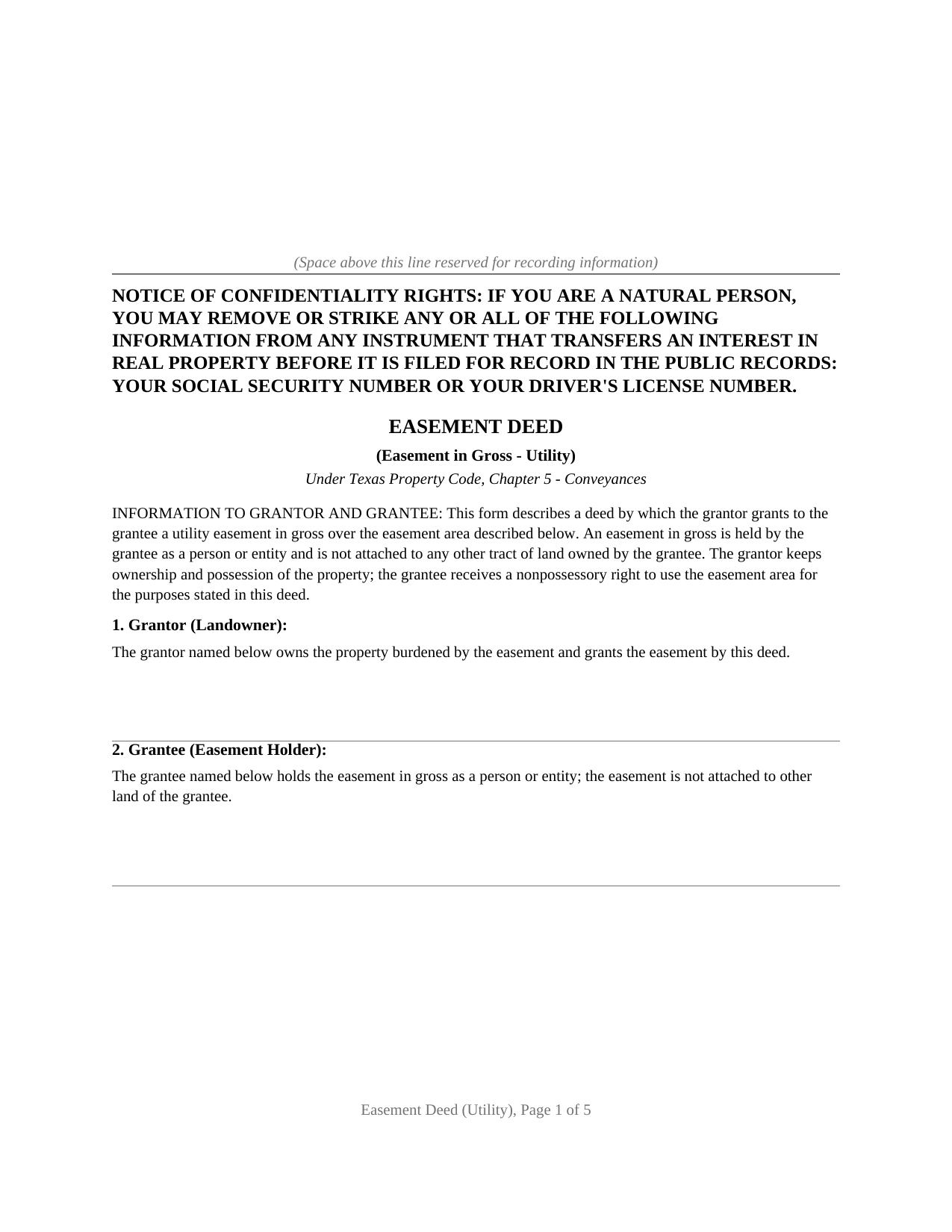
Smith County Easement Deed (In Gross - Utility) Form
Fill in the blank Easement Deed (In Gross - Utility) form formatted to comply with all Texas recording and content requirements.
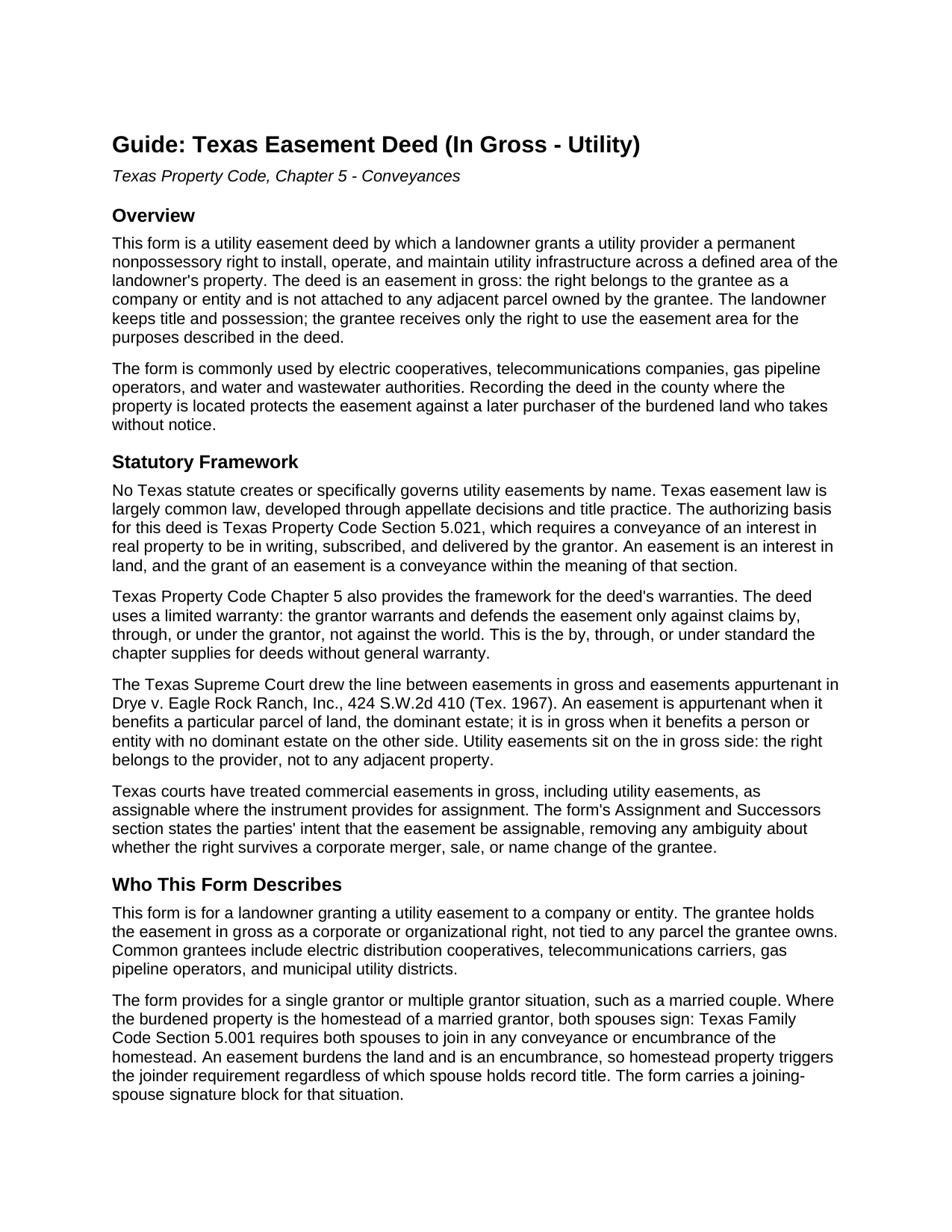
Smith County Easement Deed (In Gross - Utility) Guide
Line by line guide explaining every blank on the Easement Deed (In Gross - Utility) form.
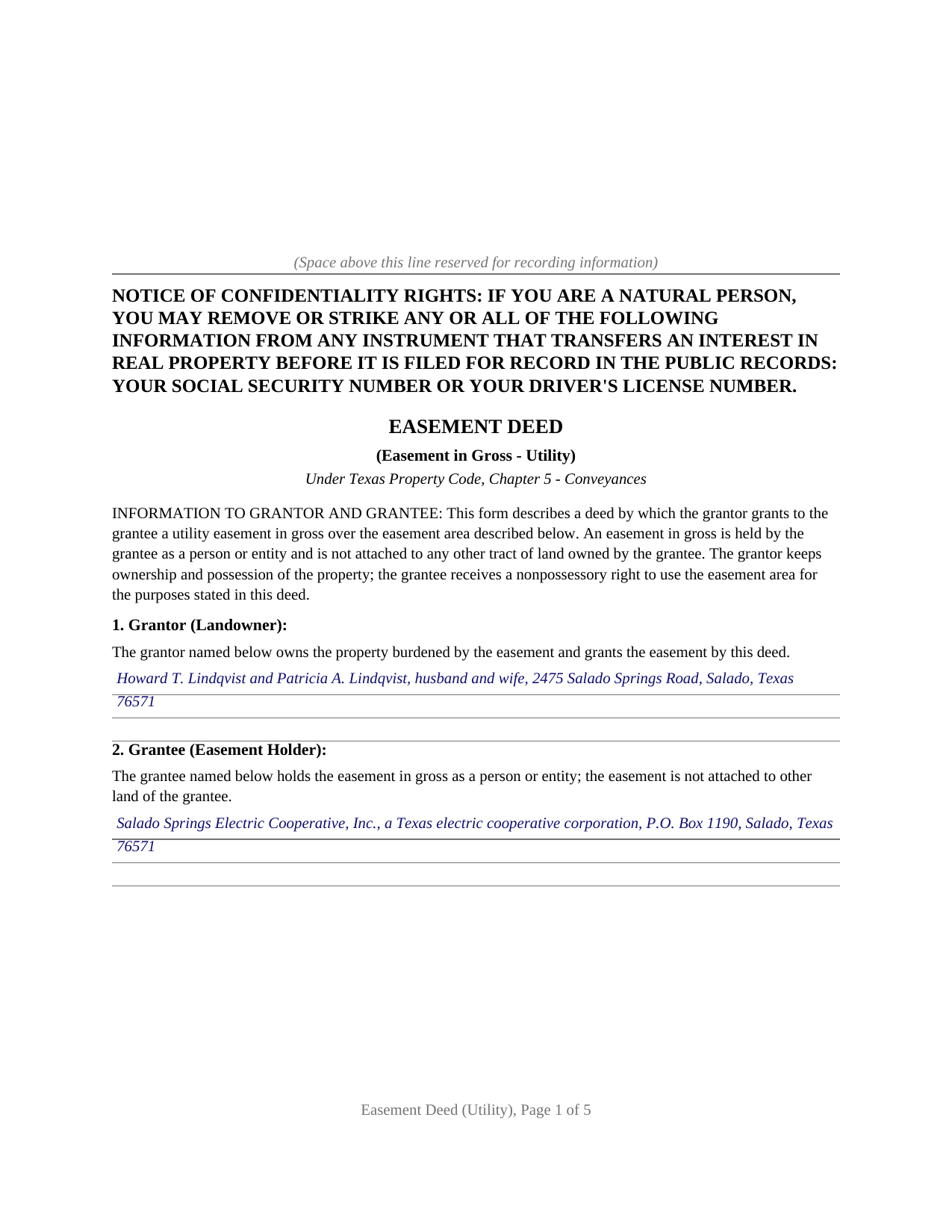
Smith County Completed Example of the Easement Deed (In Gross - Utility) Document
Example of a properly completed Texas Easement Deed (In Gross - Utility) document for reference.
All 3 documents above included • One-time purchase • No recurring fees
Immediate Download • Secure Checkout
Additional Texas and Smith County documents included at no extra charge:
Where to Record Your Documents
Smith County Clerk
Tyler, Texas 75702
Hours: 8:00am - 4:45pm M-F
Phone: (903) 590-4670
Recording Tips for Smith County:
- Bring your driver's license or state-issued photo ID
- Ensure all signatures are in blue or black ink
- Request a receipt showing your recording numbers
- Ask about accepted payment methods when you call ahead
- Ask for certified copies if you need them for other transactions
Cities and Jurisdictions in Smith County
Properties in any of these areas use Smith County forms:
- Arp
- Bullard
- Flint
- Lindale
- Troup
- Tyler
- Whitehouse
- Winona
Hours, fees, requirements, and more for Smith County
How do I get my forms?
Forms are available for immediate download after payment. The Smith County forms will be in your account ready to download to your computer. An account is created for you during checkout if you don't have one. Forms are NOT emailed.
Are these forms guaranteed to be recordable in Smith County?
Yes. Our form blanks are guaranteed to meet or exceed the applicable formatting requirements used for recording in Smith County, including margin requirements, font requirements, and other layout standards. This guarantee applies to formatting, not to the legal sufficiency of information entered by the user or the suitability of a form for a particular transaction.
Can I reuse these forms?
Yes. You can reuse the forms for your personal use. For example, if you have multiple properties in Smith County you only need to order once.
What do I need to use these forms?
The forms are PDFs that you fill out on your computer. The free Adobe Acrobat Reader is recommended, and most PDF apps also work. You do NOT enter your property information online - you download the blank forms and complete them privately on your own computer.
Are there any recurring fees?
No. This is a one-time purchase. Nothing to cancel, no memberships, no recurring fees.
How much does it cost to record in Smith County?
Recording fees in Smith County vary. Contact the recorder's office at (903) 590-4670 for current fees.
Questions answered? Let's get started!
A utility easement is the most common easement in gross in Texas: the right to run power lines, pipes, or cables across private land belongs to the utility provider as an entity, not to any neighboring parcel. This form prepares the deed that creates that right over a defined area of a landowner's property.
An Easement, Not a Conveyance of Land
An easement is a nonpossessory interest in land. The grantor keeps title and possession and continues to use the property; the grantee receives only the limited right to use a described easement area for the stated utility purposes. The deed says so expressly, conveying an easement only and reserving to the landowner every use that does not unreasonably interfere with the utility's use. The distinction carries weight in Texas, where a grant phrased as a transfer of all right, title, and interest in a strip of ground can be read as a conveyance of the land itself rather than an easement.
In Gross Means Held by an Entity
Texas easements fall into two families. An easement appurtenant benefits a particular parcel, the dominant estate, and passes with that land when it sells. An easement in gross benefits a person or entity and burdens a servient estate with no dominant estate on the other side. The Texas Supreme Court drew this line in Drye v. Eagle Rock Ranch, Inc., and a utility easement sits on the in gross side: the right belongs to the electric, water, gas, pipeline, or telecommunications provider.
Why the Assignment Clause Matters
The in gross classification creates a trap the form is built to avoid. Texas courts have treated easements in gross as ordinarily not assignable unless the instrument provides for assignment. For commercial easements in gross, such as utility easements, courts have recognized transferability, particularly where the grant extends to the grantee's successors and assigns. The form includes an assignment and successors provision stating the parties' intent that the easement be assignable, so the right survives a later sale or merger of the provider rather than being trapped with the original grantee.
Homestead Property and the Spouse's Signature
An easement is an encumbrance on the land it burdens. Where the burdened property is the homestead of a married grantor, Texas Family Code Section 5.001 calls for the joinder of the grantor's spouse, whether the homestead is community property or the separate property of one spouse. The form carries a joinder signature block and a separate acknowledgment for the spouse, left blank where the grantor is unmarried or the property is not homestead, a point a generic easement form often misses.
Signing and Recording
The grantor signs before a notary, and the deed is recorded with the county clerk of the county where the property is located. Recording is not what makes the easement valid between the parties; under Property Code Section 13.001 it protects the easement against a later purchaser who buys the land without notice of it. The package includes the blank easement deed as a fillable PDF, a completed example built around a realistic electric distribution easement, and a plain language guide that walks through every section, explains the in gross and appurtenant distinction, and describes the homestead joinder rule. The materials are informational and are not legal advice.
Important: Your property must be located in Smith County to use these forms. Documents should be recorded at the county recording office listed above.
This Easement Deed (In Gross - Utility) meets all recording requirements specific to Smith County.
Our Promise
The documents you receive here are guaranteed to meet or exceed the applicable Smith County recording format requirements. If there is a rejection caused by our formatting, we will correct the issue or refund your payment. This guarantee applies to document formatting only and does not extend to information entered by the user, the selection of the form, or the legal effect of the completed document.
Save Time and Money
Get your Smith County Easement Deed (In Gross - Utility) form done right the first time with Deeds.com Uniform Conveyancing Blanks. At Deeds.com, we understand that your time and money are valuable resources, and we don't want you to face a penalty fee or rejection imposed by a county recorder for submitting nonstandard documents. We constantly review and update our forms to meet rapidly changing state and county recording requirements for roughly 3,500 counties and local jurisdictions.
4.8 out of 5 - ( 4,828 Reviews )
milton m. 5 out of 5 stars
good product easy to use, as advertised
Thank you for your feedback. We really appreciate it. Have a great day!
Celeste F. 5 out of 5 stars
Great experience. No hassle. It kept me out of a government office.
Thank you for your feedback. We really appreciate it. Have a great day!
Lou H. 5 out of 5 stars
5 stars.
Thank you!
Christopher M. 5 out of 5 stars
Awesome company. Fast, friendly, professional.
We are delighted to have been of service. Thank you for the positive review!
MARC G. 5 out of 5 stars
Very easy. Very helpful.
Thank you!
Amy S. 5 out of 5 stars
Easy to use, clear instructions. Perfect for what we needed.
Thank you for choosing our service. We appreciate your review.
Michael C. 5 out of 5 stars
Thank you very much. I received the exact information I was seeking.
Great to hear Michael, thanks for taking the time to leave your feedback.
Shawn H. 5 out of 5 stars
The site provided exactly what I needed when I needed it.
Thank you for your feedback. We really appreciate it. Have a great day!
Julie L. 5 out of 5 stars
Great documents! with complete instructions and the CTC as well. I work with a lot of recordings and transfers, this is a great comprehensive set..
Thank you!
Gary H. 5 out of 5 stars
The package was very helpful and very easy to use. I saved me a lot of time and eliminated attorneys being involved. I would highly recommend your forms.
It was a pleasure serving you. Thank you for the positive feedback!
Jon B. 2 out of 5 stars
The information and documents received are great. But the communication with customer service is not good at all. I've been waiting three days for them to respond to a question. I don't think they are going too.
Thank you for your feedback. We really appreciate it. Have a great day!
Melissa H. 5 out of 5 stars
Amazing forms! Order the quitclaim deed forms, got the form and lots of extra forms which is good because I needed a few of them and didn't even know it. Very happy, will be back if needed.
We appreciate your business and value your feedback. Thank you. Have a wonderful day!
Katherine M. 5 out of 5 stars
Very helpful!
Thank you!
David N. 5 out of 5 stars
It worked well for me. Now I need the actual lien form
Thank you!
sonja E. 5 out of 5 stars
It's very easy to find your way around on deeds.com, Excellent layout on this website and user friendly!
Thank you!