Motley County General Warranty Deed with Vendor Lien (Individual Grantor) Form
Last validated July 31, 2026 by our Forms Development TeamFormatted for recording in Motley County, for property anywhere in the county: rural and unincorporated areas as well as Flomot, Matador, Roaring Springs.
- 3 documents included
- Immediate PDF download
- Formatting guarantee
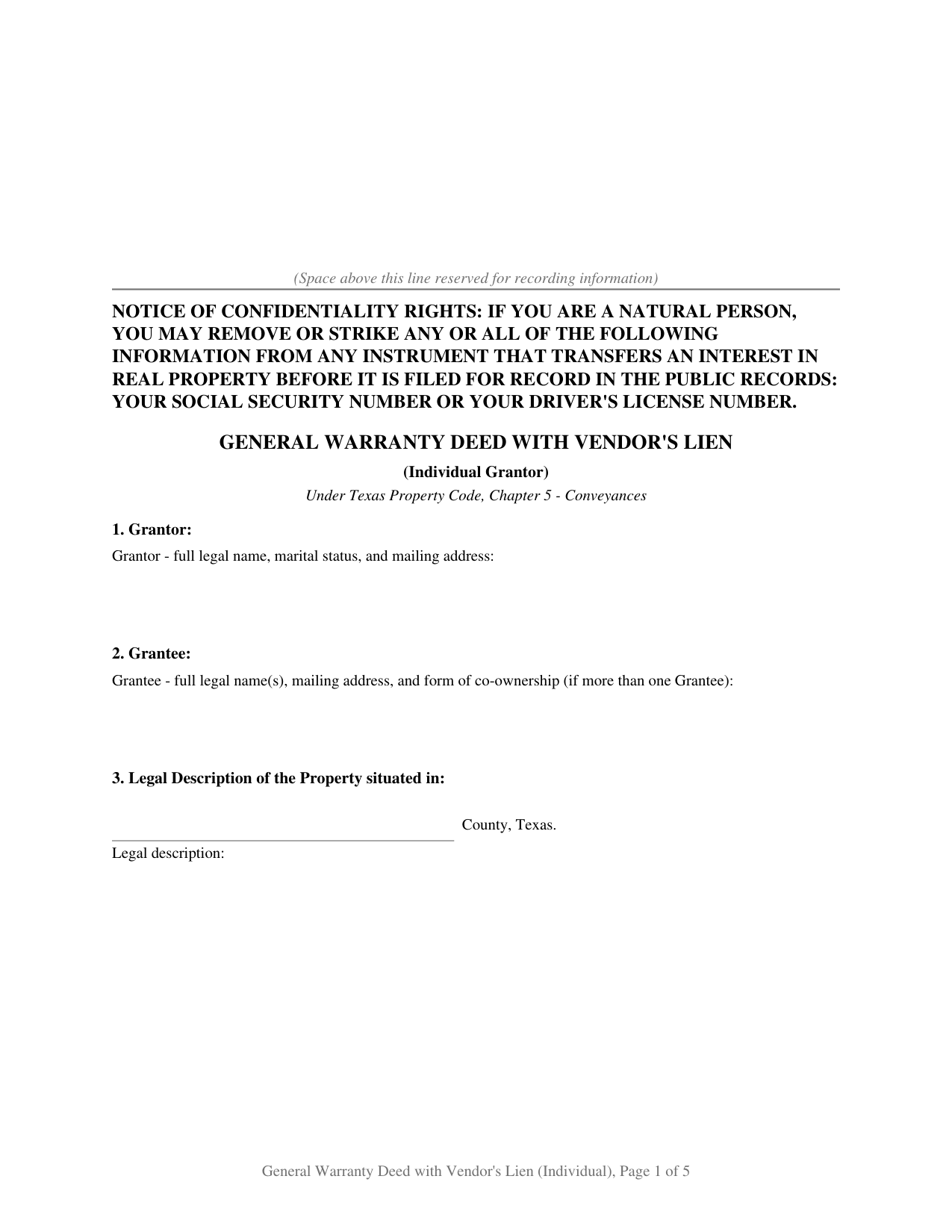
Motley County General Warranty Deed with Vendor Lien (Individual Grantor) Form
Fill in the blank General Warranty Deed with Vendor Lien (Individual Grantor) form formatted to comply with all Texas recording and content requirements.
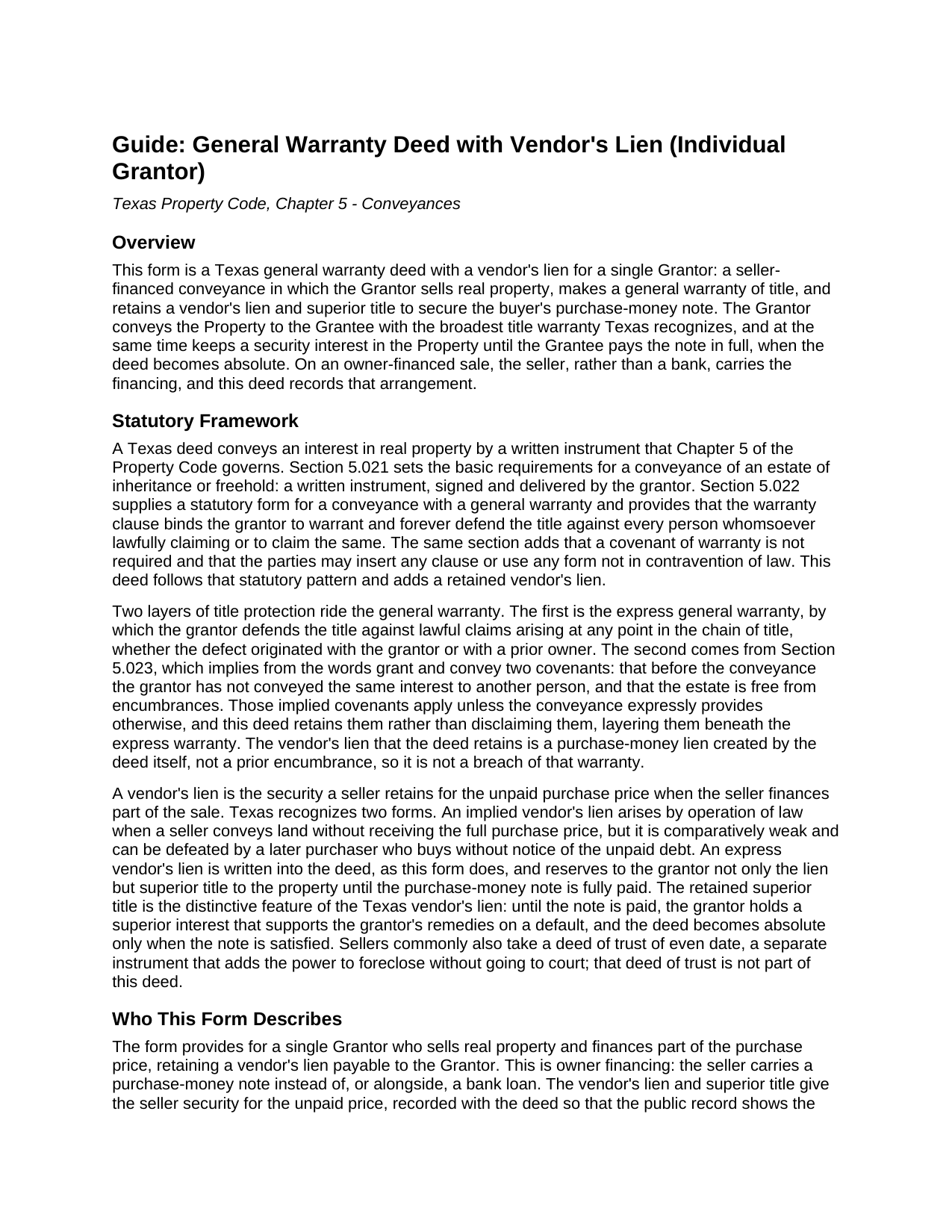
Motley County General Warranty Deed with Vendor Lien (Individual Grantor) Guide
Line by line guide explaining every blank on the General Warranty Deed with Vendor Lien (Individual Grantor) form.
Motley County Completed Example of the General Warranty Deed with Vendor Lien (Individual Grantor) Document
Example of a properly completed Texas General Warranty Deed with Vendor Lien (Individual Grantor) document for reference.
All 3 documents above included • One-time purchase • No recurring fees
Immediate Download • Secure Checkout
Additional Texas and Motley County documents included at no extra charge:
Where to Record Your Documents
Motley County Clerks Office
Matador, Texas 79244
Hours: Monday - Friday 9:00am-12:00, 1:00-5:00 pm
Phone: (806) 347-2621
Recording Tips for Motley County:
- Bring your driver's license or state-issued photo ID
- Ensure all signatures are in blue or black ink
- Check margin requirements - usually 1-2 inches at top
- Leave recording info boxes blank - the office fills these
- Make copies of your documents before recording - keep originals safe
Cities and Jurisdictions in Motley County
Properties in any of these areas use Motley County forms:
- Flomot
- Matador
- Roaring Springs
Hours, fees, requirements, and more for Motley County
How do I get my forms?
Forms are available for immediate download after payment. The Motley County forms will be in your account ready to download to your computer. An account is created for you during checkout if you don't have one. Forms are NOT emailed.
Are these forms guaranteed to be recordable in Motley County?
Yes. Our form blanks are guaranteed to meet or exceed the applicable formatting requirements used for recording in Motley County, including margin requirements, font requirements, and other layout standards. This guarantee applies to formatting, not to the legal sufficiency of information entered by the user or the suitability of a form for a particular transaction.
Can I reuse these forms?
Yes. You can reuse the forms for your personal use. For example, if you have multiple properties in Motley County you only need to order once.
What do I need to use these forms?
The forms are PDFs that you fill out on your computer. The free Adobe Acrobat Reader is recommended, and most PDF apps also work. You do NOT enter your property information online - you download the blank forms and complete them privately on your own computer.
Are there any recurring fees?
No. This is a one-time purchase. Nothing to cancel, no memberships, no recurring fees.
How much does it cost to record in Motley County?
Recording fees in Motley County vary. Contact the recorder's office at (806) 347-2621 for current fees.
Questions answered? Let's get started!
The Texas general warranty deed with a vendor's lien is the instrument of a seller-financed sale. The Grantor conveys real property to the buyer with the broadest title warranty Texas recognizes and retains a vendor's lien and superior title to secure the buyer's purchase-money note. The seller keeps that security interest in the property until the buyer pays the note in full, when the deed becomes absolute. This package prepares the deed for a single Grantor, with a fillable form, a completed example, and a section by section guide.
What a vendor's lien does
A vendor's lien is the security a seller keeps for the unpaid purchase price when the seller carries the financing. Texas recognizes two forms. An implied vendor's lien arises by operation of law when a seller conveys land without receiving the full price, but it is comparatively weak and can be lost to a later buyer who has no notice of the debt. An express vendor's lien is written into the deed, as this form does, and reserves to the Grantor not only the lien but superior title to the property until the note is paid. That retained superior title is the distinctive feature of the Texas vendor's lien, supporting the seller's remedies on a default. Most sellers also sign a separate deed of trust, which adds the power to foreclose without going to court.
What the form covers
The deed is organized into numbered sections that track the order of a recorded Texas conveyance:
- A Grantor block and a grantee block, with marital status and the form of co-ownership where it applies
- The legal description of the property and its street address
- The source of title, identifying the recorded instrument by which the Grantor holds
- Reservations and exceptions, which carve matters out of both the conveyance and the warranty
- The consideration recital and the operative general warranty language
- A purchase-money note recital and the retained vendor's lien and superior title
Signing and recording
The Grantor signs the deed before a notary public, who completes the acknowledgment certificate. Where the property is the homestead of a married Grantor, the Grantor's spouse joins under Texas Family Code Section 5.001 by signing the second block to convey the homestead interest; where the property is not homestead or the Grantor is unmarried, that block stays blank. The buyer does not sign the deed, but signs the separate note and any deed of trust. The deed is then recorded with the county clerk of the county where the property is located, placing the retained vendor's lien in the public record. The confidentiality notice required by Property Code Section 11.008 appears at the top of the first page, and Senate Bill 16 added a photo identification requirement at the recording counter for instruments filed in person on or after December 4, 2025.
What the package includes
The package contains a blank fillable deed, a completed example, and a guide that explains each section, the vendor's lien and superior title doctrine, and the recording process. The materials are informational and are not legal advice.
Important: Your property must be located in Motley County to use these forms. Documents should be recorded at the county recording office listed above.
This General Warranty Deed with Vendor Lien (Individual Grantor) meets all recording requirements specific to Motley County.
Our Promise
The documents you receive here are guaranteed to meet or exceed the applicable Motley County recording format requirements. If there is a rejection caused by our formatting, we will correct the issue or refund your payment. This guarantee applies to document formatting only and does not extend to information entered by the user, the selection of the form, or the legal effect of the completed document.
Save Time and Money
Get your Motley County General Warranty Deed with Vendor Lien (Individual Grantor) form done right the first time with Deeds.com Uniform Conveyancing Blanks. At Deeds.com, we understand that your time and money are valuable resources, and we don't want you to face a penalty fee or rejection imposed by a county recorder for submitting nonstandard documents. We constantly review and update our forms to meet rapidly changing state and county recording requirements for roughly 3,500 counties and local jurisdictions.
4.8 out of 5 - ( 4,812 Reviews )
Mary K. 5 out of 5 stars
Fantastic way to record any deed! Done in less than a few hours, right to your inbox. Very small fee compared to driving to office or waiting for the mail.
Thank you for your feedback. We really appreciate it. Have a great day!
Michelle H. 5 out of 5 stars
Deeds.com was easy to use, convenient and I will definitely be using your services in the future.
Thank you for your feedback. We really appreciate it. Have a great day!
GISELLE G. 5 out of 5 stars
Quick and easy. I will definitely use this services again.
Thank you!
Margaret S. 5 out of 5 stars
Your service is second to none. Your website is user-friendly, easy to navigate and within minutes I had the forms I needed. Keep up the good work!
We appreciate your business and value your feedback. Thank you. Have a wonderful day!
Margaret M. 5 out of 5 stars
Great job with these forms. Super easy and up to date, a rare find online these days. Thank you.
Thank you!
Victoria Y. 5 out of 5 stars
Great response and painless. Very easy to use
Thank you for your feedback. We really appreciate it. Have a great day!
ray r. 5 out of 5 stars
excellent service
Thank you!
Kathleen M. 5 out of 5 stars
Wow, this was a breeze!! Best experience and fast. Great way to record documents in a matter of minutes. I recommend Deeds.com for anyone who needs to record documents quickly and conveniently.
Thank you for your feedback. We really appreciate it. Have a great day!
Robby T. 4 out of 5 stars
Most people coming to this sight will not have the knowledge for deeds. Therefore, I wish there were more instructions on when the Grantor signs and when the Grantee signs and the process steps to making the transaction final. I would give it 4 out of 5 starts
Thank you for your feedback. We really appreciate it. Have a great day!
Susan L. 5 out of 5 stars
Instructions easy to follow, example form was a big help.
We appreciate your business and value your feedback. Thank you. Have a wonderful day!
Michael M. 5 out of 5 stars
THE PROCESS WENT VERY SMOOTH AND EASY
Thank you for your feedback. We really appreciate it. Have a great day!
Pamela B. 5 out of 5 stars
Very easy to use. Time will tell if I have any issues getting it recorded. Beats using an attorney who won't return calls and emails like I used before. I like the form plus instructions and an example of the completed form.
Thank you for your feedback. We really appreciate it. Have a great day!
Nancy N. 5 out of 5 stars
Very easy to use. Appreicate the sample filled out forms and the guide book. Thank you!
Thank you for your feedback. We really appreciate it. Have a great day!
Beaugwynn Wigley S. 5 out of 5 stars
Thanks so much for all your help! That was painless.
Thank you!
Linley S. 5 out of 5 stars
This website is extremely easy to use and provides exactly what is needed to record things. I am very appreciative of this service, especially when I can't get to the court right now due to them being closed due to COVID-19 right now. Thank you!
Thank you Linley, glad we are able to help.