Hill County Lis Pendens Release Form
Last validated October 19, 2026 by our Forms Development TeamFormatted for recording in Hill County, for property anywhere in the county: rural and unincorporated areas as well as Abbott, Aquilla, Blum, Brandon, Bynum, Covington, Hillsboro, Hubbard and 7 more.
- 4 documents included
- Immediate PDF download
- Formatting guarantee
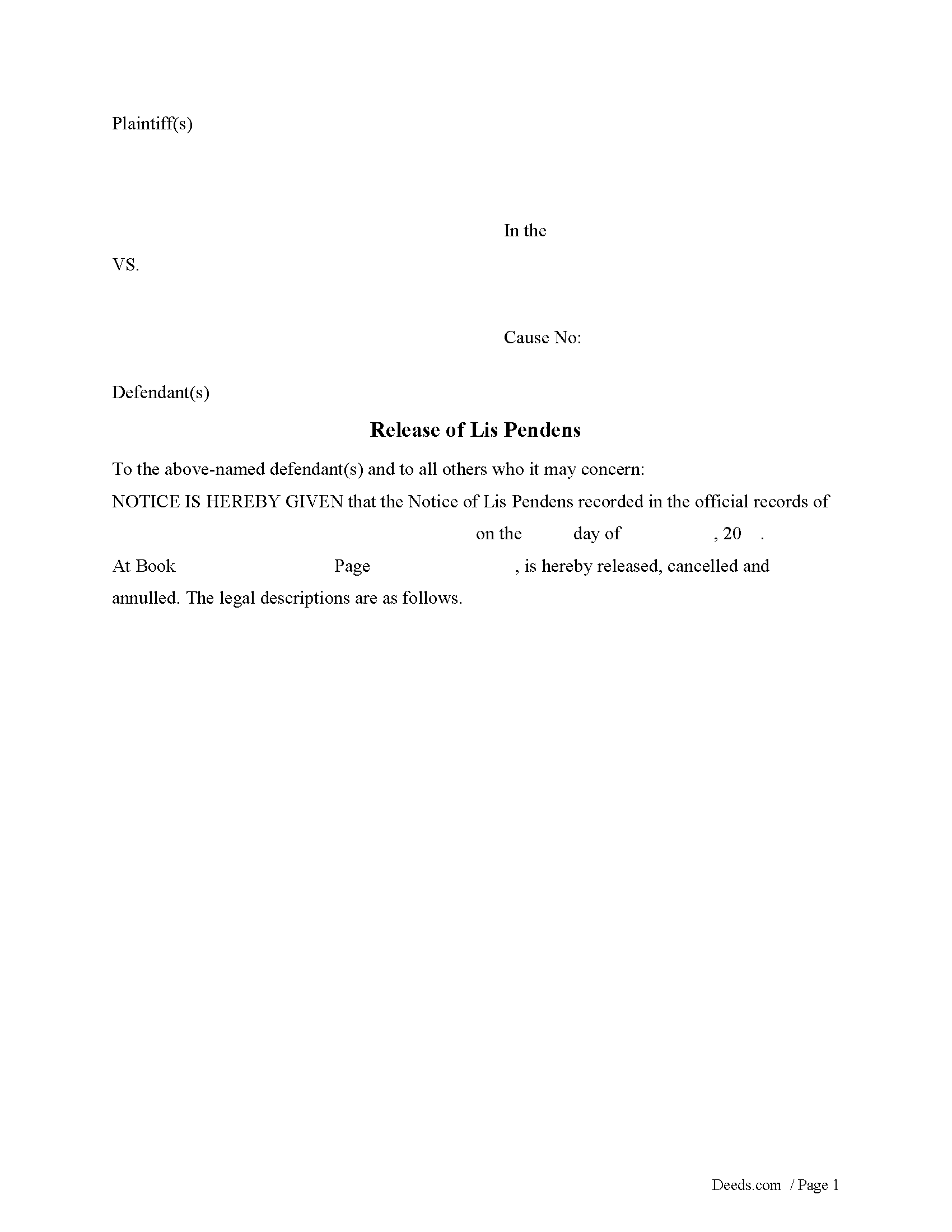
Hill County Lis Pendens Release Form
Fill in the blank form formatted to comply with all recording and content requirements.
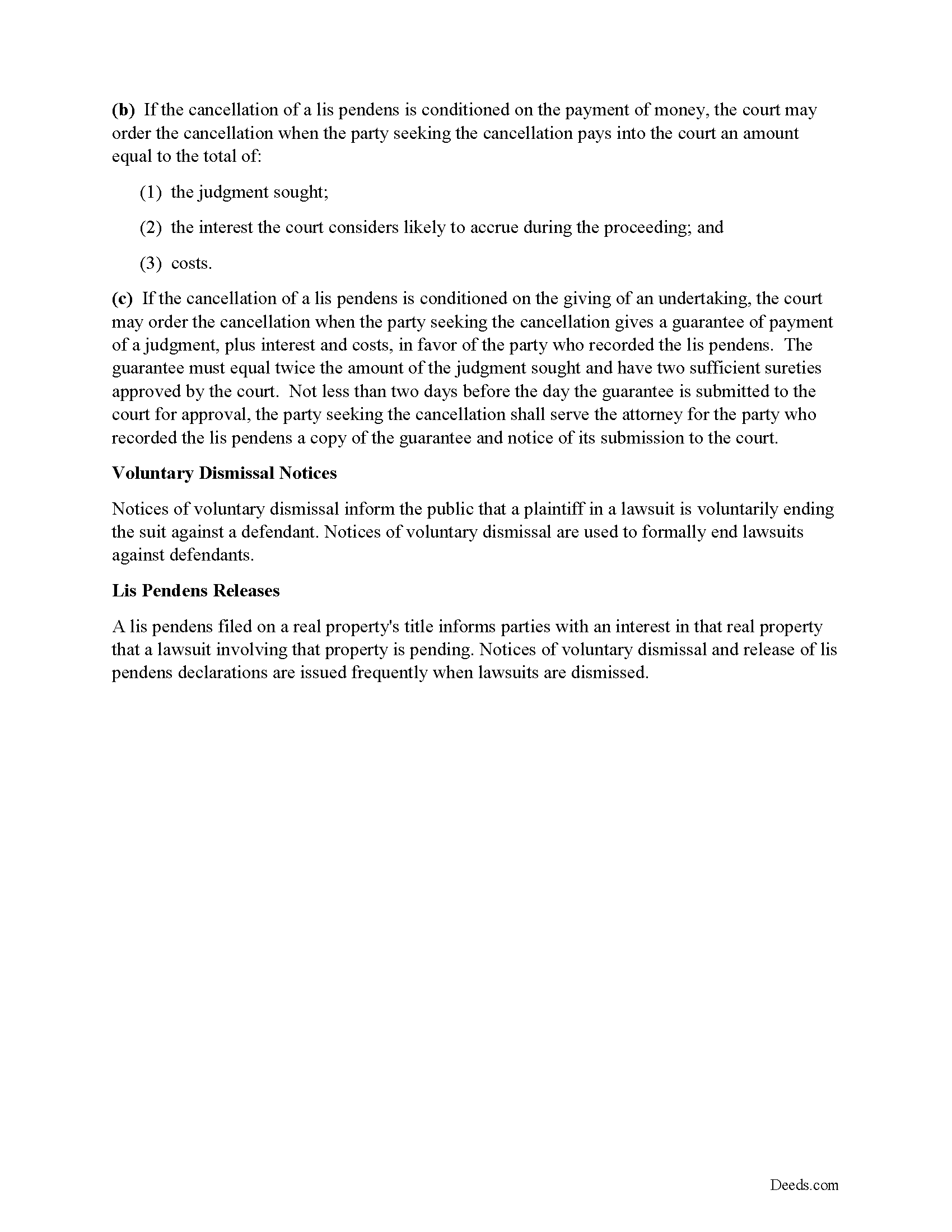
Hill County Lis Pendens Release Guide
Line by line guide explaining every blank on the form.
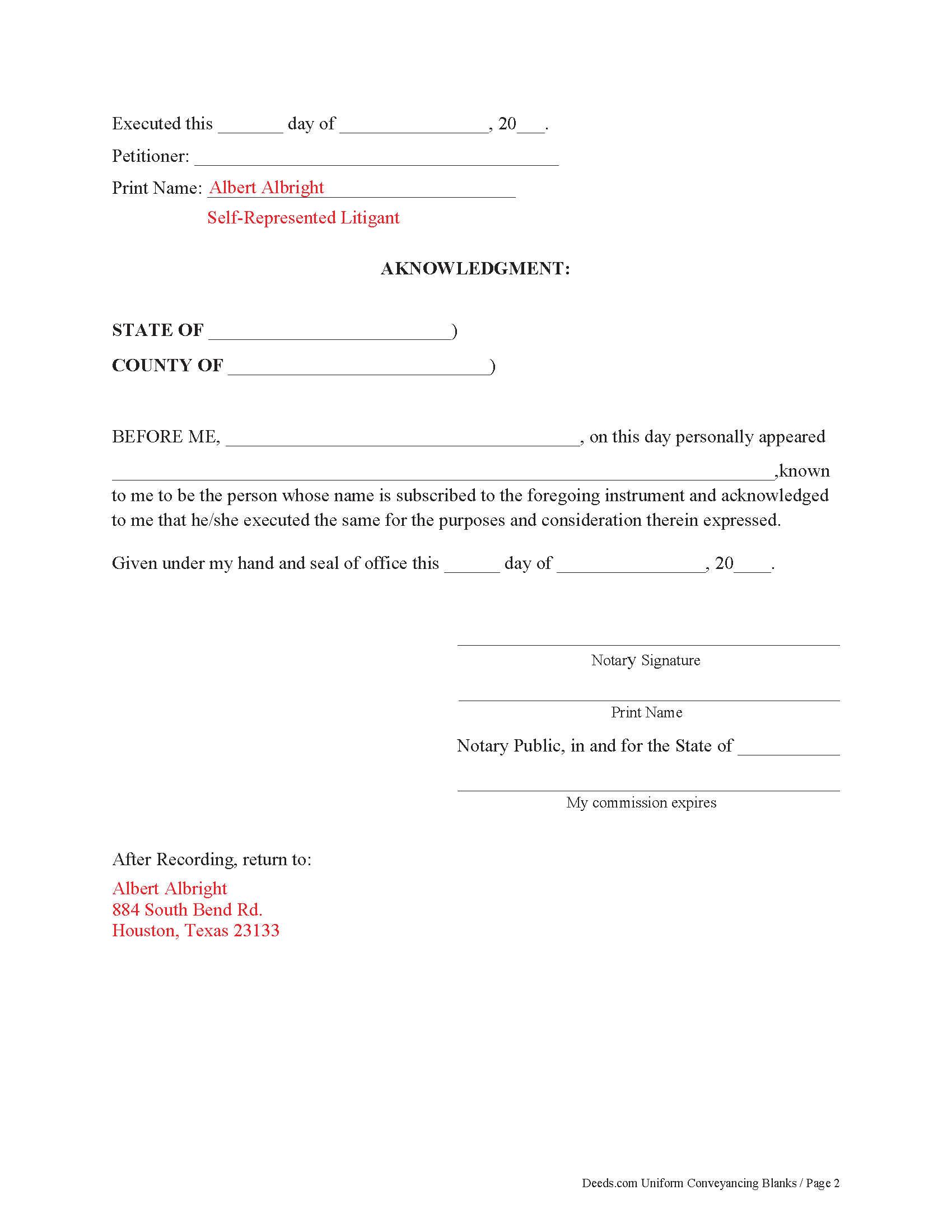
Hill County Completed Example of the Lis Pendens Release Document
Example of a properly completed form for reference.
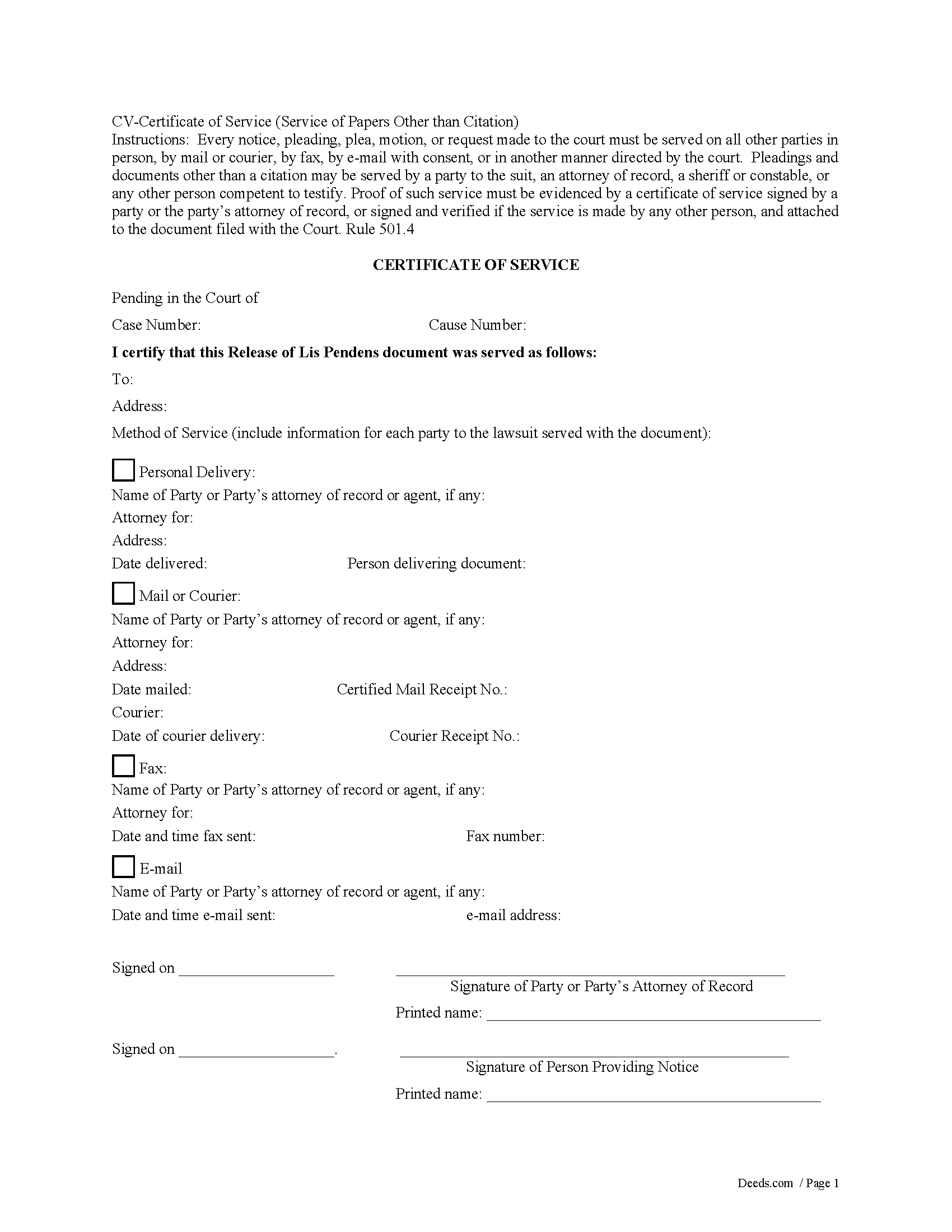
Hill County Certificate of Service Form
Fill in the blank form formatted to comply with all recording and content requirements.
All 4 documents above included • One-time purchase • No recurring fees
Immediate Download • Secure Checkout
Additional Texas and Hill County documents included at no extra charge:
Where to Record Your Documents
Hill County Clerk
Hillsboro, Texas 76645
Hours: Monday - Friday 8:00 am - 5:00 pm
Phone: (254) 582-4030
Recording Tips for Hill County:
- Bring your driver's license or state-issued photo ID
- Ensure all signatures are in blue or black ink
- Bring extra funds - fees can vary by document type and page count
- Check margin requirements - usually 1-2 inches at top
- Leave recording info boxes blank - the office fills these
Cities and Jurisdictions in Hill County
Properties in any of these areas use Hill County forms:
- Abbott
- Aquilla
- Blum
- Brandon
- Bynum
- Covington
- Hillsboro
- Hubbard
- Irene
- Itasca
- Malone
- Mertens
- Mount Calm
- Penelope
- Whitney
Hours, fees, requirements, and more for Hill County
How do I get my forms?
Forms are available for immediate download after payment. The Hill County forms will be in your account ready to download to your computer. An account is created for you during checkout if you don't have one. Forms are NOT emailed.
Are these forms guaranteed to be recordable in Hill County?
Yes. Our form blanks are guaranteed to meet or exceed the applicable formatting requirements used for recording in Hill County, including margin requirements, font requirements, and other layout standards. This guarantee applies to formatting, not to the legal sufficiency of information entered by the user or the suitability of a form for a particular transaction.
Can I reuse these forms?
Yes. You can reuse the forms for your personal use. For example, if you have multiple properties in Hill County you only need to order once.
What do I need to use these forms?
The forms are PDFs that you fill out on your computer. The free Adobe Acrobat Reader is recommended, and most PDF apps also work. You do NOT enter your property information online - you download the blank forms and complete them privately on your own computer.
Are there any recurring fees?
No. This is a one-time purchase. Nothing to cancel, no memberships, no recurring fees.
How much does it cost to record in Hill County?
Recording fees in Hill County vary. Contact the recorder's office at (254) 582-4030 for current fees.
Questions answered? Let's get started!
Lis pendens are like property liens, and they can make properties unmarketable or non-saleable until they're removed. Notices of voluntary dismissal and release of lis pendens declarations are issued frequently when lawsuits are dismissed.
When a Release of Lis Pendens document is filed it must contain a proof of service which is an acknowledgment of service by the person served or a certificate of service. In some cases, the clerk will permit a document to be filed but will require the proof of service to be filed promptly thereafter. 9.5(d)
Important: Your property must be located in Hill County to use these forms. Documents should be recorded at the county recording office listed above.
This Lis Pendens Release meets all recording requirements specific to Hill County.
Our Promise
The documents you receive here are guaranteed to meet or exceed the applicable Hill County recording format requirements. If there is a rejection caused by our formatting, we will correct the issue or refund your payment. This guarantee applies to document formatting only and does not extend to information entered by the user, the selection of the form, or the legal effect of the completed document.
Save Time and Money
Get your Hill County Lis Pendens Release form done right the first time with Deeds.com Uniform Conveyancing Blanks. At Deeds.com, we understand that your time and money are valuable resources, and we don't want you to face a penalty fee or rejection imposed by a county recorder for submitting nonstandard documents. We constantly review and update our forms to meet rapidly changing state and county recording requirements for roughly 3,500 counties and local jurisdictions.
4.8 out of 5 - ( 4,830 Reviews )
Jill M. 5 out of 5 stars
This service gave me the information and guide I needed to file a Quitclaim Deed. I went through the process with no problems at all.
Thank you Jill, we appreciate your feedback.
Karen J. 5 out of 5 stars
Excellent and easy to download and use. Love the example page and was so easy to fill out and use immediately. Thank you
Thank you for your feedback Karen. We really appreciate it. Enjoy your day!
SHERRILL B. 5 out of 5 stars
I received prompt attention to the package I submitted. It was submitted promptly the recorders office with a quick turn around for the recorded document. Overall a very pleasant experience.
We are sincerely grateful for your feedback and are committed to providing the highest quality service. Thank you for your trust in us.
Christopher B. 4 out of 5 stars
The service was simple and easy enough but the UI isn't the easiest on the eyes and the process is a tad strange.
Thank you for your feedback. We really appreciate it. Have a great day!
Tracy H. 5 out of 5 stars
Deeds.com was an amazing experience. They made it so easy and stress free. The agent I worked with was fantastic and communicated quickly to make it a very positive experience. I will be using them from now on. Thank you!
We appreciate your business and value your feedback. Thank you. Have a wonderful day!
Shirley P. 5 out of 5 stars
Very easy to use, download and print. Thank you!
We appreciate your business and value your feedback. Thank you. Have a wonderful day!
Edward B. 5 out of 5 stars
I was looking for a certain form I needed. Deeds.com had the necessary form and I was able to purchase it with little effort on my part. This was a good customer experience.
We appreciate your business and value your feedback. Thank you. Have a wonderful day!
Johnette E. 5 out of 5 stars
Easy and quick to use!!
Thank you!
Anna S. 5 out of 5 stars
You guys are awesome, The service, expertise and quick communication were amazing. I think you guys are charging to little, but you didn't hear that from me. Thank you for making this process quick and easy.
Thank you for your feedback. We really appreciate it. Have a great day!
dorothy f. 5 out of 5 stars
Thank you, for help.
Anytime Dorothy, have a great day.
Gordon J. 5 out of 5 stars
The experience was generally very satisfactory. I was able to fill out the Trust Deed and send it via email no problem. However, I was not able to send the filled out form of the Note. It always erased my fill-ins when it was sent. I found that very frustrating.
Thank you, Gordon. Glad the Trust Deed worked well. Issues like the one you reported with the Note can sometimes be related to how the file is opened or sent. Using Adobe Reader to fill, save, and send the form is recommended. We also pass along all feedback like this to our team to confirm there are no issues.
harry S. 4 out of 5 stars
Just created account. Very easily done. have not recorded anything yet. Hope to do so soon.
Thank you for your feedback. We really appreciate it. Have a great day!
Stephen P. 5 out of 5 stars
Quick and Easy
Thank you!
David W. 5 out of 5 stars
Excellent service! Questions were answered promptly, and the entire process was easy and fast. Thank you!
We appreciate your business and value your feedback. Thank you. Have a wonderful day!
ALFRED B. 5 out of 5 stars
I was counting on deeds.com to help me with a closing I was working on. I stumbled with the instructions but when I recovered there were no problems. The instructions were helpful and the deeds etc. were just what I needed. I give deeds five stars. I am 76 years old and when the application asks for the user's name I always think they want my name. WRONG. I am trying to learn computer speak.
Thank you Alfred, have an amazing day!