Jim Wells County Lis Pendens Form
Last validated October 21, 2026 by our Forms Development TeamFormatted for recording in Jim Wells County, for property anywhere in the county: rural and unincorporated areas as well as Alice, Ben Bolt, Orange Grove, Premont, Sandia.
- 5 documents included
- Immediate PDF download
- Formatting guarantee
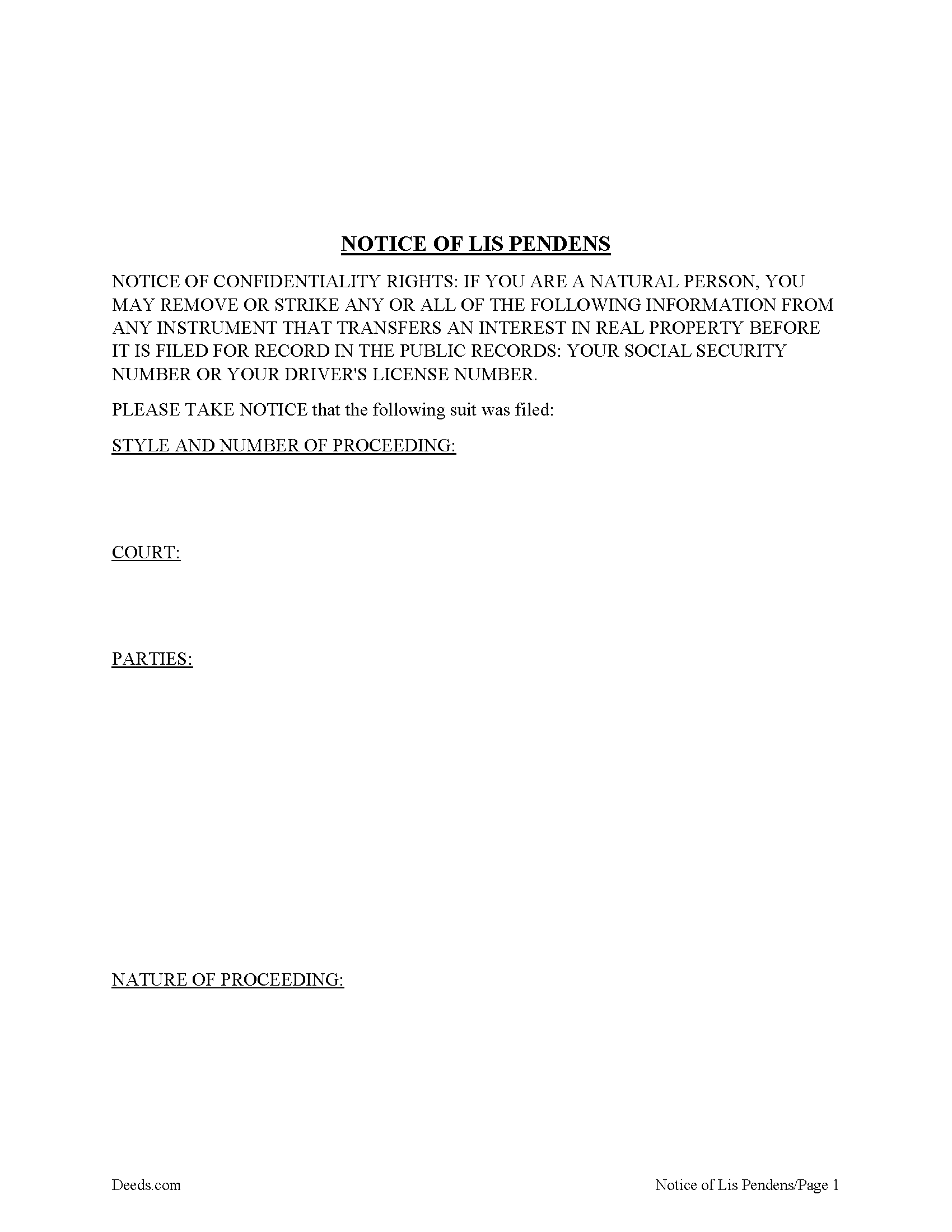
Jim Wells County Lis Pendens Form
Fill in the blank form formatted to comply with all recording and content requirements.
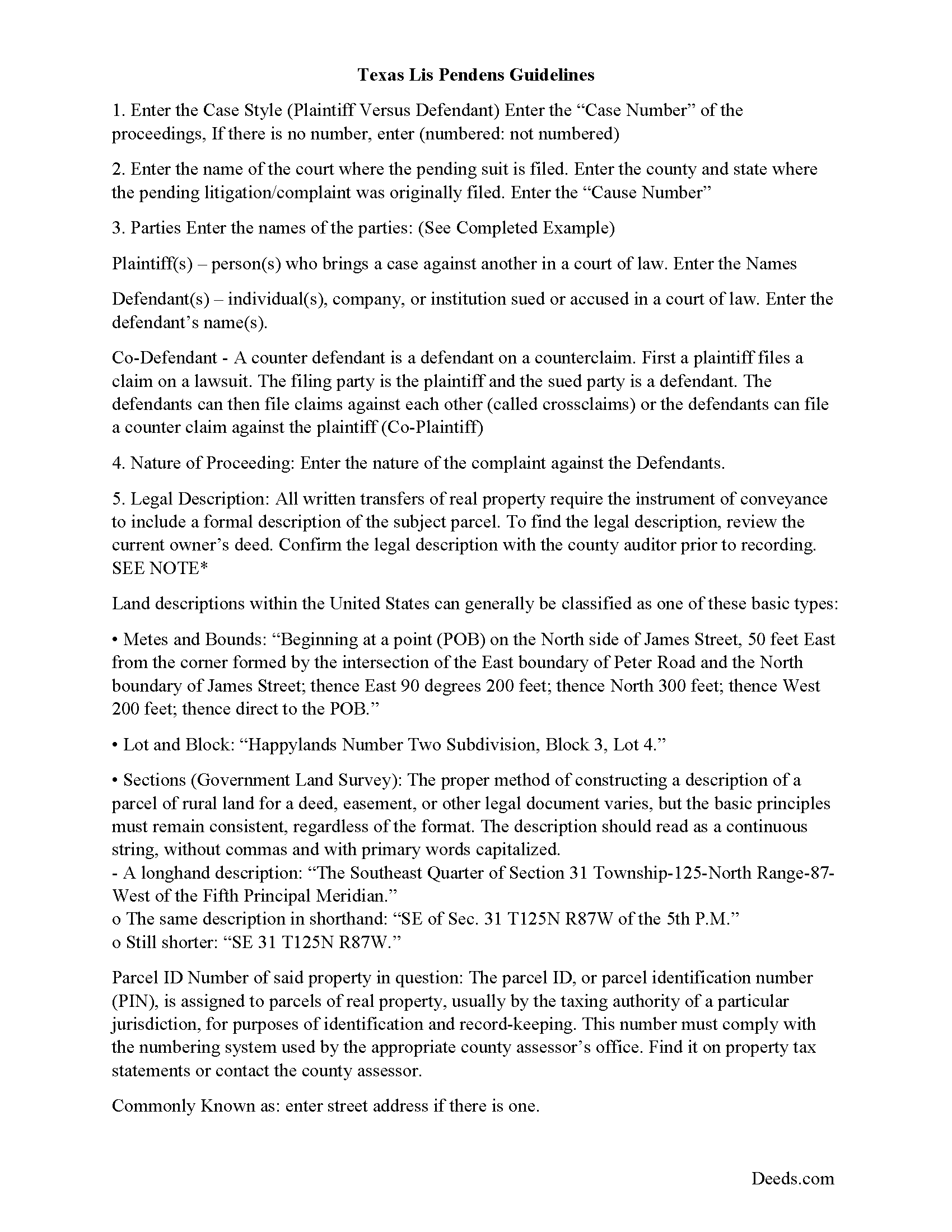
Jim Wells County Lis Pendens Guide
Line by line guide explaining every blank on the form.

Jim Wells County Completed Example of the Lis Pendens Document
Example of a properly completed form for reference.
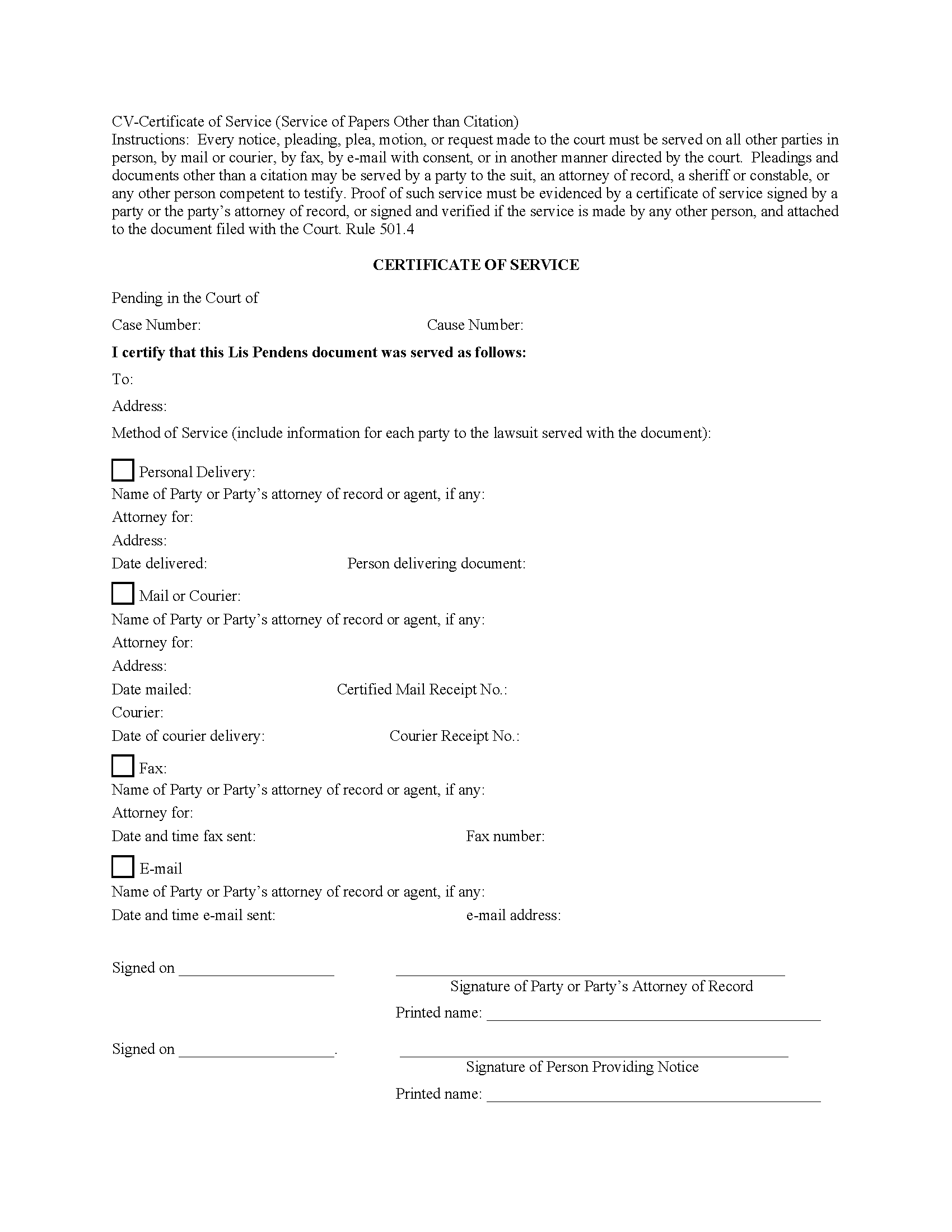
Jim Wells County Certificate of Service Form
Fill in the blank form formatted to comply with all recording and content requirements.
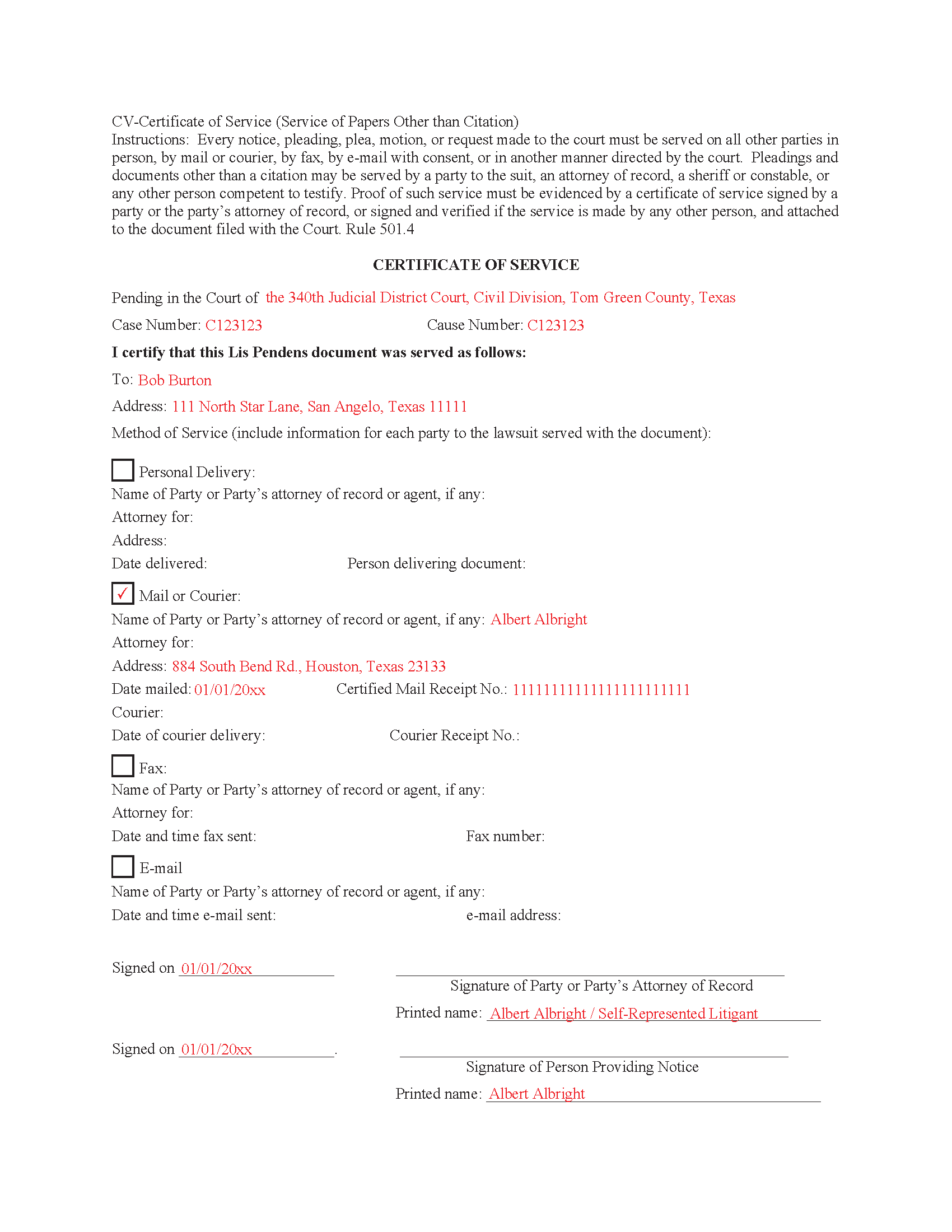
Jim Wells County Completed Example of the Certificate of Service Document
Example of a properly completed form for reference.
All 5 documents above included • One-time purchase • No recurring fees
Immediate Download • Secure Checkout
Additional Texas and Jim Wells County documents included at no extra charge:
Where to Record Your Documents
County Clerk
Alice, Texas 78332 / 78333
Hours: Monday - Friday 8:00am - 12:00 & 1:00 - 5:00pm
Phone: (361) 668-5702
Recording Tips for Jim Wells County:
- Bring your driver's license or state-issued photo ID
- Ensure all signatures are in blue or black ink
- Double-check legal descriptions match your existing deed
- Verify all names are spelled correctly before recording
- White-out or correction fluid may cause rejection
Cities and Jurisdictions in Jim Wells County
Properties in any of these areas use Jim Wells County forms:
- Alice
- Ben Bolt
- Orange Grove
- Premont
- Sandia
Hours, fees, requirements, and more for Jim Wells County
How do I get my forms?
Forms are available for immediate download after payment. The Jim Wells County forms will be in your account ready to download to your computer. An account is created for you during checkout if you don't have one. Forms are NOT emailed.
Are these forms guaranteed to be recordable in Jim Wells County?
Yes. Our form blanks are guaranteed to meet or exceed the applicable formatting requirements used for recording in Jim Wells County, including margin requirements, font requirements, and other layout standards. This guarantee applies to formatting, not to the legal sufficiency of information entered by the user or the suitability of a form for a particular transaction.
Can I reuse these forms?
Yes. You can reuse the forms for your personal use. For example, if you have multiple properties in Jim Wells County you only need to order once.
What do I need to use these forms?
The forms are PDFs that you fill out on your computer. The free Adobe Acrobat Reader is recommended, and most PDF apps also work. You do NOT enter your property information online - you download the blank forms and complete them privately on your own computer.
Are there any recurring fees?
No. This is a one-time purchase. Nothing to cancel, no memberships, no recurring fees.
How much does it cost to record in Jim Wells County?
Recording fees in Jim Wells County vary. Contact the recorder's office at (361) 668-5702 for current fees.
Questions answered? Let's get started!
A lis pendens is filed in the county where the property is located. This is done after litigation affecting title to real property is taken. Requirement for filing a lis pendens in Texas are codified in Tex. Prop. Code 12.007. Texas court cases have laid the foundation, that the person filing the lis pendens must have a direct interest in the ownership of the real property and not simply a collateral interest to recover monetary damages. Although a lis pendens is not a lien, it is often viewed in a similar light and can therefore have the effect of stopping a sale. Why? Because constructive notice of litigation has now been given to potential buyers.
When a Lis Pendens document is filed it must contain a proof of service which is an acknowledgment of service by the person served or a certificate of service. In some cases, the clerk will permit a document to be filed but will require the proof of service to be filed promptly thereafter. 9.5(d)
9.5(e) Certificate Requirements. A certificate of service must be signed by the person who made the service and must state:
(1) the date and manner of service;
(2) the name and address of each person served; and
(3) if the person served is a party's attorney, the name of the party represented by that attorney.
This Document includes a "Certificate of Service" form that can be used by an attorney or party to the case.
Important: Your property must be located in Jim Wells County to use these forms. Documents should be recorded at the county recording office listed above.
This Lis Pendens meets all recording requirements specific to Jim Wells County.
Our Promise
The documents you receive here are guaranteed to meet or exceed the applicable Jim Wells County recording format requirements. If there is a rejection caused by our formatting, we will correct the issue or refund your payment. This guarantee applies to document formatting only and does not extend to information entered by the user, the selection of the form, or the legal effect of the completed document.
Save Time and Money
Get your Jim Wells County Lis Pendens form done right the first time with Deeds.com Uniform Conveyancing Blanks. At Deeds.com, we understand that your time and money are valuable resources, and we don't want you to face a penalty fee or rejection imposed by a county recorder for submitting nonstandard documents. We constantly review and update our forms to meet rapidly changing state and county recording requirements for roughly 3,500 counties and local jurisdictions.
4.8 out of 5 - ( 4,833 Reviews )
Kathleen T. 5 out of 5 stars
Perfect in every way, the guide was a big help in a few areas that I had questions on. Overall the average person should have no issues with the forms.
We appreciate your business and value your feedback. Thank you. Have a wonderful day!
Justine John S. 5 out of 5 stars
Splendid! I will definitely and absolutely recommend you guys and this company to my co-investors !
Thank you!
David W. 5 out of 5 stars
Excellent service! Questions were answered promptly, and the entire process was easy and fast. Thank you!
We appreciate your business and value your feedback. Thank you. Have a wonderful day!
Greg G. 5 out of 5 stars
Easiest Filing I've ever done, and filed in 24 hours.
Thank you!
LeAnne B. 5 out of 5 stars
Using Deeds.com was the best decision I made when completing new deeds for a minor subdivision on my property. It was affordable and questions were answered in a timely fashion. No fuss, no muss, just got the job done.
Thanks for your feedback. We’re glad we could help.
Henry J. 5 out of 5 stars
Worked out Great!
We appreciate your business and value your feedback. Thank you. Have a wonderful day!
Pamela L. 5 out of 5 stars
The packet was very comprehensive and easy to use (I had just one question that wasn't clearly explained). II appreciate that the forms are kept up to date.
We appreciate your business and value your feedback. Thank you. Have a wonderful day!
Kathleen M. 5 out of 5 stars
Wow, this was a breeze!! Best experience and fast. Great way to record documents in a matter of minutes. I recommend Deeds.com for anyone who needs to record documents quickly and conveniently.
Thank you for your feedback. We really appreciate it. Have a great day!
Cindy N. 5 out of 5 stars
Our home was in only my husband’s name and as we are getting older, it was time to add my name to the Deed to avoid potential issues in the future. Our experience with Deeds.com was wonderful. The website is user friendly, instructions written in layman’s terms, straightforward and easy to follow. Very reasonably priced. I highly recommend using Deeds.com.
Thank you for the kind words Cindy. We appreciate you. Have an amazing day!
Charmaine D. 5 out of 5 stars
Very easy to use.
Thank you!
Beverly R. 5 out of 5 stars
This was a wonderful experience, easy fast and convenient. Thank you for all your help.
We appreciate your business and value your feedback. Thank you. Have a wonderful day!
Carol M. 5 out of 5 stars
Great service
Thank you!
Joshua P. 5 out of 5 stars
Easy fill in the blanks form. Just FYI make sure you have a copy of whatever deed you are changing and the tax records. You will want the language to be identical.
Thank you for your feedback. We really appreciate it. Have a great day!
LAWRENCE P. 4 out of 5 stars
How about a single button zip download of the files displayed instead of downloading them one at a time?
Thank you for your feedback. We really appreciate it. Have a great day!
Frank C. 3 out of 5 stars
Great experience and online account service
Thank you for your feedback. We really appreciate it. Have a great day!