Pecos County Lis Pendens Form
Last validated October 21, 2026 by our Forms Development TeamFormatted for recording in Pecos County, for property anywhere in the county: rural and unincorporated areas as well as Coyanosa, Fort Stockton, Girvin, Imperial, Iraan, Sheffield.
- 5 documents included
- Immediate PDF download
- Formatting guarantee
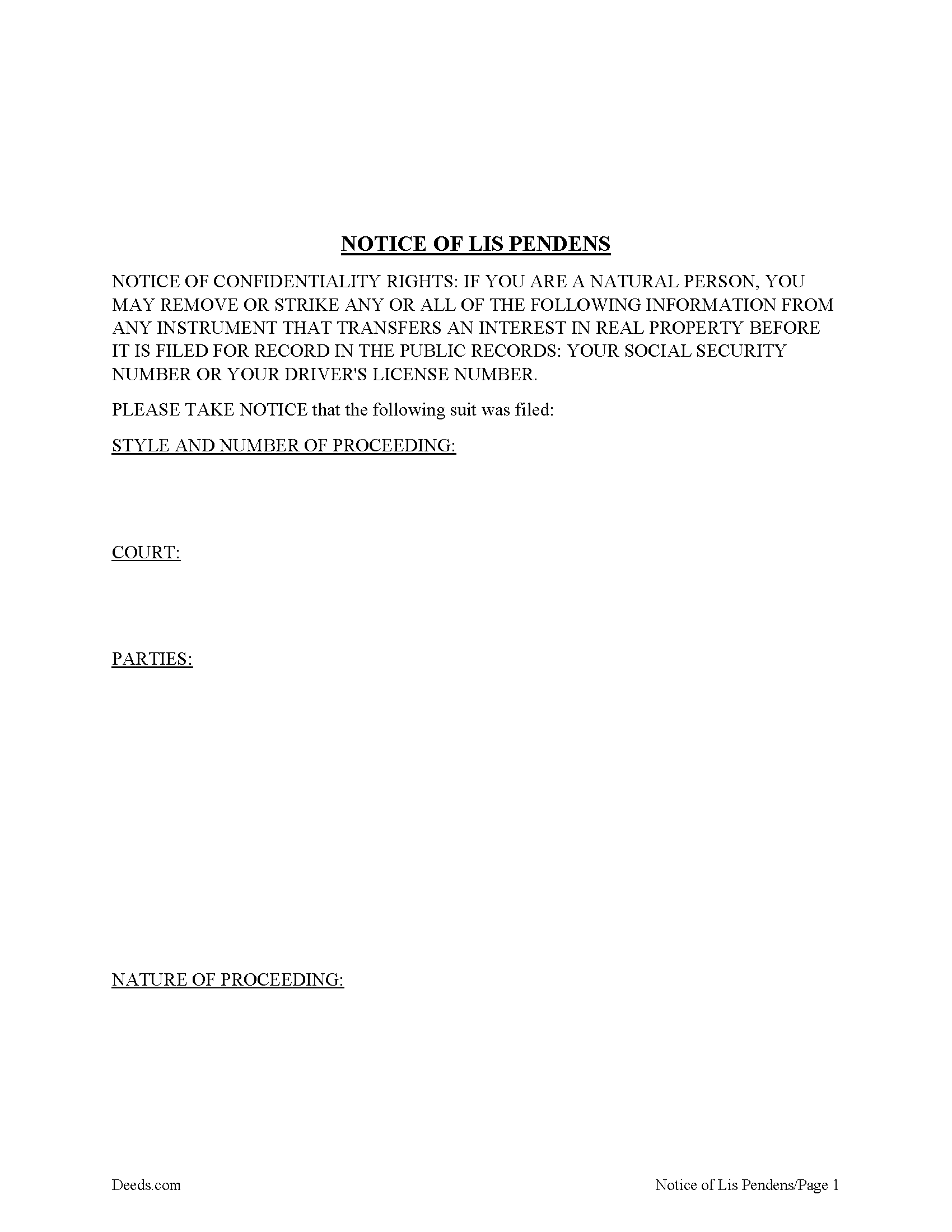
Pecos County Lis Pendens Form
Fill in the blank form formatted to comply with all recording and content requirements.
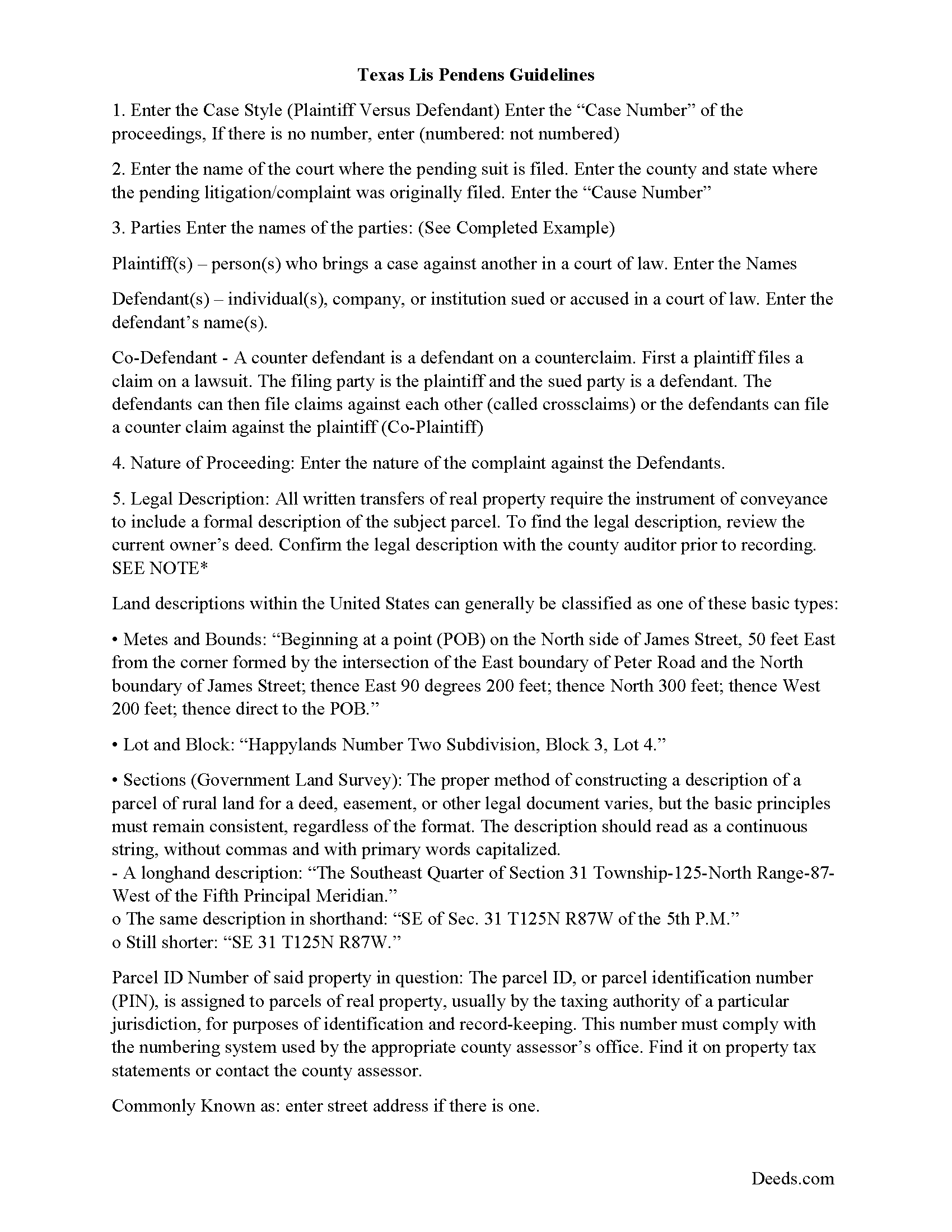
Pecos County Lis Pendens Guide
Line by line guide explaining every blank on the form.
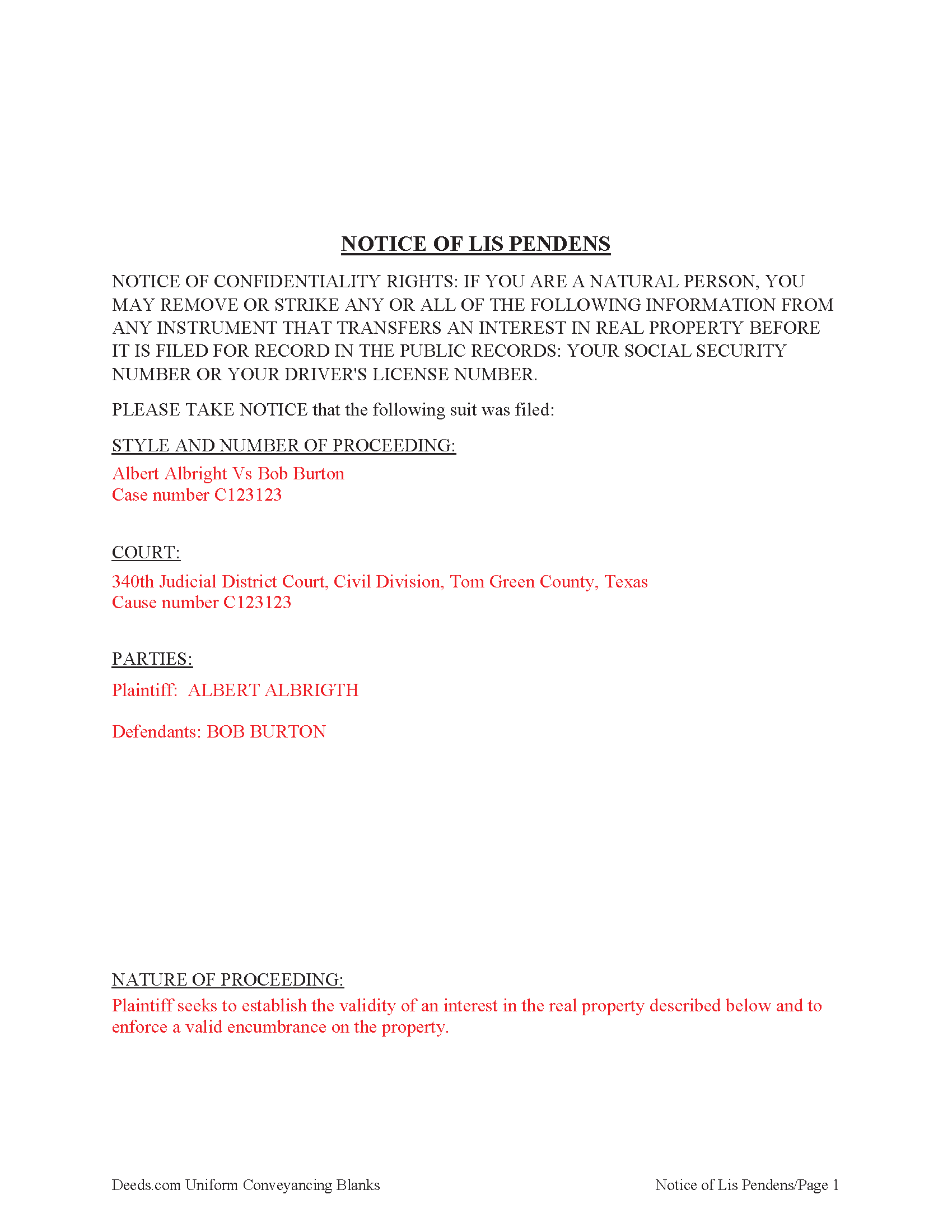
Pecos County Completed Example of the Lis Pendens Document
Example of a properly completed form for reference.
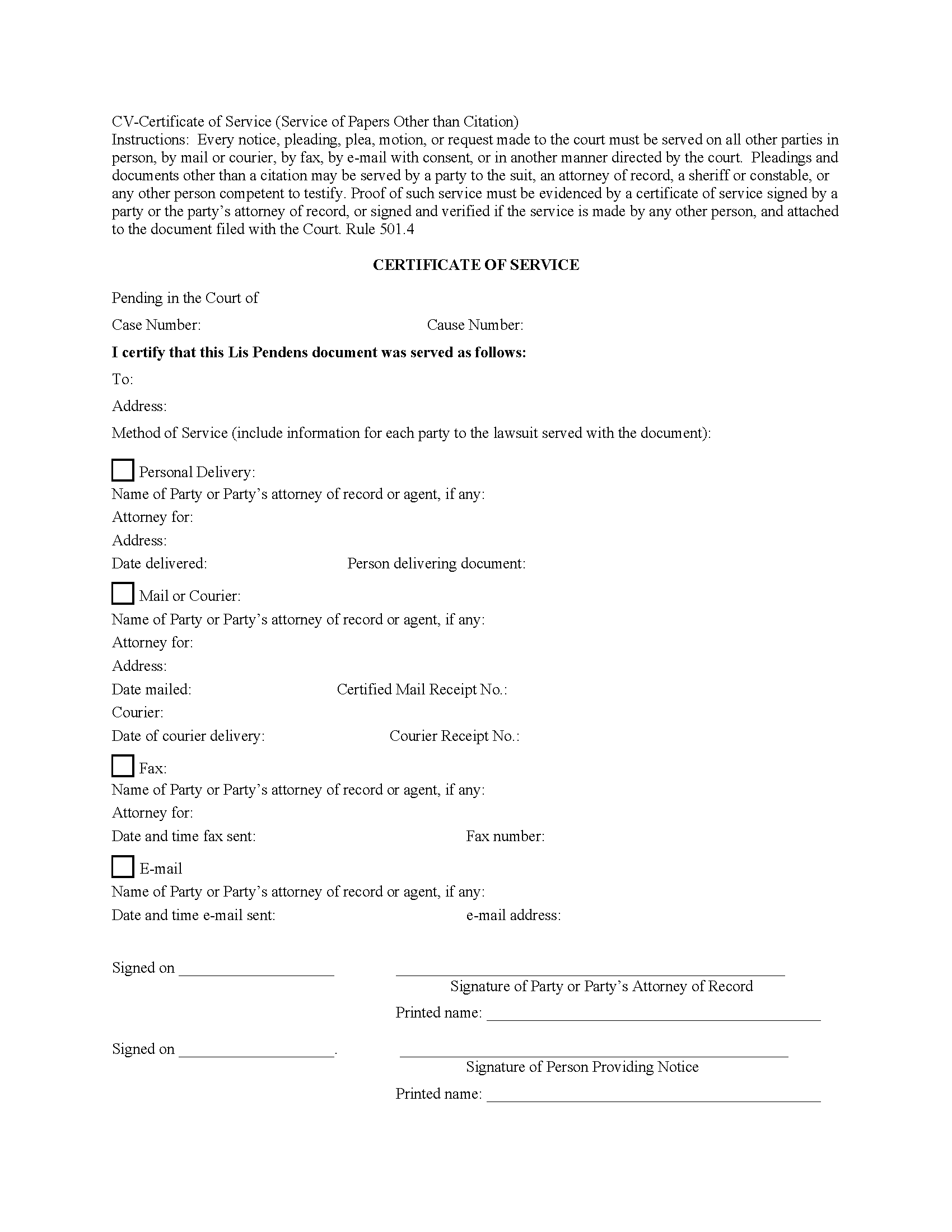
Pecos County Certificate of Service Form
Fill in the blank form formatted to comply with all recording and content requirements.
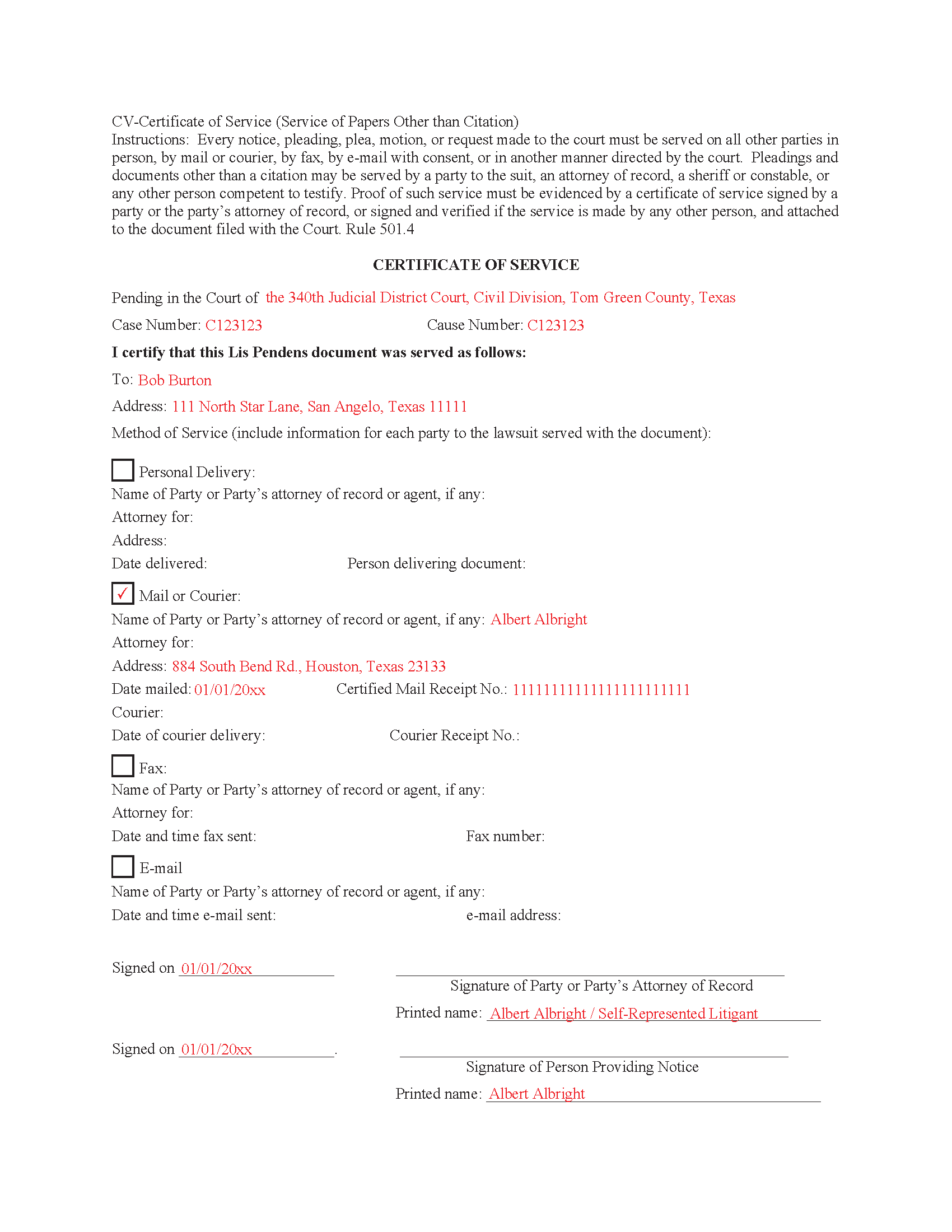
Pecos County Completed Example of the Certificate of Service Document
Example of a properly completed form for reference.
All 5 documents above included • One-time purchase • No recurring fees
Immediate Download • Secure Checkout
Additional Texas and Pecos County documents included at no extra charge:
Where to Record Your Documents
Pecos County Clerk
Fort Stockton, Texas 79735
Hours: Monday - Friday 8:00am - 5:00pm
Phone: (432) 336-7555
Recording Tips for Pecos County:
- Bring your driver's license or state-issued photo ID
- Ensure all signatures are in blue or black ink
- Both spouses typically need to sign if property is jointly owned
- Bring extra funds - fees can vary by document type and page count
- Check margin requirements - usually 1-2 inches at top
Cities and Jurisdictions in Pecos County
Properties in any of these areas use Pecos County forms:
- Coyanosa
- Fort Stockton
- Girvin
- Imperial
- Iraan
- Sheffield
Hours, fees, requirements, and more for Pecos County
How do I get my forms?
Forms are available for immediate download after payment. The Pecos County forms will be in your account ready to download to your computer. An account is created for you during checkout if you don't have one. Forms are NOT emailed.
Are these forms guaranteed to be recordable in Pecos County?
Yes. Our form blanks are guaranteed to meet or exceed the applicable formatting requirements used for recording in Pecos County, including margin requirements, font requirements, and other layout standards. This guarantee applies to formatting, not to the legal sufficiency of information entered by the user or the suitability of a form for a particular transaction.
Can I reuse these forms?
Yes. You can reuse the forms for your personal use. For example, if you have multiple properties in Pecos County you only need to order once.
What do I need to use these forms?
The forms are PDFs that you fill out on your computer. The free Adobe Acrobat Reader is recommended, and most PDF apps also work. You do NOT enter your property information online - you download the blank forms and complete them privately on your own computer.
Are there any recurring fees?
No. This is a one-time purchase. Nothing to cancel, no memberships, no recurring fees.
How much does it cost to record in Pecos County?
Recording fees in Pecos County vary. Contact the recorder's office at (432) 336-7555 for current fees.
Questions answered? Let's get started!
A lis pendens is filed in the county where the property is located. This is done after litigation affecting title to real property is taken. Requirement for filing a lis pendens in Texas are codified in Tex. Prop. Code 12.007. Texas court cases have laid the foundation, that the person filing the lis pendens must have a direct interest in the ownership of the real property and not simply a collateral interest to recover monetary damages. Although a lis pendens is not a lien, it is often viewed in a similar light and can therefore have the effect of stopping a sale. Why? Because constructive notice of litigation has now been given to potential buyers.
When a Lis Pendens document is filed it must contain a proof of service which is an acknowledgment of service by the person served or a certificate of service. In some cases, the clerk will permit a document to be filed but will require the proof of service to be filed promptly thereafter. 9.5(d)
9.5(e) Certificate Requirements. A certificate of service must be signed by the person who made the service and must state:
(1) the date and manner of service;
(2) the name and address of each person served; and
(3) if the person served is a party's attorney, the name of the party represented by that attorney.
This Document includes a "Certificate of Service" form that can be used by an attorney or party to the case.
Important: Your property must be located in Pecos County to use these forms. Documents should be recorded at the county recording office listed above.
This Lis Pendens meets all recording requirements specific to Pecos County.
Our Promise
The documents you receive here are guaranteed to meet or exceed the applicable Pecos County recording format requirements. If there is a rejection caused by our formatting, we will correct the issue or refund your payment. This guarantee applies to document formatting only and does not extend to information entered by the user, the selection of the form, or the legal effect of the completed document.
Save Time and Money
Get your Pecos County Lis Pendens form done right the first time with Deeds.com Uniform Conveyancing Blanks. At Deeds.com, we understand that your time and money are valuable resources, and we don't want you to face a penalty fee or rejection imposed by a county recorder for submitting nonstandard documents. We constantly review and update our forms to meet rapidly changing state and county recording requirements for roughly 3,500 counties and local jurisdictions.
4.8 out of 5 - ( 4,836 Reviews )
Janet P. 5 out of 5 stars
Extremely easy to use. The guide and sample were a great source of reference.
Thank you for your feedback. We really appreciate it. Have a great day!
Saul N. 5 out of 5 stars
Great and fast service. Would have been grate to have seen a little more detail or a pre-filled sample in the fields. Had a little confussion in some of the lines to fill out since the guide only explains a few of the lines not all of them. Otherwise, is really great to have this service with low cost. Thank you.
Thank you for taking the time to provide us with your feedback Saul, we appreciate you.
Rhonda P. 5 out of 5 stars
Very quick and easy! Didn't even have to leave the house and I didn't have to send via USPS which is nice since we are in a pandemic. The convenience of this site is worth the extra money. Would definitely use this site again.
We appreciate your business and value your feedback. Thank you. Have a wonderful day!
Robyn R. 5 out of 5 stars
Deeds.com was so simple and easy to use! My local recorders office is closed due to COVID-19 and their recording said to use Deeds.com. I thought it was going to either be very complicated or very expensive and it was neither!!! The site walked me through step by step and the price of their service was very fair and affordable. They were very timely and efficient and my documents were recorded almost immediately! Thank you Deeds.com!!!
Thank you Robyn, glad we could help.
Phoenix D. 5 out of 5 stars
I was looking for the proper quit claim deed for my state. I found it on deeds.com along with instructions and a sample. I couldn't have filed without them.
Thank you for your feedback. We really appreciate it. Have a great day!
LeAnne B. 5 out of 5 stars
Using Deeds.com was the best decision I made when completing new deeds for a minor subdivision on my property. It was affordable and questions were answered in a timely fashion. No fuss, no muss, just got the job done.
Thanks for your feedback. We’re glad we could help.
DENNIS M. 5 out of 5 stars
very simple and complete
We appreciate your business and value your feedback. Thank you. Have a wonderful day!
Kenneth J. 5 out of 5 stars
Great product; Got the Job done.
Thank you!
Carolyn M. 5 out of 5 stars
Very helpful and informative. The online site walked you through step by step and if you had a question, which I did, I called with my question. Thanks again.
Thank you!
SUSAN B. 5 out of 5 stars
THE PROCEDURE IN GETTING THIS MECHANICS LIEN PROCESSED HAS SO FAR BEEN RELATIVELY SIMPLY - BETTER THAN HAVING TO WAIT ON MAIL OR GO IN PERSON TO GET RECORDED
We are delighted to have been of service. Thank you for the positive review!
Samantha W. 5 out of 5 stars
Great place to get the forms you need. The instructions were clear and made it easy to complete. Pricing was great, especially compared to similar providers.
We appreciate your business and value your feedback. Thank you. Have a wonderful day!
John D. 5 out of 5 stars
Forms were easy to complete, with the instructions that were provided. Very satisfied!
Thank you!
Steve D. 5 out of 5 stars
I requested a property detail report on two houses that I own. The requests were easy to make. After submitting the requests, each report was available for my review within 15 minutes. The reports contained all the information I needed. I am very satisfied with this service.
We appreciate your business and value your feedback. Thank you. Have a wonderful day!
John R. 5 out of 5 stars
5stars for prompt and fast! Website needs work. Hard to navigate for first time users and hard to find where to pay. Emails are more clear than the "message center". Not sure what happened to my other documents, lol
Thank you for your feedback. We really appreciate it. Have a great day!
Daniel C. 2 out of 5 stars
The fill-in pdf produced a messy document and several of the fields too small to accommodate the text. A tailorable MS Word document would have been far better. I would not recommend using this product.
Thank you for taking the time to share your feedback. We’re sorry to hear that the fill-in PDF did not meet your expectations, particularly with regard to formatting and field sizing.
Based on your comments, we will be reviewing the document to see where improvements can be made. Feedback like yours is genuinely helpful in identifying areas where our forms can be clearer and easier to use.
We’ve gone ahead and canceled your order and refunded your payment in full, so there’s no expectation that you use a product you wouldn’t feel comfortable recommending.