Sutton County Owelty of Partition Agreement Form
Last validated November 11, 2026 by our Forms Development TeamFormatted for recording in Sutton County, for property anywhere in the county: rural and unincorporated areas as well as Sonora.
- 3 documents included
- Immediate PDF download
- Formatting guarantee
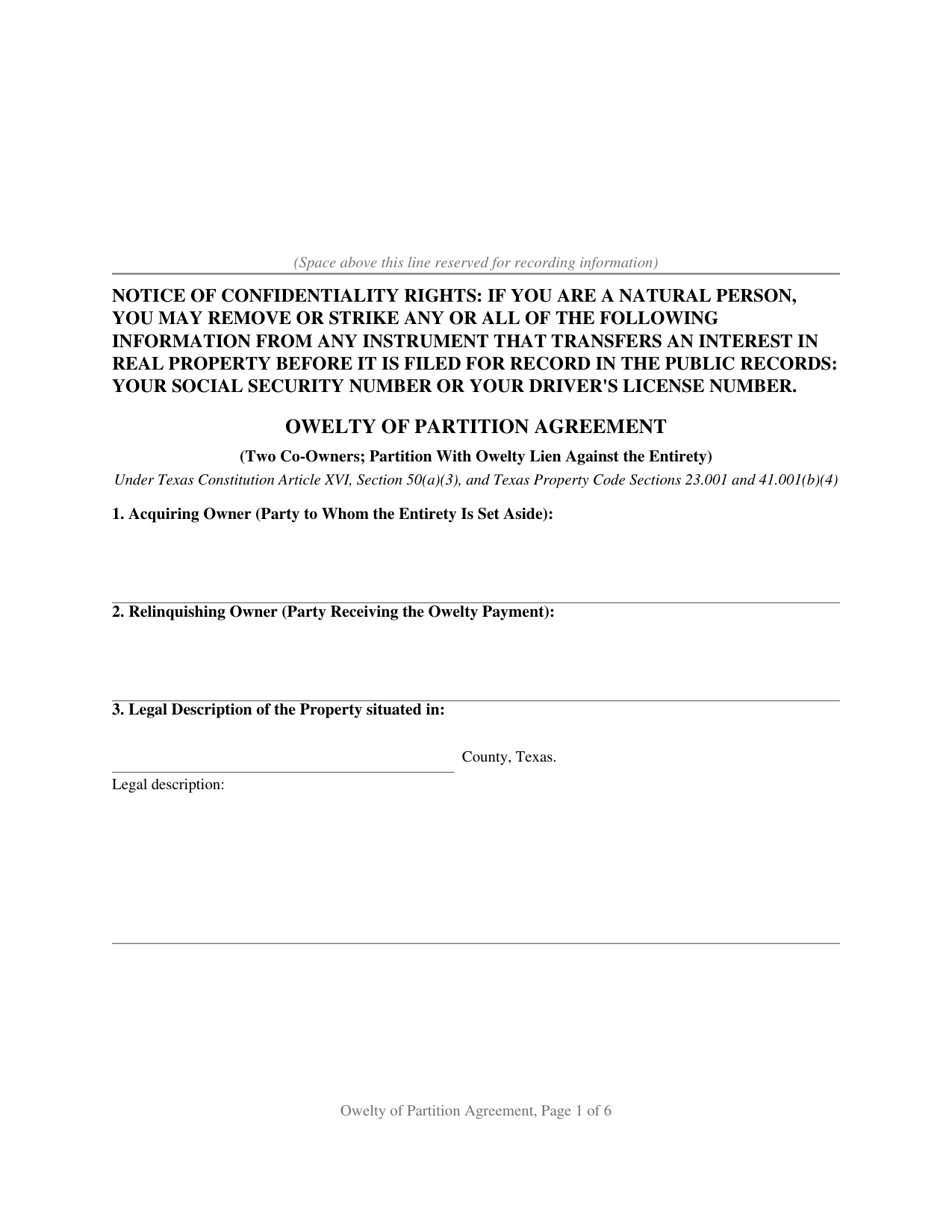
Sutton County Owelty of Partition Agreement Form
Fill in the blank Owelty of Partition Agreement form formatted to comply with all Texas recording and content requirements.
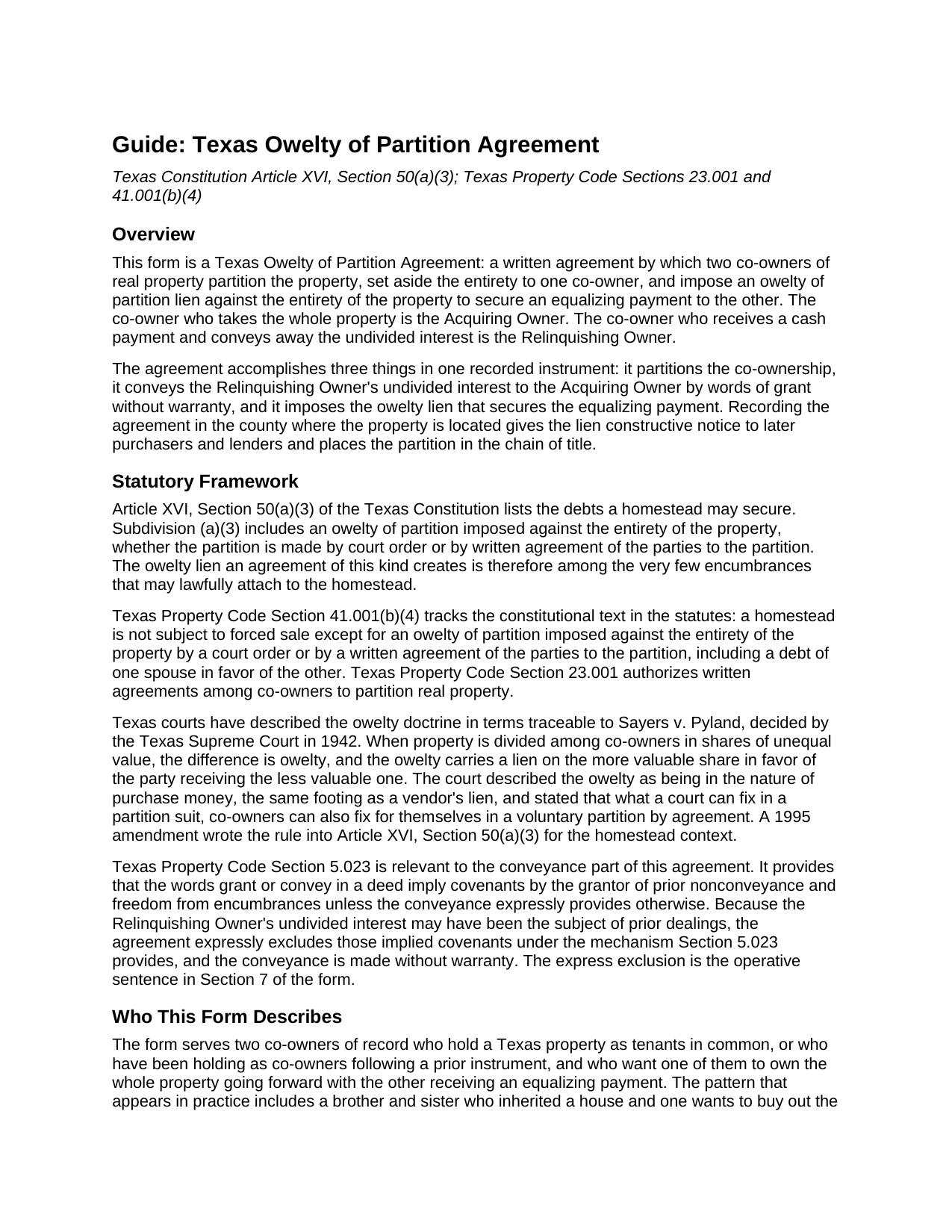
Sutton County Owelty of Partition Agreement Guide
Line by line guide explaining every blank on the Owelty of Partition Agreement form.
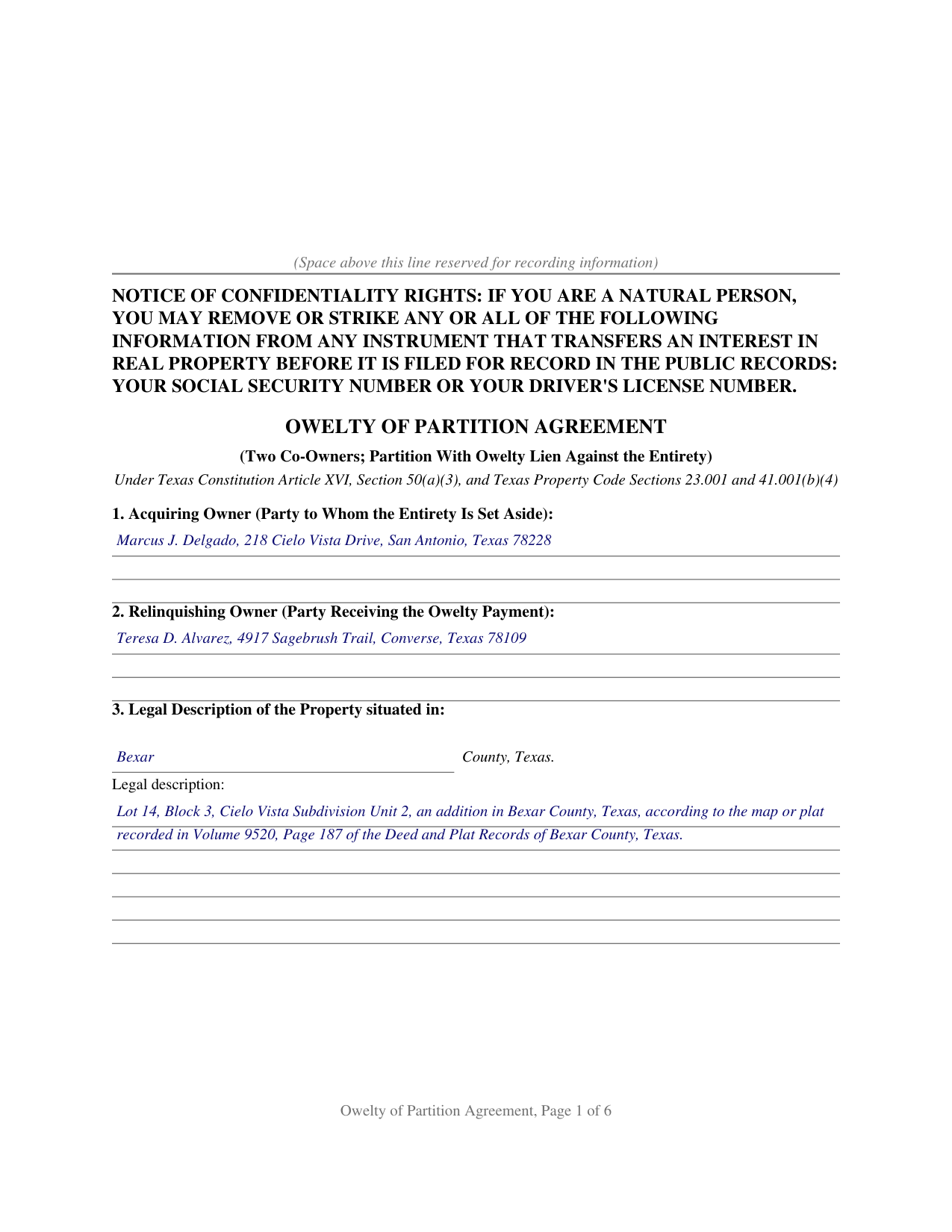
Sutton County Completed Example of the Owelty of Partition Agreement Document
Example of a properly completed Texas Owelty of Partition Agreement document for reference.
All 3 documents above included • One-time purchase • No recurring fees
Immediate Download • Secure Checkout
Additional Texas and Sutton County documents included at no extra charge:
Where to Record Your Documents
Clerk's Office - Sutton County Annex
Sonora, Texas 76950
Hours: 8:30 to 4:30 M-F
Phone: (325) 387-3815
Recording Tips for Sutton County:
- Bring your driver's license or state-issued photo ID
- Ensure all signatures are in blue or black ink
- Verify all names are spelled correctly before recording
- White-out or correction fluid may cause rejection
- Ask about their eRecording option for future transactions
Cities and Jurisdictions in Sutton County
Properties in any of these areas use Sutton County forms:
- Sonora
Hours, fees, requirements, and more for Sutton County
How do I get my forms?
Forms are available for immediate download after payment. The Sutton County forms will be in your account ready to download to your computer. An account is created for you during checkout if you don't have one. Forms are NOT emailed.
Are these forms guaranteed to be recordable in Sutton County?
Yes. Our form blanks are guaranteed to meet or exceed the applicable formatting requirements used for recording in Sutton County, including margin requirements, font requirements, and other layout standards. This guarantee applies to formatting, not to the legal sufficiency of information entered by the user or the suitability of a form for a particular transaction.
Can I reuse these forms?
Yes. You can reuse the forms for your personal use. For example, if you have multiple properties in Sutton County you only need to order once.
What do I need to use these forms?
The forms are PDFs that you fill out on your computer. The free Adobe Acrobat Reader is recommended, and most PDF apps also work. You do NOT enter your property information online - you download the blank forms and complete them privately on your own computer.
Are there any recurring fees?
No. This is a one-time purchase. Nothing to cancel, no memberships, no recurring fees.
How much does it cost to record in Sutton County?
Recording fees in Sutton County vary. Contact the recorder's office at (325) 387-3815 for current fees.
Questions answered? Let's get started!
Texas homestead law keeps nearly every voluntary lien off a home. Article XVI, Section 50 of the Texas Constitution lists the only debts a homestead can secure, and Section 50(c) makes any other lien on the homestead invalid. An owelty of partition sits on that short constitutional list. When two co-owners of Texas real property end their co-ownership by setting the entire property aside to one of them, the equalizing payment owed to the other, called the owelty, can be secured by a lien imposed against the entirety of the property by a court order or by a written agreement of the parties to the partition. The Texas Owelty of Partition Agreement is that written agreement.
A lien the homestead admits
The Texas Supreme Court described the doctrine in Sayers v. Pyland (1942): when property is divided into shares of unequal value, the difference is owelty, secured by a lien on the more valuable share in favor of the party receiving the less valuable one, and the owelty is in the nature of purchase money, the same footing as a vendor's lien. The court added that what a court can fix in a partition suit, co-owners can fix for themselves in a voluntary partition by agreement. A 1995 constitutional amendment wrote the rule into Article XVI, Section 50(a)(3), and Property Code Section 41.001(b)(4) repeats it in the statutes: an owelty of partition imposed against the entirety of the property is among the encumbrances that may properly attach to homestead property.
One instrument, three moving parts
The form works in a single recorded instrument. The entirety of the property is set aside and awarded to one co-owner, the Acquiring Owner. The other co-owner, the Relinquishing Owner, conveys the undivided interest with words of grant and without warranty. And the parties impose an owelty of partition in a stated amount against the entirety, expressly reserving a lien in favor of the Relinquishing Owner until the owelty is paid. Because the lien reaches the whole property rather than a half interest, and because it carries purchase-money character, it fits the way title companies and refinance lenders handle a buyout: a lender advancing funds to pay the owelty at closing can take the note and lien by transfer, and the recorded agreement is what the title examiner finds in the chain of title.
Decrees, sibling buyouts, and the two constitutional routes
The constitution recognizes two routes to an owelty lien: a court order, which includes a divorce decree dividing or awarding the family homestead, and a written agreement of the parties to the partition. This form documents the agreement route between two co-owners of record: siblings who inherited a house together, partners who bought together, or former spouses who hold as tenants in common after a divorce. The form carries a joining-spouse signature block for homestead joinder under Family Code Section 5.001, a separate notary certificate for each signer, and the confidentiality notice required by Property Code Section 11.008 at the top of the first page, ready for the county clerk of the county where the property is located.
The download includes the agreement as a fillable PDF, a completed example documenting a Bexar County buyout, and a plain-language guide that walks through every numbered section, the signing formalities, and the recording steps. The materials describe Texas law in general terms and are not legal advice.
Important: Your property must be located in Sutton County to use these forms. Documents should be recorded at the county recording office listed above.
This Owelty of Partition Agreement meets all recording requirements specific to Sutton County.
Our Promise
The documents you receive here are guaranteed to meet or exceed the applicable Sutton County recording format requirements. If there is a rejection caused by our formatting, we will correct the issue or refund your payment. This guarantee applies to document formatting only and does not extend to information entered by the user, the selection of the form, or the legal effect of the completed document.
Save Time and Money
Get your Sutton County Owelty of Partition Agreement form done right the first time with Deeds.com Uniform Conveyancing Blanks. At Deeds.com, we understand that your time and money are valuable resources, and we don't want you to face a penalty fee or rejection imposed by a county recorder for submitting nonstandard documents. We constantly review and update our forms to meet rapidly changing state and county recording requirements for roughly 3,500 counties and local jurisdictions.
4.8 out of 5 - ( 4,853 Reviews )
Nancy J M. 5 out of 5 stars
Site is easy to navigate and forms are as described. Too bad there is no secure payment link service (PayPal, Apple Pay, etc. So after I verify charge has hit my credit card I will delete my Deeds.com account.
Thank you!
Connie B. 5 out of 5 stars
Needed to remove a deceased person from my mother's title. I live in another state. Deeds.com made it SO EASY to accomplish. I loved the example forms showing me how to fill out the forms that were provided. It went incredibly well at the County offices (all 3 departments!). Definitely will use Deeds.com again!
We appreciate your business and value your feedback. Thank you. Have a wonderful day!
Daniel F. 4 out of 5 stars
It was convenient to be able to download the deed template, instructions, and a completed sample deed all from deeds.com. I was able to complete my deed with little effort. My only complaint is that the editable fields in the pdf document are of fixed size, leaving some large spaces within a sentence, for example: Executed on this 1st day of July ,2020. This makes the printed document look a little peculiar.
Thank you for your feedback. We really appreciate it. Have a great day!
Sharon G. 5 out of 5 stars
I could not be happier with the service afforded by Deeds.com. After having been directed to two other organizations who purportedly performed this service and being told they could not accommodate me, I found Deeds.com. The website is extremely easy to use, the directions are clear and concise. The site updated me regularly as the documents were progressing through the process, and the detailing of costs was great. The turn-around -- which isn't completely in the hands of the site -- was incredibly quick. I'd use this group again without reservation. As a person who'd have to otherwise travel almost five hours to record, this has been heaven-sent!
We appreciate your business and value your feedback. Thank you. Have a wonderful day!
Joseph M. 5 out of 5 stars
Very easy to use the service and responses came very quickly.
Thank you!
Robert J. F. 5 out of 5 stars
Nice work. Easy to use site for reasonable price. Thank you.
Thank you for your feedback. We really appreciate it. Have a great day!
Kristi T. 5 out of 5 stars
This was so very easy and fast! Well worth the small fee. I will use this again if I have a need. Thank you!
We appreciate your business and value your feedback. Thank you. Have a wonderful day!
Patricia C. 4 out of 5 stars
I found there were a large number of documents available to download. The file naming on the PDFs could be more descriptive, and it would be nice to be able to download a complete set with one click.
Thank you for your feedback. We really appreciate it. Have a great day!
Julie S. 5 out of 5 stars
I am really impressed by this website. Not only is it affordable, but they give a detailed description, instructions, and an example to follow. Also there are additional forms included. And it's State, even county, specific. They do not require a subscription either as you can just order what you want. Thank you!
We appreciate your business and value your feedback. Thank you. Have a wonderful day!
Marianne L. 5 out of 5 stars
I filled in the form, following the instructions. I submitted to the County Recorder, no problem. Thank you.
Thanks for your feedback. We’re glad we could help.
Nga C. 5 out of 5 stars
I am so happy to discover the Deeds.com website. It is worth to pay the package fee and the recording fee for my beneficiary deed in AZ state. It is so convenient, I highly recommend everybody to use the service. Thank you and thank you.
Thank you for your feedback. We really appreciate it. Have a great day!
Wilburn R. 5 out of 5 stars
absolutely great
Thank you!
Gail D. 5 out of 5 stars
Very concise and thorough website. Easily navigated and easily affordable.
Knowing our customers are happy is our top priority. Thank you for the wonderful feedback!
Dean L. 3 out of 5 stars
The template isn't that easy to work with, with you have to type out large amounts of text. Also copy and paste doesn't seem to work. Furthermore, the code listed on the guide is out of date. However, the DQC is decent in that it has all the required fields you need.
Thank you for your feedback. We really appreciate it. Have a great day!
sonja E. 5 out of 5 stars
It's very easy to find your way around on deeds.com, Excellent layout on this website and user friendly!
Thank you!