Sutton County Real Estate Lien Note (Owelty of Partition) Form
Last validated November 5, 2026 by our Forms Development TeamFormatted for recording in Sutton County, for property anywhere in the county: rural and unincorporated areas as well as Sonora.
- 3 documents included
- Immediate PDF download
- Formatting guarantee
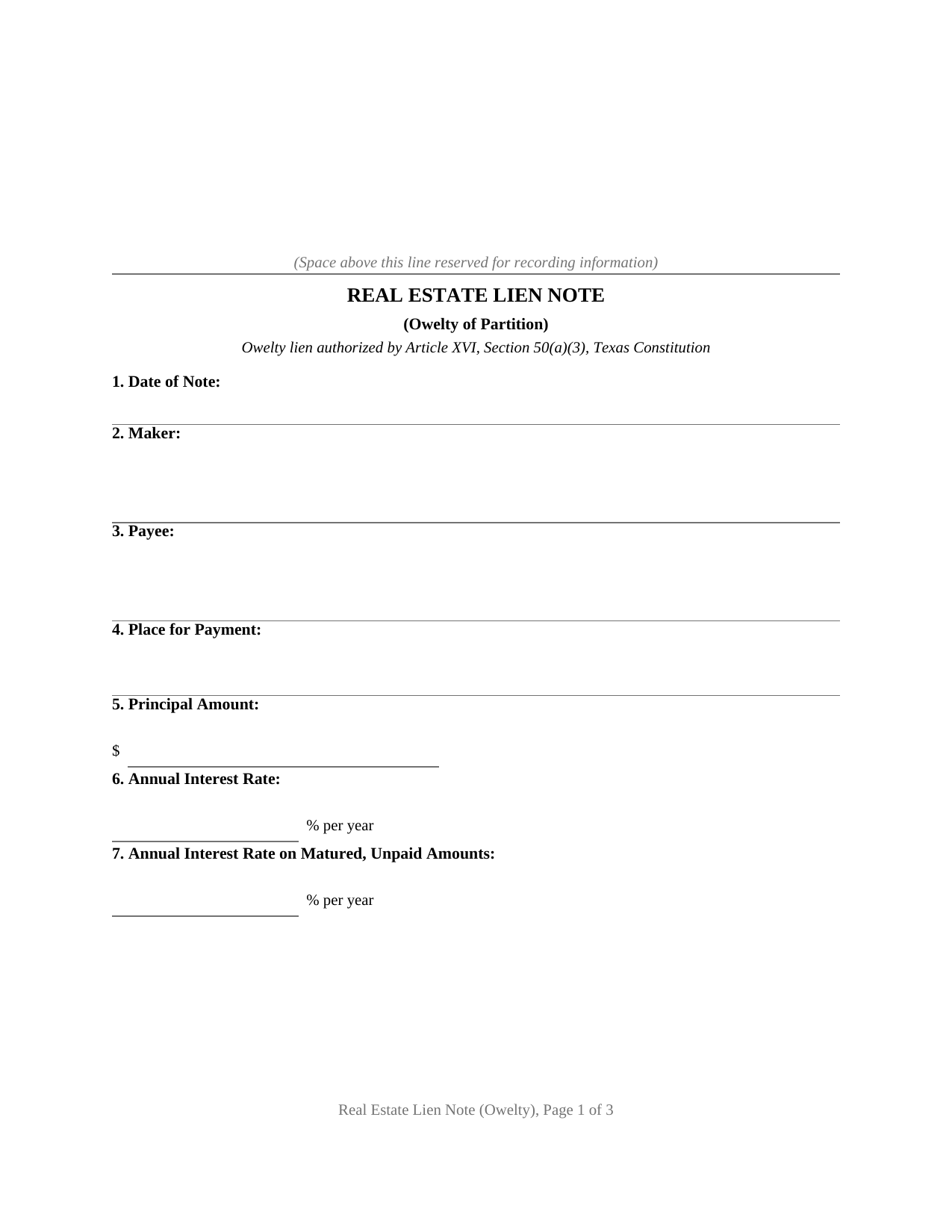
Sutton County Real Estate Lien Note (Owelty of Partition) Form
Fill in the blank Real Estate Lien Note (Owelty of Partition) form formatted to comply with all Texas recording and content requirements.
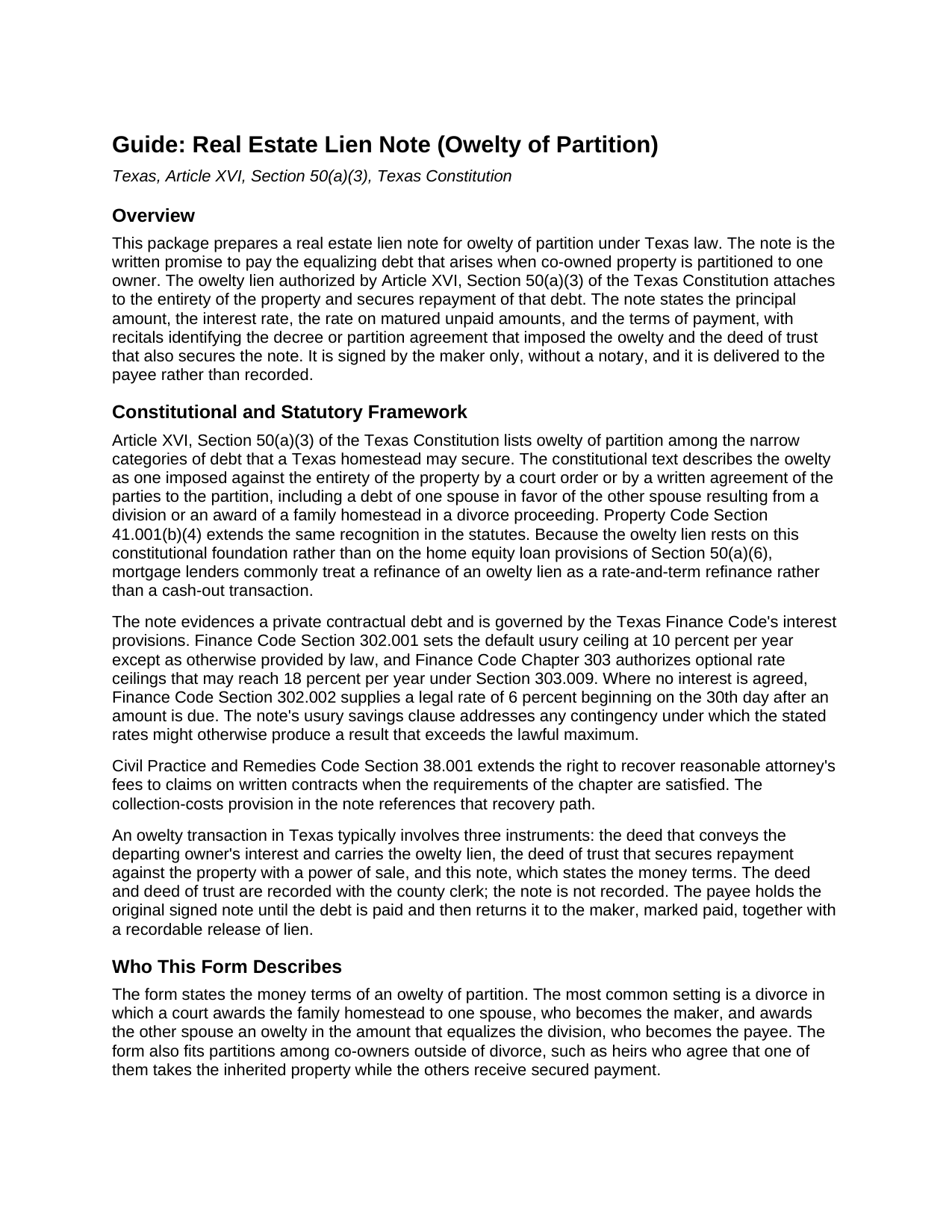
Sutton County Real Estate Lien Note (Owelty of Partition) Guide
Line by line guide explaining every blank on the Real Estate Lien Note (Owelty of Partition) form.
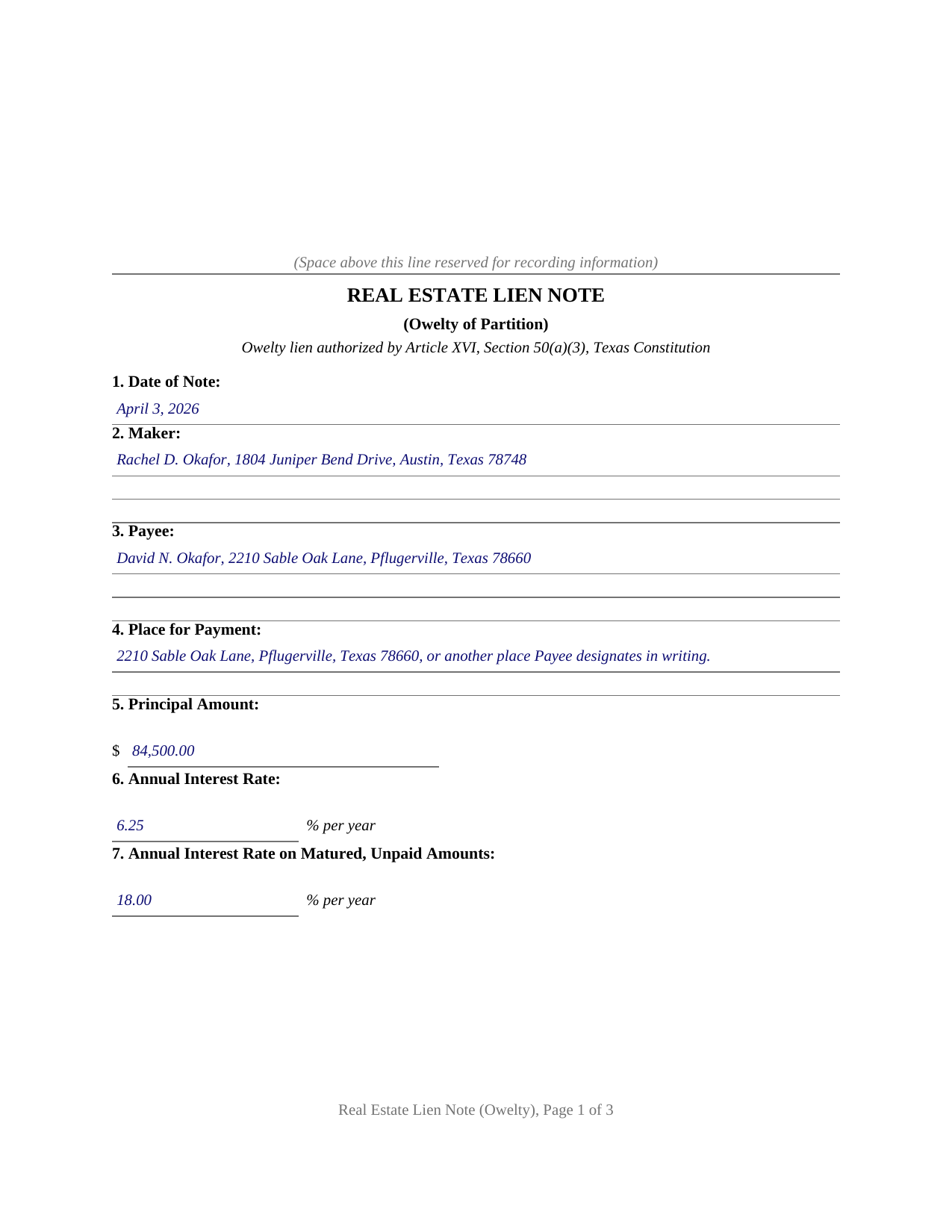
Sutton County Completed Example of the Real Estate Lien Note (Owelty of Partition) Document
Example of a properly completed Texas Real Estate Lien Note (Owelty of Partition) document for reference.
All 3 documents above included • One-time purchase • No recurring fees
Immediate Download • Secure Checkout
Additional Texas and Sutton County documents included at no extra charge:
Where to Record Your Documents
Clerk's Office - Sutton County Annex
Sonora, Texas 76950
Hours: 8:30 to 4:30 M-F
Phone: (325) 387-3815
Recording Tips for Sutton County:
- Bring your driver's license or state-issued photo ID
- Ensure all signatures are in blue or black ink
- Check that your notary's commission hasn't expired
- Documents must be on 8.5 x 11 inch white paper
- Double-check legal descriptions match your existing deed
Cities and Jurisdictions in Sutton County
Properties in any of these areas use Sutton County forms:
- Sonora
Hours, fees, requirements, and more for Sutton County
How do I get my forms?
Forms are available for immediate download after payment. The Sutton County forms will be in your account ready to download to your computer. An account is created for you during checkout if you don't have one. Forms are NOT emailed.
Are these forms guaranteed to be recordable in Sutton County?
Yes. Our form blanks are guaranteed to meet or exceed the applicable formatting requirements used for recording in Sutton County, including margin requirements, font requirements, and other layout standards. This guarantee applies to formatting, not to the legal sufficiency of information entered by the user or the suitability of a form for a particular transaction.
Can I reuse these forms?
Yes. You can reuse the forms for your personal use. For example, if you have multiple properties in Sutton County you only need to order once.
What do I need to use these forms?
The forms are PDFs that you fill out on your computer. The free Adobe Acrobat Reader is recommended, and most PDF apps also work. You do NOT enter your property information online - you download the blank forms and complete them privately on your own computer.
Are there any recurring fees?
No. This is a one-time purchase. Nothing to cancel, no memberships, no recurring fees.
How much does it cost to record in Sutton County?
Recording fees in Sutton County vary. Contact the recorder's office at (325) 387-3815 for current fees.
Questions answered? Let's get started!
Texas homestead law turns away almost every lien, but owelty of partition stands on the short constitutional list of debts a homestead can secure. When co-owned property passes to one owner, whether a divorce court awards the family home to one spouse or heirs agree that one of them keeps an inherited house, the equalizing debt owed to the departing owner can be secured against the entire property under Article XVI, Section 50(a)(3) of the Texas Constitution. The real estate lien note is the instrument that puts that debt on paper: the written promise to pay that the owelty lien secures.
A Debt the Homestead Can Secure
The constitutional text is specific. The owelty must be imposed against the entirety of the property, not just a fractional share, and it must come from a court order or a written agreement of the parties to the partition; the provision expressly includes a debt of one spouse in favor of the other spouse resulting from a division or an award of a family homestead in a divorce proceeding. Property Code Section 41.001(b)(4) carries the same rule in the statutes. Because owelty is its own constitutional category, a buyout documented this way travels a different path from a home equity loan under Section 50(a)(6), and refinance lenders routinely treat a recorded owelty lien as a debt eligible for rate-and-term refinancing.
One Buyout, Three Instruments
Texas owelty practice divides the work among three documents. A deed conveys the departing owner's interest and carries the owelty lien. A deed of trust secures repayment against the property with a power of sale. And this note states the money terms: the principal amount fixed by the decree or partition agreement, the interest rate, the rate on matured unpaid amounts, and the terms of payment, with recitals tying the debt to the decree or agreement and to the deed of trust. The note is signed by the maker alone, without a notary, and it is never recorded; the deed and deed of trust go to the county clerk, while the original note is delivered to the payee, who holds it until the debt is paid and then signs a recordable release of lien.
The Money Terms
The Finance Code frames the interest entries. An agreed rate operates under Chapter 302 and the optional ceilings of Chapter 303; where no interest is agreed, Section 302.002 supplies legal interest of 6 percent beginning on the 30th day after an amount is due. The note's printed terms include a usury savings clause that caps every rate at the lawful maximum, prepayment in whole or in part at any time without penalty, acceleration on an uncured default, and a collection-costs provision alongside the attorney's fees recovery that Civil Practice and Remedies Code Section 38.001 extends to written contracts. The terms of payment stay in the parties' hands: a single maturity date, monthly installments, or payment due on sale or refinance of the property all appear in owelty practice.
The package includes the note as a fillable PDF, a completed example documenting a realistic Travis County divorce buyout from decree to signature, and a plain language guide that walks through every numbered section, the constitutional framework, and the recorded companion instruments. The materials are informational and are not legal advice.
Important: Your property must be located in Sutton County to use these forms. Documents should be recorded at the county recording office listed above.
This Real Estate Lien Note (Owelty of Partition) meets all recording requirements specific to Sutton County.
Our Promise
The documents you receive here are guaranteed to meet or exceed the applicable Sutton County recording format requirements. If there is a rejection caused by our formatting, we will correct the issue or refund your payment. This guarantee applies to document formatting only and does not extend to information entered by the user, the selection of the form, or the legal effect of the completed document.
Save Time and Money
Get your Sutton County Real Estate Lien Note (Owelty of Partition) form done right the first time with Deeds.com Uniform Conveyancing Blanks. At Deeds.com, we understand that your time and money are valuable resources, and we don't want you to face a penalty fee or rejection imposed by a county recorder for submitting nonstandard documents. We constantly review and update our forms to meet rapidly changing state and county recording requirements for roughly 3,500 counties and local jurisdictions.
4.8 out of 5 - ( 4,845 Reviews )
Ryan E. 5 out of 5 stars
Great customer service. I was surprised by the attention to detail that went into reviewing my documents and value provided by deeds.com. Definitely recommend.
Thank you for your feedback. We really appreciate it. Have a great day!
Cindy A. 5 out of 5 stars
Needed a deed and the form provided with example and guide were of the most help. Thank you
Thank you, Cindy! We’re so glad the form, example, and guide were helpful in getting your deed taken care of. We appreciate your feedback!
maria b. 5 out of 5 stars
really easy and and helpful.
Thank you!
Marcia G. 5 out of 5 stars
I am so happy with this service. I can not tell you. In about 30 minutes my records were recorded. Excellent!
We appreciate your business and value your feedback. Thank you. Have a wonderful day!
MARTI M. 4 out of 5 stars
The transaction was fairly simple. thank you
Your feedback is greatly appreciated. Thank you for taking the time to share your experience!
Daniel S. 5 out of 5 stars
Fast. Easy. More than I expected. Hope it all works with MD bureaucrats.
Thank you for your feedback. We really appreciate it. Have a great day!
Jay T. 5 out of 5 stars
I filled out the deed, had it notarized, and recorded. No problems. I put this off for so long. Once I had the form it was recorded in one day.
Thank you for your feedback. We really appreciate it. Have a great day!
Janet M. 5 out of 5 stars
Deed.com is an amazing site. After calling many places and going on many websites to figure out what I needed to submit (most counties cannot help with questions and the place I needed to turn the documents into could not help either, they are not allowed to give legal advice) I came across Deeds.com. It has been so helpful and I was able to research what documents I needed. I purchased one document and after more research I realized I needed a different document. Deed.com refunded my first purchase. I then purchased an Affidavit of Death and a Deed for the county and state I needed them for. Both the example and guide were very helpful and I will be submitting my documents after I have them notarized. I give five stars
Your feedback is greatly appreciated. Thank you for taking the time to share your experience!
Lori N. 5 out of 5 stars
I ordered the document I needed and it was available for download within a half hour. Very pleased, thanks!
We appreciate your business and value your feedback. Thank you. Have a wonderful day!
Neira S. 5 out of 5 stars
No problem with Recorders Office using your document. It is now completed and recorded.
Thank you Neira, have a wonderful day!
Kenneth R. 5 out of 5 stars
Easy to use and saves money.
Thank you!
Stephen F. 5 out of 5 stars
Easy to use. Outstanding interface.
Thank you!
Dee S. 5 out of 5 stars
Great service and so quick at responding!
We are motivated by your feedback to continue delivering excellence. Thank you!
Logan S. 5 out of 5 stars
Wonderful experience. Was preapred to wait days, recording was finished in less than an hour.
Thank you!
TOM S. 5 out of 5 stars
Itwas easy to locate the necessary forms I needed and download worked great.
Thank you!