Freestone County Release of Collateral Transfer of Note and Lien Form
Last validated November 9, 2026 by our Forms Development TeamFormatted for recording in Freestone County, for property anywhere in the county: rural and unincorporated areas as well as Donie, Fairfield, Kirvin, Streetman, Teague, Wortham.
- 3 documents included
- Immediate PDF download
- Formatting guarantee
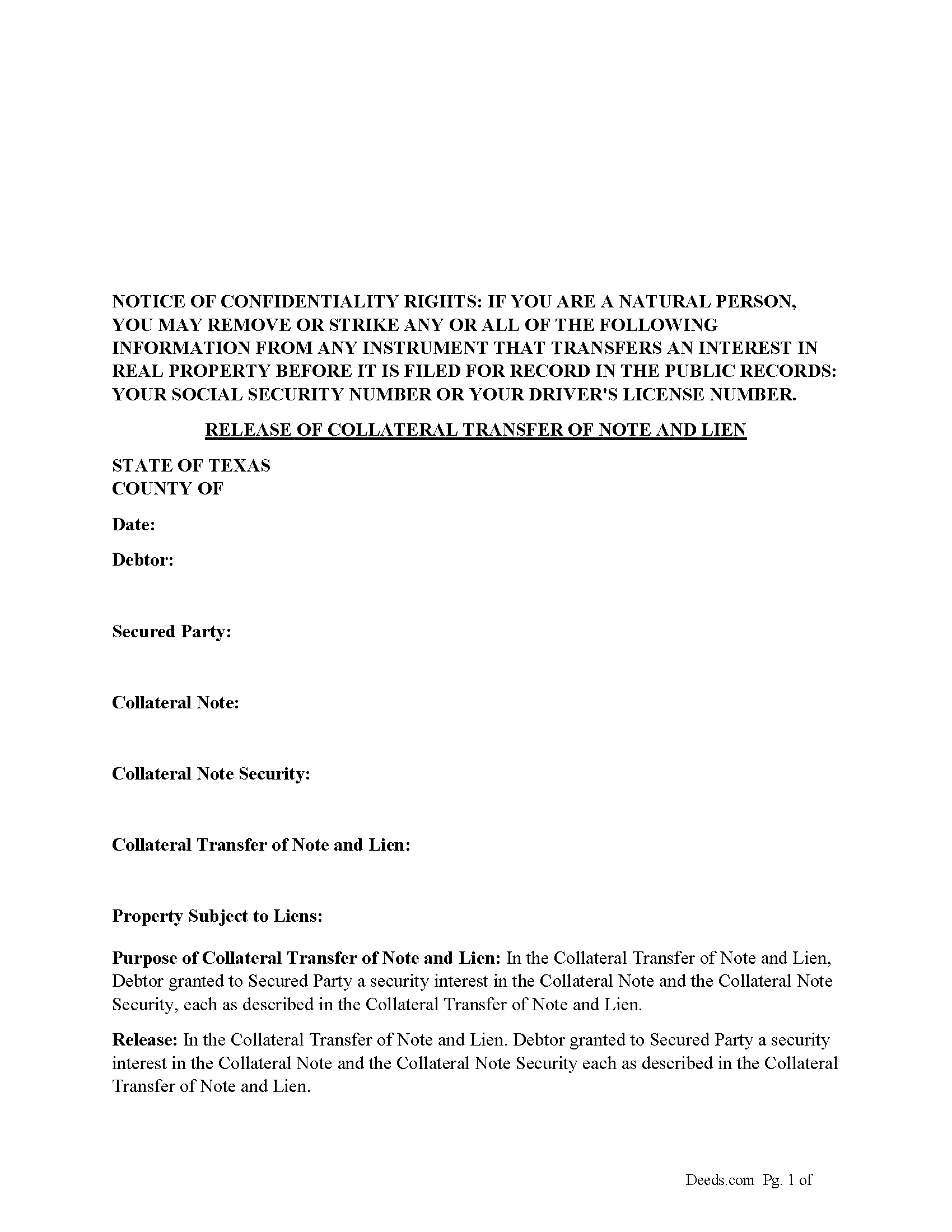
Freestone County Release of Collateral Transfer of Note and Lien Form
Fill in the blank form formatted to comply with all recording and content requirements.
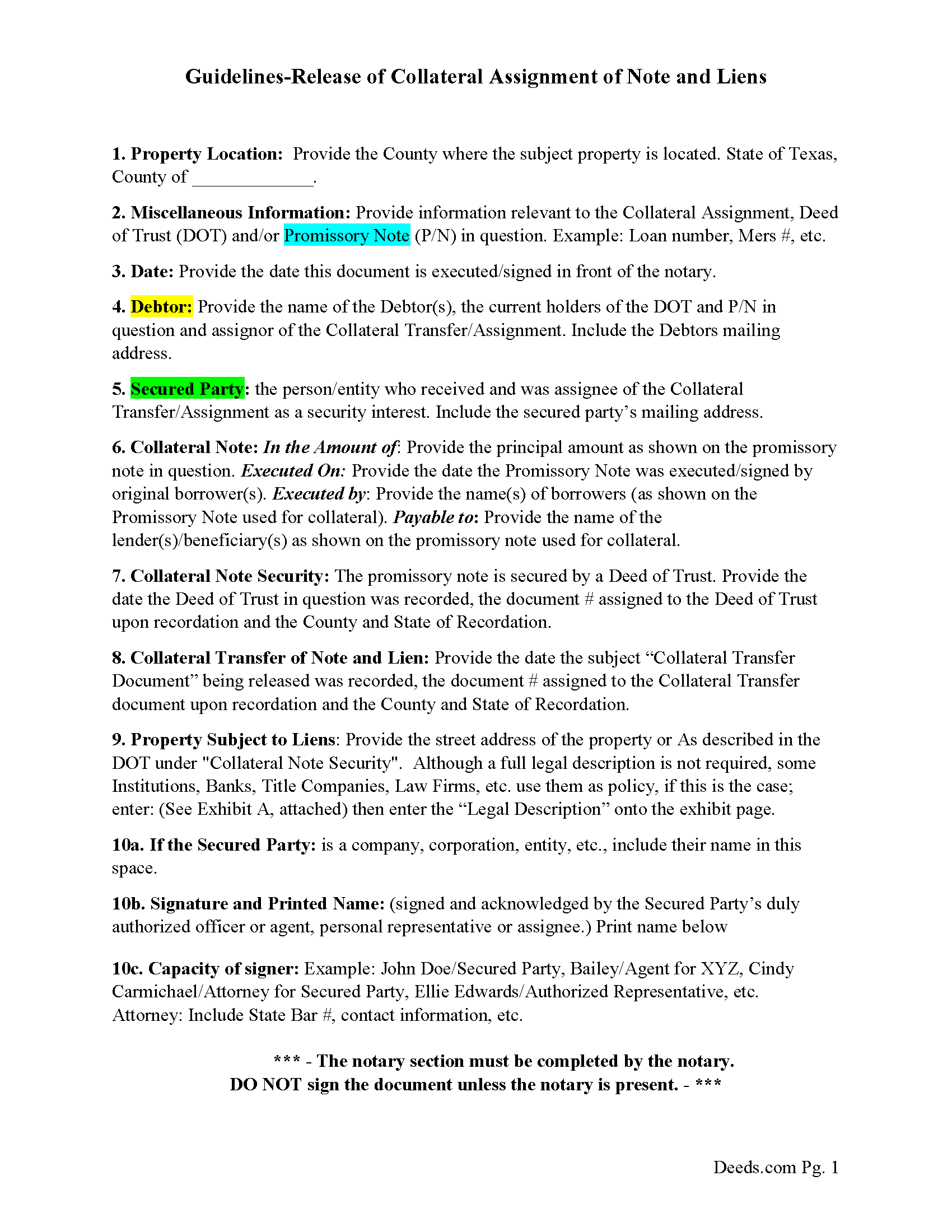
Freestone County Guidelines for Release of Collateral Transfer of Note and Lien
Line by line guide explaining every blank on the form.
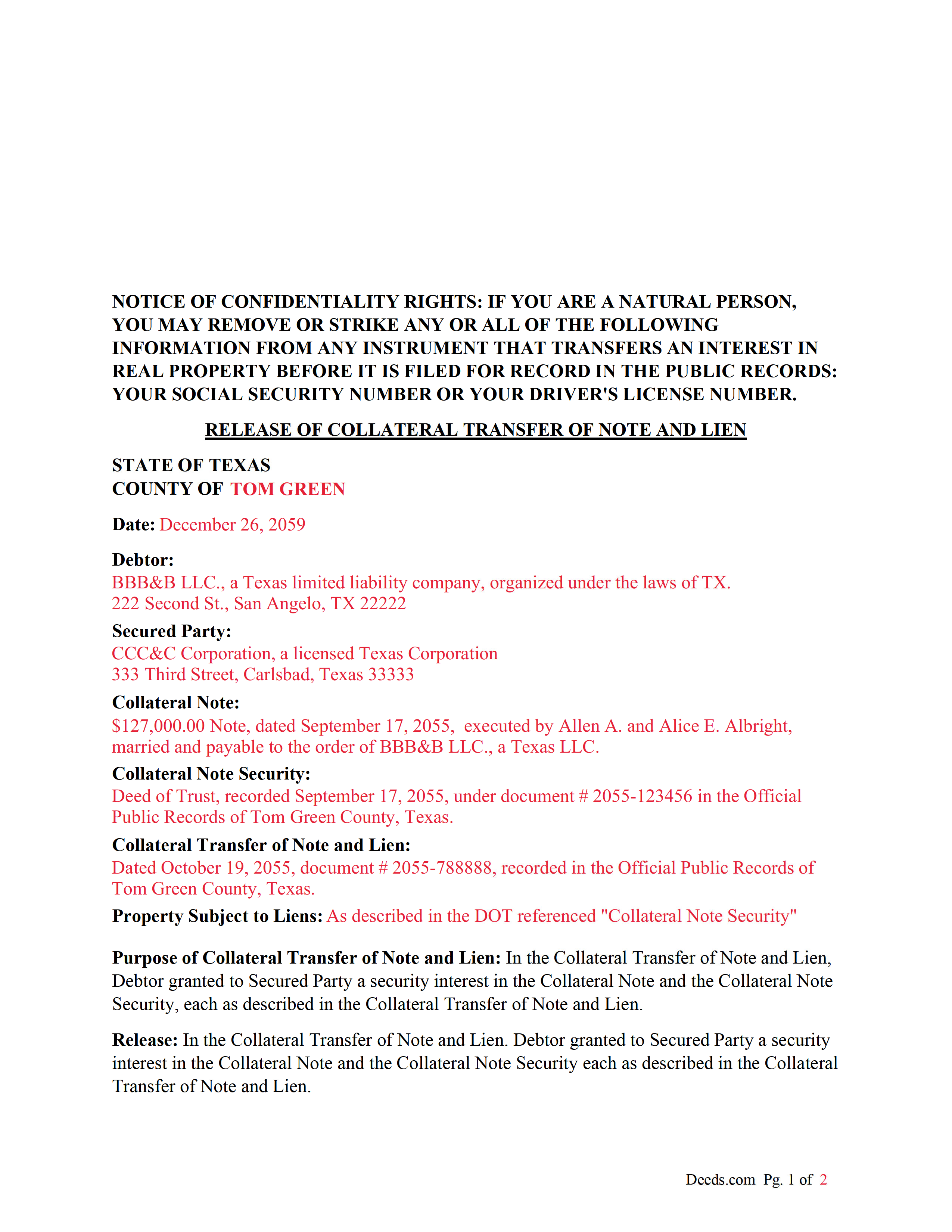
Freestone County Completed Example of the Release of Collateral Transfer of Note and Lien Document
Example of a properly completed form for reference.
All 3 documents above included • One-time purchase • No recurring fees
Immediate Download • Secure Checkout
Additional Texas and Freestone County documents included at no extra charge:
Where to Record Your Documents
Freestone County Clerk
Fairfield, Texas 75840
Hours: Mon - Thu 8:00am - 5:00pm, Fri 8:00am - 4:30pm
Phone: (903) 389-2635
Recording Tips for Freestone County:
- Bring your driver's license or state-issued photo ID
- Ensure all signatures are in blue or black ink
- Recording fees may differ from what's posted online - verify current rates
- Request a receipt showing your recording numbers
- Ask about accepted payment methods when you call ahead
Cities and Jurisdictions in Freestone County
Properties in any of these areas use Freestone County forms:
- Donie
- Fairfield
- Kirvin
- Streetman
- Teague
- Wortham
Hours, fees, requirements, and more for Freestone County
How do I get my forms?
Forms are available for immediate download after payment. The Freestone County forms will be in your account ready to download to your computer. An account is created for you during checkout if you don't have one. Forms are NOT emailed.
Are these forms guaranteed to be recordable in Freestone County?
Yes. Our form blanks are guaranteed to meet or exceed the applicable formatting requirements used for recording in Freestone County, including margin requirements, font requirements, and other layout standards. This guarantee applies to formatting, not to the legal sufficiency of information entered by the user or the suitability of a form for a particular transaction.
Can I reuse these forms?
Yes. You can reuse the forms for your personal use. For example, if you have multiple properties in Freestone County you only need to order once.
What do I need to use these forms?
The forms are PDFs that you fill out on your computer. The free Adobe Acrobat Reader is recommended, and most PDF apps also work. You do NOT enter your property information online - you download the blank forms and complete them privately on your own computer.
Are there any recurring fees?
No. This is a one-time purchase. Nothing to cancel, no memberships, no recurring fees.
How much does it cost to record in Freestone County?
Recording fees in Freestone County vary. Contact the recorder's office at (903) 389-2635 for current fees.
Questions answered? Let's get started!
This form is used by the secured party to release a collateral interest in a property, that was previously assigned and recorded with a "Collateral Transfer of Note and Lien" document, in which Debtor granted to Secured Party a security interest in the Collateral Note and the Collateral Note Security (typically a Deed of Trust), each as described in the Collateral Transfer of Note and Lien.
For use in Texas only.
Important: Your property must be located in Freestone County to use these forms. Documents should be recorded at the county recording office listed above.
This Release of Collateral Transfer of Note and Lien meets all recording requirements specific to Freestone County.
Our Promise
The documents you receive here are guaranteed to meet or exceed the applicable Freestone County recording format requirements. If there is a rejection caused by our formatting, we will correct the issue or refund your payment. This guarantee applies to document formatting only and does not extend to information entered by the user, the selection of the form, or the legal effect of the completed document.
Save Time and Money
Get your Freestone County Release of Collateral Transfer of Note and Lien form done right the first time with Deeds.com Uniform Conveyancing Blanks. At Deeds.com, we understand that your time and money are valuable resources, and we don't want you to face a penalty fee or rejection imposed by a county recorder for submitting nonstandard documents. We constantly review and update our forms to meet rapidly changing state and county recording requirements for roughly 3,500 counties and local jurisdictions.
4.8 out of 5 - ( 4,853 Reviews )
Karen B. 5 out of 5 stars
Great forms! No issues at all at the recorder office. Will be back for sure if needed.
Wonderful to hear Karen. Thanks for taking the time to share your experience. Have a great day!
Timothy S. 5 out of 5 stars
The Quit Claim form was submitted, accepted, and processed by Davidson County with no hiccups. Recommended service!
Thank you!
Michael L. G. 5 out of 5 stars
Thank you, Deed.com provided the needed forms to change county and state information after the passing of my father, saved me a trip to law office, especially after the lawyers would not return my calls, so I would recommend you check Deed.com for information, saved my family money for lawyer fees, would use Deed.com again. Mike
Thank you for your feedback. We really appreciate it. Have a great day!
Susan T. 5 out of 5 stars
This was perfect for my county I will be recommending your forms to all my clients thank you.
Thank you Susan, have a great day!
Gretchen B. 2 out of 5 stars
I wanna give more stars because the required information is there, but the character spacing is disjointed on the first page, rendering a gap-filled, awkward-looking document. Also, the opening parenthesis for the first field on the first page is on the wrong line and is backwards, which sets the wrong tone especially since it's the first thing you have to fill out.
Thank you for your feedback. We really appreciate it. Have a great day!
Dale P. 2 out of 5 stars
I needed to create a deed of distribution for my probate case. The instructions as to what was needed on the caption page was lacking. Because of the lack of information I still had to have an attorney review the documents as I didn't feel confident in the instructions given.
Thank you for your review. Our deed of distribution package is designed as a strong primer to help people understand the process and prepare accurate documents. That said, probate filings can involve details that vary by court and jurisdiction.
We’re glad you sought attorney review when you weren’t completely sure—that’s exactly what we recommend. We always encourage customers to work with a qualified legal professional if they are not absolutely confident, since accuracy and acceptance are what matter most.
Robert B. 5 out of 5 stars
The forms were easy to download and fill.
Thank you!
Pamela S. 5 out of 5 stars
Great experience! Instructions are very clear and thorough. The completeness of the instructions really inspired confidence. Within minutes of uploading my document, I received a message that it had been prepared and submitted to the county for recording. Makes it so simple! Well worth it.
We appreciate your business and value your feedback. Thank you. Have a wonderful day!
Stephanie P. 5 out of 5 stars
So far Deeds.com has done everything they say they'll do and very promptly.
Thank you for your feedback. We really appreciate it. Have a great day!
victor h. 5 out of 5 stars
Easy to use and just what I was looking for
Thank you!
Justin Z. 5 out of 5 stars
Easy to work with.
Your satisfaction is important to us. Thank you for the feedback.
Charles C. 5 out of 5 stars
Using an I pad and cannot type on form that was downloaded. I do not have a computer Charles
Thank you for your feedback Charles. You might want to make sure you have the Adobe app on your Ipad: https://itunes.apple.com/us/app/adobe-fill-sign/id950099951?mt=8
Karen S. 5 out of 5 stars
Excellent support! They were patient and knowledgeable.
Thank you!
Lana B. 5 out of 5 stars
Was very helpful!
Thank you!
Robin F. 5 out of 5 stars
Very Convenient and easy to use
We appreciate your business and value your feedback. Thank you. Have a wonderful day!