Hopkins County Release of Collateral Transfer of Note and Lien Form
Last validated October 14, 2026 by our Forms Development TeamFormatted for recording in Hopkins County, for property anywhere in the county: rural and unincorporated areas as well as Brashear, Como, Cumby, Dike, Pickton, Saltillo, Sulphur Bluff, Sulphur Springs.
- 3 documents included
- Immediate PDF download
- Formatting guarantee
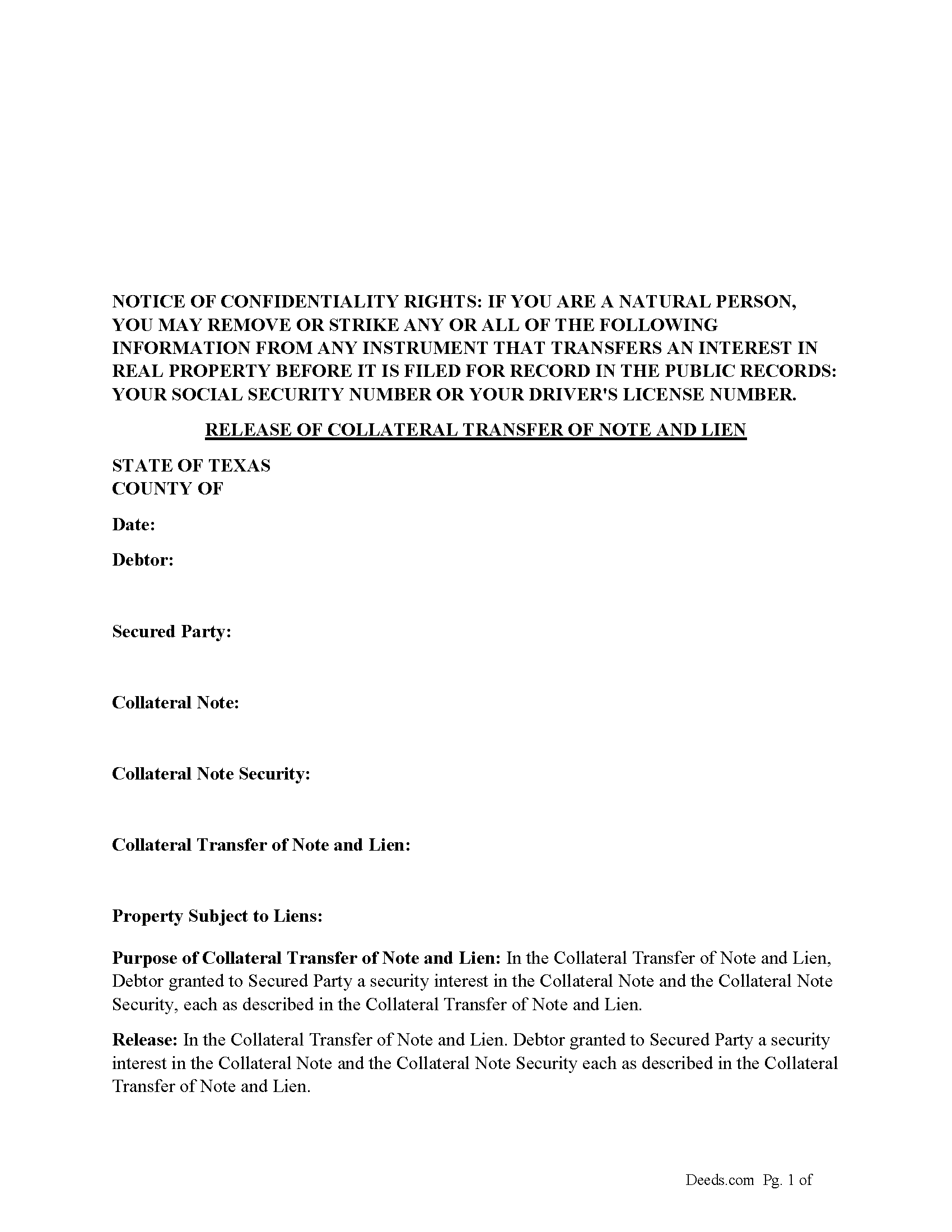
Hopkins County Release of Collateral Transfer of Note and Lien Form
Fill in the blank form formatted to comply with all recording and content requirements.
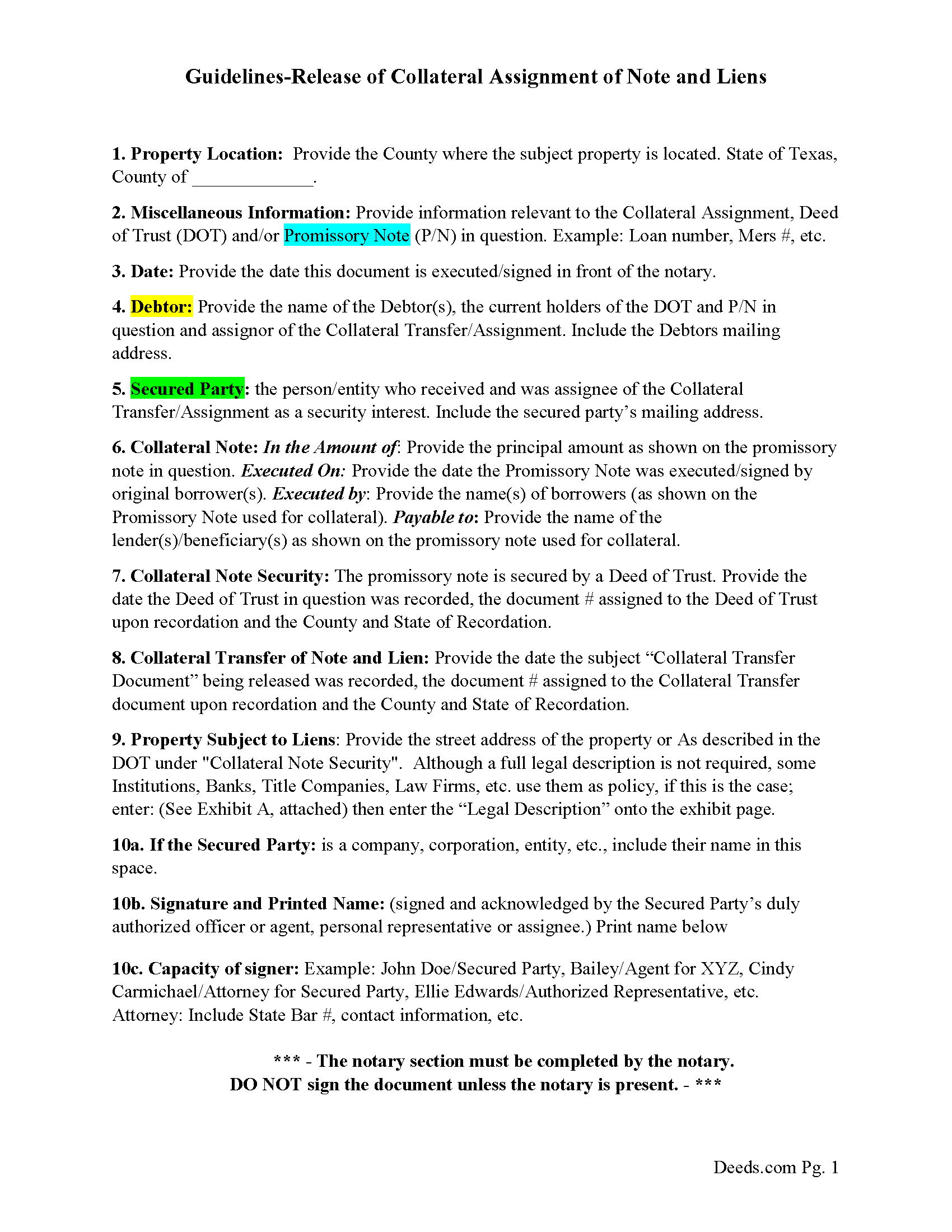
Hopkins County Guidelines for Release of Collateral Transfer of Note and Lien
Line by line guide explaining every blank on the form.
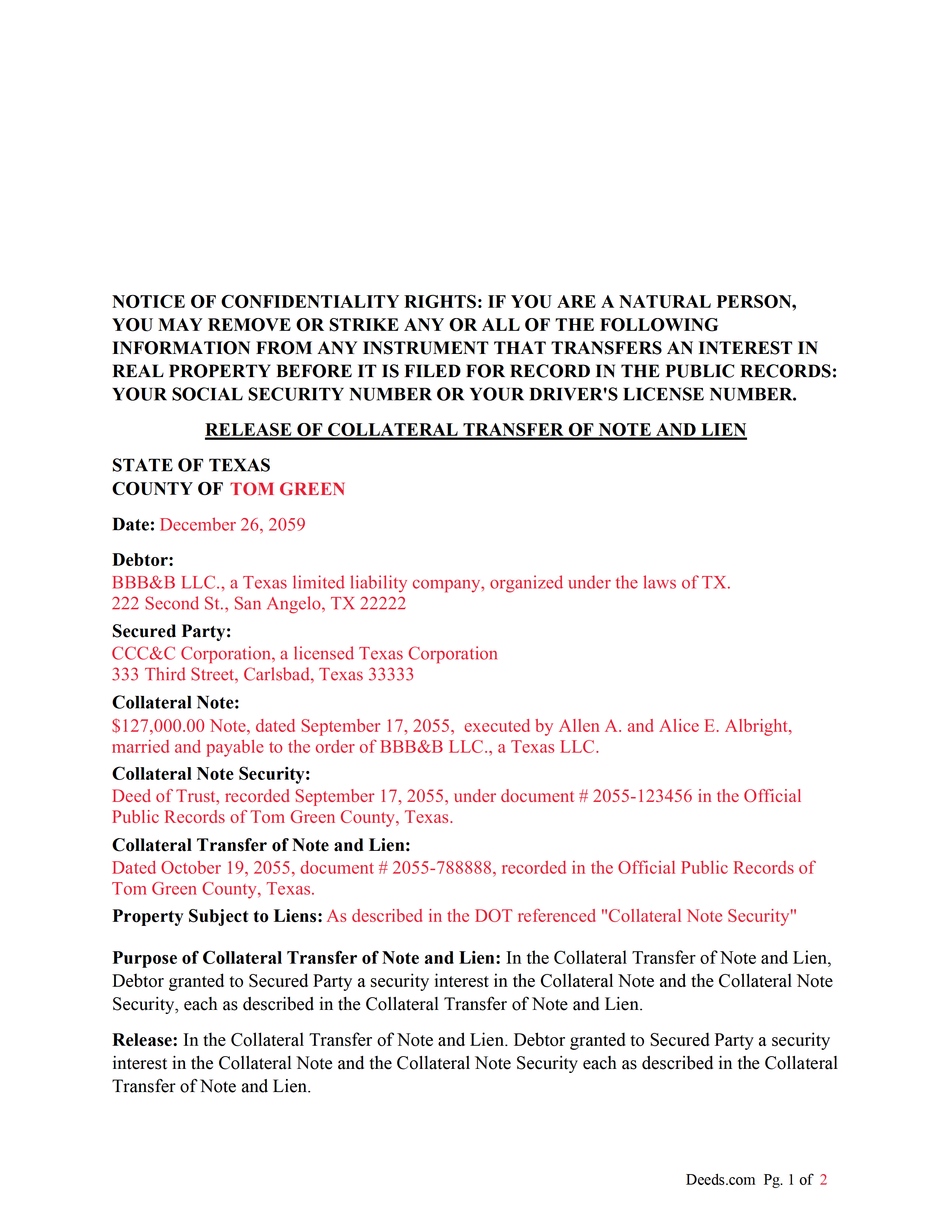
Hopkins County Completed Example of the Release of Collateral Transfer of Note and Lien Document
Example of a properly completed form for reference.
All 3 documents above included • One-time purchase • No recurring fees
Immediate Download • Secure Checkout
Additional Texas and Hopkins County documents included at no extra charge:
Where to Record Your Documents
Hopkins County
Sulphur Springs, Texas 75482
Hours: Monday - Friday 8:00 am - 5:00 pm
Phone: (903) 438-4074
Recording Tips for Hopkins County:
- Bring your driver's license or state-issued photo ID
- Ensure all signatures are in blue or black ink
- Ask for certified copies if you need them for other transactions
- Ask if they accept credit cards - many offices are cash/check only
- Check that your notary's commission hasn't expired
Cities and Jurisdictions in Hopkins County
Properties in any of these areas use Hopkins County forms:
- Brashear
- Como
- Cumby
- Dike
- Pickton
- Saltillo
- Sulphur Bluff
- Sulphur Springs
Hours, fees, requirements, and more for Hopkins County
How do I get my forms?
Forms are available for immediate download after payment. The Hopkins County forms will be in your account ready to download to your computer. An account is created for you during checkout if you don't have one. Forms are NOT emailed.
Are these forms guaranteed to be recordable in Hopkins County?
Yes. Our form blanks are guaranteed to meet or exceed the applicable formatting requirements used for recording in Hopkins County, including margin requirements, font requirements, and other layout standards. This guarantee applies to formatting, not to the legal sufficiency of information entered by the user or the suitability of a form for a particular transaction.
Can I reuse these forms?
Yes. You can reuse the forms for your personal use. For example, if you have multiple properties in Hopkins County you only need to order once.
What do I need to use these forms?
The forms are PDFs that you fill out on your computer. The free Adobe Acrobat Reader is recommended, and most PDF apps also work. You do NOT enter your property information online - you download the blank forms and complete them privately on your own computer.
Are there any recurring fees?
No. This is a one-time purchase. Nothing to cancel, no memberships, no recurring fees.
How much does it cost to record in Hopkins County?
Recording fees in Hopkins County vary. Contact the recorder's office at (903) 438-4074 for current fees.
Questions answered? Let's get started!
This form is used by the secured party to release a collateral interest in a property, that was previously assigned and recorded with a "Collateral Transfer of Note and Lien" document, in which Debtor granted to Secured Party a security interest in the Collateral Note and the Collateral Note Security (typically a Deed of Trust), each as described in the Collateral Transfer of Note and Lien.
For use in Texas only.
Important: Your property must be located in Hopkins County to use these forms. Documents should be recorded at the county recording office listed above.
This Release of Collateral Transfer of Note and Lien meets all recording requirements specific to Hopkins County.
Our Promise
The documents you receive here are guaranteed to meet or exceed the applicable Hopkins County recording format requirements. If there is a rejection caused by our formatting, we will correct the issue or refund your payment. This guarantee applies to document formatting only and does not extend to information entered by the user, the selection of the form, or the legal effect of the completed document.
Save Time and Money
Get your Hopkins County Release of Collateral Transfer of Note and Lien form done right the first time with Deeds.com Uniform Conveyancing Blanks. At Deeds.com, we understand that your time and money are valuable resources, and we don't want you to face a penalty fee or rejection imposed by a county recorder for submitting nonstandard documents. We constantly review and update our forms to meet rapidly changing state and county recording requirements for roughly 3,500 counties and local jurisdictions.
4.8 out of 5 - ( 4,836 Reviews )
Karen F. 3 out of 5 stars
Form needs to be gender neutral. Also, while the format prompts for the correct information to be included, more of the form needs to be open for editing and to eliminate unnecessary spacing.
Karen, thank you for your helpful feedback. We appreciate you pointing this out and are reviewing the form to make the language gender neutral, improve editability, and reduce unnecessary spacing so it is easier to complete.
Annette L. 5 out of 5 stars
Wow -- amazingly fast turnaround and excellent customer service and communication. Thank you for saving me hours of time and effort!
We appreciate your business and value your feedback. Thank you. Have a wonderful day!
Thomas C. 5 out of 5 stars
I got the right form but I waited too long to use it and Oregon changed the formatting. I should have checked and made sure the form was still good. Deeds responded quickly.
Thank you!
Michael E. 5 out of 5 stars
First time user and my experience was just great! Great people to work with and would recommend to others!
Thank you!
Thomas M. 5 out of 5 stars
Great Service. I had to record 13 deeds in various Oregon counties, with o previous experience, and the process was straightforward with excellent instruction. Thank you.
Thank you for your feedback. We really appreciate it. Have a great day!
Elliot M V. 5 out of 5 stars
Easy to use
Thank you!
Robert R. 5 out of 5 stars
I found the form I needed. I ordered the wrong ones the first time. I didn't know if I could get refund or not. The information with the forms is very helpful Thank you
Thank you for your feedback. We’re pleased to hear you found the forms and supporting information helpful. Your initial order has been canceled and refunded, and we’re glad you now have the correct forms in hand. We appreciate your business and are here if you need further assistance.
Michael M. 5 out of 5 stars
THE PROCESS WENT VERY SMOOTH AND EASY
Thank you for your feedback. We really appreciate it. Have a great day!
Rebecca C. 5 out of 5 stars
Was sort of complicated for this phone illiterate 70 year old 😂. Asked my daughter for help. She breezed right through it with no problem whatsoever!! Thank you!!
Thank you, Rebecca! Glad your daughter could lend a hand. We appreciate the review.
Robert S B. 2 out of 5 stars
I would not have ordered this form had I realised how limited the fields are for details. There is no room for elaboration of terms. The language only allows one grantor and one grantee, and the gender and quantity default construction is a poor choice. Be basic, but leave room for more.
Thank you for your feedback. We really appreciate it. Have a great day!
Alan M. 4 out of 5 stars
The packet I downloaded was complete and useful, and process was not unduly opaque. However, I would have liked to download the whole packet, about 6 files, all at one go. Still, the forms provided the complete solution to my situation.
Thank you for your feedback. We really appreciate it. Have a great day!
Austin S. 5 out of 5 stars
Everything is done in a timely manner which is very much appreciated.
Thank you for your feedback. We really appreciate it. Have a great day!
Keith C. 1 out of 5 stars
not worth anything to me as i could never get notary info on form to print along with other info
Sorry to hear that Keith. We have processed a refund for your order.
Ismael T. 5 out of 5 stars
I was surprised and how quickly you guys process documents and helped on a mistake I had. Thank so much. I will definitely keep using Deeds.com
Thank you!
David P. 5 out of 5 stars
Easy to use, all the information I wanted. Took about a minute to get it.
Thank you for your feedback. We really appreciate it. Have a great day!