Carson County Release of Easement Form
Last validated November 12, 2026 by our Forms Development TeamFormatted for recording in Carson County, for property anywhere in the county: rural and unincorporated areas as well as Groom, Panhandle, Skellytown, White Deer.
- 3 documents included
- Immediate PDF download
- Formatting guarantee
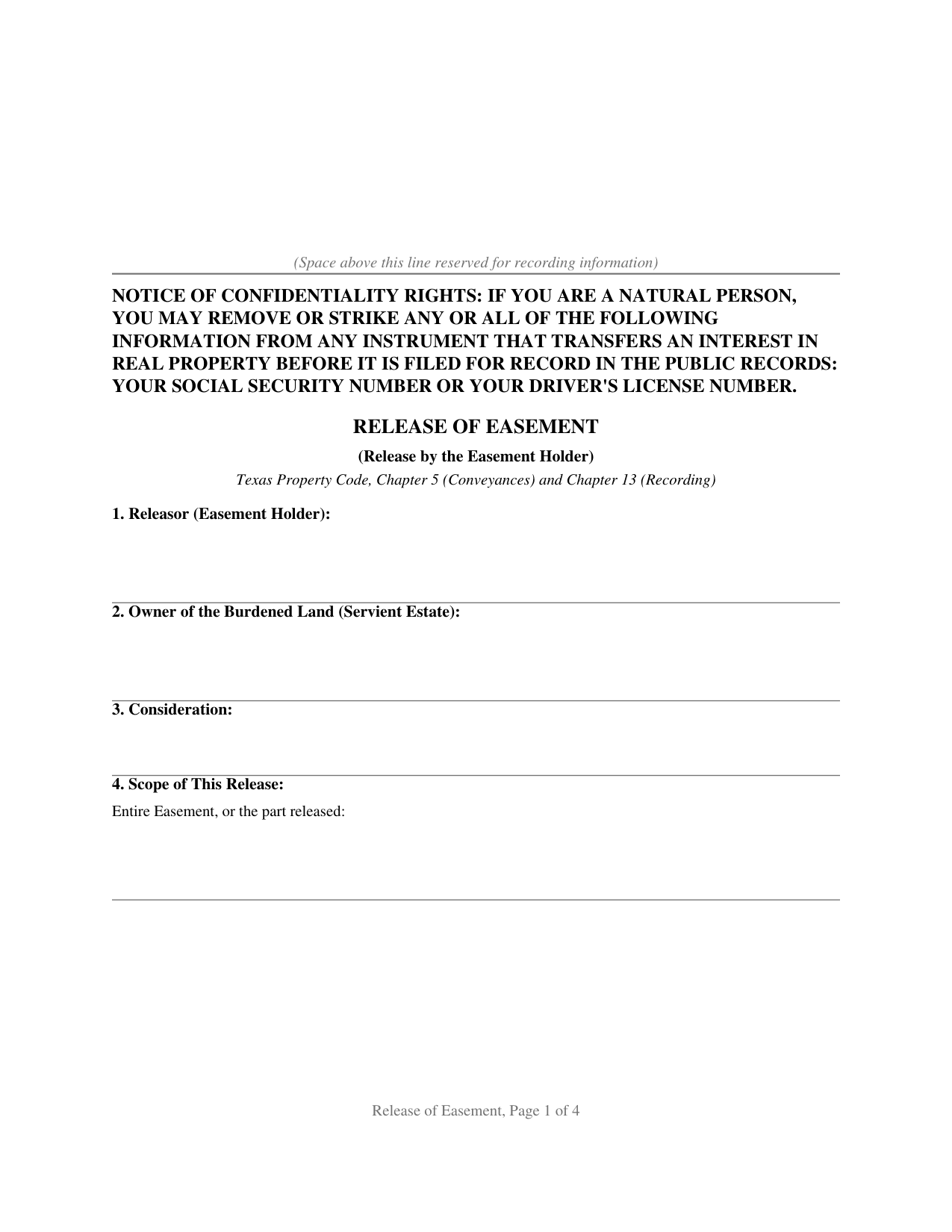
Carson County Release of Easement Form
Fill in the blank Release of Easement form formatted to comply with all Texas recording and content requirements.
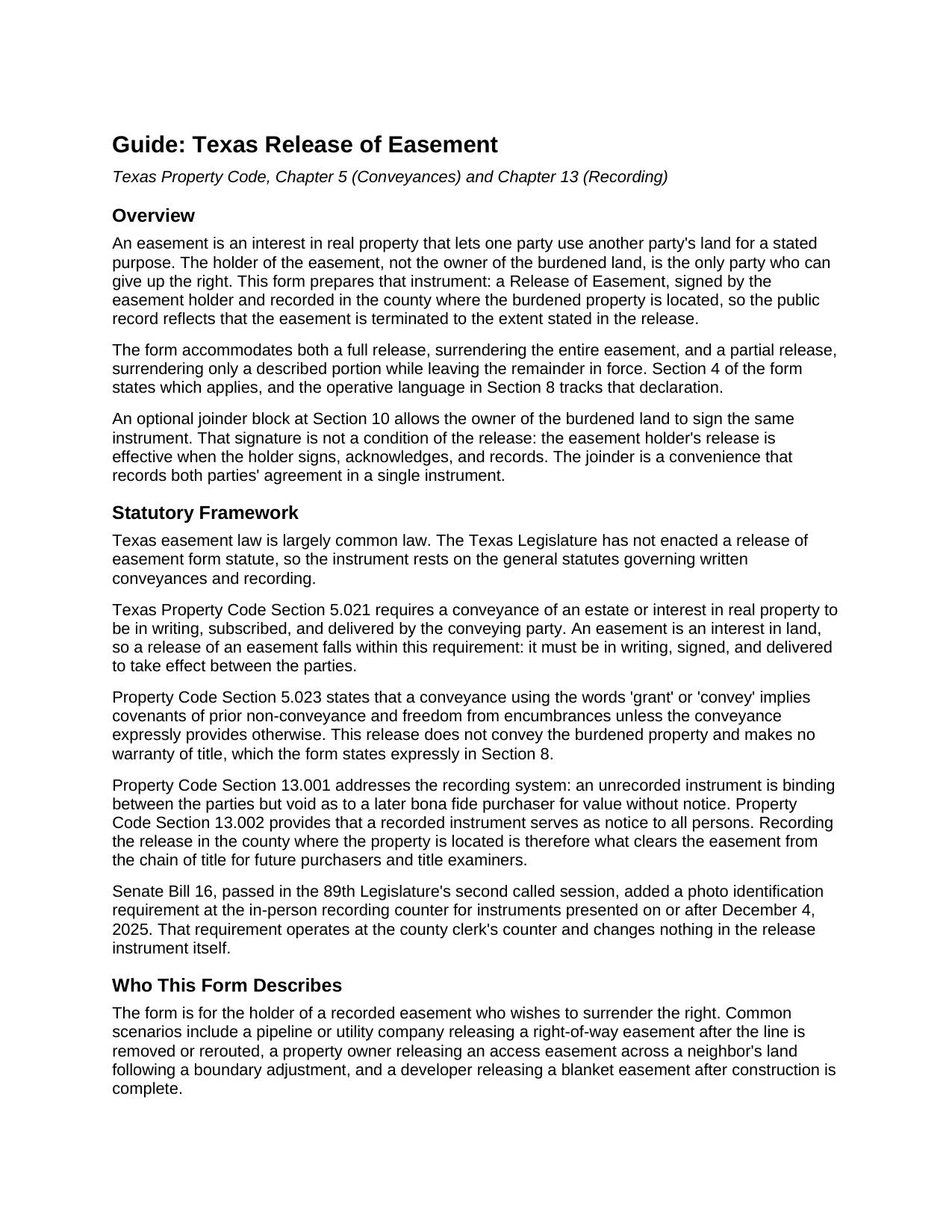
Carson County Release of Easement Guide
Line by line guide explaining every blank on the Release of Easement form.
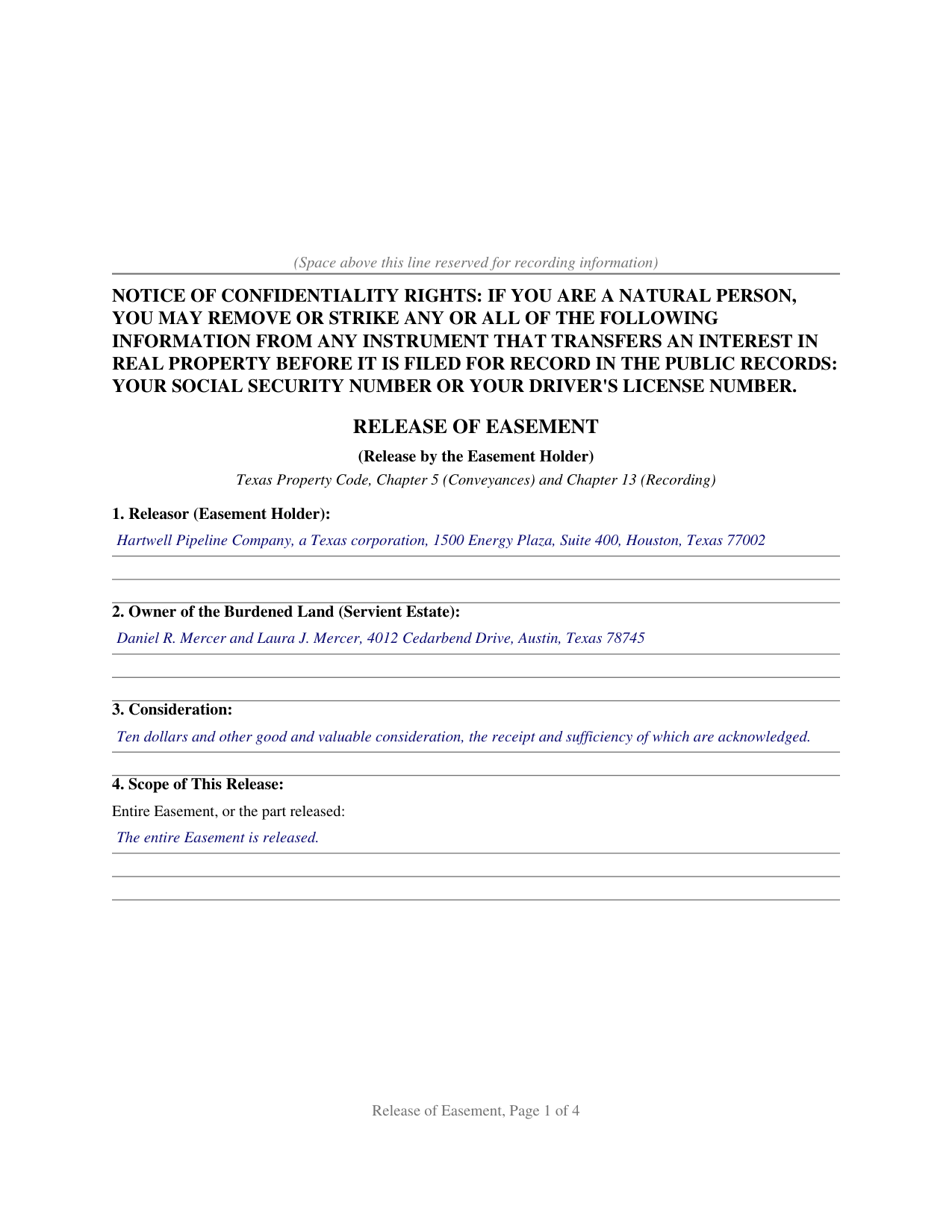
Carson County Completed Example of the Release of Easement Document
Example of a properly completed Texas Release of Easement document for reference.
All 3 documents above included • One-time purchase • No recurring fees
Immediate Download • Secure Checkout
Additional Texas and Carson County documents included at no extra charge:
Where to Record Your Documents
Carson County Clerk
Panhandle, Texas 79068
Hours: Monday - Friday 8:00am - 12:00 & 1:00 - 5:00 pm
Phone: (806) 537-3873
Recording Tips for Carson County:
- Bring your driver's license or state-issued photo ID
- Ensure all signatures are in blue or black ink
- White-out or correction fluid may cause rejection
- Ask about their eRecording option for future transactions
- Avoid the last business day of the month when possible
Cities and Jurisdictions in Carson County
Properties in any of these areas use Carson County forms:
- Groom
- Panhandle
- Skellytown
- White Deer
Hours, fees, requirements, and more for Carson County
How do I get my forms?
Forms are available for immediate download after payment. The Carson County forms will be in your account ready to download to your computer. An account is created for you during checkout if you don't have one. Forms are NOT emailed.
Are these forms guaranteed to be recordable in Carson County?
Yes. Our form blanks are guaranteed to meet or exceed the applicable formatting requirements used for recording in Carson County, including margin requirements, font requirements, and other layout standards. This guarantee applies to formatting, not to the legal sufficiency of information entered by the user or the suitability of a form for a particular transaction.
Can I reuse these forms?
Yes. You can reuse the forms for your personal use. For example, if you have multiple properties in Carson County you only need to order once.
What do I need to use these forms?
The forms are PDFs that you fill out on your computer. The free Adobe Acrobat Reader is recommended, and most PDF apps also work. You do NOT enter your property information online - you download the blank forms and complete them privately on your own computer.
Are there any recurring fees?
No. This is a one-time purchase. Nothing to cancel, no memberships, no recurring fees.
How much does it cost to record in Carson County?
Recording fees in Carson County vary. Contact the recorder's office at (806) 537-3873 for current fees.
Questions answered? Let's get started!
An easement is an interest in someone else's land, and the cleanest way to take one off a Texas title is for the party who holds it to give it up in writing. This form prepares that instrument: a Release of Easement, signed by the easement holder and recorded where the burdened land sits, so the public record matches the fact that the easement is gone.
Only the Holder Can Release It
A release works because of who signs it. The holder, the owner of the land an easement appurtenant benefits, or the company named in a utility or pipeline easement in gross, is the one party who can let the right go; the owner of the burdened land cannot erase an easement that runs in someone else's favor. On this form the holder is the releasor and the signer, and the operative language has the holder release, relinquish, and quitclaim the easement so that, to the extent stated, it is terminated, extinguished, and of no further force or effect.
No Statute, So the Drafting Carries the Weight
Texas easement law is largely common law. The Legislature never wrote a release of easement form, so the instrument rests on the general rules for written conveyances and recording. Because an easement is an interest in land, Property Code Section 5.021 requires the release to be in writing, subscribed, and delivered by the holder. With no statute supplying boilerplate, the words on the page do the work: the form ties the release to the recording reference of the instrument that created the easement, describes the burdened land, names the parties, and states how much of the easement is being released.
Full Release or Partial Release
Some releases give up the whole easement; others surrender only a strip or a stated portion while the rest stays in place. The form handles both. A scope section states whether the entire easement is released or describes the part released, and the operative section keeps every portion not described as released in full force.
Why Recording Is the Point
A signed and delivered release is effective between the parties right away, but recording does something just as important: under Property Code Section 13.002 a recorded instrument is notice to all persons, and under Section 13.001 an unrecorded release is void as to a later purchaser for value without notice. Until the release reaches the county records, a title examiner still sees a live easement, so recording in the county where the property is located is what clears it from the chain of title. Senate Bill 16 added a photo identification requirement at the recording counter for instruments filed in person on or after December 4, 2025, a step that happens at the counter and changes nothing in the release itself.
An optional joinder block lets the owner of the burdened land sign the same release, recording the agreement of both sides in one document, though that signature is a convenience rather than a condition. The package includes the fillable PDF, a completed example built on a realistic Texas pipeline easement release, and a plain language guide that walks through every section and explains how the release interacts with the homestead joinder rule and the recording statutes. The materials are informational and are not legal advice.
Important: Your property must be located in Carson County to use these forms. Documents should be recorded at the county recording office listed above.
This Release of Easement meets all recording requirements specific to Carson County.
Our Promise
The documents you receive here are guaranteed to meet or exceed the applicable Carson County recording format requirements. If there is a rejection caused by our formatting, we will correct the issue or refund your payment. This guarantee applies to document formatting only and does not extend to information entered by the user, the selection of the form, or the legal effect of the completed document.
Save Time and Money
Get your Carson County Release of Easement form done right the first time with Deeds.com Uniform Conveyancing Blanks. At Deeds.com, we understand that your time and money are valuable resources, and we don't want you to face a penalty fee or rejection imposed by a county recorder for submitting nonstandard documents. We constantly review and update our forms to meet rapidly changing state and county recording requirements for roughly 3,500 counties and local jurisdictions.
4.8 out of 5 - ( 4,853 Reviews )
Michelle A. 5 out of 5 stars
deeds.com is user-friendly and very easy to navigate. Guides, samples, and free supplement forms are available for every State and are frequently updated. The cost is economical. I recommend these products
We appreciate your business and value your feedback. Thank you. Have a wonderful day!
Vanessa W. 5 out of 5 stars
This site is very useful and reasonable. Comes in handy when you need a deed in other states.
We appreciate your business and value your feedback. Thank you. Have a wonderful day!
Charmaine D. 5 out of 5 stars
Very easy to use.
Thank you!
Loretta W. 5 out of 5 stars
Thank you for your excellent service
We appreciate your business and value your feedback. Thank you. Have a wonderful day!
Thomas D. 2 out of 5 stars
The documents themselves are fine and the information provided with them is helpful. I find the actual processing of the documents, however, to be difficult particularly once the document has been saved. First, I note that the box for the date only allows entry of the last 2 digits of the year. Unfortunately, my download only allows me to enter one of the 2 digits required. When I delete it repeatedly, it eventually allows both digits to be entered but puts them in extremely small text and in superscrypt. I have not found a solution to this problem and am not sure the deed can even be recorded with this problem. Another problem is that if you try to revise the document after you have saved it the curser goes to the end of the line after each key entry. This means that there basically is no way to efficiently save the document for reworking later since you will have to delete everything you have entered in the text box unless you only need to make a single keystroke change or are willing to replace the curser after each entry. Try that with a long property description! Please note that I am using a Mac to prepare my documents and perhaps this is part of an "incompatibility problem". However, I didn't see a disclaimer regarding Mac use and so would expect the documents to perform correctly. Overall, I give the program a "2 star" rating because I am experiencing significant difficulties in entering dates in the documents even before saving them and because saving your work for later revision appears to be basically unworkable.
Thank you for your feedback Thomas, we appreciate you being specific about the issues you encountered. Adobe and Mac have a fairly long history of issues working together.
Beaugwynn Wigley S. 5 out of 5 stars
Thanks so much for all your help! That was painless.
Thank you!
Rhonda L. 5 out of 5 stars
This was one of the most simple but efficient process. Walked me thru every step. Total process was less than 2 weeks.
Thank you!
Patricia D. 5 out of 5 stars
It worked great- I had a little trouble at first with the site, figuring out where to do what, but the form was much better than the one we purchased at Staples, loved being able to fill out with the computer. We did need the other form as per the screen prior to ordering but couldn't figure out which one. The ladies at the recorders were great too.
We appreciate your business and value your feedback. Thank you. Have a wonderful day!
Carmen C. 5 out of 5 stars
Hassle free, easy access to form and instructions include on how to complete.
We appreciate your business and value your feedback. Thank you. Have a wonderful day!
Kelly M. 5 out of 5 stars
Received exactly what you said I would get. Good Quick Service
Thank you, Kelly. We’re glad everything was as expected and that the service was quick.
ian a. 3 out of 5 stars
Your website advertising was somewhat deceptive regarding doing a quitclaim on a name change. "If you are transferring the property to yourself under your new name, all you have to do is update the deed from your former name to your current one." This made this sound easy. But when I downloaded the material for my state, expecting to find an example, there was no example of how to do a name change quitclaim deed! I therefore had to figure this out myself. You might have provided a warning about certain uses that were not covered in the material so that people know ahead of time that the use they needed to know about wasn't covered in the material.
Thank you for your feedback. We really appreciate it. Have a great day!
Will C. 5 out of 5 stars
I was very happy with my interaction. The county didn't supply the book and page which was what I needed. The tech refunded my money since I didn't get the info I needed. I will use Deeds.com again.
Thank you for your feedback. We really appreciate it. Have a great day!
John B. 5 out of 5 stars
I bought a Quitclaim Deed package for Fayette County, Kentucky, to transfer my house into a Living Trust that I had set up previously. Creating my Quitclaim Deed was pretty straightforward, using the form, the instructions, and the sample Quitclaim Deed. I signed my Quitclaim Deed at a nearby Notary Public, then took it to the Fayette County Clerk's office to be recorded. The clerk there asked me to make two small changes to the Quitclaim Deed, which she let me do in pen on the spot: * In the signature block for the receiver of the property, filled in "Capacity" as "Grantee as Trustee ______________________________ Living Trust". * In the notary's section, changed "were acknowledged before me" to "were acknowledged and sworn to before me".
Thank you for your feedback. We really appreciate it. Have a great day!
Lynd P. 5 out of 5 stars
Good
Thanks Lynd.
Dennis F. 4 out of 5 stars
The release of mortgage form was OK, and accepted at the recorder's office, but there were some problems. Many of the fields to type in were too small to accept the data, and I could not find a way to change the field size or use a smaller font. Otherwise I was satisfied.
Your feedback is a crucial part of our dedication to ongoing improvement. Thank you for your insightful comments.