Denton County Release of Lien (Deed of Trust) Form
Last validated October 9, 2026 by our Forms Development TeamFormatted for recording in Denton County, for property anywhere in the county: rural and unincorporated areas as well as Argyle, Aubrey, Carrollton, Denton, Flower Mound, Frisco, Justin, Krum and 8 more.
- 3 documents included
- Immediate PDF download
- Formatting guarantee
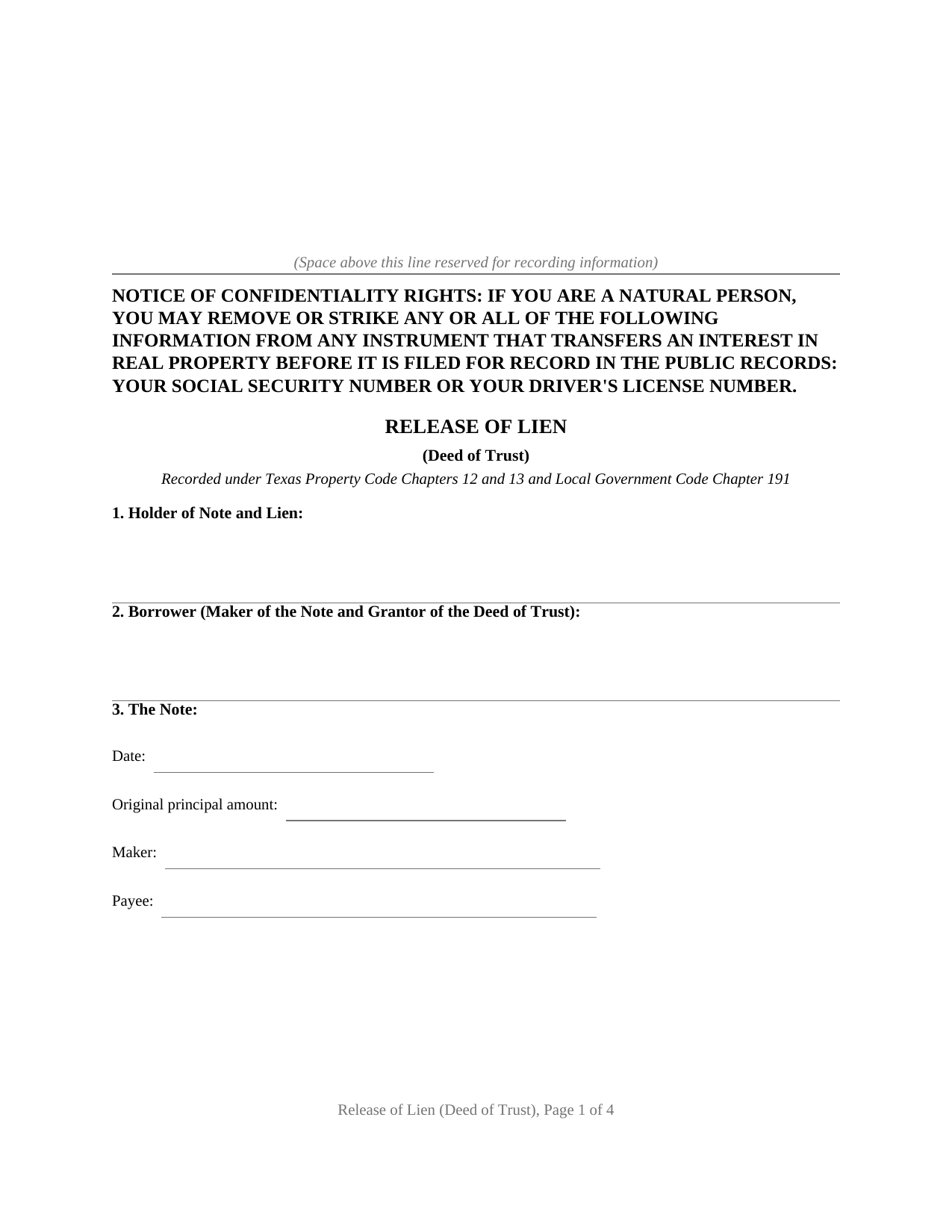
Denton County Release of Lien (Deed of Trust) Form
Fill in the blank Release of Lien (Deed of Trust) form formatted to comply with all Texas recording and content requirements.
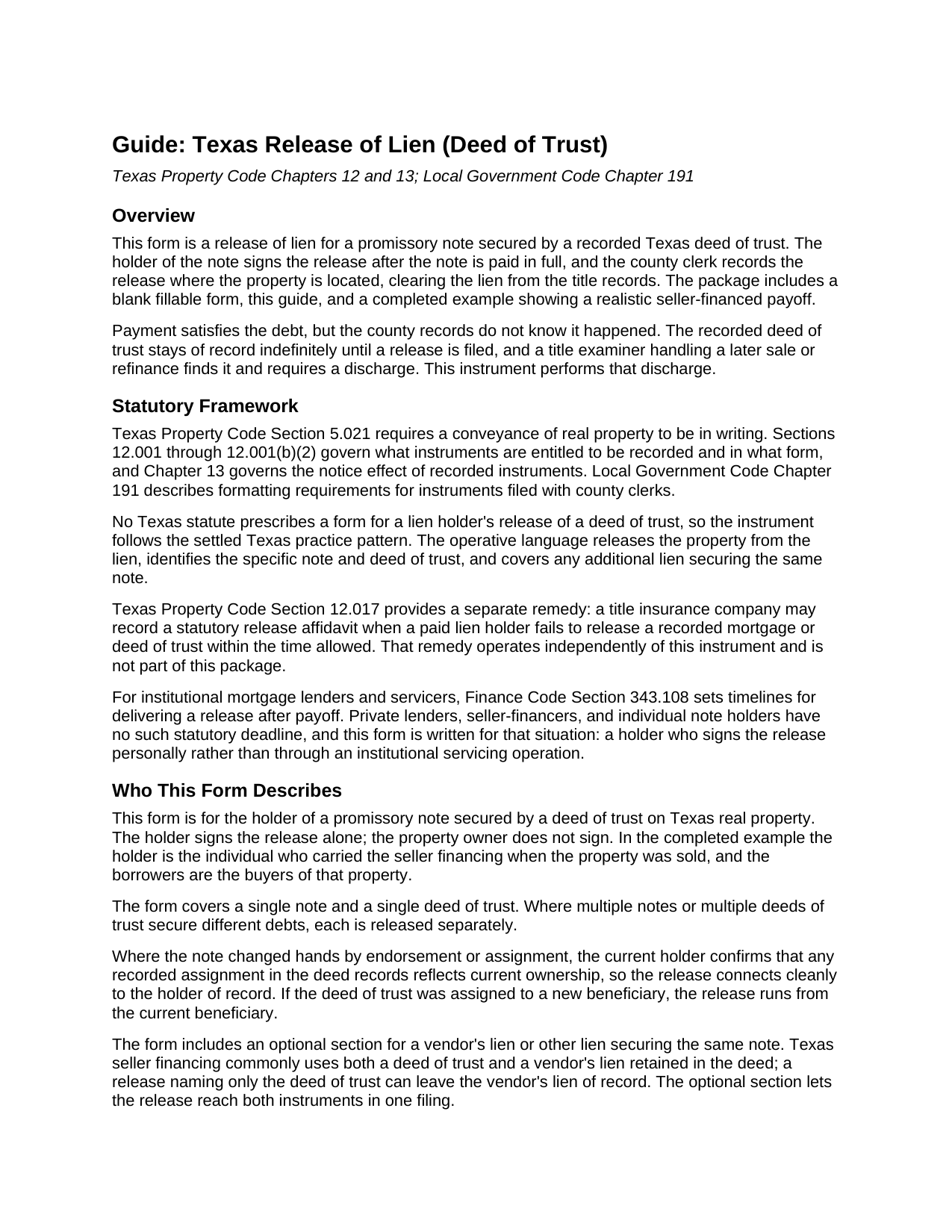
Denton County Release of Lien (Deed of Trust) Guide
Line by line guide explaining every blank on the Release of Lien (Deed of Trust) form.
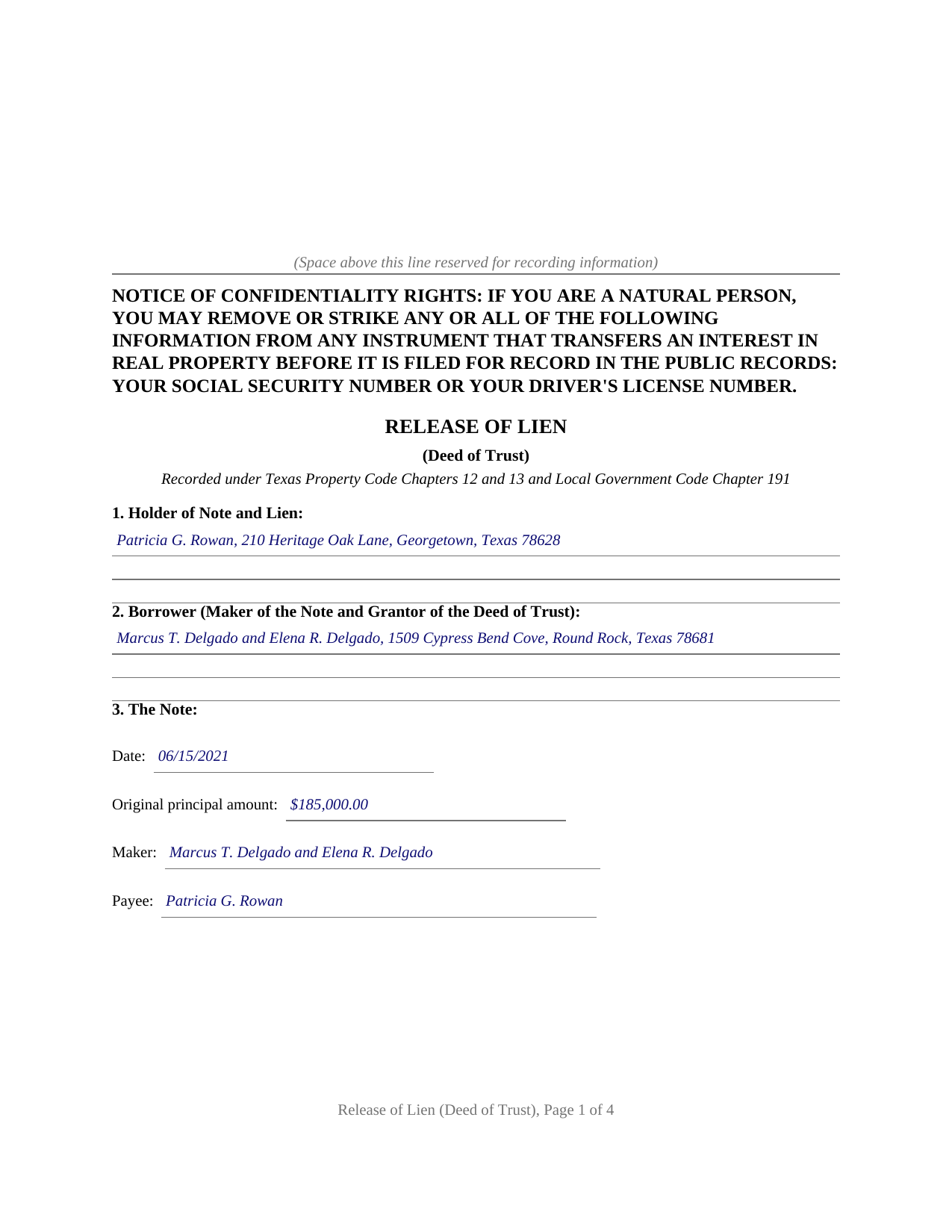
Denton County Completed Example of the Release of Lien (Deed of Trust) Document
Example of a properly completed Texas Release of Lien (Deed of Trust) document for reference.
All 3 documents above included • One-time purchase • No recurring fees
Immediate Download • Secure Checkout
Additional Texas and Denton County documents included at no extra charge:
Where to Record Your Documents
County Clerk Main Office
Denton, Texas 76209-4524
Hours: Mon to Fri 8:00 - 5:00; Wed until 4:30
Phone: (940) 349-2010 & (972) 434-8820
Recording Tips for Denton County:
- Bring your driver's license or state-issued photo ID
- Ensure all signatures are in blue or black ink
- Check margin requirements - usually 1-2 inches at top
- Leave recording info boxes blank - the office fills these
- Make copies of your documents before recording - keep originals safe
Cities and Jurisdictions in Denton County
Properties in any of these areas use Denton County forms:
- Argyle
- Aubrey
- Carrollton
- Denton
- Flower Mound
- Frisco
- Justin
- Krum
- Lake Dallas
- Lewisville
- Little Elm
- Pilot Point
- Ponder
- Roanoke
- Sanger
- The Colony
Hours, fees, requirements, and more for Denton County
How do I get my forms?
Forms are available for immediate download after payment. The Denton County forms will be in your account ready to download to your computer. An account is created for you during checkout if you don't have one. Forms are NOT emailed.
Are these forms guaranteed to be recordable in Denton County?
Yes. Our form blanks are guaranteed to meet or exceed the applicable formatting requirements used for recording in Denton County, including margin requirements, font requirements, and other layout standards. This guarantee applies to formatting, not to the legal sufficiency of information entered by the user or the suitability of a form for a particular transaction.
Can I reuse these forms?
Yes. You can reuse the forms for your personal use. For example, if you have multiple properties in Denton County you only need to order once.
What do I need to use these forms?
The forms are PDFs that you fill out on your computer. The free Adobe Acrobat Reader is recommended, and most PDF apps also work. You do NOT enter your property information online - you download the blank forms and complete them privately on your own computer.
Are there any recurring fees?
No. This is a one-time purchase. Nothing to cancel, no memberships, no recurring fees.
How much does it cost to record in Denton County?
Recording fees in Denton County vary. Contact the recorder's office at (940) 349-2010 & (972) 434-8820 for current fees.
Questions answered? Let's get started!
In Texas, paying off a note secured by real estate finishes the debt but not the paperwork. The deed of trust recorded when the loan was made stays in the county records until the lien holder signs and records a release, and until then every title search on the property shows an apparently live lien. This form prepares that release: the instrument the holder of a paid note records to clear a Texas deed of trust lien, with a plain language guide and a completed example included.
A lien does not clear itself
No Texas statute releases a paid deed of trust automatically, and no statute prescribes a form for the holder's release, so the instrument follows the settled Texas practice pattern. It identifies the holder of the note and lien, the borrower, the note by date, amount, maker, and payee, the deed of trust by trustee, document number, recording date, and county, and the property by its formal legal description. It then performs the act the records are waiting for: the holder acknowledges that the note has been paid in full and releases and forever discharges the property from the deed of trust lien and from every other lien or security interest the holder holds for the same note. Recorded with the county clerk of the county where the property is located, that language closes the loop the deed of trust opened.
Written for the private and seller financed note
Institutional mortgage servicing has its own machinery and its own clock: Finance Code Section 343.108, added in 2023, gives a home loan mortgagee or servicer 60 days after receiving the correct payoff amount to deliver or file a release, and 30 days where the borrower delivers a written request soon after payoff. Private lending has no such machinery. A seller who carried the financing on a sale, a family member who funded a purchase, or a small entity holding a note secured by Texas real estate signs the release personally, and this form recites that direct release, signed and acknowledged before a notary. The guide also describes the backstop for the opposite problem, a lien holder who never acts: Property Code Section 12.017 lets a title insurance company record a statutory affidavit that operates as a release when a paid mortgage sits unreleased.
The vendor's lien rides along
Texas seller financing typically secures one note twice. The deed from seller to buyer retains a vendor's lien, and the buyer signs a deed of trust on top of it. A release naming only the deed of trust can leave the vendor's lien sitting of record. The form carries an optional section identifying the deed that retained the vendor's lien, and the operative release language expressly reaches it, along with any other lien securing the same note, so one recorded instrument discharges the whole arrangement.
The package includes the blank release as a fillable PDF, a guide that walks through each numbered section with an example entry for every blank, and a completed example showing a realistic seller financed payoff. The confidentiality notice of Property Code Section 11.008 appears at the top of the first page, and the layout follows the recording standards of Local Government Code Section 191.007. The materials are informational and are not legal advice.
Important: Your property must be located in Denton County to use these forms. Documents should be recorded at the county recording office listed above.
This Release of Lien (Deed of Trust) meets all recording requirements specific to Denton County.
Our Promise
The documents you receive here are guaranteed to meet or exceed the applicable Denton County recording format requirements. If there is a rejection caused by our formatting, we will correct the issue or refund your payment. This guarantee applies to document formatting only and does not extend to information entered by the user, the selection of the form, or the legal effect of the completed document.
Save Time and Money
Get your Denton County Release of Lien (Deed of Trust) form done right the first time with Deeds.com Uniform Conveyancing Blanks. At Deeds.com, we understand that your time and money are valuable resources, and we don't want you to face a penalty fee or rejection imposed by a county recorder for submitting nonstandard documents. We constantly review and update our forms to meet rapidly changing state and county recording requirements for roughly 3,500 counties and local jurisdictions.
4.8 out of 5 - ( 4,842 Reviews )
Winifred T. 5 out of 5 stars
ive been looking for this information thank you .
We appreciate your business and value your feedback. Thank you. Have a wonderful day!
Robert K. 5 out of 5 stars
Easy site to use. Well worth the time spent to complete the form.
Thank you!
Kim H. 5 out of 5 stars
Great site. quick turnaround and communication. I needed an exception that they told me I needed and where to get the info within hours. I returned warranty deed with exception and the deed was recorded the same day! Great turnaround!
Thank you for your feedback. We really appreciate it. Have a great day!
Gerald N. 5 out of 5 stars
Very nice website!
Thank you!
Amanda W. 5 out of 5 stars
Very helpful.
Thank you!
Rose M. 5 out of 5 stars
Easy to understand and complete. Lower cost than many others who offer same. Thanks so much!
We appreciate your business and value your feedback. Thank you. Have a wonderful day!
Cameron Z. 5 out of 5 stars
Outstanding!! The guidelines and example pages were clear and easy to comprehend. Saved me 410 dollars over having to hire a lawyer.
Great to hear — thank you for taking the time to write a review.
Angel T. 5 out of 5 stars
First the convenience to get forms without going or calling Recorder's office is outstanding. Suggest that Recorder's staff be able to guide or assist users in filling up the forms.
We appreciate your business and value your feedback. Thank you. Have a wonderful day!
Marilyn C. 5 out of 5 stars
A great service, making it fast and easy to prepare warranty deeds for property transfer sales. I recommend this to everyone who needs this help.
Thank you!
Steven C. 5 out of 5 stars
Easy but a little overpriced
We appreciate your business and value your feedback. Thank you. Have a wonderful day!
Michael W. 5 out of 5 stars
This was really easy and very helpful. Thanks,
Thank you!
Sallie S. 5 out of 5 stars
Great speedy service with access to areas beyond my reach.
Thank you Sallie, have a great day!
Donna R. 5 out of 5 stars
Hi! Is there a setting that I can click on that will make sure I'm notified via email when an update is made to my requests? Thank you!
Thanks for your feedback, we'll have someone look into it.
Tina C. 5 out of 5 stars
Quick and easy ordering and download. Appreciated that I could get the form that is used in my county. Would have like to be able to add paragraphs to form.
We appreciate your business and value your feedback. Thank you. Have a wonderful day!
Stanley C. 5 out of 5 stars
Amazingly simple, easy to download and use. Excellent service, Thank You
Thank you!