Navarro County Release of Lien (Owelty of Partition) Form
Last validated October 5, 2026 by our Forms Development TeamFormatted for recording in Navarro County, for property anywhere in the county: rural and unincorporated areas as well as Barry, Blooming Grove, Chatfield, Corsicana, Dawson, Frost, Kerens, Powell and 3 more.
- 3 documents included
- Immediate PDF download
- Formatting guarantee
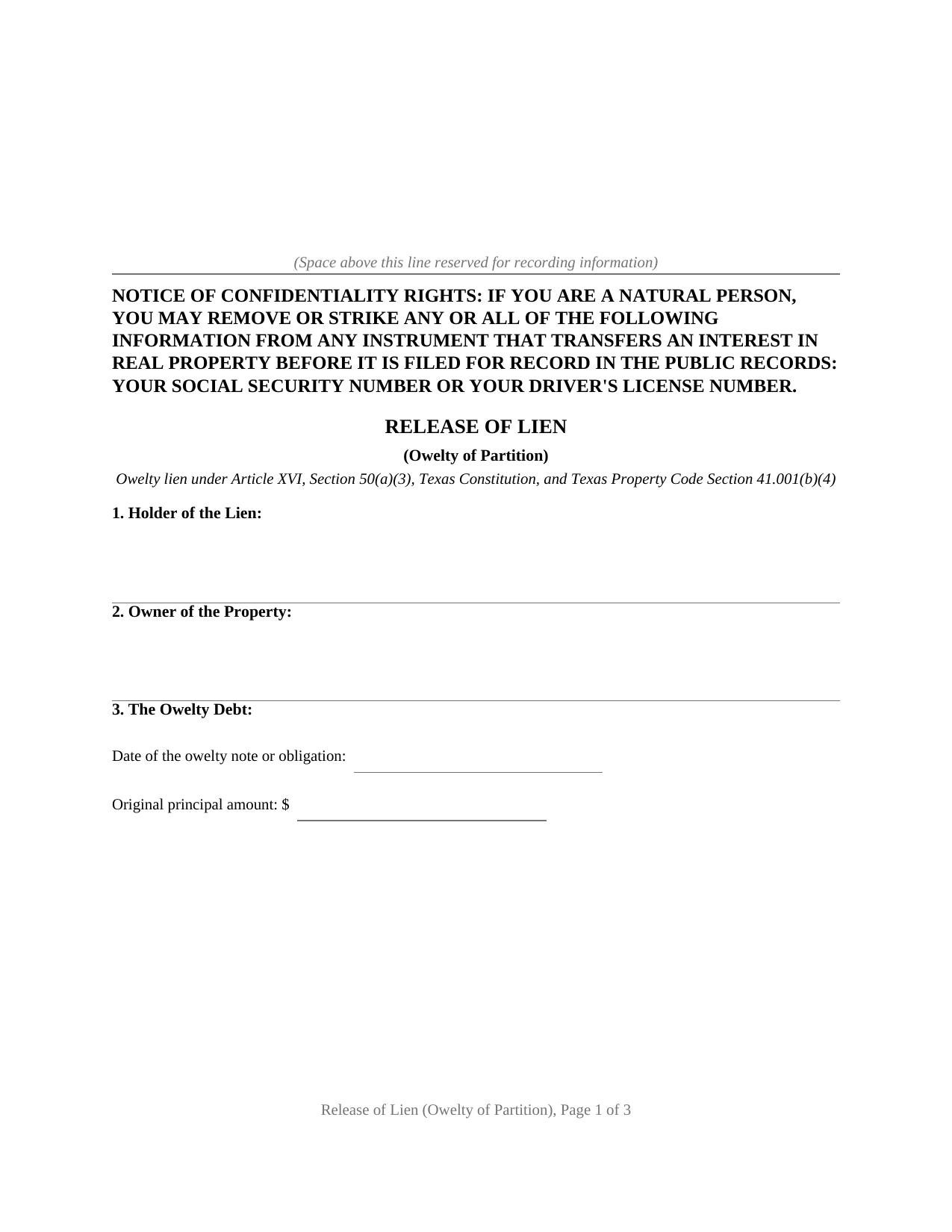
Navarro County Release of Lien (Owelty of Partition) Form
Fill in the blank Release of Lien (Owelty of Partition) form formatted to comply with all Texas recording and content requirements.
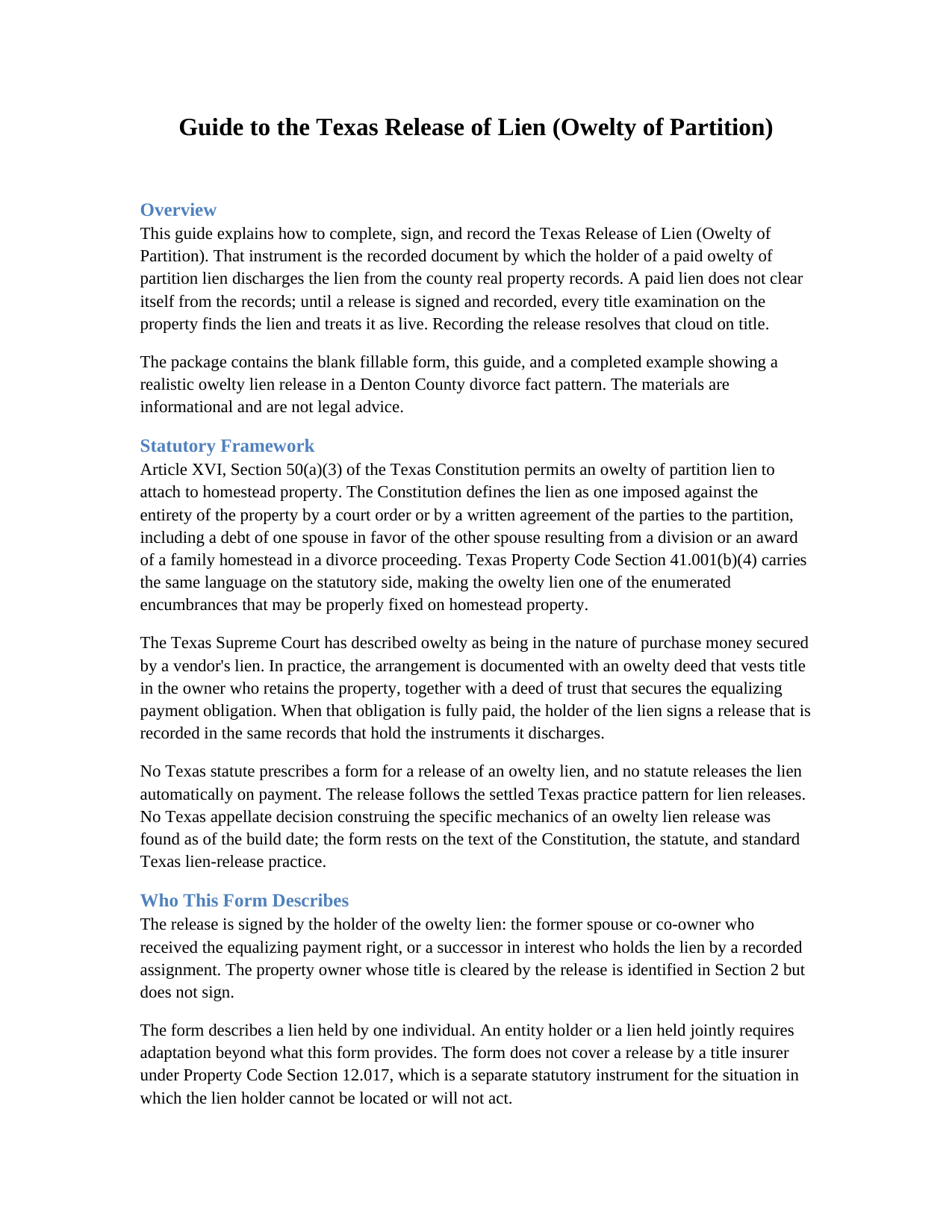
Navarro County Release of Lien (Owelty of Partition) Guide
Line by line guide explaining every blank on the Release of Lien (Owelty of Partition) form.
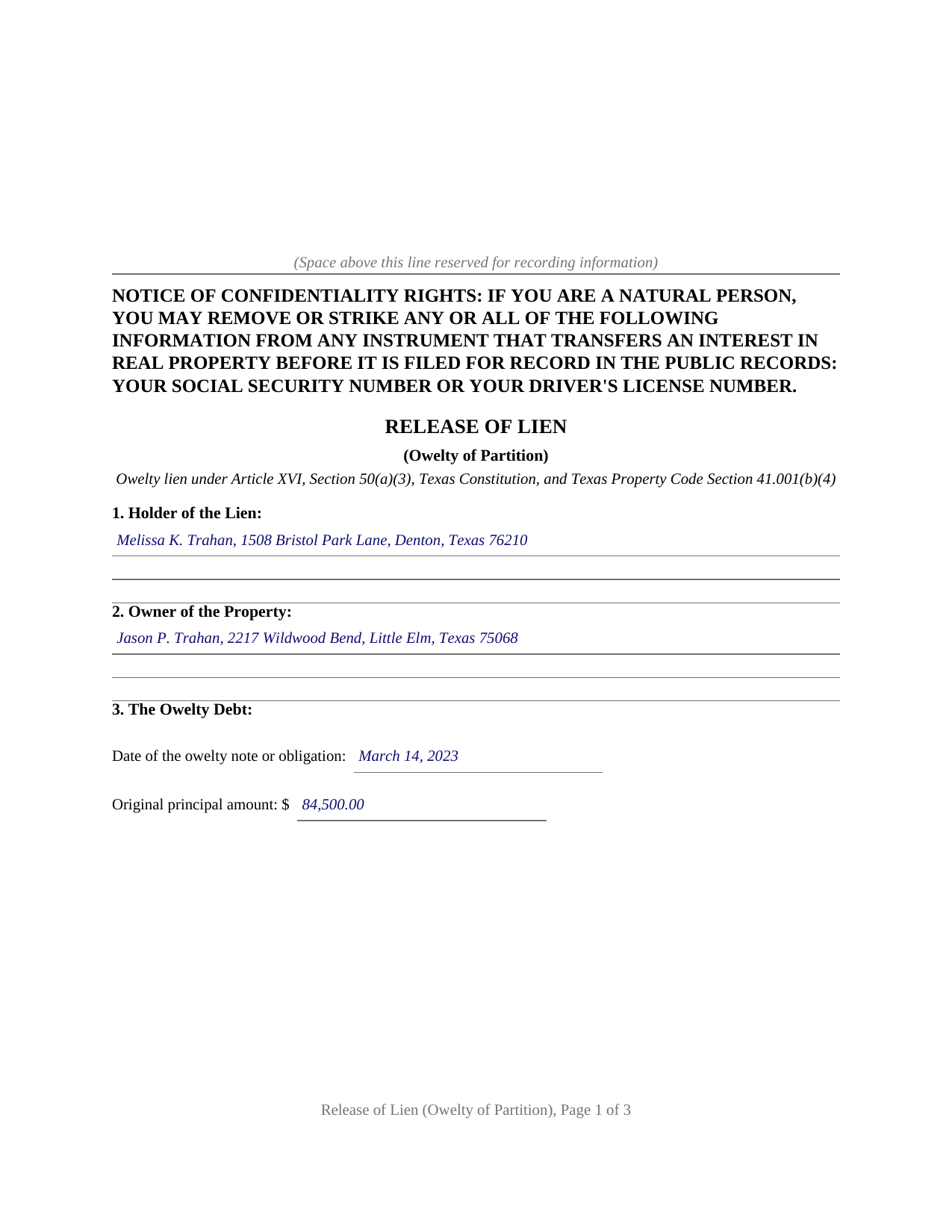
Navarro County Completed Example of the Release of Lien (Owelty of Partition) Document
Example of a properly completed Texas Release of Lien (Owelty of Partition) document for reference.
All 3 documents above included • One-time purchase • No recurring fees
Immediate Download • Secure Checkout
Additional Texas and Navarro County documents included at no extra charge:
Where to Record Your Documents
Navarro County Clerk
Corsicana, Texas 75110-0423
Hours: Monday - Friday 8:00am - 5:00pm
Phone: (903) 654-3035 or 875-3379
Recording Tips for Navarro County:
- Bring your driver's license or state-issued photo ID
- Ensure all signatures are in blue or black ink
- Double-check legal descriptions match your existing deed
- Verify all names are spelled correctly before recording
- White-out or correction fluid may cause rejection
Cities and Jurisdictions in Navarro County
Properties in any of these areas use Navarro County forms:
- Barry
- Blooming Grove
- Chatfield
- Corsicana
- Dawson
- Frost
- Kerens
- Powell
- Purdon
- Rice
- Richland
Hours, fees, requirements, and more for Navarro County
How do I get my forms?
Forms are available for immediate download after payment. The Navarro County forms will be in your account ready to download to your computer. An account is created for you during checkout if you don't have one. Forms are NOT emailed.
Are these forms guaranteed to be recordable in Navarro County?
Yes. Our form blanks are guaranteed to meet or exceed the applicable formatting requirements used for recording in Navarro County, including margin requirements, font requirements, and other layout standards. This guarantee applies to formatting, not to the legal sufficiency of information entered by the user or the suitability of a form for a particular transaction.
Can I reuse these forms?
Yes. You can reuse the forms for your personal use. For example, if you have multiple properties in Navarro County you only need to order once.
What do I need to use these forms?
The forms are PDFs that you fill out on your computer. The free Adobe Acrobat Reader is recommended, and most PDF apps also work. You do NOT enter your property information online - you download the blank forms and complete them privately on your own computer.
Are there any recurring fees?
No. This is a one-time purchase. Nothing to cancel, no memberships, no recurring fees.
How much does it cost to record in Navarro County?
Recording fees in Navarro County vary. Contact the recorder's office at (903) 654-3035 or 875-3379 for current fees.
Questions answered? Let's get started!
Texas homestead law turns away almost every lien a creditor can devise, and the short constitutional list of exceptions makes the ones it admits distinctive. The owelty of partition lien is on that list: the lien that secures an equalizing payment when co-owned property is divided unevenly, most often when a divorce decree awards the home to one spouse and a buyout sum to the other. This form prepares the instrument that ends that arrangement, a release of lien signed by the holder after the owelty debt is paid and recorded with the county clerk.
The lien Texas homestead law lets through
Article XVI, Section 50(a)(3) of the Texas Constitution permits an owelty of partition imposed against the entirety of the property by a court order or by a written agreement of the parties to the partition, including a debt of one spouse in favor of the other resulting from a division or an award of a family homestead in a divorce proceeding. Property Code Section 41.001(b)(4) carries the same language on the statutory side. The Texas Supreme Court has long treated owelty as being in the nature of purchase money secured by a vendor's lien, which is why the arrangement is documented like a financing: an owelty deed, an owelty deed of trust against the whole property, and, when the debt is paid, a release.
Paid off is not the same as released
Payment satisfies the debt, but the county records do not know it happened. The recorded owelty deed of trust stays of record indefinitely, and a title examiner handling a later sale or refinance finds it and looks for a discharge. Until a release is recorded, the records show a live lien against the property. The release closes that gap: it identifies the owelty note, the deed of trust by its recording information, and the decree or partition agreement that created the equalization, then states that the debt is paid in full and that the holder releases, satisfies, and discharges every lien securing it, including any vendor's lien and any constitutional owelty lien.
Who signs, and who does not
The release runs from the holder of the lien alone: the former spouse or co-owner named in the owelty instruments, or a lender that took the lien by a recorded transfer at refinance. The property owner is identified in the instrument but does not sign it, and no joinder of the holder's spouse applies, since releasing a lien on another person's property is not a conveyance of the holder's homestead. The holder signs once, before a notary, and the form carries a complete acknowledgment certificate ready for recording.
Recording with the county clerk
The release is recorded in the county where the property is located, the same records that hold the lien it discharges, and the confidentiality notice required by Property Code Section 11.008 appears at the top of the first page. The package includes the blank release as a fillable PDF, a plain language guide that walks through each numbered section and the recording step, and a completed example showing the entire instrument filled in for a realistic Denton County divorce fact pattern. The materials are informational and are not legal advice; a Texas attorney can apply the law to a particular decree or title.
Important: Your property must be located in Navarro County to use these forms. Documents should be recorded at the county recording office listed above.
This Release of Lien (Owelty of Partition) meets all recording requirements specific to Navarro County.
Our Promise
The documents you receive here are guaranteed to meet or exceed the applicable Navarro County recording format requirements. If there is a rejection caused by our formatting, we will correct the issue or refund your payment. This guarantee applies to document formatting only and does not extend to information entered by the user, the selection of the form, or the legal effect of the completed document.
Save Time and Money
Get your Navarro County Release of Lien (Owelty of Partition) form done right the first time with Deeds.com Uniform Conveyancing Blanks. At Deeds.com, we understand that your time and money are valuable resources, and we don't want you to face a penalty fee or rejection imposed by a county recorder for submitting nonstandard documents. We constantly review and update our forms to meet rapidly changing state and county recording requirements for roughly 3,500 counties and local jurisdictions.
4.8 out of 5 - ( 4,857 Reviews )
Norbert C. 5 out of 5 stars
Great resource and everything went smoothly except email was performed through autofill prompted by the system but the autofill added a letter that gave wrong email. I can still sign in with wrong email since the system recognizes it as mine even though it is wrong. May be my fault and not the system since I did not catch the discrepancy in time. I would suggest a field that allows a correction to any misinformation prior to signing out from the initial sign on. Still think it is a great resource if all documents are processed and accepted by the pwers to be. Thanks.
Thank you!
Mark G. 5 out of 5 stars
I would recommend this product for little effort needed to complete any action you might require.
We appreciate your business and value your feedback. Thank you. Have a wonderful day!
John K. 5 out of 5 stars
The website was very easy to work. The documents were just what I needed and everything that my state and county required.
We appreciate your business and value your feedback. Thank you. Have a wonderful day!
Rhobe M. 5 out of 5 stars
Very user friendly site. I was able to get the information I needed fast.
Thank you!
Stephen G. 5 out of 5 stars
Well, we are 10 days from leaving the country for months and needed to notarize and record deed changes to our rental properties. We worried about USPS, UPS, DHL, etc. and hardcopies in the County's bureaucrats' hands. Soooo, we learned of Deeds.com from the County web site via one of the bulk digital recorders telling me about Deeds.com. Hit their site, read their instructions, concluded my tiny brain and decrepit abilities could handle the chore. WITHIN AN HOUR OF UPLOADING EVERYTHING INCLUDING C.C. FOR PMT IT WAS RECORDED AND I printed out copies. WORTH the $$ in speed, convenience and PEACE of mind. Pardon the loud trumpeting.
We appreciate your business and value your feedback. Thank you. Have a wonderful day!
Andrew F. 5 out of 5 stars
Must admit, I have not really had the chance to search site. Seems to be able to provide good info.
Thank you!
Scott O. 5 out of 5 stars
Very efficient and surprisingly quick.
Thank you for your feedback. We really appreciate it. Have a great day!
TERRY E. 5 out of 5 stars
Quick and eazy. Thankyou
Thank you for your kind words and for choosing us.
Petti V. 5 out of 5 stars
Your site was so easy to use. And I got the form and instructions I needed.
We appreciate your business and value your feedback. Thank you. Have a wonderful day!
John L. 5 out of 5 stars
excellent...exactly what i need....
Thank you!
Adam P. 5 out of 5 stars
So far so good I am happy with the service and the timeliness of the recordings. One of the only recording services that allows for the use of credit card.
Thank you for your feedback. We really appreciate it. Have a great day!
Daniel R. 5 out of 5 stars
It all looked pretty easy to navigate. Forms are just now downloaded so I'll see how opening, filling-out goes. I'm encouraged. Thanks
Thank you for your feedback. We really appreciate it. Have a great day!
Maria M. 5 out of 5 stars
The requested documents I needed were provided and also complete instructions on how to fill them out. I definitely will you this service again.
We appreciate your business and value your feedback. Thank you. Have a wonderful day!
Johanna R. 5 out of 5 stars
As soon as payment was received the forms were downloaded, printed and were useable. The guide was helpful and I was able to get my forms filled out and filed with no problem here in Linn County Oregon. I would recommend the site to anyone.
Thank you for your feedback. We really appreciate it. Have a great day!
Brian S. 3 out of 5 stars
PDF fields change font sizes leading to an unprofessional-appearing printed page. The examples for "Convey to" section don't include how to specify just one person instead of a married couple. Maybe that is simple but it would help to spell it out in an example. Haven't submitted to County Recorder yet, so will find out if it is acceptable.
Thank you for the feedback Brian.
The font issue is caused by using a PDF viewer other than Adobe Acrobat Reader. Our form fields are set to a uniform 12-point font, but non-Adobe viewers often render form fields inconsistently. Opening and printing the form with the free Adobe Acrobat Reader will resolve that.
Regarding the examples, that's a fair point, we'll look at expanding them.