Austin County Special Warranty Deed (Corporation Grantor) Form
Last validated October 23, 2026 by our Forms Development TeamFormatted for recording in Austin County, for property anywhere in the county: rural and unincorporated areas as well as Bellville, Bleiblerville, Cat Spring, Industry, Kenney, New Ulm, San Felipe, Sealy and 1 more.
- 3 documents included
- Immediate PDF download
- Formatting guarantee
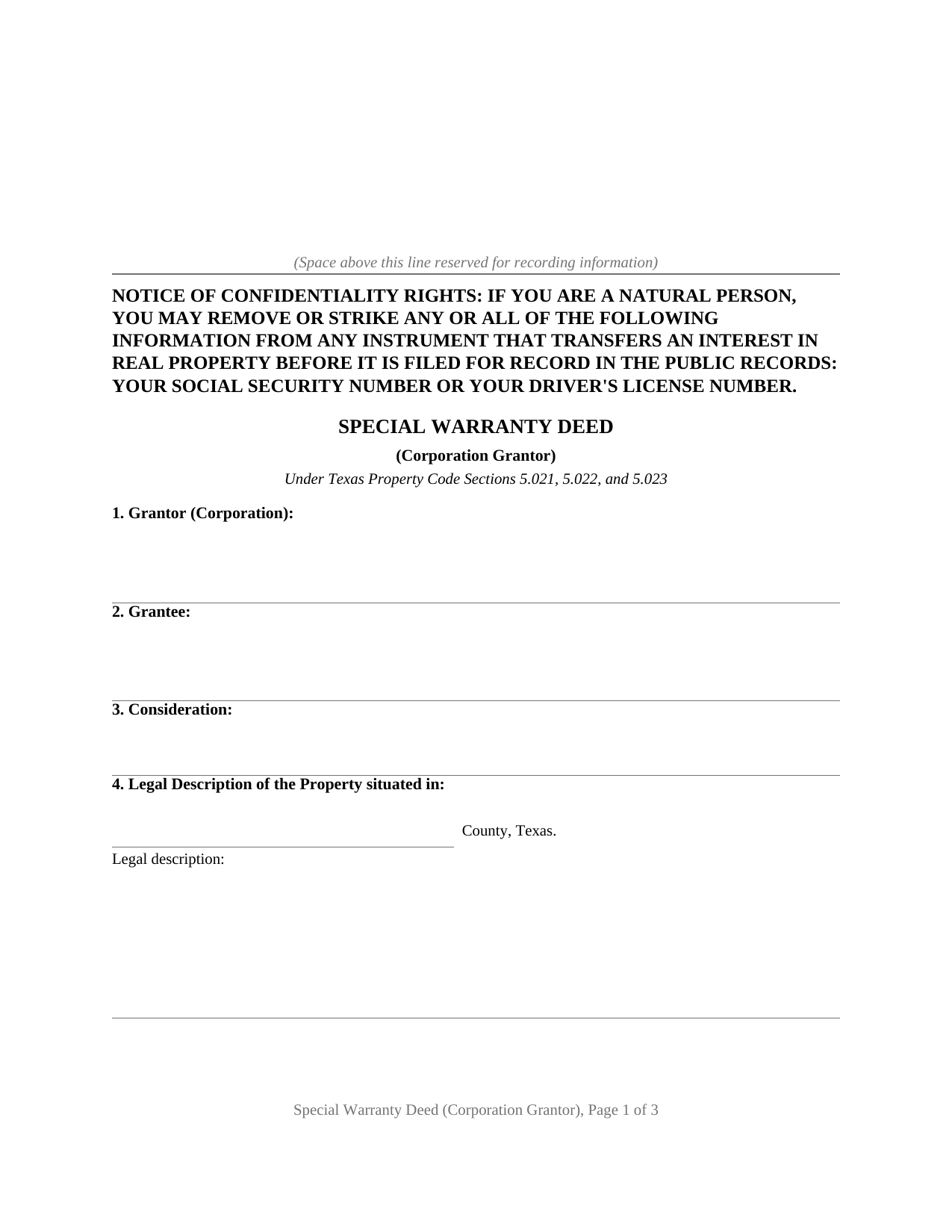
Austin County Special Warranty Deed (Corporation Grantor) Form
Fill in the blank Special Warranty Deed (Corporation Grantor) form formatted to comply with all Texas recording and content requirements.
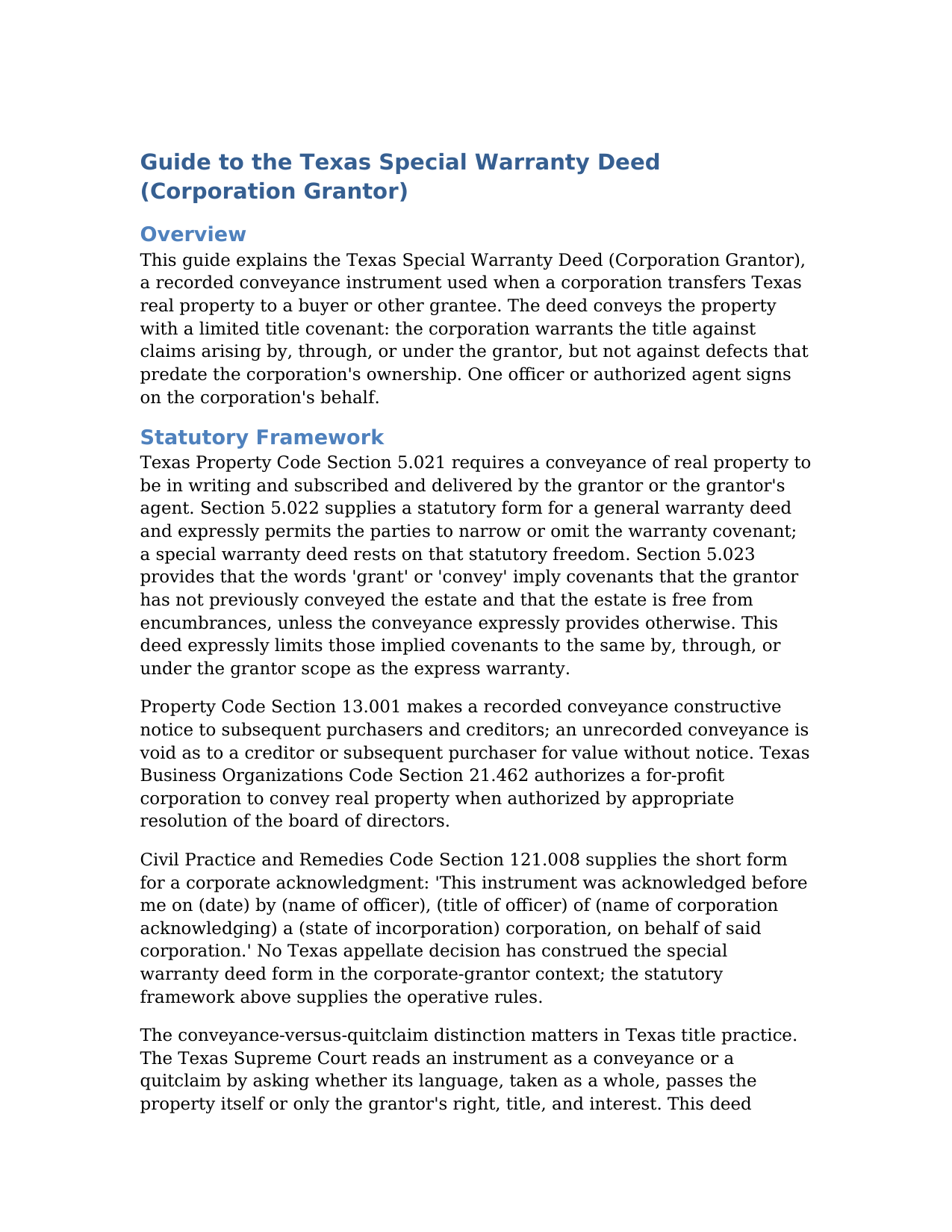
Austin County Special Warranty Deed (Corporation Grantor) Guide
Line by line guide explaining every blank on the Special Warranty Deed (Corporation Grantor) form.
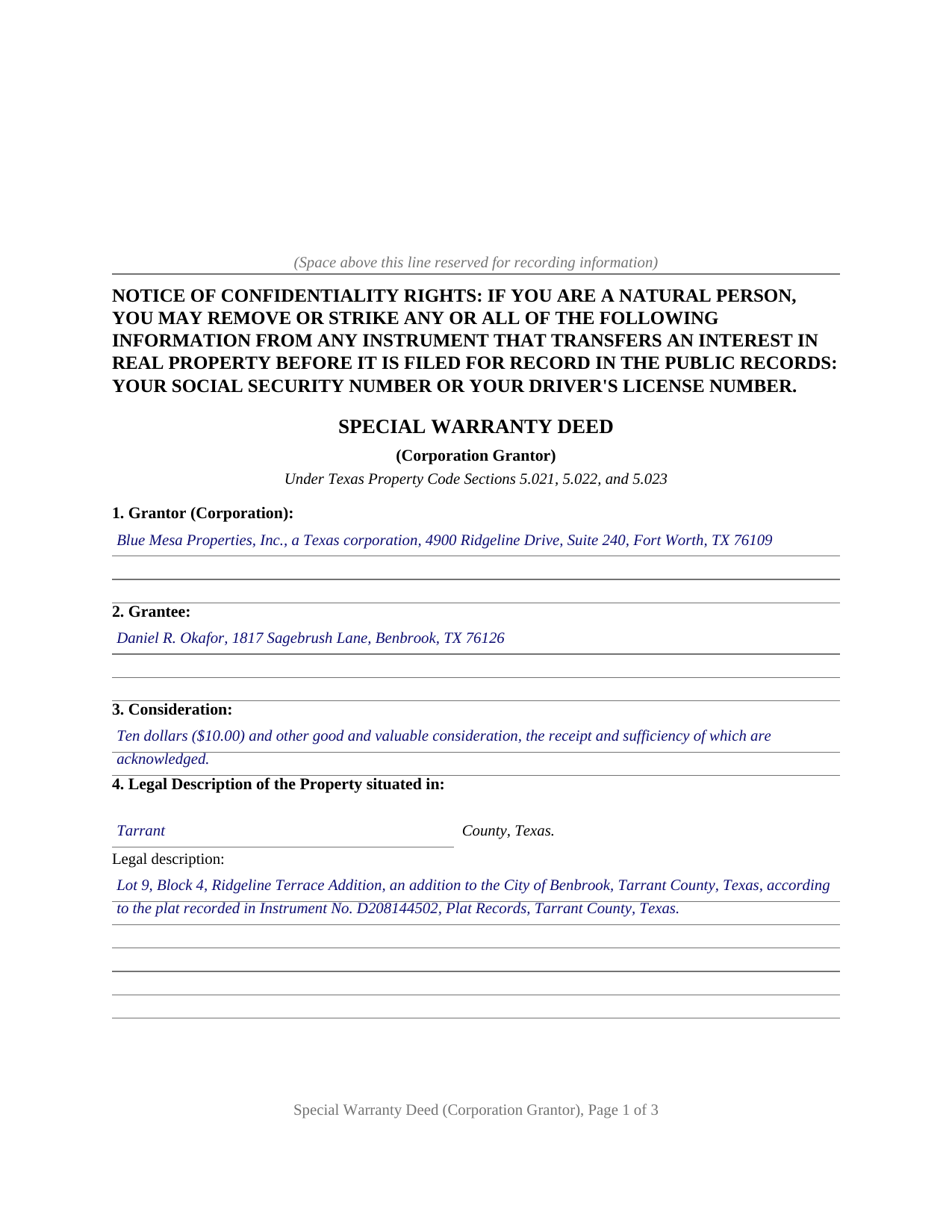
Austin County Completed Example of the Special Warranty Deed (Corporation Grantor) Document
Example of a properly completed Texas Special Warranty Deed (Corporation Grantor) document for reference.
All 3 documents above included • One-time purchase • No recurring fees
Immediate Download • Secure Checkout
Additional Texas and Austin County documents included at no extra charge:
Where to Record Your Documents
Austin County Clerk
Bellville, Texas 77418
Hours: 8:00am - 5:00pm Monday - Friday / closed for lunch
Phone: (979) 865-5911
Recording Tips for Austin County:
- Bring your driver's license or state-issued photo ID
- Ensure all signatures are in blue or black ink
- Bring extra funds - fees can vary by document type and page count
- Check margin requirements - usually 1-2 inches at top
- Leave recording info boxes blank - the office fills these
Cities and Jurisdictions in Austin County
Properties in any of these areas use Austin County forms:
- Bellville
- Bleiblerville
- Cat Spring
- Industry
- Kenney
- New Ulm
- San Felipe
- Sealy
- Wallis
Hours, fees, requirements, and more for Austin County
How do I get my forms?
Forms are available for immediate download after payment. The Austin County forms will be in your account ready to download to your computer. An account is created for you during checkout if you don't have one. Forms are NOT emailed.
Are these forms guaranteed to be recordable in Austin County?
Yes. Our form blanks are guaranteed to meet or exceed the applicable formatting requirements used for recording in Austin County, including margin requirements, font requirements, and other layout standards. This guarantee applies to formatting, not to the legal sufficiency of information entered by the user or the suitability of a form for a particular transaction.
Can I reuse these forms?
Yes. You can reuse the forms for your personal use. For example, if you have multiple properties in Austin County you only need to order once.
What do I need to use these forms?
The forms are PDFs that you fill out on your computer. The free Adobe Acrobat Reader is recommended, and most PDF apps also work. You do NOT enter your property information online - you download the blank forms and complete them privately on your own computer.
Are there any recurring fees?
No. This is a one-time purchase. Nothing to cancel, no memberships, no recurring fees.
How much does it cost to record in Austin County?
Recording fees in Austin County vary. Contact the recorder's office at (979) 865-5911 for current fees.
Questions answered? Let's get started!
When a Texas corporation conveys real estate, the deed most transactions settle on is the special warranty deed: full words of grant, a genuine covenant of title, and a boundary on that covenant at the edge of the corporation's own ownership. This form prepares that deed for a corporate grantor under Texas Property Code Sections 5.021 through 5.023, with the corporate signature block and the corporate acknowledgment the county records expect.
A warranty measured by the grantor's tenure
Texas lets the parties set a deed's warranty by its words; Section 5.022(b) provides that a covenant of warranty is not required in a conveyance at all. A special warranty deed uses the same covenant a general warranty deed carries, to WARRANT AND FOREVER DEFEND the property, then adds the phrase that defines the instrument: when the claim is by, through, or under Grantor, but not otherwise. The corporation stands behind everything that happened on its own watch, liens it created or suffered and conveyances it made, while defects that predate its ownership stay where commercial practice leaves them, with the title examination and the title insurance in the transaction.
A conveyance, not a quitclaim
The Texas Supreme Court reads an instrument as a conveyance or a quitclaim by asking whether its language passes the property itself or only the maker's right, title, and interest. That distinction has consequences for later purchasers, so this form conveys the Property with the statutory words of grant, GRANTS, SELLS, AND CONVEYS, together with the traditional habendum. It also handles the implied covenants of Section 5.023 expressly, limiting them to the same by, through, or under scope as the warranty and making them subject to the reservations and exceptions the form lists, so the deed's stated warranty and its implied one match.
Signing for a corporation
Execution is where an entity deed differs from an individual one. Business Organizations Code Section 21.462 authorizes a corporation to convey real property when authorized by appropriate resolution of the board of directors. One officer or authorized agent signs on the corporation's behalf, with the corporation's name, a By signature line, and the signer's printed name and title in the signature section. The notary certificate completes to the corporate short form of Civil Practice and Remedies Code Section 121.008: the named officer, of the named corporation, on behalf of said corporation. Because the grantor is an entity, no spousal joinder question arises.
Ready for the county records
The deed is recorded with the county clerk of the county where the property is located, with the Property Code Section 11.008 confidentiality notice at the top of the first page and reserved space for the recording stamp. For documents presented in person on or after December 4, 2025, the clerk also requires photo identification from the presenter under the 2025 deed fraud legislation. The package includes the blank deed as a fillable PDF, a completed example on a realistic Tarrant County fact pattern, and a plain language guide covering every numbered section; the materials are informational and are not legal advice.
Important: Your property must be located in Austin County to use these forms. Documents should be recorded at the county recording office listed above.
This Special Warranty Deed (Corporation Grantor) meets all recording requirements specific to Austin County.
Our Promise
The documents you receive here are guaranteed to meet or exceed the applicable Austin County recording format requirements. If there is a rejection caused by our formatting, we will correct the issue or refund your payment. This guarantee applies to document formatting only and does not extend to information entered by the user, the selection of the form, or the legal effect of the completed document.
Save Time and Money
Get your Austin County Special Warranty Deed (Corporation Grantor) form done right the first time with Deeds.com Uniform Conveyancing Blanks. At Deeds.com, we understand that your time and money are valuable resources, and we don't want you to face a penalty fee or rejection imposed by a county recorder for submitting nonstandard documents. We constantly review and update our forms to meet rapidly changing state and county recording requirements for roughly 3,500 counties and local jurisdictions.
4.8 out of 5 - ( 4,845 Reviews )
Joni Y. 5 out of 5 stars
Deeds.com is a very up to date & easy instruction website. I recommend this site to all who are looking for forms dealing with deeds. Thank you for making life easy in this aspect.
We appreciate your business and value your feedback. Thank you. Have a wonderful day!
Veda J. 5 out of 5 stars
Good Work!
Thank you!
kathy d. 5 out of 5 stars
very easy make sense instructions. Thank you.
Thank you for your feedback Kathy. Have an amazing day!
Sandra H. 1 out of 5 stars
I did not receive the information in a timely fashion as stated on the website. I would not recommend this service.
Thank you for your feedback Sandra. In reviewing your order I see that it did take our staff 11 minutes to respond to your order. That is significantly longer than the 10 minute average listed on our website. Even in these unprecedented times of quarantines and staff shortages our failure is unacceptable. We have fully refunded your account and we do hope that you found something more suitable to your needs elsewhere.
Rebecca V. 5 out of 5 stars
The staff is Great to work with, Thank You
Thank you!
Kimberly C. 5 out of 5 stars
Very straight forward easy to use. No need to hunt for the information or forms you ate looking for, every thing is right there just click on the link and voila!
Thank you for your feedback. We really appreciate it. Have a great day!
dean s. 5 out of 5 stars
Excellent work. Berry happy!
Thank you!
Teresa T. 5 out of 5 stars
amazingly fast! Thank you!
We appreciate your business and value your feedback. Thank you. Have a wonderful day!
Ronald C. 5 out of 5 stars
Easy to navigate and very concise
Thank you!
Juanita G. 5 out of 5 stars
Easy and efficient service. The communication is on point. Thank you!
Thank you for your positive words! We’re thrilled to hear about your experience.
Lahoma G. 5 out of 5 stars
Got it very fast !! Thanks
Thank you for your feedback. We really appreciate it. Have a great day!
John T. 5 out of 5 stars
Amazing! Very helpful. Very specific.
Thank you for your feedback. We really appreciate it. Have a great day!
Kathy Ann M. 5 out of 5 stars
Got the report. However, Retrieving process was not clear.
Thank you for your feedback. We really appreciate it. Have a great day!
christopher c. 5 out of 5 stars
Everything was professionally, handled and the process was simple and easy. I appreciated the responsiveness and recommendations from the reviewer of my package and look forward to getting my other submissions done. Wish I knew about this process sooner, thanks
Thanks, Christopher! We're glad the process was smooth and our team could help. Looking forward to assisting with your future submissions!
Kevin V. 5 out of 5 stars
This is an option for recording that worked flawlessly with my county government. Given Covid19 has closed county offices to the public as well as the personal kiosks options to record shrunk dramatically. I recommend Deeds.Com for your recording needs.
Thank you for your feedback. We really appreciate it. Have a great day!