Wharton County Special Warranty Deed (Grantor to Own Revocable Trust) Form
Last validated September 17, 2026 by our Forms Development TeamFormatted for recording in Wharton County, for property anywhere in the county: rural and unincorporated areas as well as Boling, Danevang, East Bernard, Egypt, El Campo, Glen Flora, Hungerford, Lane City and 4 more.
- 3 documents included
- Immediate PDF download
- Formatting guarantee
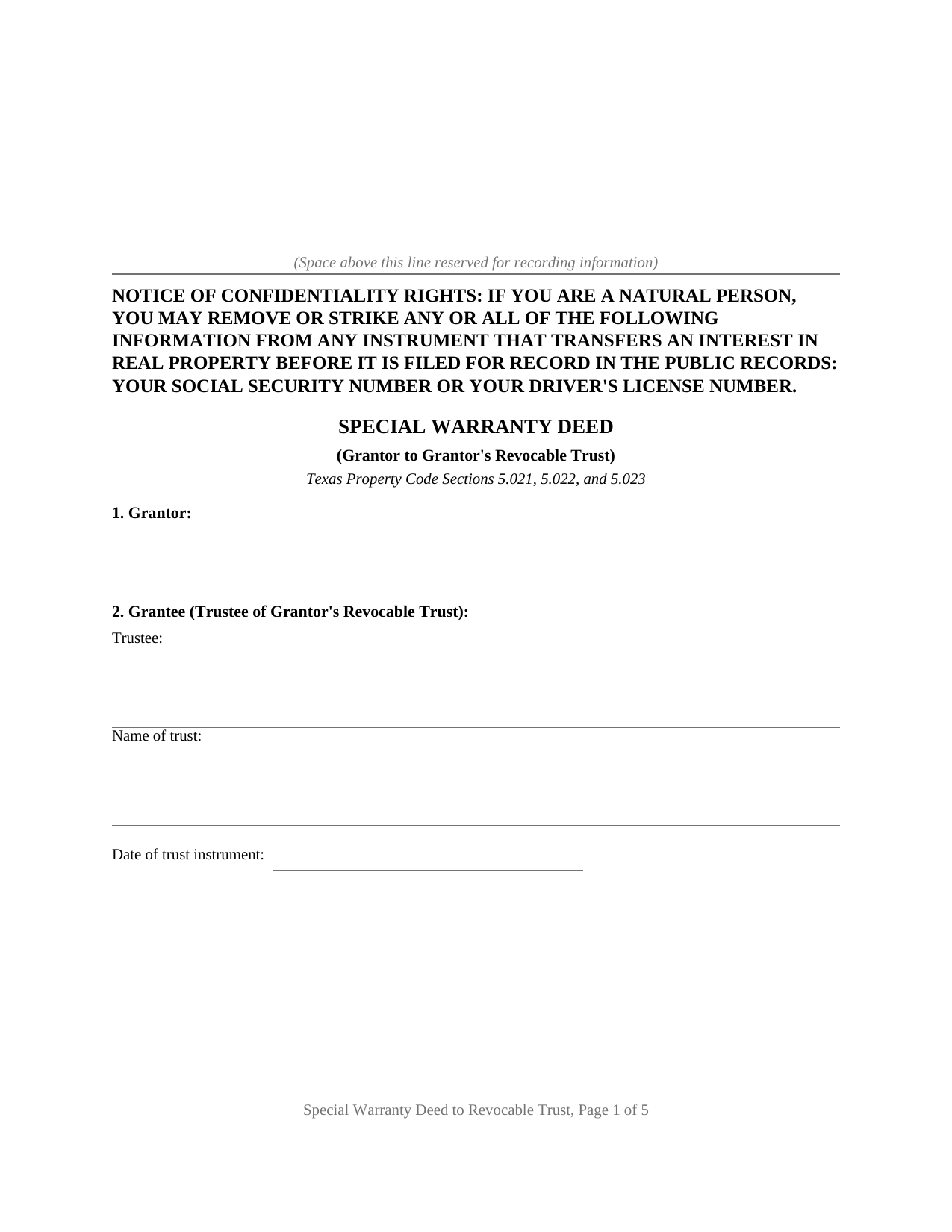
Wharton County Special Warranty Deed (Grantor to Own Revocable Trust) Form
Fill in the blank Special Warranty Deed (Grantor to Own Revocable Trust) form formatted to comply with all Texas recording and content requirements.
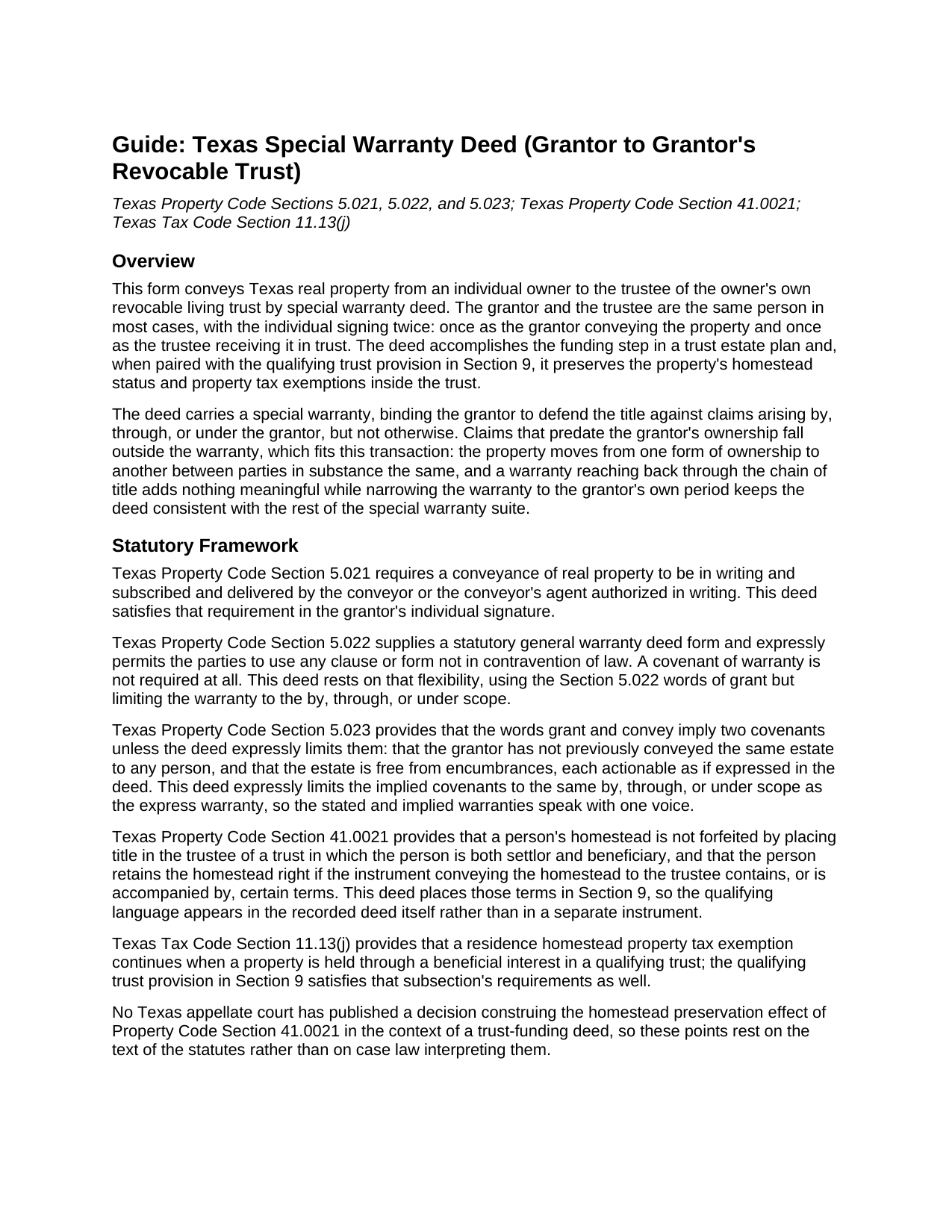
Wharton County Special Warranty Deed (Grantor to Own Revocable Trust) Guide
Line by line guide explaining every blank on the Special Warranty Deed (Grantor to Own Revocable Trust) form.
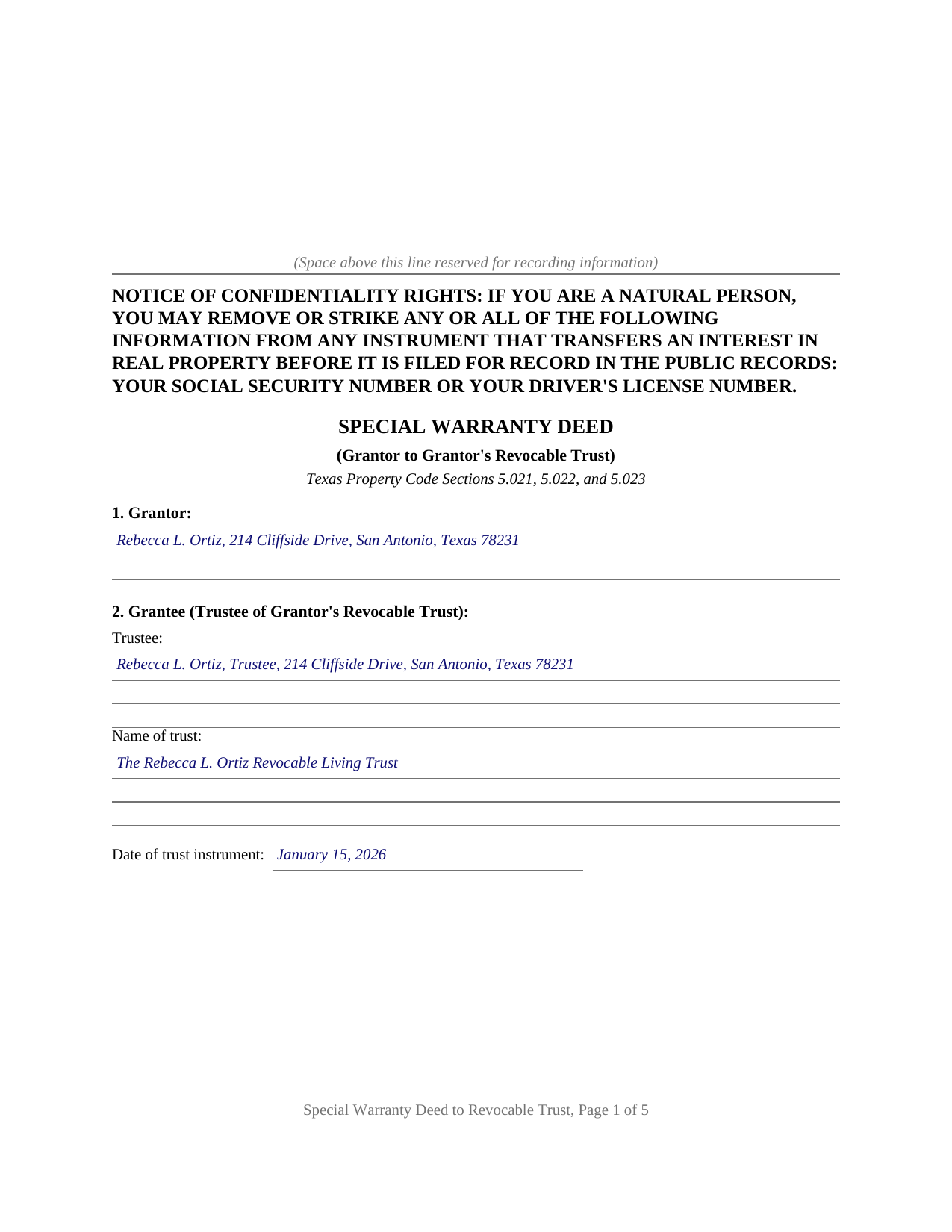
Wharton County Completed Example of the Special Warranty Deed (Grantor to Own Revocable Trust) Document
Example of a properly completed Texas Special Warranty Deed (Grantor to Own Revocable Trust) document for reference.
All 3 documents above included • One-time purchase • No recurring fees
Immediate Download • Secure Checkout
Additional Texas and Wharton County documents included at no extra charge:
Where to Record Your Documents
Wharton County Clerk
Wharton, Texas 77488
Hours: Monday - Friday 8:00am - 4:30pm / Calls until 5:00pm
Phone: (979) 532-2381
Recording Tips for Wharton County:
- Bring your driver's license or state-issued photo ID
- Ensure all signatures are in blue or black ink
- Double-check legal descriptions match your existing deed
- Verify all names are spelled correctly before recording
- White-out or correction fluid may cause rejection
Cities and Jurisdictions in Wharton County
Properties in any of these areas use Wharton County forms:
- Boling
- Danevang
- East Bernard
- Egypt
- El Campo
- Glen Flora
- Hungerford
- Lane City
- Lissie
- Louise
- Pierce
- Wharton
Hours, fees, requirements, and more for Wharton County
How do I get my forms?
Forms are available for immediate download after payment. The Wharton County forms will be in your account ready to download to your computer. An account is created for you during checkout if you don't have one. Forms are NOT emailed.
Are these forms guaranteed to be recordable in Wharton County?
Yes. Our form blanks are guaranteed to meet or exceed the applicable formatting requirements used for recording in Wharton County, including margin requirements, font requirements, and other layout standards. This guarantee applies to formatting, not to the legal sufficiency of information entered by the user or the suitability of a form for a particular transaction.
Can I reuse these forms?
Yes. You can reuse the forms for your personal use. For example, if you have multiple properties in Wharton County you only need to order once.
What do I need to use these forms?
The forms are PDFs that you fill out on your computer. The free Adobe Acrobat Reader is recommended, and most PDF apps also work. You do NOT enter your property information online - you download the blank forms and complete them privately on your own computer.
Are there any recurring fees?
No. This is a one-time purchase. Nothing to cancel, no memberships, no recurring fees.
How much does it cost to record in Wharton County?
Recording fees in Wharton County vary. Contact the recorder's office at (979) 532-2381 for current fees.
Questions answered? Let's get started!
Placing Texas real estate into a revocable living trust requires a recorded deed, and this deed carries more legal freight than a plain conveyance. The grantor and the trustee are the same individual; the form conveys from that person as owner to that same person as trustee of the owner's own trust, and it writes the qualifying language that preserves homestead status and property tax exemptions directly into the transfer instrument.
A Warranty Scoped to the Grantor's Own Time on Title
Texas Property Code Chapter 5 permits the parties to calibrate a deed's warranty. This form conveys with the statutory words of grant and binds the grantor to defend the title against claims arising by, through, or under the grantor, but not otherwise. Claims older than the grantor's own ownership fall outside the covenant. That scope suits the transaction: the person conveying and the trust receiving are, in substance, the same, so a general warranty reaching back through the chain of title adds nothing of value, while a bare quitclaim would place a weaker instrument in the chain than the grantor's title supports. Section 5.023 of the Property Code implies covenants of prior non-conveyance and freedom from encumbrances in any deed using the words grant and convey; this deed expressly limits those implied covenants to the same by, through, or under scope as the express warranty, so the deed's stated warranty and its implied one are consistent. A reservations and exceptions section keeps the record accurate about the deed of trust lien, easements, and restrictions that follow the property into the trust.
Homestead Benefits Preserved Inside the Trust
Texas ties two homestead benefits to trust ownership through matched statutes. Texas Property Code Section 41.0021 keeps the creditor protection homestead intact where a settlor or beneficiary occupies property held through a qualifying trust, and Texas Tax Code Section 11.13(j) extends the residence homestead property tax exemption to property held through a beneficial interest in a qualifying trust. Both statutes allow the qualifying terms to appear in the instrument that transfers the property to the trust. This form places those terms in Section 9, the Qualifying Trust Provision: a statement of the trust's revocability, the settlor's retention of the right to use and occupy the property as a principal residence rent free for life, and the condition on which that right ends. The language tracks both statutes and appears on the face of the recorded deed.
The Mortgage and the Joinder
Two legal systems meet this deed at the signing table. Federal law, specifically the Garn-St Germain Depository Institutions Act at 12 U.S.C. Section 1701j-3(d)(8), bars a residential lender from calling the loan under a due-on-sale clause when a borrower who remains a beneficiary transfers residential property into an inter vivos trust; the transfer this deed documents fits that exemption. Texas marital property law supplies the second intersection: Texas Family Code Section 5.001 and Texas Property Code Section 41.0021(c) require a married grantor's spouse to join in a conveyance of homestead property, including a transfer to a qualifying trust. The deed carries a labeled joinder signature block for that spouse in Section 11, with its own acknowledgment certificate, completed only where the property is the grantor's homestead and the grantor is married.
Recorded for Two Purposes
The deed records with the county clerk of the county where the property is located, and recording matters twice: it protects the conveyance against later creditors and purchasers under Texas Property Code Section 13.001, and both qualifying trust statutes contemplate a recorded instrument describing the property with sufficient certainty. The confidentiality notice required by Texas Property Code Section 11.008 appears at the top of the first page. Senate Bill 16 added a photo identification requirement at the recording counter for instruments filed in person on or after December 4, 2025. The download includes the blank deed as a fillable PDF, a completed example on a Bexar County fact pattern, and a plain language guide covering every numbered section; the materials are informational and are not legal advice.
Important: Your property must be located in Wharton County to use these forms. Documents should be recorded at the county recording office listed above.
This Special Warranty Deed (Grantor to Own Revocable Trust) meets all recording requirements specific to Wharton County.
Our Promise
The documents you receive here are guaranteed to meet or exceed the applicable Wharton County recording format requirements. If there is a rejection caused by our formatting, we will correct the issue or refund your payment. This guarantee applies to document formatting only and does not extend to information entered by the user, the selection of the form, or the legal effect of the completed document.
Save Time and Money
Get your Wharton County Special Warranty Deed (Grantor to Own Revocable Trust) form done right the first time with Deeds.com Uniform Conveyancing Blanks. At Deeds.com, we understand that your time and money are valuable resources, and we don't want you to face a penalty fee or rejection imposed by a county recorder for submitting nonstandard documents. We constantly review and update our forms to meet rapidly changing state and county recording requirements for roughly 3,500 counties and local jurisdictions.
4.8 out of 5 - ( 4,834 Reviews )
Suzanne R. 5 out of 5 stars
I was very impressed with how user friendly, convenient, and efficient the whole process was. I will definitely use the service again sometime soon.
Thank you for your feedback. We really appreciate it. Have a great day!
Sheryl L. 5 out of 5 stars
EZ to use program....was able to print all forms ordered. I expect to go back to to use recording ability. Instructions are easily followed...would be nice to have confirmation included but they are available to purchase. Hope for successful recording of TOD affidavit. Pretty good value...attorney quoted well over the price I paid for package.
We appreciate your business and value your feedback. Thank you. Have a wonderful day!
Archie POA G. 5 out of 5 stars
got what I ordered, as expected, in good time
Thank you!
Richard L. 5 out of 5 stars
Service was very convenient; I received prompt assistance with my document - staff was very helpful.
Thank you!
SUSAN R. 5 out of 5 stars
So easy to download and print. Also the examples are very helpful.
Thank you for your feedback. We really appreciate it. Have a great day!
Quinn R. 5 out of 5 stars
DEEDS.COM IS THE BEST WAY TO E-RECORD DEEDS. THEY ARE FAST, POLITE AND A FANTASTIC DEAL FOR THE SERVICE THAT THEY OFFER!!!
Thank you!
Cedric H. 5 out of 5 stars
The Guide and Example documents included were a great help completing the form on my own.
Thank you!
Karen D. 5 out of 5 stars
Awesome,thorough, and fast.
Thank you!
Elizabeth P. 5 out of 5 stars
Perfect quitclaim form. Easy to fill in with the required information and all the required information has a place (no easy feat in our county!). It is helpful that they include exhibit pages for larger blocks of information (our legal is 2 pages long). Great job folks!
Thank you for the kind words Elizabeth. Have an amazing day!
Paul R. 5 out of 5 stars
Worked very quickly and smoothly. Helps if you know what documents you need. Thanks.
Thank you for your feedback. We really appreciate it. Have a great day!
Kathie C. 5 out of 5 stars
This was the first time I have used Deeds.com and I must say that I am extremely impressed. The person that handled my packages was amazing and extremely helpful. I am recommending that our firm starts using Deeds.com and we do a lot of e-recordings. Thank you so much for making this a great experience and for all of your efforts in making it so great!!!
Your feedback is greatly appreciated. Thank you for taking the time to share your experience!
Eugenia T. 5 out of 5 stars
I am the Kent County Recorder of Deeds in Central Delaware. I am impressed by the accuracy of your website. All data you post is correct regarding forms, fees, etc. We have just spent several months researching Property Theft, using many cites from various sources. I just discovered your white paper on this subject, and it is excellent. It also covers a few things we did not, such as house flipping and immigrants. Congratulations!
Thank you for your kind words and thoughtful review! It's an honor to know that our resources have been valuable to the Kent County Recorder of Deeds. Your feedback is particularly meaningful to us, and we are glad that our white paper contributed to your research on Property Theft. We fully support your vital efforts to combat property theft and deed fraud, and if there's anything else we can assist you with or any further insights you'd like to share, please don't hesitate to reach out. Keep up the outstanding work!
Dan B. 5 out of 5 stars
Excellent service even faster then I expected. Very pleased and a reasonable priced document. I encourage people too use Deeds.Com
Thank you for your feedback. We really appreciate it. Have a great day!
Donald W. 5 out of 5 stars
Well organized document preparation. Great way to save on legal fees
Thank you for your feedback. We really appreciate it. Have a great day!
Terry M. 4 out of 5 stars
Application is not well laid out. I guess it does the job but leaves a lot to be desired. Hard to follow
Thank you for your feedback. We really appreciate it. Have a great day!