Cochran County Termination of Easement Form
Last validated June 11, 2026 by our Forms Development Team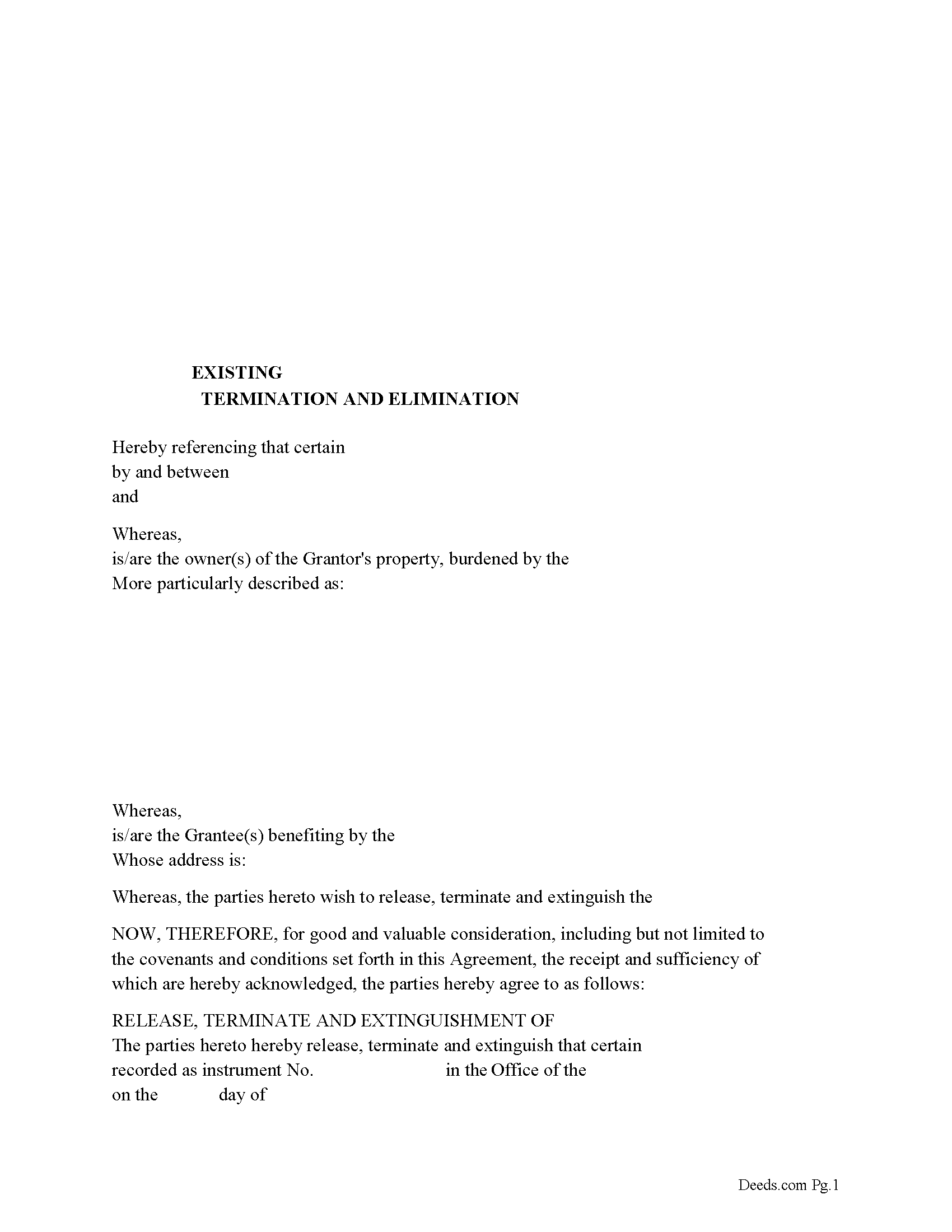
Cochran County Release of Easement, Right of Way Form
Fill in the blank form formatted to comply with all recording and content requirements.
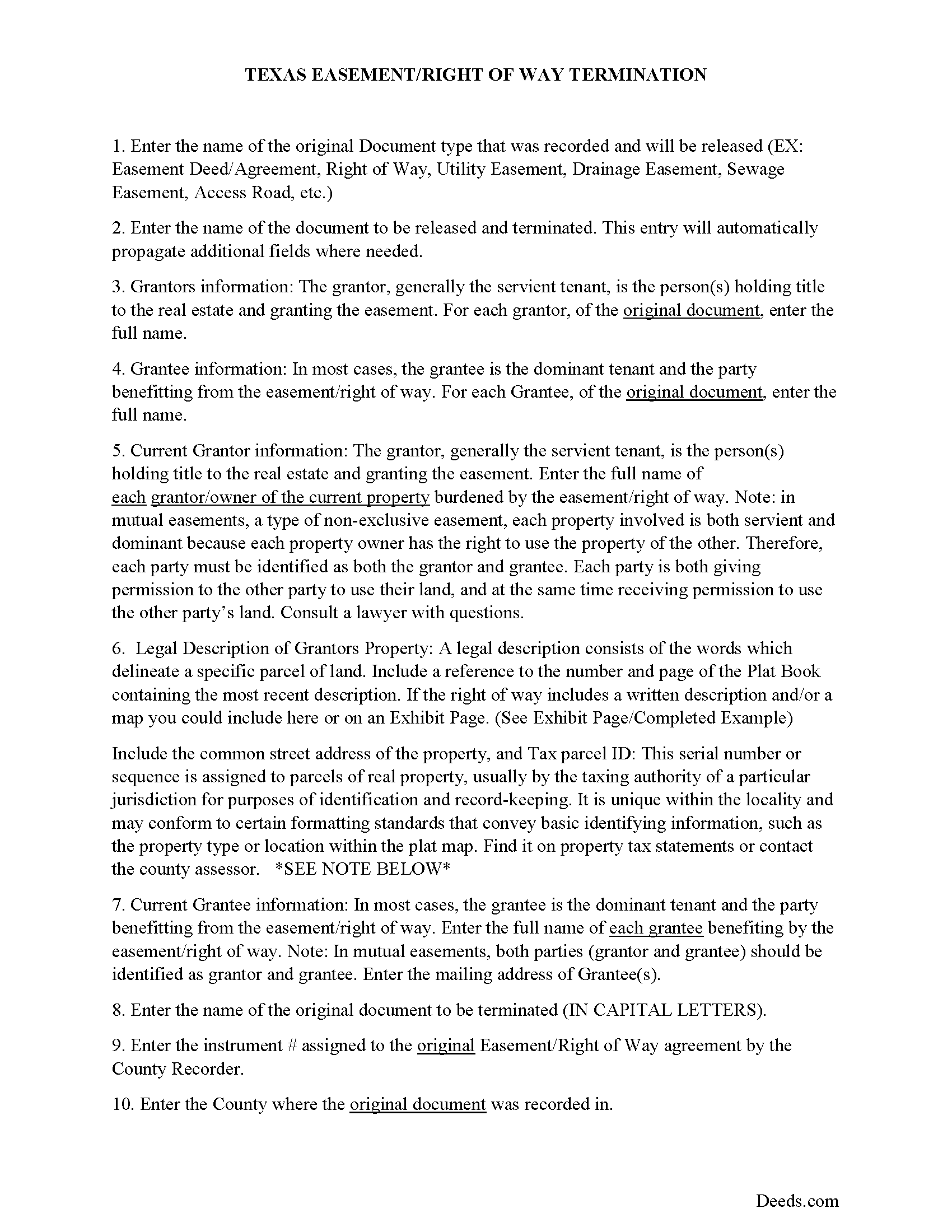
Cochran County Guidelines for Release of Easement
Line by line guide explaining every blank on the form.
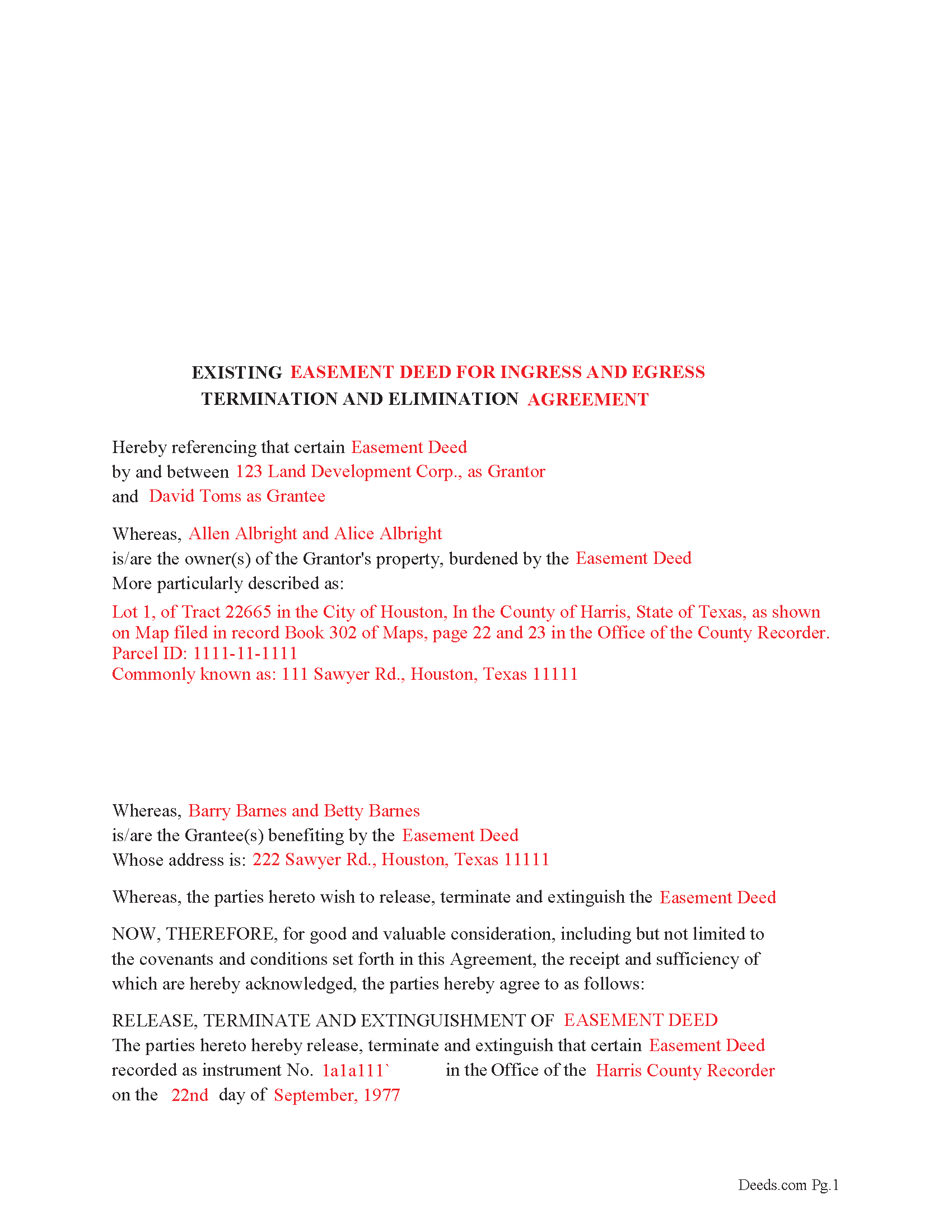
Cochran County Completed Example of the Release of Easement
Example of a properly completed form for reference.
All 3 documents above included • One-time purchase • No recurring fees
Immediate Download • Secure Checkout
Additional Texas and Cochran County documents included at no extra charge:
Where to Record Your Documents
Cochran County Clerk - Courthouse
Morton, Texas 79346
Hours: Monday - Friday 8:00am - 12:00 & 1:00 - 5:00pm
Phone: 806-266-5450
Recording Tips for Cochran County:
- Ensure all signatures are in blue or black ink
- Double-check legal descriptions match your existing deed
- Recorded documents become public record - avoid including SSNs
- Ask about their eRecording option for future transactions
- Check margin requirements - usually 1-2 inches at top
Cities and Jurisdictions in Cochran County
Properties in any of these areas use Cochran County forms:
- Bledsoe
- Morton
- Whiteface
Hours, fees, requirements, and more for Cochran County
How do I get my forms?
Forms are available for immediate download after payment. The Cochran County forms will be in your account ready to download to your computer. An account is created for you during checkout if you don't have one. Forms are NOT emailed.
Are these forms guaranteed to be recordable in Cochran County?
Yes. Our form blanks are guaranteed to meet or exceed the applicable formatting requirements used for recording in Cochran County, including margin requirements, font requirements, and other layout standards. This guarantee applies to formatting, not to the legal sufficiency of information entered by the user or the suitability of a form for a particular transaction.
Can I reuse these forms?
Yes. You can reuse the forms for your personal use. For example, if you have multiple properties in Cochran County you only need to order once.
What do I need to use these forms?
The forms are PDFs that you fill out on your computer. You'll need Adobe Reader (free software that most computers already have). You do NOT enter your property information online - you download the blank forms and complete them privately on your own computer.
Are there any recurring fees?
No. This is a one-time purchase. Nothing to cancel, no memberships, no recurring fees.
How much does it cost to record in Cochran County?
Recording fees in Cochran County vary. Contact the recorder's office at 806-266-5450 for current fees.
Questions answered? Let's get started!
Use this form to release, terminate, extinguish a previously recorded document that involves access to and from a property.
Documents such as:
1. Easement Deeds or Agreements (An easement is a non-possessory interest in land, granting the right to use someone else's property for a specific purpose, like a driveway or utility line)
2. Access Roads
3. Right of Ways
4. Utility Easements (Power, Gas, Water, Sewer, Etc.)
5. Drainage Easements
This document allows the owner of the land, burdened by the access and the party that benefits from the access, to sign an agreement releasing the property from such access, under the premises the benefiting party no longer needs access. Once the easement is successfully terminated and the release is recorded, it should be reflected in the title records for the property, effectively removing the easement from the property's title.
(TX Termination of Easement Package includes form, guidelines, and completed example)
Important: Your property must be located in Cochran County to use these forms. Documents should be recorded at the office below.
This Termination of Easement meets all recording requirements specific to Cochran County.
Our Promise
The documents you receive here are guaranteed to meet or exceed the applicable Cochran County recording format requirements. If there is a rejection caused by our formatting, we will correct the issue or refund your payment. This guarantee applies to document formatting only and does not extend to information entered by the user, the selection of the form, or the legal effect of the completed document.
Save Time and Money
Get your Cochran County Termination of Easement form done right the first time with Deeds.com Uniform Conveyancing Blanks. At Deeds.com, we understand that your time and money are valuable resources, and we don't want you to face a penalty fee or rejection imposed by a county recorder for submitting nonstandard documents. We constantly review and update our forms to meet rapidly changing state and county recording requirements for roughly 3,500 counties and local jurisdictions.
4.8 out of 5 - ( 4735 Reviews )
Cheryl S.
April 30th, 2021
quick response
Thank you!
Dee R.
November 14th, 2019
Quick, Simple order process with many options of forms to download!
We appreciate your business and value your feedback. Thank you. Have a wonderful day!
Quanah N.
July 30th, 2022
Instruction easy to follow
Thank you!
Earline S.
December 24th, 2018
Total package. Very prompt with complete instructions & example to complete forms. If you don't want to hire a lawyer, this is pretty simple & will bypass probate.
Thank you, we really appreciate your feedback.
Thomas D.
April 30th, 2020
The documents themselves are fine and the information provided with them is helpful. I find the actual processing of the documents, however, to be difficult particularly once the document has been saved. First, I note that the box for the date only allows entry of the last 2 digits of the year. Unfortunately, my download only allows me to enter one of the 2 digits required. When I delete it repeatedly, it eventually allows both digits to be entered but puts them in extremely small text and in superscrypt. I have not found a solution to this problem and am not sure the deed can even be recorded with this problem. Another problem is that if you try to revise the document after you have saved it the curser goes to the end of the line after each key entry. This means that there basically is no way to efficiently save the document for reworking later since you will have to delete everything you have entered in the text box unless you only need to make a single keystroke change or are willing to replace the curser after each entry. Try that with a long property description! Please note that I am using a Mac to prepare my documents and perhaps this is part of an "incompatibility problem". However, I didn't see a disclaimer regarding Mac use and so would expect the documents to perform correctly. Overall, I give the program a "2 star" rating because I am experiencing significant difficulties in entering dates in the documents even before saving them and because saving your work for later revision appears to be basically unworkable.
Thank you for your feedback Thomas, we appreciate you being specific about the issues you encountered. Adobe and Mac have a fairly long history of issues working together.
Juanita G.
February 5th, 2025
Easy and efficient service. The communication is on point. Thank you!
Thank you for your positive words! We’re thrilled to hear about your experience.
Gillian G.
July 4th, 2021
Looks good and provides lots of instruction.
Thank you!
Rick L.
May 26th, 2022
I love it! Very convenience.
Thank you!
Lana B.
February 5th, 2021
Website is easy to use. I ordered the form, filled it out and uploaded it for recording. My only critique is that you can't preview the form before ordering and paying for it. I ordered a Deed of Full Reconveyance form only to find out I needed the Substitution of Trustee and Deedn of Reconveyance form instead. So I wasted $22 on the wrong form.
Thank you for your feedback. Order and payment for the incorrect order has been canceled. Have a wonderful day.
Chris D.
December 10th, 2020
Easy and affordable. I would recommend deeds.com
Thank you!
Kendall B.
September 24th, 2019
Good
Thank you!
John E.
November 14th, 2020
This process exceeded my expectations. A great customer experience!
We appreciate your business and value your feedback. Thank you. Have a wonderful day!
Stanley L.
March 22nd, 2019
Great service
Thank you Stanley.
Valerie I.
November 19th, 2020
Quick and easy! Had my document submitted to the county and back in one day. Good rates as well!
Thank you!
Deborah A.
July 26th, 2022
Excellent,
Thank you!