Starr County Transfer on Death Deed (Community Property with Right of Survivorship) Form
Last validated September 4, 2026 by our Forms Development TeamFormatted for recording in Starr County, for property anywhere in the county: rural and unincorporated areas as well as Delmita, Falcon Heights, Garciasville, Grulla, Rio Grande City, Roma, Salineno, San Isidro and 1 more.
- 3 documents included
- Immediate PDF download
- Formatting guarantee
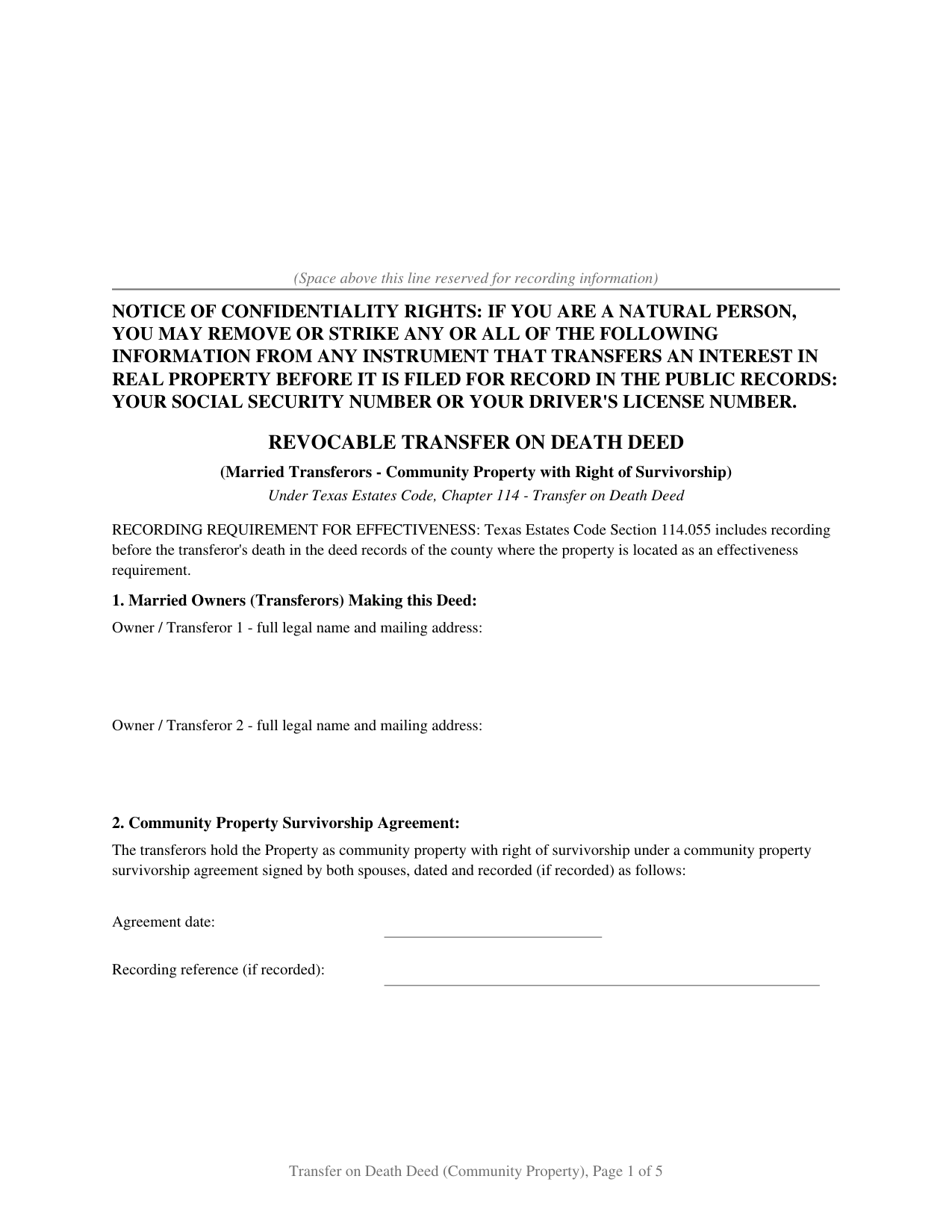
Starr County Transfer on Death Deed (Community Property with Right of Survivorship) Form
Fill in the blank Transfer on Death Deed (Community Property with Right of Survivorship) form formatted to comply with all Texas recording and content requirements.
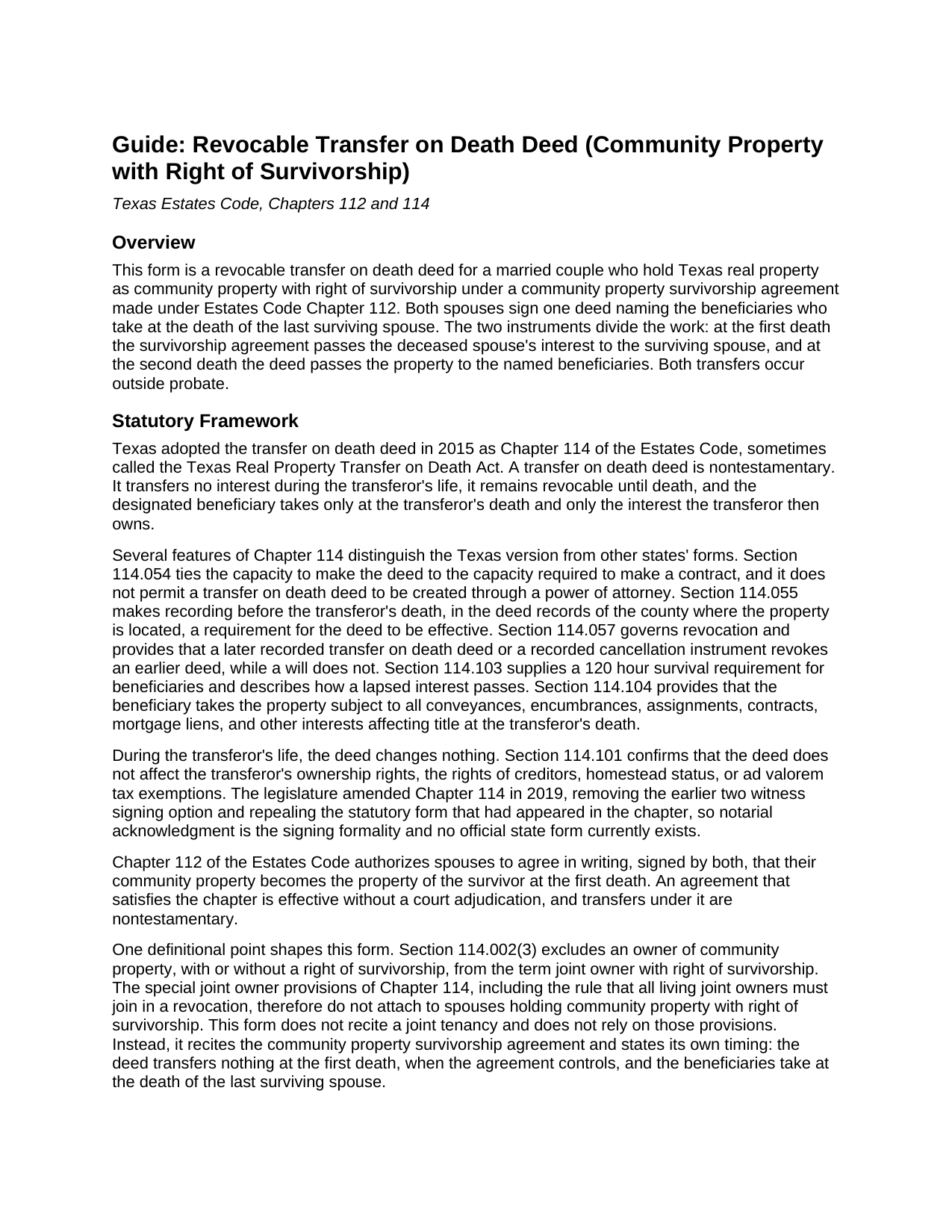
Starr County Transfer on Death Deed (Community Property with Right of Survivorship) Guide
Line by line guide explaining every blank on the Transfer on Death Deed (Community Property with Right of Survivorship) form.
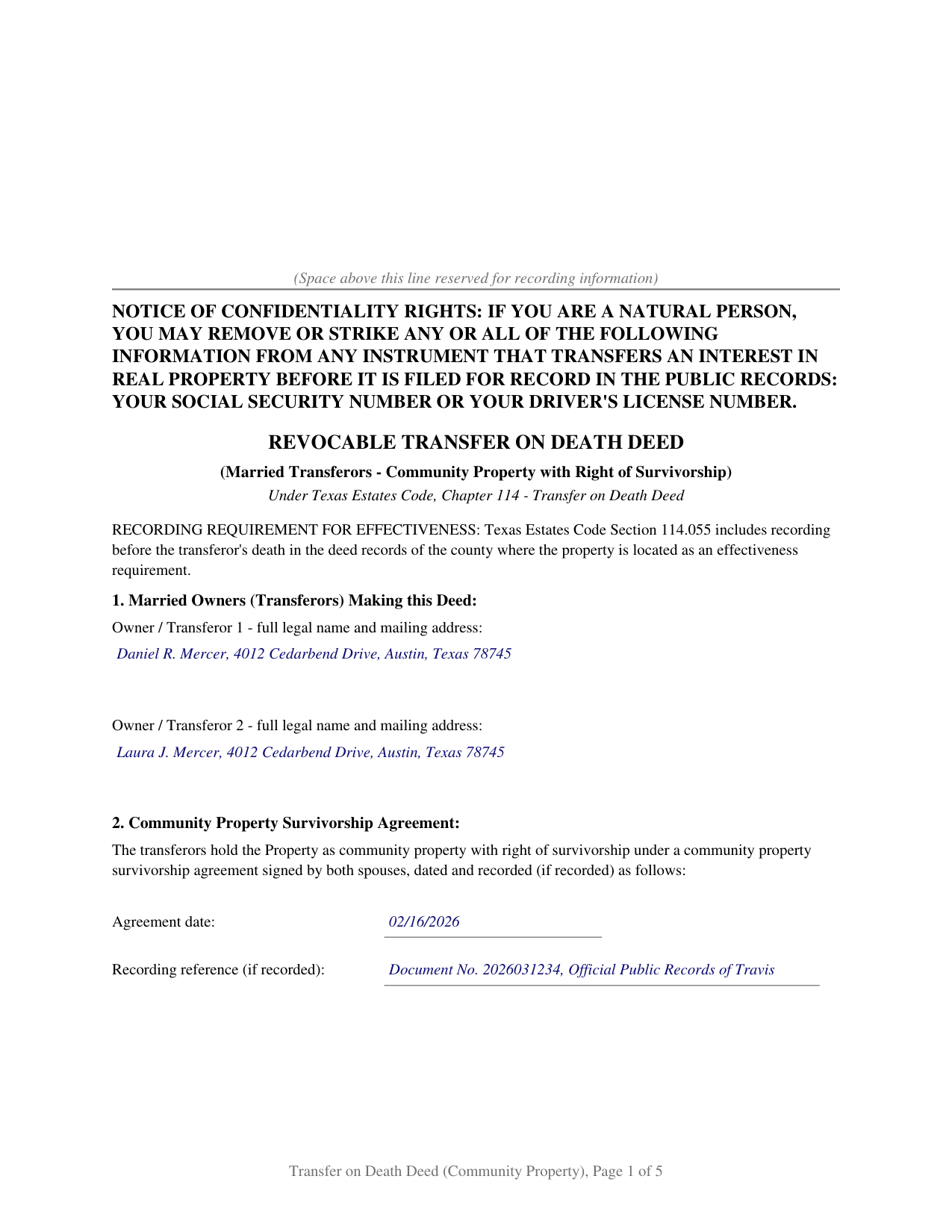
Starr County Completed Example of the Transfer on Death Deed (Community Property with Right of Survivorship) Document
Example of a properly completed Texas Transfer on Death Deed (Community Property with Right of Survivorship) document for reference.
All 3 documents above included • One-time purchase • No recurring fees
Immediate Download • Secure Checkout
Additional Texas and Starr County documents included at no extra charge:
Where to Record Your Documents
Starr County Clerk
Rio Grande City, Texas 78582
Hours: 8:00am to 12:00 & 1:00 to 4:30pm M-F
Phone: (956) 716-4800 x8032
Recording Tips for Starr County:
- Bring your driver's license or state-issued photo ID
- Ensure all signatures are in blue or black ink
- Request a receipt showing your recording numbers
- Ask about accepted payment methods when you call ahead
- Ask for certified copies if you need them for other transactions
Cities and Jurisdictions in Starr County
Properties in any of these areas use Starr County forms:
- Delmita
- Falcon Heights
- Garciasville
- Grulla
- Rio Grande City
- Roma
- Salineno
- San Isidro
- Santa Elena
Hours, fees, requirements, and more for Starr County
How do I get my forms?
Forms are available for immediate download after payment. The Starr County forms will be in your account ready to download to your computer. An account is created for you during checkout if you don't have one. Forms are NOT emailed.
Are these forms guaranteed to be recordable in Starr County?
Yes. Our form blanks are guaranteed to meet or exceed the applicable formatting requirements used for recording in Starr County, including margin requirements, font requirements, and other layout standards. This guarantee applies to formatting, not to the legal sufficiency of information entered by the user or the suitability of a form for a particular transaction.
Can I reuse these forms?
Yes. You can reuse the forms for your personal use. For example, if you have multiple properties in Starr County you only need to order once.
What do I need to use these forms?
The forms are PDFs that you fill out on your computer. The free Adobe Acrobat Reader is recommended, and most PDF apps also work. You do NOT enter your property information online - you download the blank forms and complete them privately on your own computer.
Are there any recurring fees?
No. This is a one-time purchase. Nothing to cancel, no memberships, no recurring fees.
How much does it cost to record in Starr County?
Recording fees in Starr County vary. Contact the recorder's office at (956) 716-4800 x8032 for current fees.
Questions answered? Let's get started!
Community property with right of survivorship lets a married couple in Texas pass their home to the surviving spouse at the first death without probate. By itself it does not say who receives the property after both spouses are gone. A transfer on death deed in this form answers that, naming the beneficiaries who take at the death of the last surviving spouse under Chapter 114 of the Texas Estates Code, built around the couple's community property survivorship agreement under Chapter 112.
Two Instruments, Two Deaths
The survivorship agreement and the deed divide the work. At the first death, the deceased spouse's interest passes to the surviving spouse under the survivorship agreement, and the deed transfers nothing. At the death of the last surviving spouse, the deed operates and the named beneficiaries receive the property. The form states this timing expressly, and its survival requirement runs from the last surviving spouse: a beneficiary qualifies by surviving the second death by 120 hours.
Why Community Property Has Its Own Deed Form
Section 114.002(3) of the Estates Code excludes owners of community property, with or without a right of survivorship, from the statutory definition of joint owners with right of survivorship. A deed that recites a joint tenancy, or leans on the joint owner provisions of Chapter 114, misdescribes how these Texas spouses hold title. This form recites community property with right of survivorship, identifies the Chapter 112 agreement by date and recording reference, and relies on that agreement, not a joint tenancy, for the first death. Each spouse may revoke the deed as to that spouse's interest under Chapter 114, and the deed neither creates nor modifies the survivorship agreement.
Recording Both Instruments
The deed must be recorded before death in the county where the property is located; that is an effectiveness requirement under Section 114.055. The survivorship agreement is effective when signed, and recording it serves notice and title purposes. Where both instruments exist, Texas practice is to record both, often together. Both spouses sign, and the form carries a separate notary certificate for each.
What Is Included
- The blank form as a fillable PDF, completed on screen or by hand.
- A plain language guide covering every numbered section: what each blank asks, where the information comes from, and what a correct entry looks like.
- A completed example filled in for a realistic Texas fact pattern.
The document is formatted for Texas recording: letter size pages within Local Government Code Section 191.007, body text above the 8 point minimum, the notice of confidentiality rights required by Property Code Section 11.008 in 12 point boldfaced capitals at the top of the first page, and reserved space on page one for the clerk's recording stamp. A separate instructions page at the front describes how an entry that outgrows its space continues on a recorded exhibit page, and that page is removed before recording.
Related Texas Forms
The Texas Community Property Survivorship Agreement documents the survivorship arrangement this deed recites. The Texas Revocation of Community Property Survivorship Agreement ends that arrangement. A recorded deed on this form is revoked under Chapter 114, including by a recorded cancellation instrument. The Texas Affidavit of Death for Transfer on Death Deed documents the transfer in the title records after the death of the last surviving spouse.
Important: Your property must be located in Starr County to use these forms. Documents should be recorded at the county recording office listed above.
This Transfer on Death Deed (Community Property with Right of Survivorship) meets all recording requirements specific to Starr County.
Our Promise
The documents you receive here are guaranteed to meet or exceed the applicable Starr County recording format requirements. If there is a rejection caused by our formatting, we will correct the issue or refund your payment. This guarantee applies to document formatting only and does not extend to information entered by the user, the selection of the form, or the legal effect of the completed document.
Save Time and Money
Get your Starr County Transfer on Death Deed (Community Property with Right of Survivorship) form done right the first time with Deeds.com Uniform Conveyancing Blanks. At Deeds.com, we understand that your time and money are valuable resources, and we don't want you to face a penalty fee or rejection imposed by a county recorder for submitting nonstandard documents. We constantly review and update our forms to meet rapidly changing state and county recording requirements for roughly 3,500 counties and local jurisdictions.
4.8 out of 5 - ( 4,803 Reviews )
Linda W. 5 out of 5 stars
Fast service. From the time I sent my Quit Claim Deed to deeds.com, and six hours later my deed was recorded. It was painless, great convenience.
Thank you!
SHANE P. 5 out of 5 stars
Easy to use.
Thank you!
Aaron H. 5 out of 5 stars
Excellent service! Easy to use interface and quick response post-recording.
Thank you for your feedback. We really appreciate it. Have a great day!
CARMEN R J. 5 out of 5 stars
Thank you intensly
Thank you!
Jay W. 5 out of 5 stars
your service is more than I expected easy to navigate, great info, easy to understand. other other sites every time you go to next page there is something to buy to get the info you want. Jay
Thank you!
Gayela C. 5 out of 5 stars
Easy to use and I really like having the guides that come along with the forms.
Thank you!
Joseph H. 5 out of 5 stars
Form needed was accessed easily and printed for use
We appreciate your business and value your feedback. Thank you. Have a wonderful day!
Patricia S. 5 out of 5 stars
The forms was easy to use and the guides was helpful
We appreciate your business and value your feedback. Thank you. Have a wonderful day!
Harry B. 5 out of 5 stars
I received exactly what I was looking for on Deeds.com. Not only that, but this website provided instructions for form completion, and an example of a completed form. I'm certainly glad I chose this website.
Thank you for your feedback. We really appreciate it. Have a great day!
Robert S. 4 out of 5 stars
Process was easy to follow and worked as advertised. Thought the price was a little high.
Thank you!
Laura H. 5 out of 5 stars
I was very impressed with how quickly I was provided the data.
Thank you!
Karen C. 4 out of 5 stars
Legal documents that served the purpose nothing too exciting.
Thank you Karen. Have a great day!
Todd J. 5 out of 5 stars
Super Easy!
Thank you!
Justin F. 5 out of 5 stars
Provided the template and guide I was looking for. Reasonable pricing,
Thank you!
Robert J. F. 5 out of 5 stars
Nice work. Easy to use site for reasonable price. Thank you.
Thank you for your feedback. We really appreciate it. Have a great day!