Starr County Transfer on Death Deed (Joint Owners with Right of Survivorship) Form
Last validated September 25, 2026 by our Forms Development TeamFormatted for recording in Starr County, for property anywhere in the county: rural and unincorporated areas as well as Delmita, Falcon Heights, Garciasville, Grulla, Rio Grande City, Roma, Salineno, San Isidro and 1 more.
- 3 documents included
- Immediate PDF download
- Formatting guarantee
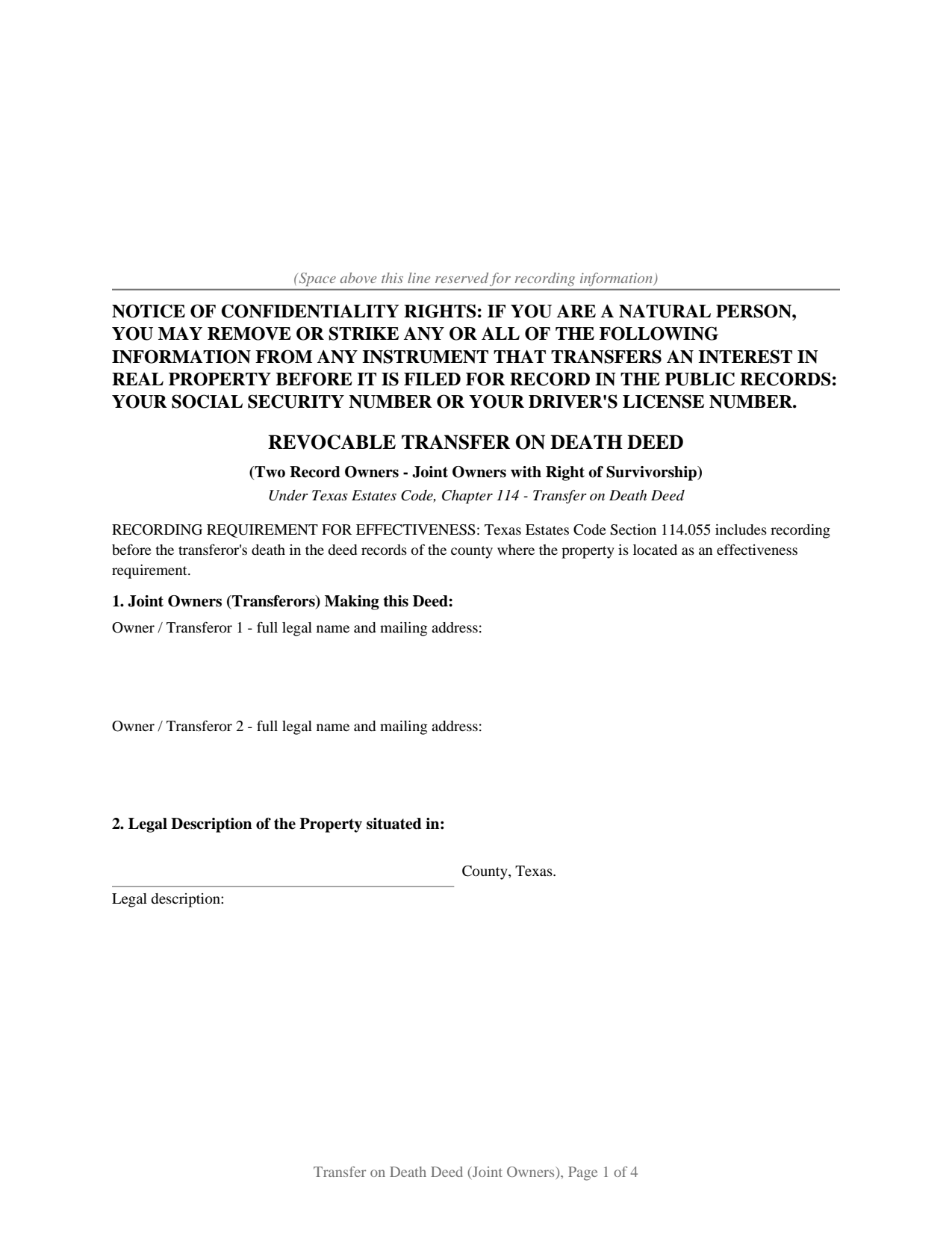
Starr County Transfer on Death Deed (Joint Owners with Right of Survivorship) Form
Fill in the blank Transfer on Death Deed (Joint Owners with Right of Survivorship) form formatted to comply with all Texas recording and content requirements.
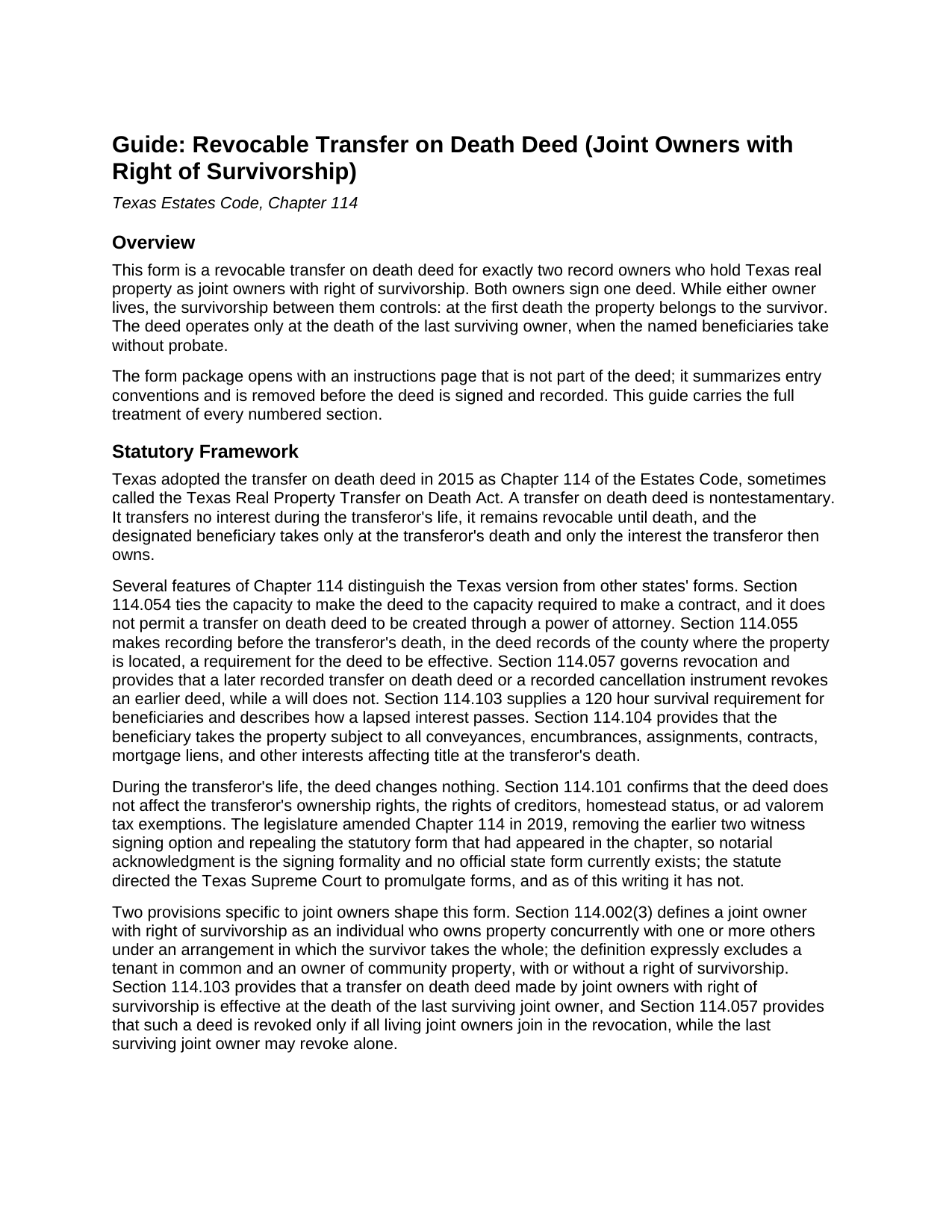
Starr County Transfer on Death Deed (Joint Owners with Right of Survivorship) Guide
Line by line guide explaining every blank on the Transfer on Death Deed (Joint Owners with Right of Survivorship) form.
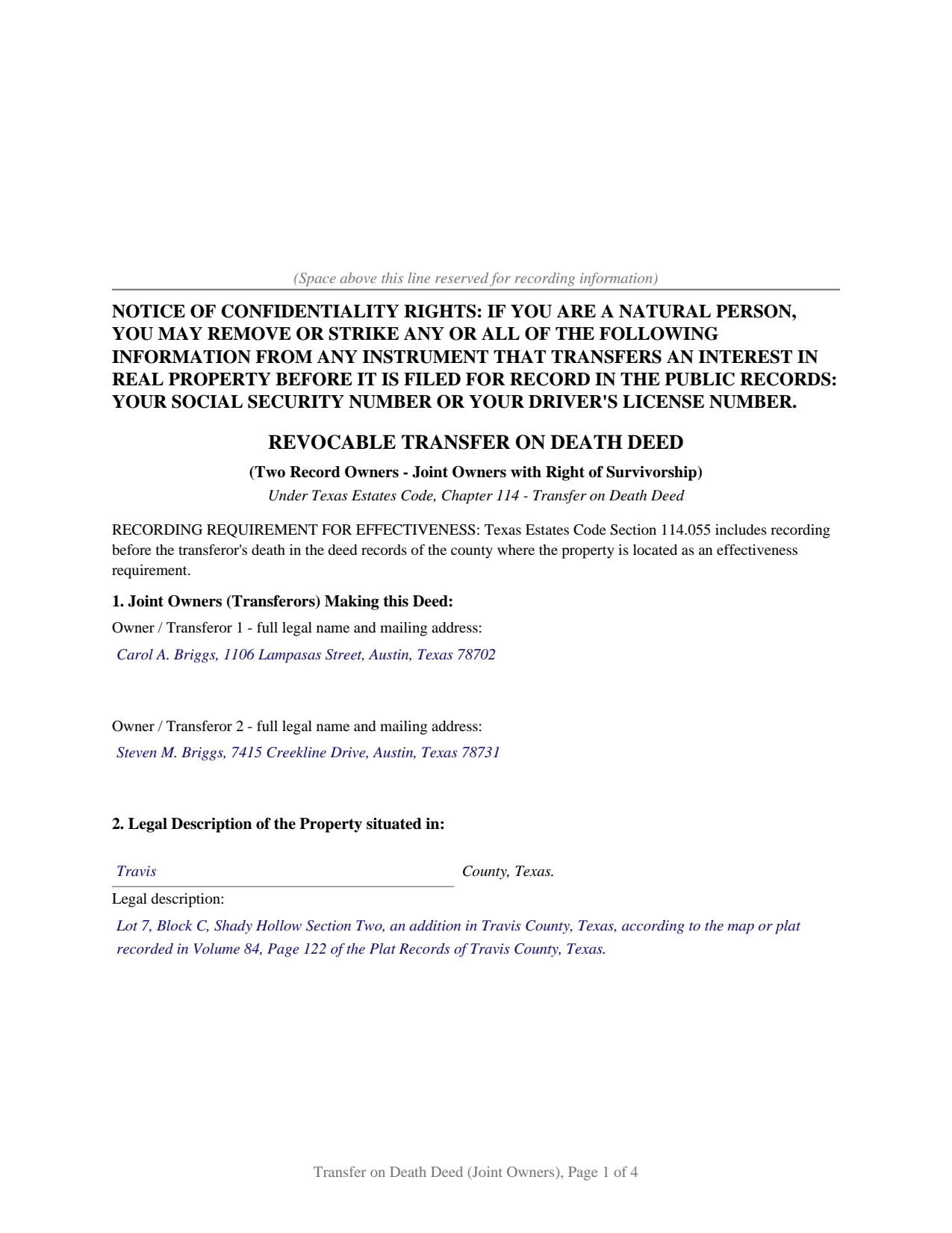
Starr County Completed Example of the Transfer on Death Deed (Joint Owners with Right of Survivorship) Document
Example of a properly completed Texas Transfer on Death Deed (Joint Owners with Right of Survivorship) document for reference.
All 3 documents above included • One-time purchase • No recurring fees
Immediate Download • Secure Checkout
Additional Texas and Starr County documents included at no extra charge:
Where to Record Your Documents
Starr County Clerk
Rio Grande City, Texas 78582
Hours: 8:00am to 12:00 & 1:00 to 4:30pm M-F
Phone: (956) 716-4800 x8032
Recording Tips for Starr County:
- Bring your driver's license or state-issued photo ID
- Ensure all signatures are in blue or black ink
- Ask for certified copies if you need them for other transactions
- Ask if they accept credit cards - many offices are cash/check only
- Check that your notary's commission hasn't expired
Cities and Jurisdictions in Starr County
Properties in any of these areas use Starr County forms:
- Delmita
- Falcon Heights
- Garciasville
- Grulla
- Rio Grande City
- Roma
- Salineno
- San Isidro
- Santa Elena
Hours, fees, requirements, and more for Starr County
How do I get my forms?
Forms are available for immediate download after payment. The Starr County forms will be in your account ready to download to your computer. An account is created for you during checkout if you don't have one. Forms are NOT emailed.
Are these forms guaranteed to be recordable in Starr County?
Yes. Our form blanks are guaranteed to meet or exceed the applicable formatting requirements used for recording in Starr County, including margin requirements, font requirements, and other layout standards. This guarantee applies to formatting, not to the legal sufficiency of information entered by the user or the suitability of a form for a particular transaction.
Can I reuse these forms?
Yes. You can reuse the forms for your personal use. For example, if you have multiple properties in Starr County you only need to order once.
What do I need to use these forms?
The forms are PDFs that you fill out on your computer. The free Adobe Acrobat Reader is recommended, and most PDF apps also work. You do NOT enter your property information online - you download the blank forms and complete them privately on your own computer.
Are there any recurring fees?
No. This is a one-time purchase. Nothing to cancel, no memberships, no recurring fees.
How much does it cost to record in Starr County?
Recording fees in Starr County vary. Contact the recorder's office at (956) 716-4800 x8032 for current fees.
Questions answered? Let's get started!
This Texas transfer on death deed form is designed for two co-owners whose title includes a right of survivorship. It documents a beneficiary designation for the transfer that occurs after both owners have died, under Chapter 114 of the Texas Estates Code.
How the Joint Owner Deed Works
While either owner lives, the survivorship feature in the existing title controls. At the first death, the property passes to the surviving owner under the right of survivorship, and the transfer on death deed does not transfer the property at that point. The deed operates at the death of the last surviving owner, when the named beneficiaries receive the property outside probate. Section 114.103 builds this timing into the statute, and the form's survival requirement is measured from the last surviving transferor, so a beneficiary qualifies by surviving the second death by 120 hours.
Revocation follows a special rule. Under Section 114.057, a transfer on death deed made by joint owners with right of survivorship is revoked only if all living joint owners join in the revocation; the last surviving owner may revoke alone. One of two living owners cannot unilaterally revoke the recorded designation, and a will does not revoke the deed.
Joint Owners with Right of Survivorship in Texas
The statutory definition is narrower than the everyday phrase. Section 114.002(3) covers co-owners whose arrangement passes the whole property to the survivor, and it expressly excludes tenants in common and owners of community property, with or without a right of survivorship. The ownership arrangements described by this form commonly include siblings who inherited a property together, a parent and an adult child, unmarried partners, and other pairs who created survivorship by a written agreement under Estates Code Section 111.001, often inside the vesting deed itself.
Married couples holding community property with right of survivorship under an Estates Code Chapter 112 agreement are addressed in the companion Texas Transfer on Death Deed (Community Property with Right of Survivorship), which contains recitals for that form of vesting. The guide explains how the vesting deed may show the difference between the two arrangements.
Both Owners Sign
The form includes signature lines for both owners and a separate notary certificate for each signer. This allows the owners to acknowledge the deed on different dates or before different notaries, including in different states. Under Section 114.055, the deed must be recorded before death in the county where the property is located. The guide describes the recording timing and the effect of recording the deed while both owners are living.
What Is Included
- The blank deed as a fillable PDF, completed on screen or printed and completed by hand
- A plain language guide that walks through every numbered section: what each blank asks, where the information typically comes from, and how a sample entry may look
- A completed example showing the entire deed filled in for a realistic Texas fact pattern
The deed is formatted for Texas recording standards: letter size pages within the dimensions of Local Government Code Section 191.007, body text well above the statutory minimum, the notice of confidentiality rights required by Property Code Section 11.008 in 12 point boldfaced capitals at the top of the first page, and reserved space on page one for the county clerk's recording stamp. A separate instructions page at the front of the package, removed before recording, covers entry conventions and the exhibit convention for long entries, so the recorded deed stays free of instructional clutter.
Related Texas Forms
The Texas Cancellation of Transfer on Death Deed (Joint Owners) documents revocation of a recorded joint-owner transfer on death deed. The Texas Affidavit of Death (Transfer on Death Deed Beneficiary) documents the death of the owner and the resulting transfer in the county records, together with a certified death certificate. The Texas Transfer on Death Deed (Individual) is designed for a sole owner rather than two joint owners with right of survivorship.
Important: Your property must be located in Starr County to use these forms. Documents should be recorded at the county recording office listed above.
This Transfer on Death Deed (Joint Owners with Right of Survivorship) meets all recording requirements specific to Starr County.
Our Promise
The documents you receive here are guaranteed to meet or exceed the applicable Starr County recording format requirements. If there is a rejection caused by our formatting, we will correct the issue or refund your payment. This guarantee applies to document formatting only and does not extend to information entered by the user, the selection of the form, or the legal effect of the completed document.
Save Time and Money
Get your Starr County Transfer on Death Deed (Joint Owners with Right of Survivorship) form done right the first time with Deeds.com Uniform Conveyancing Blanks. At Deeds.com, we understand that your time and money are valuable resources, and we don't want you to face a penalty fee or rejection imposed by a county recorder for submitting nonstandard documents. We constantly review and update our forms to meet rapidly changing state and county recording requirements for roughly 3,500 counties and local jurisdictions.
4.8 out of 5 - ( 4,810 Reviews )
Samy K. 5 out of 5 stars
I searched on line for the blank forms I needed, everyone that said it's free was a part m they wanted to sign me up for a monthly membership, deeds.com had the forms that I can download and fill in, I paid $24 and got more than I needed, very easy company to deal with, I highly recommend them.
Thank you for your feedback. We really appreciate it. Have a great day!
Robert E. 2 out of 5 stars
The deed forms seem to be what I need but I am unable to save anything that I do with them. I ask for some assistance in this matter but did not get any.
Thank you for your feedback. We really appreciate it. Have a great day!
Jenny B. 5 out of 5 stars
Thank you! Will use you again in the future.
We appreciate your business and value your feedback. Thank you. Have a wonderful day!
Trina F. 5 out of 5 stars
Easy to purchase. Everything you need to get the job done!
Thank you!
Debra W. 5 out of 5 stars
I found this site a must. It provided all the forms I needed to file a Quit Claim Deed. I filed what use to be called a Quick Claim Deed 30 years ago. You only had to file the one form. Today it is called a Quit Claim Deed. The pack provided forms that I had no idea had to be filed with the Quit Claim Deed. I would not have known this otherwise if the option hadn't presented itself. Thank you!
Thanks for taking the time to leave your feedback Debra, we really appreciate it.
Pauline G. 5 out of 5 stars
Found just what I needed!!! Instructions were easy to follow and I accomplished the task like a professional. Thank you Deeds.com!!!!
We appreciate your business and value your feedback. Thank you. Have a wonderful day!
Gregory h. 5 out of 5 stars
OUtsdtanding. Quick and easy, both of which are a huge plus
We appreciate your business and value your feedback. Thank you. Have a wonderful day!
ronnie y. 5 out of 5 stars
nice to get everything I need for the county that the property is located.
Thank you for your feedback. We really appreciate it. Have a great day!
Roy B. 5 out of 5 stars
Great way to get forms needed and fill them out then we only need to record them!
Thank you!
Janey M. 5 out of 5 stars
Easy to use site. Just what I needed!
We appreciate your business and value your feedback. Thank you. Have a wonderful day!
RUSSELL E. 5 out of 5 stars
Awesome and quick service again, just like always from KvH. Thanks!
We are sincerely grateful for your feedback and are committed to providing the highest quality service. Thank you for your trust in us.
Sean M. 5 out of 5 stars
This was exactly what I needed. For $25-$30 it gave me the formatted document I needed and made it so easy to input the info. I wouldn't recommend it to someone who has no clue what they're doing, but for somebody who knows all the info and just needs a formatted page to input it onto, this is perfect.
We appreciate your business and value your feedback. Thank you. Have a wonderful day!
tom s. 5 out of 5 stars
Easier than I had expected. Was looking for the 'I have to get information that I don't understand' part which never appeared. Thank you
Thank you!
Stanley P. 5 out of 5 stars
Fast accurate service
We appreciate your business and value your feedback. Thank you. Have a wonderful day!
Keith K. 5 out of 5 stars
More expensive that I would have thought.
Thank you for your feedback. We really appreciate it. Have a great day!