Motley County Transfer on Death Deed (Unmarried Sole Owner to Individual Beneficiaries) Form
Last validated October 15, 2026 by our Forms Development TeamFormatted for recording in Motley County, for property anywhere in the county: rural and unincorporated areas as well as Flomot, Matador, Roaring Springs.
- 3 documents included
- Immediate PDF download
- Formatting guarantee
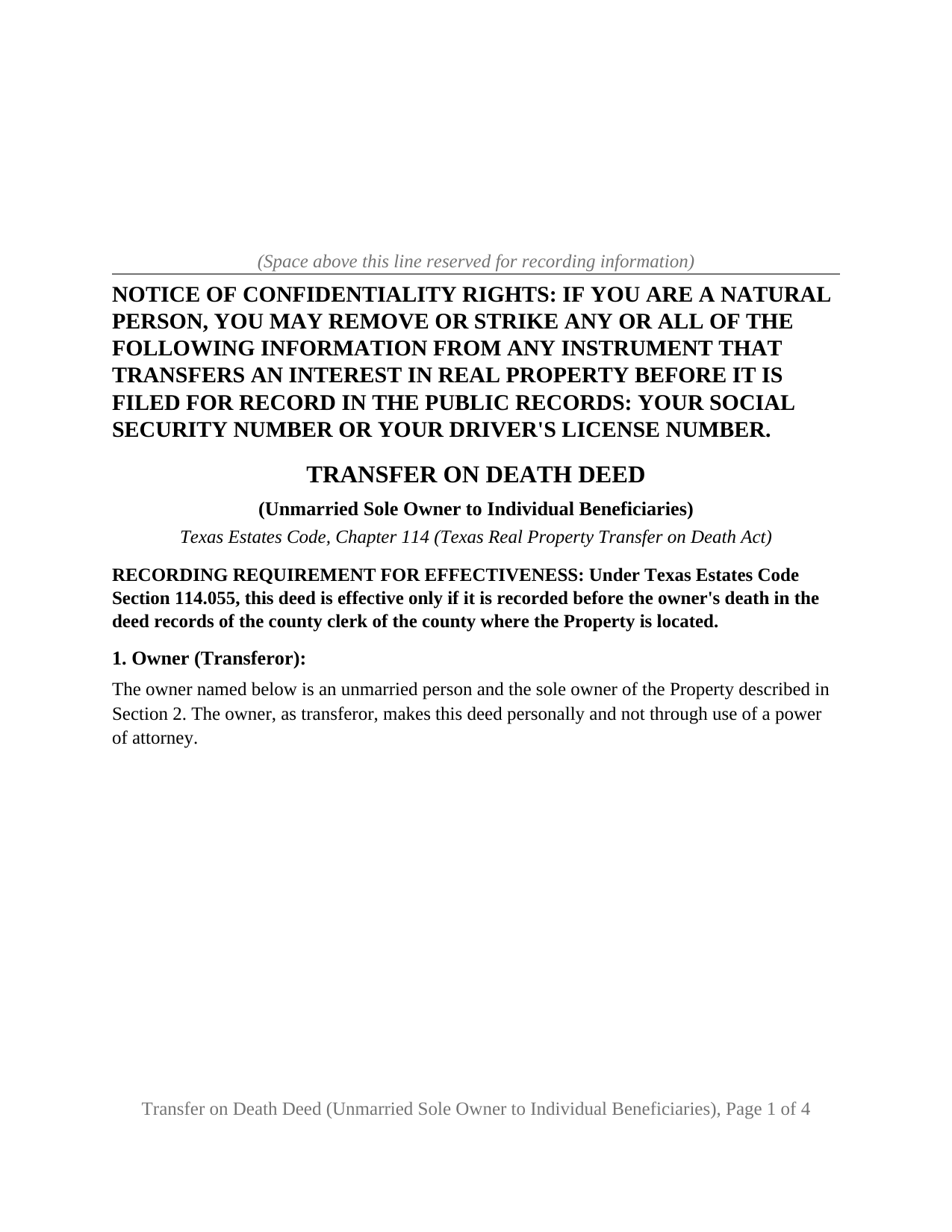
Motley County Transfer on Death Deed (Unmarried Sole Owner to Individual Beneficiaries) Form
Fill in the blank Transfer on Death Deed (Unmarried Sole Owner to Individual Beneficiaries) form formatted to comply with all Texas recording and content requirements.
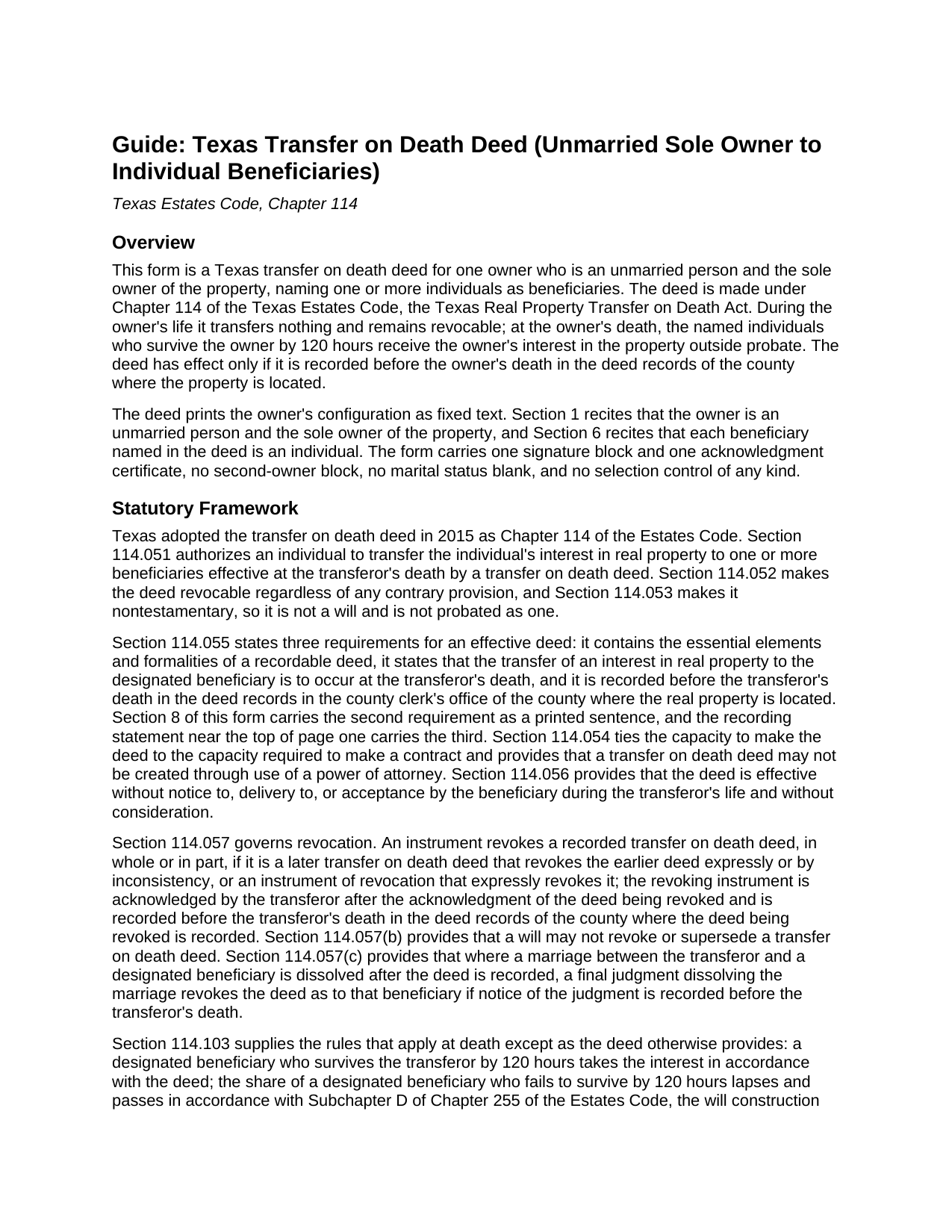
Motley County Transfer on Death Deed (Unmarried Sole Owner to Individual Beneficiaries) Guide
Line by line guide explaining every blank on the Transfer on Death Deed (Unmarried Sole Owner to Individual Beneficiaries) form.
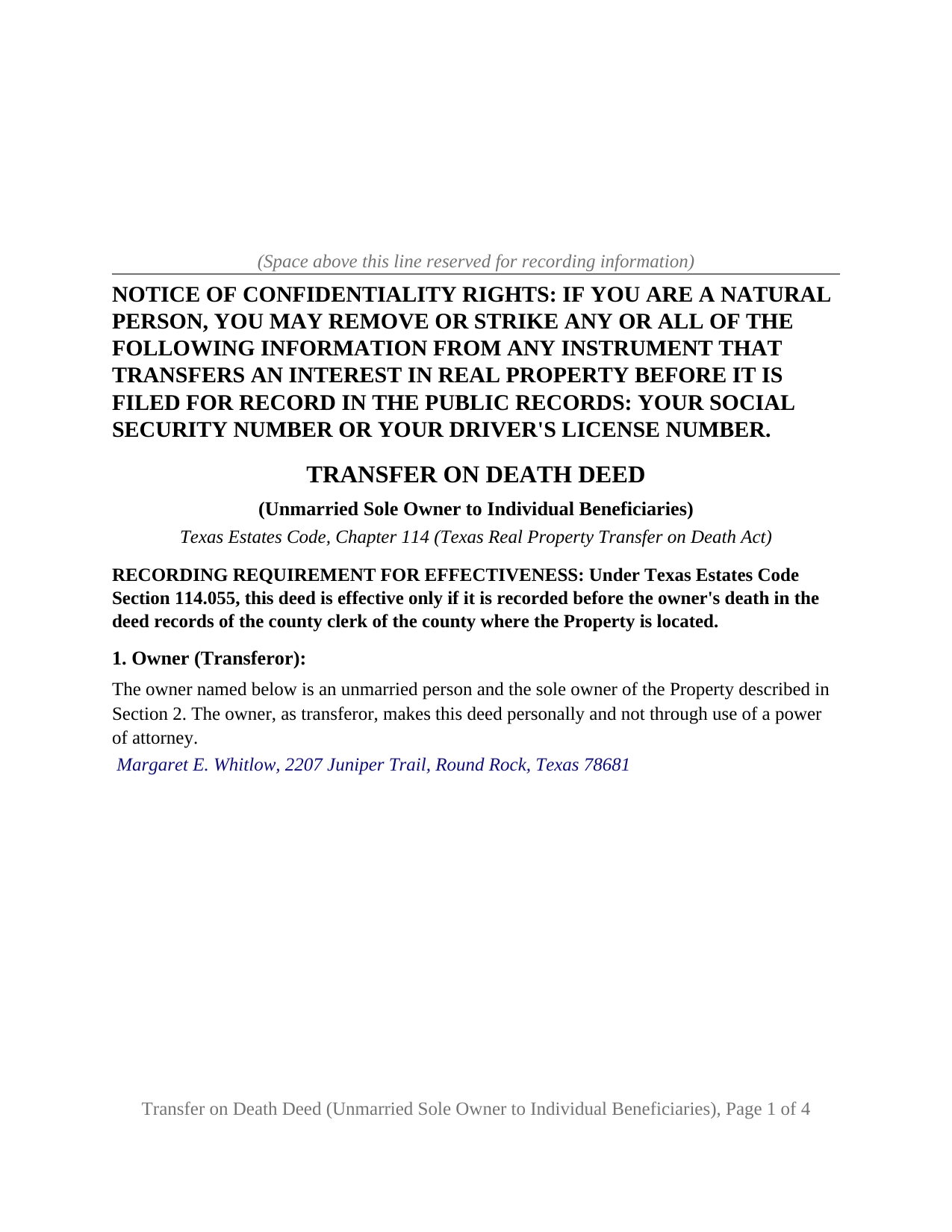
Motley County Completed Example of the Transfer on Death Deed (Unmarried Sole Owner to Individual Beneficiaries) Document
Example of a properly completed Texas Transfer on Death Deed (Unmarried Sole Owner to Individual Beneficiaries) document for reference.
All 3 documents above included • One-time purchase • No recurring fees
Immediate Download • Secure Checkout
Additional Texas and Motley County documents included at no extra charge:
Where to Record Your Documents
Motley County Clerks Office
Matador, Texas 79244
Hours: Monday - Friday 9:00am-12:00, 1:00-5:00 pm
Phone: (806) 347-2621
Recording Tips for Motley County:
- Bring your driver's license or state-issued photo ID
- Ensure all signatures are in blue or black ink
- White-out or correction fluid may cause rejection
- Ask about their eRecording option for future transactions
- Avoid the last business day of the month when possible
Cities and Jurisdictions in Motley County
Properties in any of these areas use Motley County forms:
- Flomot
- Matador
- Roaring Springs
Hours, fees, requirements, and more for Motley County
How do I get my forms?
Forms are available for immediate download after payment. The Motley County forms will be in your account ready to download to your computer. An account is created for you during checkout if you don't have one. Forms are NOT emailed.
Are these forms guaranteed to be recordable in Motley County?
Yes. Our form blanks are guaranteed to meet or exceed the applicable formatting requirements used for recording in Motley County, including margin requirements, font requirements, and other layout standards. This guarantee applies to formatting, not to the legal sufficiency of information entered by the user or the suitability of a form for a particular transaction.
Can I reuse these forms?
Yes. You can reuse the forms for your personal use. For example, if you have multiple properties in Motley County you only need to order once.
What do I need to use these forms?
The forms are PDFs that you fill out on your computer. The free Adobe Acrobat Reader is recommended, and most PDF apps also work. You do NOT enter your property information online - you download the blank forms and complete them privately on your own computer.
Are there any recurring fees?
No. This is a one-time purchase. Nothing to cancel, no memberships, no recurring fees.
How much does it cost to record in Motley County?
Recording fees in Motley County vary. Contact the recorder's office at (806) 347-2621 for current fees.
Questions answered? Let's get started!
This Texas transfer on death deed is built for one owner who is an unmarried person and holds the property alone, naming one or more individuals to receive it at death. The deed prints that configuration as its own text: Section 1 recites that the owner is an unmarried person and the sole owner of the property, Section 6 recites that each beneficiary is an individual, and the instrument carries one signature block and one acknowledgment certificate under Chapter 114 of the Texas Estates Code.
One owner, one death, no spouse to account for
Most of the complexity in a Texas transfer on death deed comes from the people around the owner: a spouse with a community property interest, a co-owner whose survivorship right postpones the deed to a second death. The configuration this deed recites has neither, so there is no community property presumption to work through, no joinder question under Family Code Section 5.001, and no survivorship arrangement that delays the transfer. The deed waits for a single event, the owner's death, and the individuals named in it who survive the owner by 120 hours take the owner's interest outside probate. The ownership patterns that present this shape appear in the record as one name on the vesting deed: a person who never married and bought alone, a widowed owner whose title now stands in one name, and a divorced owner whose decree or a later deed consolidated the property.
Why the deed prints the owner's status
This deed leaves nothing about status, ownership, or a second owner to a blank or a box: the recital in Section 1 is printed, the only entry in that section is the owner's name and mailing address, and there is no second signature block on the instrument. The recital states what the owner asserts on the date of signing; a later marriage is not among the events Chapter 114 lists as revoking a recorded deed, and the guide describes what it changes at death.
Beneficiaries who are people, not entities
Chapter 114 defines a beneficiary as a person and borrows the Government Code definition of that word, so the statute itself allows a trust or a corporation to be named. This deed fixes the beneficiary class to individuals, and Section 6 says so in print. Where more than one individual is named, Section 114.103 passes the property to them in equal and undivided shares with no right of survivorship among them. Section 7 is an optional alternate designation: the individuals named there take only if no primary beneficiary survives the owner by 120 hours, and they carry the same survival requirement. The form carries no share arrangement other than the statute's equal shares and no open drafting box.
What the operative section states
Section 114.055 requires a transfer on death deed to state that the transfer to the designated beneficiary is to occur at the transferor's death, and Section 8 of this deed carries that sentence in the statute's own words beside the transfer itself, effective at the death of the owner. The same section recites the owner's contractual capacity, restates the survival and lapse rules of Section 114.103, states that the deed transfers the property without covenant or warranty of title, and closes with the capitalized statement that the deed is revocable. Revocation during life takes a separately prepared and recorded instrument under Section 114.057, not included in this package; a will does not revoke a transfer on death deed in Texas.
Recording before death is the effectiveness condition
A Texas TOD deed, sometimes searched for as a beneficiary deed, is effective only if recorded before the owner's death in the deed records of the county where the property is located, and the recording statement near the top of page one says so. The deed is formatted for the county clerk: letter size pages within Local Government Code Section 191.007, 12 point body text, the Property Code Section 11.008 notice of confidentiality rights in 12 point boldfaced capitals at the top of the first page, and reserved space for the recording stamp.
The package contains the deed as a fillable PDF, completed on screen or printed and completed by hand; a completed example filled in for a realistic Williamson County fact pattern; and a plain language guide that walks through every numbered section, the acknowledgment, and recording. This description and the guide describe the form and the governing statutes in general terms; they are not legal advice.
Important: Your property must be located in Motley County to use these forms. Documents should be recorded at the county recording office listed above.
This Transfer on Death Deed (Unmarried Sole Owner to Individual Beneficiaries) meets all recording requirements specific to Motley County.
Our Promise
The documents you receive here are guaranteed to meet or exceed the applicable Motley County recording format requirements. If there is a rejection caused by our formatting, we will correct the issue or refund your payment. This guarantee applies to document formatting only and does not extend to information entered by the user, the selection of the form, or the legal effect of the completed document.
Save Time and Money
Get your Motley County Transfer on Death Deed (Unmarried Sole Owner to Individual Beneficiaries) form done right the first time with Deeds.com Uniform Conveyancing Blanks. At Deeds.com, we understand that your time and money are valuable resources, and we don't want you to face a penalty fee or rejection imposed by a county recorder for submitting nonstandard documents. We constantly review and update our forms to meet rapidly changing state and county recording requirements for roughly 3,500 counties and local jurisdictions.
4.8 out of 5 - ( 4,845 Reviews )
Marisela S. 5 out of 5 stars
This is my first time and your service appears to be very user-friendly; however, since I am new to this service, I'm not sure if my e-filings were received as I've not heard anything back nor have I received any type of confirmation of receipt.
Thank you for your feedback. We really appreciate it. Have a great day!
Martin L. 5 out of 5 stars
Deeds.com is a lifesaver! They are fast and not too expensive. I highly recommend them!
Recognizing the value of your feedback helps us to enhance our services continually. Thank you for sharing your experience with us.
Turto T. 5 out of 5 stars
The documents were accurate and event well packaged. They contained all the information that was needed to establish revocable trusts and transfer the property into the trusts. All of this with decent price.
Thank you for your feedback. We really appreciate it. Have a great day!
BARBARA S. 5 out of 5 stars
Easy to use; great back-up documentation; reasonably priced.
We appreciate your business and value your feedback. Thank you. Have a wonderful day!
Richard W. 5 out of 5 stars
Very happy I tried your service/product. The quit deed forms were excepted by the register of deeds with no issue. Thank You
We appreciate your business and value your feedback. Thank you. Have a wonderful day!
Victor K. 3 out of 5 stars
The form I needed was correct and paginated as required. It was accepted w/o penalties. I was not happy about the information which I found way too scant. One sample form does not cover enough possibilities, more would be helpful. The instruction page is a bit better but sometimes it is not clear enough - sometimes it is not clear what the numbered items in the form correspond to. There is no guidance about the process and it would take very little to provide it. Example about "description", say where to find. There is a bunch of "free forms" attached but no guide on which are needed and when. Example: at the counter I was given a paper "conveyance" form and asked to fill it - I did not know it was needed and what it did and so I had not d
Thank you for your feedback. We really appreciate it. Have a great day!
Michelle N. 5 out of 5 stars
Great experience
Thank you Michelle.
John D. 5 out of 5 stars
Very helpful and easy to use.
Thank you for your feedback. We really appreciate it. Have a great day!
Larry M. 5 out of 5 stars
Everything went well except that any information that I typed in on the computer download moves upward so that the letters or numbers are somewhat elevated above the line that should be even with the words on the form. I think it will be acceptable to the county recorder, but I don't especially like to submit things that appear uneven. I asked for help but just received a robotic reply that said to take steps that I already had done. So unless you know a way to correct this I likely won't use your forms again.
Thank you!
Linda M. 5 out of 5 stars
The form I purchased along with the instructions and completed sample were easy to use. I downloaded them on my iPad. I had to also download the free adobe reader app from the App Store. I had no problem getting the beneficiary deed recorded at the recorder’s office. I am pleased with my purchase.
Thanks so much for the kind words, Linda! Glad the sample and instructions made the process smooth, and that tip about the Adobe Reader app for iPad is genuinely helpful for other customers too. Congrats on getting the deed recorded!
Robert W. 5 out of 5 stars
Exactly what I needed. Thank you
Thank you!
Deborah C. 5 out of 5 stars
I would recommend these forms to others.
Thank you!
ALAN C. 5 out of 5 stars
Everything was as advertised, and easily downloaded.
We appreciate your business and value your feedback. Thank you. Have a wonderful day!
Melissa H. 5 out of 5 stars
Amazing forms! Order the quitclaim deed forms, got the form and lots of extra forms which is good because I needed a few of them and didn't even know it. Very happy, will be back if needed.
We appreciate your business and value your feedback. Thank you. Have a wonderful day!
Jin L. 5 out of 5 stars
Your service is pretty awesome! I needed to get my docs recorded before year end, and you guys were on it. Thank you very much for the quick turnaround!
We appreciate your business and value your feedback. Thank you. Have a wonderful day!