Cottle County Trustees Deed (Individual Trustee) Form
Last validated September 29, 2026 by our Forms Development TeamFormatted for recording in Cottle County, for property anywhere in the county: rural and unincorporated areas as well as Cee Vee, Paducah.
- 3 documents included
- Immediate PDF download
- Formatting guarantee
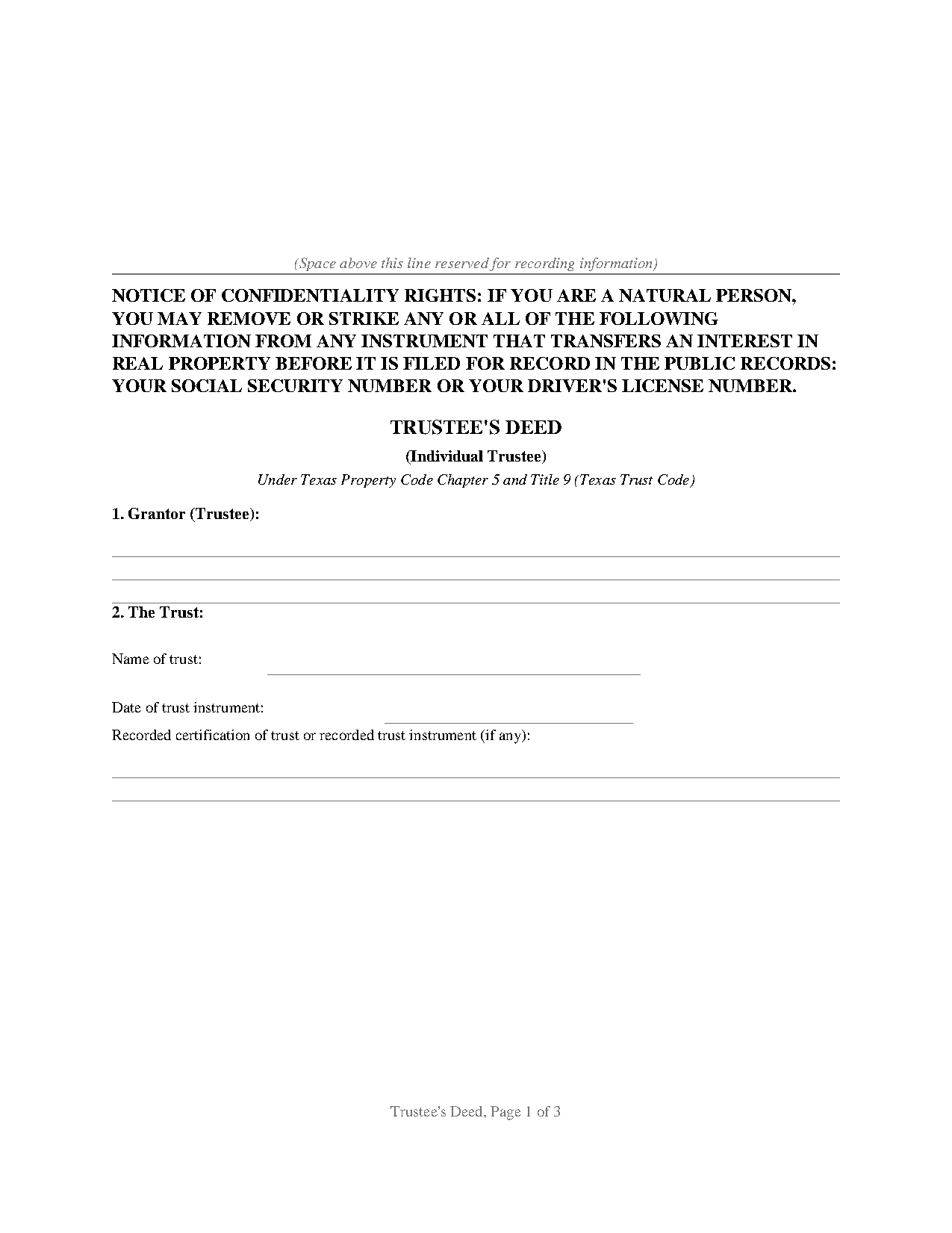
Cottle County Trustees Deed (Individual Trustee) Form
Fill in the blank Trustees Deed (Individual Trustee) form formatted to comply with all Texas recording and content requirements.
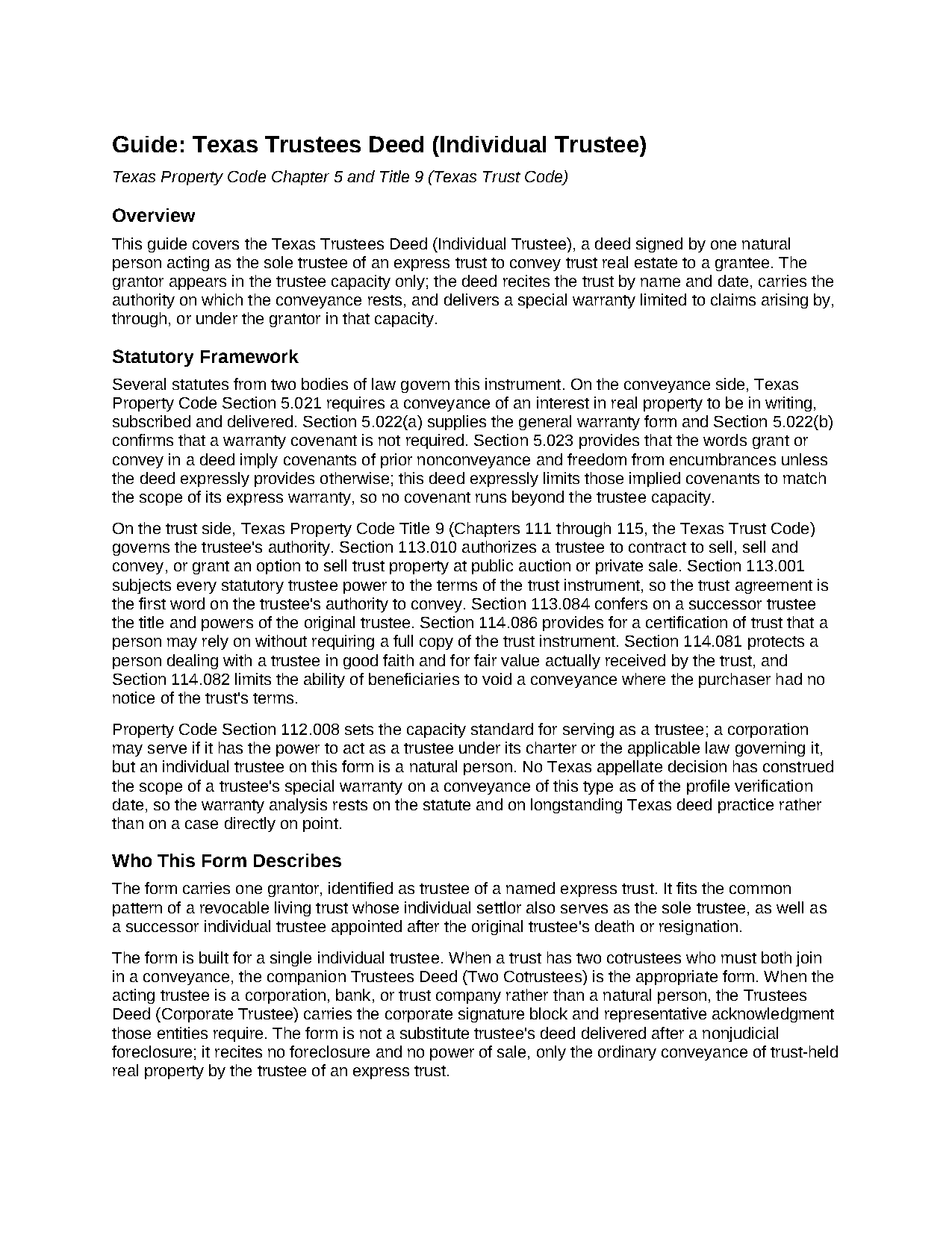
Cottle County Trustees Deed (Individual Trustee) Guide
Line by line guide explaining every blank on the Trustees Deed (Individual Trustee) form.
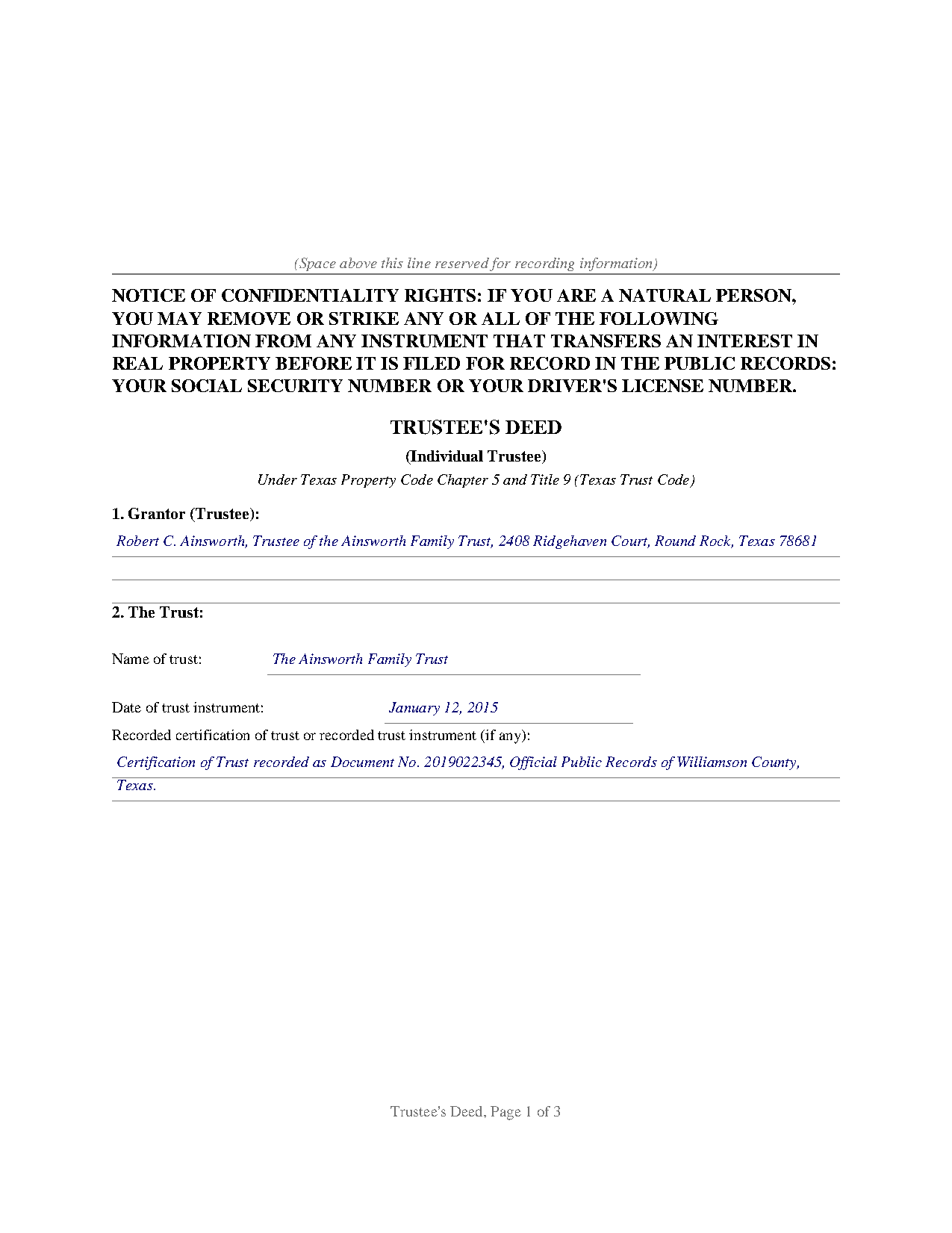
Cottle County Completed Example of the Trustees Deed (Individual Trustee) Document
Example of a properly completed Texas Trustees Deed (Individual Trustee) document for reference.
All 3 documents above included • One-time purchase • No recurring fees
Immediate Download • Secure Checkout
Additional Texas and Cottle County documents included at no extra charge:
Where to Record Your Documents
Cottle County Clerk
Paducah, Texas 79248-0717
Hours: Monday - Thursday 9:00am - 5:00pm
Phone: (806) 492-3823
Recording Tips for Cottle County:
- Bring your driver's license or state-issued photo ID
- Ensure all signatures are in blue or black ink
- Leave recording info boxes blank - the office fills these
- Make copies of your documents before recording - keep originals safe
- Recorded documents become public record - avoid including SSNs
Cities and Jurisdictions in Cottle County
Properties in any of these areas use Cottle County forms:
- Cee Vee
- Paducah
Hours, fees, requirements, and more for Cottle County
How do I get my forms?
Forms are available for immediate download after payment. The Cottle County forms will be in your account ready to download to your computer. An account is created for you during checkout if you don't have one. Forms are NOT emailed.
Are these forms guaranteed to be recordable in Cottle County?
Yes. Our form blanks are guaranteed to meet or exceed the applicable formatting requirements used for recording in Cottle County, including margin requirements, font requirements, and other layout standards. This guarantee applies to formatting, not to the legal sufficiency of information entered by the user or the suitability of a form for a particular transaction.
Can I reuse these forms?
Yes. You can reuse the forms for your personal use. For example, if you have multiple properties in Cottle County you only need to order once.
What do I need to use these forms?
The forms are PDFs that you fill out on your computer. The free Adobe Acrobat Reader is recommended, and most PDF apps also work. You do NOT enter your property information online - you download the blank forms and complete them privately on your own computer.
Are there any recurring fees?
No. This is a one-time purchase. Nothing to cancel, no memberships, no recurring fees.
How much does it cost to record in Cottle County?
Recording fees in Cottle County vary. Contact the recorder's office at (806) 492-3823 for current fees.
Questions answered? Let's get started!
Property held in a Texas living trust is titled in the trustee's name, and when the moment comes to sell it or distribute it to a beneficiary, the trustee is the one who signs the deed. This trustee's deed conveys real property out of an express trust under the Texas Trust Code, with the grantor acting solely as trustee and not individually, and with a special warranty measured by the grantor's own tenure in the title.
A conveyance in a fiduciary capacity
The statutory authority sits in the Trust Code itself. Property Code Section 113.010 authorizes a trustee to contract to sell, sell and convey, or grant an option to sell real property at public auction or private sale, and Section 113.001 places the trust instrument above every statutory power, so the instrument creating the trust remains the first word on the trustee's authority. The deed identifies the trust by name and by the date of the trust instrument, recites the trustee capacity in the granting clause and the warranty, and carries the acknowledgment in the same capacity, so the county record shows a fiduciary conveyance from end to end.
The trust stays off the record
Trust instruments are private documents and ordinarily go unrecorded. Texas bridges the gap with the certification of trust of Property Code Section 114.086, a trustee-signed summary of the trust's existence, its date, the acting trustee, and the trustee's powers; a person relying on one in good faith may assume the facts it states without inquiry. The deed provides a line for the recording reference of a recorded certification of trust, and the companion protections of Sections 114.081 and 114.082 shield people who deal with a trustee in good faith and for fair value.
A warranty measured by the trustee's tenure
The deed conveys with the statutory words of grant from Property Code Section 5.022, then states its warranty expressly: the grantor, in the trustee capacity and not individually, warrants and defends the title against every person lawfully claiming by, through, or under the grantor, but not otherwise. That is the classic Texas special warranty: it covers the title during the grantor's tenure and leaves earlier history outside the covenant, narrower than a general warranty and broader than a deed without warranty, which excludes even the implied covenants of Section 5.023.
One name, two very different deeds
Texas practice uses the phrase trustee's deed for an unrelated instrument as well: the substitute trustee's deed delivered after a nonjudicial foreclosure sale under a deed of trust. This form is not that document; it recites no foreclosure and no power of sale, only the ordinary conveyance of trust-held property by the trustee of an express trust.
Recording the deed
The completed deed records with the county clerk of the county where the property is located, and Texas imposes no transfer tax, so the deed and any exhibits are the whole package. The confidentiality notice required by Property Code Section 11.008 appears at the top of the first page, above reserved space for the recording stamp. The download includes the blank deed as a fillable PDF, a completed example on a realistic Williamson County fact pattern, and a guide covering every numbered section; the materials are informational and are not legal advice.
Important: Your property must be located in Cottle County to use these forms. Documents should be recorded at the county recording office listed above.
This Trustees Deed (Individual Trustee) meets all recording requirements specific to Cottle County.
Our Promise
The documents you receive here are guaranteed to meet or exceed the applicable Cottle County recording format requirements. If there is a rejection caused by our formatting, we will correct the issue or refund your payment. This guarantee applies to document formatting only and does not extend to information entered by the user, the selection of the form, or the legal effect of the completed document.
Save Time and Money
Get your Cottle County Trustees Deed (Individual Trustee) form done right the first time with Deeds.com Uniform Conveyancing Blanks. At Deeds.com, we understand that your time and money are valuable resources, and we don't want you to face a penalty fee or rejection imposed by a county recorder for submitting nonstandard documents. We constantly review and update our forms to meet rapidly changing state and county recording requirements for roughly 3,500 counties and local jurisdictions.
4.8 out of 5 - ( 4,842 Reviews )
Irma G. 5 out of 5 stars
Although I did not use the forms yet, it appears very easy to understand and navigate.
Thank you for your feedback. We really appreciate it. Have a great day!
Henry J. 5 out of 5 stars
Worked out Great!
We appreciate your business and value your feedback. Thank you. Have a wonderful day!
Dorothy N. 5 out of 5 stars
The mortgage and note were thorough and very satisfactory for my purposes. The accompanying forms were excellent. I am very pleased with my purchase.
We welcome your positive feedback and are thrilled to have met your expectations. Thank you for choosing our services.
Thomas H. 1 out of 5 stars
Absolute crap. I would give it 0 stars for user-friendliness.
Sorry to hear that we failed you Thomas. We do hope that you found something more suitable to your needs elsewhere.
ROBERT P. 5 out of 5 stars
Got what I needed
Thank you!
Wayne R. 5 out of 5 stars
Couldn't believe how simple it was to do such a very important family support task and the price was right! Thank you
We appreciate your business and value your feedback. Thank you. Have a wonderful day!
Darrell D. 5 out of 5 stars
Thx. Easy to research and download. Now proof is in the pudding. :-)
Thank you for your feedback. We really appreciate it. Have a great day!
Kay G. 5 out of 5 stars
Found just the form I was looking for. It was an easy download process. Now just have to complete the forms!
Thank you for your feedback Kay, we really appreciate it.
Johnathan D. 5 out of 5 stars
Very helpful and quick responses
Thank you!
Deirdre K. 5 out of 5 stars
Fantastic! So helpful, got my deed recorded with no problem.
Thank you!
Jamie F. 5 out of 5 stars
Your service was very helpful as we were able to obtain a form for another state for our client.
We appreciate your business and value your feedback. Thank you. Have a wonderful day!
Catherine S. 3 out of 5 stars
Description of document could have been better
Thank you!
Thomas D. 2 out of 5 stars
The documents themselves are fine and the information provided with them is helpful. I find the actual processing of the documents, however, to be difficult particularly once the document has been saved. First, I note that the box for the date only allows entry of the last 2 digits of the year. Unfortunately, my download only allows me to enter one of the 2 digits required. When I delete it repeatedly, it eventually allows both digits to be entered but puts them in extremely small text and in superscrypt. I have not found a solution to this problem and am not sure the deed can even be recorded with this problem. Another problem is that if you try to revise the document after you have saved it the curser goes to the end of the line after each key entry. This means that there basically is no way to efficiently save the document for reworking later since you will have to delete everything you have entered in the text box unless you only need to make a single keystroke change or are willing to replace the curser after each entry. Try that with a long property description! Please note that I am using a Mac to prepare my documents and perhaps this is part of an "incompatibility problem". However, I didn't see a disclaimer regarding Mac use and so would expect the documents to perform correctly. Overall, I give the program a "2 star" rating because I am experiencing significant difficulties in entering dates in the documents even before saving them and because saving your work for later revision appears to be basically unworkable.
Thank you for your feedback Thomas, we appreciate you being specific about the issues you encountered. Adobe and Mac have a fairly long history of issues working together.
Veda J. 5 out of 5 stars
Good Work!
Thank you!
Michael W. 5 out of 5 stars
I needed a quitclaim deed to transfer ownership of a home. An attorney wanted $400.00 to file the deed. I downloaded a blank deed for my area from deeds.com. I received it instantly. (Small fee) it came with instructions and a template. I filled it out and submitted it to the County Clerks office.it was simple and I saved a lot of money. There may be other forms you need, check with whoever you are submitting the deed. You'll have additional fees, but that is up to the municipality in which you reside. It will be helpful if you have the latest deed on file. It was much easier than I thought. This is an easy website to navigate through and it is 100% legitimate. I recommend Deeds.com.
Thank you for your feedback. We really appreciate it. Have a great day!