Nacogdoches County Warranty Deed (LLC Grantor) Form
Last validated October 15, 2026 by our Forms Development TeamFormatted for recording in Nacogdoches County, for property anywhere in the county: rural and unincorporated areas as well as Chireno, Cushing, Douglass, Etoile, Garrison, Martinsville, Nacogdoches, Sacul and 1 more.
- 3 documents included
- Immediate PDF download
- Formatting guarantee
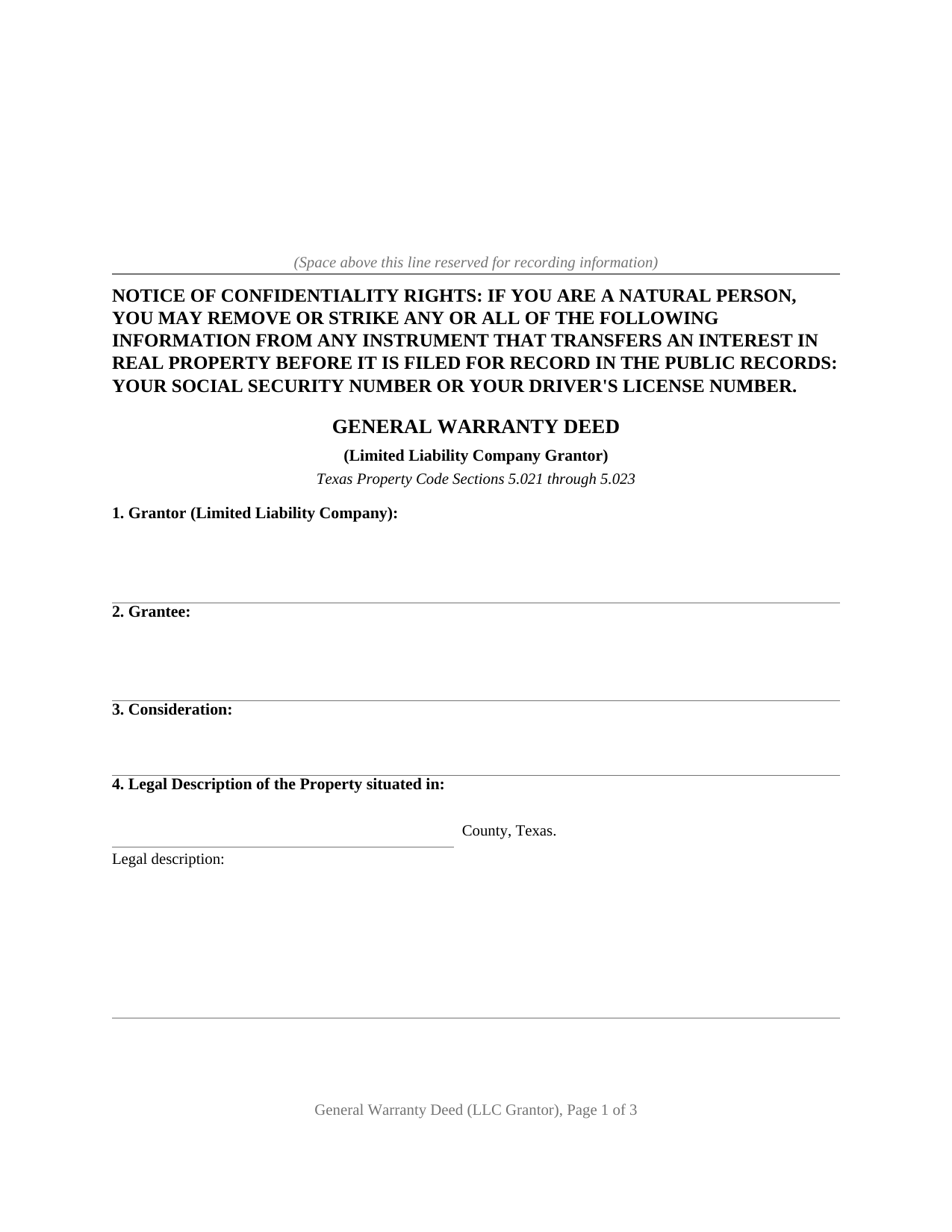
Nacogdoches County Warranty Deed (LLC Grantor) Form
Fill in the blank Warranty Deed (LLC Grantor) form formatted to comply with all Texas recording and content requirements.
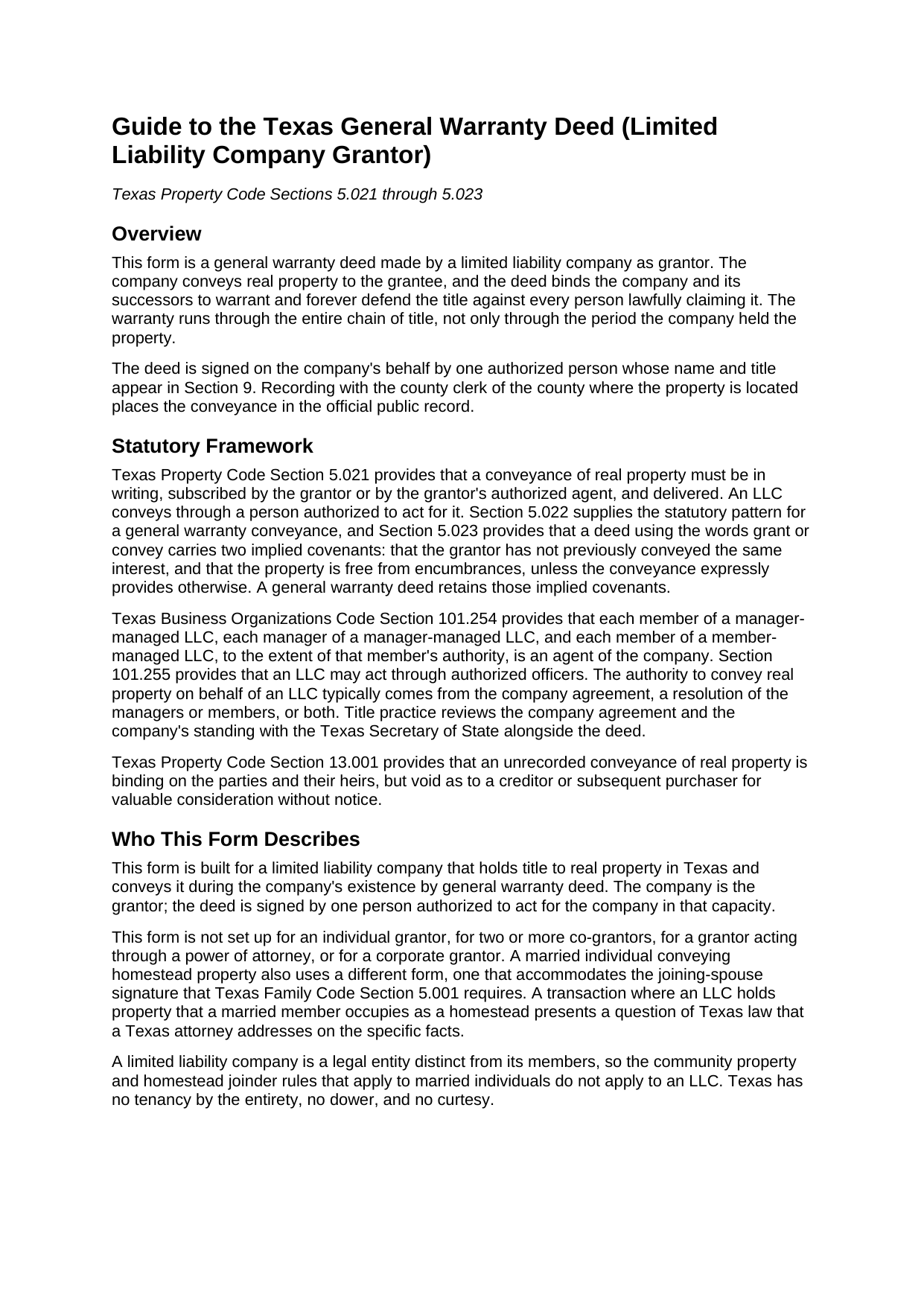
Nacogdoches County Warranty Deed (LLC Grantor) Guide
Line by line guide explaining every blank on the Warranty Deed (LLC Grantor) form.
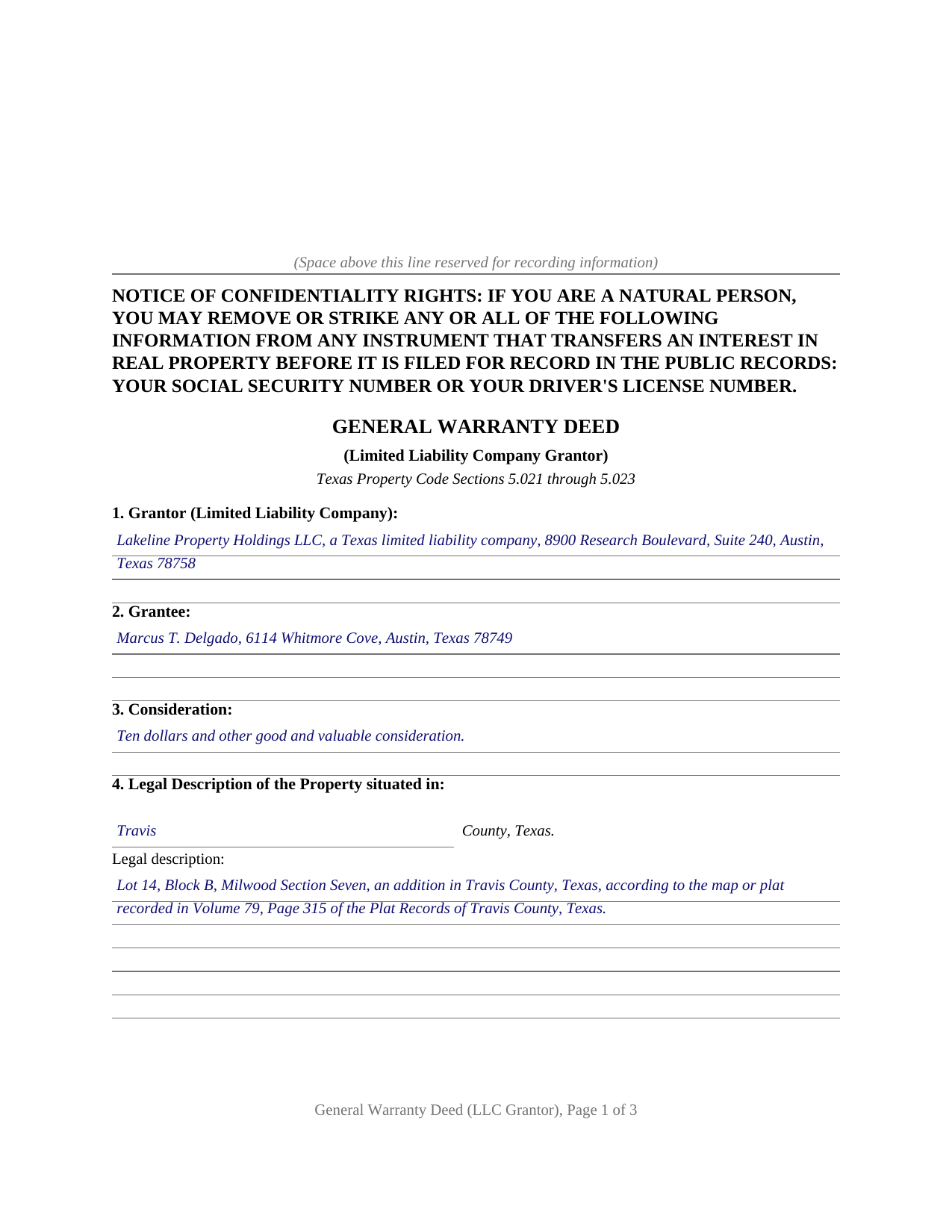
Nacogdoches County Completed Example of the Warranty Deed (LLC Grantor) Document
Example of a properly completed Texas Warranty Deed (LLC Grantor) document for reference.
All 3 documents above included • One-time purchase • No recurring fees
Immediate Download • Secure Checkout
Additional Texas and Nacogdoches County documents included at no extra charge:
Where to Record Your Documents
Nacogdoches County Clerk
Nacogdoches, Texas 75961-4869
Hours: Monday - Friday 8:00am - 5:00pm / Recording until 4:30pm
Phone: (936) 560-7733
Recording Tips for Nacogdoches County:
- Bring your driver's license or state-issued photo ID
- Ensure all signatures are in blue or black ink
- Both spouses typically need to sign if property is jointly owned
- Bring extra funds - fees can vary by document type and page count
- Check margin requirements - usually 1-2 inches at top
Cities and Jurisdictions in Nacogdoches County
Properties in any of these areas use Nacogdoches County forms:
- Chireno
- Cushing
- Douglass
- Etoile
- Garrison
- Martinsville
- Nacogdoches
- Sacul
- Woden
Hours, fees, requirements, and more for Nacogdoches County
How do I get my forms?
Forms are available for immediate download after payment. The Nacogdoches County forms will be in your account ready to download to your computer. An account is created for you during checkout if you don't have one. Forms are NOT emailed.
Are these forms guaranteed to be recordable in Nacogdoches County?
Yes. Our form blanks are guaranteed to meet or exceed the applicable formatting requirements used for recording in Nacogdoches County, including margin requirements, font requirements, and other layout standards. This guarantee applies to formatting, not to the legal sufficiency of information entered by the user or the suitability of a form for a particular transaction.
Can I reuse these forms?
Yes. You can reuse the forms for your personal use. For example, if you have multiple properties in Nacogdoches County you only need to order once.
What do I need to use these forms?
The forms are PDFs that you fill out on your computer. The free Adobe Acrobat Reader is recommended, and most PDF apps also work. You do NOT enter your property information online - you download the blank forms and complete them privately on your own computer.
Are there any recurring fees?
No. This is a one-time purchase. Nothing to cancel, no memberships, no recurring fees.
How much does it cost to record in Nacogdoches County?
Recording fees in Nacogdoches County vary. Contact the recorder's office at (936) 560-7733 for current fees.
Questions answered? Let's get started!
A deed from a limited liability company answers two questions at once: what title the grantee receives, and who may speak for the company granting it. This Texas general warranty deed is drafted for the strongest answer to the first question and the entity mechanics of the second: a full covenant of general warranty, conveyed in the company's name and signed by one authorized person whose capacity appears of record.
A Warranty That Reaches the Whole Chain
Texas Property Code Section 5.022 supplies the statutory pattern for a conveyance with a covenant of general warranty, and Section 5.023 implies covenants of prior nonconveyance and freedom from encumbrances whenever a deed uses the words grant or convey. The general warranty goes further than either implication. On this form the company grants, sells, and conveys the property, then binds itself and its successors to warrant and forever defend the title against every person whomsoever lawfully claiming it, a promise that reaches back through the entire chain of title rather than stopping at the company's own period of ownership. A reservations and exceptions section keeps recorded easements, restrictions, and mineral interests outside the covenant, so the warranty describes the title actually being promised.
Who Signs for the Company
A limited liability company acts only through people. Business Organizations Code Section 101.254 makes each governing person, and each officer vested with authority, an agent of the company, and the execution of a conveyance in the company's name by such an agent binds the company as the statute provides. The deed is built around that structure: the company appears as grantor with its state of organization, the signature block carries the company name, a By line, and the signer's printed name and title, and the notary certificate accommodates the statutory short form for acknowledgment by a member, manager, or officer of a limited liability company. The guide describes where manager-managed and member-managed signing authority comes from, and why title practice reviews the company agreement and the company's franchise tax standing alongside the deed.
Ready for the County Records
The deed is formatted for Texas recording standards: letter size pages within Local Government Code Section 191.007, the confidentiality notice described by Property Code Section 11.008 at the top of the first page, a grantee mailing address entry that satisfies Section 11.003, and reserved space for the clerk's recording stamp. Under Section 13.001, an unrecorded deed is void as to creditors and later purchasers for value without notice, which is why the deed goes to the county clerk of the county where the property is located promptly after signing. Senate Bill 16 added a photo identification requirement at the recording counter for instruments filed in person on or after December 4, 2025, and the guide's recording section describes it.
The download includes the blank deed as a fillable PDF with a non-recorded instructions page, a completed example showing the entire document filled in for a realistic Texas transaction, and a plain language guide that walks through every numbered section, the signature block, and the acknowledgment. The materials are informational and are not legal advice.
Important: Your property must be located in Nacogdoches County to use these forms. Documents should be recorded at the county recording office listed above.
This Warranty Deed (LLC Grantor) meets all recording requirements specific to Nacogdoches County.
Our Promise
The documents you receive here are guaranteed to meet or exceed the applicable Nacogdoches County recording format requirements. If there is a rejection caused by our formatting, we will correct the issue or refund your payment. This guarantee applies to document formatting only and does not extend to information entered by the user, the selection of the form, or the legal effect of the completed document.
Save Time and Money
Get your Nacogdoches County Warranty Deed (LLC Grantor) form done right the first time with Deeds.com Uniform Conveyancing Blanks. At Deeds.com, we understand that your time and money are valuable resources, and we don't want you to face a penalty fee or rejection imposed by a county recorder for submitting nonstandard documents. We constantly review and update our forms to meet rapidly changing state and county recording requirements for roughly 3,500 counties and local jurisdictions.
4.8 out of 5 - ( 4,832 Reviews )
Deidre E. 5 out of 5 stars
Best thing since sliced bread. Do your homework. Find the documents with Deeds.com and bypass expensive and unnecessary lawyers fees.
We deeply appreciate the trust you have placed in our services. Thank you for your valuable feedback and for choosing us.
Lori G. 5 out of 5 stars
thank you for all your help and patience. I would highly recommend Deeds.com to everyone. Sincerely, Lori G.
Thank you!
Kimberly R. 5 out of 5 stars
Very easy to use. Very informative. I think this is a very good service and is worth the $19 especially if you value time.
Thank you for your feedback. We really appreciate it. Have a great day!
Rebecca M. 5 out of 5 stars
Haven't used yet but I will check it out tomorrow
Thank you!
Daniel R. 5 out of 5 stars
It all looked pretty easy to navigate. Forms are just now downloaded so I'll see how opening, filling-out goes. I'm encouraged. Thanks
Thank you for your feedback. We really appreciate it. Have a great day!
Carla H. 4 out of 5 stars
This is a very useful site for downloading legal forms - just be sure you're getting the form you need before buying. Unfortunately I selected the wrong form initially and had to buy a 2nd form to correct my error. I saw no way of communicating my error at that point - i.e., loss of one star.
Thank you for your feedback. We really appreciate it. Have a great day!
Molly A. 5 out of 5 stars
Super easy to download and Deeds dot com had the documents I was looking for and set up in a manner that the County Government office would accept. Nice! Thank you, Deeds!
Thank you for your feedback. We really appreciate it. Have a great day!
jonnie F. 5 out of 5 stars
Easiest and most efficient way to process your documents, this company is amazing. They help me meet the deadline on a critical inspection by processing my NOC in less then a day. Thank You.
We appreciate your business and value your feedback. Thank you. Have a wonderful day!
Jean M. 5 out of 5 stars
Very easy to use and easy to download
Thank you, Jean! We’re glad you found the process easy and the download straightforward. That’s exactly what we aim for. We appreciate you taking the time to share your experience!
Cherene K. 4 out of 5 stars
The process was easy and reasonable. My only problem was that, when I filled out my form on the computer, the writing I did overlapped with the pre-written words on the form, so that I had to end up doing it by hand. I've used DEEDS before and have not had that problem.
Thank you for your feedback Cherene. We've emailed you for some followup regarding the issue you reported.
Daren K. 5 out of 5 stars
Awesome, so far. Thanks
Thank you!
David L. 5 out of 5 stars
Good quick service. The forms helped guide and explain each section and question.
Thank you for your feedback. We really appreciate it. Have a great day!
Deirdre M. 5 out of 5 stars
Good documents good price saved me a lot of money and time.
Thanks for the feedback Deirdre, we appreciate it.
Joni Y. 5 out of 5 stars
Deeds.com is a very up to date & easy instruction website. I recommend this site to all who are looking for forms dealing with deeds. Thank you for making life easy in this aspect.
We appreciate your business and value your feedback. Thank you. Have a wonderful day!
Meredith B. 5 out of 5 stars
Clean and easy process. Super attentive and helpful.
Thank you!