San Jacinto County Warranty Deed (LLC Grantor) Form
Last validated October 15, 2026 by our Forms Development TeamFormatted for recording in San Jacinto County, for property anywhere in the county: rural and unincorporated areas as well as Coldspring, Oakhurst, Pointblank, Shepherd.
- 3 documents included
- Immediate PDF download
- Formatting guarantee
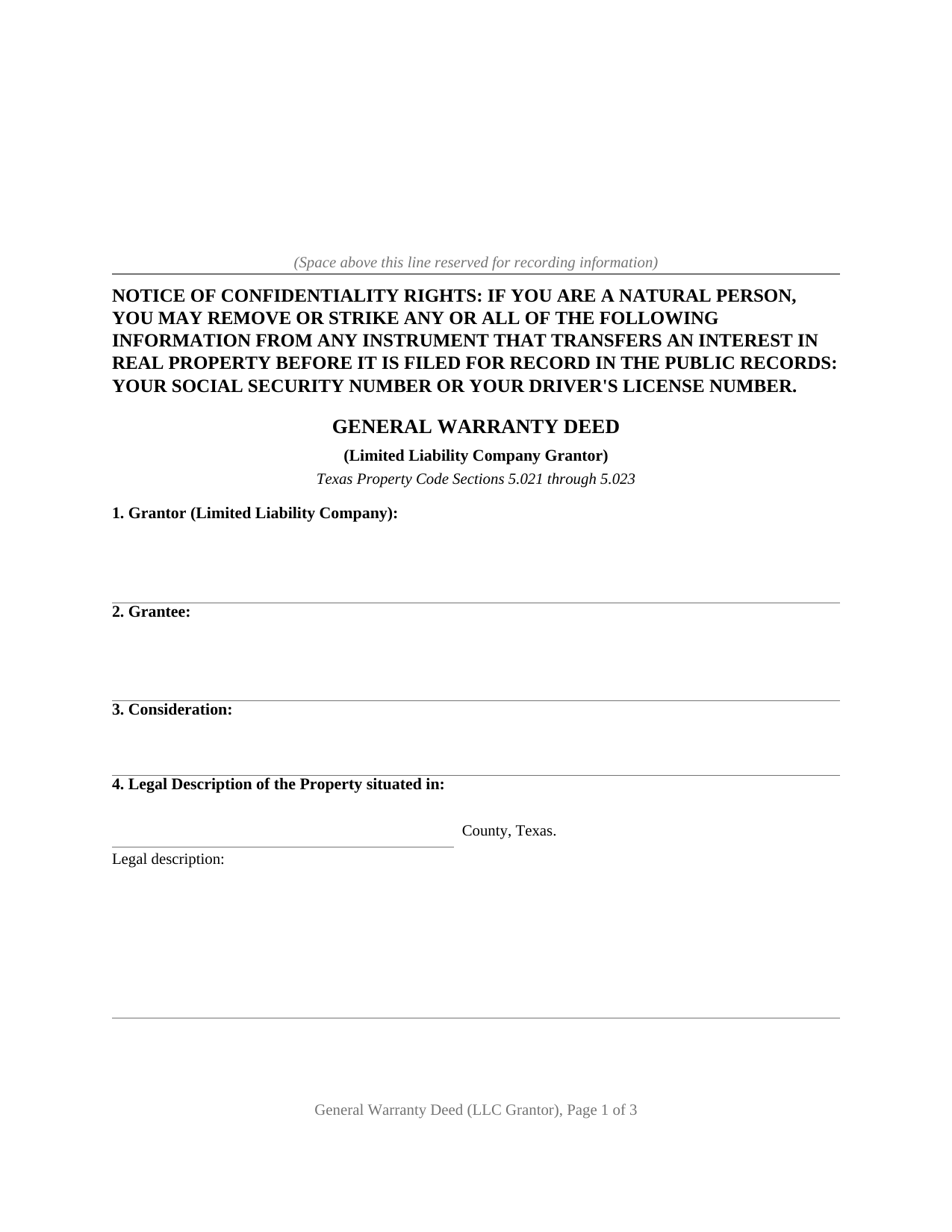
San Jacinto County Warranty Deed (LLC Grantor) Form
Fill in the blank Warranty Deed (LLC Grantor) form formatted to comply with all Texas recording and content requirements.
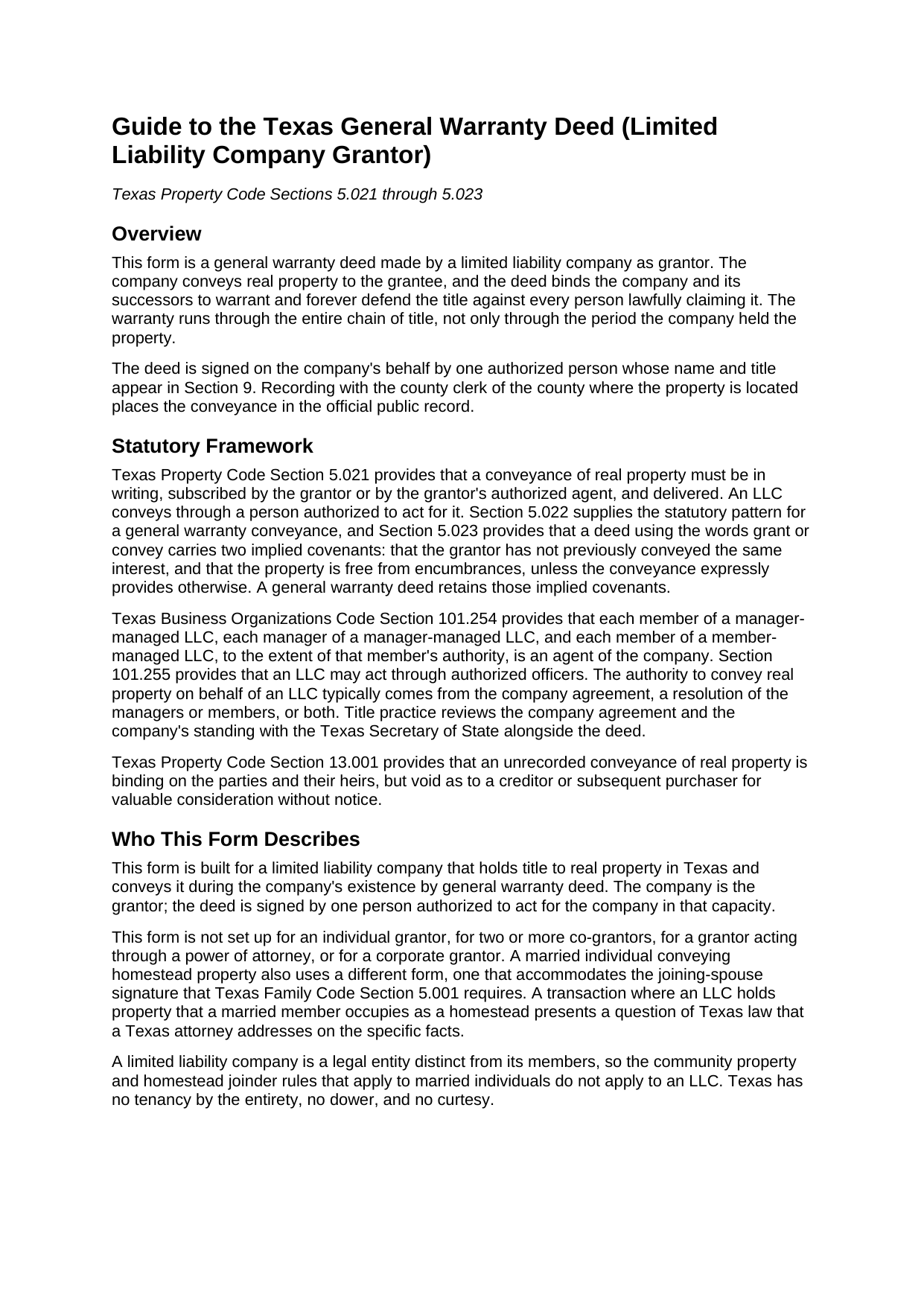
San Jacinto County Warranty Deed (LLC Grantor) Guide
Line by line guide explaining every blank on the Warranty Deed (LLC Grantor) form.
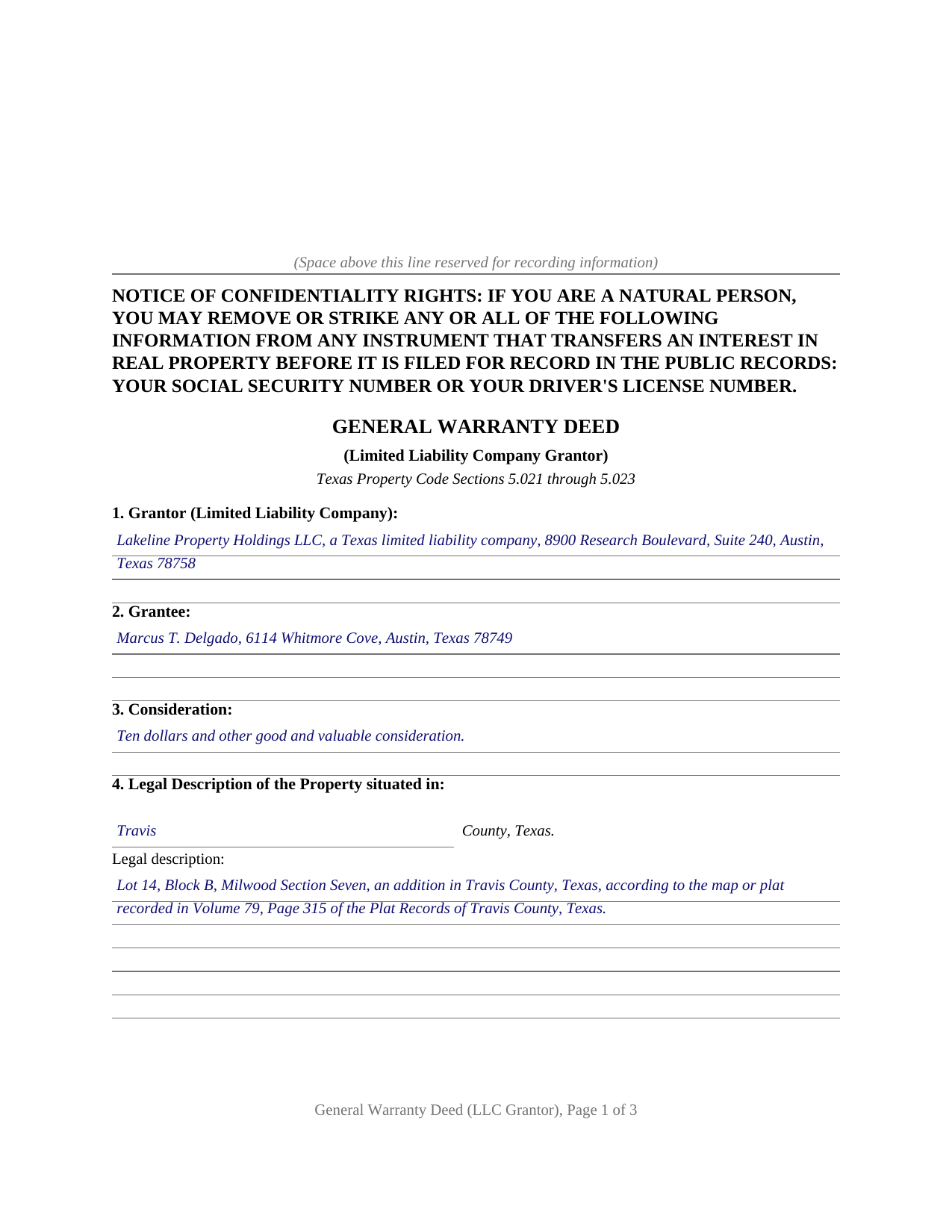
San Jacinto County Completed Example of the Warranty Deed (LLC Grantor) Document
Example of a properly completed Texas Warranty Deed (LLC Grantor) document for reference.
All 3 documents above included • One-time purchase • No recurring fees
Immediate Download • Secure Checkout
Additional Texas and San Jacinto County documents included at no extra charge:
Where to Record Your Documents
San Jacinto County Clerk
Coldspring, Texas 77331
Hours: Mon - Thu 8:00am - 5:00pm, Fri 8:00am - 4:00pm
Phone: (936) 653-2324
Recording Tips for San Jacinto County:
- Bring your driver's license or state-issued photo ID
- Ensure all signatures are in blue or black ink
- Ask if they accept credit cards - many offices are cash/check only
- Check that your notary's commission hasn't expired
- Documents must be on 8.5 x 11 inch white paper
Cities and Jurisdictions in San Jacinto County
Properties in any of these areas use San Jacinto County forms:
- Coldspring
- Oakhurst
- Pointblank
- Shepherd
Hours, fees, requirements, and more for San Jacinto County
How do I get my forms?
Forms are available for immediate download after payment. The San Jacinto County forms will be in your account ready to download to your computer. An account is created for you during checkout if you don't have one. Forms are NOT emailed.
Are these forms guaranteed to be recordable in San Jacinto County?
Yes. Our form blanks are guaranteed to meet or exceed the applicable formatting requirements used for recording in San Jacinto County, including margin requirements, font requirements, and other layout standards. This guarantee applies to formatting, not to the legal sufficiency of information entered by the user or the suitability of a form for a particular transaction.
Can I reuse these forms?
Yes. You can reuse the forms for your personal use. For example, if you have multiple properties in San Jacinto County you only need to order once.
What do I need to use these forms?
The forms are PDFs that you fill out on your computer. The free Adobe Acrobat Reader is recommended, and most PDF apps also work. You do NOT enter your property information online - you download the blank forms and complete them privately on your own computer.
Are there any recurring fees?
No. This is a one-time purchase. Nothing to cancel, no memberships, no recurring fees.
How much does it cost to record in San Jacinto County?
Recording fees in San Jacinto County vary. Contact the recorder's office at (936) 653-2324 for current fees.
Questions answered? Let's get started!
A deed from a limited liability company answers two questions at once: what title the grantee receives, and who may speak for the company granting it. This Texas general warranty deed is drafted for the strongest answer to the first question and the entity mechanics of the second: a full covenant of general warranty, conveyed in the company's name and signed by one authorized person whose capacity appears of record.
A Warranty That Reaches the Whole Chain
Texas Property Code Section 5.022 supplies the statutory pattern for a conveyance with a covenant of general warranty, and Section 5.023 implies covenants of prior nonconveyance and freedom from encumbrances whenever a deed uses the words grant or convey. The general warranty goes further than either implication. On this form the company grants, sells, and conveys the property, then binds itself and its successors to warrant and forever defend the title against every person whomsoever lawfully claiming it, a promise that reaches back through the entire chain of title rather than stopping at the company's own period of ownership. A reservations and exceptions section keeps recorded easements, restrictions, and mineral interests outside the covenant, so the warranty describes the title actually being promised.
Who Signs for the Company
A limited liability company acts only through people. Business Organizations Code Section 101.254 makes each governing person, and each officer vested with authority, an agent of the company, and the execution of a conveyance in the company's name by such an agent binds the company as the statute provides. The deed is built around that structure: the company appears as grantor with its state of organization, the signature block carries the company name, a By line, and the signer's printed name and title, and the notary certificate accommodates the statutory short form for acknowledgment by a member, manager, or officer of a limited liability company. The guide describes where manager-managed and member-managed signing authority comes from, and why title practice reviews the company agreement and the company's franchise tax standing alongside the deed.
Ready for the County Records
The deed is formatted for Texas recording standards: letter size pages within Local Government Code Section 191.007, the confidentiality notice described by Property Code Section 11.008 at the top of the first page, a grantee mailing address entry that satisfies Section 11.003, and reserved space for the clerk's recording stamp. Under Section 13.001, an unrecorded deed is void as to creditors and later purchasers for value without notice, which is why the deed goes to the county clerk of the county where the property is located promptly after signing. Senate Bill 16 added a photo identification requirement at the recording counter for instruments filed in person on or after December 4, 2025, and the guide's recording section describes it.
The download includes the blank deed as a fillable PDF with a non-recorded instructions page, a completed example showing the entire document filled in for a realistic Texas transaction, and a plain language guide that walks through every numbered section, the signature block, and the acknowledgment. The materials are informational and are not legal advice.
Important: Your property must be located in San Jacinto County to use these forms. Documents should be recorded at the county recording office listed above.
This Warranty Deed (LLC Grantor) meets all recording requirements specific to San Jacinto County.
Our Promise
The documents you receive here are guaranteed to meet or exceed the applicable San Jacinto County recording format requirements. If there is a rejection caused by our formatting, we will correct the issue or refund your payment. This guarantee applies to document formatting only and does not extend to information entered by the user, the selection of the form, or the legal effect of the completed document.
Save Time and Money
Get your San Jacinto County Warranty Deed (LLC Grantor) form done right the first time with Deeds.com Uniform Conveyancing Blanks. At Deeds.com, we understand that your time and money are valuable resources, and we don't want you to face a penalty fee or rejection imposed by a county recorder for submitting nonstandard documents. We constantly review and update our forms to meet rapidly changing state and county recording requirements for roughly 3,500 counties and local jurisdictions.
4.8 out of 5 - ( 4,844 Reviews )
Sheryl B. 5 out of 5 stars
I was a little nervous about doing this, but it was very simple. I was thrilled that I could use the sheet that helped me fill out the form. That made it easy. I did like that you knew what the charge was going to be in the beginning, not like the other websites.
Thank you, Sheryl. We know deed paperwork can feel intimidating at first, so we’re glad the guide helped make everything simple and clear. We truly appreciate you sharing your experience.
Suzanne M. 5 out of 5 stars
Easy to download this form. I will use it when the time comes to transfer title of my house.
Thank you for your feedback. We really appreciate it. Have a great day!
Joseph S. 5 out of 5 stars
The website was very easy to use. I rate it a five star
Thank you for your feedback. We really appreciate it. Have a great day!
Matthew M. 5 out of 5 stars
Needed copy of deed in trust. Found info here, paid on line and then printed the docs. Easy to use, no driving to city offices, No parking fees, no waiting in line. Done fast and easy. Love it.
Thank you for your feedback. We really appreciate it. Have a great day!
Eleanor E. 5 out of 5 stars
Not knowing I could down load these forms, I first went to the local recording office thinking I could get info on the forms I needed. I was told that obviously you dont know what you are doing so find someone who does. This snippy clerk obviously didnt know the forms were accessible on line; either that or she was needing to feel her phony superiority.
Thank you for your feedback. We really appreciate it. Have a great day!
Gail J. 5 out of 5 stars
Great! Got the document I needed
Thank you for your feedback. We really appreciate it. Have a great day!
LEROY S. 5 out of 5 stars
Thank you for your kind help. Great help. VR Roy F. Sutton
Thank you for your feedback. We really appreciate it. Have a great day!
Susan S. 5 out of 5 stars
The actual transfer of deed form seems to be the only one not fillable in Adobe. Seems odd.
Thank you!
Paul F. 5 out of 5 stars
Excellent - no reservations. I used them on a Sunday and had my info on Monday. Not only did they execute the order flawlessly, the fixed my screw up* immediately. *I hit refresh before the "secured" page transmitted, so I created (2) two orders of the same item.
Thanks for the review Paul, glad you were happy with the service and staff. Our staff is pretty good at catching the few duplicate orders that get through.
Steven b. 5 out of 5 stars
We used this document in 2018 and it was acceptable to Jackson County Missouri. It worked and is valid. Very happy with the product.
Thanks for the kind words, glad to see you back again. Have a great day!
Susan G. 5 out of 5 stars
I was pleased with the example of a completed beneficiary deed and instructions. It made filling out the deed very easy.
Thank you!
Gary S. 5 out of 5 stars
Easy to use. Very helpful
Thank you!
Mary L. 5 out of 5 stars
Great site. Very easy to use.
Thank you for your feedback. We really appreciate it. Have a great day!
Maria W. 5 out of 5 stars
Really, the best and easiest service given us to complete a process for recorder office! Thank you!!
Thank you!
Roman F. 5 out of 5 stars
You form was good the only thing that did not work was the download to fill it out !!! I use a Mac system and maybe that's what the issue was. I filled it out by hand and it worked for the purpose .
Thanks for the kind words, Roman. Glad the form worked for you. For the fillable fields, the PDF opens best in a dedicated reader like Preview or Adobe Acrobat rather than inside a browser window, which can sometimes flatten them out. We appreciate your business.