Rich County Quitclaim Deed Form
Last validated October 20, 2026 by our Forms Development TeamFormatted for recording in Rich County, for property anywhere in the county: rural and unincorporated areas as well as Garden City, Laketown, Randolph, Woodruff.
- 3 documents included
- Immediate PDF download
- Formatting guarantee
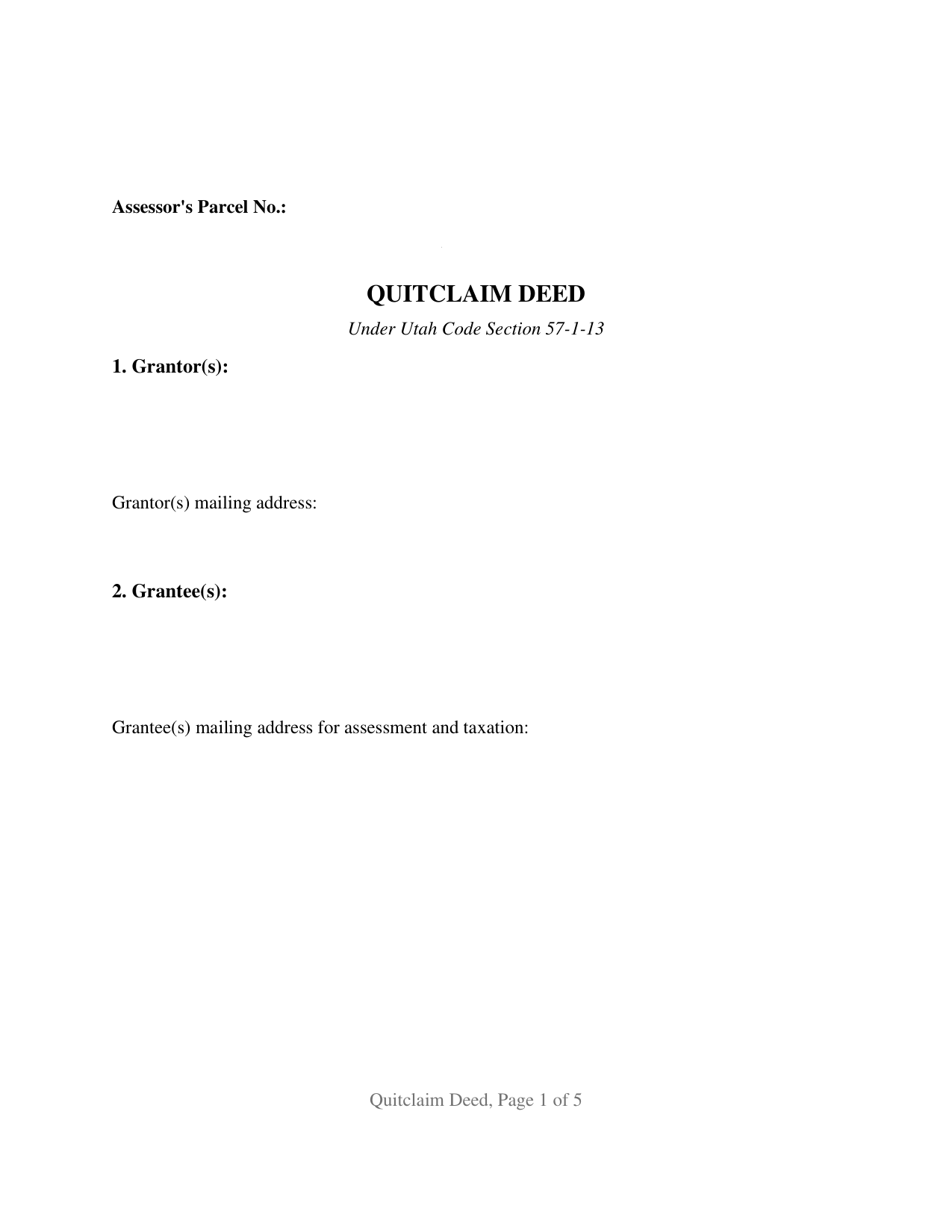
Rich County Quitclaim Deed Form
Fill in the blank Quitclaim Deed form formatted to comply with all Utah recording and content requirements.
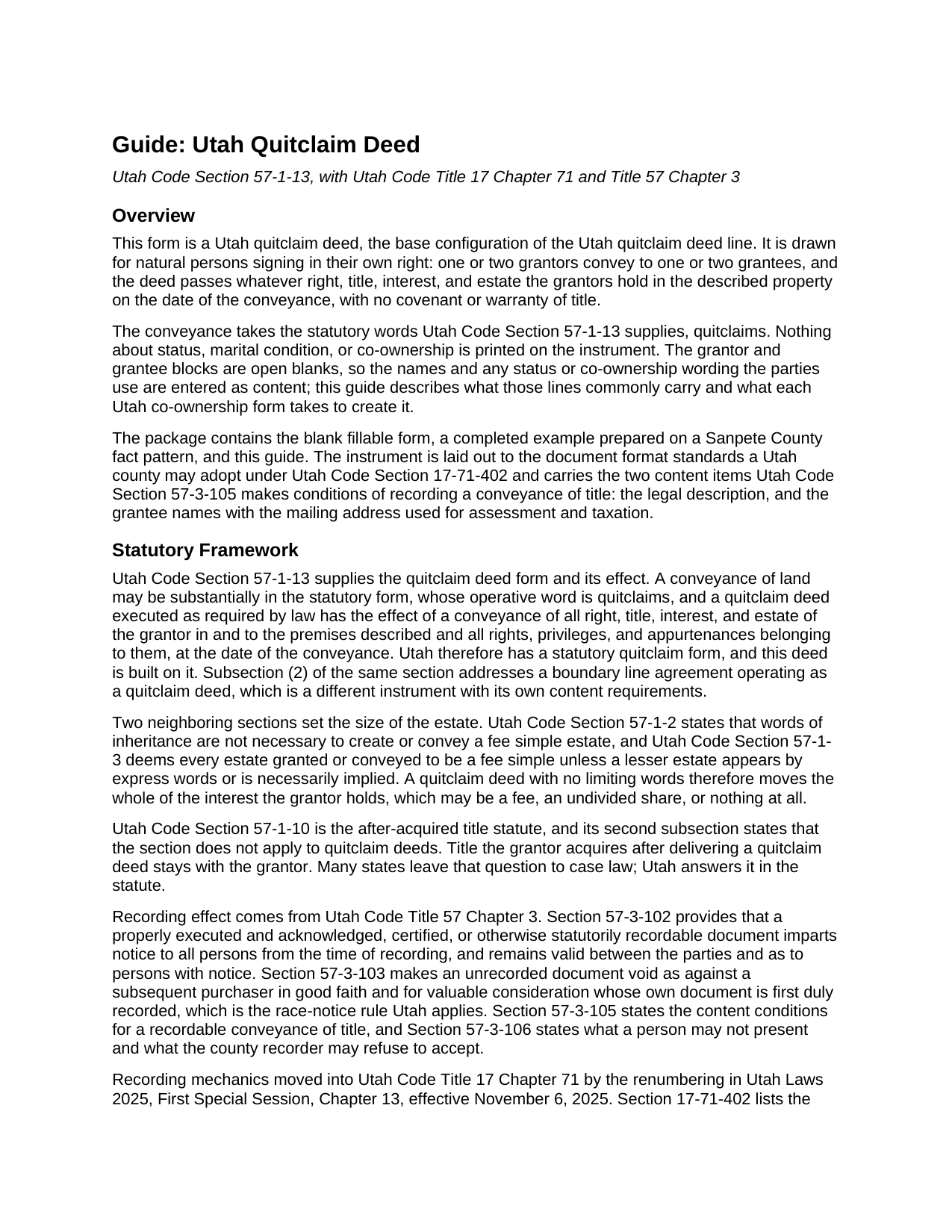
Rich County Quitclaim Deed Guide
Line by line guide explaining every blank on the Quitclaim Deed form.
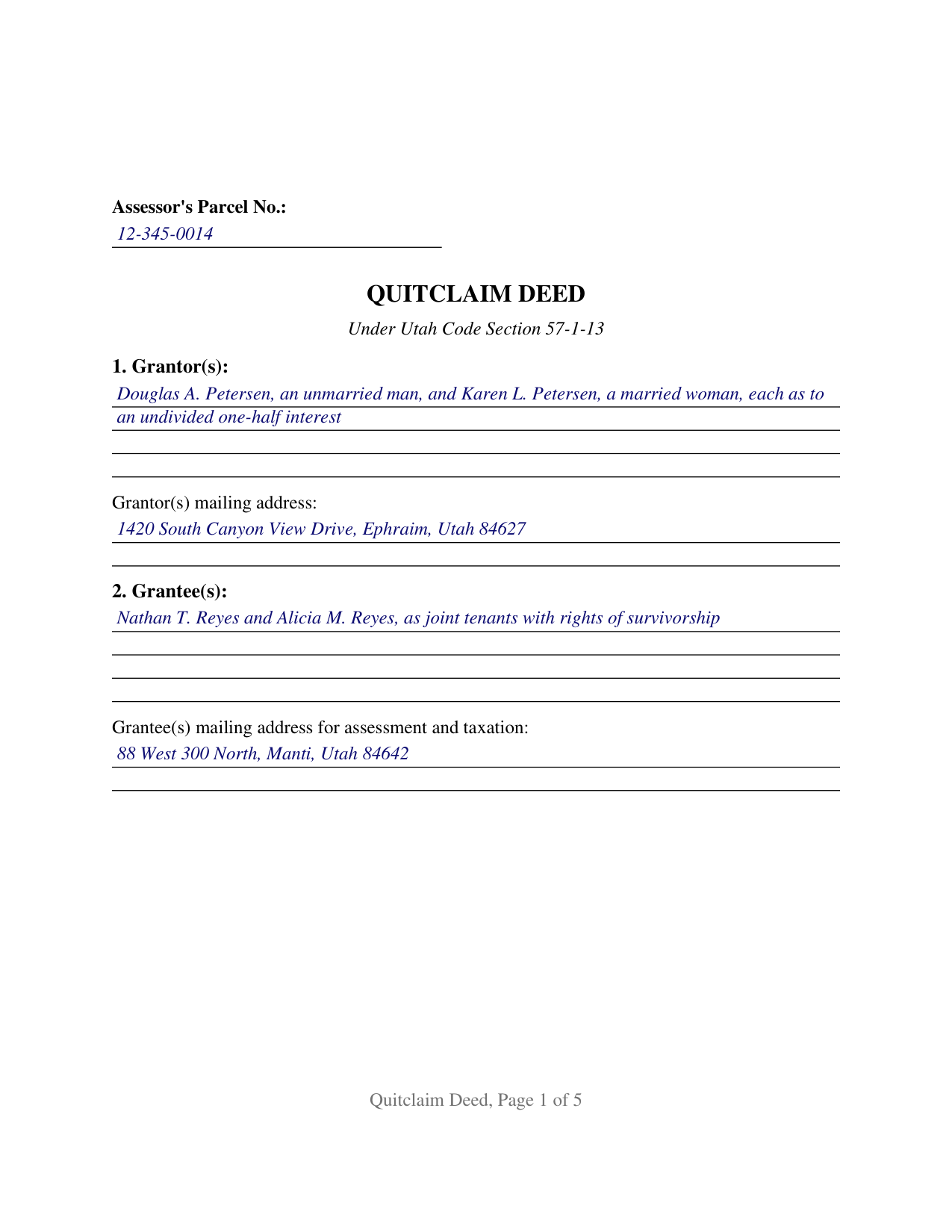
Rich County Completed Example of the Quitclaim Deed Document
Example of a properly completed Utah Quitclaim Deed document for reference.
All 3 documents above included • One-time purchase • No recurring fees
Immediate Download • Secure Checkout
Additional Utah and Rich County documents included at no extra charge:
Where to Record Your Documents
Rich County Recorder
Randolph, Utah 84064
Hours: 9:00 to 12:00 & 1:00 to 5:00 M-F
Phone: (435) 793-2005
Recording Tips for Rich County:
- Bring your driver's license or state-issued photo ID
- Ensure all signatures are in blue or black ink
- Both spouses typically need to sign if property is jointly owned
- Bring extra funds - fees can vary by document type and page count
- Check margin requirements - usually 1-2 inches at top
Cities and Jurisdictions in Rich County
Properties in any of these areas use Rich County forms:
- Garden City
- Laketown
- Randolph
- Woodruff
Hours, fees, requirements, and more for Rich County
How do I get my forms?
Forms are available for immediate download after payment. The Rich County forms will be in your account ready to download to your computer. An account is created for you during checkout if you don't have one. Forms are NOT emailed.
Are these forms guaranteed to be recordable in Rich County?
Yes. Our form blanks are guaranteed to meet or exceed the applicable formatting requirements used for recording in Rich County, including margin requirements, font requirements, and other layout standards. This guarantee applies to formatting, not to the legal sufficiency of information entered by the user or the suitability of a form for a particular transaction.
Can I reuse these forms?
Yes. You can reuse the forms for your personal use. For example, if you have multiple properties in Rich County you only need to order once.
What do I need to use these forms?
The forms are PDFs that you fill out on your computer. The free Adobe Acrobat Reader is recommended, and most PDF apps also work. You do NOT enter your property information online - you download the blank forms and complete them privately on your own computer.
Are there any recurring fees?
No. This is a one-time purchase. Nothing to cancel, no memberships, no recurring fees.
How much does it cost to record in Rich County?
Recording fees in Rich County vary. Contact the recorder's office at (435) 793-2005 for current fees.
Questions answered? Let's get started!
Utah prints the deed's operative words in its own code and leaves everything about the parties open. Section 57-1-13 sets out a quitclaim deed a conveyance may follow substantially: one verb does the legal work, quitclaims, and blanks carry the rest. This is the base configuration of the Utah quitclaim deed, built the same way: one or two people on each side, signing in their own right, and nothing about status or co-ownership preprinted on the page.
One verb, and the reach the statute gives it
A quitclaim deed executed as Utah law requires carries the effect the same section states: a conveyance of all right, title, interest, and estate of the grantor in the premises described, with the rights, privileges, and appurtenances belonging to them, measured at the date of the conveyance. No covenant of title travels with those words, so a trust deed, judgment lien, easement, or plat restriction of record survives the filing untouched. Utah also settles by statute what most states leave to their courts: Section 57-1-10(2) holds quitclaim deeds outside the after acquired title rule, so an interest a grantor picks up later stays with that grantor.
Blank party lines, and the words Utah reads in them
The grantor line takes one or two names as the current vesting deed writes them, with whatever status wording the parties use, and the grantee line does the same, leaving room for a co-ownership designation after the names. Utah reads those entries closely. Since May 1, 2024, Section 57-1-5 has read a grant to two or more people in their own right as a joint tenancy carrying survivorship unless the deed severs it, converts it, or declares another form, so two grantee names and no designation land in survivorship by force of statute, while wording such as as tenants in common displaces it. Section 57-1-3 supplies the other half, deeming an estate a fee simple unless a lesser one appears in the conveyance.
The count patterns this form recites
One grantor to one grantee, one grantor to two, two grantors to one, and two grantors to two are the four patterns the party blocks accommodate, in every case natural persons conveying in their own right. The form is not arranged as a conveyance by a company, a partnership, a trustee in whose name record title stands, or an attorney in fact, each of which recites a capacity and a source of authority this page does not collect, and its two-name blocks do not reach three or more owners on a side. Section 57-1-5 gives that boundary teeth, barring a joint tenancy between a person and an entity or a trustee, so survivorship wording behaves differently the moment either reaches the grantee line.
Two signature blocks, two certificates, and the single-owner deed
Execution follows the count. The instrument draws a GRANTOR block and a SECOND GRANTOR block, each carrying the printed name line Section 17-71-403 has the county recorder index, and each with its own certificate written to the Statutory Short Form of Acknowledgment at Section 57-2a-7. Two certificates let two owners appear before different notaries on different days; where a single owner conveys, the second block and the certificate under it stay empty. No subscribing witness is called for, and because Section 75-2-112 abolished dower and curtesy, no marital release rides the page.
What the county recorder is looking for
Recordability turns on content. Under Section 57-3-105 a document executed to convey title reaches the record only when it names the grantees, recites the mailing address for their assessment and tax notices, and carries a legal description; Section 57-3-106 lets a recorder refuse what does not comply and asks for a first page caption, which the words QUITCLAIM DEED supply. Page geometry answers the format menu of Section 17-71-402, the county serial number riding in the first page margin that subsection (5) opens to it. Utah levies no transfer tax and prices the instrument rather than the page, at 40 dollars under Section 17-71-407 for as many as ten legal descriptions, with 5 more in second through sixth class counties.
The purchase brings the fillable Utah form, a completed example worked out on a Sanpete County pattern where two owners quitclaim a platted lot to two grantees taking with survivorship, and a plain language guide covering the numbered sections, the co-ownership choices Utah recognizes, the notarization, and recording. Everything here describes Utah statutes in general terms; none of it is legal advice.
Important: Your property must be located in Rich County to use these forms. Documents should be recorded at the county recording office listed above.
This Quitclaim Deed meets all recording requirements specific to Rich County.
Our Promise
The documents you receive here are guaranteed to meet or exceed the applicable Rich County recording format requirements. If there is a rejection caused by our formatting, we will correct the issue or refund your payment. This guarantee applies to document formatting only and does not extend to information entered by the user, the selection of the form, or the legal effect of the completed document.
Save Time and Money
Get your Rich County Quitclaim Deed form done right the first time with Deeds.com Uniform Conveyancing Blanks. At Deeds.com, we understand that your time and money are valuable resources, and we don't want you to face a penalty fee or rejection imposed by a county recorder for submitting nonstandard documents. We constantly review and update our forms to meet rapidly changing state and county recording requirements for roughly 3,500 counties and local jurisdictions.
4.8 out of 5 - ( 4,829 Reviews )
Ethan N. 5 out of 5 stars
Quick, responsive service always!! Preferred way to record documents. Thanks Deeds.com!!
Thank you!
Thomas B. 5 out of 5 stars
My deeds were filed with Pinellas County Florida with a simple process and with no problems. 5 star for sure.
We appreciate your business and value your feedback. Thank you. Have a wonderful day!
Mark E. 5 out of 5 stars
Thank you for your Swift response. Have docs I was looking for!
Thank you for your feedback. We really appreciate it. Have a great day!
Susan S. 5 out of 5 stars
I just started using Deeds.com but so far it has been a very easy and pleasant experience. I work in the area of family law and I was thrilled to find a service that offers the recoding of deeds via e-recording.
Glad we could be of service Susan, thank you for your kind words. Have an amazing day!
Karl H. 5 out of 5 stars
Still in process, but it is well explained. I would recommend it to anyone in Texas.
Thank you for your feedback. We really appreciate it. Have a great day!
Katherine W. 5 out of 5 stars
I was impressed by the completeness of the package of forms PLUS instructions. Particularly helpful is the filled in sample, which enables you to see what a correct, completed deed ought to look like.
We appreciate your business and value your feedback. Thank you. Have a wonderful day!
Beata K. 5 out of 5 stars
Loved it! Extremely easy to use. Quick and efficient. I was able to officially record my documents within a day.
We appreciate your business and value your feedback. Thank you. Have a wonderful day!
Jan O. 5 out of 5 stars
This was so easy and just what I needed.
Thank you for your feedback. We really appreciate it. Have a great day!
Missie R. 5 out of 5 stars
Very fast and professionally handled.
Thank you!
David M. 5 out of 5 stars
Outstanding products and interface. DCM, IL Attorney
We appreciate your business and value your feedback. Thank you. Have a wonderful day!
Barbara C. 5 out of 5 stars
Excellent site; easy to use
Thank you!
cora c. 5 out of 5 stars
ALTHOUGH IT TOOK A LITTLE LONGER THAN EXPECTED TO RECEIVE AN INVOICE TO ALLOW ME TO PAY THE REQUIRED FEES AND HAVE MY DOCUMENT SUBMITTED FOR RECORDING, I REALLY APPRECIATED THE SERVICE AND PROMPT RESPONSES TO MY MESSAGES, SEEKING ASSISTANCE. THANK YOU SO MUCH!
We appreciate your business and value your feedback. Thank you. Have a wonderful day!
Raymundo M. 5 out of 5 stars
Very fast and smooth process, thank you for your quick answers and follow up.
Thank you for your feedback. We really appreciate it. Have a great day!
Michael D. 5 out of 5 stars
Great service
Thank you!
oscar r. 5 out of 5 stars
VERY MUCH HELPFUL SAVED ME 600 on not having to hire attorney
Thank you!