Emery County Release of Notice of Lis Pendens Form
Last validated August 19, 2026 by our Forms Development TeamFormatted for recording in Emery County, for property anywhere in the county: rural and unincorporated areas as well as Castle Dale, Clawson, Cleveland, Elmo, Emery, Ferron, Green River, Huntington and 1 more.
- 3 documents included
- Immediate PDF download
- Formatting guarantee
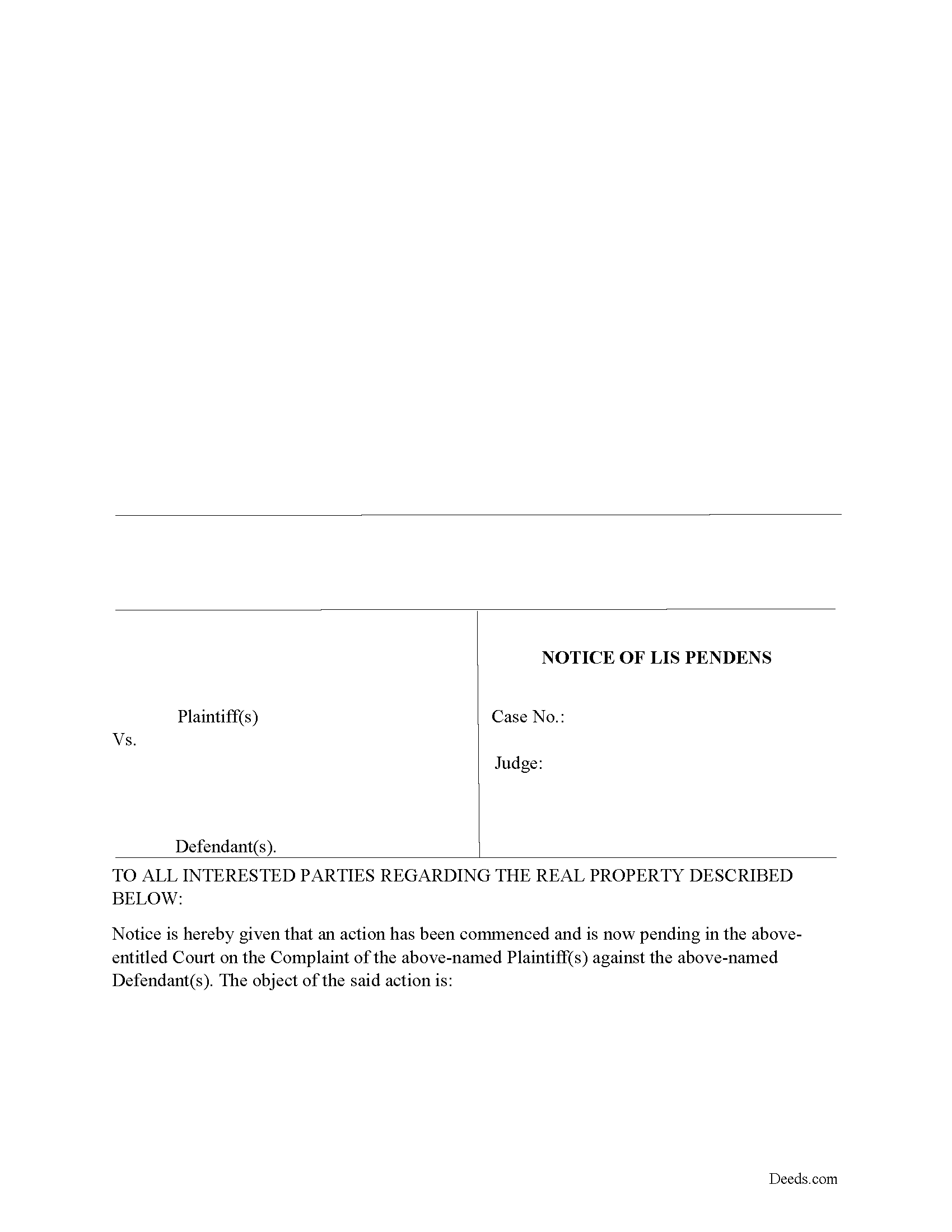
Emery County Release of Notice of Lis Pendens Form
Fill in the blank form formatted to comply with all recording and content requirements.
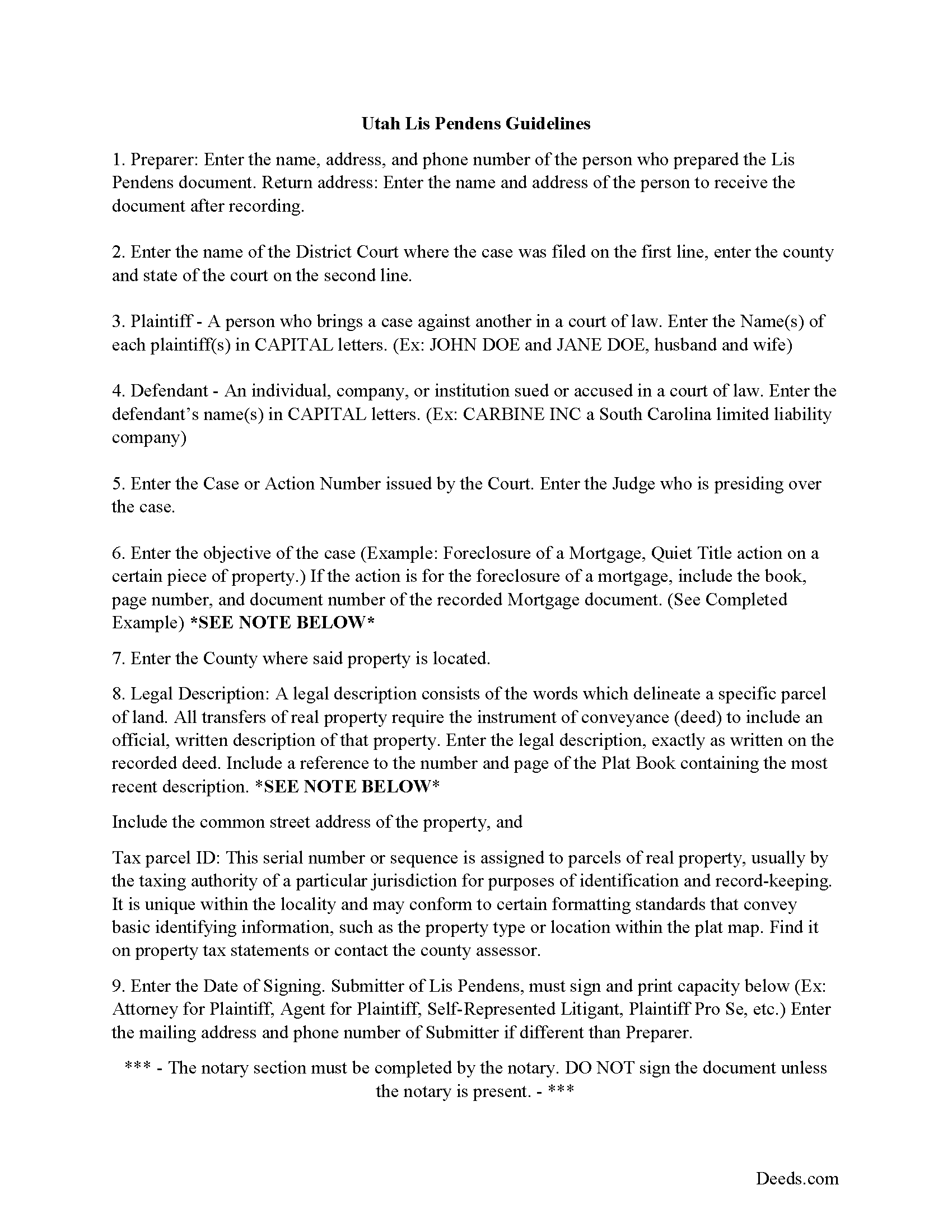
Emery County Lis Pendens Release Guide
Line by line guide explaining every blank on the form.
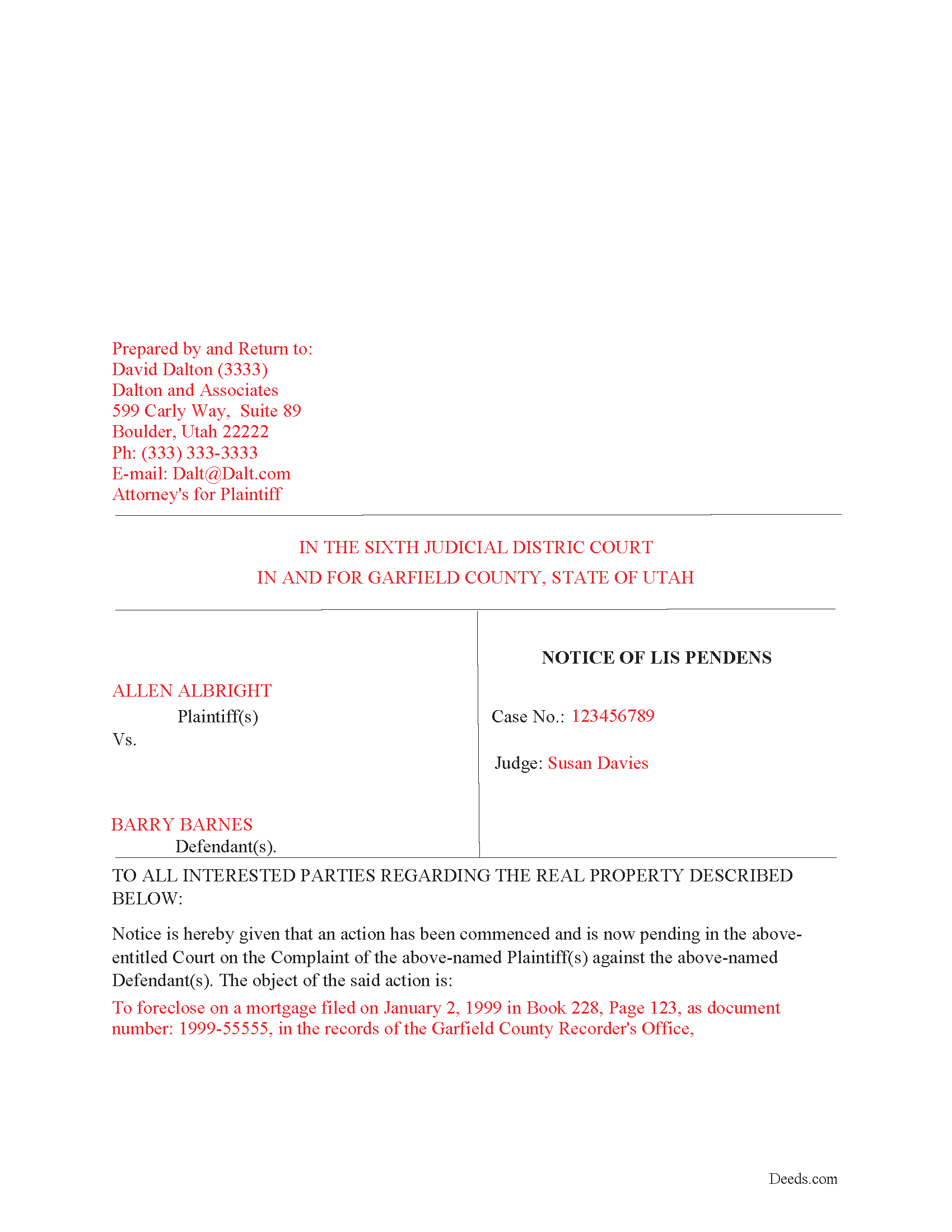
Emery County Completed Example of the Lis Pendens Release Document
Example of a properly completed form for reference.
All 3 documents above included • One-time purchase • No recurring fees
Immediate Download • Secure Checkout
Additional Utah and Emery County documents included at no extra charge:
Where to Record Your Documents
Emery County Recorder
Castle Dale, Utah 84513
Hours: 8:30am to 5:00pm M-F
Phone: (435) 381-3520
Recording Tips for Emery County:
- Bring your driver's license or state-issued photo ID
- Ensure all signatures are in blue or black ink
- Leave recording info boxes blank - the office fills these
- Make copies of your documents before recording - keep originals safe
- Recorded documents become public record - avoid including SSNs
Cities and Jurisdictions in Emery County
Properties in any of these areas use Emery County forms:
- Castle Dale
- Clawson
- Cleveland
- Elmo
- Emery
- Ferron
- Green River
- Huntington
- Orangeville
Hours, fees, requirements, and more for Emery County
How do I get my forms?
Forms are available for immediate download after payment. The Emery County forms will be in your account ready to download to your computer. An account is created for you during checkout if you don't have one. Forms are NOT emailed.
Are these forms guaranteed to be recordable in Emery County?
Yes. Our form blanks are guaranteed to meet or exceed the applicable formatting requirements used for recording in Emery County, including margin requirements, font requirements, and other layout standards. This guarantee applies to formatting, not to the legal sufficiency of information entered by the user or the suitability of a form for a particular transaction.
Can I reuse these forms?
Yes. You can reuse the forms for your personal use. For example, if you have multiple properties in Emery County you only need to order once.
What do I need to use these forms?
The forms are PDFs that you fill out on your computer. The free Adobe Acrobat Reader is recommended, and most PDF apps also work. You do NOT enter your property information online - you download the blank forms and complete them privately on your own computer.
Are there any recurring fees?
No. This is a one-time purchase. Nothing to cancel, no memberships, no recurring fees.
How much does it cost to record in Emery County?
Recording fees in Emery County vary. Contact the recorder's office at (435) 381-3520 for current fees.
Questions answered? Let's get started!
Use this form to release a previously recorded Lis Pendens document.
(Utah Release of NOLP Package includes form, guidelines, and completed example)
Important: Your property must be located in Emery County to use these forms. Documents should be recorded at the county recording office listed above.
This Release of Notice of Lis Pendens meets all recording requirements specific to Emery County.
Our Promise
The documents you receive here are guaranteed to meet or exceed the applicable Emery County recording format requirements. If there is a rejection caused by our formatting, we will correct the issue or refund your payment. This guarantee applies to document formatting only and does not extend to information entered by the user, the selection of the form, or the legal effect of the completed document.
Save Time and Money
Get your Emery County Release of Notice of Lis Pendens form done right the first time with Deeds.com Uniform Conveyancing Blanks. At Deeds.com, we understand that your time and money are valuable resources, and we don't want you to face a penalty fee or rejection imposed by a county recorder for submitting nonstandard documents. We constantly review and update our forms to meet rapidly changing state and county recording requirements for roughly 3,500 counties and local jurisdictions.
4.8 out of 5 - ( 4,836 Reviews )
DAVID H. 5 out of 5 stars
perfect. follow examples. no problem at court house. good deed layout.
Thank you for your feedback. We really appreciate it. Have a great day!
COURTNEY K. 5 out of 5 stars
I could not be happier with this service! It was so easy and fast!
Thank you!
Lori G. 5 out of 5 stars
This was so easy and seemless. I wish I had found deeds.com for eRecording sooner! I submitted my documents from the comfort of my office, they were great about communicating in a timely manner with updates. The next day I had copies of my recorded documents! I would highly recommend deeds.com!
We appreciate your business and value your feedback. Thank you. Have a wonderful day!
Claudia H. 5 out of 5 stars
***** Have not used this option before. Found it easy to use and understand. Cost was reasonable and options on recording helpful. Would use again in a heartbeat.
We appreciate your business and value your feedback. Thank you. Have a wonderful day!
Derrell S. 5 out of 5 stars
I like the simplicity of your site and the reasonable charge for your services but for some reason you were unable to fulfill my order. Would appreciate knowing why. Derrell Sweem
Thank you for your feedback. We really appreciate it. Have a great day!
Ryan J. 5 out of 5 stars
This was an excellent experience. The jurisdiction I was registering the Deed with, entrusts Deeds.com with their filing needs. And the staff held my hand through the process, and worked to submit the best package, and the Deed was successfully recorded.
We appreciate your business and value your feedback. Thank you. Have a wonderful day!
Dennis T. 5 out of 5 stars
I liked the service very much. The form I ordered wasn't provided by the local government agency and I couldn't find it on the internet. I liked that the form came with easy to follow, line by line, instructions and a sample. I also appreciated that I wasn't forced to take on a trial membership to keep me on the hook. I would definitely use this service again in the future!
Thank you for your feedback. We really appreciate it. Have a great day!
Susan Z. 4 out of 5 stars
Helpful website. Couldn't use the forms for my situation and area
Thank you for your feedback Susan. We don't want you to have to pay for something you didn't use, we've gone ahead and canceled your order and payment. Have a great day!
Debbie G. 5 out of 5 stars
Easy to use, I would recommend deeds.com. I would recommend visiting your county recorder before having document notarized. They will review document and make sure everything you need is on the deed, before having notarized.
Thank you Debbie. Have a fantastic day!
roby m. 5 out of 5 stars
I found exactly what I needed and the download system allowed me to use the files immediately. Will use the service again.
Thank you for your feedback. We really appreciate it. Have a great day!
STANLEY K. 5 out of 5 stars
I AM DELIGHTED TO BE PARTY TO DEEDS.COM. THE PROCESS IS DOWN-TO-EARTH AND VERY USER FRIENDLY. I MUST SAY THAT JUST THE SAVINGS IN TRAVEL TIME AND MONEY IS IN ITSELF VERY REFRESHING. THIS ON LINE PROCESS IS SO CONVENIENT FOR MY OVERALL EFFORT AND OF COURSE FOR OUR CLIENTS AS WELL. I GOT BACKED UP IN RECORDING WHEN THE VIRUS BEGAN RAGING AND PERSONAL VISITS TO LAND RECORDS BECAME A THING OF THE PAST.I FOUND THE SITE WITH A SUGGESTION FROM DC LAND RECORDS' ASSISTANT BY PHONE. I ONLY WISH I'D KNOWN ABOUT THIS AWESOME SERVICE BEFORE 2020. HATS OFF TO DEEDS.COM!
Thank you for your feedback. We really appreciate it. Have a great day!
Cecil S. 5 out of 5 stars
Fast service done well
We appreciate your business and value your feedback. Thank you. Have a wonderful day!
RUSSELL E. 5 out of 5 stars
The process sure was easy and fast. Not sure why a rep would question why I am requesting an exhibit page on the Deed when that's a common practice here in AZ. They recorded it the way I sent it so all good.
Thank you!
Luis C. 5 out of 5 stars
Excellent forms but the instructions are not to clear.
Thank you for your feedback. We really appreciate it. Have a great day!
Ted C. 5 out of 5 stars
Everything was straight forward. I think I was able to accomplish my objective.
Thank you!