Stafford County Correction Deed Form
Last validated October 30, 2026 by our Forms Development TeamFormatted for recording in Stafford County, for property anywhere in the county or independent city: rural and unincorporated areas as well as Brooke, Fredericksburg, Garrisonville, Hartwood, Quantico, Ruby, Stafford.
- 3 documents included
- Immediate PDF download
- Formatting guarantee
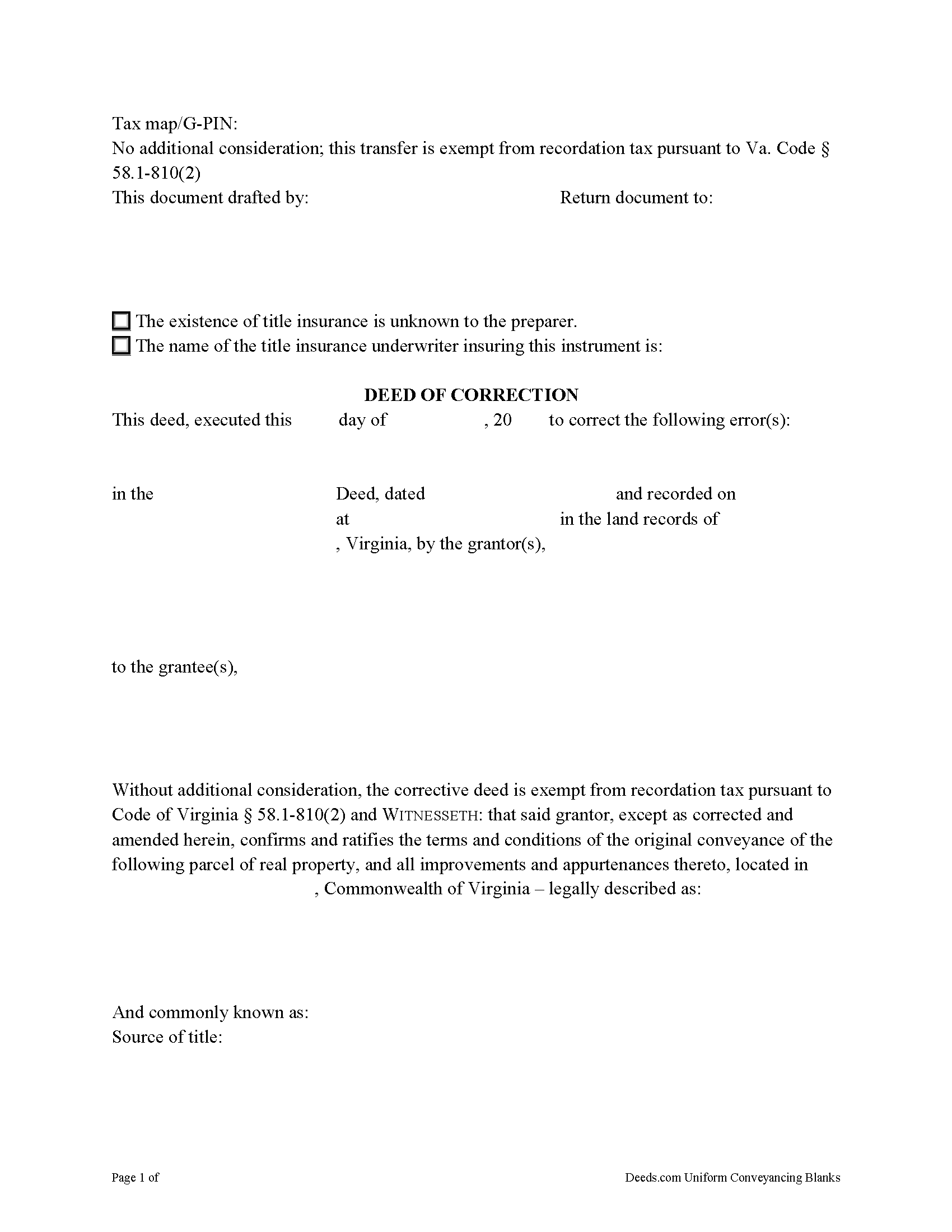
Stafford County Correction Deed Form
Fill in the blank form formatted to comply with all recording and content requirements.
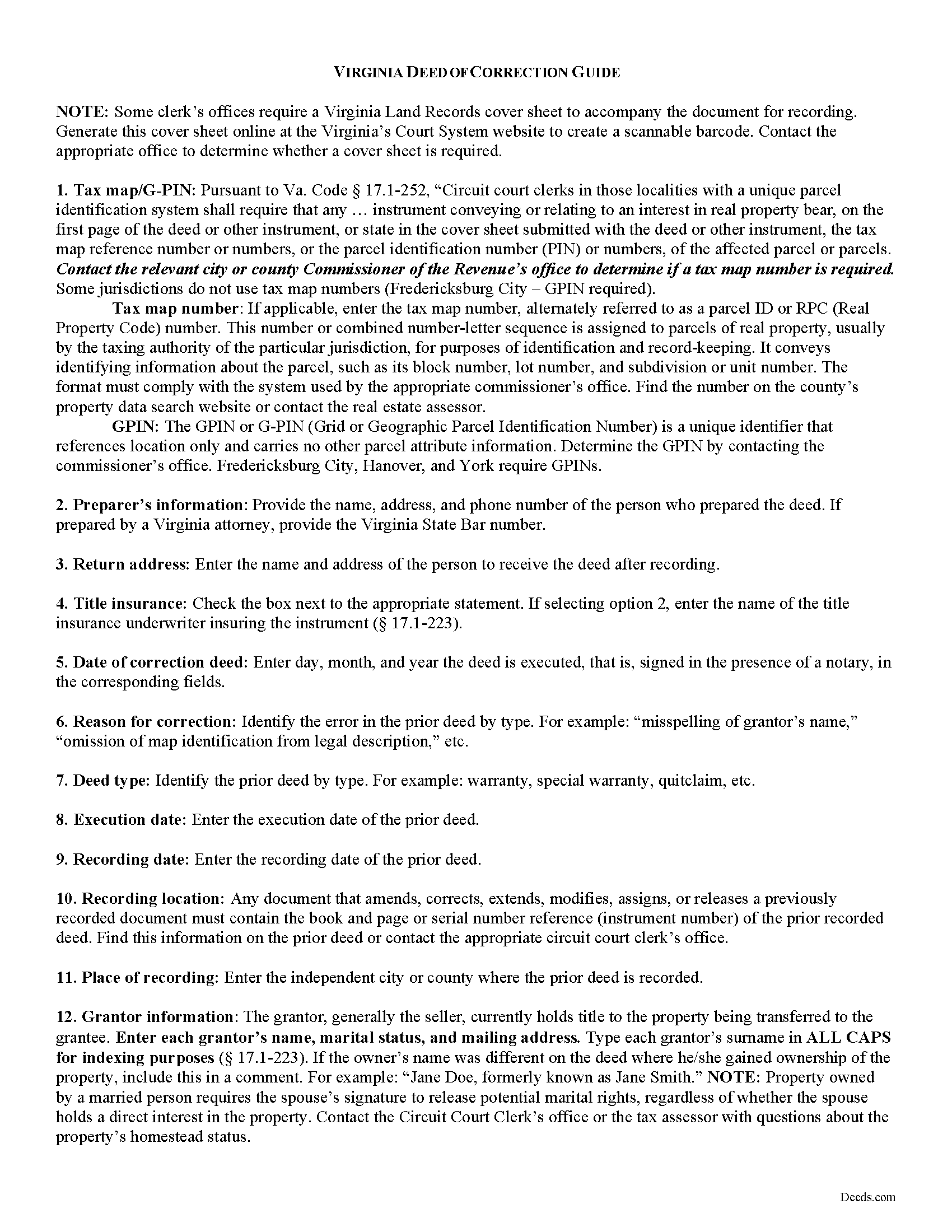
Stafford County Correction Deed Guide
Line by line guide explaining every blank on the form.
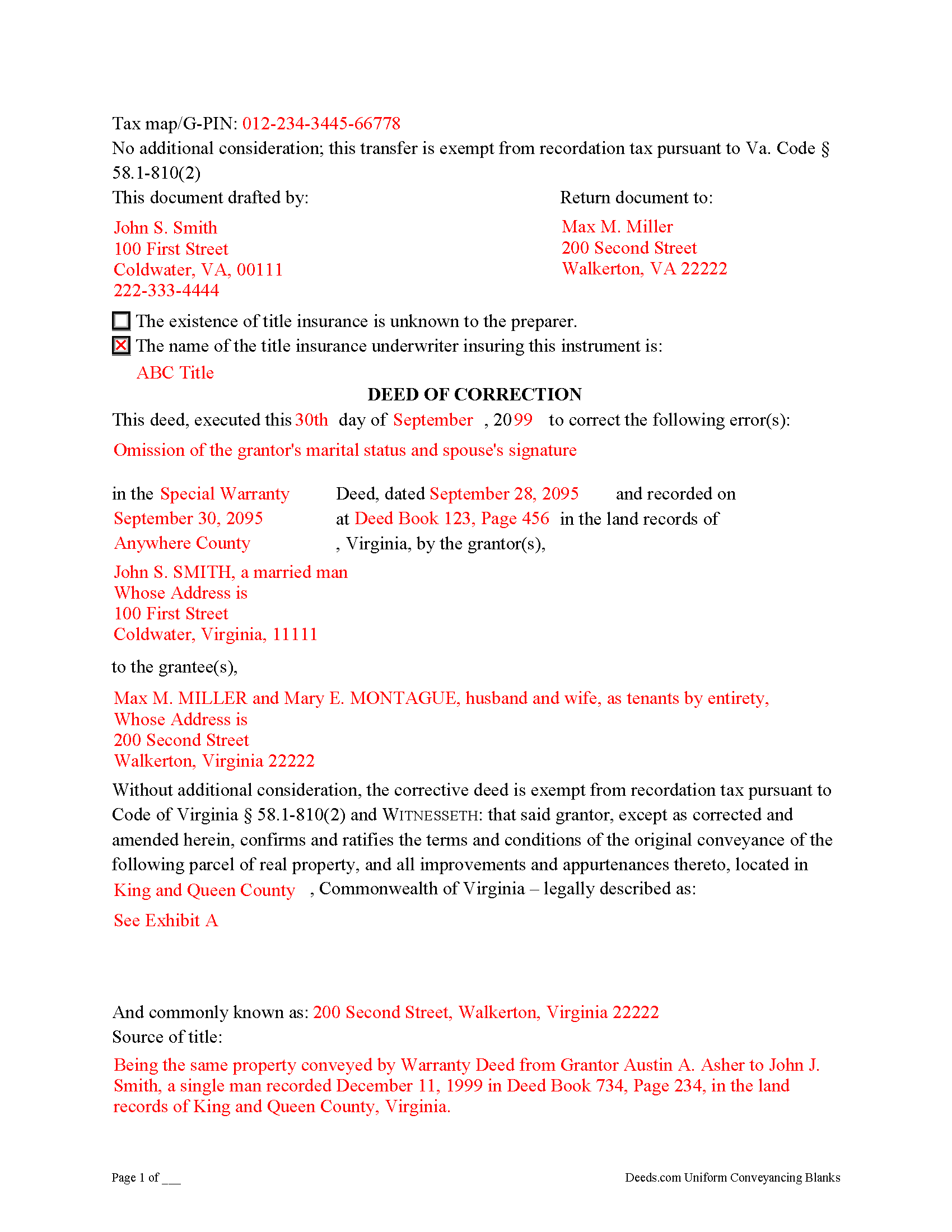
Stafford County Completed Example of the Correction Deed Document
Example of a properly completed form for reference.
All 3 documents above included • One-time purchase • No recurring fees
Immediate Download • Secure Checkout
Additional Virginia and Stafford County documents included at no extra charge:
Where to Record Your Documents
Stafford Circuit Court Clerk
Stafford, Virginia 22554-0895
Hours: 8:00 to 4:00 M-F / Recording cut-off at 3:00
Phone: (540) 658-8752
Recording Tips for Stafford County:
- Bring your driver's license or state-issued photo ID
- Ensure all signatures are in blue or black ink
- Double-check legal descriptions match your existing deed
- Verify all names are spelled correctly before recording
- White-out or correction fluid may cause rejection
Cities and Jurisdictions in Stafford County
Properties in any of these areas use Stafford County forms:
- Brooke
- Fredericksburg
- Garrisonville
- Hartwood
- Quantico
- Ruby
- Stafford
Hours, fees, requirements, and more for Stafford County
How do I get my forms?
Forms are available for immediate download after payment. The Stafford County forms will be in your account ready to download to your computer. An account is created for you during checkout if you don't have one. Forms are NOT emailed.
Are these forms guaranteed to be recordable in Stafford County?
Yes. Our form blanks are guaranteed to meet or exceed the applicable formatting requirements used for recording in Stafford County, including margin requirements, font requirements, and other layout standards. This guarantee applies to formatting, not to the legal sufficiency of information entered by the user or the suitability of a form for a particular transaction.
Can I reuse these forms?
Yes. You can reuse the forms for your personal use. For example, if you have multiple properties in Stafford County you only need to order once.
What do I need to use these forms?
The forms are PDFs that you fill out on your computer. The free Adobe Acrobat Reader is recommended, and most PDF apps also work. You do NOT enter your property information online - you download the blank forms and complete them privately on your own computer.
Are there any recurring fees?
No. This is a one-time purchase. Nothing to cancel, no memberships, no recurring fees.
How much does it cost to record in Stafford County?
Recording fees in Stafford County vary. Contact the recorder's office at (540) 658-8752 for current fees.
Questions answered? Let's get started!
Use a deed of correction from the original grantor to amend an error in a previously recorded deed in Virginia.
Errors in a previously recorded deed in Virginia may be cured by a deed of correction from the grantor to the grantee of the original deed. The new document identifies the error by type, the prior deed by date and recording number, and inserts the correct information; otherwise it duplicates the format of the original deed. The deed requires no consideration statement and is exempt from transfer tax. State the exemption on the face of the deed and refer to the relevant Virginia Code.
A deed of correction is most often used for minor mistakes such as misspelled names or variation in name by which the record title holder acquired title and a name by which he holder conveyed title. It can also be used for obvious errors in the property description. For example: errors transcribing courses and distances; errors incorporating a recorded plat or deed reference; errors in listing a lot number or designation; omitted exhibits that supply the legal description of the property.
Correction deeds can help to clarify the manner in which title to the property is held by the same, initially named grantee, but they cannot be used to change the grantee or to add or omit a grantee. Also, do not use a corrective deed to change a greater estate to a lesser estate, for example to transfer ownership to an heir while reserving a right to remain on the property for the remainder of the original grantee's life. In Virginia, the relation back principle is generally applied so that a correction deed is considered to relate back to the date of the first deed which it purports to correct.
(Virginia CD Package includes form, guidelines, and completed example)
Important: Your property must be located in Stafford County to use these forms. Documents should be recorded at the county or independent city recording office listed above.
This Correction Deed meets all recording requirements specific to Stafford County.
Our Promise
The documents you receive here are guaranteed to meet or exceed the applicable Stafford County recording format requirements. If there is a rejection caused by our formatting, we will correct the issue or refund your payment. This guarantee applies to document formatting only and does not extend to information entered by the user, the selection of the form, or the legal effect of the completed document.
Save Time and Money
Get your Stafford County Correction Deed form done right the first time with Deeds.com Uniform Conveyancing Blanks. At Deeds.com, we understand that your time and money are valuable resources, and we don't want you to face a penalty fee or rejection imposed by a county recorder for submitting nonstandard documents. We constantly review and update our forms to meet rapidly changing state and county recording requirements for roughly 3,500 counties and local jurisdictions.
4.8 out of 5 - ( 4,842 Reviews )
Lynnellen S. 2 out of 5 stars
My rating is not a 5. Although it had good instructions, it would NOT print the whole document no matter how many times I inputted the names. I ended up writing it in to complete. I also recommend putting it on one page. I had to pay an additional fees per page and if I had to notarize it, why did I have to find 2 witnesses as well. I deserve a discount for the time I spent repeatedly putting the same data. I was trying to save money since Im on social security only. It didnt. Get it to work correctly
Thank you for your feedback Lynnellen. Sorry to hear of your struggle with our document. We've gone ahead and refunded your payment. Hope you have a wonderful day.
Michael E. 5 out of 5 stars
First time user and my experience was just great! Great people to work with and would recommend to others!
Thank you!
Jeane W. 5 out of 5 stars
I needed to add my partner to my warranty deed and deeds.com made it easy to understand what form I needed, attached a great explanation of the form and a sample of the form filled out. Couldn't be happier. In fact I'm researching a Revocable Transfer on Death Deed now and they've given me the confidence to rewrite my own will on my own.
Your feedback is greatly appreciated. Thank you for taking the time to share your experience!
Wayne T. 5 out of 5 stars
I found that it was easy-to-use and complete.
Thank you!
John C. 5 out of 5 stars
Ease and speed of recording are remarkable. This is especially true of deeds with problems: I often get feedback within minutes and can correct problems immediately and still complete the filing in the same day. I wish more counties accepted electronic filing! It would be helpful to list counties that do/do not accept electronic filing so I would not have to upload documents to find out my effort was fruitless.
We are grateful for your feedback and looking forward to serving you again. Thank you!
David K. 5 out of 5 stars
Worked Great! First time go at the courthouse
Thank you!
Daniel B. 5 out of 5 stars
easy to use and upload.
We are delighted to have been of service. Thank you for the positive review!
Franklin W. 1 out of 5 stars
I am not so happy. I did find and purchase the document I needed. But there is one problem. It is in Adobe PDF format only. I cannot enter information into the form.
Sorry to hear that. Sounds like you may have been trying to complete the document in your browser instead of downloading the PDF and completing it on your computer. The PDF forms are fill in the blank, that's one of the reasons we use that format.
yvonne e. 1 out of 5 stars
Poor communication. Confusing charges. (Waiting for explanation) overall, not thrilled and at this point would not recommend.
Sorry to hear of your confusion. We've gone ahead and canceled your order. We do hope that you find something more suitable to your needs elsewhere. Have a wonderful day.
Rachelle S. 5 out of 5 stars
Wow that was easy
Thank you!
John H. 1 out of 5 stars
Re: Idaho Affidavit of Successor: Decedent's residence may be a state other than Idaho. Death certificate documnet# field is too small.
Thank you for your feedback. We have emailed you an amended document to address your specific needs outlined in your feedback, hope this helps. Have a wonderful day.
Santo W. 5 out of 5 stars
Quality platform! Five Stars for sure and easy to navigate!
We appreciate your comments and your trust in us. Thank you.
JAMES WILLIAM H. 5 out of 5 stars
The DOCUMENT AND INFORMATION WAS JUST WHAT I WANTED AND NEEDED. HOWEVER, NAVIGATING THE ON LINE PROCESS WAS A PROBLEM.. AT ONE POINT IT LOOKED LIKE I HAD PAID FOR THE PRODUCT AND LOST CONTACT WITH THE SYSTEM. I FINALLY GOT TO PRINT WHAT I PURCHASED. FOR SUCH I WOULD ONLY GIVE A FOUR STAR RATING.
Thank you, James. We're glad the documents and information met your needs, and we appreciate you pointing out the navigation issue. Feedback like this helps us improve the ordering experience. Thank you for your review and your business.
Valerie I. 5 out of 5 stars
Quick and easy! Had my document submitted to the county and back in one day. Good rates as well!
Thank you!
Robin G. 5 out of 5 stars
Easy to navigate! Will use your services again!
Thank you!