Lancaster County Quitclaim Deed (Trustee Grantor) Form
Last validated September 22, 2026 by our Forms Development TeamFormatted for recording in Lancaster County, for property anywhere in the county or independent city: rural and unincorporated areas as well as Irvington, Kilmarnock, Lancaster, Lively, Merry Point, Mollusk, Morattico, Nuttsville and 2 more.
- 3 documents included
- Immediate PDF download
- Formatting guarantee
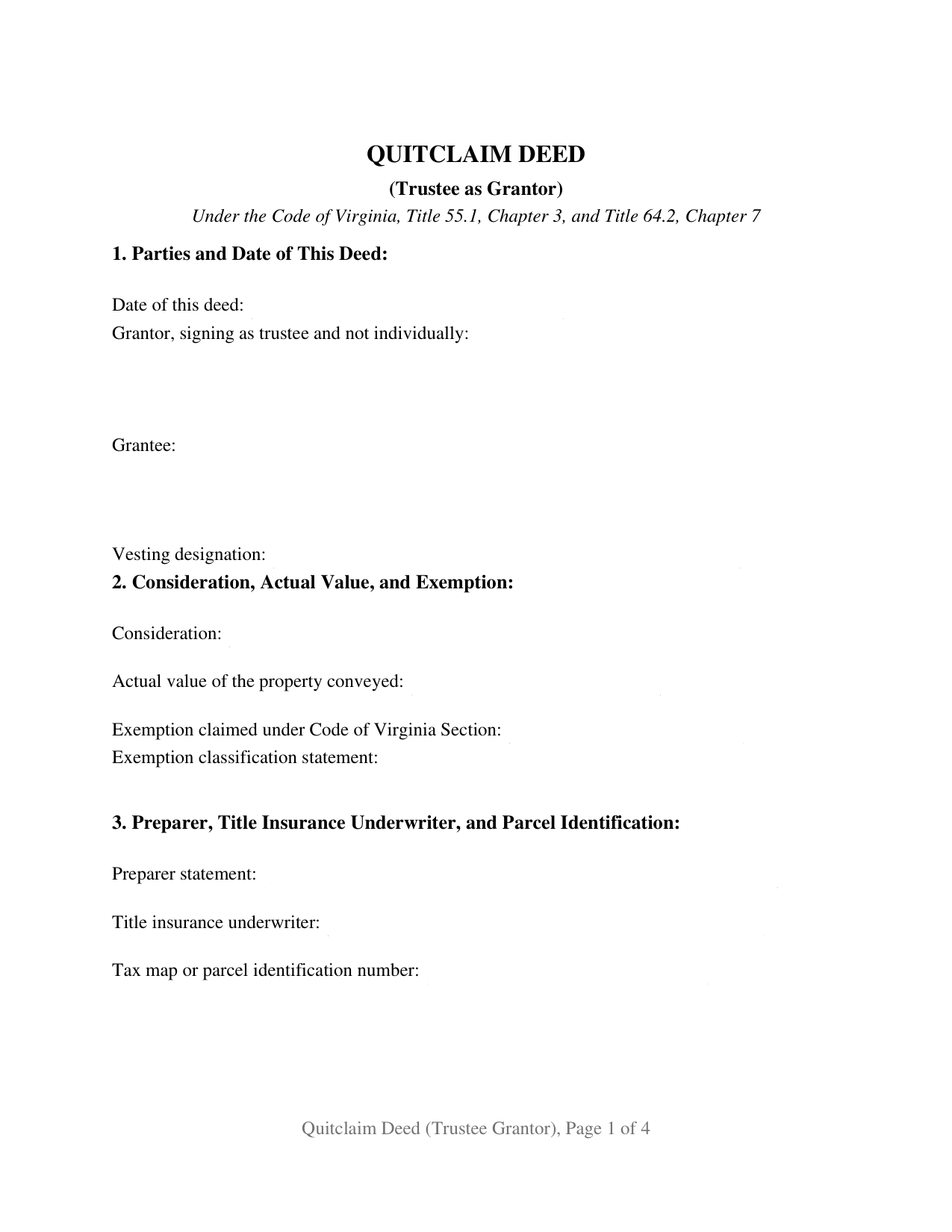
Lancaster County Quitclaim Deed (Trustee Grantor) Form
Fill in the blank Quitclaim Deed (Trustee Grantor) form formatted to comply with all Virginia recording and content requirements.
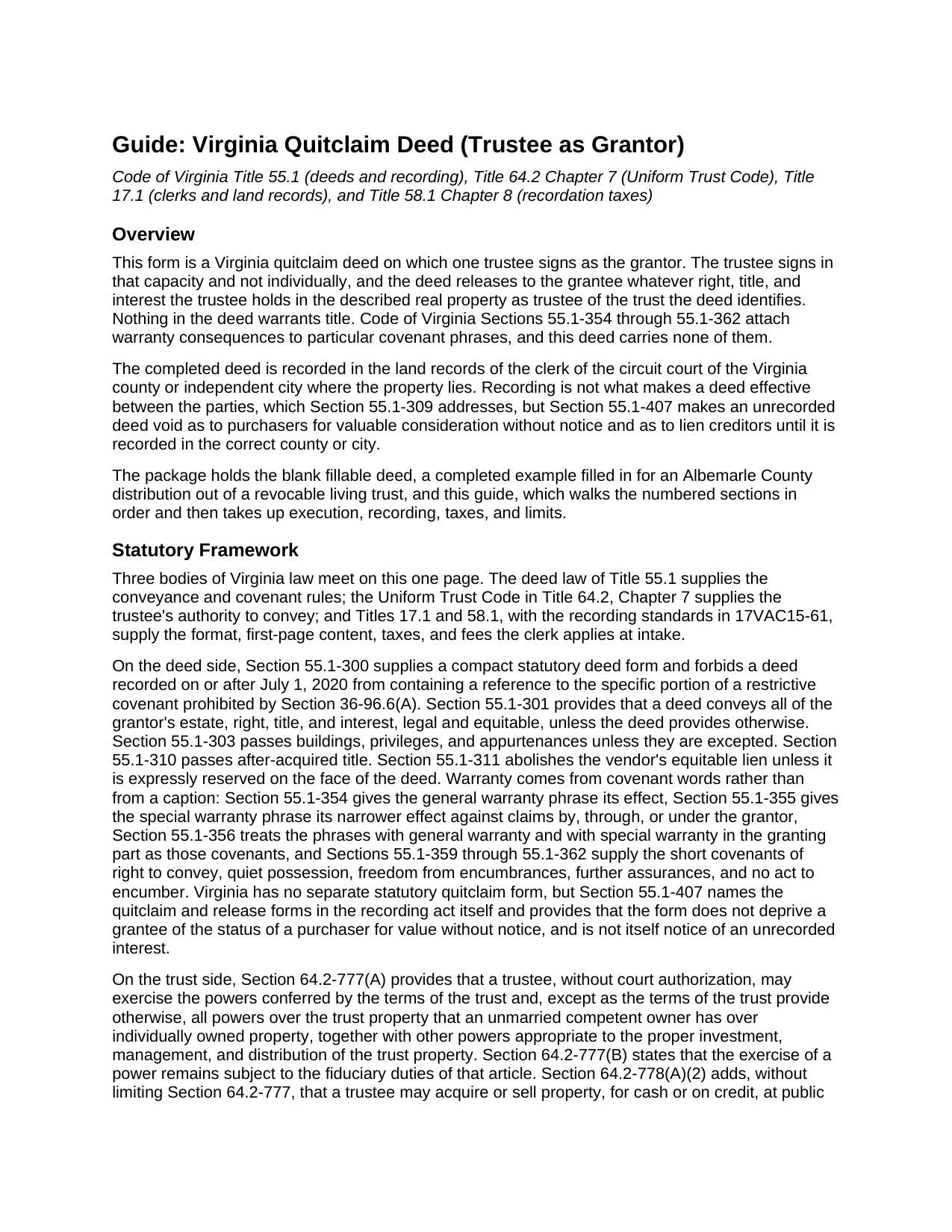
Lancaster County Quitclaim Deed (Trustee Grantor) Guide
Line by line guide explaining every blank on the Quitclaim Deed (Trustee Grantor) form.
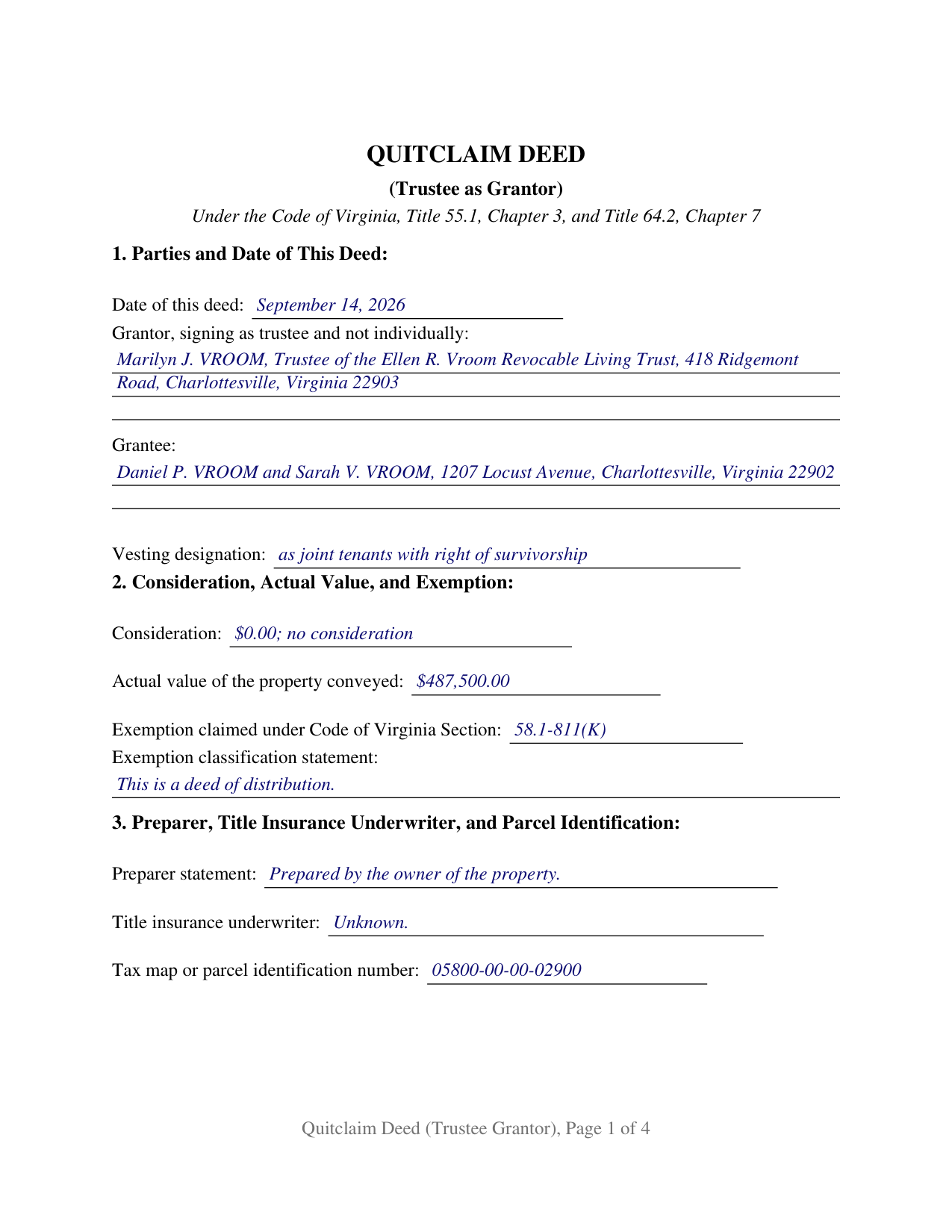
Lancaster County Completed Example of the Quitclaim Deed (Trustee Grantor) Document
Example of a properly completed Virginia Quitclaim Deed (Trustee Grantor) document for reference.
All 3 documents above included • One-time purchase • No recurring fees
Immediate Download • Secure Checkout
Additional Virginia and Lancaster County documents included at no extra charge:
Where to Record Your Documents
Clerk of Circuit Court
Lancaster, Virginia 22503
Hours: 8:30 to 4:30 M-F
Phone: (804) 462-5611
Recording Tips for Lancaster County:
- Bring your driver's license or state-issued photo ID
- Ensure all signatures are in blue or black ink
- Verify all names are spelled correctly before recording
- White-out or correction fluid may cause rejection
- Ask about their eRecording option for future transactions
Cities and Jurisdictions in Lancaster County
Properties in any of these areas use Lancaster County forms:
- Irvington
- Kilmarnock
- Lancaster
- Lively
- Merry Point
- Mollusk
- Morattico
- Nuttsville
- Weems
- White Stone
Hours, fees, requirements, and more for Lancaster County
How do I get my forms?
Forms are available for immediate download after payment. The Lancaster County forms will be in your account ready to download to your computer. An account is created for you during checkout if you don't have one. Forms are NOT emailed.
Are these forms guaranteed to be recordable in Lancaster County?
Yes. Our form blanks are guaranteed to meet or exceed the applicable formatting requirements used for recording in Lancaster County, including margin requirements, font requirements, and other layout standards. This guarantee applies to formatting, not to the legal sufficiency of information entered by the user or the suitability of a form for a particular transaction.
Can I reuse these forms?
Yes. You can reuse the forms for your personal use. For example, if you have multiple properties in Lancaster County you only need to order once.
What do I need to use these forms?
The forms are PDFs that you fill out on your computer. The free Adobe Acrobat Reader is recommended, and most PDF apps also work. You do NOT enter your property information online - you download the blank forms and complete them privately on your own computer.
Are there any recurring fees?
No. This is a one-time purchase. Nothing to cancel, no memberships, no recurring fees.
How much does it cost to record in Lancaster County?
Recording fees in Lancaster County vary. Contact the recorder's office at (804) 462-5611 for current fees.
Questions answered? Let's get started!
On this Virginia quitclaim deed the grantor is a trustee, and the deed says so three times over: in the parties clause, in the section naming the trust and the authority relied on, and on the signature line itself. One trustee signs, as trustee and not individually, releasing to the grantee whatever interest is held in that capacity.
Authority the Code supplies, and the line that records it
Virginia does not send a trustee to court for permission to convey. Code of Virginia Section 64.2-777(A) lets a trustee exercise, without a court order, the powers conferred by the terms of the trust and, except as the trust provides otherwise, all powers over the trust property that an unmarried competent owner has over individually owned property. Section 64.2-778(A)(2) adds the power to acquire or sell property, for cash or on credit, at public or private sale. Section 4 of the form carries a line for the article of the trust instrument or the Code sections relied on, so the record states its source. Section 64.2-803(A) protects a person other than a beneficiary who in good faith and for value deals with a trustee, without knowledge that the trustee is exceeding those powers, as if the power were properly exercised.
A deed of distribution, and the sentence its front page carries
Trust property often reaches its beneficiaries without money changing hands, and Virginia has a provision written for that deed. Section 58.1-811(K) requires no recordation tax under its chapter for a deed of distribution where no consideration has passed between the parties, on the condition that the deed state on its front page that it is a deed of distribution. Its first branch is the trustee's own conveyance: a deed from an estate or trust to the original beneficiaries of a trust from the trustees holding title under a deed in trust. Section 2, on page one, takes the consideration, the actual value that Section 58.1-801 measures by the most recent assessment, the Code section, and the classification sentence. A sale for a price leaves the exemption lines empty, and a no-consideration transfer that is not a distribution states instead that it is a quitclaim deed without consideration, the classification Section 58.1-811(D) has called for since July 1, 2026.
Release words, and a fiduciary who takes on nothing personally
Virginia reads covenant words, and none of the phrases that Sections 55.1-354 through 55.1-362 give warranty effect to appear here. The deed remises, releases, and forever quitclaims what the grantor holds as trustee at delivery, subject to the encumbrances it lists, and names in capital letters the statutory covenants of seisin, quiet possession, and further assurances that are not made. The capitalized paragraph adds the point a fiduciary grantor reads for: the signature is made solely as trustee, with no obligation in any individual capacity. Section 55.1-407 still does its own work once the deed reaches the land records of the correct county or independent city.
One trustee, one certificate, and the configurations left alone
The grantor side is fixed at a single trustee: one signature line, a printed-name line carrying the capacity, and one acknowledgment certificate whose venue lines read county or city, following Section 47.1-16(A). A trustee distributing a residence after the settlor's death, a trustee selling trust land at a private sale, and a trustee winding up a terminated trust under Section 64.2-779(B) present the single-trustee release these recitals carry. A trust with cotrustees is a different configuration, because Section 64.2-756(C) has each cotrustee participate in the performance of a trustee's function, and this form prints no second grantor block. It recites no individual, executor, attorney-in-fact, or entity capacity, and its grantee entry is a name, an address, and a vesting designation line.
The deed moves title and stops there: it does not create, amend, or terminate the trust, and Section 64.2-777(B) keeps every trustee power subject to the fiduciary duties of that article. Searchers reach this instrument as a quit claim deed from a trust, a trustee quitclaim deed, or a deed out of a living trust; this package prepares the Virginia quitclaim deed for one trustee signing as grantor. Three files arrive: the blank deed as a fillable PDF, a completed example worked through an Albemarle County distribution out of a revocable living trust, and a plain-language guide covering each blank, notarization, and the taxes and fees collected at the clerk's counter. These materials describe Virginia law in general terms and are not legal advice.
Important: Your property must be located in Lancaster County to use these forms. Documents should be recorded at the county or independent city recording office listed above.
This Quitclaim Deed (Trustee Grantor) meets all recording requirements specific to Lancaster County.
Our Promise
The documents you receive here are guaranteed to meet or exceed the applicable Lancaster County recording format requirements. If there is a rejection caused by our formatting, we will correct the issue or refund your payment. This guarantee applies to document formatting only and does not extend to information entered by the user, the selection of the form, or the legal effect of the completed document.
Save Time and Money
Get your Lancaster County Quitclaim Deed (Trustee Grantor) form done right the first time with Deeds.com Uniform Conveyancing Blanks. At Deeds.com, we understand that your time and money are valuable resources, and we don't want you to face a penalty fee or rejection imposed by a county recorder for submitting nonstandard documents. We constantly review and update our forms to meet rapidly changing state and county recording requirements for roughly 3,500 counties and local jurisdictions.
4.8 out of 5 - ( 4,828 Reviews )
Dexter Lamar H. 5 out of 5 stars
Quick service!
Thank you!
Ryan E. 5 out of 5 stars
Great customer service. I was surprised by the attention to detail that went into reviewing my documents and value provided by deeds.com. Definitely recommend.
Thank you for your feedback. We really appreciate it. Have a great day!
Garrison T. 5 out of 5 stars
Excellent service & very easy to use.
Thank you!
Charles H. 5 out of 5 stars
Website is user-friendly and very helpful, butI will have to wait until I submit my documents to the Clerk of Court to see if they are acceptable.
Thank you for your feedback. We really appreciate it. Have a great day!
Craig P. 5 out of 5 stars
Good
Thank you!
JIM H. 5 out of 5 stars
Excellent service Always find the documents in minutes. Supporting docs is a super plus!
Thank you!
Eva S. 5 out of 5 stars
I was able to download the forms and I needed and fill out quickly. There were examples to review if I needed any assistance. I would recommend this site to anyone.
We are delighted to have been of service. Thank you for the positive review!
Don M. 3 out of 5 stars
I find the site very difficult to nagitagte.
Sorry to hear that Don, we’ll try harder.
Robert R. 5 out of 5 stars
Just joined. Recommended by a strong source. Looking forward to doing business.
Thank you!
James I. 5 out of 5 stars
It worked out very well. Got the form(s) with clear instructions.
We appreciate your business and value your feedback. Thank you. Have a wonderful day!
Zehira D. 5 out of 5 stars
Great service! fast, reliable, and very affordable. No contract, no subscription
We are sincerely grateful for your feedback and are committed to providing the highest quality service. Thank you for your trust in us.
Joanne D. 5 out of 5 stars
Loved your easy to follow instructions along with the paperwork forms that I was looking for. Would highly suggest this service to everyone. You should share this platform with other counties!! Extremely helpful
Thank you!
David J. 5 out of 5 stars
Very easy to use and saved a lot of time
Thank you!
Andrew F. 5 out of 5 stars
Must admit, I have not really had the chance to search site. Seems to be able to provide good info.
Thank you!
Debbra .S C. 5 out of 5 stars
Very easy and nice website to use.
Thank you for your feedback. We really appreciate it. Have a great day!