Lynchburg City Transfer on Death Beneficiary Affidavit Form
Last validated November 2, 2026 by our Forms Development TeamFormatted for recording in Lynchburg City, for property anywhere in the county or independent city: rural and unincorporated areas as well as Lynchburg.
- 3 documents included
- Immediate PDF download
- Formatting guarantee
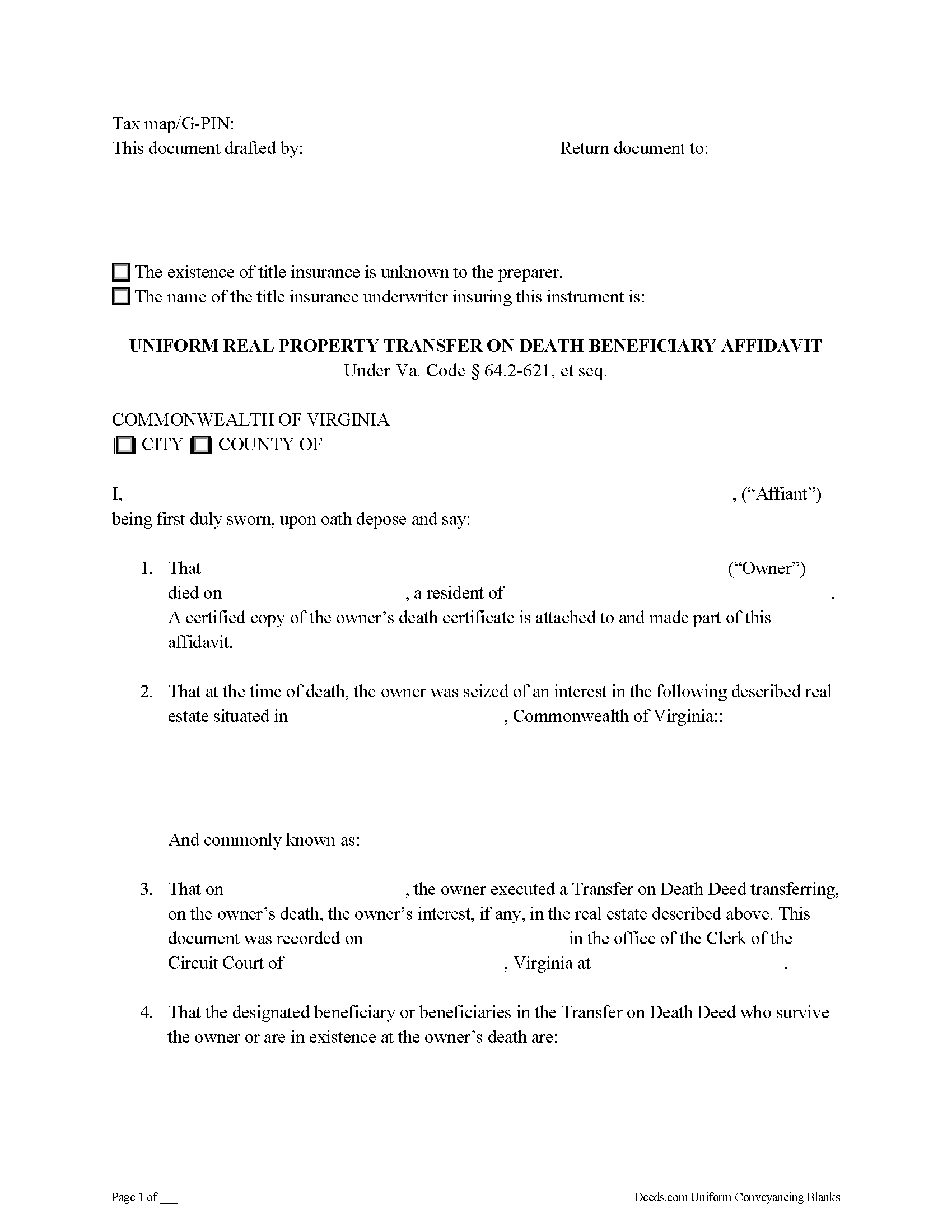
Lynchburg City Transfer on Death Beneficiary Affidavit Form
Fill in the blank form formatted to comply with all recording and content requirements.
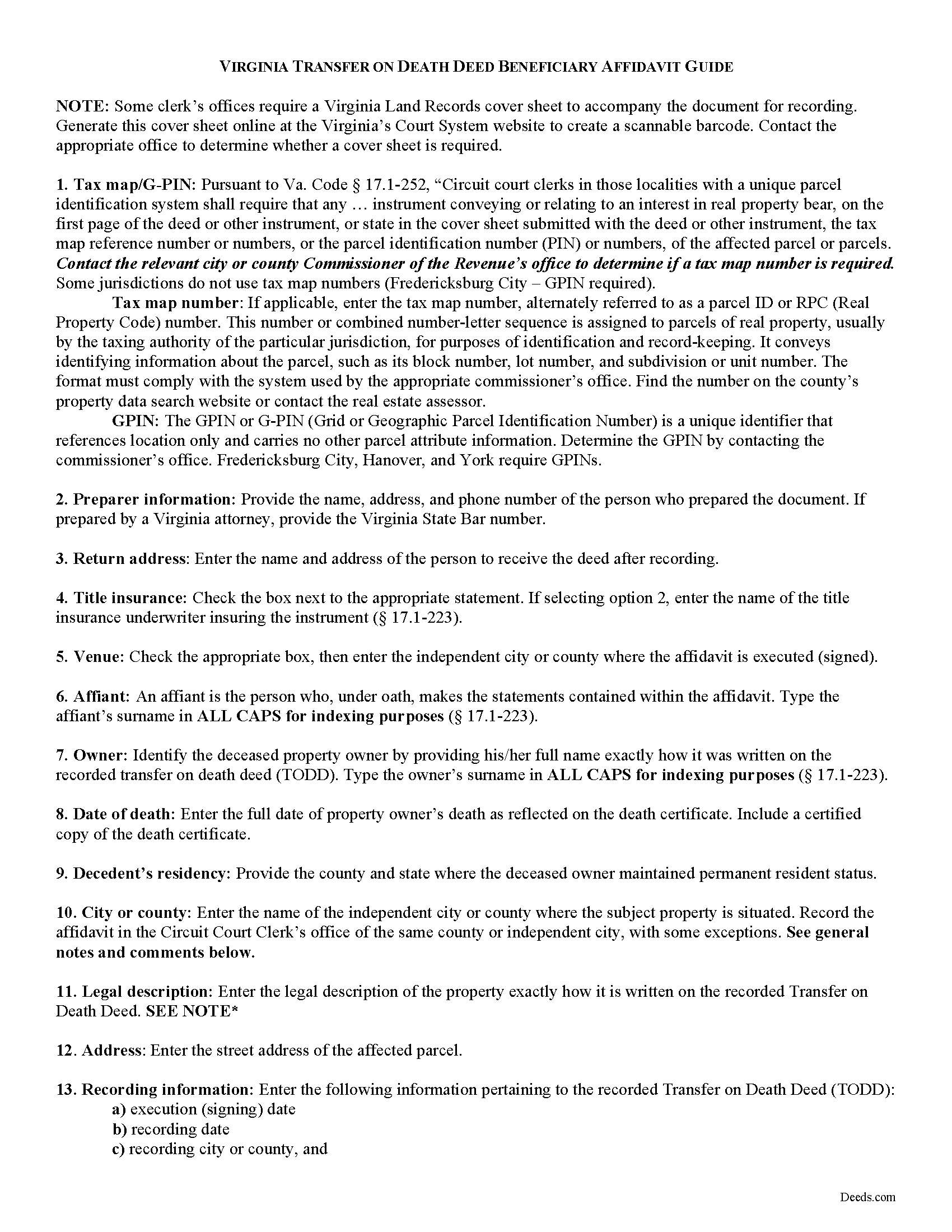
Lynchburg City Transfer on Death Beneficiary Affidavit Guide
Line by line guide explaining every blank on the form.
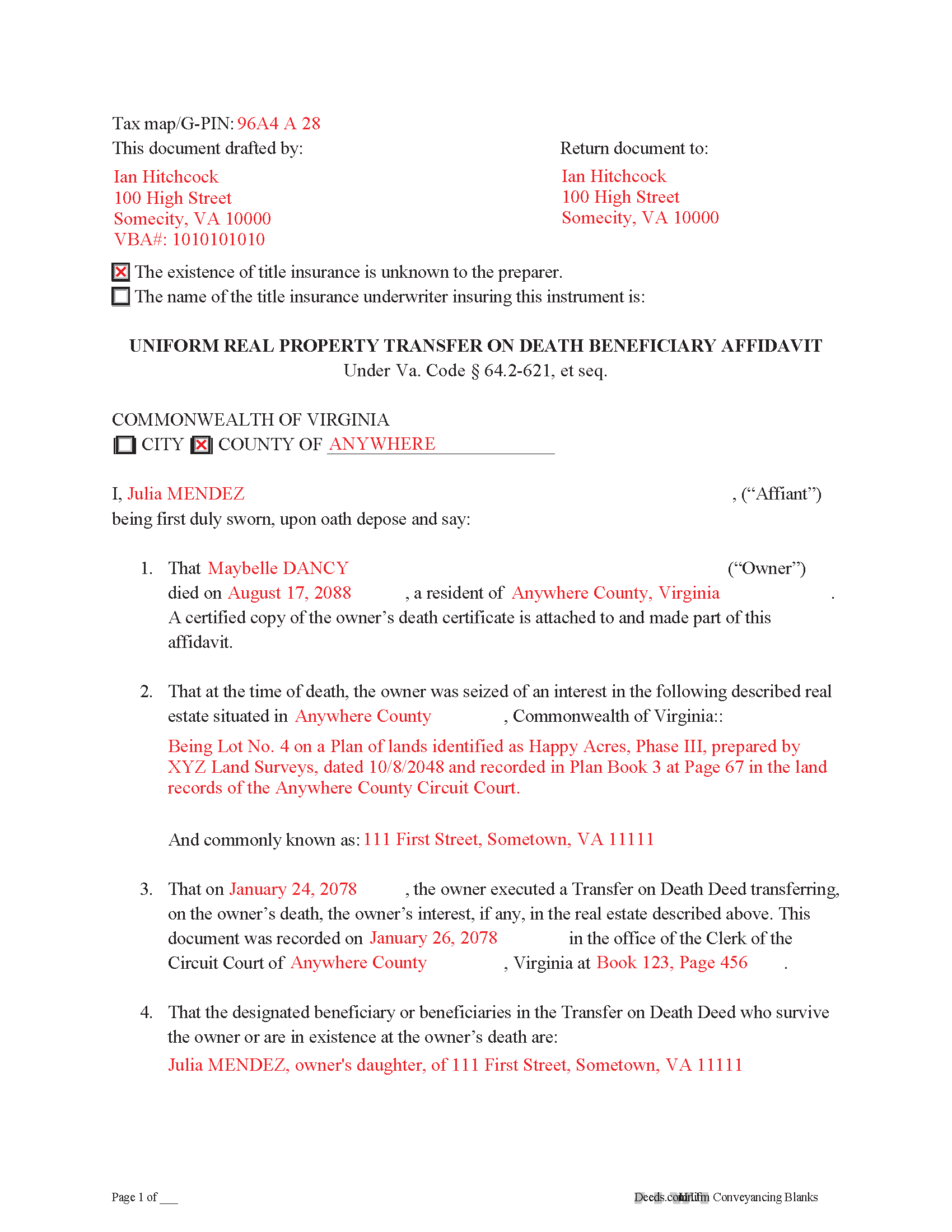
Lynchburg City Completed Example of the Transfer on Death Deed Beneficary Affidavit Document
Example of a properly completed form for reference.
All 3 documents above included • One-time purchase • No recurring fees
Immediate Download • Secure Checkout
Additional Virginia and Lynchburg City documents included at no extra charge:
Where to Record Your Documents
Clerk of Circuit Court
Lynchburg, Virginia 24505-0004
Hours: 8:30am to 4:30pm Monday thru Friday
Phone: (434) 455-2620
Recording Tips for Lynchburg City:
- Bring your driver's license or state-issued photo ID
- Ensure all signatures are in blue or black ink
- White-out or correction fluid may cause rejection
- Ask about their eRecording option for future transactions
- Avoid the last business day of the month when possible
Cities and Jurisdictions in Lynchburg City
Properties in any of these areas use Lynchburg City forms:
- Lynchburg
Hours, fees, requirements, and more for Lynchburg City
How do I get my forms?
Forms are available for immediate download after payment. The Lynchburg City forms will be in your account ready to download to your computer. An account is created for you during checkout if you don't have one. Forms are NOT emailed.
Are these forms guaranteed to be recordable in Lynchburg City?
Yes. Our form blanks are guaranteed to meet or exceed the applicable formatting requirements used for recording in Lynchburg City, including margin requirements, font requirements, and other layout standards. This guarantee applies to formatting, not to the legal sufficiency of information entered by the user or the suitability of a form for a particular transaction.
Can I reuse these forms?
Yes. You can reuse the forms for your personal use. For example, if you have multiple properties in Lynchburg City you only need to order once.
What do I need to use these forms?
The forms are PDFs that you fill out on your computer. The free Adobe Acrobat Reader is recommended, and most PDF apps also work. You do NOT enter your property information online - you download the blank forms and complete them privately on your own computer.
Are there any recurring fees?
No. This is a one-time purchase. Nothing to cancel, no memberships, no recurring fees.
How much does it cost to record in Lynchburg City?
Recording fees in Lynchburg City vary. Contact the recorder's office at (434) 455-2620 for current fees.
Questions answered? Let's get started!
On July 1, 2013, Virginia enacted the Uniform Real Property Transfer on Death Act, codified at VA Code 64.2-621 et seq. (2012).
While the statutes contain suggested forms for the actual transfer on death deeds and associated revocations, the specifics for completing the transfer after the owner dies are less clear. In many cases, non-probate transfers of real property happen "as a function of law." In theory, this means there is no need for the beneficiary to act -- the named owner of the property automatically changes. In practice, however, it benefits the interests of all parties involved to formalize the updated status as soon as reasonably possible, especially since the beneficiary has the right to disclaim the conveyed interest.
One efficient method for stating the beneficiary's intent to accept the real estate is to execute and record an affidavit, which is a document containing statements made under oath. The affidavit should, at minimum, include:
1. The parties named in the transfer on death deed;
2. Residency and death information about the deceased owner;
3. Recording details for the transfer on death deed;
4. A description of and property ID for the real property being transferred;
5. Official copies of any necessary death certificates; and
6. Anything else required by the local agency responsible for recording and maintaining land records. In Virginia, this is typically the office of the clerk of the circuit court.
By recording such an affidavit, the beneficiary provides notice to the public of the change in ownership of the property. This is important because it helps to maintain a clear chain of title, or sequential record of owners. A clear chain of title will simplify future sales or mortgages of the property, since it indicates a reduced chance of unexpected claims against present or future owners.
Each situation is unique, so for specific advice, or to resolve more complex issues, contact a local real estate attorney.
(Virginia TOD Beneficiary Affidavit Package includes form, guidelines, and completed example)
Important: Your property must be located in Lynchburg City to use these forms. Documents should be recorded at the county or independent city recording office listed above.
This Transfer on Death Beneficiary Affidavit meets all recording requirements specific to Lynchburg City.
Our Promise
The documents you receive here are guaranteed to meet or exceed the applicable Lynchburg City recording format requirements. If there is a rejection caused by our formatting, we will correct the issue or refund your payment. This guarantee applies to document formatting only and does not extend to information entered by the user, the selection of the form, or the legal effect of the completed document.
Save Time and Money
Get your Lynchburg City Transfer on Death Beneficiary Affidavit form done right the first time with Deeds.com Uniform Conveyancing Blanks. At Deeds.com, we understand that your time and money are valuable resources, and we don't want you to face a penalty fee or rejection imposed by a county recorder for submitting nonstandard documents. We constantly review and update our forms to meet rapidly changing state and county recording requirements for roughly 3,500 counties and local jurisdictions.
4.8 out of 5 - ( 4,844 Reviews )
JOHNNY M. 5 out of 5 stars
The information provided is quite thorough.I recommend this Site to anyone, in need of Material for Quit Claim Deeds.
Thank you!
Gerald S. 5 out of 5 stars
The paperwork for our transfer on death deed was easy to fill out and the county has excepted it for recording Very satisfied.
We appreciate your business and value your feedback. Thank you. Have a wonderful day!
Susan B. 5 out of 5 stars
This package of documents from Deeds.com has been extremely helpful, particularly for one who has never needed this kind of service before and is unfamiliar with legal documents in general. It is well worth the price; I would recommend this company to anyone needing help with legal documents and information.
We appreciate your business and value your feedback. Thank you. Have a wonderful day!
Daniel M. 5 out of 5 stars
It was quick and easy!! I recommend this site for your needs!!
Really appreciate you Daniel, thanks for the kind words.
LINDA C. 5 out of 5 stars
EASY, FAST, AND CONVENIENT.
Thank you!
Rose H. 5 out of 5 stars
I am so glad I found this resource! As the Executor of a family members estate I wanted to save money by bypassing a lawyer as it seemed pretty straight forward to tranfer a Life Estate to the remainderman. (I had original deeds). But talking with 3 different states and 4 different counties - none of which seemed to need the same documents, I was almost ready to dump this in a lawyer's lap. This resource makes it simple!
We appreciate your business and value your feedback. Thank you. Have a wonderful day!
Tamara B. 5 out of 5 stars
Simple and easy to use
Your feedback means a lot to us. Thank you.
David C. 5 out of 5 stars
I was very impressed. Your program makes it very user friendly which is a must for most of the public . I have recommended this site to various clients for estate planning documents with simple estates.
Thank you!
Lutalo O. 5 out of 5 stars
Great tool for finding the best real estate forms!
We appreciate your business and value your feedback. Thank you. Have a wonderful day!
William G M. 5 out of 5 stars
This site is very easy to use.
Thank you!
Brenda M. 5 out of 5 stars
It was quick and easy to obtain the document I needed
Thanks so much for your feedback Brenda, we really appreciate it. Have a great day!
Jim H. 5 out of 5 stars
Well written form, and the guidance document and example supplied were very helpful.
Thank you!
lisa c. 1 out of 5 stars
I didn't like your website. It was complicated for an elderly person to use.
Sorry to hear that we failed you Lisa. We do hope that you found something more suitable to your needs elsewhere. Have a wonderful day.
Bertha V. G. 5 out of 5 stars
Great information and very easy to understand.
Thank you for your feedback. We really appreciate it. Have a great day!
Elango R. 5 out of 5 stars
It was so easy to use the site and got recording done in a day. Very happy with experience.
Thank you!