Falls Church City Trustee Deed Form
Last validated October 30, 2026 by our Forms Development TeamFormatted for recording in Falls Church City, for property anywhere in the county or independent city: rural and unincorporated areas as well as Falls Church.
- 3 documents included
- Immediate PDF download
- Formatting guarantee
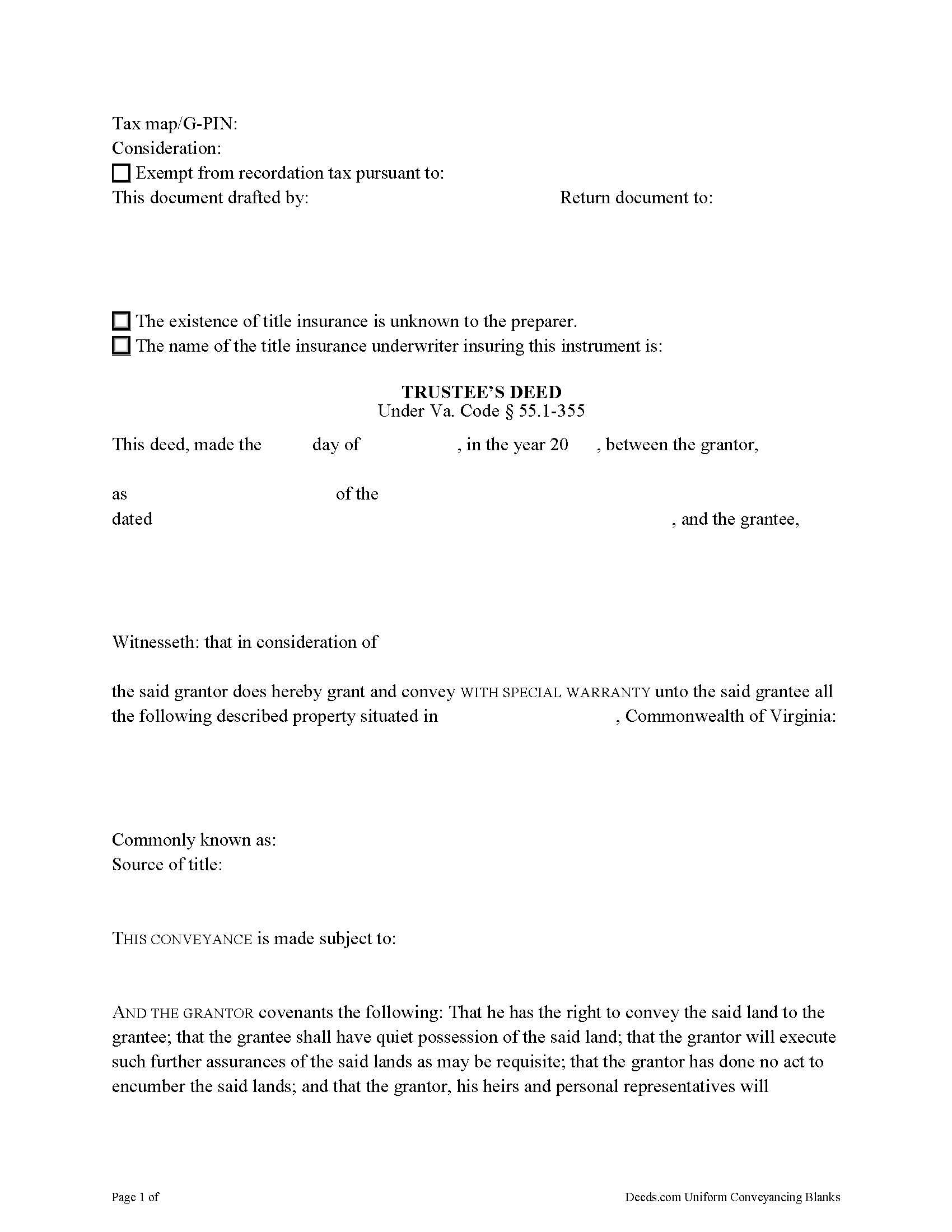
Falls Church City Trustee Deed Form
Fill in the blank form formatted to comply with all recording and content requirements.
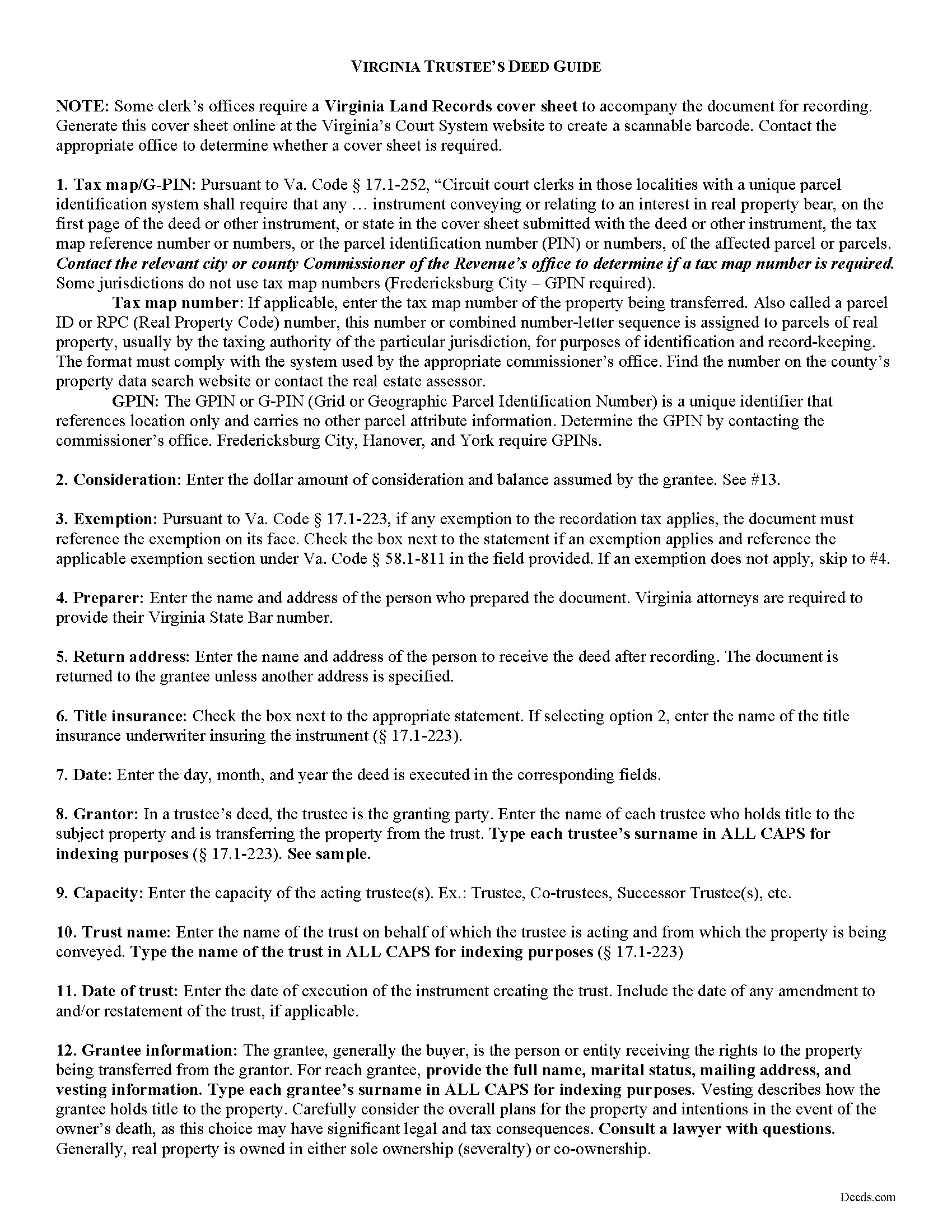
Falls Church City Trustee Deed Guide
Line by line guide explaining every blank on the form.
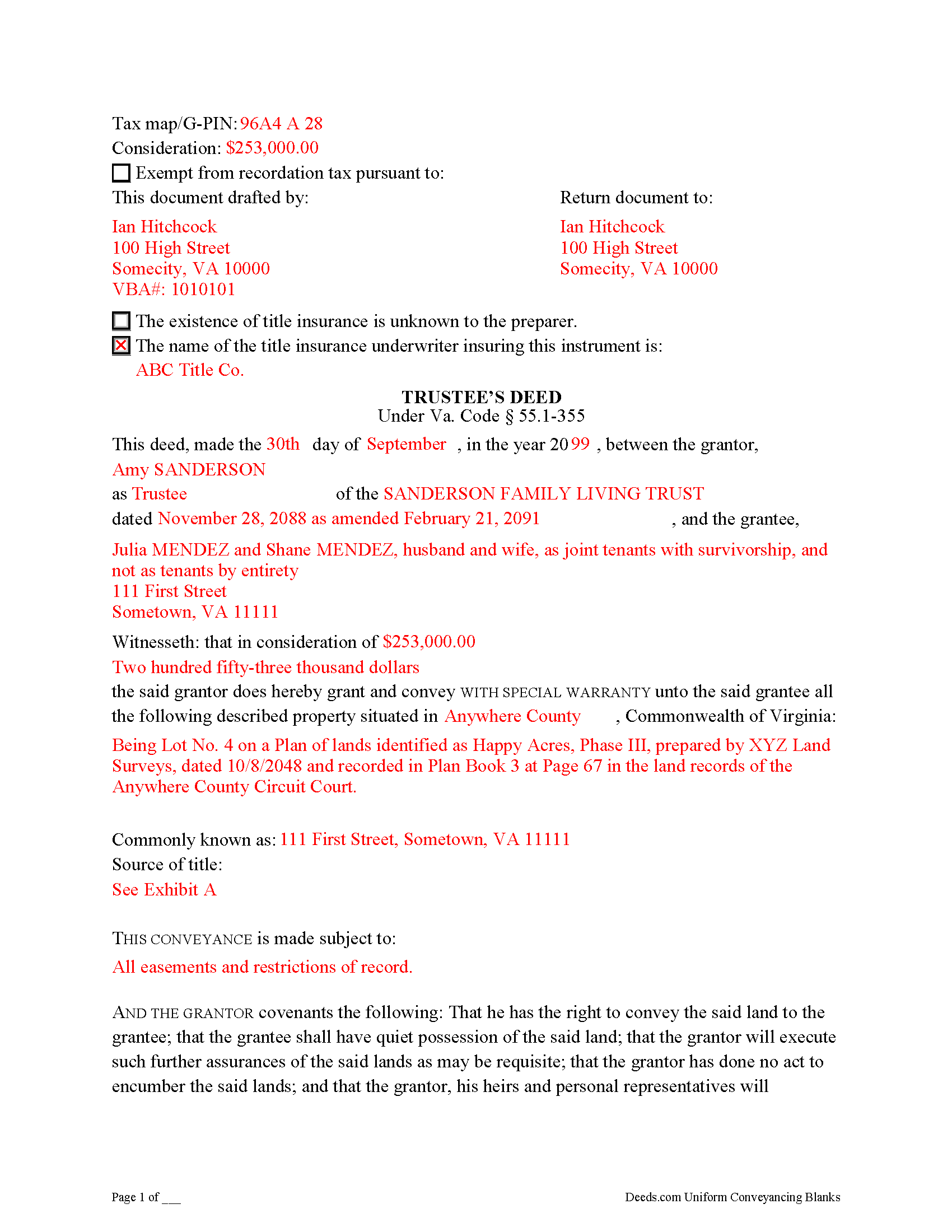
Falls Church City Completed Example of the Trustee Deed Document
Example of a properly completed form for reference.
All 3 documents above included • One-time purchase • No recurring fees
Immediate Download • Secure Checkout
Additional Virginia and Falls Church City documents included at no extra charge:
Where to Record Your Documents
Arlington Clerk of Circuit Court
Arlington, Virginia 22201
Hours: Monday - Friday 8:00 am - 4:00 pm
Phone: (703) 228-7010
Recording Tips for Falls Church City:
- Bring your driver's license or state-issued photo ID
- Ensure all signatures are in blue or black ink
- White-out or correction fluid may cause rejection
- Ask about their eRecording option for future transactions
- Avoid the last business day of the month when possible
Cities and Jurisdictions in Falls Church City
Properties in any of these areas use Falls Church City forms:
- Falls Church
Hours, fees, requirements, and more for Falls Church City
How do I get my forms?
Forms are available for immediate download after payment. The Falls Church City forms will be in your account ready to download to your computer. An account is created for you during checkout if you don't have one. Forms are NOT emailed.
Are these forms guaranteed to be recordable in Falls Church City?
Yes. Our form blanks are guaranteed to meet or exceed the applicable formatting requirements used for recording in Falls Church City, including margin requirements, font requirements, and other layout standards. This guarantee applies to formatting, not to the legal sufficiency of information entered by the user or the suitability of a form for a particular transaction.
Can I reuse these forms?
Yes. You can reuse the forms for your personal use. For example, if you have multiple properties in Falls Church City you only need to order once.
What do I need to use these forms?
The forms are PDFs that you fill out on your computer. The free Adobe Acrobat Reader is recommended, and most PDF apps also work. You do NOT enter your property information online - you download the blank forms and complete them privately on your own computer.
Are there any recurring fees?
No. This is a one-time purchase. Nothing to cancel, no memberships, no recurring fees.
How much does it cost to record in Falls Church City?
Recording fees in Falls Church City vary. Contact the recorder's office at (703) 228-7010 for current fees.
Questions answered? Let's get started!
Transferring Real Property from a Living Trust Using a Virginia Trustee's Deed
A trustee's deed conveys interest in real property held in a living (inter vivos) trust. The deed is named for the granting party, the trustee, who holds legal title to property contributed to the trust by the trust's settlor. A settlor is any person who creates or contributes property to a trust by transferring it to another. Property held in trust is administered by the trustee for the benefit of a trust beneficiary. In most living trusts, the settlor designates himself as trustee and names a successor, who will take over fiduciary duties upon the settlor's death or incapacitation.
The trust is established by a written instrument executed by the settlor and governed by the Uniform Trust Code, codified in Virginia at Va. Code Ann. 64.2-7. The trust instrument contains the terms of the trust and sets forth the settlor's estate plan. The document names the trustees and enumerates the trustee's powers in acting on behalf of the trust, and designates the trust beneficiary or beneficiaries. Generally, the settlor designates himself as the living trust's beneficiary during his lifetime, and identifies another in the trust instrument who will receive the benefit of the trust's assets upon his death.
Trustees rely on the terms of the trust instrument and statutory trustee powers to convey property held in trust. A deed executed by trustee to convey real property from a trust typically carries a special warranty covenant of title. This means that the grantor promises to warrant and defend the property for the grantee "against the claims and demands of the grantor, and all persons claiming or to claim by, through, or under him" (Va. Code Ann. 55.1-355). Because the trustee is acting "in a fiduciary capacity," a narrower covenant than a general warranty is offered "to warrant title [only] during the time they had legal possession of it" [1].
A trustee's deed requires additional information because the grantor is acting in a fiduciary capacity. When real property is held in trust, the assets vest in the name of the trustee on behalf of the trust. Therefore, the trustee's deed names the acting trustee, the trust, and the date of the trust when reciting the grantor's information. The trustee's deed should comply with the statutory form for deeds and satisfy recording requirements for documents pertaining to interest in real property in Virginia (55.1-300, 17.1-223 et seq.). A trustee may provide a certification of trust under 64.2-804 to confirm the trust's existence and his authority to convey real property.
Before recording the deed in the independent city or county wherein the subject property is located, the deed must be signed by each acting trustee and acknowledged in the presence of a notary public.
(Virginia TD Package includes form, guidelines, and completed example)
Important: Your property must be located in Falls Church City to use these forms. Documents should be recorded at the county or independent city recording office listed above.
This Trustee Deed meets all recording requirements specific to Falls Church City.
Our Promise
The documents you receive here are guaranteed to meet or exceed the applicable Falls Church City recording format requirements. If there is a rejection caused by our formatting, we will correct the issue or refund your payment. This guarantee applies to document formatting only and does not extend to information entered by the user, the selection of the form, or the legal effect of the completed document.
Save Time and Money
Get your Falls Church City Trustee Deed form done right the first time with Deeds.com Uniform Conveyancing Blanks. At Deeds.com, we understand that your time and money are valuable resources, and we don't want you to face a penalty fee or rejection imposed by a county recorder for submitting nonstandard documents. We constantly review and update our forms to meet rapidly changing state and county recording requirements for roughly 3,500 counties and local jurisdictions.
4.8 out of 5 - ( 4,842 Reviews )
Mark M. 5 out of 5 stars
This Service Provider is amazing!! Needed Notice of Commencement recorded in Broward County, FL.. They got it done..super fast. High;y recommend.
Thank you for your feedback. We really appreciate it. Have a great day!
Eric B. 5 out of 5 stars
Document was well formatted with the extra help of an example and useful instructions. I ended up with a better warranty deed than I was getting on another website. Worth the small price.
Thank you for your feedback. We really appreciate it. Have a great day!
Mica M. 5 out of 5 stars
Best Way EVER to record a warranty deed! It was nice to not have to drive anywhere and find the facility closed or "unable to process due to covid19 and buildings being closed". The correspondence between me and deeds.com was very timely in our back and forth email correspondence, and the processing was all finished in a timely manner. Totally worth the extra $15 that I paid in addition to the recording fee. I would use this again and again. My time and the efficiency of the job completed is worth the money.
We appreciate your business and value your feedback. Thank you. Have a wonderful day!
Edith T. 5 out of 5 stars
this was wonderful. I found everything very easy to understand. And great examples.
Thank you!
Jose R. 5 out of 5 stars
User friendly. Smooth transaction. I saved a lot of time
Thank you for taking the time to leave your feedback Jose, we really appreciate it. Have a fantastic day!
Lynne B. 5 out of 5 stars
It was very easy to navigate and very fast response time.
Thank you!
joni e. 5 out of 5 stars
It was everything that I needed. The county clerk's office kept telling me to get a lawyer for this form, but I didn't need one. Saved myself hundreds of dollars. I've used them many times.
Thank you for your feedback. We really appreciate it. Have a great day!
Ronald L. 3 out of 5 stars
There is not enough room on the form to describe my property which was taken directly from the previous deed. Other than that worked as expected.
Thank you for your feedback. We really appreciate it. Have a great day!
Tammy L. 1 out of 5 stars
Very Poor and useles, a scam, don't waste your money, those templates are useless and do Not give you Any valid,proper, meeningful wording to use, did Not Help me, nothing more than what a 5th grader can come up with as far as wording or example..I feel I was riped off and this is a total scam... nothing useful
We appreciate all feedback, even when it’s critical. Thousands of customers have successfully used our documents, but they are not for everyone. These are reviewed, fill-in-the-blank templates that provide the wording and structure required by law. Some situations call for more personalized guidance or hand-holding than templates alone can provide, and in those cases an attorney may be the better option.
Chris B. 5 out of 5 stars
Accurate information and easy to use website.
Thank you for your feedback. We really appreciate it. Have a great day!
Jane E. 5 out of 5 stars
The form was incompatible with my son's new computer. I do not have a printer. We did use your form to type a copy into "word" so he could print it.
Thank you!
Gerry C. 4 out of 5 stars
Forms appear to be most current and instructions clear. Inserting grantor/grantee information onto form a bit "clunky" however no major issues. I will be using services again.
Thank you!
Arthur L. 5 out of 5 stars
The directions were clear, I typed the deed out and it was successfully recorded and mailed back to me in less than a week.
Thank you for your feedback. We really appreciate it. Have a great day!
Kevin B. 5 out of 5 stars
Easy to use and very helpful
Thank you for taking the time to give us your feedback Kevin. Hope you have an amazing day.
Kenneth R. 5 out of 5 stars
Thank you. After searching for the correct forms and instructions on my county website, and finding nothing, I was very pleased with the Pinal County, AZ, acceptable forms and instructions I was able to download at a very reasonable cost from Deeds.com.
Thank you!