Hardy County Transfer on Death Revocation Form
Last validated October 12, 2026 by our Forms Development TeamFormatted for recording in Hardy County, for property anywhere in the county: rural and unincorporated areas as well as Baker, Fisher, Lost City, Mathias, Milam, Moorefield, Old Fields, Wardensville.
- 3 documents included
- Immediate PDF download
- Formatting guarantee
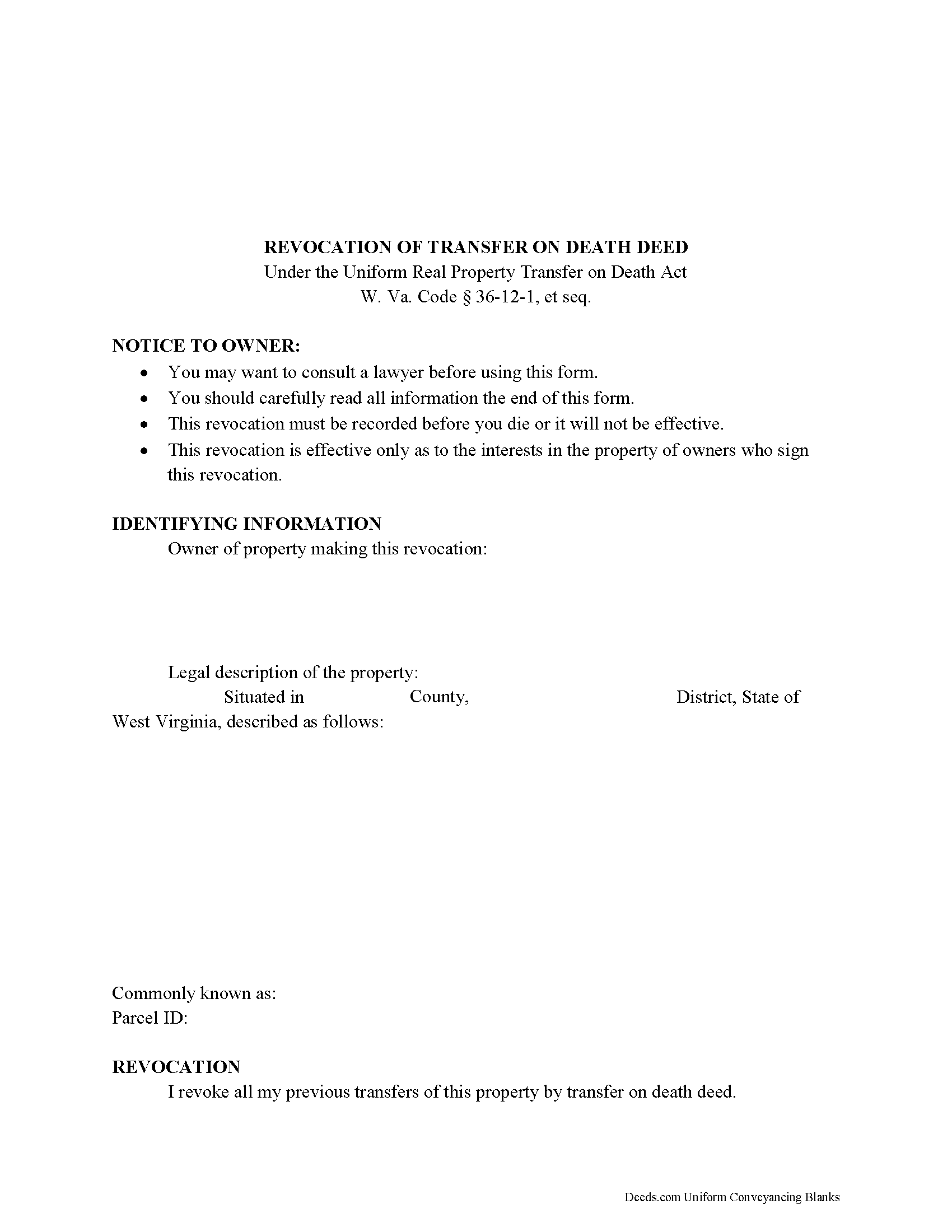
Hardy County Transfer on Death Revocation Form
Fill in the blank form formatted to comply with all recording and content requirements.
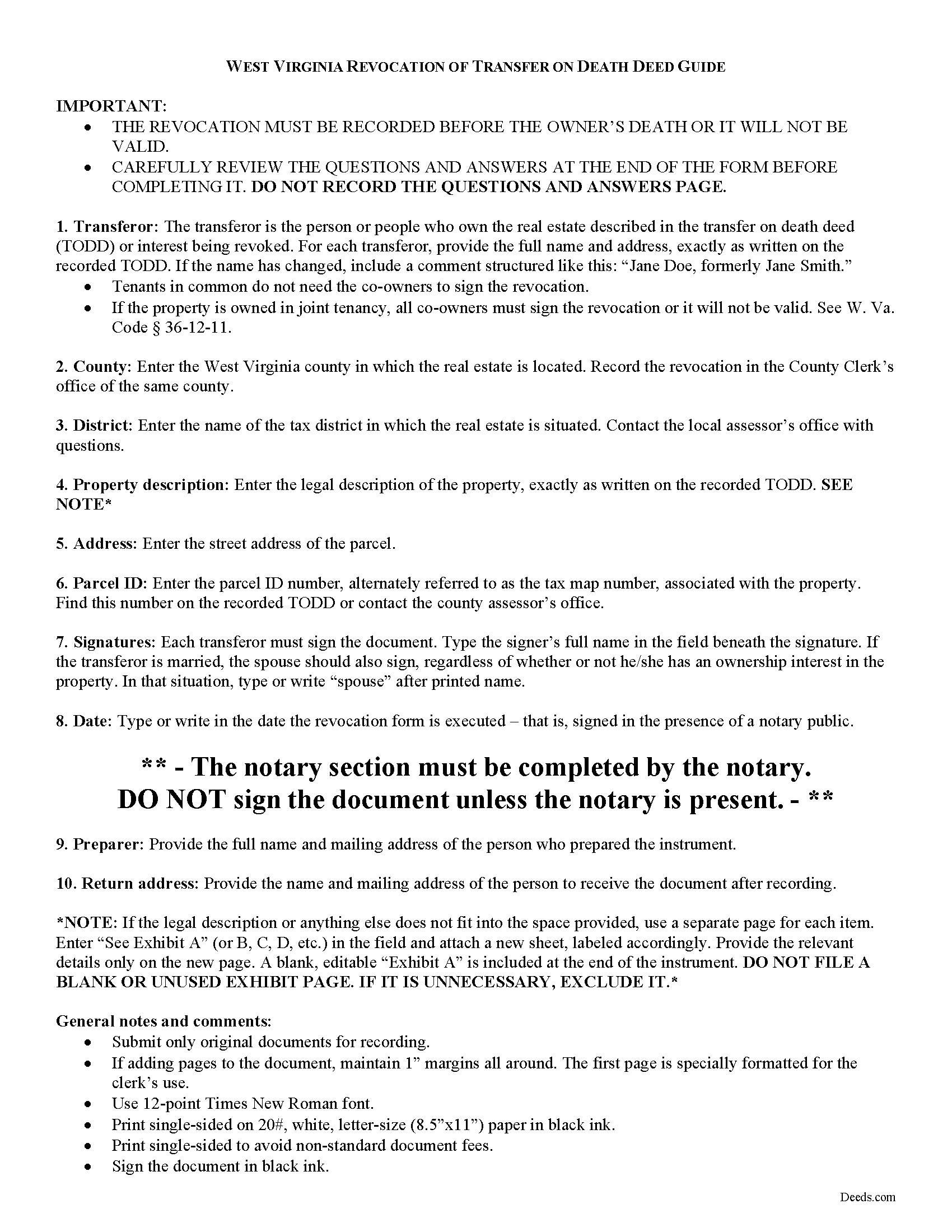
Hardy County Transfer on Death Revocation Guide
Line by line guide explaining every blank on the form.
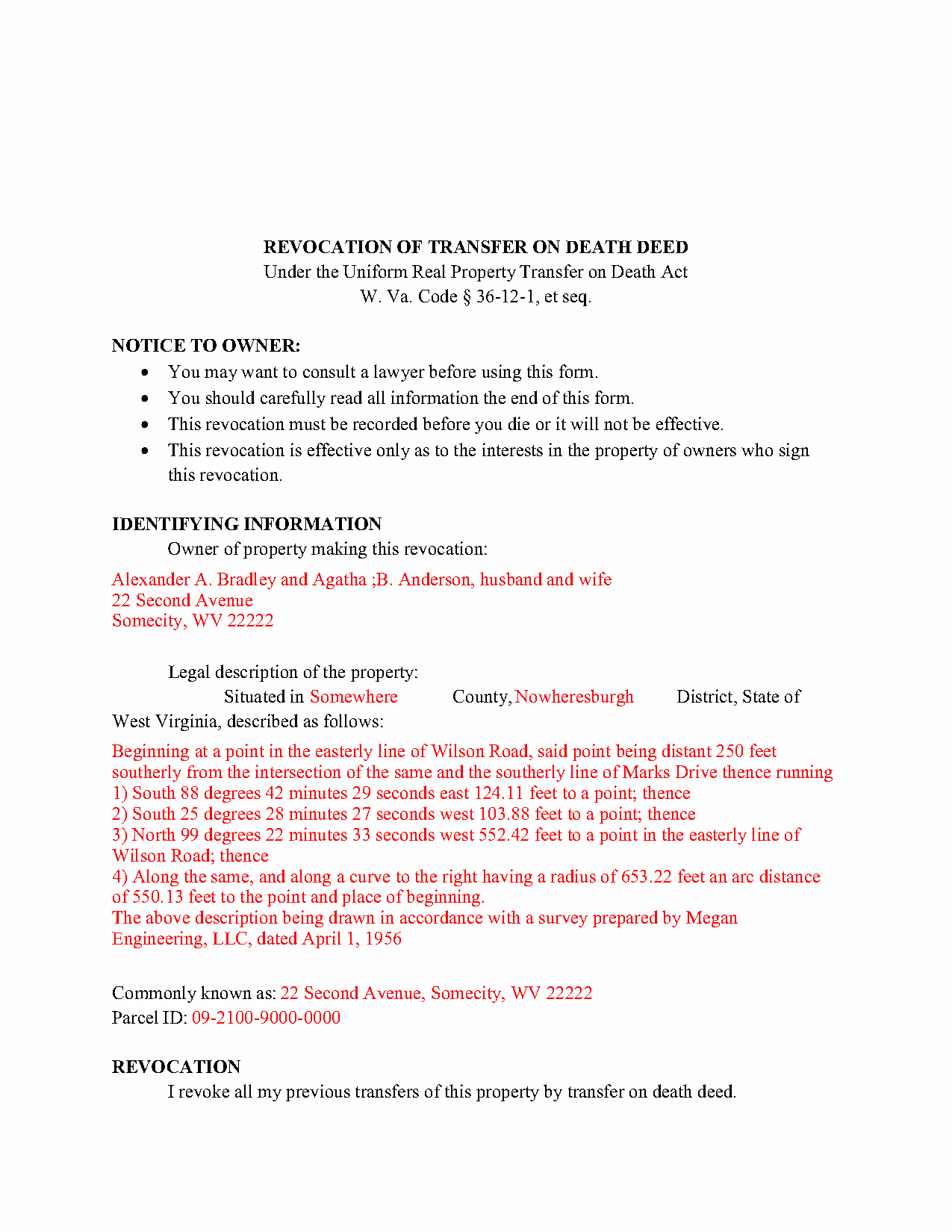
Hardy County Completed Example of the Transfer on Death Revocation Document
Example of a properly completed form for reference.
All 3 documents above included • One-time purchase • No recurring fees
Immediate Download • Secure Checkout
Additional West Virginia and Hardy County documents included at no extra charge:
Where to Record Your Documents
Hardy County
Moorefield, West Virginia 26836
Hours: 9:00 to 4:00 M-F
Phone: (304) 530-0250
Recording Tips for Hardy County:
- Bring your driver's license or state-issued photo ID
- Ensure all signatures are in blue or black ink
- Verify all names are spelled correctly before recording
- White-out or correction fluid may cause rejection
- Ask about their eRecording option for future transactions
Cities and Jurisdictions in Hardy County
Properties in any of these areas use Hardy County forms:
- Baker
- Fisher
- Lost City
- Mathias
- Milam
- Moorefield
- Old Fields
- Wardensville
Hours, fees, requirements, and more for Hardy County
How do I get my forms?
Forms are available for immediate download after payment. The Hardy County forms will be in your account ready to download to your computer. An account is created for you during checkout if you don't have one. Forms are NOT emailed.
Are these forms guaranteed to be recordable in Hardy County?
Yes. Our form blanks are guaranteed to meet or exceed the applicable formatting requirements used for recording in Hardy County, including margin requirements, font requirements, and other layout standards. This guarantee applies to formatting, not to the legal sufficiency of information entered by the user or the suitability of a form for a particular transaction.
Can I reuse these forms?
Yes. You can reuse the forms for your personal use. For example, if you have multiple properties in Hardy County you only need to order once.
What do I need to use these forms?
The forms are PDFs that you fill out on your computer. The free Adobe Acrobat Reader is recommended, and most PDF apps also work. You do NOT enter your property information online - you download the blank forms and complete them privately on your own computer.
Are there any recurring fees?
No. This is a one-time purchase. Nothing to cancel, no memberships, no recurring fees.
How much does it cost to record in Hardy County?
Recording fees in Hardy County vary. Contact the recorder's office at (304) 530-0250 for current fees.
Questions answered? Let's get started!
The West Virginia legislature voted to join with numerous other states and adopt the Uniform Real Property Transfer on Death Act (URPTODA). The law is found at 36-12-1 et seq in the Code of West Virginia, and went into effect on June 5, 2014. This act allows owners of real property in the state to control the distribution of what is often their most significant asset, their real estate, by executing and recording a transfer on death deed (TODD).
Revocation is an important feature of transfer on death deeds because it allows the owner/transferor to easily respond to a change in circumstances. This option is the reason that TODDs do not require consideration or notice (36-12-10). At 36-12-11, the statute outlines the three methods available for changing or revoking a recorded transfer on death deed, by executing and recording:
- A new TODD
- A revocation form
- An inter vivos deed that expressly revokes all or part of the TODD
To preserve a clear chain of title, it makes sense to file a revocation form when cancelling a previously recorded transfer on death deed because it will add an end point for the potential transfer. As a result, future title searches prior to selling or mortgaging the property should be simpler.
Since each situation is unique, contact an attorney with specific questions or for complex circumstances.
(West Virginia Revocation of TOD Package includes form, guidelines, and completed example)
Important: Your property must be located in Hardy County to use these forms. Documents should be recorded at the county recording office listed above.
This Transfer on Death Revocation meets all recording requirements specific to Hardy County.
Our Promise
The documents you receive here are guaranteed to meet or exceed the applicable Hardy County recording format requirements. If there is a rejection caused by our formatting, we will correct the issue or refund your payment. This guarantee applies to document formatting only and does not extend to information entered by the user, the selection of the form, or the legal effect of the completed document.
Save Time and Money
Get your Hardy County Transfer on Death Revocation form done right the first time with Deeds.com Uniform Conveyancing Blanks. At Deeds.com, we understand that your time and money are valuable resources, and we don't want you to face a penalty fee or rejection imposed by a county recorder for submitting nonstandard documents. We constantly review and update our forms to meet rapidly changing state and county recording requirements for roughly 3,500 counties and local jurisdictions.
4.8 out of 5 - ( 4,844 Reviews )
Chris M. 5 out of 5 stars
simple, Clean, and easy, to retrieve the forms i needed, while on this site. and the Fee for the Fill-in forms is Remarkably inexpensive, to say the least!
Thank you!
Alexander M. 5 out of 5 stars
Great recording service ! Very professional and easy to navigate !!!!
It was a pleasure serving you. Thank you for the positive feedback!
Evelia G. 5 out of 5 stars
I love this guide. Thank you for having this available.
Thanks so much for your feedback Evelia, have a fantastic day!
Rebecca C. 5 out of 5 stars
I actually like this site, Its quick and user friendly.
We appreciate your business and value your feedback. Thank you. Have a wonderful day!
Robert D L. 5 out of 5 stars
Found the forms to be very easy to use, instructions very clear and helpful. Recording office was surprised the forms were exactly what they required. Thank you
We appreciate your business and value your feedback. Thank you. Have a wonderful day!
Amie S. 5 out of 5 stars
The forms that I downloaded from Deeds were perfect for what I needed. I even checked with a lawyer to see if the papers would work and she said yes.
Thanks Amie, have a great day!
Madline J. 5 out of 5 stars
amazing job!!
Thank you!
Dennis D. 5 out of 5 stars
Heard about this service from a lawyer who said their offic used it quite a bit.
Thank you for your feedback. We really appreciate it. Have a great day!
Sherri P. 3 out of 5 stars
I thought it was easy, but I wish it were faster. I uploaded my document Monday night (after 5pm) and got my invoice the next morning Tuesday paid it right away. and my document was not sent to me as recorded until Wednesday morning even though it was recorded the day earlier at 8:30am. So there was a delay of almost 24 hours letting me know that my document was recorded. So if they could speed that up so that we knew exactly when it got recorded immediately I would give it a million stars
Thank you!
Robert B. 5 out of 5 stars
Everything worked Fine. I wish there was an John Doe type of an example for the Tax form.
Thank you!
Tracey H. 5 out of 5 stars
The transaction was easy and the download was immediately, What a great service to provide for a reasonable price. I highly recommend this service.
We appreciate your business and value your feedback. Thank you. Have a wonderful day!
Andrew M. 5 out of 5 stars
Very easy to find the Quitclaim Deed form I needed. It was correct format and was accepted by my bank.
We appreciate your business and value your feedback. Thank you. Have a wonderful day!
Lan S. 5 out of 5 stars
extremely satisfied with the service. I could not get file size correctly at the beginning. I received quick responses pointing out specific problem, which was very helpful for me to correct the mistake. It took 5 or 6 times due to different errors to finally achieve the qualified version. The customer care team was very patient walking me through the process.
We appreciate your business and value your feedback. Thank you. Have a wonderful day!
Cedric W. 5 out of 5 stars
This process was very easy to go through, from beginning to end. It was fast, precise and got the job done without me having to leave my computer. If opportunities arise, I will definitely use deeds.com again.
Thank you for your feedback. We really appreciate it. Have a great day!
Sterling H. 4 out of 5 stars
I liked being able to drill down to state and county. Just simply the search for all property records
We welcome your positive feedback and are thrilled to have met your expectations. Thank you for choosing our services.