Logan County Transfer on Death Revocation Form
Last validated October 12, 2026 by our Forms Development TeamFormatted for recording in Logan County, for property anywhere in the county: rural and unincorporated areas as well as Accoville, Amherstdale, Big Creek, Blair, Bruno, Chapmanville, Chauncey, Clothier and 24 more.
- 3 documents included
- Immediate PDF download
- Formatting guarantee
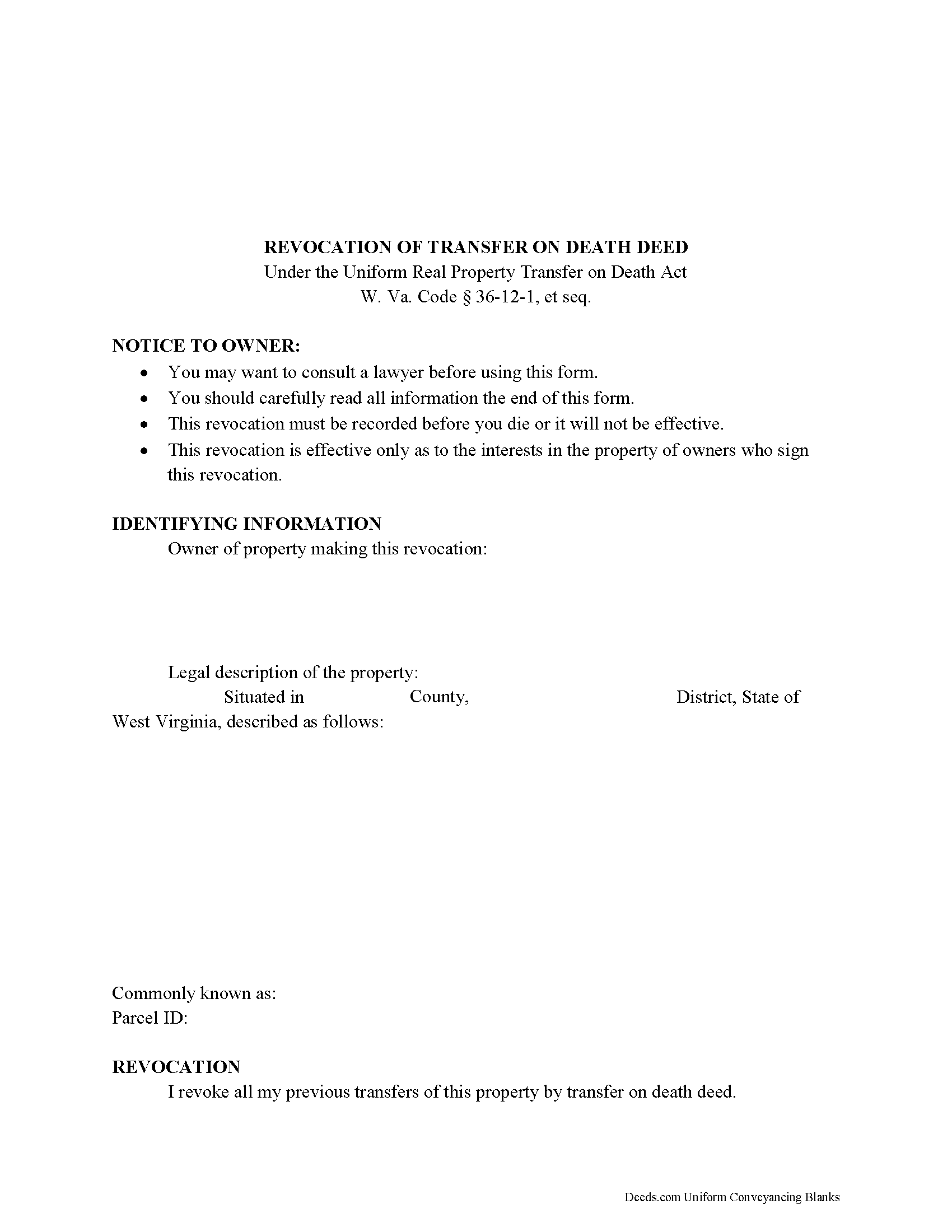
Logan County Transfer on Death Revocation Form
Fill in the blank form formatted to comply with all recording and content requirements.
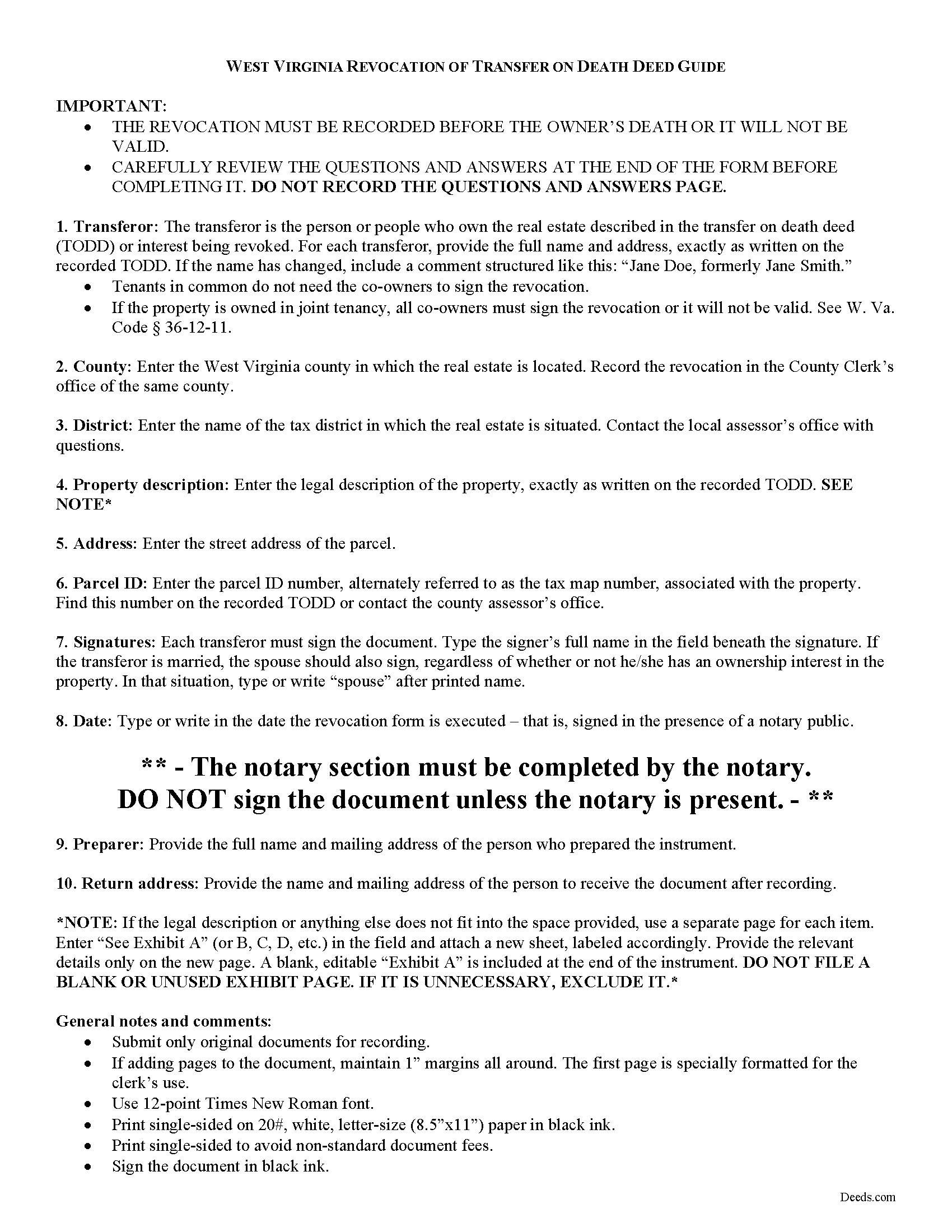
Logan County Transfer on Death Revocation Guide
Line by line guide explaining every blank on the form.
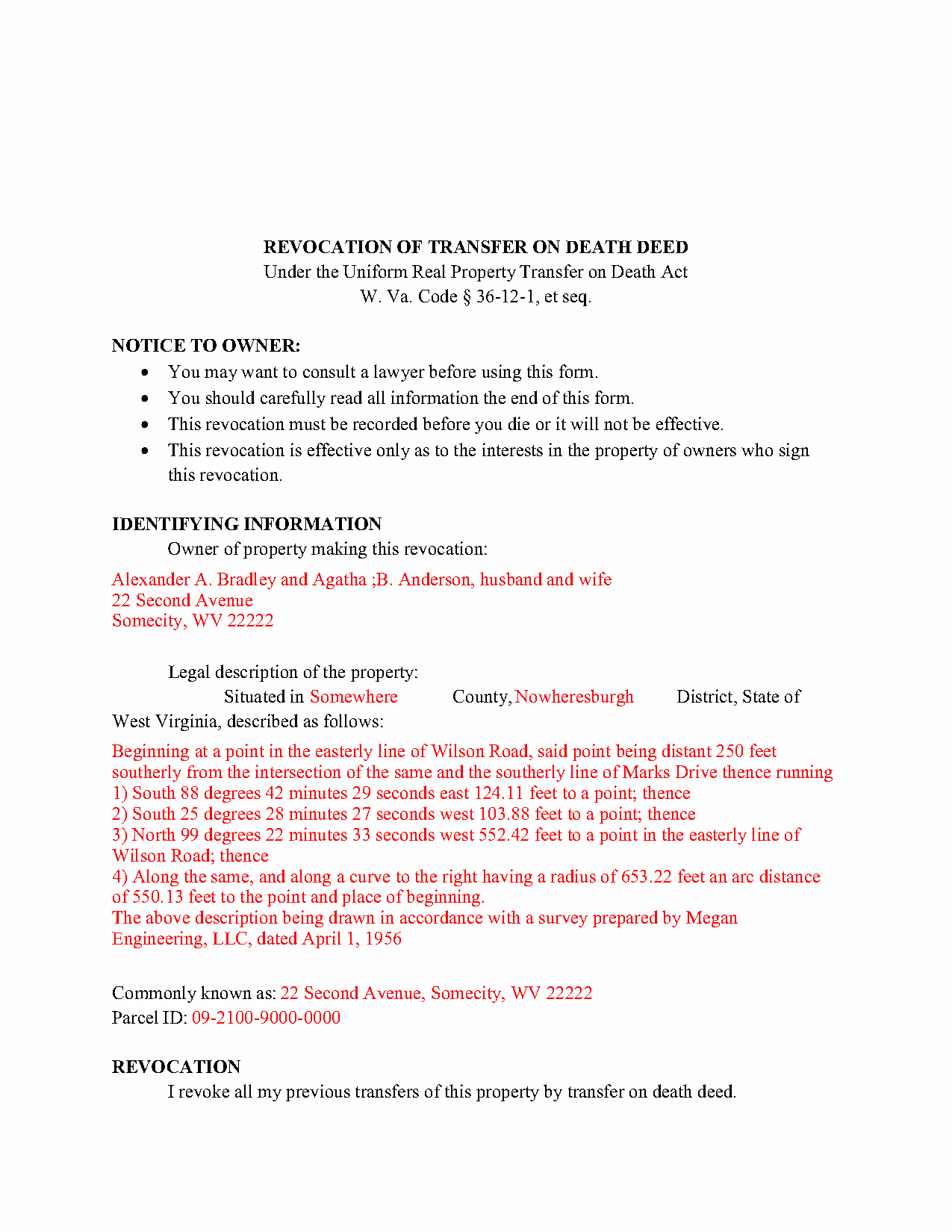
Logan County Completed Example of the Transfer on Death Revocation Document
Example of a properly completed form for reference.
All 3 documents above included • One-time purchase • No recurring fees
Immediate Download • Secure Checkout
Additional West Virginia and Logan County documents included at no extra charge:
Where to Record Your Documents
Logan County
Logan, West Virginia 25601
Hours: 8:30 to 4:30 M-F
Phone: (304) 792-9088 or 792-8600
Recording Tips for Logan County:
- Bring your driver's license or state-issued photo ID
- Ensure all signatures are in blue or black ink
- Bring extra funds - fees can vary by document type and page count
- Check margin requirements - usually 1-2 inches at top
- Leave recording info boxes blank - the office fills these
Cities and Jurisdictions in Logan County
Properties in any of these areas use Logan County forms:
- Accoville
- Amherstdale
- Big Creek
- Blair
- Bruno
- Chapmanville
- Chauncey
- Clothier
- Cora
- Davin
- Ethel
- Henlawson
- Holden
- Kistler
- Lake
- Logan
- Lorado
- Lyburn
- Mallory
- Man
- Mount Gay
- Omar
- Peach Creek
- Pecks Mill
- Sarah Ann
- Sharples
- Stollings
- Switzer
- Verdunville
- Whitman
- Wilkinson
- Yolyn
Hours, fees, requirements, and more for Logan County
How do I get my forms?
Forms are available for immediate download after payment. The Logan County forms will be in your account ready to download to your computer. An account is created for you during checkout if you don't have one. Forms are NOT emailed.
Are these forms guaranteed to be recordable in Logan County?
Yes. Our form blanks are guaranteed to meet or exceed the applicable formatting requirements used for recording in Logan County, including margin requirements, font requirements, and other layout standards. This guarantee applies to formatting, not to the legal sufficiency of information entered by the user or the suitability of a form for a particular transaction.
Can I reuse these forms?
Yes. You can reuse the forms for your personal use. For example, if you have multiple properties in Logan County you only need to order once.
What do I need to use these forms?
The forms are PDFs that you fill out on your computer. The free Adobe Acrobat Reader is recommended, and most PDF apps also work. You do NOT enter your property information online - you download the blank forms and complete them privately on your own computer.
Are there any recurring fees?
No. This is a one-time purchase. Nothing to cancel, no memberships, no recurring fees.
How much does it cost to record in Logan County?
Recording fees in Logan County vary. Contact the recorder's office at (304) 792-9088 or 792-8600 for current fees.
Questions answered? Let's get started!
The West Virginia legislature voted to join with numerous other states and adopt the Uniform Real Property Transfer on Death Act (URPTODA). The law is found at 36-12-1 et seq in the Code of West Virginia, and went into effect on June 5, 2014. This act allows owners of real property in the state to control the distribution of what is often their most significant asset, their real estate, by executing and recording a transfer on death deed (TODD).
Revocation is an important feature of transfer on death deeds because it allows the owner/transferor to easily respond to a change in circumstances. This option is the reason that TODDs do not require consideration or notice (36-12-10). At 36-12-11, the statute outlines the three methods available for changing or revoking a recorded transfer on death deed, by executing and recording:
- A new TODD
- A revocation form
- An inter vivos deed that expressly revokes all or part of the TODD
To preserve a clear chain of title, it makes sense to file a revocation form when cancelling a previously recorded transfer on death deed because it will add an end point for the potential transfer. As a result, future title searches prior to selling or mortgaging the property should be simpler.
Since each situation is unique, contact an attorney with specific questions or for complex circumstances.
(West Virginia Revocation of TOD Package includes form, guidelines, and completed example)
Important: Your property must be located in Logan County to use these forms. Documents should be recorded at the county recording office listed above.
This Transfer on Death Revocation meets all recording requirements specific to Logan County.
Our Promise
The documents you receive here are guaranteed to meet or exceed the applicable Logan County recording format requirements. If there is a rejection caused by our formatting, we will correct the issue or refund your payment. This guarantee applies to document formatting only and does not extend to information entered by the user, the selection of the form, or the legal effect of the completed document.
Save Time and Money
Get your Logan County Transfer on Death Revocation form done right the first time with Deeds.com Uniform Conveyancing Blanks. At Deeds.com, we understand that your time and money are valuable resources, and we don't want you to face a penalty fee or rejection imposed by a county recorder for submitting nonstandard documents. We constantly review and update our forms to meet rapidly changing state and county recording requirements for roughly 3,500 counties and local jurisdictions.
4.8 out of 5 - ( 4,832 Reviews )
Donald W. 5 out of 5 stars
Well organized document preparation. Great way to save on legal fees
Thank you for your feedback. We really appreciate it. Have a great day!
Raecita H. 5 out of 5 stars
This was the first time I had ever had to fill out a Warranty Deed, so if it was not for your example form on how to fill one out, I would be still be here completely lost. I had originally gone to another site for a Warranty Deed & they wanted double the amount of your price & their website had no examples forms. I am so happy with your site & service. Thank you for giving us the opportunity to be able to download the forms as much as we need to because as many mistakes I made,I had to print quite a few to be able to get it done right.
We appreciate your business and value your feedback. Thank you. Have a wonderful day!
Audrey A. 5 out of 5 stars
Great!
Thank you!
John H. 5 out of 5 stars
Quality product. Forms are as advertised. Easy to use site.
We appreciate your business and value your feedback. Thank you. Have a wonderful day!
brian o. 5 out of 5 stars
I was needing some forms from another state. I am a lawyer but don't have ready access to out of state forms. I was impressed with how thorough the intake process was. Very nice that I could download the form in Word so that I could adjust a few things. Very fine service. I recommend.
Thank you!
Jeffrey B. 5 out of 5 stars
Love Deeds.com! I was a little confused as to how to go about Quitclaiming, but you made it very easy! Thank you SO much!
We appreciate your business and value your feedback. Thank you. Have a wonderful day!
joseph p. 5 out of 5 stars
As i am not very computer ready,i had one heck of a time filling,printing,and copying this document.But with your patience and understanding of older ways,WE DID IT SUCCESSFULLY.Thank you for your time.I will recommend this site to all that inquire
Thank you for your feedback. We really appreciate it. Have a great day!
Alan S. 5 out of 5 stars
Quick, easy, and accurate. And if there's ever a problem, the resolution is also quick, easy, and accurate. The service is hard to beat.
Thank you for your feedback. We really appreciate it. Have a great day!
Arnie M. 5 out of 5 stars
I found this to be a great experience, it was Fairley easy to upload my documents and your customer service was awsome.
We appreciate your business and value your feedback. Thank you. Have a wonderful day!
Joyce S. 5 out of 5 stars
Download very easy. Forms are just what I need. Thanks
Thank you for your feedback. We really appreciate it. Have a great day!
Philip B. 5 out of 5 stars
Pleased with the results, except for the "notice of confidentiality rights" above the QUIT CLAIM DEED headline. Is it needed to be included on the form or can it be removed ? How can it be removed, I do not see a reason for it to be on the print out copy. Thank you.
Thank you!
Niranjan C. 5 out of 5 stars
Whole process was very easy and quick. Forms were easy to fill, examples were quite appropriate. Recommended.
Thank you!
SHIRLEY H. 3 out of 5 stars
I like that they have all the forms, but I could not find it they would submit the forms to the recorders office
Thank you!
Debra C. 5 out of 5 stars
The website is so easy to use. I was able to purchase and download my documents within seconds!
We appreciate your business and value your feedback. Thank you. Have a wonderful day!
Karen M. 5 out of 5 stars
This was a very easy and organized system to use.
Thank you for your feedback. We really appreciate it. Have a great day!