Marathon County Certificate of Trust (Husband and Wife Co-Trustees) Form
Last validated November 20, 2026 by our Forms Development TeamFormatted for recording in Marathon County, for property anywhere in the county: rural and unincorporated areas as well as Aniwa, Athens, Brokaw, Edgar, Eland, Elderon, Galloway, Hatley and 9 more.
- 3 documents included
- Immediate PDF download
- Formatting guarantee
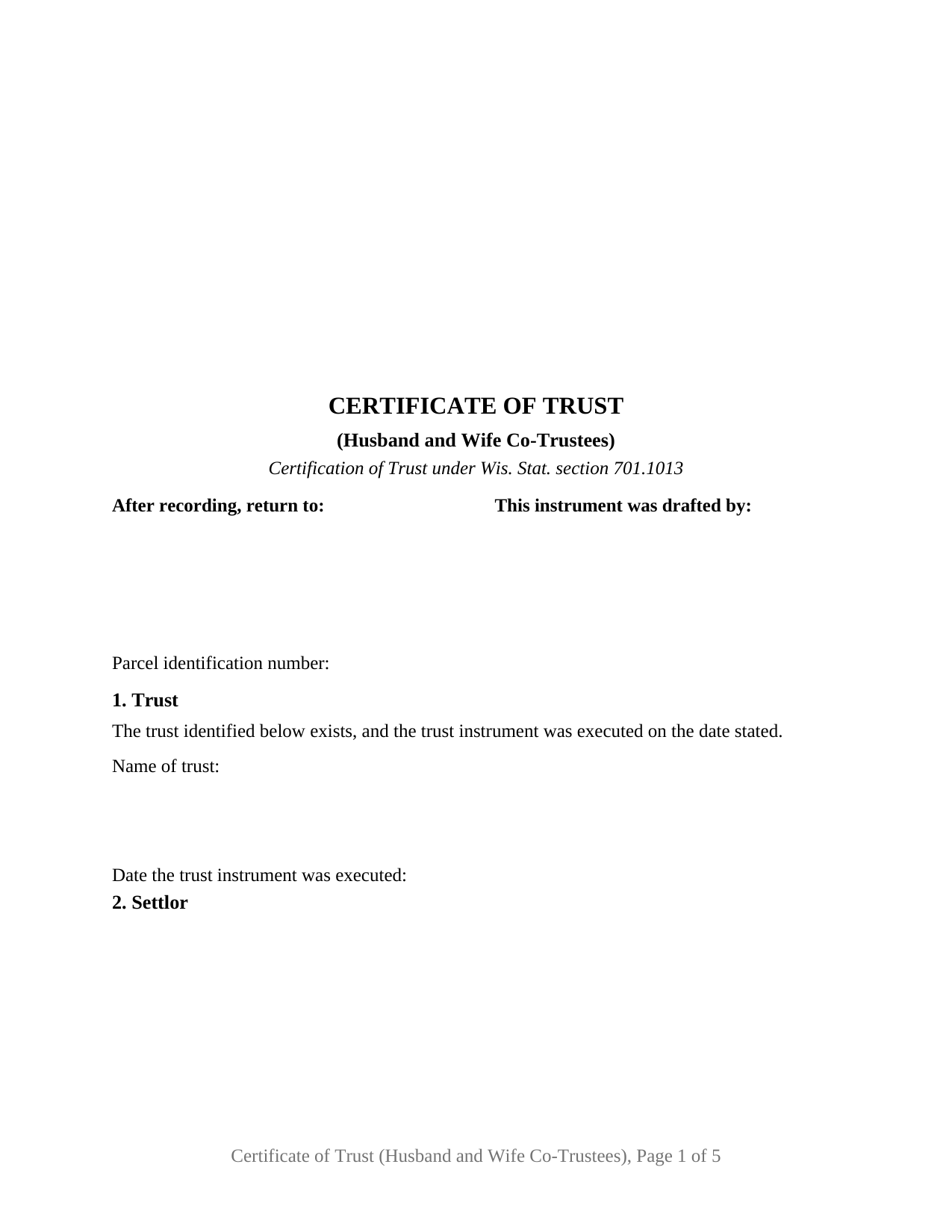
Marathon County Certificate of Trust (Husband and Wife Co-Trustees) Form
Fill in the blank Certificate of Trust (Husband and Wife Co-Trustees) form formatted to comply with all Wisconsin recording and content requirements.
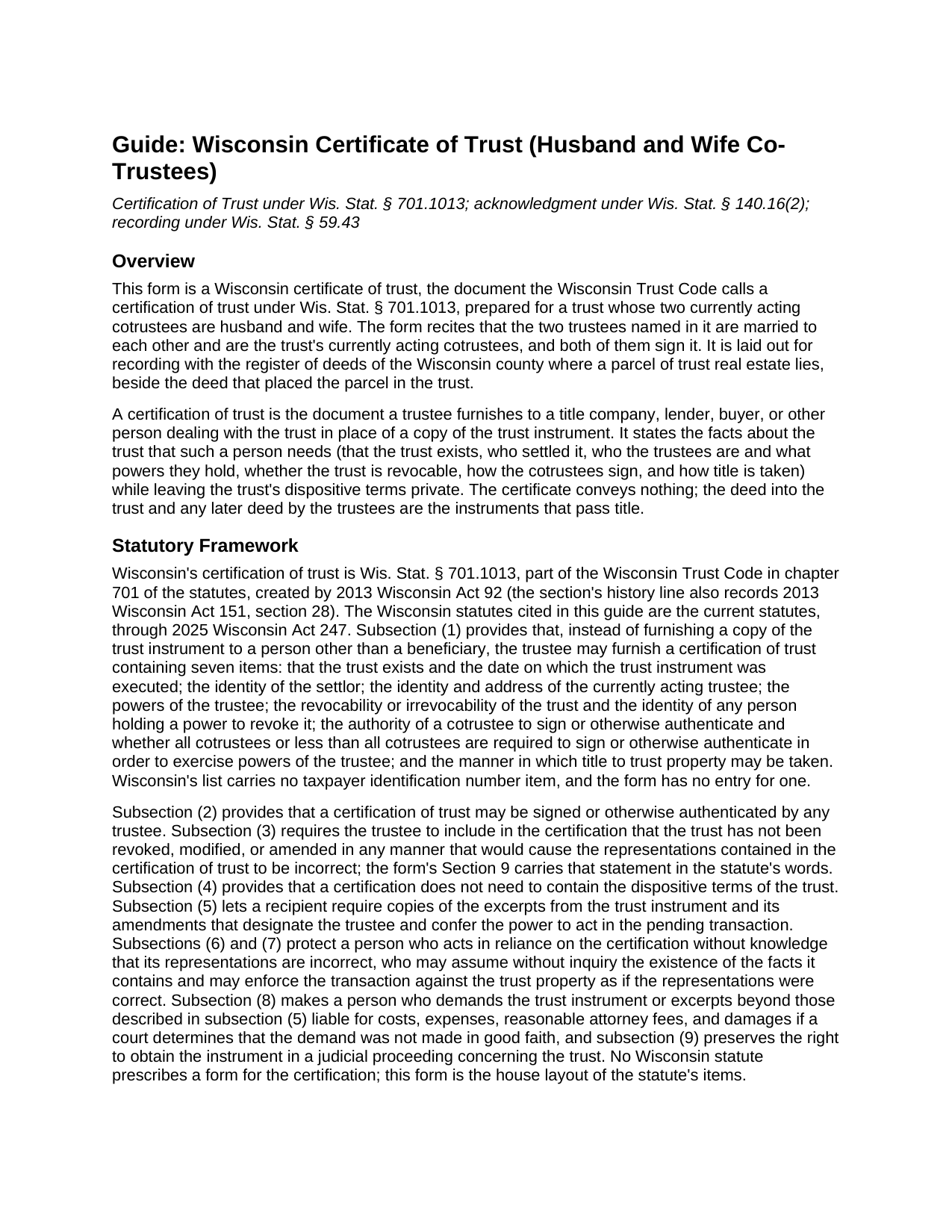
Marathon County Certificate of Trust (Husband and Wife Co-Trustees) Guide
Line by line guide explaining every blank on the Certificate of Trust (Husband and Wife Co-Trustees) form.
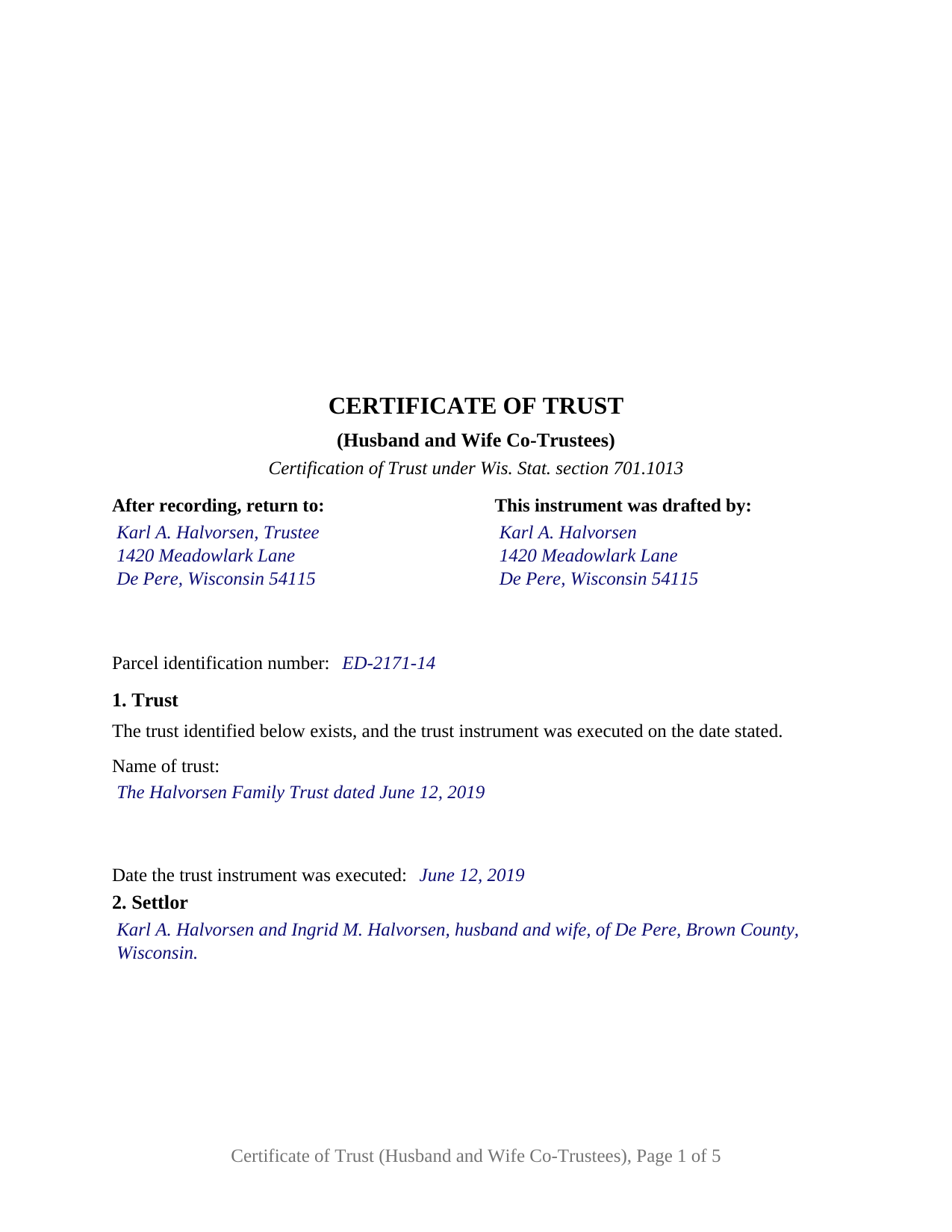
Marathon County Completed Example of the Certificate of Trust (Husband and Wife Co-Trustees) Document
Example of a properly completed Wisconsin Certificate of Trust (Husband and Wife Co-Trustees) document for reference.
All 3 documents above included • One-time purchase • No recurring fees
Immediate Download • Secure Checkout
Additional Wisconsin and Marathon County documents included at no extra charge:
Where to Record Your Documents
Marathon County RoD
Wausau, Wisconsin 54403
Hours: Monday - Friday 8:00am to 4:30pm (After 4:15 p.m. the record can be picked up or mailed the following business day)
Phone: 715-261-1470
Recording Tips for Marathon County:
- Bring your driver's license or state-issued photo ID
- Ensure all signatures are in blue or black ink
- Verify all names are spelled correctly before recording
- White-out or correction fluid may cause rejection
- Ask about their eRecording option for future transactions
Cities and Jurisdictions in Marathon County
Properties in any of these areas use Marathon County forms:
- Aniwa
- Athens
- Brokaw
- Edgar
- Eland
- Elderon
- Galloway
- Hatley
- Marathon
- Mosinee
- Ringle
- Rothschild
- Schofield
- Spencer
- Stratford
- Unity
- Wausau
Hours, fees, requirements, and more for Marathon County
How do I get my forms?
Forms are available for immediate download after payment. The Marathon County forms will be in your account ready to download to your computer. An account is created for you during checkout if you don't have one. Forms are NOT emailed.
Are these forms guaranteed to be recordable in Marathon County?
Yes. Our form blanks are guaranteed to meet or exceed the applicable formatting requirements used for recording in Marathon County, including margin requirements, font requirements, and other layout standards. This guarantee applies to formatting, not to the legal sufficiency of information entered by the user or the suitability of a form for a particular transaction.
Can I reuse these forms?
Yes. You can reuse the forms for your personal use. For example, if you have multiple properties in Marathon County you only need to order once.
What do I need to use these forms?
The forms are PDFs that you fill out on your computer. The free Adobe Acrobat Reader is recommended, and most PDF apps also work. You do NOT enter your property information online - you download the blank forms and complete them privately on your own computer.
Are there any recurring fees?
No. This is a one-time purchase. Nothing to cancel, no memberships, no recurring fees.
How much does it cost to record in Marathon County?
Recording fees in Marathon County vary. Contact the recorder's office at 715-261-1470 for current fees.
Questions answered? Let's get started!
When a married couple serve together as the trustees of their trust, the title company handling a sale or refinance of trust real estate asks one question before any other: which of the two has to sign? A Wisconsin certificate of trust signed by both spouses puts the answer on the record. This form prepares that certification under Wis. Stat. § 701.1013 for a trust whose two currently acting cotrustees are husband and wife, with both of them certifying and both of them signing.
Two signatures, one certification
Wisconsin lets any trustee sign a certification of trust, so a cotrustee could furnish one alone. This form takes the other path on purpose. Its trustee section recites, as fixed text, that the two trustees named are husband and wife, that each is a currently acting trustee of the trust, and that together they are its currently acting cotrustees; its certification paragraph is written in their joint voice; and it carries a signature block for the husband and a signature block for the wife. A buyer, lender, or title examiner reading the recorded certificate sees both cotrustees standing behind every representation in it.
That matters because of the sixth item the statute places in a certification: the authority of a cotrustee to sign or otherwise authenticate, and whether all cotrustees or less than all are required in order to exercise the powers of the trustee. Under Wis. Stat. § 701.0703(1), cotrustees may act only by majority decision, and with two cotrustees a majority is both of them; the certification statute nonetheless asks whether all cotrustees or less than all are required, so it contemplates a trust instrument under which one of two cotrustees may act. Section 6 of the form carries that answer, copied from the trust instrument, so the person relying on the certificate knows whether one spouse's deed or mortgage is enough or whether both signatures are needed. The completed example shows an instrument that lets either cotrustee act alone.
What the spouses certify
The form follows the statute's list in the statute's order. It states that the trust exists and the date its instrument was executed, identifies the settlor, names each trustee with a mailing address, describes the powers the instrument confers, states whether the trust is revocable and who holds the power to revoke it, records the cotrustee signing rule described above, and states the manner in which title to trust property is taken. A property section then ties the certificate to a specific Wisconsin parcel by county, legal description, street address, and the document number of the deed to the trustees, so the register of deeds indexes it with the title it supports. There is no taxpayer identification number entry, because Wisconsin's list has no such item and Wis. Stat. § 59.43(1m) keeps Social Security numbers out of the record.
The certification paragraph itself has no blanks. The spouses certify that the representations in the certificate are correct and that the trust has not been revoked, modified, or amended in any manner that would cause those representations to be incorrect, the statement § 701.1013(3) requires, and the paragraph states that the certification is furnished instead of a copy of the trust instrument and contains none of the trust's dispositive terms. A person who relies on the certification without knowledge that it is incorrect is protected by § 701.1013(6) and (7) and may assume the facts it states without inquiry, which is the reason a title company accepts it in place of the trust itself.
A representative-capacity acknowledgment for each spouse
Each trustee signs as a trustee, and the notarial certificate says so. The form prints two acknowledgment certificates, one captioned for the husband and one for the wife, each in the short form Wisconsin supplies for an acknowledgment made in a representative capacity under Wis. Stat. § 140.16(2): the record was acknowledged before the officer by the named individual as trustee of the named trust. The words as trustee of are fixed; the officer enters the date, the trustee's name, and the trust's name. The two certificates are the form's design rather than a legal requirement, and they let the spouses acknowledge on different days, before different notaries, or in different states when travel or schedules separate them.
Recording beside the deed to the trustees
The first page is laid out to the Wisconsin standard document format of Wis. Stat. § 59.43(2m)(a): the document name within the top six inches, the return address, the drafter's name, a parcel identification number line for counties that require one, and a blank upper right area for the register's recording information. The statewide recording fee is $30 per document under § 59.43(2)(ag). Recording is not what gives the certification its effect, which comes from furnishing it to the person who relies on it; recording simply places it in the chain of title next to the deed that put the parcel in the trust. Because the certificate passes no ownership interest, it is not a conveyance under the real estate transfer fee definition in Wis. Stat. § 77.21(1), and no electronic transfer return or exemption statement accompanies it; those belong to the deeds into and out of the trust.
The configuration this form recites
This form recites exactly two trustees, married to each other, both currently acting, both signing, each a natural person acting in that person's own name as trustee. Spouses who settled a joint revocable living trust and named themselves its initial cotrustees, and who have placed their Wisconsin home or rental property in it, present the pattern this certificate recites; a lender's closing on a refinance of the trust's house, and a sale by the trust where the buyer's title company wants the trustees' authority of record, are the occasions on which it is furnished and recorded. The form is not set up as a certification by one trustee acting alone, by two cotrustees who are not married to each other, by a bank or trust company signing through an officer, by a trustee acting under a power of attorney, or by three or more trustees; each of those calls for different recitals and a different signature layout. The certificate also recites nothing about whether the trust property was marital property before it went into the trust, and it does not substitute for the excerpts of the trust instrument a recipient may still request under § 701.1013(5).
The package contains three files: the fill-in-the-blank certificate of trust as a fillable PDF, a completed example filled in for a fictional married couple serving as cotrustees of a revocable trust holding a Brown County home, and a guide that explains every entry, the certification statute, the acknowledgment form, and recording with the register of deeds. This description and the guide describe the form and the Wisconsin statutes in general terms; they are not legal advice.
Important: Your property must be located in Marathon County to use these forms. Documents should be recorded at the county recording office listed above.
This Certificate of Trust (Husband and Wife Co-Trustees) meets all recording requirements specific to Marathon County.
Our Promise
The documents you receive here are guaranteed to meet or exceed the applicable Marathon County recording format requirements. If there is a rejection caused by our formatting, we will correct the issue or refund your payment. This guarantee applies to document formatting only and does not extend to information entered by the user, the selection of the form, or the legal effect of the completed document.
Save Time and Money
Get your Marathon County Certificate of Trust (Husband and Wife Co-Trustees) form done right the first time with Deeds.com Uniform Conveyancing Blanks. At Deeds.com, we understand that your time and money are valuable resources, and we don't want you to face a penalty fee or rejection imposed by a county recorder for submitting nonstandard documents. We constantly review and update our forms to meet rapidly changing state and county recording requirements for roughly 3,500 counties and local jurisdictions.
4.8 out of 5 - ( 4,862 Reviews )
THEODORE P. 5 out of 5 stars
You were very helpful and patient with me in learning your portal. I now understand your process.
We are thankful for your continued support and feedback, which inspire us to continuously improve. Thank you..
laura s. 5 out of 5 stars
thanks for providing my with exactly what I needed, almost instantly!
We appreciate your business and value your feedback. Thank you. Have a wonderful day!
Pamela L. 5 out of 5 stars
Well this could not have been any easier for me! Deeds made this whole process very efficient, and simple. I will definitely be a return customer when needed. Thank You!
Thank you Pamela, we appreciate you!
Bonnie C. 5 out of 5 stars
Easy and convenient. Was nice to have just a one time charge without a so-called anual fee/membership. Will use again if needed. May update review after "all is said and done."
Thank you!
Zunika B. 5 out of 5 stars
Was quick and easy compared to visiting downtown where the recorders office is closed or just the thought of mailing important documents and waiting until someone hopefully reaches back out to you. All responses were timely and process was easy. No complaints.
Thank you!
Tammy C. 5 out of 5 stars
Was very easy to use and i would recommend it
Thank you!
nannette b. 5 out of 5 stars
got what I needed quick and easy thank you!!!
Thank you for your feedback. We really appreciate it. Have a great day!
Seth T. 5 out of 5 stars
THE BEST WEBSITE I HAVE EVER SEEN FOR LEGAL DOCUMENTS!!! THANKS
Thanks Seth, we appreciate your feedback.
Thomas D. 2 out of 5 stars
The documents themselves are fine and the information provided with them is helpful. I find the actual processing of the documents, however, to be difficult particularly once the document has been saved. First, I note that the box for the date only allows entry of the last 2 digits of the year. Unfortunately, my download only allows me to enter one of the 2 digits required. When I delete it repeatedly, it eventually allows both digits to be entered but puts them in extremely small text and in superscrypt. I have not found a solution to this problem and am not sure the deed can even be recorded with this problem. Another problem is that if you try to revise the document after you have saved it the curser goes to the end of the line after each key entry. This means that there basically is no way to efficiently save the document for reworking later since you will have to delete everything you have entered in the text box unless you only need to make a single keystroke change or are willing to replace the curser after each entry. Try that with a long property description! Please note that I am using a Mac to prepare my documents and perhaps this is part of an "incompatibility problem". However, I didn't see a disclaimer regarding Mac use and so would expect the documents to perform correctly. Overall, I give the program a "2 star" rating because I am experiencing significant difficulties in entering dates in the documents even before saving them and because saving your work for later revision appears to be basically unworkable.
Thank you for your feedback Thomas, we appreciate you being specific about the issues you encountered. Adobe and Mac have a fairly long history of issues working together.
MIchael T. 5 out of 5 stars
very helpful in a trouble free manner.
Thank you!
Richard T. 5 out of 5 stars
Amazing service from competent individuals that really go above and beyond to get you documents processed.
Thank you!
THOMAS K. 5 out of 5 stars
Very pleased with all info and forms
We appreciate your business and value your feedback. Thank you. Have a wonderful day!
Kevin P. 5 out of 5 stars
Just what my parents and I have been looking for to do a Quit Deed to transfer property into my name.
Thank you!
Dennis D. 5 out of 5 stars
Heard about this service from a lawyer who said their offic used it quite a bit.
Thank you for your feedback. We really appreciate it. Have a great day!
Lara T. 5 out of 5 stars
Made recording my document so much easier and faster. First attempt failed due to illegible blue ink, got that fixed and deeds.com resubmitted and doc was recorded within a couple of hours, all from the comfort of my home.
Thank you for your feedback. We really appreciate it. Have a great day!