Oconto County Correction Deed (Entity Grantor) Form
Last validated November 27, 2026 by our Forms Development TeamFormatted for recording in Oconto County, for property anywhere in the county: rural and unincorporated areas as well as Abrams, Gillett, Lakewood, Lena, Little Suamico, Mountain, Oconto, Oconto Falls and 3 more.
- 3 documents included
- Immediate PDF download
- Formatting guarantee
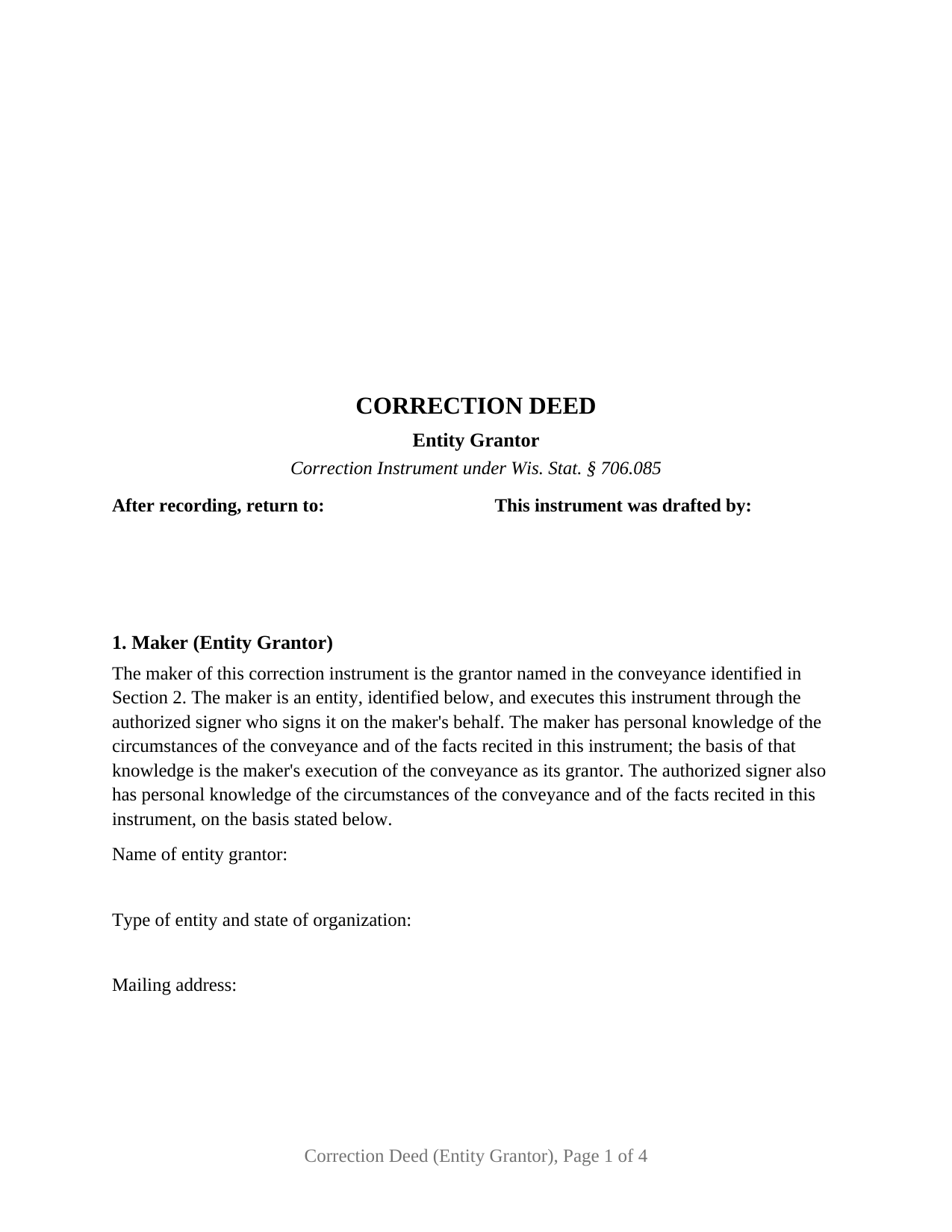
Oconto County Correction Deed (Entity Grantor) Form
Fill in the blank Correction Deed (Entity Grantor) form formatted to comply with all Wisconsin recording and content requirements.
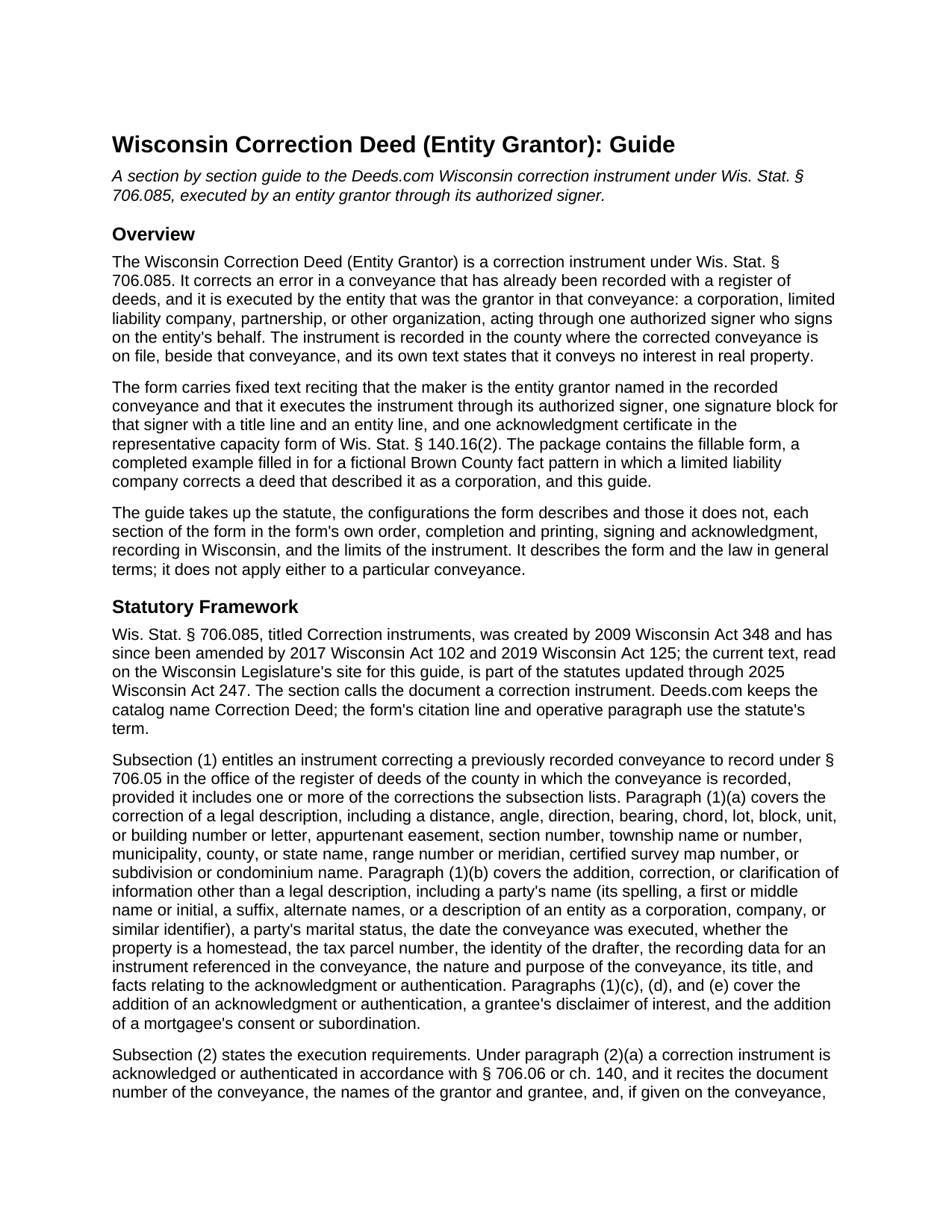
Oconto County Correction Deed (Entity Grantor) Guide
Line by line guide explaining every blank on the Correction Deed (Entity Grantor) form.
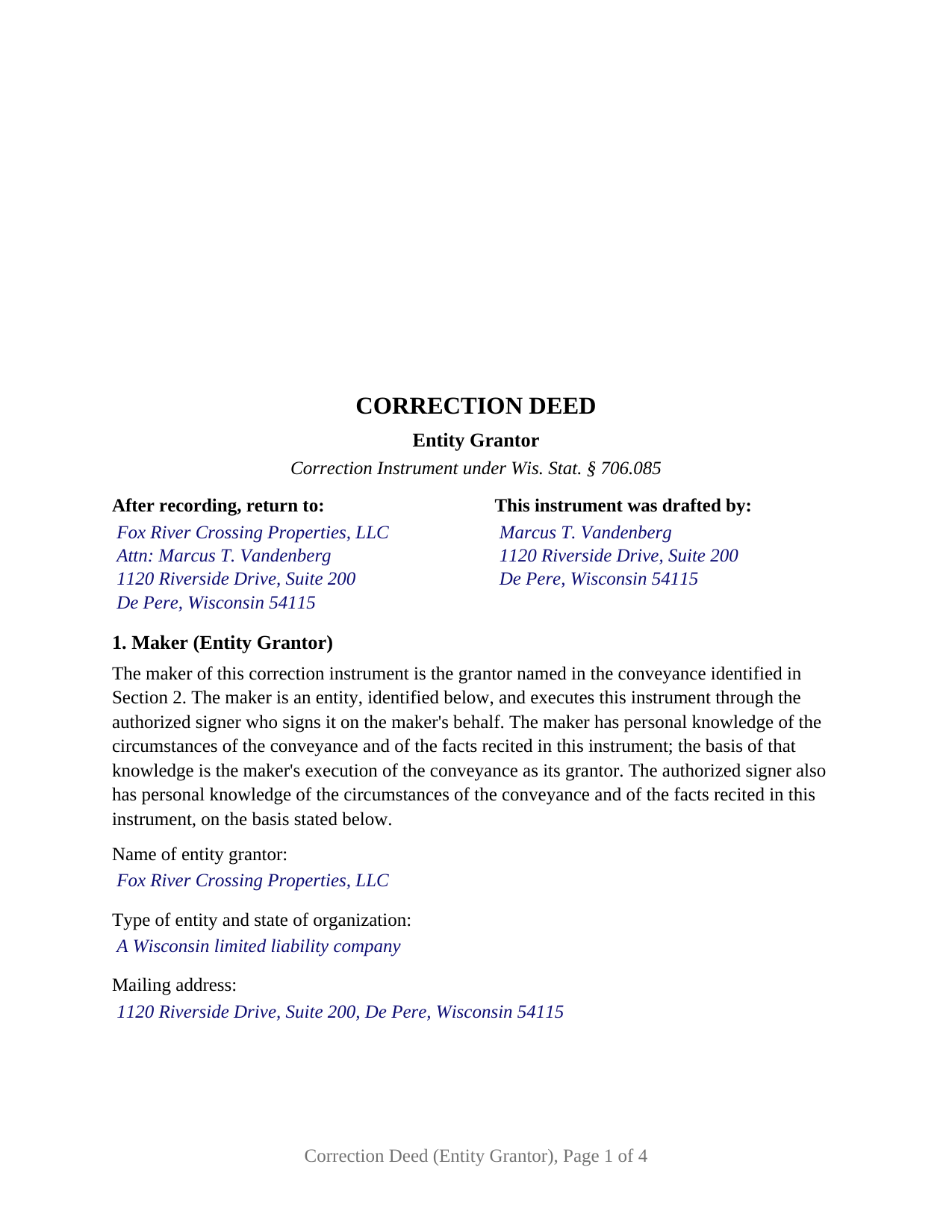
Oconto County Completed Example of the Correction Deed (Entity Grantor) Document
Example of a properly completed Wisconsin Correction Deed (Entity Grantor) document for reference.
All 3 documents above included • One-time purchase • No recurring fees
Immediate Download • Secure Checkout
Additional Wisconsin and Oconto County documents included at no extra charge:
Where to Record Your Documents
Oconto County Register of Deeds
Oconto, Wisconsin 54153
Hours: Monday - Friday 8:00 am - 4:00 pm
Phone: 920-834-7113
Recording Tips for Oconto County:
- Bring your driver's license or state-issued photo ID
- Ensure all signatures are in blue or black ink
- Double-check legal descriptions match your existing deed
- Verify all names are spelled correctly before recording
- White-out or correction fluid may cause rejection
Cities and Jurisdictions in Oconto County
Properties in any of these areas use Oconto County forms:
- Abrams
- Gillett
- Lakewood
- Lena
- Little Suamico
- Mountain
- Oconto
- Oconto Falls
- Sobieski
- Suring
- Townsend
Hours, fees, requirements, and more for Oconto County
How do I get my forms?
Forms are available for immediate download after payment. The Oconto County forms will be in your account ready to download to your computer. An account is created for you during checkout if you don't have one. Forms are NOT emailed.
Are these forms guaranteed to be recordable in Oconto County?
Yes. Our form blanks are guaranteed to meet or exceed the applicable formatting requirements used for recording in Oconto County, including margin requirements, font requirements, and other layout standards. This guarantee applies to formatting, not to the legal sufficiency of information entered by the user or the suitability of a form for a particular transaction.
Can I reuse these forms?
Yes. You can reuse the forms for your personal use. For example, if you have multiple properties in Oconto County you only need to order once.
What do I need to use these forms?
The forms are PDFs that you fill out on your computer. The free Adobe Acrobat Reader is recommended, and most PDF apps also work. You do NOT enter your property information online - you download the blank forms and complete them privately on your own computer.
Are there any recurring fees?
No. This is a one-time purchase. Nothing to cancel, no memberships, no recurring fees.
How much does it cost to record in Oconto County?
Recording fees in Oconto County vary. Contact the recorder's office at 920-834-7113 for current fees.
Questions answered? Let's get started!
When the grantor on a recorded Wisconsin deed was a company rather than a person, the correction instrument that fixes an error in that deed is signed by the company through one authorized signer, and this Wisconsin Correction Deed (Entity Grantor) is built for exactly that execution. A corporation, limited liability company, partnership, or other organization that was the grantor named in the recorded conveyance is the maker; an officer, member, manager, or partner signs on its behalf, states a title, and acknowledges the instrument in the representative capacity form of Wis. Stat. § 140.16(2). The instrument corrects the recorded conveyance under Wis. Stat. § 706.085 and, in its own words, conveys no interest in real property.
A company's deed, corrected by the company
Section 706.085(2)(b)1. lets a correction instrument be executed by a person having personal knowledge of the circumstances of the conveyance and of the facts recited, the grantor among them, and it requires the instrument to recite the basis for that knowledge. An entity knows its own conveyance only through the people who act for it, and this form is written around that fact. Section 1 recites in fixed text that the maker is the grantor named in the conveyance, that it is an entity executing the instrument through its authorized signer, and that the basis of its knowledge is its own execution of the conveyance as grantor; the entity's name, its type and state of organization, its mailing address, and the basis of the signer's personal knowledge are the entries that complete the recital. The signer's own basis is written in, because the individual who holds the pen on the correction is sometimes the person who signed the original deed and sometimes the officer who now keeps the company's records of the transaction.
The corrections the instrument carries are the ones the statute lists for any maker: a legal description element under § 706.085(1)(a), or the addition, correction, or clarification of other information under § 706.085(1)(b), a party's name, an execution date, a tax parcel number, the drafter, a prior recording reference, the title of the conveyance, or acknowledgment facts. One item on that list belongs especially to this configuration. Paragraph (1)(b)1. names, among the party-name corrections, a description of an entity as a corporation, company, or similar identifier, and the completed example shows that correction: a Brown County warranty deed that described the grantor as Fox River Crossing Properties, Inc., a Wisconsin corporation, corrected by the grantor itself to read Fox River Crossing Properties, LLC, a Wisconsin limited liability company.
One signer, a title line, and a representative-capacity certificate
The signature block is captioned ENTITY GRANTOR (MAKER). The authorized signer signs, prints a name, dates the signature, and completes two lines the individual form of this instrument has no reason to carry: the signer's title and the entity grantor's name. Those two lines, with Section 1 and the certificate, identify the principal on whose behalf the signer acts, the identification Wis. Stat. § 706.03(1m) describes for a conveyance signed by one acting as agent for another. The acknowledgment that follows is the § 140.16(2) short form, which records that the instrument was acknowledged by the named individual as the stated type of authority of the named party on whose behalf the record was executed; the notarial officer completes the type of authority and the party's name as two further entries after the signer's name, and the certificate reserves an area for the officer's official stamp under Wis. Stat. § 140.15(2). The form carries one signature block and one certificate; a second signer, an attestation line, and a corporate seal are not drawn, and § 706.03(2) states that the absence of a corporate seal does not invalidate a corporate conveyance.
Authority to sign is a fact outside the instrument, and the guide describes where Wisconsin law places it: under § 706.03(2), any one officer of a private corporation may sign conveyances in the corporate name unless a different authorization is recorded under § 706.03(3) or appears in the articles of incorporation, and under § 183.0301(1) a member of a limited liability company is not the company's agent solely by reason of being a member, so an LLC signer's authority rests on the operating agreement and the company's management structure. The title line states the capacity the signer asserts; it does not by itself establish that authority.
What the form is not set up as
The form recites exactly one maker, an entity that was the grantor. It is not set up as a correction by an individual grantor signing in that person's own right, by two makers, by the grantee, by the drafter or settlement agent of the conveyance, by an entity acting through an attorney-in-fact under a power of attorney, by a trustee or personal representative, or by a public corporation, which § 706.03(2) says authorizes and executes conveyances as provided by law. It is likewise not set up for the corrections § 706.085 assigns to a different signer: a parcel removed from a conveyance that also correctly conveys other land, or a lot or unit number corrected where the grantor also owns the lot wrongly recited, each of which § 706.085(2)(b)3. assigns only to the grantee; a mortgagee's consent or subordination; and a grantee's disclaimer of interest. The guide maps each paragraph of § 706.085(2)(b) to the signer the statute names.
Recording beside the deed it corrects
The instrument is recorded with the register of deeds of the county where the corrected conveyance is on file, for the statewide $30 document fee under § 59.43(2)(ag), and it is laid out to the standard document format of § 59.43(2m)(a) with the title, the return address, and the drafter's name on the first recorded page. Section 2 recites the document number of the conveyance and the names of its grantor and grantee as the conveyance printed them, the items § 706.085(2)(a) requires, so an entity whose name was wrong on the deed enters the wrong name there and the right one in the correction section. Above the signature block the instrument states that it is executed for no consideration and is exempt from the real estate transfer fee under § 77.25(3), the face-of-document statement § 77.22(1) calls for; the Wisconsin Department of Revenue's published position is that a correction instrument presented for recording still requires a new electronic real estate transfer return claiming that exemption. After recording, § 706.085(2)(c) requires the person who executed and recorded the instrument to mail notice of that fact to all parties to the transaction, a step the register does not perform and the guide describes on its own. Once recorded, the instrument is prima facie evidence of the facts it states and notice to a purchaser under § 706.09, subject to rebuttal, under § 706.085(3).
Whether searched for as a Wisconsin corrective deed, an affidavit of correction, or a correction instrument signed by an LLC or corporation, the document this package prepares is the § 706.085 correction instrument executed by the entity grantor through its authorized signer. The package includes the fillable form, a completed example filled in for a fictional Brown County fact pattern in which a limited liability company corrects a deed that described it as a corporation, and the guide that takes up each section, the signer's authority, the representative-capacity acknowledgment, the transfer return, and the notice mailed after recording. This description, like the guide, describes the form and the Wisconsin statutes that govern it in general terms and is not legal advice.
Important: Your property must be located in Oconto County to use these forms. Documents should be recorded at the county recording office listed above.
This Correction Deed (Entity Grantor) meets all recording requirements specific to Oconto County.
Our Promise
The documents you receive here are guaranteed to meet or exceed the applicable Oconto County recording format requirements. If there is a rejection caused by our formatting, we will correct the issue or refund your payment. This guarantee applies to document formatting only and does not extend to information entered by the user, the selection of the form, or the legal effect of the completed document.
Save Time and Money
Get your Oconto County Correction Deed (Entity Grantor) form done right the first time with Deeds.com Uniform Conveyancing Blanks. At Deeds.com, we understand that your time and money are valuable resources, and we don't want you to face a penalty fee or rejection imposed by a county recorder for submitting nonstandard documents. We constantly review and update our forms to meet rapidly changing state and county recording requirements for roughly 3,500 counties and local jurisdictions.
4.8 out of 5 - ( 4,867 Reviews )
Marcus W. 5 out of 5 stars
I was very pleased and satisfied with the ease of use, expeditious turnaround and costs involved to eRecord my documentation to the Probate Court. I live in another city and state and your service allowed me to get what I needed done. in a matter of a few hours from the time I submitted my package for filing, within an hour. I received noted and stamped confirmation from the county clerks office the document was now on file with them. I highly recommend Deeds.com and will be utilizing your online services for any future legal documentation.
We appreciate your business and value your feedback. Thank you. Have a wonderful day!
Robert F. 5 out of 5 stars
Breeze.... It feels silly to hire an attorney to do this for just one beneficiary. Thanks.
Thank you for your feedback. We really appreciate it. Have a great day!
Daniel C. 2 out of 5 stars
The fill-in pdf produced a messy document and several of the fields too small to accommodate the text. A tailorable MS Word document would have been far better. I would not recommend using this product.
Thank you for taking the time to share your feedback. We’re sorry to hear that the fill-in PDF did not meet your expectations, particularly with regard to formatting and field sizing.
Based on your comments, we will be reviewing the document to see where improvements can be made. Feedback like yours is genuinely helpful in identifying areas where our forms can be clearer and easier to use.
We’ve gone ahead and canceled your order and refunded your payment in full, so there’s no expectation that you use a product you wouldn’t feel comfortable recommending.
Philip C. 5 out of 5 stars
The product I purchased looks great and I added Adobe to be able to copy it, but for some reason I can't,so I will delete Adobe and then try again to copy what i paid for. I have all the PDFS' and my computer and printer are fairly new (windows 10),I should have tried to copy it first, I'll get it! Thanks
Thank you for your feedback. We really appreciate it. Have a great day!
Dennis D. 5 out of 5 stars
Heard about this service from a lawyer who said their offic used it quite a bit.
Thank you for your feedback. We really appreciate it. Have a great day!
Stacie S. 5 out of 5 stars
This process was very simple once I got the form right! I would definitely utilize this system in the future if I needed to.
We appreciate your business and value your feedback. Thank you. Have a wonderful day!
Roy M. 5 out of 5 stars
Excellent service. Easy to use
We appreciate your business and value your feedback. Thank you. Have a wonderful day!
Edwart D. 5 out of 5 stars
I tend to not pay attention to the details and then blame other people. Thankfully Deeds.com has my back when I make silly mistakes.
Thank you!
Vernon A L. 3 out of 5 stars
They are forms....no magic there. I still have to round up the details.
We appreciate your business and value your feedback. Thank you. Have a wonderful day!
Regina S. 5 out of 5 stars
5 STARS!!! YOU WERE AWESOME!
We appreciate your business and value your feedback. Thank you. Have a wonderful day!
Laurie B. 5 out of 5 stars
You have made this process so simple - I can see it would have been complicated and frustrating without Deeds.com. Thank you!
Thank you!
Kevin M. 4 out of 5 stars
Thought I knew what I was doing but it turns out I was in way over my head. Thankfully customer service pointed me in the right direction to get the help I needed.
Glad to hear you are seeking the assistance you need. Have a wonderful day.
Patricia U. 5 out of 5 stars
Quick and easy document recording from home! Wish I knew about this before!
Thank you for your feedback. We really appreciate it. Have a great day!
terrance G. 5 out of 5 stars
Excellent Service, with quick turnaround times.
Thank you for your positive words! We’re thrilled to hear about your experience.
Rick M. 1 out of 5 stars
Sign up process was fine. The search could be refined a bit to make it easier. Rather than being presented with a large number of fields and trying to figure out, it say street suffice (Drive, Street, Lane) are needed and with what spelled out, what abbreviated it would be nice to have them presented as questions with examples. The $30 price point of r a deed is way too high for me as an appraiser. This is why I didn't complete the transaction.
Thank you for your feedback. We really appreciate it. Have a great day!