Crawford County Easement Deed Form
Last validated November 3, 2026 by our Forms Development TeamFormatted for recording in Crawford County, for property anywhere in the county: rural and unincorporated areas as well as Eastman, Ferryville, Gays Mills, Lynxville, Mount Sterling, Prairie Du Chien, Seneca, Soldiers Grove and 2 more.
- 4 documents included
- Immediate PDF download
- Formatting guarantee
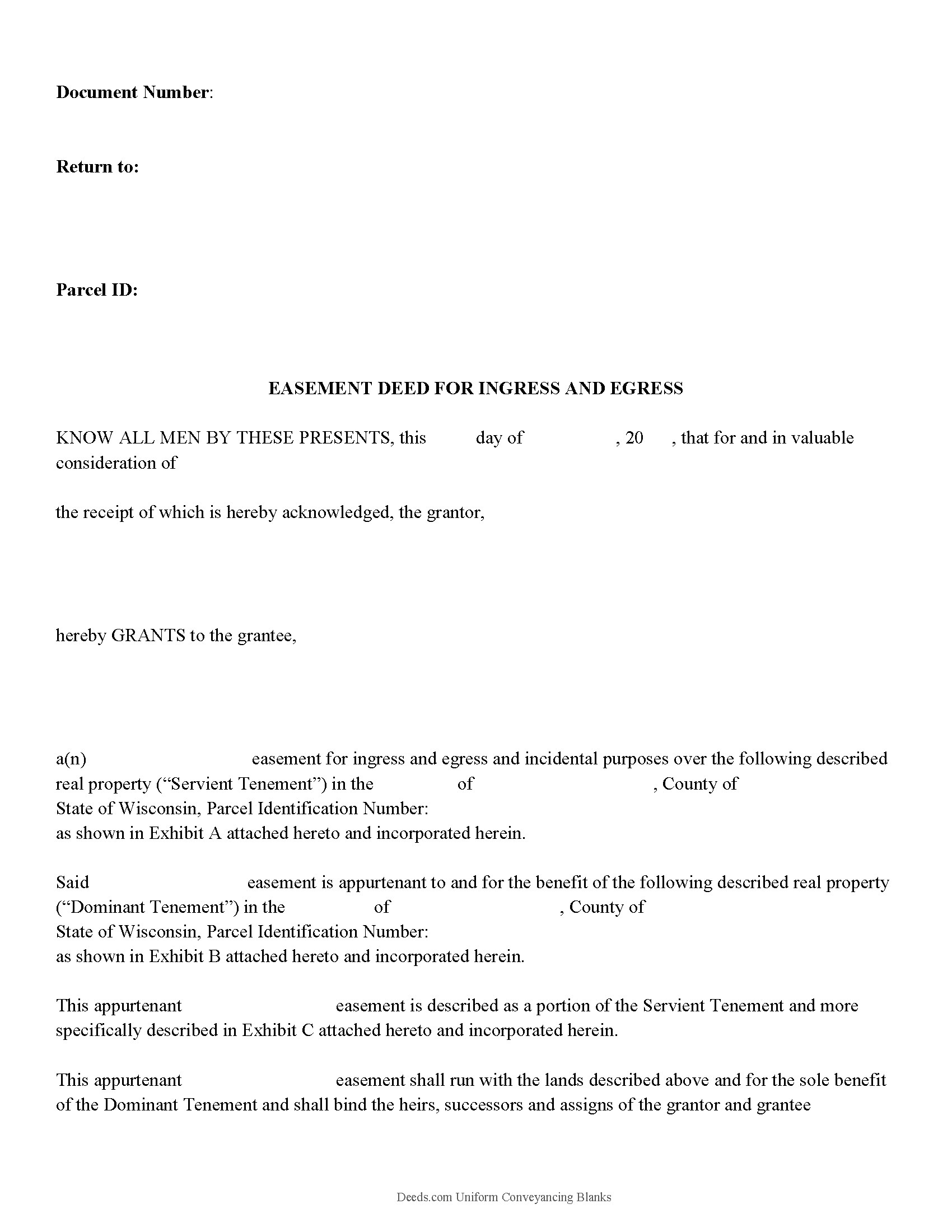
Crawford County Easement Deed Form
Fill in the blank form formatted to comply with all recording and content requirements.
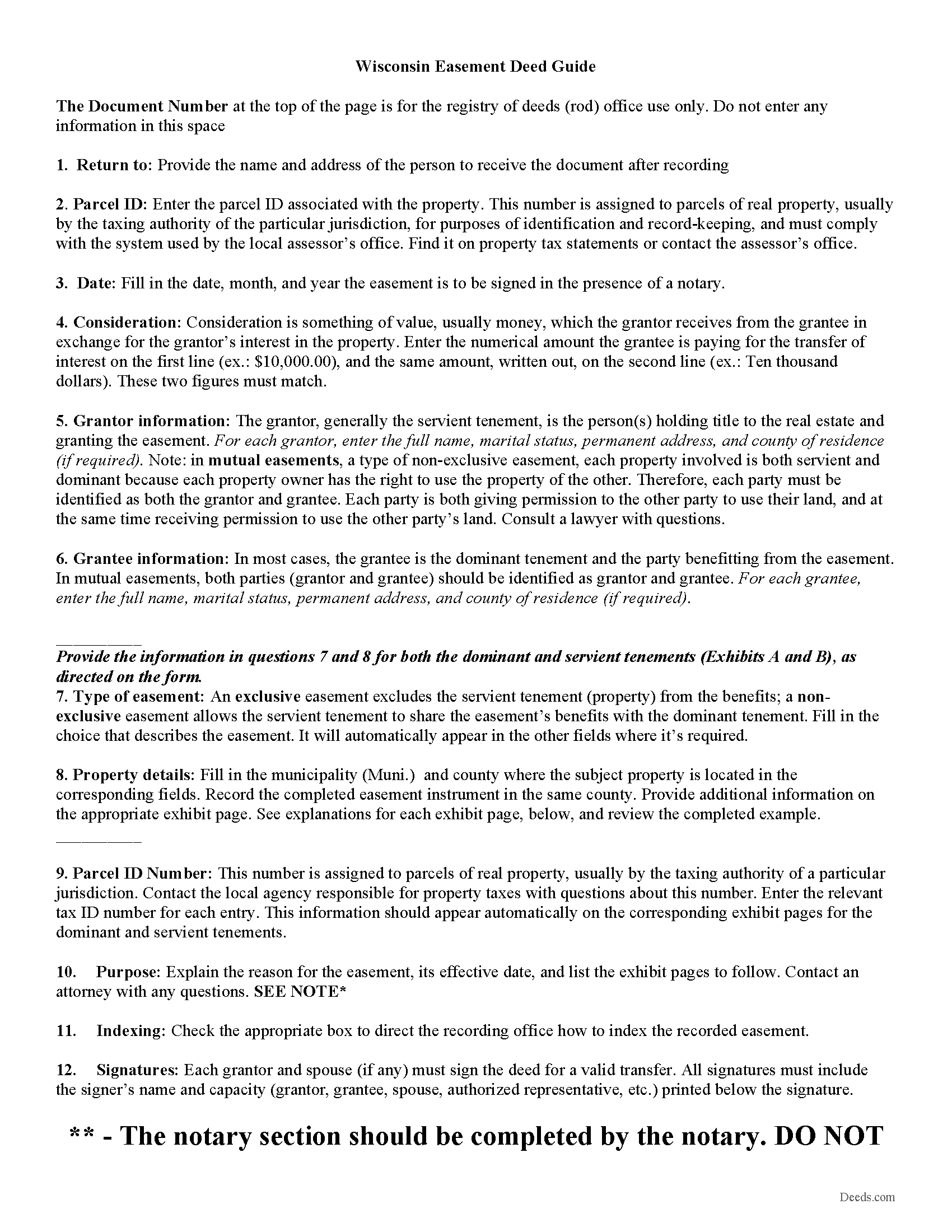
Crawford County Easement Deed Guide
Line by line guide explaining every blank on the form.
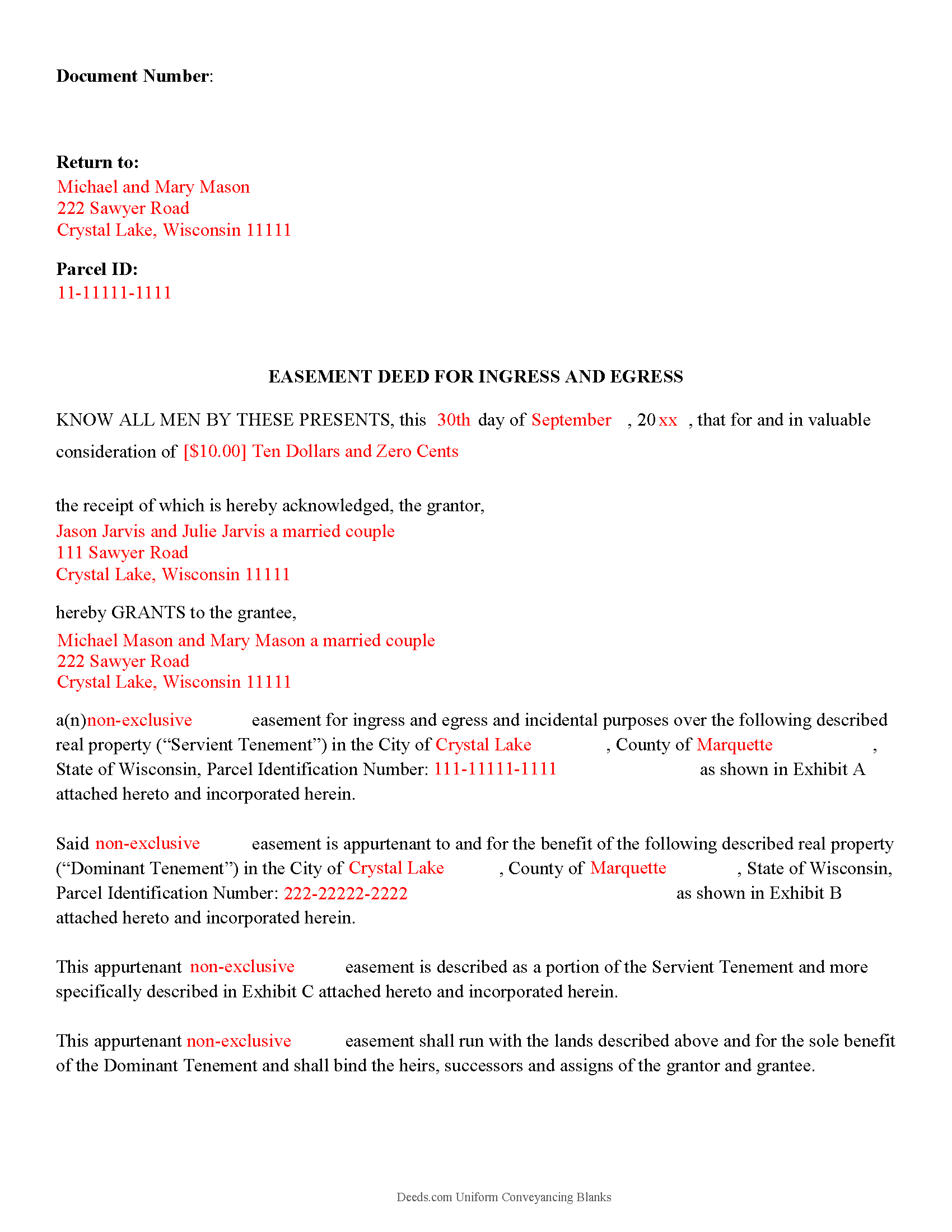
Crawford County Completed Example of the Easement Deed Document
Example of a properly completed form for reference.
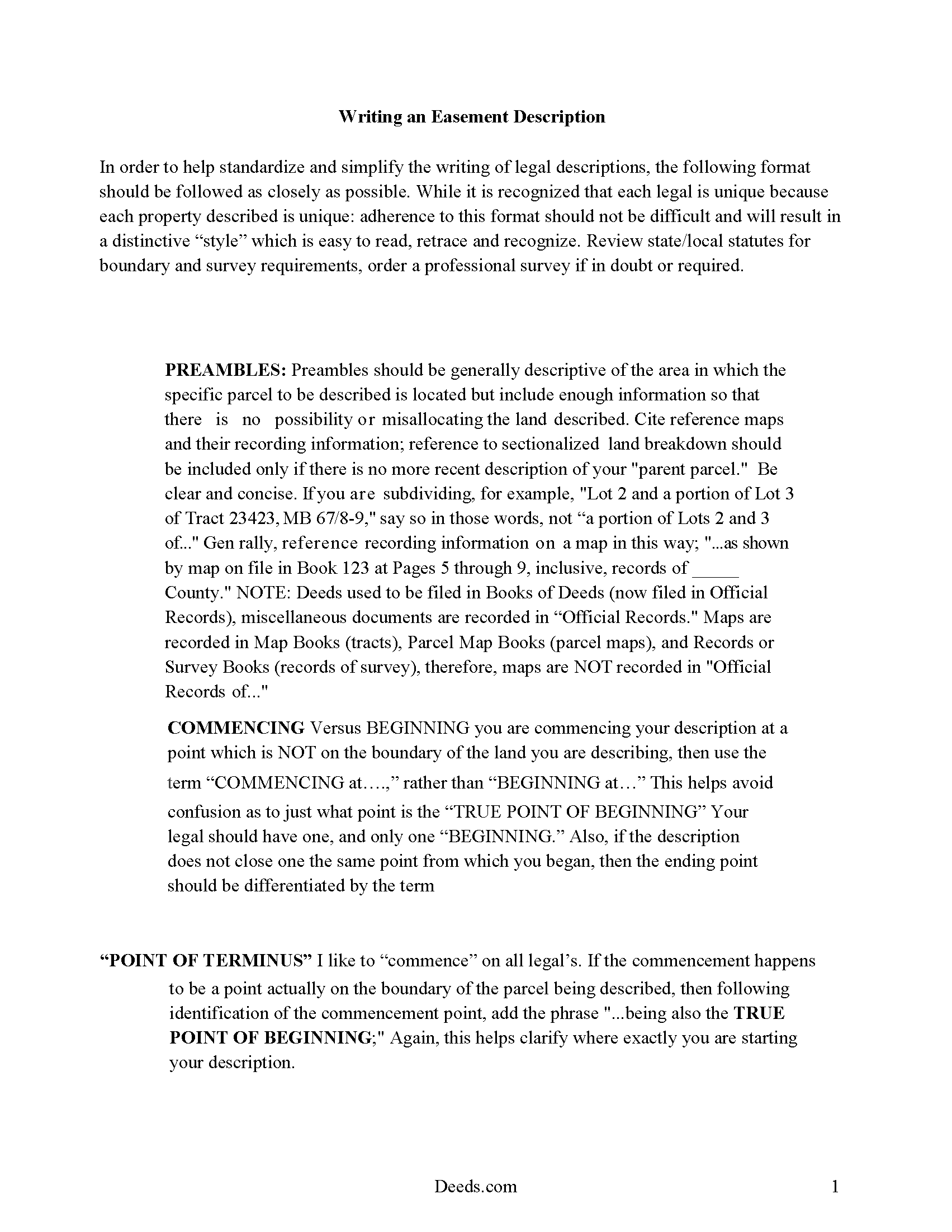
Crawford County Guide to writing an Easement Description
A Description of the Easement will be required. This will show how to write an acceptable description for a Right of Way Easement, which gives access, to and from - point A to point B.
All 4 documents above included • One-time purchase • No recurring fees
Immediate Download • Secure Checkout
Additional Wisconsin and Crawford County documents included at no extra charge:
Where to Record Your Documents
Crawford County Register of Deeds
Prairie du Chien, Wisconsin 53821
Hours: Monday - Friday 8:00 am - 4:30 pm
Phone: (608) 326-0216, 0219
Recording Tips for Crawford County:
- Bring your driver's license or state-issued photo ID
- Ensure all signatures are in blue or black ink
- Documents must be on 8.5 x 11 inch white paper
- Double-check legal descriptions match your existing deed
- Verify all names are spelled correctly before recording
Cities and Jurisdictions in Crawford County
Properties in any of these areas use Crawford County forms:
- Eastman
- Ferryville
- Gays Mills
- Lynxville
- Mount Sterling
- Prairie Du Chien
- Seneca
- Soldiers Grove
- Steuben
- Wauzeka
Hours, fees, requirements, and more for Crawford County
How do I get my forms?
Forms are available for immediate download after payment. The Crawford County forms will be in your account ready to download to your computer. An account is created for you during checkout if you don't have one. Forms are NOT emailed.
Are these forms guaranteed to be recordable in Crawford County?
Yes. Our form blanks are guaranteed to meet or exceed the applicable formatting requirements used for recording in Crawford County, including margin requirements, font requirements, and other layout standards. This guarantee applies to formatting, not to the legal sufficiency of information entered by the user or the suitability of a form for a particular transaction.
Can I reuse these forms?
Yes. You can reuse the forms for your personal use. For example, if you have multiple properties in Crawford County you only need to order once.
What do I need to use these forms?
The forms are PDFs that you fill out on your computer. The free Adobe Acrobat Reader is recommended, and most PDF apps also work. You do NOT enter your property information online - you download the blank forms and complete them privately on your own computer.
Are there any recurring fees?
No. This is a one-time purchase. Nothing to cancel, no memberships, no recurring fees.
How much does it cost to record in Crawford County?
Recording fees in Crawford County vary. Contact the recorder's office at (608) 326-0216, 0219 for current fees.
Questions answered? Let's get started!
Easements are non-possessory interests in real property that allow one person to use another's real property for a specific purpose. Easements are commonly created for rights of use. The Wisconsin statutes mention only a few specific easements, such as a renewable energy resource easement and conservation easements. A renewable energy resource easement is one that limits the height or location, or both, of permissible development on the burdened land in terms of a structure or vegetation for the purpose of providing access to the benefitted land to wind or sunlight passing over the burdened land. This type of easement should be created in writing and is subject to the same conveyancing and recording requirements as other easements in this state. Renewable energy resource easements run with the land benefitted and burdened unless the document states otherwise (700.35). An easement deed should detail the scope and duration of the easement, and should also provide a legal description.
In order to be valid, an easement deed should be signed by the grantor, and the signature should be acknowledged or otherwise authenticated according to the laws of the state. Any of the officers listed in 706.06 of the Wisconsin Statutes can authenticate an instrument in Wisconsin. An easement deed can be acknowledged in Wisconsin or in another state; in either case, the deed must contain a certificate of acknowledgment (706.07). An easement deed can be acknowledged in this state before a notary public; a judge, clerk, or deputy clerk of a court of record; a court commissioner; a register of deeds or deputy register of deeds; a municipal judge; or a county clerk or deputy county clerk (706.07).
To be enforceable an easement deed must be recorded and indexed (not just filed) by the register of deeds in the county where the property is located in order to impart constructive notice to purchasers of value. If the property subject to the easement is in more than one county, the deed must be recorded in each such county. An unrecorded easement deed will be void as against any subsequent purchaser, in good faith and for a valuable consideration, for the same real estate or portion of the same real estate whose conveyance is recorded first (706.08).
(Wisconsin Easement Deed Package includes form, guidelines, and completed example)
Important: Your property must be located in Crawford County to use these forms. Documents should be recorded at the county recording office listed above.
This Easement Deed meets all recording requirements specific to Crawford County.
Our Promise
The documents you receive here are guaranteed to meet or exceed the applicable Crawford County recording format requirements. If there is a rejection caused by our formatting, we will correct the issue or refund your payment. This guarantee applies to document formatting only and does not extend to information entered by the user, the selection of the form, or the legal effect of the completed document.
Save Time and Money
Get your Crawford County Easement Deed form done right the first time with Deeds.com Uniform Conveyancing Blanks. At Deeds.com, we understand that your time and money are valuable resources, and we don't want you to face a penalty fee or rejection imposed by a county recorder for submitting nonstandard documents. We constantly review and update our forms to meet rapidly changing state and county recording requirements for roughly 3,500 counties and local jurisdictions.
4.8 out of 5 - ( 4,844 Reviews )
Katherine W. 5 out of 5 stars
I was impressed by the completeness of the package of forms PLUS instructions. Particularly helpful is the filled in sample, which enables you to see what a correct, completed deed ought to look like.
We appreciate your business and value your feedback. Thank you. Have a wonderful day!
Teresa R. 5 out of 5 stars
FANTASTIC. Sometimes we think know something, glad I found out I was wrong before it was too late.
Thank you!
Susanne N. 5 out of 5 stars
It's hard having to change names on an account when someone dies. I called and was helped by a rep named Lilah. She was most helpful and comforting. Thank you again Lilah.
Thank you for taking the time to leave such kind words Susanne, we appreciate you.
Christine A. 5 out of 5 stars
So far do good. Don't understand the billing procedure yet and have just sent a request for information. Awaiting reply. Thank you, Christine Alvarez
Thanks for the feedback. Looks like your E-recording invoice is available. It takes a few minutes for our staff to prepare documents for recording and generate the invoice.
Francine H. 4 out of 5 stars
Somewhat confusing, but I'm really not sure what I need. I have not complete4d the document.
We appreciate your business and value your feedback. Thank you. Have a wonderful day!
Larry L. 5 out of 5 stars
Great product, worked as it advertised.
Thank you!
Wayne R. 5 out of 5 stars
Couldn't believe how simple it was to do such a very important family support task and the price was right! Thank you
We appreciate your business and value your feedback. Thank you. Have a wonderful day!
John N. 5 out of 5 stars
Very easy to navigate.
Thank you!
John P. 4 out of 5 stars
Working with one document at a time every thing was great, but the program will not let multiple documents save independently. When I saved a document and created another document the changes I made on the second document were on the 1st document. No big deal if your printing, but if your saving to email later, its an issue.
Thank you for your feedback. We really appreciate it. Have a great day!
Alexia B. 5 out of 5 stars
Excellent service with rapid turn around time!
We appreciate your business and value your feedback. Thank you. Have a wonderful day!
John Q. 4 out of 5 stars
The process was a little confusing to understand at first for someone like me with no experience doing something like this. But after I spent a little time checking out everything, the process was easier than I thought it would be using this site. Also, the best part was the quick and helpful responses when using the Chat function.
Thank you, John! We appreciate your feedback and are glad our team could help make the experience a positive one. Thanks for giving us the opportunity to assist!
Edwin M. 5 out of 5 stars
Good marks from me. Keep up the good work !
Thank you!
Theresa T. 5 out of 5 stars
Great source easy to use.
We appreciate your business and value your feedback. Thank you. Have a wonderful day!
LORIN C. 5 out of 5 stars
This site and service is the best and most easily navigated that I've seen; I'm 80.....and I need...EASY!
Thank you for your feedback. We really appreciate it. Have a great day!
Toni M. 5 out of 5 stars
I liked having the forms. Some may need to know they can look at the legal Description from online county records, then type up in Word document line by line, the degree sign in Word program is achieved by using alt and 248 on number pad. Then on the form page one write SEE Exibit A and title your Word program description as Exibit A. Goes without saying the legal description should be looked over many times and it is easier to do so if you format your Word the same lineage as the legal description online which is usually not text which is why you have to retype it.
Thank you for your feedback. We really appreciate it. Have a great day!