Marinette County Quitclaim Deed (Divorce) Form
Last validated November 24, 2026 by our Forms Development TeamFormatted for recording in Marinette County, for property anywhere in the county: rural and unincorporated areas as well as Amberg, Athelstane, Coleman, Crivitz, Dunbar, Goodman, Marinette, Niagara and 5 more.
- 3 documents included
- Immediate PDF download
- Formatting guarantee
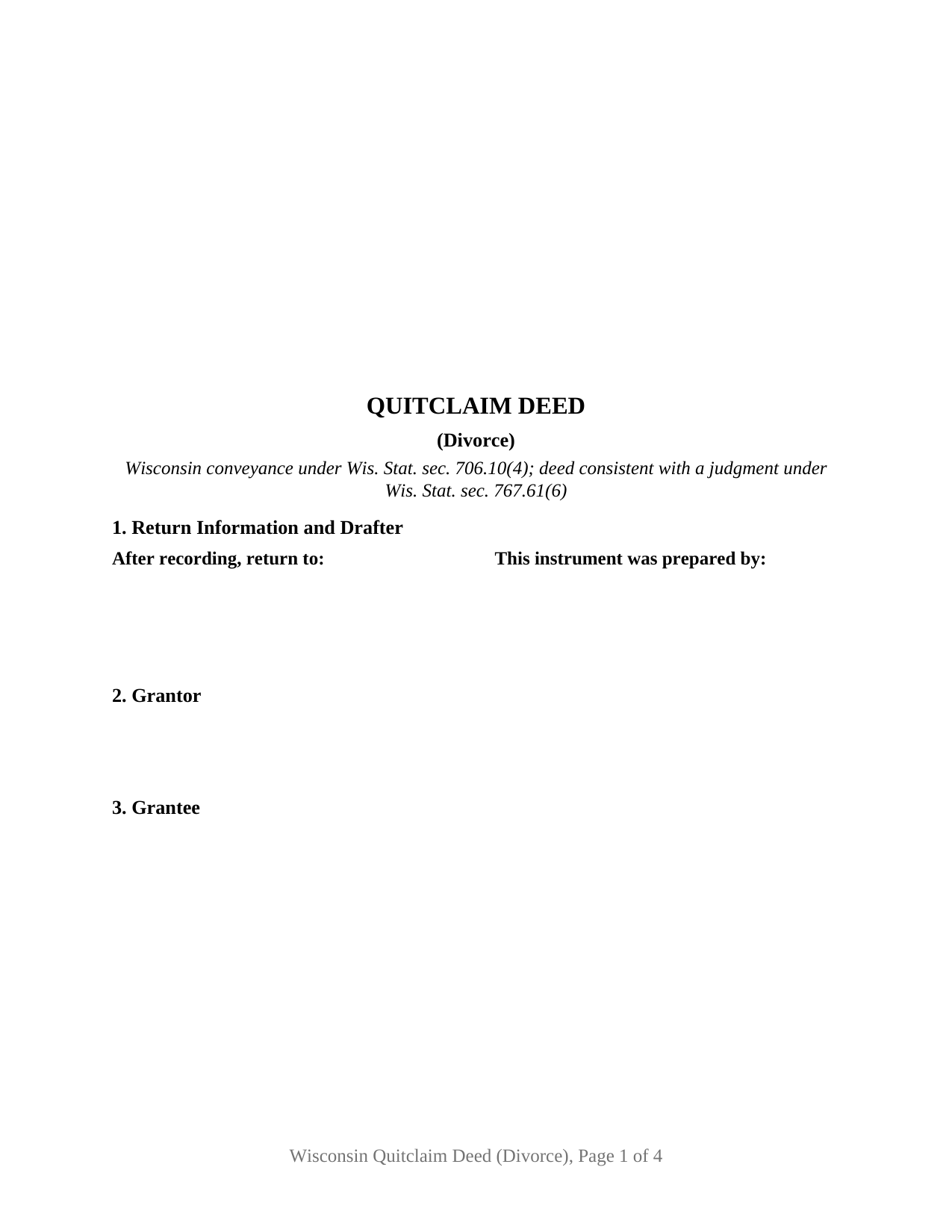
Marinette County Quitclaim Deed (Divorce) Form
Fill in the blank Quitclaim Deed (Divorce) form formatted to comply with all Wisconsin recording and content requirements.
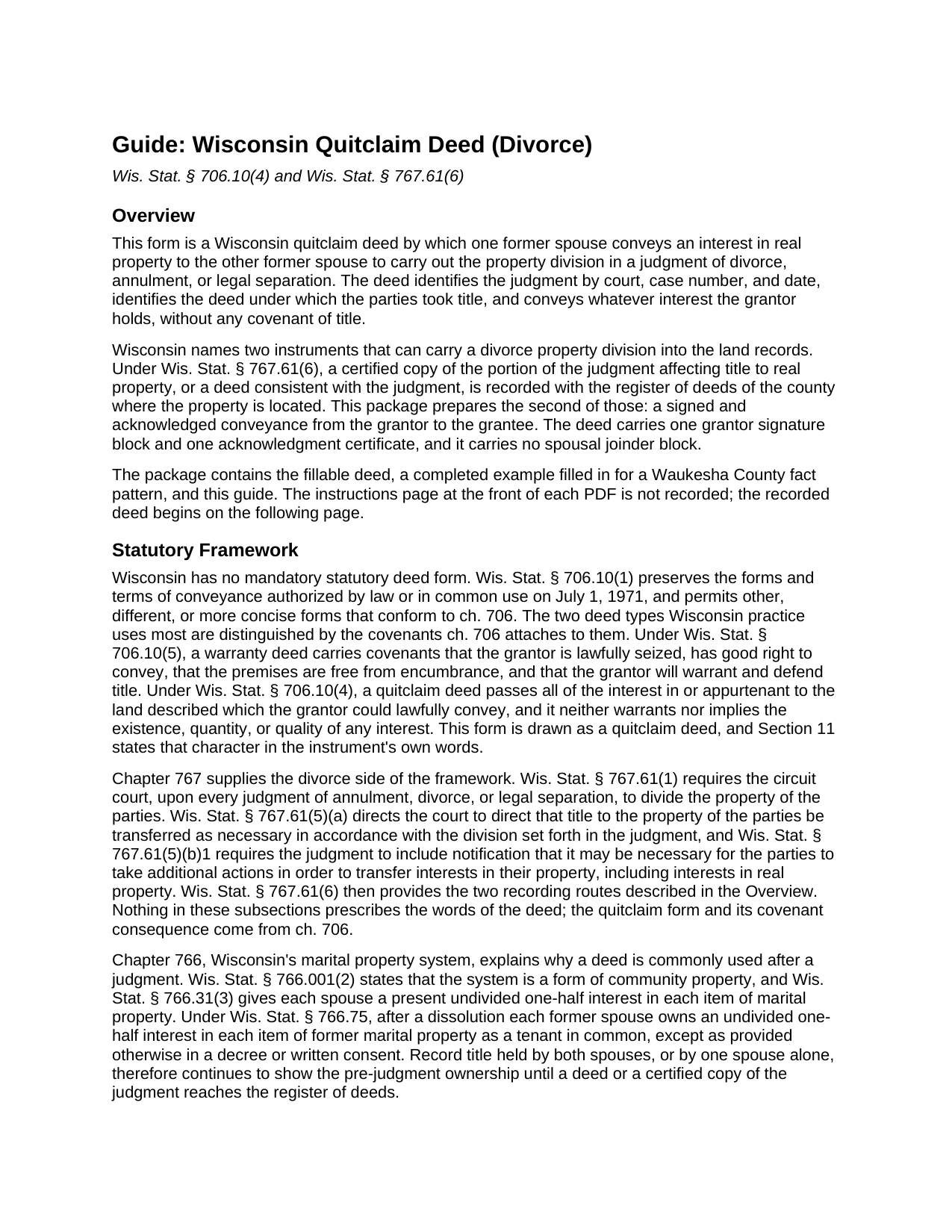
Marinette County Quitclaim Deed (Divorce) Guide
Line by line guide explaining every blank on the Quitclaim Deed (Divorce) form.
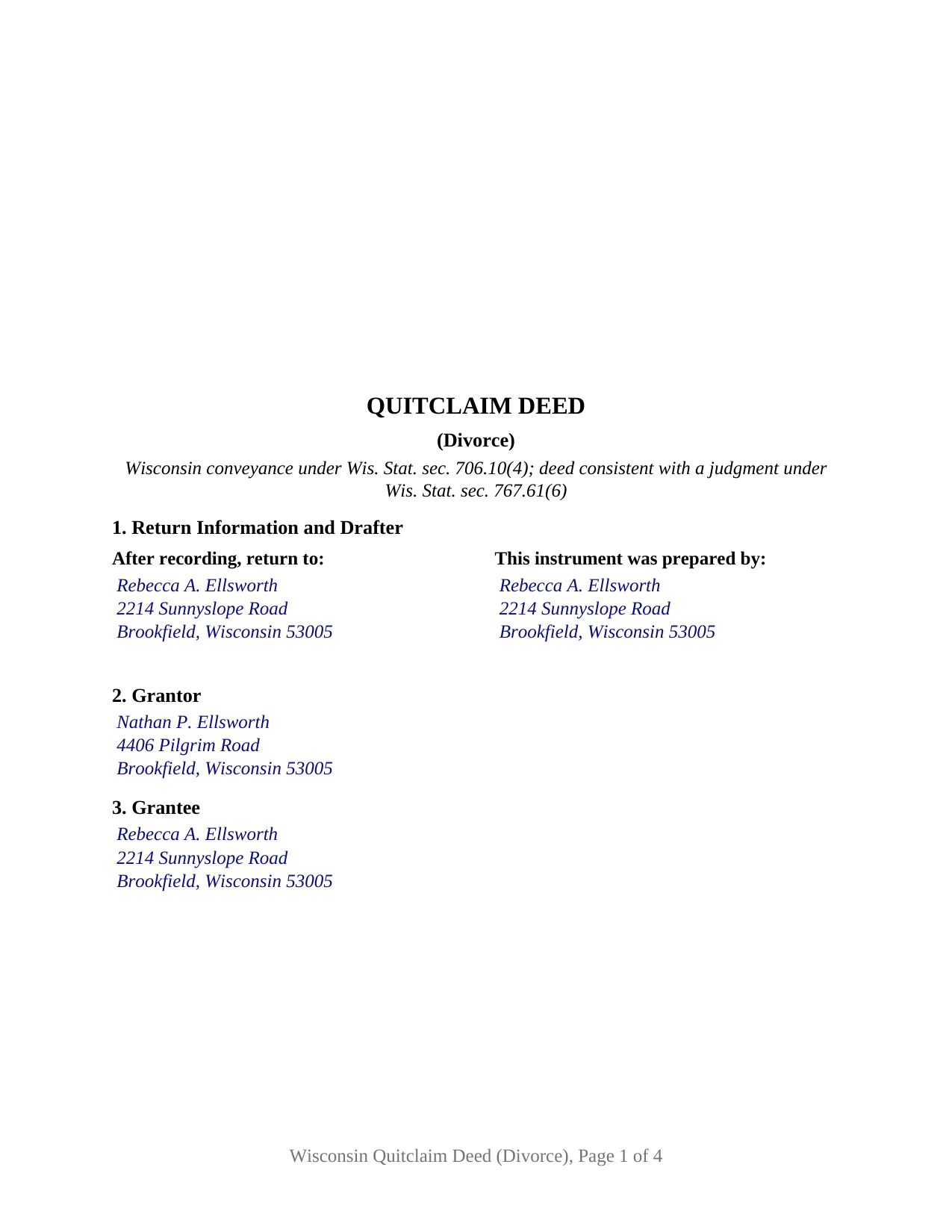
Marinette County Completed Example of the Quitclaim Deed (Divorce) Document
Example of a properly completed Wisconsin Quitclaim Deed (Divorce) document for reference.
All 3 documents above included • One-time purchase • No recurring fees
Immediate Download • Secure Checkout
Additional Wisconsin and Marinette County documents included at no extra charge:
Where to Record Your Documents
Marinette County Register
Marinette, Wisconsin 54143
Hours: Monday - Friday 8:00am to 4:30pm
Phone: 715-732-7550
Recording Tips for Marinette County:
- Bring your driver's license or state-issued photo ID
- Ensure all signatures are in blue or black ink
- Check that your notary's commission hasn't expired
- Documents must be on 8.5 x 11 inch white paper
- Double-check legal descriptions match your existing deed
Cities and Jurisdictions in Marinette County
Properties in any of these areas use Marinette County forms:
- Amberg
- Athelstane
- Coleman
- Crivitz
- Dunbar
- Goodman
- Marinette
- Niagara
- Pembine
- Peshtigo
- Porterfield
- Pound
- Wausaukee
Hours, fees, requirements, and more for Marinette County
How do I get my forms?
Forms are available for immediate download after payment. The Marinette County forms will be in your account ready to download to your computer. An account is created for you during checkout if you don't have one. Forms are NOT emailed.
Are these forms guaranteed to be recordable in Marinette County?
Yes. Our form blanks are guaranteed to meet or exceed the applicable formatting requirements used for recording in Marinette County, including margin requirements, font requirements, and other layout standards. This guarantee applies to formatting, not to the legal sufficiency of information entered by the user or the suitability of a form for a particular transaction.
Can I reuse these forms?
Yes. You can reuse the forms for your personal use. For example, if you have multiple properties in Marinette County you only need to order once.
What do I need to use these forms?
The forms are PDFs that you fill out on your computer. The free Adobe Acrobat Reader is recommended, and most PDF apps also work. You do NOT enter your property information online - you download the blank forms and complete them privately on your own computer.
Are there any recurring fees?
No. This is a one-time purchase. Nothing to cancel, no memberships, no recurring fees.
How much does it cost to record in Marinette County?
Recording fees in Marinette County vary. Contact the recorder's office at 715-732-7550 for current fees.
Questions answered? Let's get started!
Wisconsin names two instruments that can carry a divorce property division into the land records, and this package prepares the second. Wis. Stat. § 767.61(6) directs that a certified copy of the portion of the judgment affecting title to real property, or a deed consistent with the judgment, be recorded with the register of deeds where the property lies. The deed route puts a signed, acknowledged conveyance in the chain rather than a court document, and this form draws it for one former spouse conveying to the other.
What the judgment settles, and what the deed moves
The court does the dividing. Wis. Stat. § 767.61(1) requires the circuit court to divide the property of the parties upon every judgment of annulment, divorce, or legal separation, and § 767.61(5)(a) directs the court to order title transferred as necessary in accordance with that division. Section 767.61(5)(b)1 then has the judgment notify the parties that moving those interests may take further action of their own. Chapter 766 explains why. Under Wis. Stat. § 766.75, after a dissolution each former spouse owns an undivided one-half interest in the former marital property as a tenant in common unless a decree or later agreement says otherwise, so both names can sit on the record until one of them signs a conveyance.
Why no joinder line appears
Wis. Stat. § 706.02(1)(f) invalidates a conveyance alienating a married person's homestead interest unless each spouse signs or joins, then excepts a conveyance between spouses in the same paragraph. A divorce deed sits clear of that rule from either side of the judgment: signed while the two are still married to each other, it lands inside the express exception; signed after the judgment has ended the marriage, it comes from a grantor with no spouse whose signature the paragraph could reach. So the form carries one signature line and one certificate in the Wis. Stat. § 140.16(1) short form, with no conditional block to leave blank.
An exemption written in the present tense of marriage
The transfer fee line is where this deed parts company with an ordinary family conveyance. Wisconsin's between-spouses exemption reads, in its entirety, Between husband and wife, at Wis. Stat. § 77.25(8m), and no subsection of § 77.25 names divorce or former spouses. Availability follows the parties' status on the date of the conveyance rather than the reason behind it, and Wisconsin courts read these exemptions strictly, as Wolter v. DOR, 231 Wis. 2d 651, records. Wis. Stat. § 77.22(1) makes the stated reason a recording condition and, in the same breath, relieves the register of deeds of any duty to judge an exemption's validity, so the entry is reviewed afterward by the Department of Revenue. The Department's own rule, Wis. Admin. Code § Tax 15.05(4), states that conveyances between husband and wife pursuant to a divorce decree are not subject to the fee but a return must be submitted. Section 9 is that labeled line.
What this configuration carries
Twelve numbered sections run from first page return information and the drafting statement of Wis. Stat. § 59.43(5)(a) to the signature. Between them sit one grantor and one grantee; a judgment section taking the circuit court county, case number, and date; the earlier recorded deed with its document number, which Wis. Stat. § 59.43(2s)(b)1 makes a condition of recording any document referring to a recorded one; the legal description, parcel identification number, and address; consideration; the transfer fee line; a marital status line; and the conveyance section, which quitclaims in one sentence. A former spouse releasing a half interest in the family residence, and one clearing a name off a rental parcel awarded outright, both present the pattern this deed recites; it is searched for as a divorce quit claim deed. It is not drawn for two grantors, a grantee side naming two people, an entity or fiduciary, an agent under a power of attorney, or a grantor married to someone other than the grantee.
Nothing promised, and one flat charge
Wis. Stat. § 706.10(4) fixes what moves: whatever interest the grantor could lawfully convey, and no promise about it, so a mortgage, docketed judgment lien, or easement of record rides through untouched. The register of deeds collects $30 under Wis. Stat. § 59.43(2)(ag)1 whatever the page count, and the state's electronic transfer return travels with the conveyance under Wis. Stat. § 706.05(12).
Three files arrive: the deed as a fillable PDF, a completed example filled in for a Waukesha County conveyance following a Brookfield property division, and a plain language guide taking the numbered sections in turn, with the execution and recording rules. It states Wisconsin law in general terms for information and is not legal advice.
Important: Your property must be located in Marinette County to use these forms. Documents should be recorded at the county recording office listed above.
This Quitclaim Deed (Divorce) meets all recording requirements specific to Marinette County.
Our Promise
The documents you receive here are guaranteed to meet or exceed the applicable Marinette County recording format requirements. If there is a rejection caused by our formatting, we will correct the issue or refund your payment. This guarantee applies to document formatting only and does not extend to information entered by the user, the selection of the form, or the legal effect of the completed document.
Save Time and Money
Get your Marinette County Quitclaim Deed (Divorce) form done right the first time with Deeds.com Uniform Conveyancing Blanks. At Deeds.com, we understand that your time and money are valuable resources, and we don't want you to face a penalty fee or rejection imposed by a county recorder for submitting nonstandard documents. We constantly review and update our forms to meet rapidly changing state and county recording requirements for roughly 3,500 counties and local jurisdictions.
4.8 out of 5 - ( 4,867 Reviews )
Susan A. 5 out of 5 stars
The warranty deed form, the explanation and the example were well worth the price, as they gave me more confidence I was filling the deed out correctly. I cross referenced all of it with the county registrars website and the previous warranty deed.
We appreciate your business and value your feedback. Thank you. Have a wonderful day!
Joshua A. 5 out of 5 stars
It was fast, secure, and reliable, and for the cost it saved me time, and driving four hours to the courthouse and back. It really saved me. Thank You.
Thank you Joshua, glad we could help.
Carl T. 5 out of 5 stars
Awesome! Quick service and well worth the very minimal fee for the convenience of being able to quickly record my mothers will without having to leave the house. Also, our court is currently closed due to Covid. So happy to have found Deeds.com
We appreciate your business and value your feedback. Thank you. Have a wonderful day!
Nancy H. 5 out of 5 stars
Easy to use site. Would continue to go to for future needs.
We appreciate your business and value your feedback. Thank you. Have a wonderful day!
john m. 5 out of 5 stars
its a bit confusing for a novice computer user. I would prefer to print out the forms, fill them out on paper, then attach them to an email to discuss the accuracy of the forms with a friend, and then take the completed forms to the County office to be recorded
Thank you for your feedback. We really appreciate it. Have a great day!
Melissa W. 5 out of 5 stars
So easy to use!
Thank you!
DAVID K. 5 out of 5 stars
You are definitely the place to go for forms and other things which I need to solve my problems. Thanks for your help.
Thank you!
Richard W. 5 out of 5 stars
Very happy I tried your service/product. The quit deed forms were excepted by the register of deeds with no issue. Thank You
We appreciate your business and value your feedback. Thank you. Have a wonderful day!
Jessica H. 5 out of 5 stars
As a first time user I was a little skeptical of the service. But Deeds.com put all my worries aside. Their service is quick and easy. I will definitely be using it again.
We appreciate your business and value your feedback. Thank you. Have a wonderful day!
Janet M. 5 out of 5 stars
Was fairly easy to complete but my situation wasn't covered so I had to make a call to get help. Will see if it gets filed successfully.
Thank you!
Valerie W. 5 out of 5 stars
I haven't gotten around to filling out the forms yet, but they look fine to me on the surface. looking forward to getting to them as soon as I can!
Thank you, Valerie. When you’re ready, everything will be available in your account.
nancy h. 5 out of 5 stars
Once I figured out what I wanted it was great!
Thank you Nancy.
Ryan K. 5 out of 5 stars
Excellent service! Quick and much easier than having to do everything through the mail. The agent was quick to answer questions and everything was processed and submitted from Deeds.com within a couple of hours. Will definitely use again if the need arises.
We appreciate your business and value your feedback. Thank you. Have a wonderful day!
Lorrisa L. 4 out of 5 stars
No review provided.
Thank you for your rating. Have a great day!
Charles C. 5 out of 5 stars
Using an I pad and cannot type on form that was downloaded. I do not have a computer Charles
Thank you for your feedback Charles. You might want to make sure you have the Adobe app on your Ipad: https://itunes.apple.com/us/app/adobe-fill-sign/id950099951?mt=8