Ashland County Quitclaim Deed (Interspousal) Form
Last validated October 6, 2026 by our Forms Development TeamFormatted for recording in Ashland County, for property anywhere in the county: rural and unincorporated areas as well as Ashland, Butternut, Clam Lake, Glidden, High Bridge, La Pointe, Marengo, Mellen and 1 more.
- 3 documents included
- Immediate PDF download
- Formatting guarantee
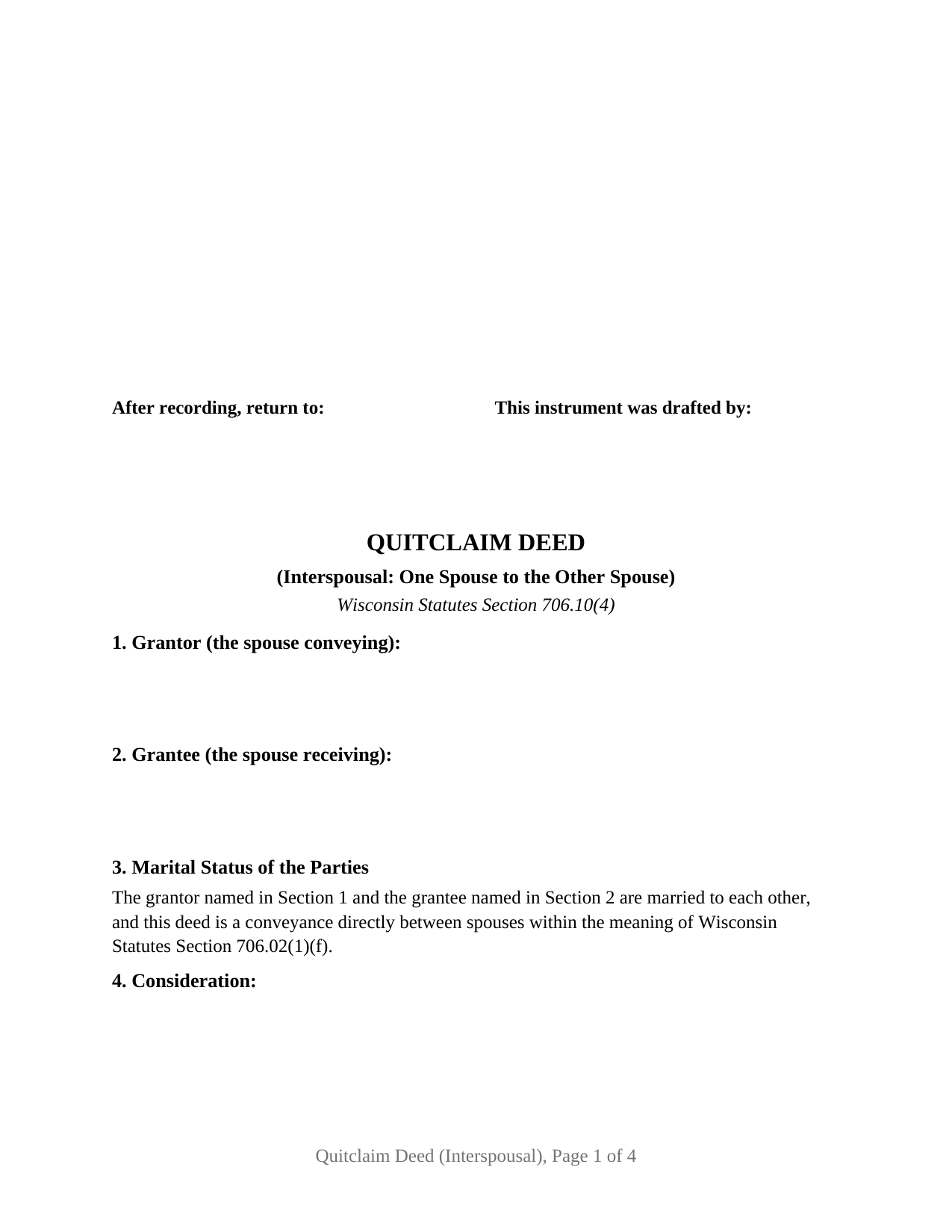
Ashland County Quitclaim Deed (Interspousal) Form
Fill in the blank Quitclaim Deed (Interspousal) form formatted to comply with all Wisconsin recording and content requirements.
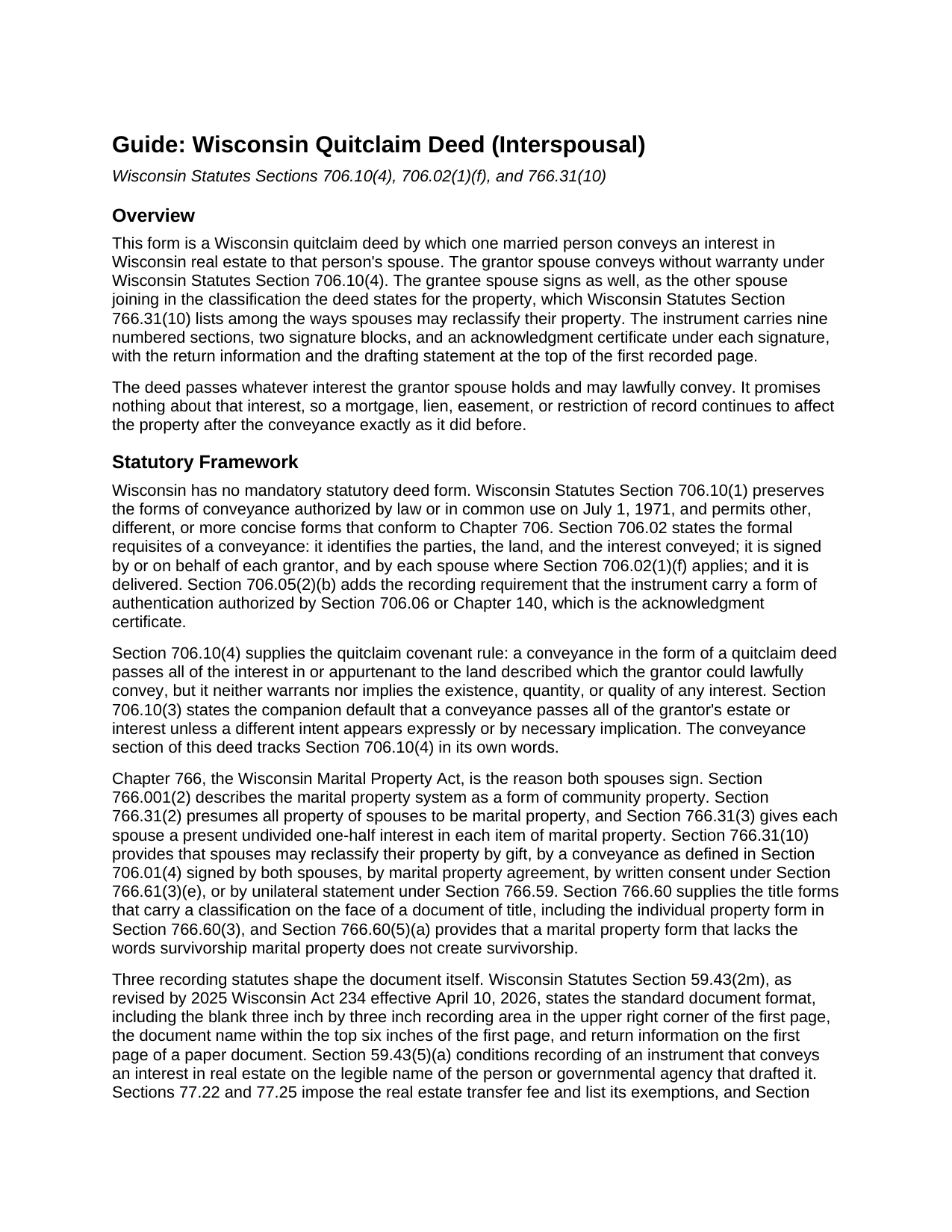
Ashland County Quitclaim Deed (Interspousal) Guide
Line by line guide explaining every blank on the Quitclaim Deed (Interspousal) form.
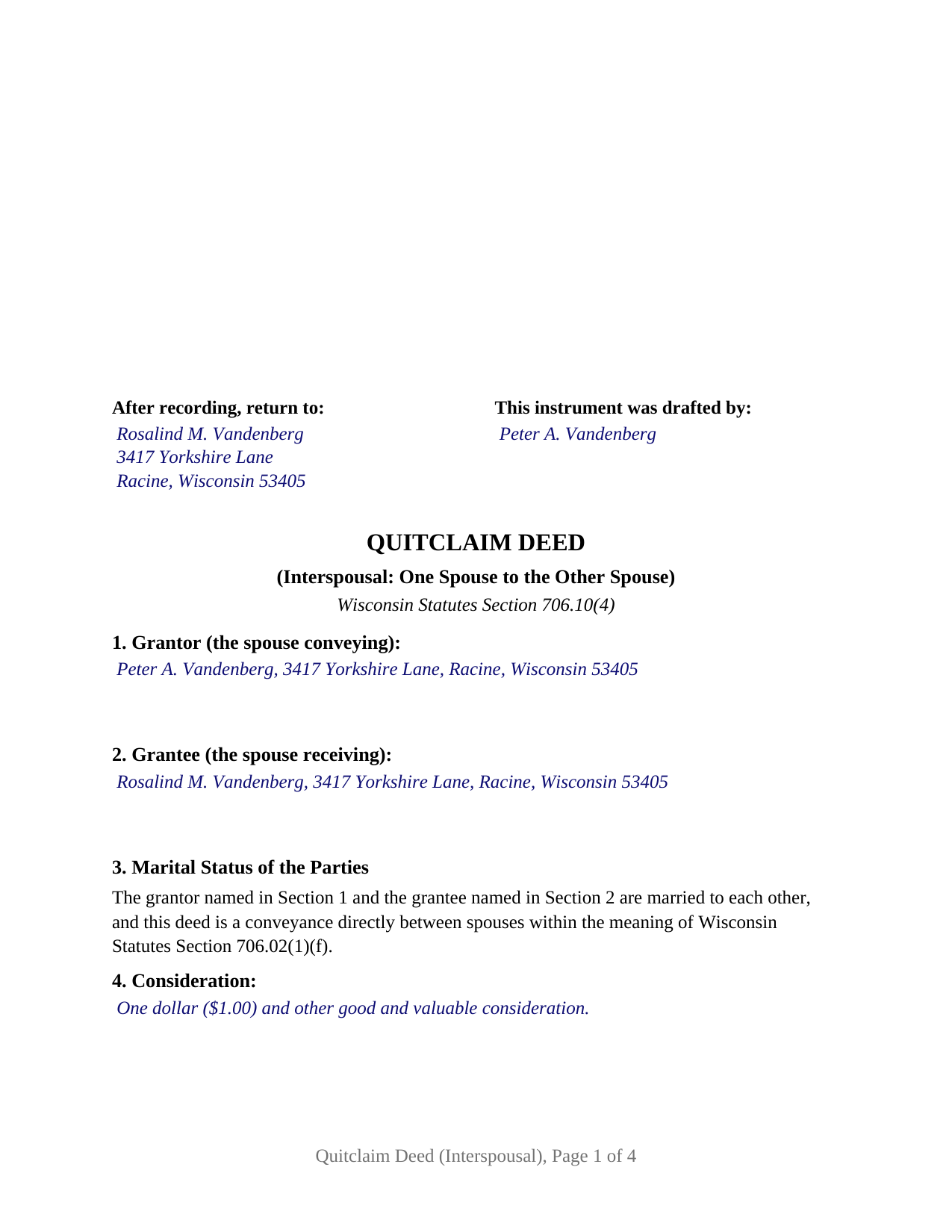
Ashland County Completed Example of the Quitclaim Deed (Interspousal) Document
Example of a properly completed Wisconsin Quitclaim Deed (Interspousal) document for reference.
All 3 documents above included • One-time purchase • No recurring fees
Immediate Download • Secure Checkout
Additional Wisconsin and Ashland County documents included at no extra charge:
Where to Record Your Documents
Ashland County Clerk
Ashland, Wisconsin 54806-1680
Hours: Monday - Friday 8:00 am - 5:00 pm
Phone: (715) 682-7008
Recording Tips for Ashland County:
- Bring your driver's license or state-issued photo ID
- Ensure all signatures are in blue or black ink
- Recorded documents become public record - avoid including SSNs
- Recording fees may differ from what's posted online - verify current rates
- Request a receipt showing your recording numbers
Cities and Jurisdictions in Ashland County
Properties in any of these areas use Ashland County forms:
- Ashland
- Butternut
- Clam Lake
- Glidden
- High Bridge
- La Pointe
- Marengo
- Mellen
- Odanah
Hours, fees, requirements, and more for Ashland County
How do I get my forms?
Forms are available for immediate download after payment. The Ashland County forms will be in your account ready to download to your computer. An account is created for you during checkout if you don't have one. Forms are NOT emailed.
Are these forms guaranteed to be recordable in Ashland County?
Yes. Our form blanks are guaranteed to meet or exceed the applicable formatting requirements used for recording in Ashland County, including margin requirements, font requirements, and other layout standards. This guarantee applies to formatting, not to the legal sufficiency of information entered by the user or the suitability of a form for a particular transaction.
Can I reuse these forms?
Yes. You can reuse the forms for your personal use. For example, if you have multiple properties in Ashland County you only need to order once.
What do I need to use these forms?
The forms are PDFs that you fill out on your computer. The free Adobe Acrobat Reader is recommended, and most PDF apps also work. You do NOT enter your property information online - you download the blank forms and complete them privately on your own computer.
Are there any recurring fees?
No. This is a one-time purchase. Nothing to cancel, no memberships, no recurring fees.
How much does it cost to record in Ashland County?
Recording fees in Ashland County vary. Contact the recorder's office at (715) 682-7008 for current fees.
Questions answered? Let's get started!
The receiving spouse signs this deed too, and that second signature does statutory work: Wis. Stat. § 766.31(10) counts a conveyance signed by both spouses among the ways Wisconsin spouses may reclassify their property, so an interspousal quitclaim deed that states a classification collects both names at the bottom. This form prepares that instrument for Wisconsin real estate, one married person conveying an interest to that person's spouse, without warranty.
The one conveyance Wisconsin's spousal signature rule excepts
Wisconsin ordinarily wants both names when homestead property moves. Wis. Stat. § 706.02(1)(f) invalidates a conveyance unless it is signed, or joined in by separate conveyance, by or on behalf of each spouse where the conveyance alienates any interest of a married person in a homestead, and the same paragraph then carves out conveyances between spouses. A deed from one spouse to the other sits inside that carve out, so this form has no joinder block and no conditional signature line, and the homestead character of the property under Wis. Stat. § 706.01(7) does not change the signature set. What the exception does not soften is the quitclaim arithmetic: under Wis. Stat. § 706.10(4) the deed passes the interest the grantor could lawfully convey and warrants nothing about its existence, quantity, or quality, so liens, easements, and restrictions of record ride through the transfer.
Why the receiving spouse still signs
Chapter 766 is the reason. Wisconsin's marital property system is a form of community property under Wis. Stat. § 766.001(2), all property of spouses is presumed marital under Wis. Stat. § 766.31(2), and each spouse holds a present undivided one-half interest in each item of marital property under Wis. Stat. § 766.31(3). Moving record title from one spouse to the other leaves the classification question standing, and Wis. Stat. § 766.31(10) answers it: spouses may reclassify by gift, by a conveyance as defined in Wis. Stat. § 706.01(4) signed by both spouses, by marital property agreement, by written consent, or by unilateral statement. This form is drawn for the second of those. Section 7 takes the classification the spouses state, and printed text in Section 9 keeps the grantee's signature from reading later as a conveyance or a covenant nobody made.
What this configuration carries
The form recites one grantor spouse and one grantee spouse, a printed statement of the marriage between them, the conveyance section, the classification section, two signature blocks, and a Wis. Stat. § 140.16(1) short form certificate under each signature. With a single grantee named, record title lands in that spouse's name alone, which narrows the ch. 766 title forms to the ones one name can carry: the individual property designation of Wis. Stat. § 766.60(3), which the completed example states, or no stated classification, leaving ch. 766 to classify the property apart from the deed. The two name forms are out of reach here, and Wis. Stat. § 766.60(5)(a) says plainly that a marital property form alone establishes no survivorship. Wisconsin records carry the instrument under several names, among them interspousal deed, spousal quitclaim deed, and quit claim deed to a spouse. The form is not drawn for a grantor conveying to anyone other than that grantor's spouse, for a grantee side that names both spouses, or for a signer acting as an agent, a trustee, or a personal representative.
No transfer fee, and a return anyway
A conveyance between spouses names exemption 8m of Wis. Stat. § 77.25 on the face of the instrument, a recording condition imposed by Wis. Stat. § 77.22(1), and Section 5 is the labeled line built for that entry. The electronic transfer return is a separate obligation that outlives the exemption, because Wis. Stat. § 77.255 waives the return for conveyances exempt under Wis. Stat. § 77.25(1) or (10m) alone. The register of deeds collects the flat $30 document fee of Wis. Stat. § 59.43(2)(ag)1, and the instrument is drawn to the standard format of Wis. Stat. § 59.43(2m): the first page recording square left empty, the document name high on page one, return information on that page, and the drafter statement required by Wis. Stat. § 59.43(5)(a).
The download holds the interspousal quitclaim deed as a fillable PDF, a completed example filled in for a transfer between spouses in Racine County, and a plain language guide covering every blank, the execution rules, and the recording package. These materials describe Wisconsin law in general terms and are informational; they are not legal advice.
Important: Your property must be located in Ashland County to use these forms. Documents should be recorded at the county recording office listed above.
This Quitclaim Deed (Interspousal) meets all recording requirements specific to Ashland County.
Our Promise
The documents you receive here are guaranteed to meet or exceed the applicable Ashland County recording format requirements. If there is a rejection caused by our formatting, we will correct the issue or refund your payment. This guarantee applies to document formatting only and does not extend to information entered by the user, the selection of the form, or the legal effect of the completed document.
Save Time and Money
Get your Ashland County Quitclaim Deed (Interspousal) form done right the first time with Deeds.com Uniform Conveyancing Blanks. At Deeds.com, we understand that your time and money are valuable resources, and we don't want you to face a penalty fee or rejection imposed by a county recorder for submitting nonstandard documents. We constantly review and update our forms to meet rapidly changing state and county recording requirements for roughly 3,500 counties and local jurisdictions.
4.8 out of 5 - ( 4,837 Reviews )
Kathleen C. 5 out of 5 stars
Very user friendly website and service.
We appreciate your review and your business. Thank you.
ELIZABETH G. 5 out of 5 stars
This site was very easy to use. Great direction on how to complete the form.
We appreciate your business and value your feedback. Thank you. Have a wonderful day!
Karen O. 5 out of 5 stars
I often think I am smarter than I am. Thankfully there are people that know what they are doing so I can focus on my business and the big picture without worrying about the little things.
Thank you!
kelly W. 5 out of 5 stars
Your customer service person was very professional and polite and helpful.
Thank you!
M. TIMOTHY P. 5 out of 5 stars
EXCELLENT service! Deed came back within minutes!
Thank you for your feedback. We really appreciate it. Have a great day!
Ann D. 4 out of 5 stars
I found what my lawyer recommended and was able to download it easily.
We appreciate your business and value your feedback. Thank you. Have a wonderful day!
Reitman R. 5 out of 5 stars
Ordering, payment, and downloads went without a hitch. I appreciated the guide and examples. Than k you for hosting a good, working site.
Thank you for your feedback. We really appreciate it. Have a great day!
Michael F. 5 out of 5 stars
Very helpful and easy to use.
We deeply appreciate the trust you have placed in our services. Thank you for your valuable feedback and for choosing us.
Robert S. 5 out of 5 stars
Thank you! You are so awesome. Its amazing to be able to get everything together in a download packet. You make it so easy for the user.
We appreciate your business and value your feedback. Thank you. Have a wonderful day!
Walton A. 5 out of 5 stars
Thanks ..this was very helpful and easy!
Thank you!
Connie E. 5 out of 5 stars
Great service! Easy to download and view. Florida should have the Revocable Transfer on Death (TOD)deed, that many other States have. That's the one I really wanted. This one will do in the meantime.
We appreciate your business and value your feedback. Thank you. Have a wonderful day!
Elizabeth L. 5 out of 5 stars
Used this site and the forms a few times now and always a good experience. It's so nice to be able to download these forms to my computer and work on them there. So many others want you to do everything online, pain in my opinion. Thank you Deeds!
Thank you for your feedback. We really appreciate it. Have a great day!
Suzy I. 5 out of 5 stars
I was overwhelmed with information about what forms I needed to complete the probate process, and this site was very helpful! Everything was in one place to download. Thanks!
We appreciate your business and value your feedback. Thank you. Have a wonderful day!
jen k. 5 out of 5 stars
I tried to use the free stuff you find on the internet. You quickly find out that free is rarely ever (never) free. Even worse, the long term cost can be immeasurable. Glad I realized that before I got too far in. Do yourself a favor, spend a few bucks up front to get the right forms.
Thank you!
steven L. 5 out of 5 stars
download was fast and easy. if no problems with county recorder i will give 5 stars
We appreciate your business and value your feedback. Thank you. Have a wonderful day!