Taylor County Subcontractor Identification Notice Form
Last validated October 28, 2026 by our Forms Development TeamFormatted for recording in Taylor County, for property anywhere in the county: rural and unincorporated areas as well as Gilman, Hannibal, Jump River, Lublin, Medford, Rib Lake, Stetsonville, Westboro.
- 3 documents included
- Immediate PDF download
- Formatting guarantee
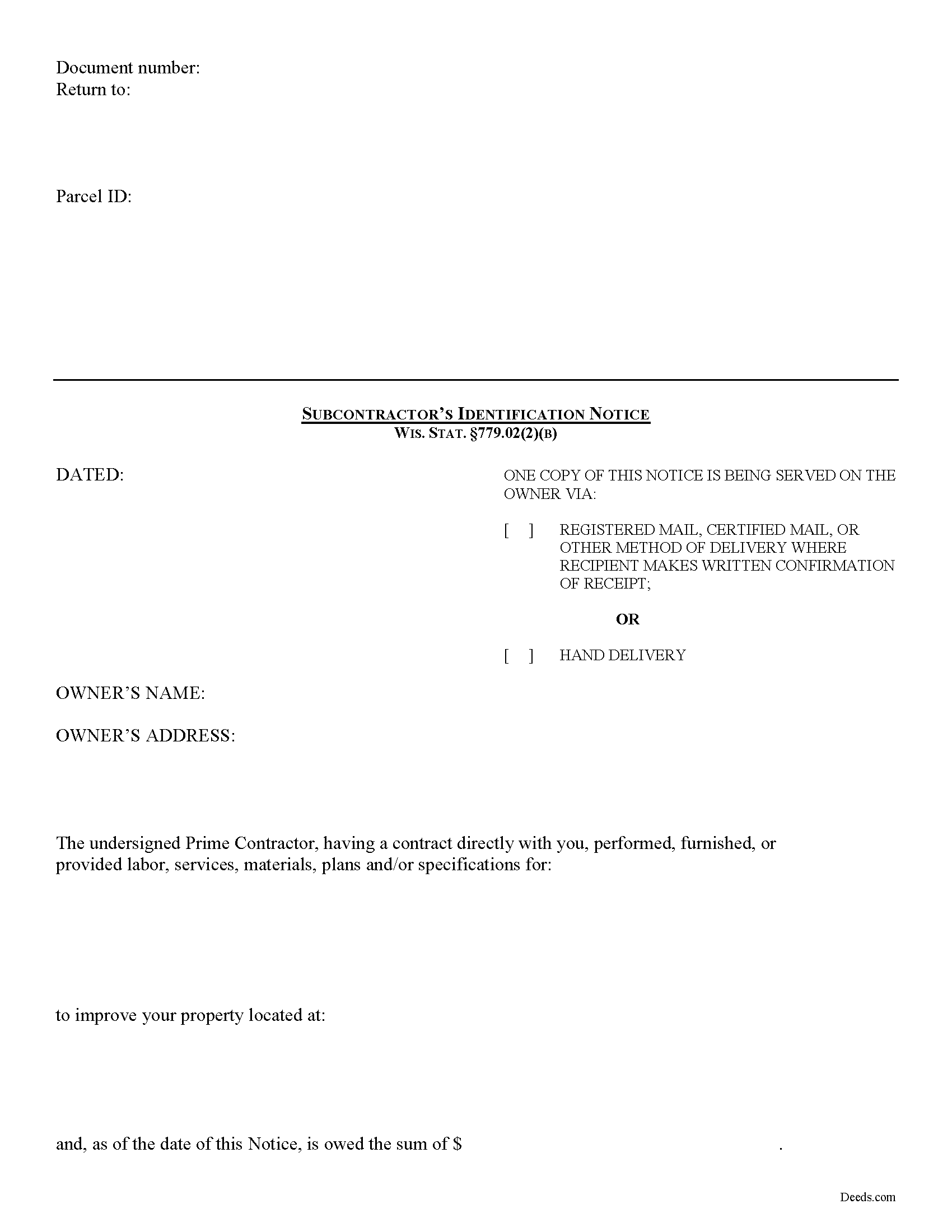
Taylor County Subcontractor Identification Notice Form
Fill in the blank form formatted to comply with all recording and content requirements.
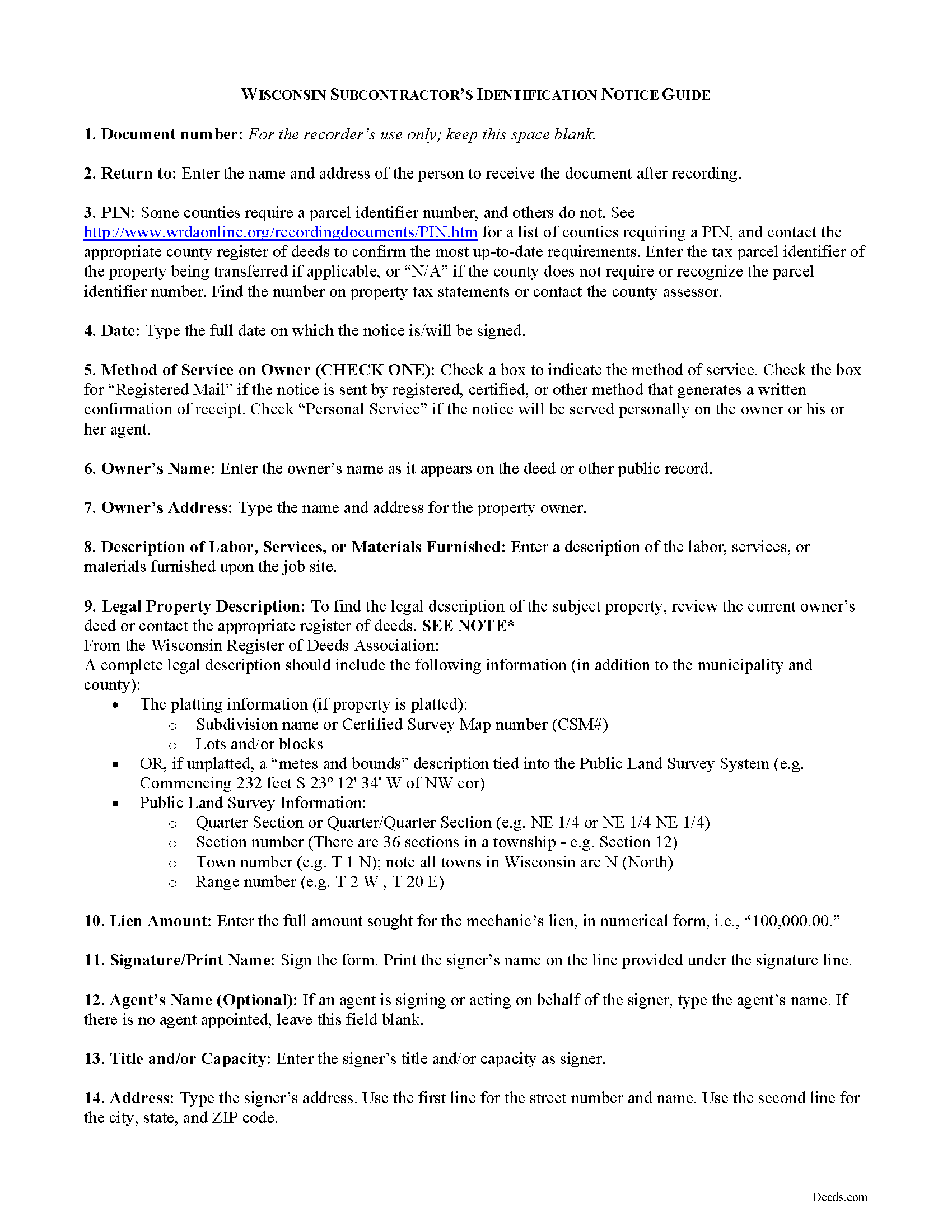
Taylor County Subcontractor Identification Notice Guide
Line by line guide explaining every blank on the form.
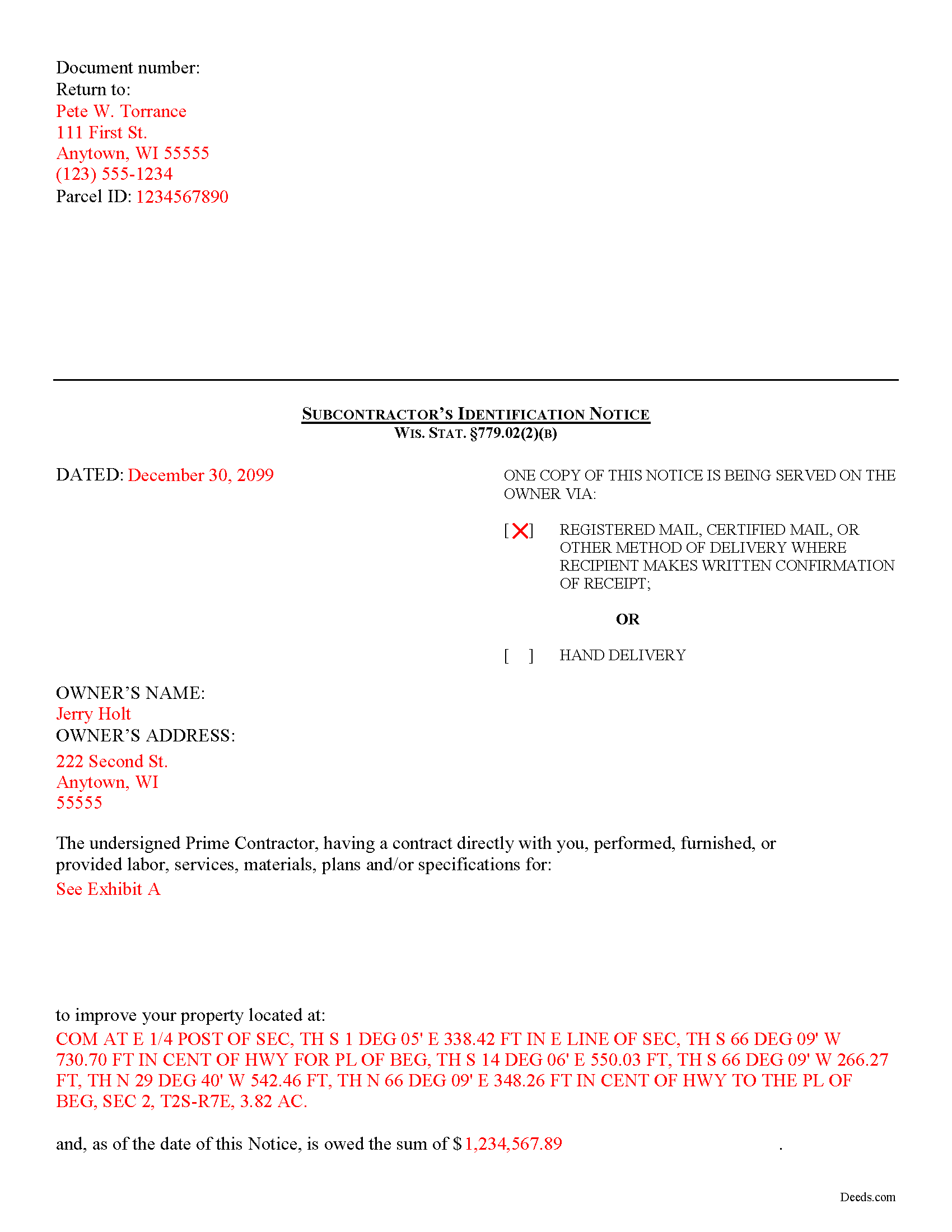
Taylor County Completed Example of the Subcontractor Indentification Notice Document
Example of a properly completed form for reference.
All 3 documents above included • One-time purchase • No recurring fees
Immediate Download • Secure Checkout
Additional Wisconsin and Taylor County documents included at no extra charge:
Where to Record Your Documents
Taylor County Register of Deeds
Medford, Wisconsin 54451
Hours: 8:30 to 4:30 M-F
Phone: (715) 748-1483
Recording Tips for Taylor County:
- Bring your driver's license or state-issued photo ID
- Ensure all signatures are in blue or black ink
- Both spouses typically need to sign if property is jointly owned
- Bring extra funds - fees can vary by document type and page count
- Check margin requirements - usually 1-2 inches at top
Cities and Jurisdictions in Taylor County
Properties in any of these areas use Taylor County forms:
- Gilman
- Hannibal
- Jump River
- Lublin
- Medford
- Rib Lake
- Stetsonville
- Westboro
Hours, fees, requirements, and more for Taylor County
How do I get my forms?
Forms are available for immediate download after payment. The Taylor County forms will be in your account ready to download to your computer. An account is created for you during checkout if you don't have one. Forms are NOT emailed.
Are these forms guaranteed to be recordable in Taylor County?
Yes. Our form blanks are guaranteed to meet or exceed the applicable formatting requirements used for recording in Taylor County, including margin requirements, font requirements, and other layout standards. This guarantee applies to formatting, not to the legal sufficiency of information entered by the user or the suitability of a form for a particular transaction.
Can I reuse these forms?
Yes. You can reuse the forms for your personal use. For example, if you have multiple properties in Taylor County you only need to order once.
What do I need to use these forms?
The forms are PDFs that you fill out on your computer. The free Adobe Acrobat Reader is recommended, and most PDF apps also work. You do NOT enter your property information online - you download the blank forms and complete them privately on your own computer.
Are there any recurring fees?
No. This is a one-time purchase. Nothing to cancel, no memberships, no recurring fees.
How much does it cost to record in Taylor County?
Recording fees in Taylor County vary. Contact the recorder's office at (715) 748-1483 for current fees.
Questions answered? Let's get started!
Subcontractor Lien Claims in Wisconsin
Subcontractors must provide preliminary notice to the owner of a property to claim a mechanic’s lien to recover any owed funds. This step is required to protect the owner from any hidden liens by informing he or she of all the parties involved in a construction project.
Every person other than a prime contractor (including a subcontractor) who performs, furnishes, or procures labor, materials, plans, or specifications for an improvement is entitled to have the lien and remedy only if within sixty (60) days after performing, furnishing, or procuring the first labor, services, materials, plans, or specifications the person serves two signed copies of a written notice, on the owner or authorized agent at the last-known post-office address. Wis. Stat. §779.02(2)(b).
The owner or agent shall provide a copy of the notice received, within ten (10) days after receipt, to any mortgage lender who is furnishing or is to furnish funds for construction of the improvement to which the notice relates. Id.
This article is provided for informational purposes only and should not be relied upon as a substitute for the advice from a legal professional. Please contact a Wisconsin attorney with any questions about claiming a lien as a subcontractor.
Important: Your property must be located in Taylor County to use these forms. Documents should be recorded at the county recording office listed above.
This Subcontractor Identification Notice meets all recording requirements specific to Taylor County.
Our Promise
The documents you receive here are guaranteed to meet or exceed the applicable Taylor County recording format requirements. If there is a rejection caused by our formatting, we will correct the issue or refund your payment. This guarantee applies to document formatting only and does not extend to information entered by the user, the selection of the form, or the legal effect of the completed document.
Save Time and Money
Get your Taylor County Subcontractor Identification Notice form done right the first time with Deeds.com Uniform Conveyancing Blanks. At Deeds.com, we understand that your time and money are valuable resources, and we don't want you to face a penalty fee or rejection imposed by a county recorder for submitting nonstandard documents. We constantly review and update our forms to meet rapidly changing state and county recording requirements for roughly 3,500 counties and local jurisdictions.
4.8 out of 5 - ( 4,837 Reviews )
Luwana C. 5 out of 5 stars
I think the Website takes out a lot of leg work, Makes it easier to take care of paperwork 10 times faster.
We appreciate your business and value your feedback. Thank you. Have a wonderful day!
Robert B. 5 out of 5 stars
Excellent Service I was looking for a copy of deeds on a few properties. Researched online and ended up at Deeds.com. I signed up for a new account, entered the pertinent information, paid a nominal fee and received all deeds within 40 minutes. Seamless and very impressed! Bob
Thank you!
Nicolette C. 5 out of 5 stars
Deeds.com was a wealth of information and easy to navigate through the myriad of forms to choose from. During a time of family tragedy, this site was a valuable resource to complete necessary paperwork and ensure assets were in proper names and titles.
We are sincerely grateful for your feedback and are committed to providing the highest quality service. Thank you for your trust in us.
Pegi B. 5 out of 5 stars
This service is fast and easy to use. We will definitely use this service again. Thank you.
We appreciate your business and value your feedback. Thank you. Have a wonderful day!
Edward Z. 5 out of 5 stars
Very easy to do. Will use them in the future.
We appreciate your business and value your feedback. Thank you. Have a wonderful day!
Tricia M. 5 out of 5 stars
The document I purchased (QuitClaim Deed) had detailed directions explaining how to complete the form. This made it easy to complete without any doubt that it was completed incorrectly (which was my fear). I also used the E-File service and it was processed very quickly without any issues. Thank you for making this process simple! I will definitely use this service again.
We appreciate your business and value your feedback. Thank you. Have a wonderful day!
Linda D. 5 out of 5 stars
very efficient and easy to use online platform. I reviewed several different sites before I settle on this one. Took my deed to the courthouse today and recorded it with no problems.
We appreciate your business and value your feedback. Thank you. Have a wonderful day!
Deidre E. 5 out of 5 stars
Best thing since sliced bread. Do your homework. Find the documents with Deeds.com and bypass expensive and unnecessary lawyers fees.
We deeply appreciate the trust you have placed in our services. Thank you for your valuable feedback and for choosing us.
Gretchen R. 5 out of 5 stars
I can't think of any suggestions for improvement. The documents I needed were readily available. Thank you
We appreciate your business and value your feedback. Thank you. Have a wonderful day!
Bryan C. 5 out of 5 stars
Fast and just as promised
Thank you for your feedback. We really appreciate it. Have a great day!
Larry M. 5 out of 5 stars
Everything went well except that any information that I typed in on the computer download moves upward so that the letters or numbers are somewhat elevated above the line that should be even with the words on the form. I think it will be acceptable to the county recorder, but I don't especially like to submit things that appear uneven. I asked for help but just received a robotic reply that said to take steps that I already had done. So unless you know a way to correct this I likely won't use your forms again.
Thank you!
Ginger O. 5 out of 5 stars
Thank you for making this so easy to use. I had looked all over the internet and yours was the most user friendly and for a reasonable price.
We appreciate your business and value your feedback. Thank you. Have a wonderful day!
Sandra C. 5 out of 5 stars
Quick and easy. Would recommend this site to everyone. Deed was sent to the site and recorded at my local county within 24 hours. Website could be set up better. Not labeled well for us that is not computer savvy.
We appreciate your business and value your feedback. Thank you. Have a wonderful day!
Kendall B. 5 out of 5 stars
Good
Thank you!
THUY N. 5 out of 5 stars
It's convenience.
Thank you for your feedback. We really appreciate it. Have a great day!