Langlade County Subcontractor Notice of Intent to File Lien Form
Last validated August 21, 2026 by our Forms Development TeamFormatted for recording in Langlade County, for property anywhere in the county: rural and unincorporated areas as well as Antigo, Bryant, Deerbrook, Elcho, Elton, Pearson, Phlox, Pickerel and 2 more.
- 3 documents included
- Immediate PDF download
- Formatting guarantee
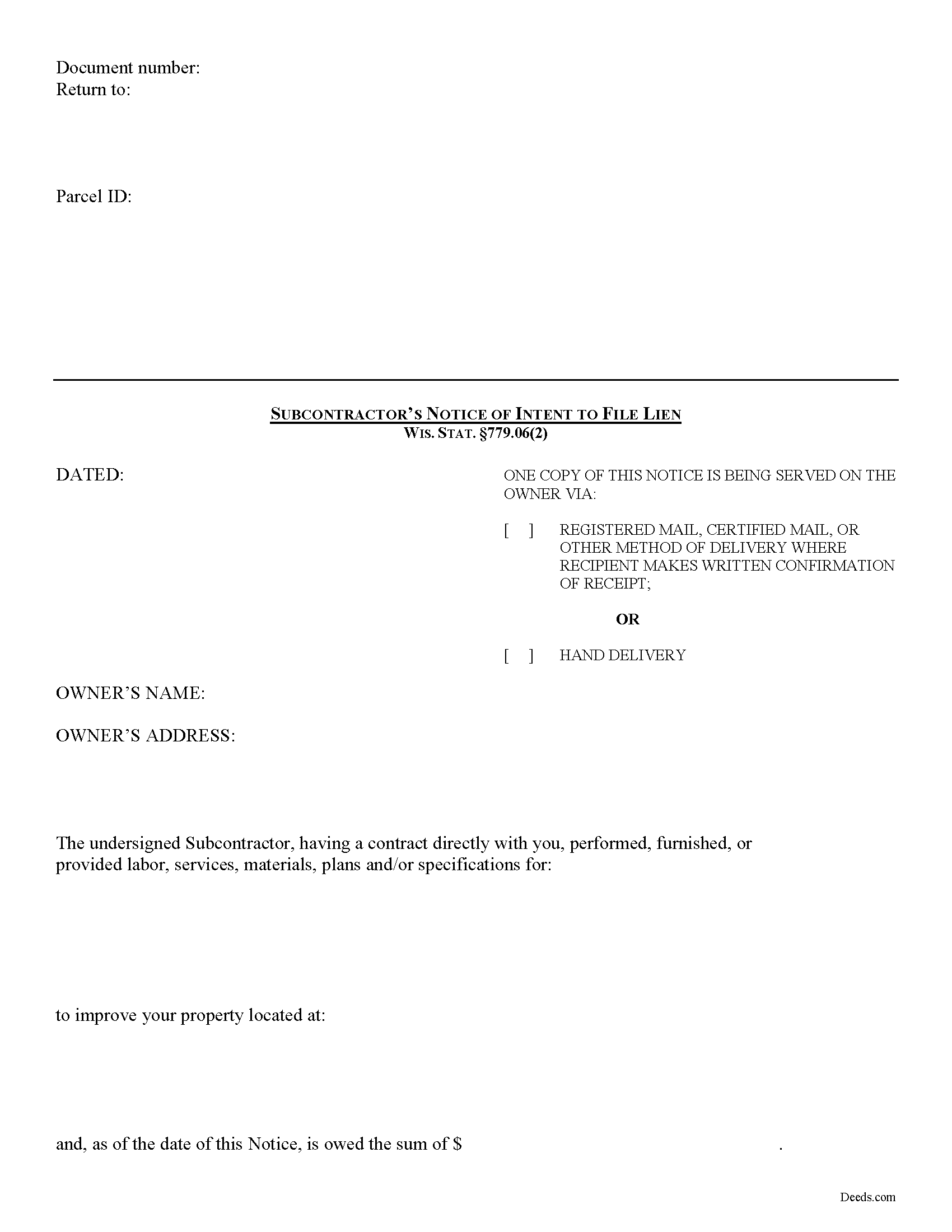
Langlade County Subcontractor Notice of Intent to File Lien Form
Fill in the blank form formatted to comply with all recording and content requirements.
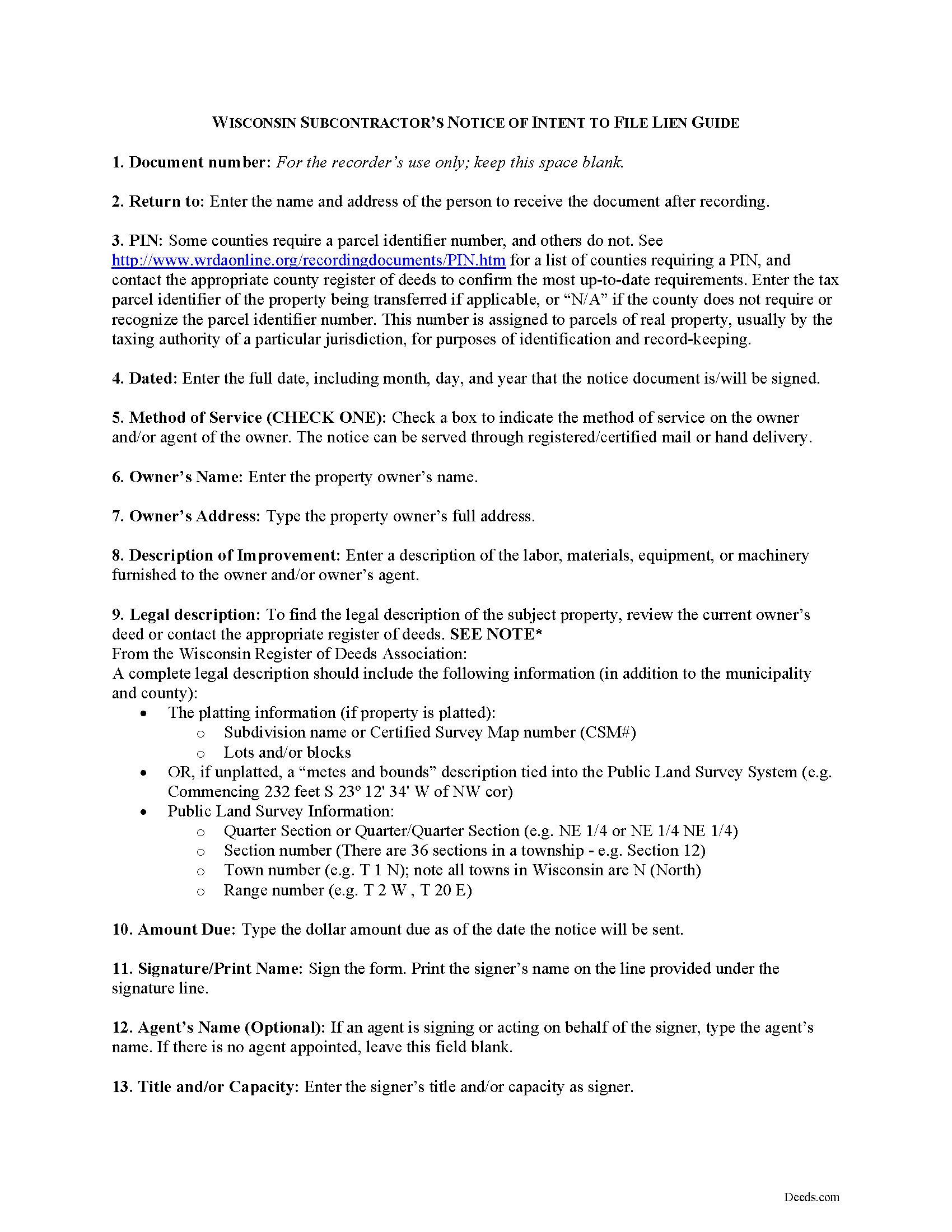
Langlade County Subcontractor Notice of Intent to File Lien Guide
Line by line guide explaining every blank on the form.
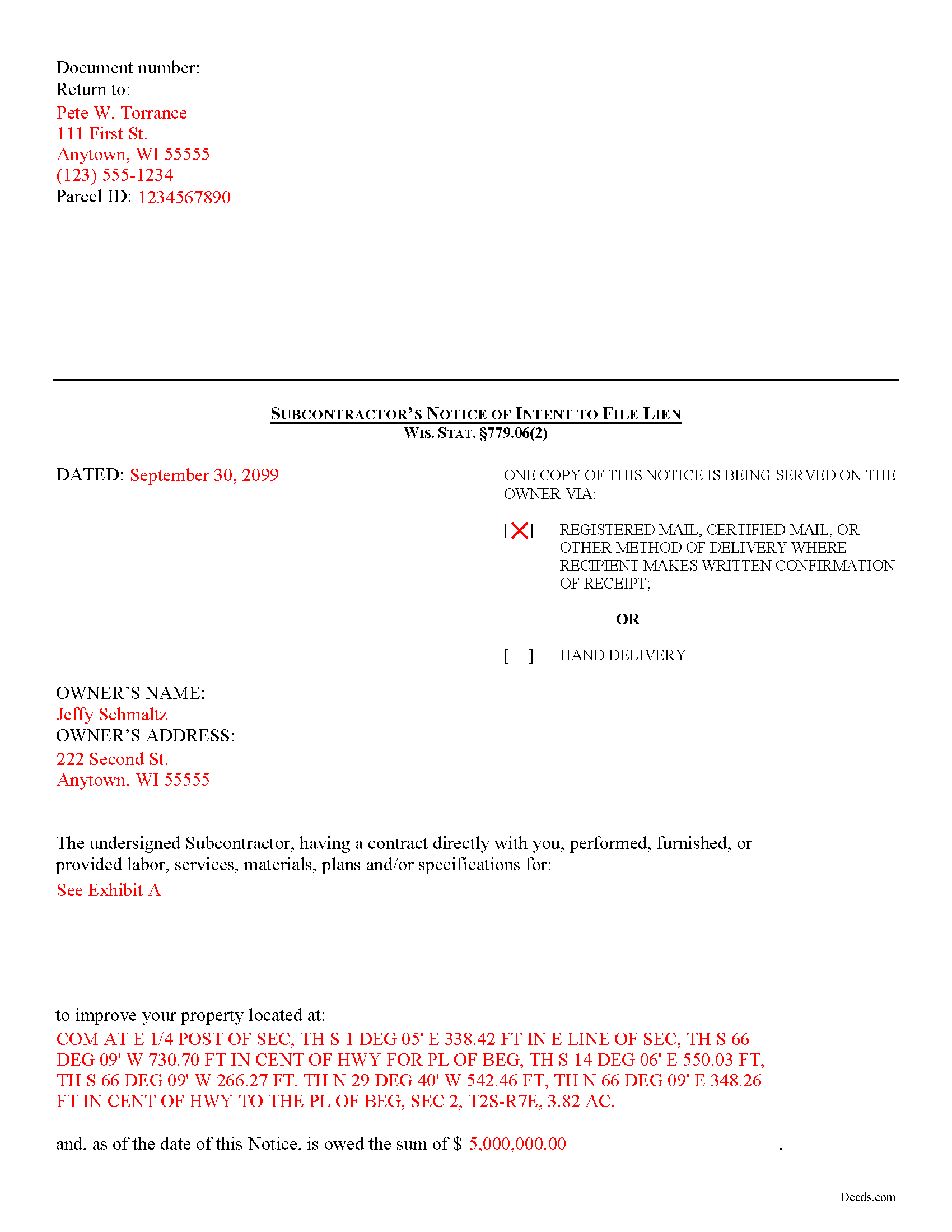
Langlade County Completed Example of the Subcontractor Notice of Intent to File Lien Document
Example of a properly completed form for reference.
All 3 documents above included • One-time purchase • No recurring fees
Immediate Download • Secure Checkout
Additional Wisconsin and Langlade County documents included at no extra charge:
Where to Record Your Documents
Langlade County RoD
Antigo, Wisconsin 54409
Hours: Monday - Friday 8:30am to 4:30pm
Phone: (715) 627-6209
Recording Tips for Langlade County:
- Bring your driver's license or state-issued photo ID
- Ensure all signatures are in blue or black ink
- Verify all names are spelled correctly before recording
- White-out or correction fluid may cause rejection
- Ask about their eRecording option for future transactions
Cities and Jurisdictions in Langlade County
Properties in any of these areas use Langlade County forms:
- Antigo
- Bryant
- Deerbrook
- Elcho
- Elton
- Pearson
- Phlox
- Pickerel
- Summit Lake
- White Lake
Hours, fees, requirements, and more for Langlade County
How do I get my forms?
Forms are available for immediate download after payment. The Langlade County forms will be in your account ready to download to your computer. An account is created for you during checkout if you don't have one. Forms are NOT emailed.
Are these forms guaranteed to be recordable in Langlade County?
Yes. Our form blanks are guaranteed to meet or exceed the applicable formatting requirements used for recording in Langlade County, including margin requirements, font requirements, and other layout standards. This guarantee applies to formatting, not to the legal sufficiency of information entered by the user or the suitability of a form for a particular transaction.
Can I reuse these forms?
Yes. You can reuse the forms for your personal use. For example, if you have multiple properties in Langlade County you only need to order once.
What do I need to use these forms?
The forms are PDFs that you fill out on your computer. The free Adobe Acrobat Reader is recommended, and most PDF apps also work. You do NOT enter your property information online - you download the blank forms and complete them privately on your own computer.
Are there any recurring fees?
No. This is a one-time purchase. Nothing to cancel, no memberships, no recurring fees.
How much does it cost to record in Langlade County?
Recording fees in Langlade County vary. Contact the recorder's office at (715) 627-6209 for current fees.
Questions answered? Let's get started!
Subcontractor Preliminary Notice in Wisconsin
In Wisconsin, subcontractors may only make a lien claim if they submit a Notice of Intent to File a Lien within statutory time limits.
No lien claim may be filed or action brought thereon unless, at least thirty (30) days before timely filing of the lien claim, the lien claimant serves on the owner a written notice of intent to file a lien claim. WIS. STAT. 779.06(2). The notice is required to be given whether or not the claimant has been required to and has given a previous notice. Id. It also briefly describes the nature of the claim, its amount, and the land and improvement to which it relates. Id.
This article is provided for informational purposes only and should not be relied upon as a substitute for the advice from a legal professional. Please contact an attorney with questions about preliminary notice by a subcontractor, or any other issues related to liens in Wisconsin.
Important: Your property must be located in Langlade County to use these forms. Documents should be recorded at the county recording office listed above.
This Subcontractor Notice of Intent to File Lien meets all recording requirements specific to Langlade County.
Our Promise
The documents you receive here are guaranteed to meet or exceed the applicable Langlade County recording format requirements. If there is a rejection caused by our formatting, we will correct the issue or refund your payment. This guarantee applies to document formatting only and does not extend to information entered by the user, the selection of the form, or the legal effect of the completed document.
Save Time and Money
Get your Langlade County Subcontractor Notice of Intent to File Lien form done right the first time with Deeds.com Uniform Conveyancing Blanks. At Deeds.com, we understand that your time and money are valuable resources, and we don't want you to face a penalty fee or rejection imposed by a county recorder for submitting nonstandard documents. We constantly review and update our forms to meet rapidly changing state and county recording requirements for roughly 3,500 counties and local jurisdictions.
4.8 out of 5 - ( 4,836 Reviews )
Nikie U. 5 out of 5 stars
This was my first time using this service and it worked smoothly and efficiently and I will definitely use them again.
Thank you for your feedback. We really appreciate it. Have a great day!
Sherri S. 5 out of 5 stars
Appreciate your diligent assistance.
Thank you!
Daniel B. 5 out of 5 stars
Very well organized and easy to understand. Will probably use your service again in the future for other forms
Thank you for your feedback. We really appreciate it. Have a great day!
Robert H. 5 out of 5 stars
Easy to use and understand. I am glad to have found this resource.
Your appreciative words mean the world to us. Thank you and we look forward to serving you again!
Judie G. 5 out of 5 stars
Review: Forms are on point, to the point, and cover the vast majority of situations. Would not suggest if your deal is overly complicated but most situations are not complicated at all.
Thank you!
Jonathan F. 5 out of 5 stars
An excellent service. Makes filing deeds so much easier than having to go to the courthouse or use FedEx. I will be a customer for the rest of my legal career.
Thank you!
Elaine R. 5 out of 5 stars
Delivered the exact documents I wanted, and included a filled out form for guidance. It also included other documents that might be required. Excellent.
Thank you, Elaine. We’re glad the forms and example document were helpful and that you found everything you needed. We appreciate your feedback and your business.
Felix M. 5 out of 5 stars
Very useful. I'm a Miami attorney and needed an amended deed specific to Texas. Document and instructions were very good.
Your feedback is appreciated. Thank you for letting us know how we did.
Dennis M. 5 out of 5 stars
Very quick and easy to use. Deeds.com saved me a lot of money!
Thank you!
Edwin M. 5 out of 5 stars
Good marks from me. Keep up the good work !
Thank you!
Terreva B. 5 out of 5 stars
Yes it helped with some things but I need more info
Thank you!
victoria r. 5 out of 5 stars
Easiest and most efficient process awesome online communication
Thank you!
Lara C. 5 out of 5 stars
Love it! It was super easy. Will be back!
Thank you for your feedback. We really appreciate it. Have a great day!
John S. 5 out of 5 stars
Your service is refreshingly clear, simple, and free of superfluous claims or unnecessary marketing. And, more affordable than other online legal document providers I've looked at. So nice! I forgot I had used it some years ago for another deed so glad you are still around for this time.
Thank you for the kind words John. Have a fantastic day!
Michael C. 4 out of 5 stars
Overall positive experience; especially liked immediate access to downloaded documents and instructions. My only concern was lack of adequate space in portions of your beneficiary deed blank form which then required me to use 3 exhibits to complete all necessary documents for the county recorders office. Assuming they accept them I will call this a strong win. Thanks.
We appreciate your business and value your feedback. Thank you. Have a wonderful day!