Chippewa County Trustee Deed Form
Last validated October 20, 2026 by our Forms Development TeamFormatted for recording in Chippewa County, for property anywhere in the county: rural and unincorporated areas as well as Bloomer, Boyd, Cadott, Chippewa Falls, Cornell, Holcombe, Jim Falls, New Auburn and 1 more.
- 3 documents included
- Immediate PDF download
- Formatting guarantee
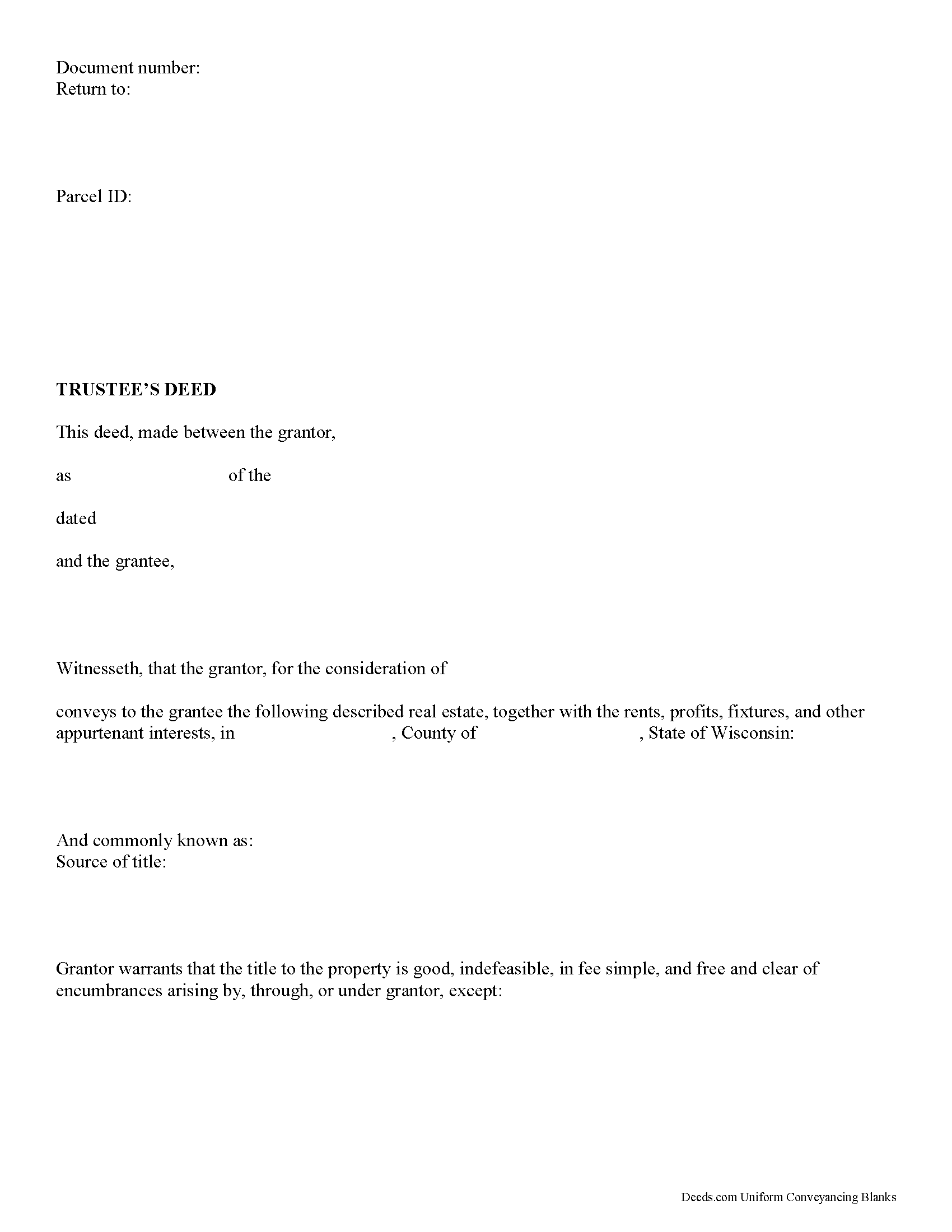
Chippewa County Trustee Deed Form
Fill in the blank form formatted to comply with all recording and content requirements.
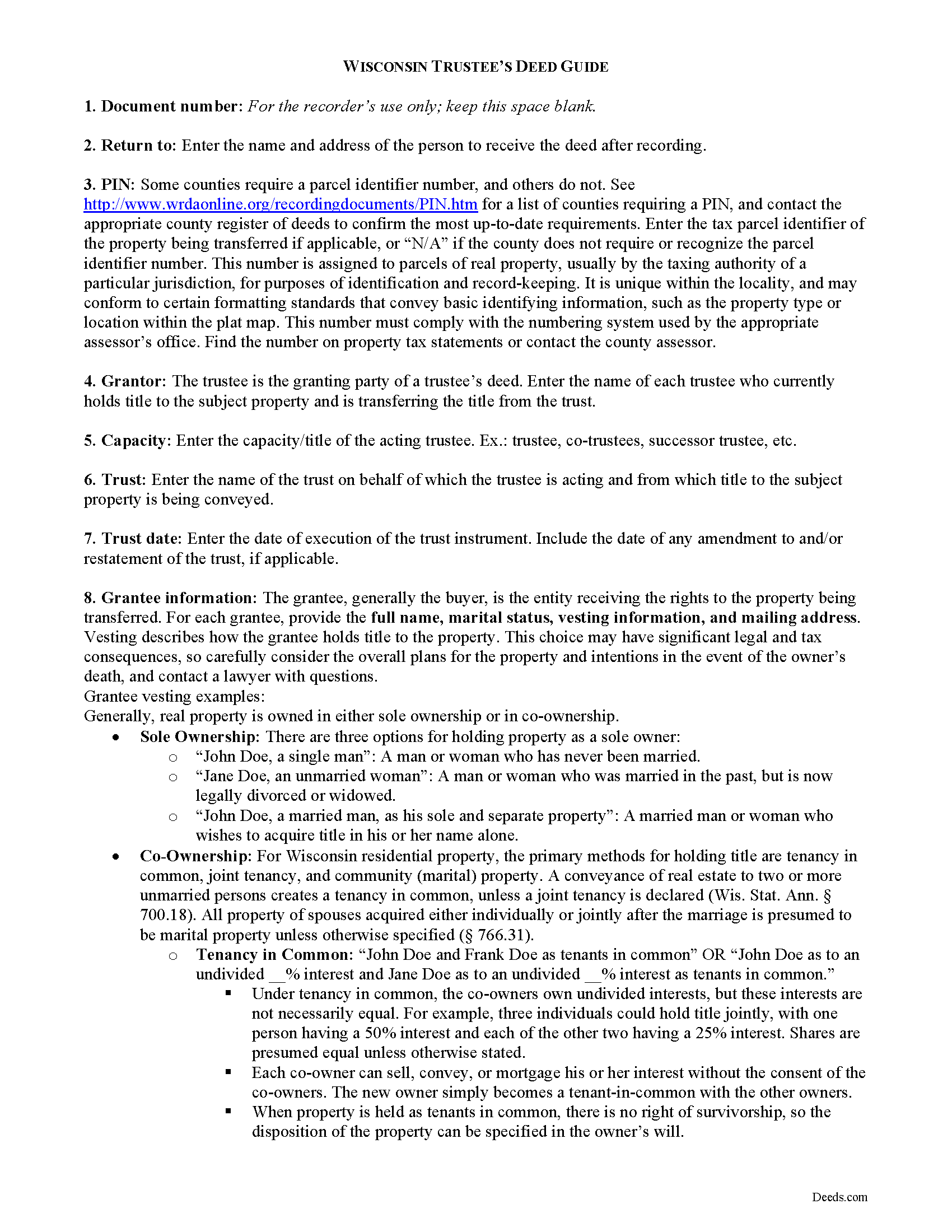
Chippewa County Trustee Deed Guide
Line by line guide explaining every blank on the form.
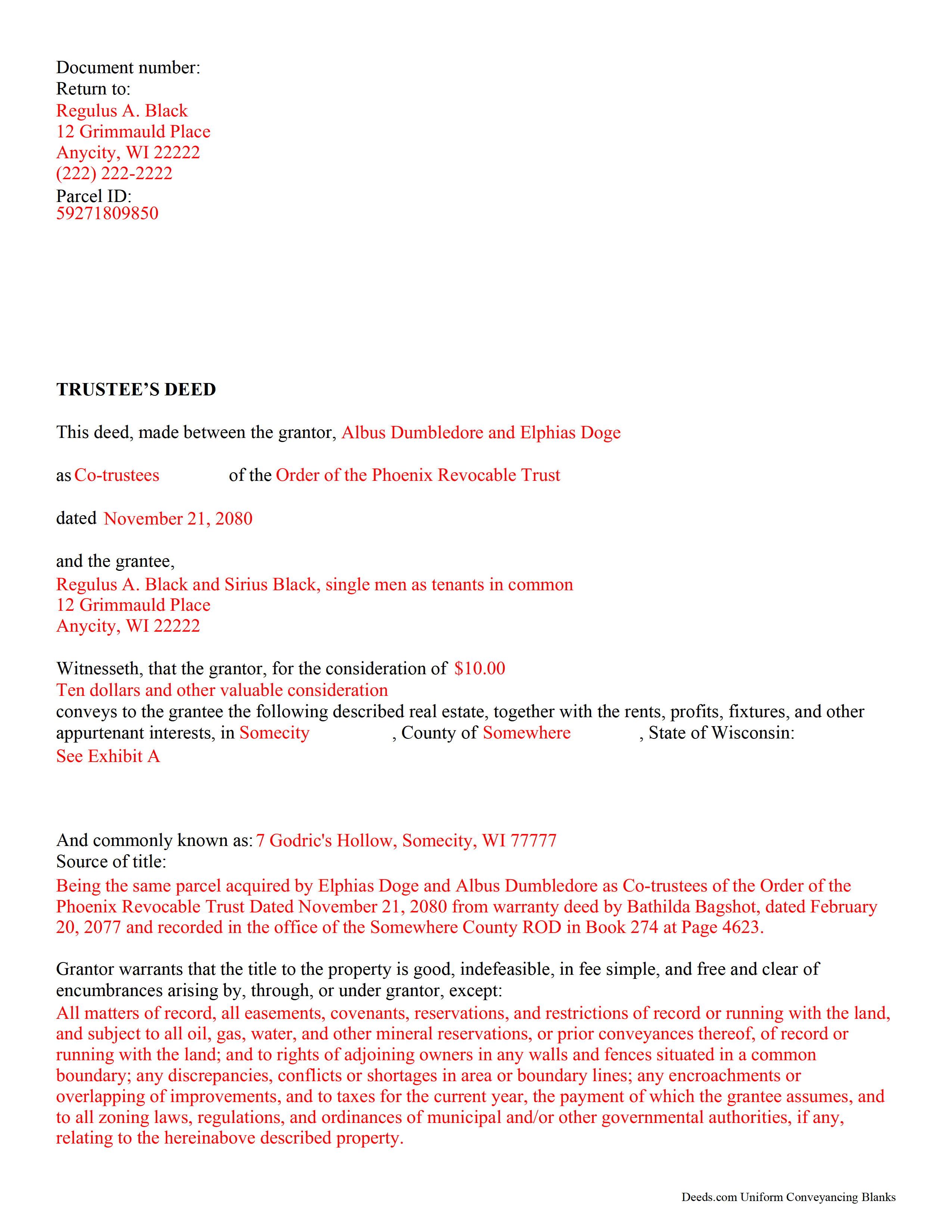
Chippewa County Completed Example of the Trustee Deed Document
Example of a properly completed form for reference.
All 3 documents above included • One-time purchase • No recurring fees
Immediate Download • Secure Checkout
Additional Wisconsin and Chippewa County documents included at no extra charge:
Where to Record Your Documents
Chippewa Register of Deeds
Chippewa Falls, Wisconsin 54729
Hours: Monday - Friday 8:00am - 4:30pm
Phone: (715) 726-7994
Recording Tips for Chippewa County:
- Bring your driver's license or state-issued photo ID
- Ensure all signatures are in blue or black ink
- Documents must be on 8.5 x 11 inch white paper
- Double-check legal descriptions match your existing deed
- Verify all names are spelled correctly before recording
Cities and Jurisdictions in Chippewa County
Properties in any of these areas use Chippewa County forms:
- Bloomer
- Boyd
- Cadott
- Chippewa Falls
- Cornell
- Holcombe
- Jim Falls
- New Auburn
- Stanley
Hours, fees, requirements, and more for Chippewa County
How do I get my forms?
Forms are available for immediate download after payment. The Chippewa County forms will be in your account ready to download to your computer. An account is created for you during checkout if you don't have one. Forms are NOT emailed.
Are these forms guaranteed to be recordable in Chippewa County?
Yes. Our form blanks are guaranteed to meet or exceed the applicable formatting requirements used for recording in Chippewa County, including margin requirements, font requirements, and other layout standards. This guarantee applies to formatting, not to the legal sufficiency of information entered by the user or the suitability of a form for a particular transaction.
Can I reuse these forms?
Yes. You can reuse the forms for your personal use. For example, if you have multiple properties in Chippewa County you only need to order once.
What do I need to use these forms?
The forms are PDFs that you fill out on your computer. The free Adobe Acrobat Reader is recommended, and most PDF apps also work. You do NOT enter your property information online - you download the blank forms and complete them privately on your own computer.
Are there any recurring fees?
No. This is a one-time purchase. Nothing to cancel, no memberships, no recurring fees.
How much does it cost to record in Chippewa County?
Recording fees in Chippewa County vary. Contact the recorder's office at (715) 726-7994 for current fees.
Questions answered? Let's get started!
In a living trust, a grantor (settlor) transfers title to property to another person (trustee) for the benefit of a third (beneficiary). A settlor often serves as the original trustee (sometimes along with a spouse) and initial beneficiary of a living trust during his lifetime, and nominates a successor to take over fiduciary duties upon his death or incapacity, though this is not always the case. The settlor establishes the trust by executing a trust document, an unrecorded instrument outlining the scope and terms of the trust, including the settlor's estate plans. In transfers of real property into trust, the settlor executes a deed titling the property in the name of the trustee on behalf of the trust.
In order to convey real property from the trust during the settlor's lifetime, the trustee must execute a deed vesting title in the name of the grantee. In Wisconsin, a trustee's deed is a special warranty deed that has simply been named after the capacity of the granting party. The trustee's deed is identical in form to a special warranty deed, supplying in addition the name and date of the trust on behalf of which the grantor is conveying title. The deed contains the language that the grantor "warrants that the title to the property is good, indefeasible, in fee simple, and free and clear of encumbrances arising by, through, or under grantor" [2].
As noted by the Wisconsin Realtors Association, "personal representatives and other fiduciaries such as trustees and guardians...[who] are not sufficiently familiar with the history of the property to give a warranty deed" use a special warranty deed to convey title [1]. A special warranty deed contains the covenant that the title is free and clear of encumbrances only arising by, through, or under grantor, with any exceptions expressly noted in the conveyance.
The form should meet all content requisites for conveyancing instruments under 706.02, including the name of each party; a legal description of the property subject to conveyance; and original signatures of the grantors. All recordable documents should also meet formatting requisites established at 59.43(2m). The deed must be signed in the presence of a notary public before recording in the appropriate county register of deeds. Additional documentation confirming the trustee's authority may be required (see Wisconsin Trust Code 701.1013 for certification of trust).
Consult a lawyer with questions regarding transfers by trust in Wisconsin, as each situation is unique.
(Wisconsin TD Package includes form, guidelines, and completed example)
Important: Your property must be located in Chippewa County to use these forms. Documents should be recorded at the county recording office listed above.
This Trustee Deed meets all recording requirements specific to Chippewa County.
Our Promise
The documents you receive here are guaranteed to meet or exceed the applicable Chippewa County recording format requirements. If there is a rejection caused by our formatting, we will correct the issue or refund your payment. This guarantee applies to document formatting only and does not extend to information entered by the user, the selection of the form, or the legal effect of the completed document.
Save Time and Money
Get your Chippewa County Trustee Deed form done right the first time with Deeds.com Uniform Conveyancing Blanks. At Deeds.com, we understand that your time and money are valuable resources, and we don't want you to face a penalty fee or rejection imposed by a county recorder for submitting nonstandard documents. We constantly review and update our forms to meet rapidly changing state and county recording requirements for roughly 3,500 counties and local jurisdictions.
4.8 out of 5 - ( 4,832 Reviews )
Curtise L. 5 out of 5 stars
Excellent experience. Quickly responded and was able to get us exactly what we needed!
Thank you!
Stephen F. 5 out of 5 stars
Easy to use. Outstanding interface.
Thank you!
Sterling H. 4 out of 5 stars
I liked being able to drill down to state and county. Just simply the search for all property records
We welcome your positive feedback and are thrilled to have met your expectations. Thank you for choosing our services.
Laurentina F. 5 out of 5 stars
Great and efficient.
We appreciate your business and value your feedback. Thank you. Have a wonderful day!
Julie B. 5 out of 5 stars
I wish all the forms had been in a downloadable package so that it wasn't so difficult to make sure I had them all. Too many pages open on the click throughs. I haven't had a chance to fill them out but hope they are all there.
Thank you for your feedback. We really appreciate it. Have a great day!
sakkubai p. 5 out of 5 stars
It was easy to download and I love it.I am going to take them to our attorney. If she approve it I am going to print for other counties too, where we have other properties. thanks.
Thank you for your feedback. We really appreciate it. Have a great day!
Loretta W. 5 out of 5 stars
Thank you for your excellent service
We appreciate your business and value your feedback. Thank you. Have a wonderful day!
DELORES D. 5 out of 5 stars
SO EASY. love that there is an example to follow and instructions.
Thank you!
Carl T. 5 out of 5 stars
Very simple to download and manage. very Impressed!
We appreciate your business and value your feedback. Thank you. Have a wonderful day!
Klint D. 5 out of 5 stars
Quick and easy
Thank you!
Shawn S. 5 out of 5 stars
Seems to be exactly whst j needed. Great job!
Thank you!
Sheron W. 5 out of 5 stars
I've used Deeds.com for a few years. The service is good, and orders are completed fast. I will continue using them and I recommend them.
We appreciate your business and value your feedback. Thank you. Have a wonderful day!
janice b. 5 out of 5 stars
This is a very helpful site when you don't know exactly what to do. Very clear in explaining the wording on deeds. Thank you it made a big difference knowing the right way to do things.
Thank you for your feedback. We really appreciate it. Have a great day!
Cessaly D H. 5 out of 5 stars
Excellent service bc you create your own account and have immediate access to documents!
We appreciate your business and value your feedback. Thank you. Have a wonderful day!
Megan L. 5 out of 5 stars
Explanation of all forms is simple and easy to understand. The forms are made in accordance to my state. This website is easy to use and navigate.
We appreciate your business and value your feedback. Thank you. Have a wonderful day!