Teton County Mortgage and Promissory Note Form
Last validated October 8, 2026 by our Forms Development TeamFormatted for recording in Teton County, for property anywhere in the county: rural and unincorporated areas as well as Alta, Jackson, Kelly, Moose, Moran, Teton Village, Wilson.
- 7 documents included
- Immediate PDF download
- Formatting guarantee
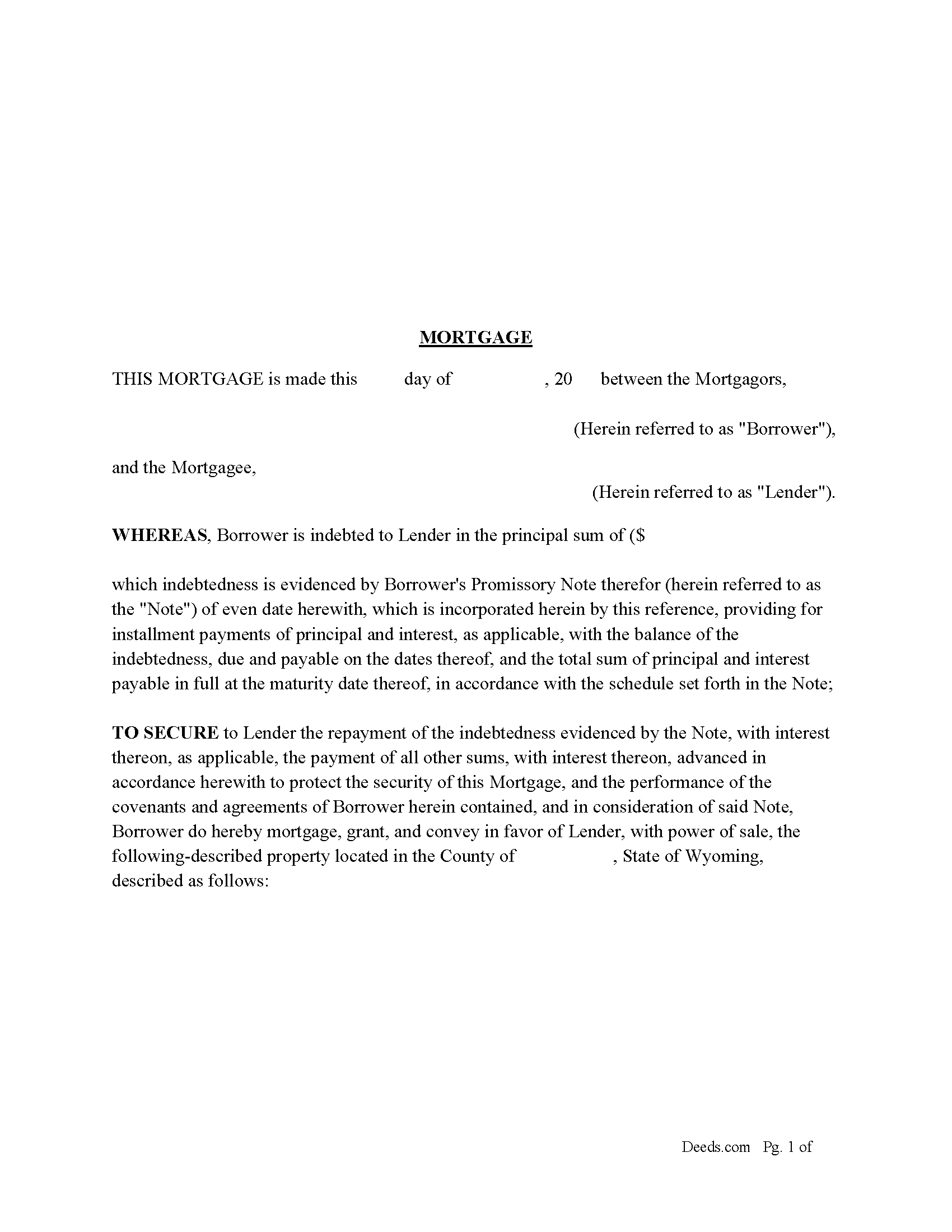
Teton County Mortgage Form
Fill in the blank form formatted to comply with all recording and content requirements.
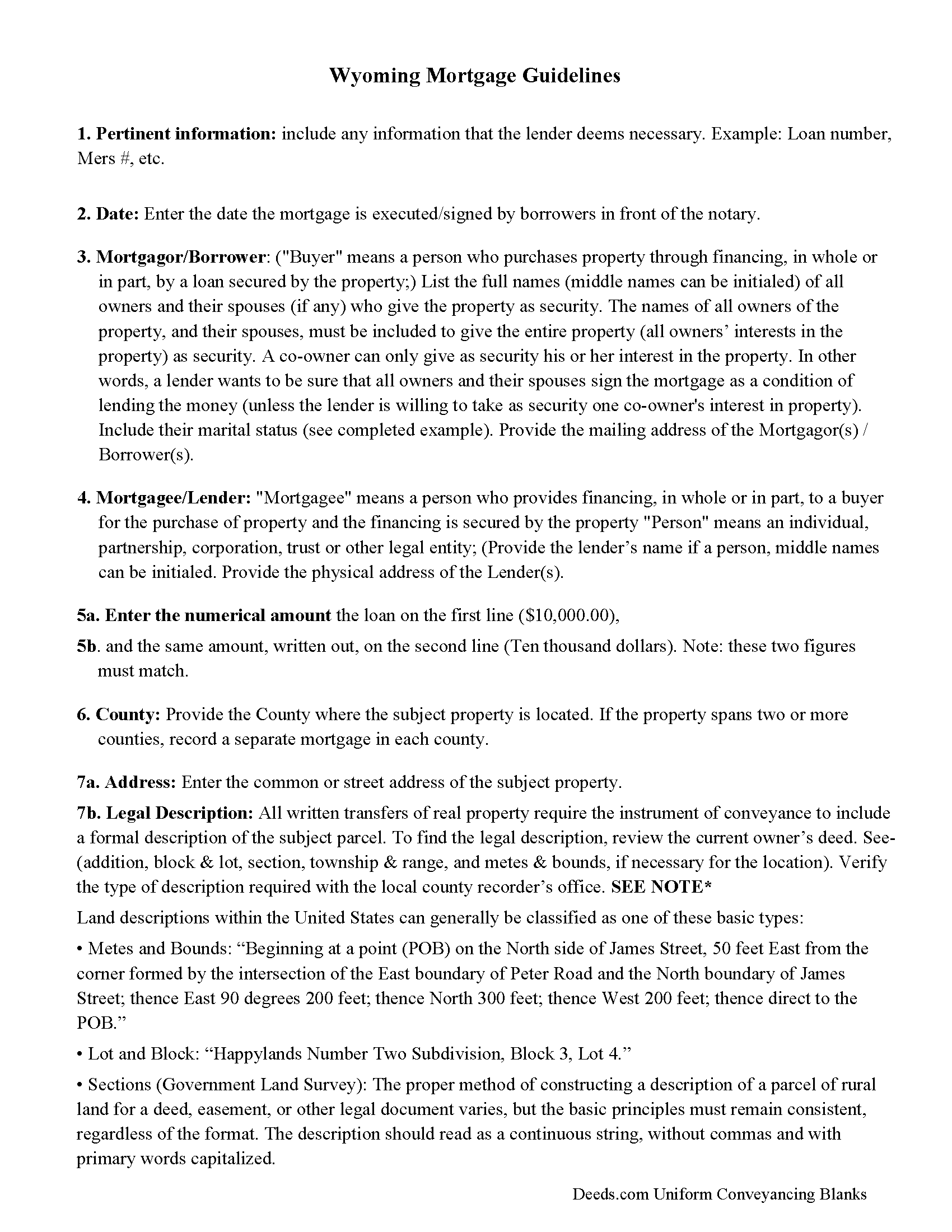
Teton County Mortgage Guidelines
Line by line guide explaining every blank on the form.
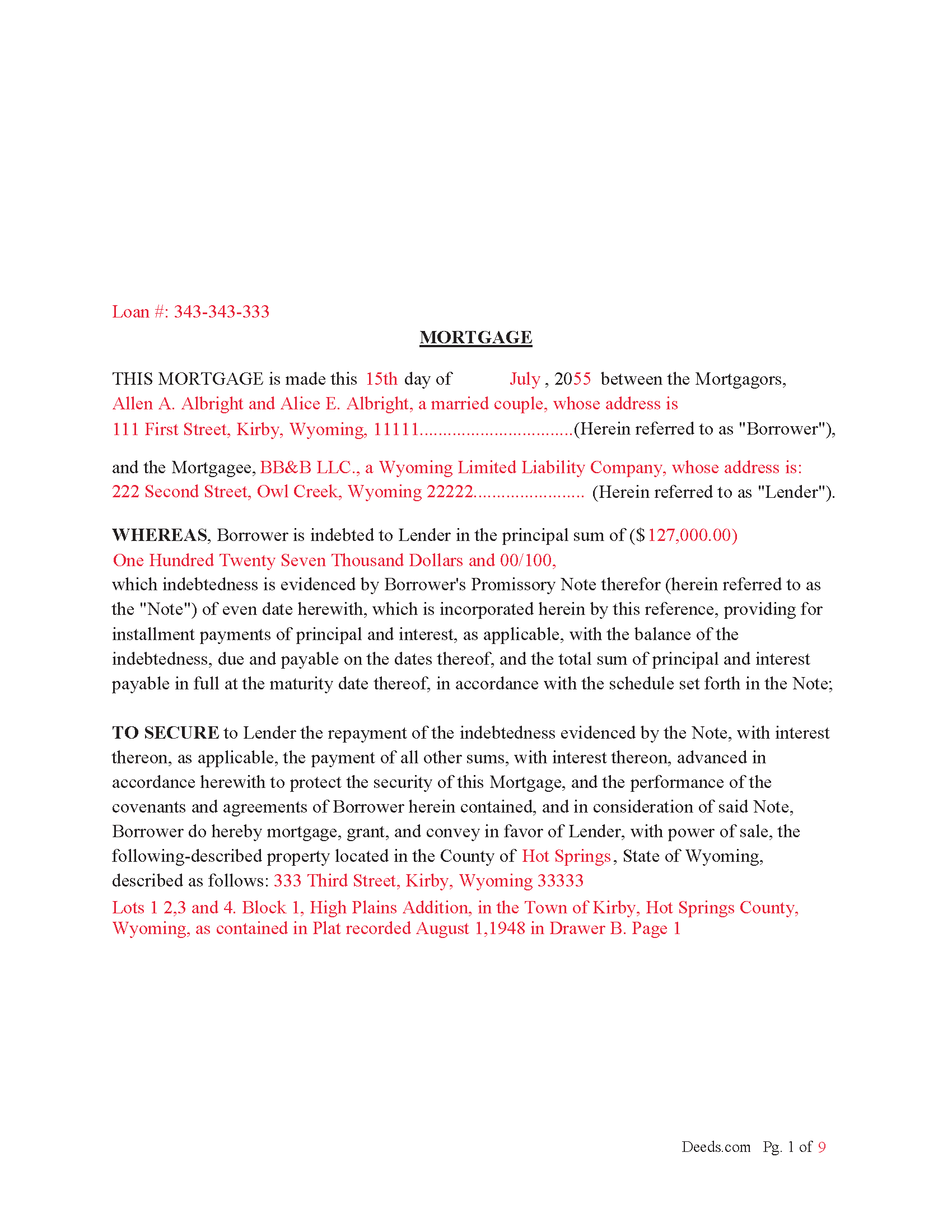
Teton County Completed Example of the Mortgage Document
Example of a properly completed form for reference.
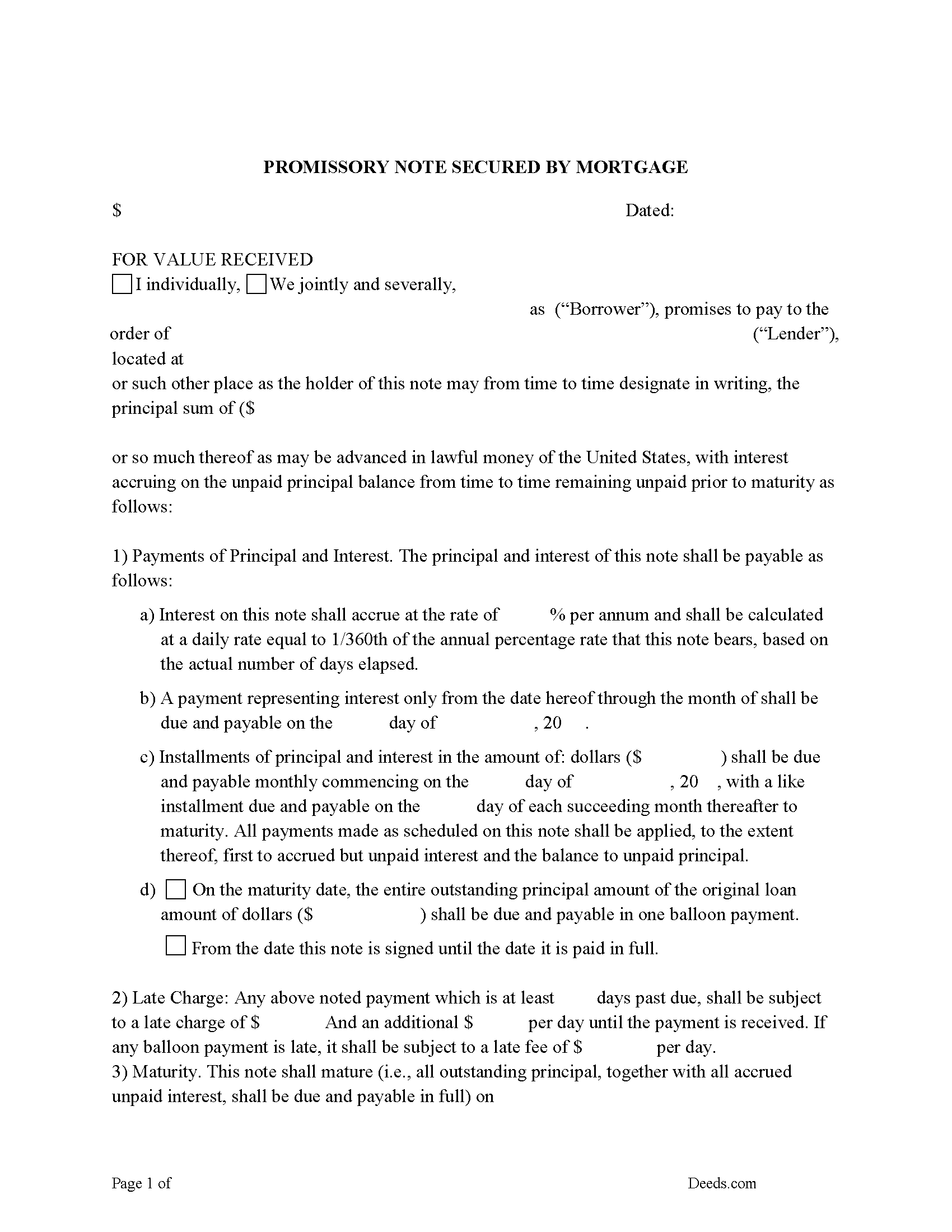
Teton County Promissory Note Form
Note that is secured by the Mortgage Agreement.
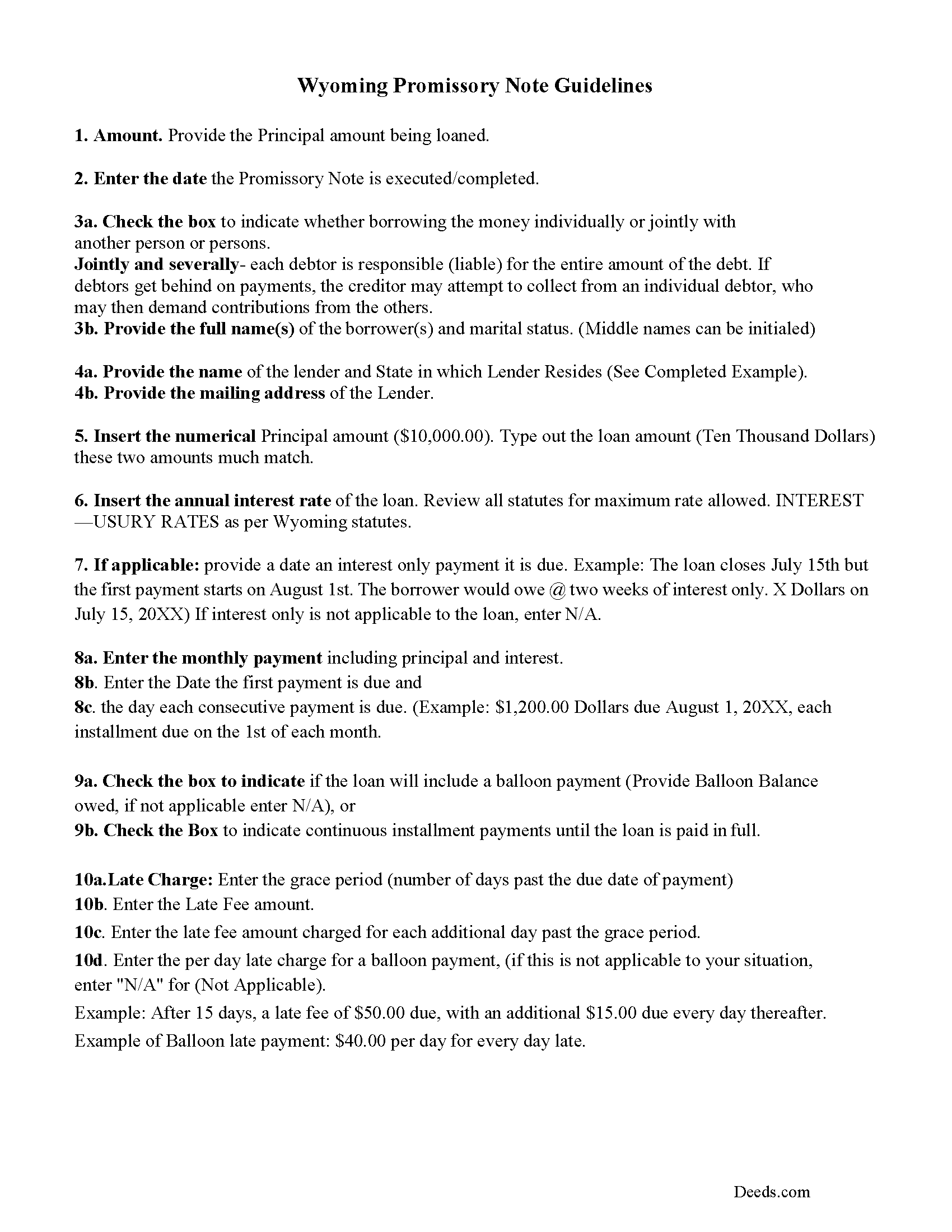
Teton County Promissory Note Guidelines
Line by line guide explaining every blank on the form.
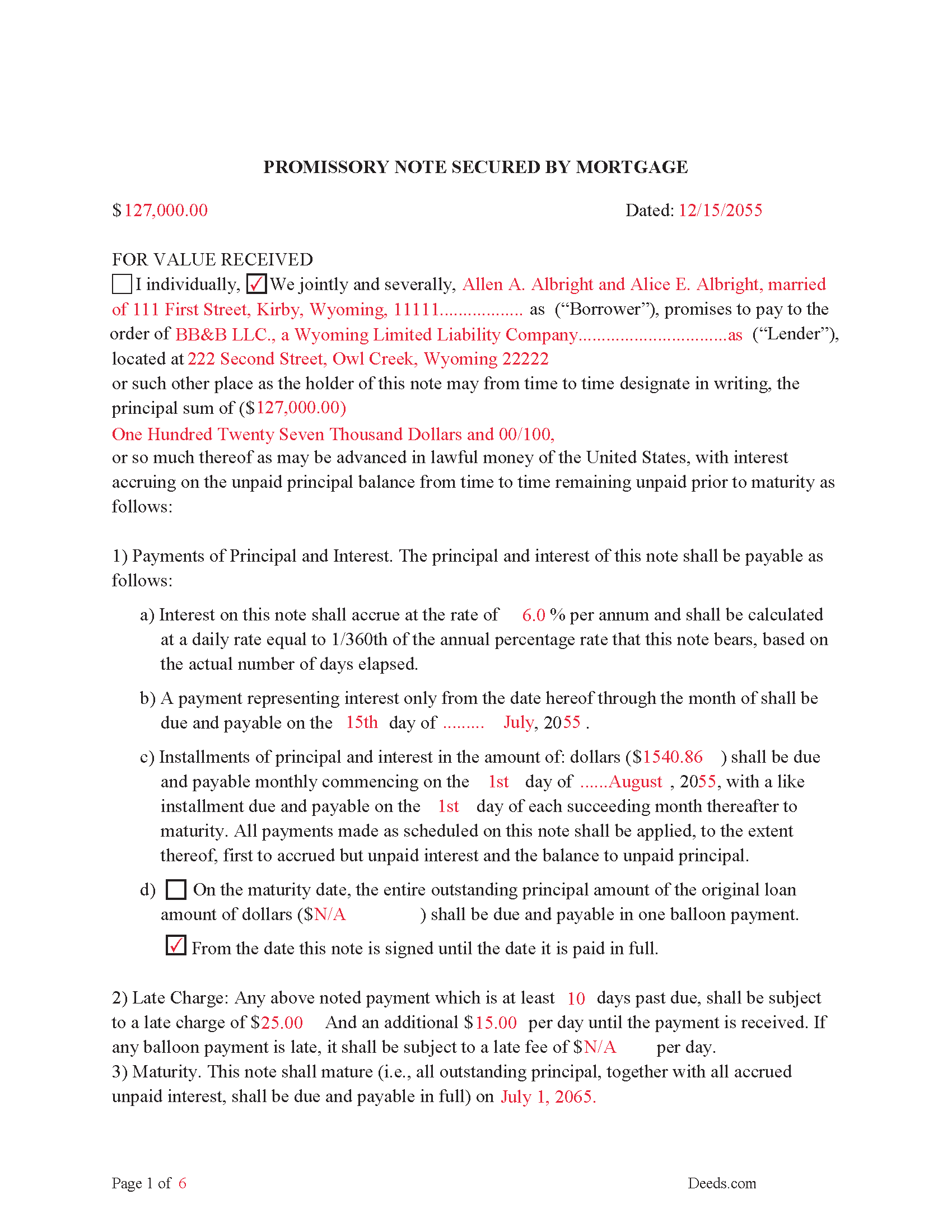
Teton County Completed Example of the Promissory Note Document
Example of a properly completed form for reference.
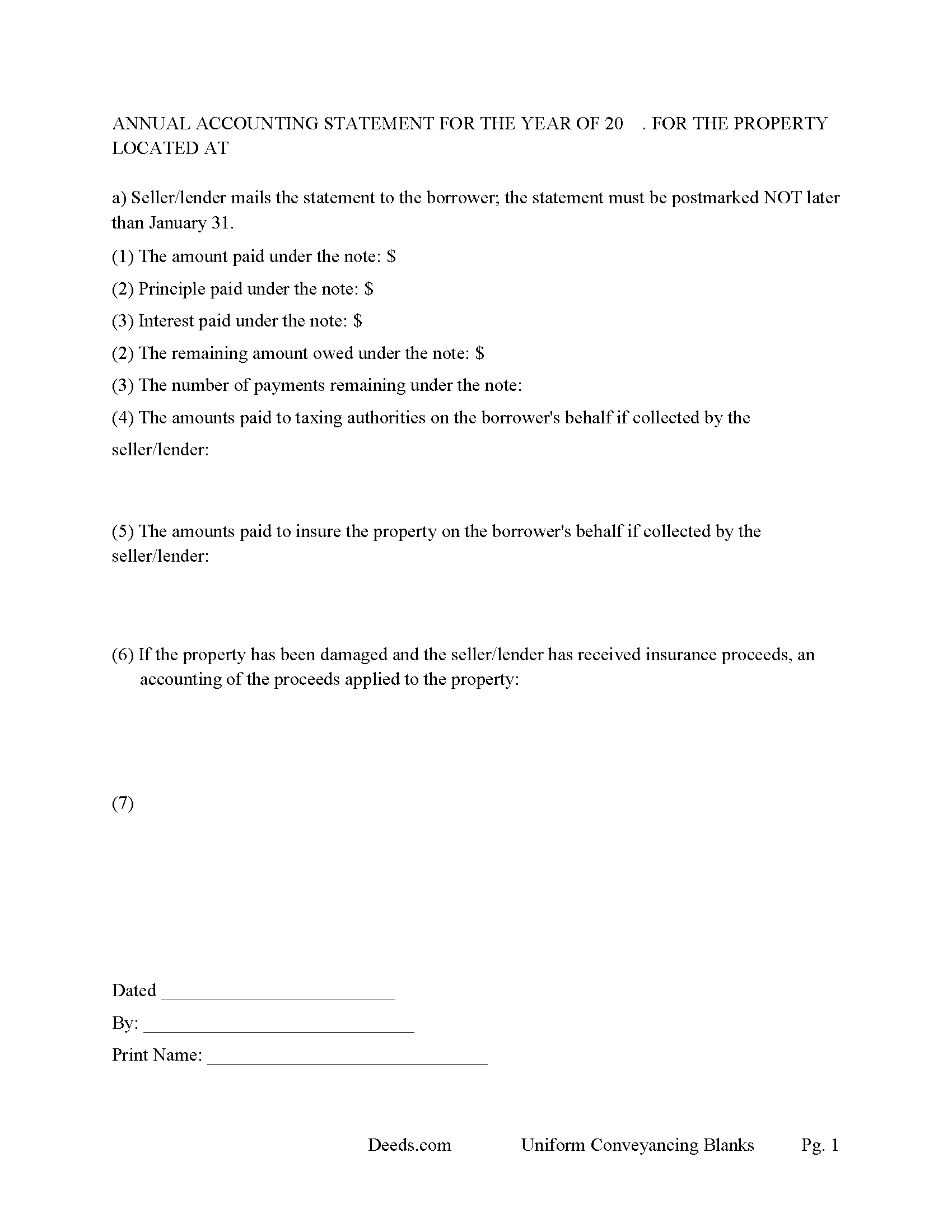
Teton County Annual Accounting Statement Form
Mail to borrower for fiscal year reporting.
All 7 documents above included • One-time purchase • No recurring fees
Immediate Download • Secure Checkout
Additional Wyoming and Teton County documents included at no extra charge:
Where to Record Your Documents
Teton County Clerk
Jackson, Wyoming 83001
Hours: Monday - Friday 8:00am - 5:00pm
Phone: (307) 733-4430
Recording Tips for Teton County:
- Bring your driver's license or state-issued photo ID
- Ensure all signatures are in blue or black ink
- Recording fees may differ from what's posted online - verify current rates
- Request a receipt showing your recording numbers
- Ask about accepted payment methods when you call ahead
Cities and Jurisdictions in Teton County
Properties in any of these areas use Teton County forms:
- Alta
- Jackson
- Kelly
- Moose
- Moran
- Teton Village
- Wilson
Hours, fees, requirements, and more for Teton County
How do I get my forms?
Forms are available for immediate download after payment. The Teton County forms will be in your account ready to download to your computer. An account is created for you during checkout if you don't have one. Forms are NOT emailed.
Are these forms guaranteed to be recordable in Teton County?
Yes. Our form blanks are guaranteed to meet or exceed the applicable formatting requirements used for recording in Teton County, including margin requirements, font requirements, and other layout standards. This guarantee applies to formatting, not to the legal sufficiency of information entered by the user or the suitability of a form for a particular transaction.
Can I reuse these forms?
Yes. You can reuse the forms for your personal use. For example, if you have multiple properties in Teton County you only need to order once.
What do I need to use these forms?
The forms are PDFs that you fill out on your computer. The free Adobe Acrobat Reader is recommended, and most PDF apps also work. You do NOT enter your property information online - you download the blank forms and complete them privately on your own computer.
Are there any recurring fees?
No. This is a one-time purchase. Nothing to cancel, no memberships, no recurring fees.
How much does it cost to record in Teton County?
Recording fees in Teton County vary. Contact the recorder's office at (307) 733-4430 for current fees.
Questions answered? Let's get started!
34-1-113. Acknowledgment of conveyances; generally. Execution of deeds, mortgages or other conveyances of lands, or any interest in lands, shall be acknowledged by the party or parties executing same, before any notarial officer. The notarial officer taking such acknowledgment shall comply with the requirements of W.S. 32-3-109.
34-1-118. Where conveyance to be recorded.A certificate of the acknowledgment of any deed, mortgage or conveyance, or proof of the execution thereof, before a notarial officer, shall entitle such deed, mortgage or conveyance, certificate or certificates aforesaid, to be recorded in the office of the county clerk in the county where the land lies.
34-1-119. Duties of county clerk generally. (a) The county clerk of each county within this state shall receive and record at length all deeds, mortgages, conveyances, patents, certificates and instruments left with him for that purpose, and he shall endorse on every such instrument the day and hour on which it was filed for record. The county clerk shall not record any document until the address of the grantee, mortgagee or assignee of the mortgagee is furnished to the county clerk.
34-1-121. Recorded instrument as notice to subsequent purchasers; recordation of instruments issued by United States or state of Wyoming. (a) Each and every deed, mortgage, instrument or conveyance touching any interest in lands, made and recorded, according to the provisions of this chapter, shall be notice to and take precedence of any subsequent purchaser or purchasers from the time of the delivery of any instrument at the office of the county clerk, for record. Any and all instruments or other documents, or copies of instruments or other documents duly certified by any agency, department or bureau of the United States or the state of Wyoming having charge of the records of the instruments or other documents, conveying, remising or demising, or otherwise affecting:
Use this form to finance Real Property, residential, condominiums, rental units, commercial, vacant land and planned unit developments. A mortgage instrument and promissory note with stringent default terms and conditions, can be beneficial to the lender.
(Wyoming Mortgage Package includes forms, guidelines, and completed examples) For use in Wyoming only.
Important: Your property must be located in Teton County to use these forms. Documents should be recorded at the county recording office listed above.
This Mortgage and Promissory Note meets all recording requirements specific to Teton County.
Our Promise
The documents you receive here are guaranteed to meet or exceed the applicable Teton County recording format requirements. If there is a rejection caused by our formatting, we will correct the issue or refund your payment. This guarantee applies to document formatting only and does not extend to information entered by the user, the selection of the form, or the legal effect of the completed document.
Save Time and Money
Get your Teton County Mortgage and Promissory Note form done right the first time with Deeds.com Uniform Conveyancing Blanks. At Deeds.com, we understand that your time and money are valuable resources, and we don't want you to face a penalty fee or rejection imposed by a county recorder for submitting nonstandard documents. We constantly review and update our forms to meet rapidly changing state and county recording requirements for roughly 3,500 counties and local jurisdictions.
4.8 out of 5 - ( 4,819 Reviews )
Larry L. 5 out of 5 stars
Easy, quick and responsive for recording purposes.
We appreciate your business and value your feedback. Thank you. Have a wonderful day!
Carmen R. 5 out of 5 stars
I was able to get the form I needed but it would not adjust properly on the page.
Thank you!
LINDA C. 5 out of 5 stars
EASY, FAST, AND CONVENIENT.
Thank you!
Anthony C. 4 out of 5 stars
Good information for solving my issue...
Thank you!
Dr Martin A. 5 out of 5 stars
Easy to use...great service
Thank you for the kind words, Dr. Martin! We're delighted you found our service easy to use. We appreciate you taking the time to share your experience!
karen w. 5 out of 5 stars
outstanding forms and information. stay safe and healthy everyone.
Thank you Karen, you do the same please.
Angelique A. 5 out of 5 stars
Very helpful and quick customer service. Highly recommended
Thank you for your feedback Angelique, we appreciate you. Have a great day!
Sheila P. 5 out of 5 stars
What a great service to provide with excellent directions! At first I thought I would need an attorney, but I walked through the steps and now I have it finished! Saved a ton of money. Thanks Deed.com.
Thank you for your feedback. We really appreciate it. Have a great day!
Cathaleen P. 5 out of 5 stars
Excellent service and very easy to process. Thank you!
Thank you for your feedback. We really appreciate it. Have a great day!
Janet M. 5 out of 5 stars
Was fairly easy to complete but my situation wasn't covered so I had to make a call to get help. Will see if it gets filed successfully.
Thank you!
jen k. 5 out of 5 stars
I tried to use the free stuff you find on the internet. You quickly find out that free is rarely ever (never) free. Even worse, the long term cost can be immeasurable. Glad I realized that before I got too far in. Do yourself a favor, spend a few bucks up front to get the right forms.
Thank you!
Camille L. 5 out of 5 stars
very user friendly!
Thank you!
Tong B. 5 out of 5 stars
hi, It is very easy to do it. tanks.
Thank you!
Robert W. 5 out of 5 stars
The forms were as I expected them to be. The guide was very helpful. Overall very good.
Thanks Robert. We appreciate your feedback.
Mary B. 5 out of 5 stars
Your information was orderly and very clear and helpful. Thanks!
Thank you for your feedback. We really appreciate it. Have a great day!