Dale County Easement Deed Form
Last validated October 8, 2026 by our Forms Development TeamFormatted for recording in Dale County, for property anywhere in the county: rural and unincorporated areas as well as Ariton, Daleville, Fort Rucker, Level Plains, Midland City, Newton, Ozark, Pinckard and 1 more.
- 4 documents included
- Immediate PDF download
- Formatting guarantee
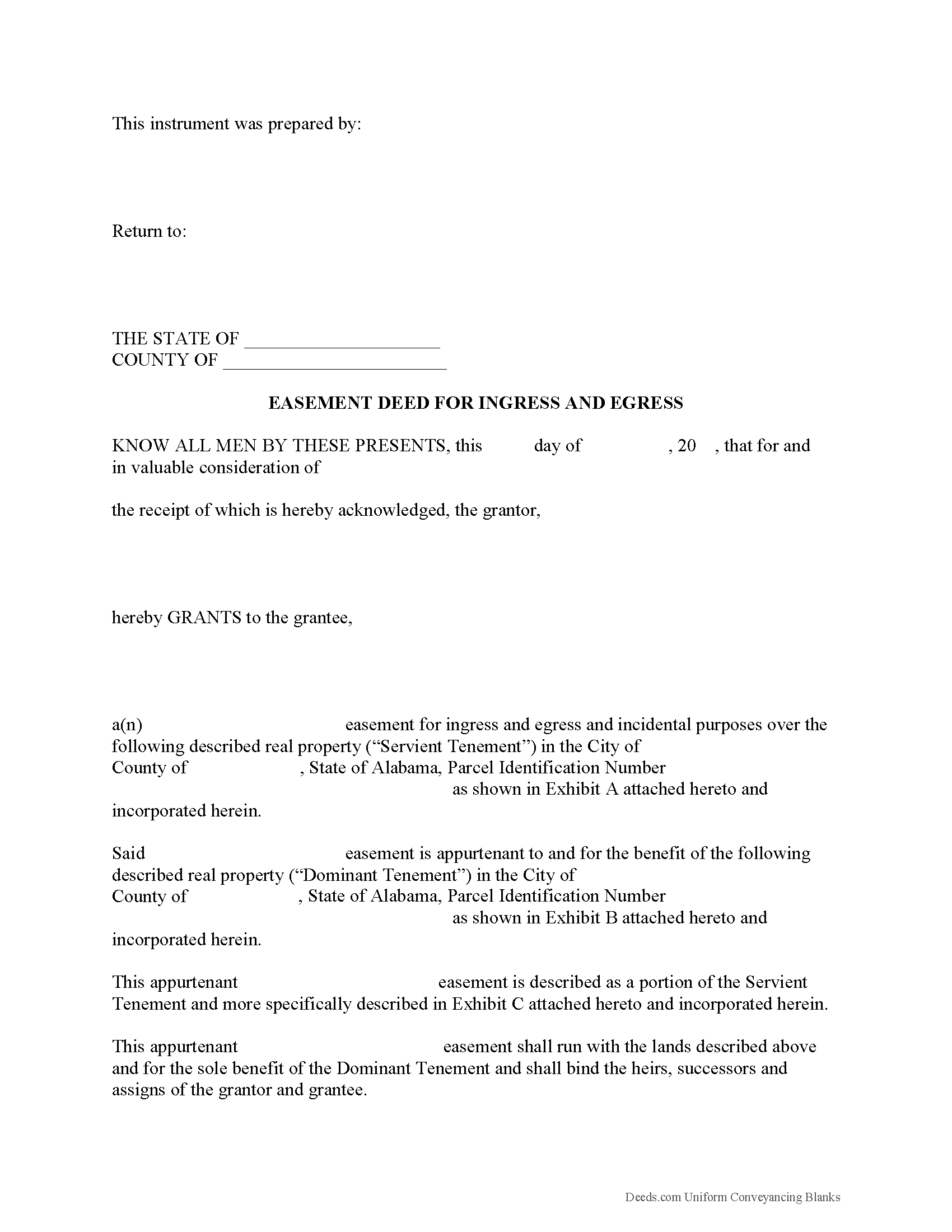
Dale County Easement Deed Form
Fill in the blank form formatted to comply with all recording and content requirements.
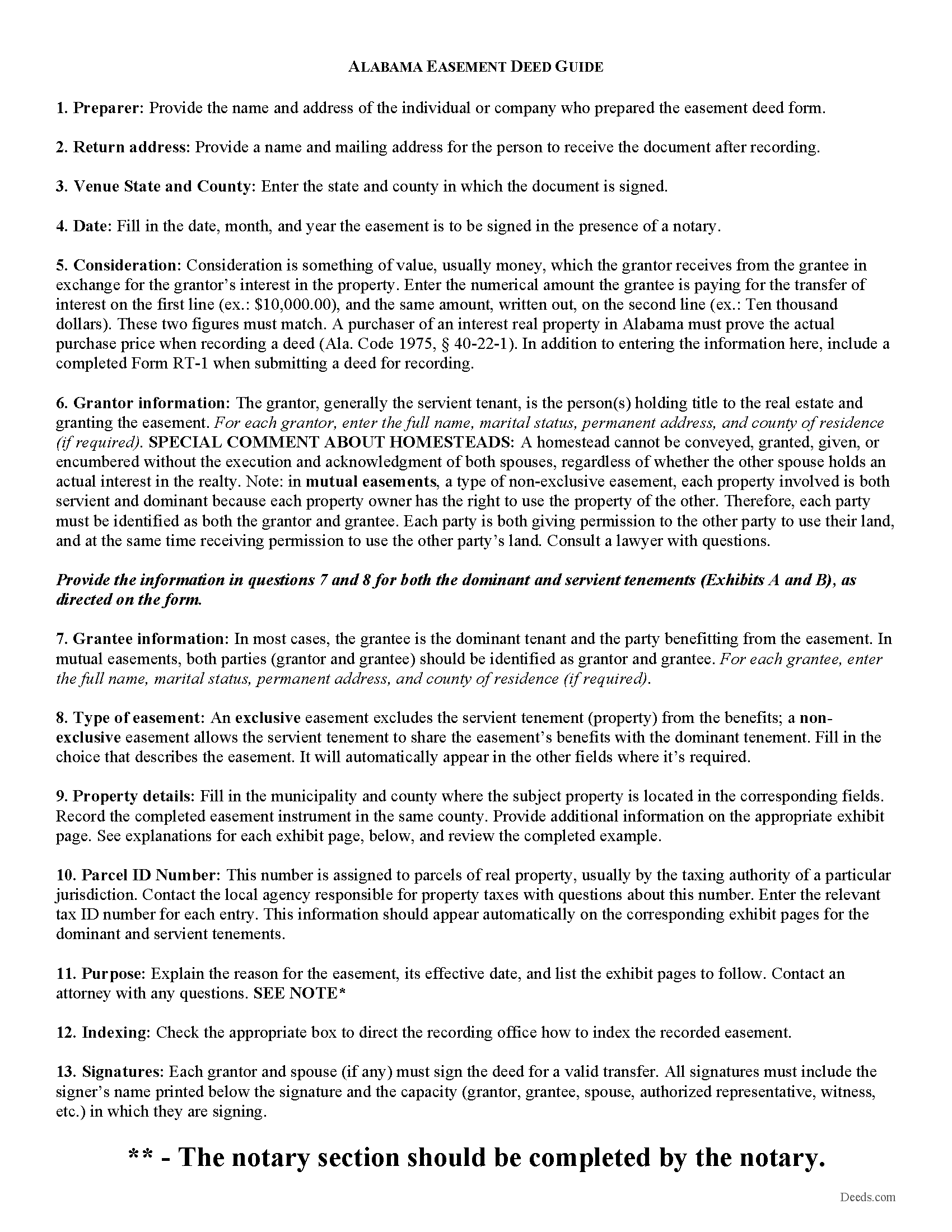
Dale County Easement Deed Guide
Line by line guide explaining every blank on the form.
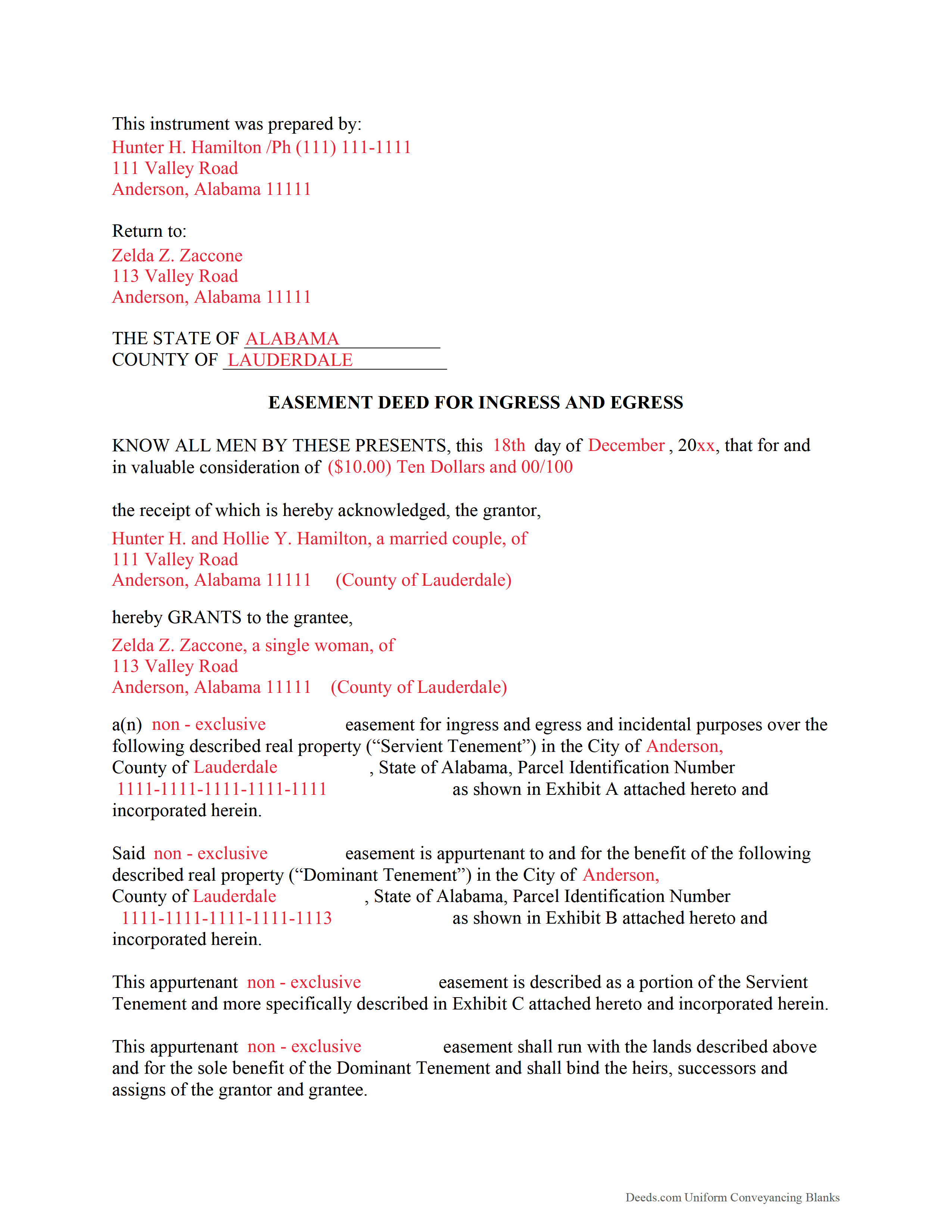
Dale County Completed Example of the Easement Deed Document
Example of a properly completed form for reference.
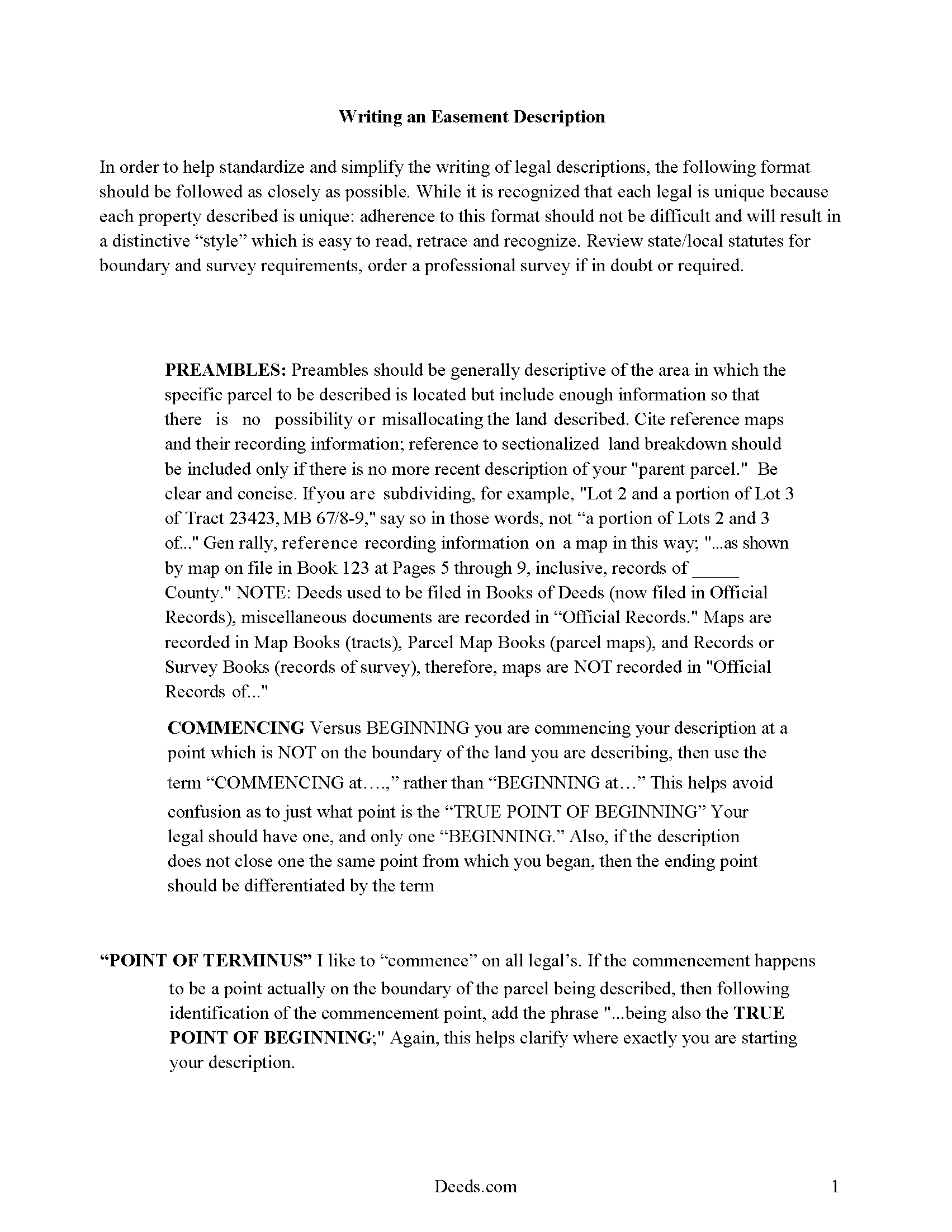
Dale County Guide to Writing an Easement Description
A Description of the Easement will be required, apply this guide to write an acceptable description of an easement/right of way, which gives access, to and from - point A to point B.
All 4 documents above included • One-time purchase • No recurring fees
Immediate Download • Secure Checkout
Additional Alabama and Dale County documents included at no extra charge:
Where to Record Your Documents
Sharon A. Michalic, Judge of Probate
Ozark, Alabama 36360
Hours: Monday-Thursday 7:00AM to 5:00PM. Closed on Friday
Phone: (334) 774-2754
Recording Tips for Dale County:
- Bring your driver's license or state-issued photo ID
- Ensure all signatures are in blue or black ink
- Leave recording info boxes blank - the office fills these
- Make copies of your documents before recording - keep originals safe
- Recorded documents become public record - avoid including SSNs
Cities and Jurisdictions in Dale County
Properties in any of these areas use Dale County forms:
- Ariton
- Daleville
- Fort Rucker
- Level Plains
- Midland City
- Newton
- Ozark
- Pinckard
- Skipperville
Hours, fees, requirements, and more for Dale County
How do I get my forms?
Forms are available for immediate download after payment. The Dale County forms will be in your account ready to download to your computer. An account is created for you during checkout if you don't have one. Forms are NOT emailed.
Are these forms guaranteed to be recordable in Dale County?
Yes. Our form blanks are guaranteed to meet or exceed the applicable formatting requirements used for recording in Dale County, including margin requirements, font requirements, and other layout standards. This guarantee applies to formatting, not to the legal sufficiency of information entered by the user or the suitability of a form for a particular transaction.
Can I reuse these forms?
Yes. You can reuse the forms for your personal use. For example, if you have multiple properties in Dale County you only need to order once.
What do I need to use these forms?
The forms are PDFs that you fill out on your computer. The free Adobe Acrobat Reader is recommended, and most PDF apps also work. You do NOT enter your property information online - you download the blank forms and complete them privately on your own computer.
Are there any recurring fees?
No. This is a one-time purchase. Nothing to cancel, no memberships, no recurring fees.
How much does it cost to record in Dale County?
Recording fees in Dale County vary. Contact the recorder's office at (334) 774-2754 for current fees.
Questions answered? Let's get started!
An Alabama Easement Deed is used to grant a defined right to use another person’s land—such as for access, utilities, or drainage—while leaving ownership with the grantor. In Alabama, easements can arise without a written instrument through implication or necessity, which makes a clearly drafted and recorded easement deed especially important to establish scope, location, and enforceability in the county probate records.
What an Alabama Easement Deed Does and When It Is Used
An Alabama Easement Deed creates a non-possessory interest that allows the grantee to use a specific portion of the servient property for a stated purpose. It is commonly used for driveway access, shared roads, utility lines, ingress and egress, or drainage rights, particularly where adjoining parcels depend on one another for access or infrastructure.
Alabama-Specific Legal Requirements
Alabama requires conveyances of interests in land, including easements, to be in writing and signed by the grantor (Ala. Code § 35-4-20). The instrument should clearly identify:
- The grantor (servient owner) and grantee (benefited party)
- The purpose and scope of the easement
- A precise legal description of the affected area
- Whether the easement is permanent or limited in duration
Because Alabama recognizes implied and prescriptive easements, a recorded deed helps avoid disputes by defining the rights in express terms rather than relying on historical use.
Execution Requirements in Alabama
To be recordable, an Alabama Easement Deed must be properly executed. The grantor must sign the document, and the signature must be either:
- Attested by at least one witness, or
- Acknowledged before a notary public, which satisfies the witness requirement (Ala. Code § 35-4-20)
Only the grantor is required to sign, but all signatures must be properly acknowledged or witnessed for recording acceptance.
Common Alabama Easement Traps
- Homestead rights: If the property is a homestead, a spouse may need to join in the conveyance to release homestead rights (Ala. Code § 6-10-3). Failure to include the spouse can invalidate the easement.
- Marital status disclosure: Alabama practice requires stating the grantor’s marital status, which can affect title validity.
- Vague descriptions: Easements that lack a defined location or dimensions may lead to disputes or enforcement issues.
- Unrecorded easements: While valid between parties, unrecorded easements may not protect against subsequent purchasers without notice.
- Overlap with implied rights: Existing implied or prescriptive easements may conflict with new grants if not carefully reviewed.
Recording an Easement Deed in Alabama
Easement deeds are recorded in the probate office of the county where the property is located. Recording establishes priority and provides public notice of the easement (Ala. Code § 35-4-90). Requirements typically include:
- Original signed and acknowledged document
- Correct legal description of the burdened property
- Applicable recording fees set by the county
Prompt recording is critical because Alabama follows a race-notice system, meaning later purchasers who record first without notice of the easement may take priority.
Types of Easements Recognized in Alabama
- Appurtenant easements: Attach to and benefit a specific parcel of land and transfer automatically with that parcel
- Easements in gross: Benefit a person or entity rather than a parcel, often used for utilities
- Prescriptive easements: Arise through continuous, open, and adverse use over time
The type of easement affects transferability and duration, so the deed should clearly identify the nature of the interest being created.
Vesting and Duration Considerations
In Alabama, appurtenant easements typically run with the land and bind future owners of both the dominant and servient estates. Easements in gross may or may not be transferable depending on their terms. The deed should state whether the easement is perpetual or subject to conditions or termination events.
What the Download Package Includes
- Alabama Easement Deed form formatted for county recording
- Step-by-step instructions for completing the form
- Example of a properly completed easement deed
- Guidance on execution and recording requirements in Alabama
Important: Your property must be located in Dale County to use these forms. Documents should be recorded at the county recording office listed above.
This Easement Deed meets all recording requirements specific to Dale County.
Our Promise
The documents you receive here are guaranteed to meet or exceed the applicable Dale County recording format requirements. If there is a rejection caused by our formatting, we will correct the issue or refund your payment. This guarantee applies to document formatting only and does not extend to information entered by the user, the selection of the form, or the legal effect of the completed document.
Save Time and Money
Get your Dale County Easement Deed form done right the first time with Deeds.com Uniform Conveyancing Blanks. At Deeds.com, we understand that your time and money are valuable resources, and we don't want you to face a penalty fee or rejection imposed by a county recorder for submitting nonstandard documents. We constantly review and update our forms to meet rapidly changing state and county recording requirements for roughly 3,500 counties and local jurisdictions.
4.8 out of 5 - ( 4,818 Reviews )
Barbara P. 5 out of 5 stars
Easy and fast!
We appreciate your business and value your feedback. Thank you. Have a wonderful day!
Linda F. 5 out of 5 stars
I can't recommend working with Deeds.com enough. I had been given incorrect information from another document service. The helpful staff member at Deeds.com that assisted in the submission of the recording was exceptionally helpful in making sure what I was submitting included the necessary elements required by the county. I am very thankful I chose Deeds.com for my eRecording service. Thank you!!
Thank you, Linda! We’re so glad our team could assist in making sure your submission met the county’s requirements. It means a lot that you chose Deeds.com after a frustrating experience elsewhere. We appreciate your trust and kind words!
Anne-Marie B. 5 out of 5 stars
This was the first time I have ever e-recorded a document. The process was smooth and simple. I loved being informed at each step along the way. I am glad I chose deeds.com and plan to use them in the future for all my electronic recording of legal documents.
Thank you!
Thomas N. 5 out of 5 stars
Great service, truly helpful & saves time!!
Thank you!
Sue C. 5 out of 5 stars
Very helpful. Easy to use. Able to avoid the cost of having an attorney prepare the document I needed.
Your appreciative words mean the world to us. Thank you and we look forward to serving you again!
Mary S. 5 out of 5 stars
I am so excited to find this site. Thank you
Thank you Mary. We appreciate your enthusiasm, have a great day!
Jason B. 5 out of 5 stars
KVH provided excellent customer service (great communication was provided). I would differently use this service if needed in the further.
We appreciate your business and value your feedback. Thank you. Have a wonderful day!
Jessica P. 5 out of 5 stars
Quick and easy to use and with the provided instructions and example it took a lot of the guess work out.
Thank you for your feedback. We really appreciate it. Have a great day!
Riley K G. 5 out of 5 stars
Awesome, way better than some other offerings out there. Unfortunately some people won't realize that until it's too late.
Thank you!
DEBORAH G. 3 out of 5 stars
This product is good but the text boxes are not large enough to contain the information required for the form. Even dates do not display with the entry you make.
Thank you for your feedback. We really appreciate it. Have a great day!
Susan Mary S. 5 out of 5 stars
Thank you for the thorough assortment of forms!
Thank you for your feedback. We really appreciate it. Have a great day!
Janice U. 5 out of 5 stars
So far everything is going really well. Thank you!
Thank you!
Martin E. 5 out of 5 stars
documents and guidance need to properly comply with court
Thank you!
John G. 5 out of 5 stars
Very straightforward ordering process to obtain the forms I needed. Thank you.
Thank you!
RICHARD M. 5 out of 5 stars
After a little glitch due to heavy volume at the County Recorder, my document was recorded. County Recorder was closed to public access at the office (due to the coronavirus issues) so all documents were either mailed to them or sent in electronically. Deeds.com was very efficient at their end with very quick responses to my questions and concerns. I would definitely use their services again.
Thank you for your feedback. We really appreciate it. Have a great day!