Colbert County Mortgage Form
Last validated October 21, 2026 by our Forms Development TeamFormatted for recording in Colbert County, for property anywhere in the county: rural and unincorporated areas as well as Cherokee, Leighton, Muscle Shoals, Sheffield, Tuscumbia.
- 7 documents included
- Immediate PDF download
- Formatting guarantee
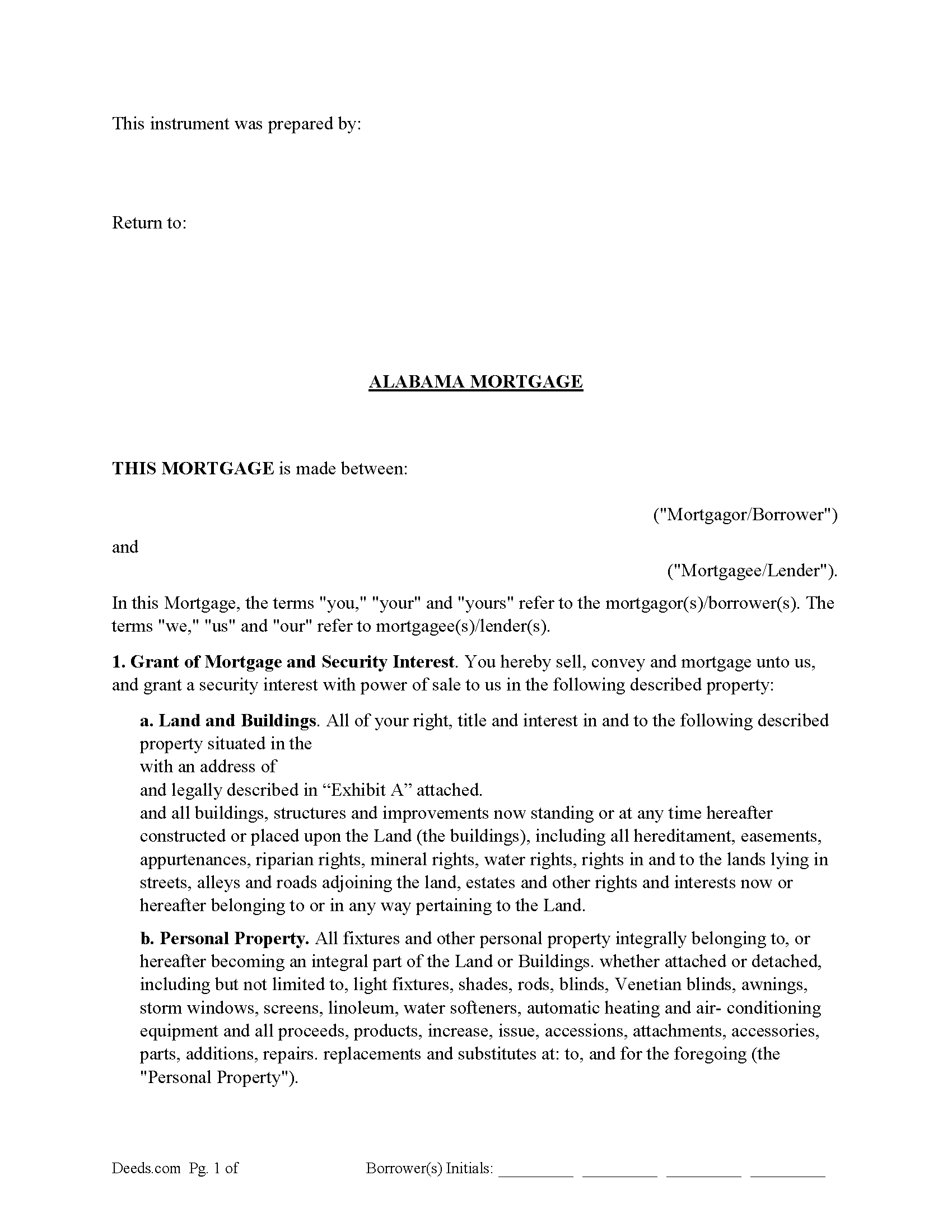
Colbert County Mortgage Form
Fill in the blank form formatted to comply with all recording and content requirements.
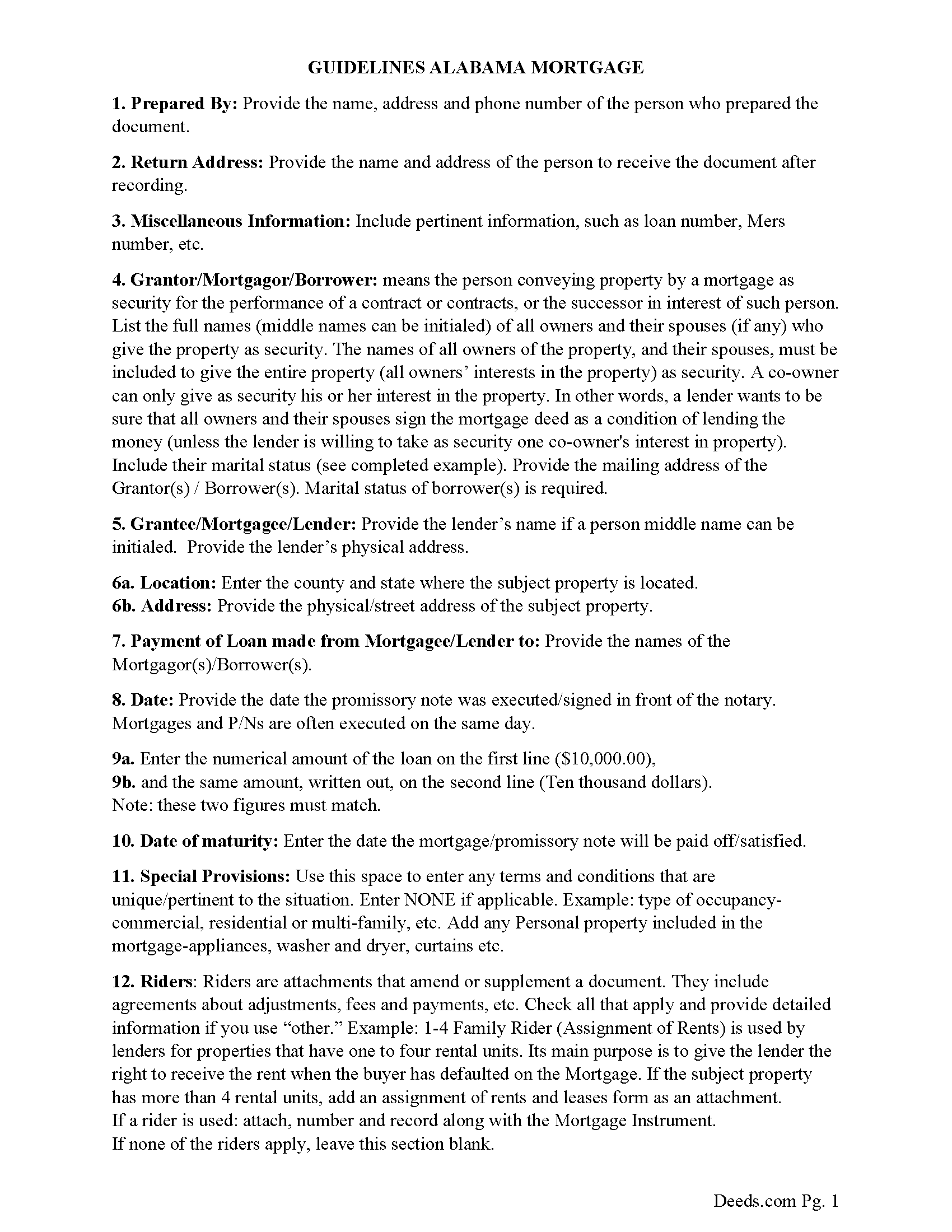
Colbert County Mortgage Guidelines
Line by line guide explaining every blank on the form.
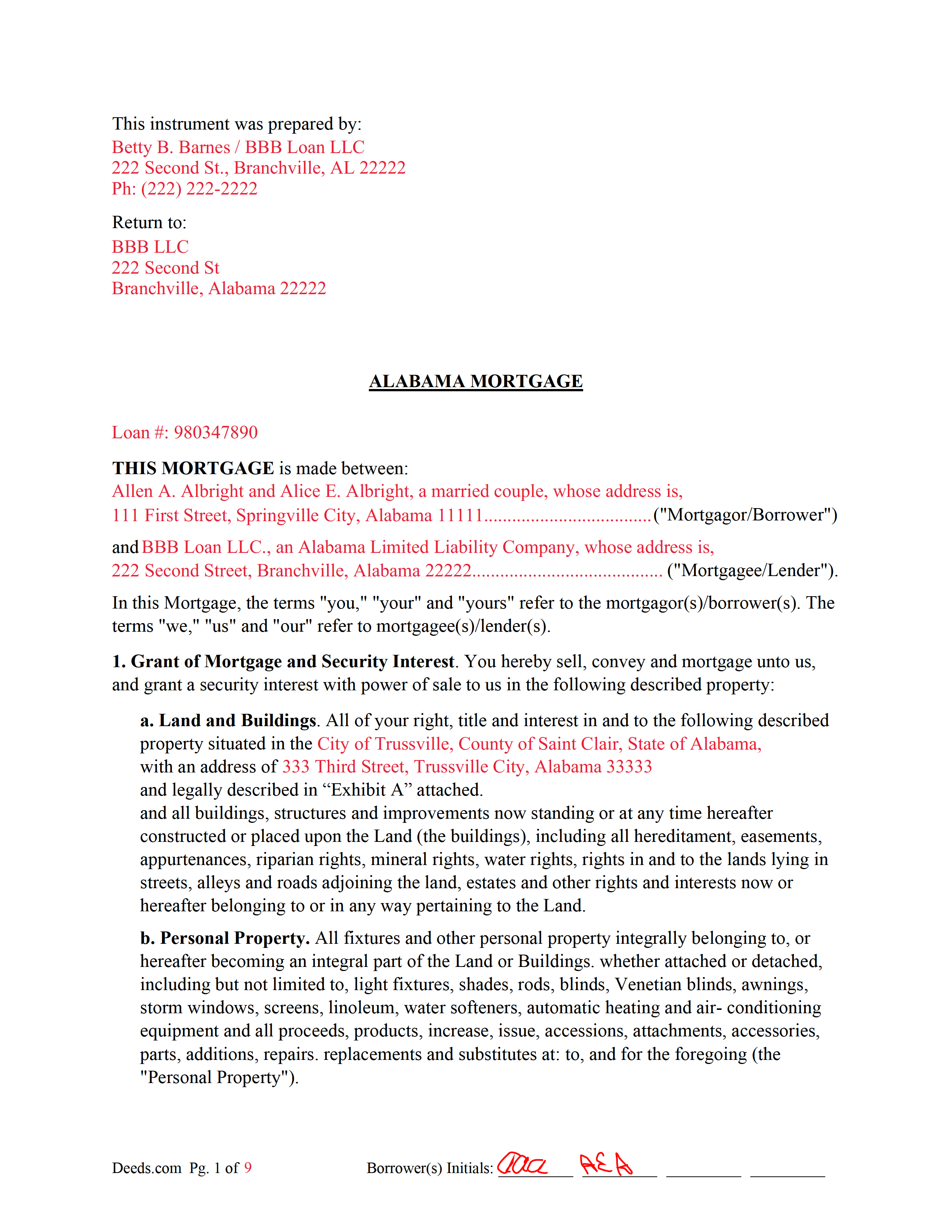
Colbert County Completed Example of the Mortgage Document
Example of a properly completed form for reference.
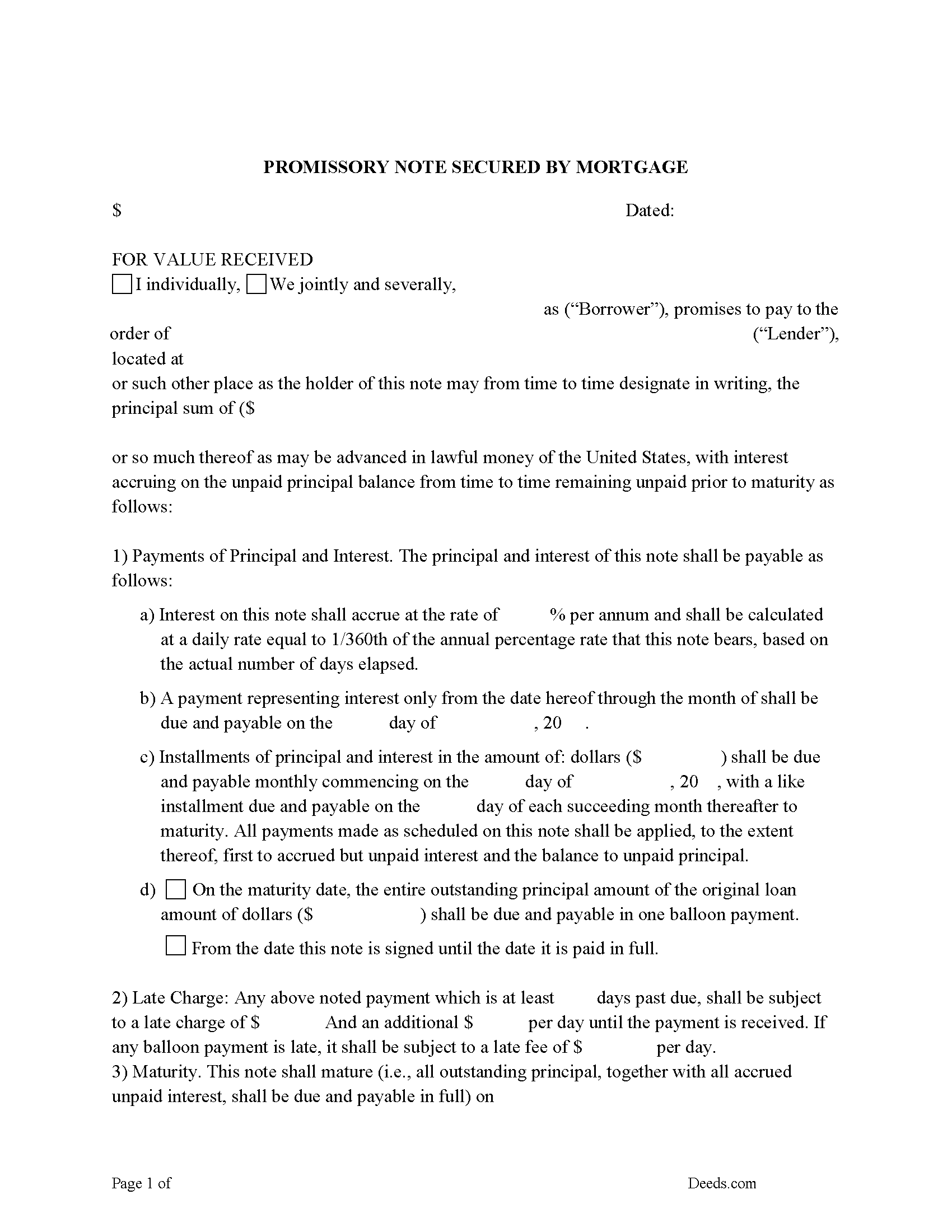
Colbert County Promissory Note Form
Note that is secured by the Mortgage. Can be used for traditional installments or balloon payment.
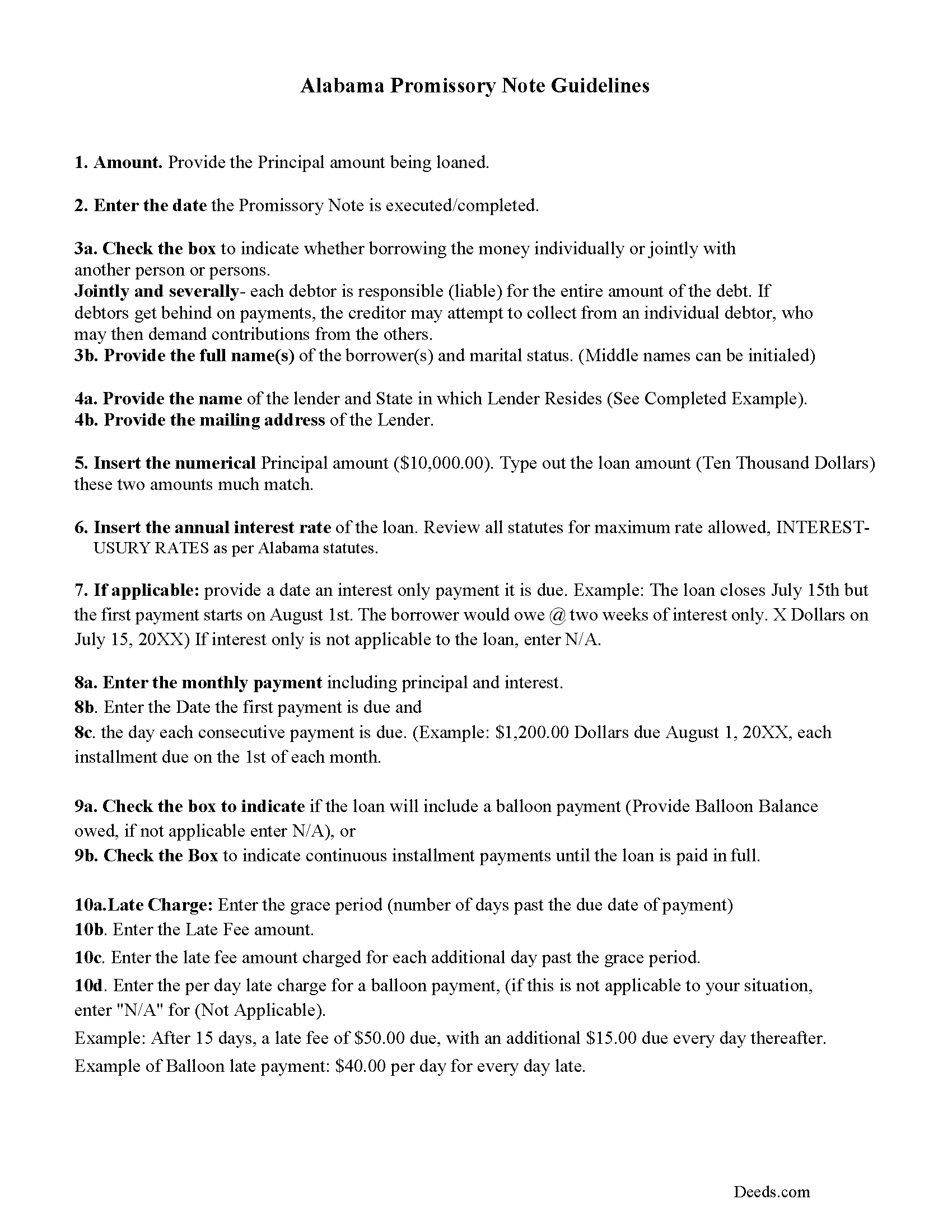
Colbert County Promissory Note Guidelines
Line by line guide explaining every blank on the form.
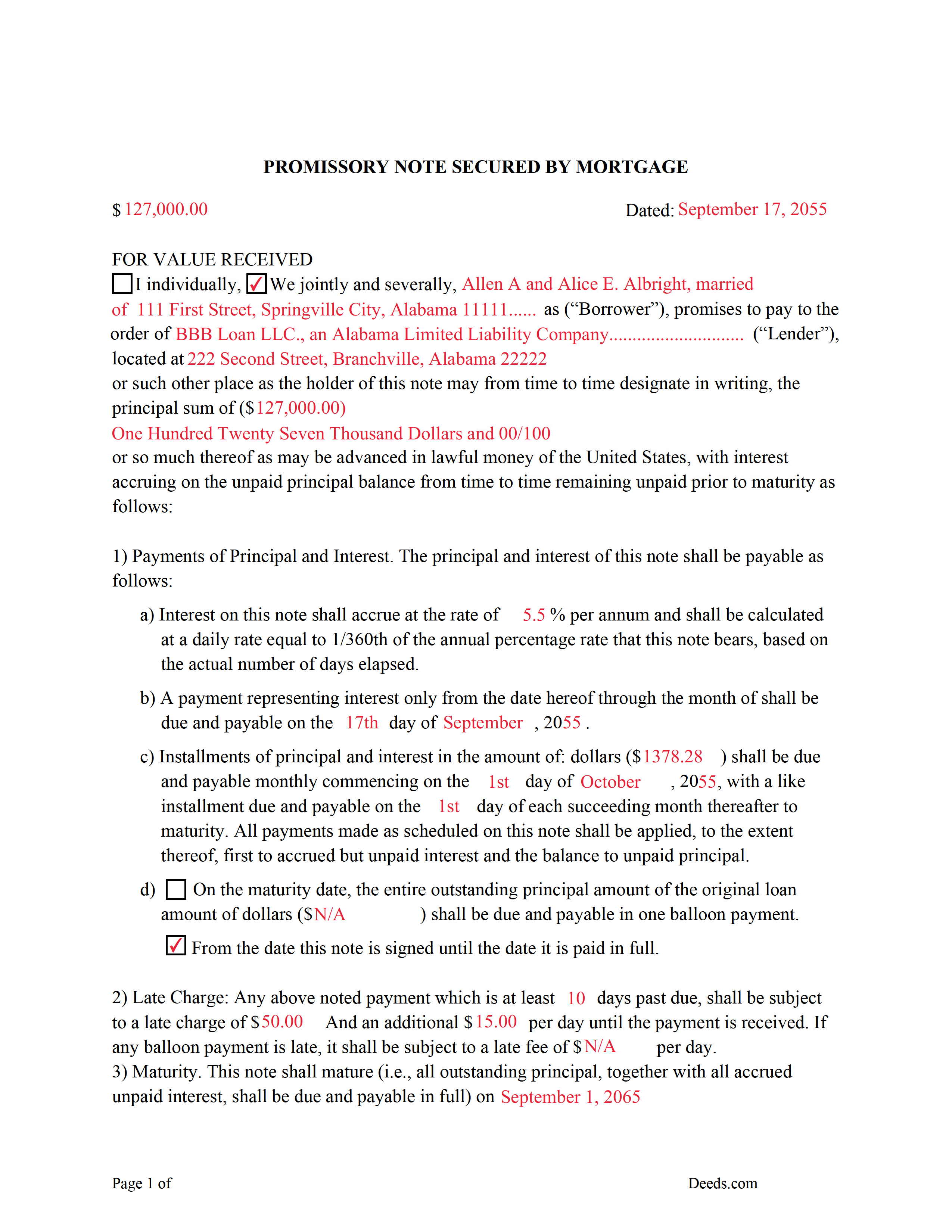
Colbert County Completed Example of the Promissory Note Document
Example of a properly completed form for reference.
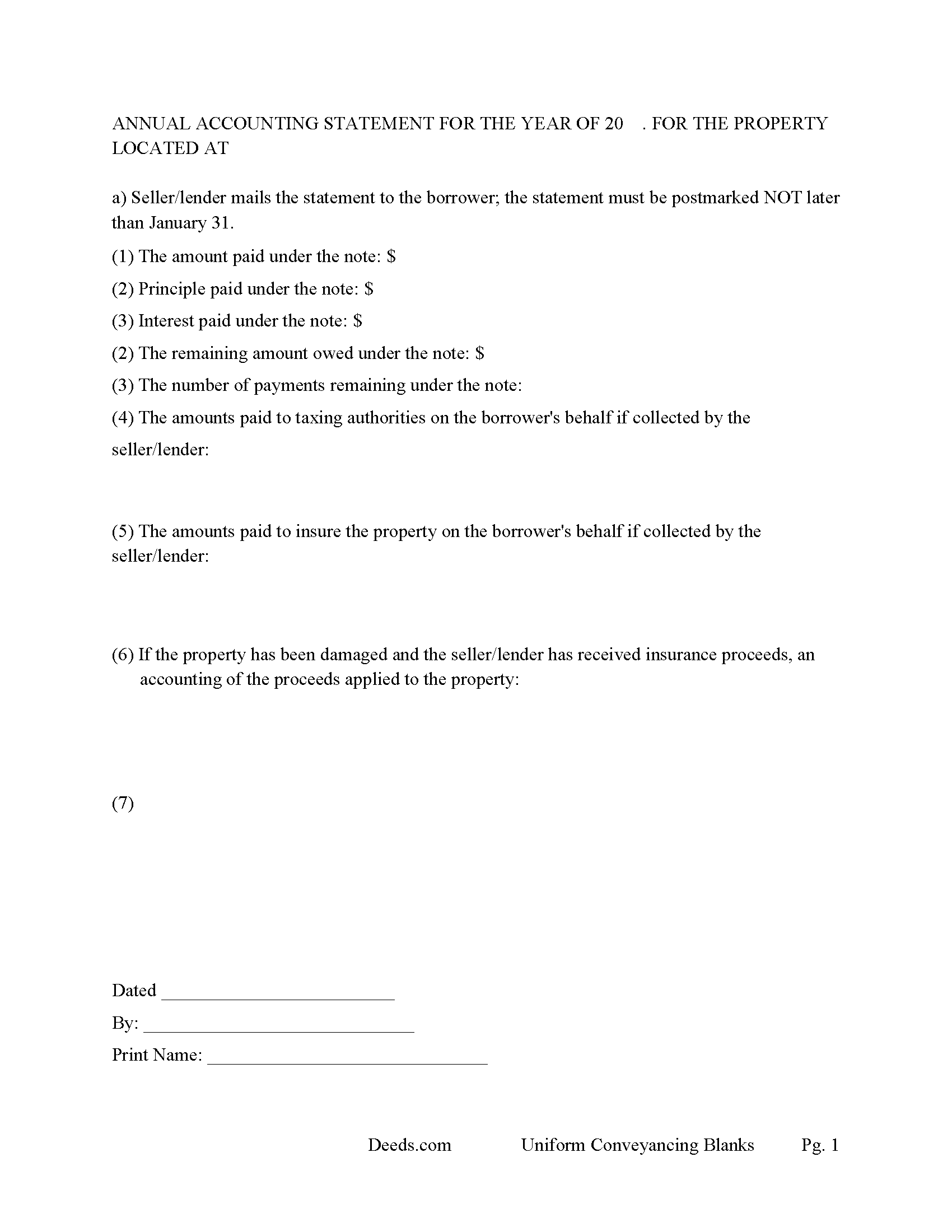
Colbert County Annual Accounting Statement Form
Mail to borrower for fiscal year reporting.
All 7 documents above included • One-time purchase • No recurring fees
Immediate Download • Secure Checkout
Additional Alabama and Colbert County documents included at no extra charge:
Where to Record Your Documents
Probate Office: Records Department
Tuscumbia, Alabama 35674
Hours: 8:00 to 4:30 M-F
Phone: (256) 386-8546
Recording Tips for Colbert County:
- Bring your driver's license or state-issued photo ID
- Ensure all signatures are in blue or black ink
- Double-check legal descriptions match your existing deed
- Verify all names are spelled correctly before recording
- White-out or correction fluid may cause rejection
Cities and Jurisdictions in Colbert County
Properties in any of these areas use Colbert County forms:
- Cherokee
- Leighton
- Muscle Shoals
- Sheffield
- Tuscumbia
Hours, fees, requirements, and more for Colbert County
How do I get my forms?
Forms are available for immediate download after payment. The Colbert County forms will be in your account ready to download to your computer. An account is created for you during checkout if you don't have one. Forms are NOT emailed.
Are these forms guaranteed to be recordable in Colbert County?
Yes. Our form blanks are guaranteed to meet or exceed the applicable formatting requirements used for recording in Colbert County, including margin requirements, font requirements, and other layout standards. This guarantee applies to formatting, not to the legal sufficiency of information entered by the user or the suitability of a form for a particular transaction.
Can I reuse these forms?
Yes. You can reuse the forms for your personal use. For example, if you have multiple properties in Colbert County you only need to order once.
What do I need to use these forms?
The forms are PDFs that you fill out on your computer. The free Adobe Acrobat Reader is recommended, and most PDF apps also work. You do NOT enter your property information online - you download the blank forms and complete them privately on your own computer.
Are there any recurring fees?
No. This is a one-time purchase. Nothing to cancel, no memberships, no recurring fees.
How much does it cost to record in Colbert County?
Recording fees in Colbert County vary. Contact the recorder's office at (256) 386-8546 for current fees.
Questions answered? Let's get started!
An Alabama Mortgage is the primary security instrument used to finance real property in Alabama, tying a borrower’s repayment obligation to the property itself and creating a recorded lien in favor of the lender. What makes the Alabama mortgage different is how it is treated under state law: it operates as a security instrument tied to a separate promissory note, is recorded in the county probate system, and commonly includes a power of sale clause that allows non-judicial foreclosure. If the mortgage is not properly executed and recorded under Alabama requirements, the lender’s lien position—and the borrower’s title—can be compromised. :contentReference[oaicite:0]{index=0}
What the Alabama Mortgage does
An Alabama Mortgage secures repayment of a loan by placing a lien against the property. The borrower signs both the mortgage (the security instrument) and a promissory note, which contains the actual repayment terms. The borrower typically takes possession and uses the property, while the mortgage creates the lender’s enforceable interest until the debt is paid. Once satisfied, the mortgage is released and removed from the public record. :contentReference[oaicite:1]{index=1}
Alabama statutory framework and mortgage structure
Alabama mortgage law is governed primarily under Title 35, Chapter 10 of the Code of Alabama. The mortgage itself is not a standalone loan document—it works together with the promissory note, which defines the debt and repayment terms. Alabama does not prescribe a single statutory form for mortgages, but the instrument must contain sufficient information to identify the parties, the obligation, and the property being used as collateral. :contentReference[oaicite:2]{index=2}
Most Alabama mortgages include a power of sale provision, which allows the lender to foreclose without filing a court action if the borrower defaults (Ala. Code § 35-10-1). This non-judicial foreclosure framework is a key distinction in Alabama and affects how lenders enforce their rights.
Execution requirements for an Alabama mortgage
To be recordable, an Alabama Mortgage must be signed by each borrower and executed in compliance with state law. Alabama requires that conveyances affecting land be attested by at least one witness if the signer writes his or her name, unless the document is properly acknowledged before a notary public (Ala. Code § 35-4-20). A proper acknowledgment satisfies the statutory requirement for recording (Ala. Code § 35-4-23).
For homestead property—generally a single-family owner-occupied dwelling—Alabama requires the voluntary signature and assent of the spouse, even if the spouse is not a borrower (Ala. Code § 6-10-3). This is a critical execution requirement that differs from many states and must be addressed before recording.
Alabama-specific traps that cause recording or title problems
- Homestead spousal signature: Failure to obtain the spouse’s signature on a homestead mortgage can render the lien defective or unenforceable (Ala. Code § 6-10-3).
- Marital-status recital: Alabama requires the marital status of the conveying party to be stated before recording (Ala. Code § 35-4-73).
- Preparer identification: The mortgage must include the name and address of the preparer (Ala. Code § 35-4-110).
- Legal description accuracy: The property description must be complete and consistent with recorded deeds. If referencing a subdivision, proper plat information must be included (Ala. Code § 35-4-74).
- Power of sale implications: Alabama mortgages commonly include a power of sale clause, allowing non-judicial foreclosure. The terms of this clause directly affect enforcement rights (Ala. Code § 35-10-1).
- Exact name matching: Borrower names must match existing title records. Errors can cause indexing problems or delays in future transactions.
- Riders and attachments: If the mortgage includes riders or additional terms, they must be clearly identified and attached to avoid incomplete recording.
Recording process in Alabama
The Alabama Mortgage is recorded with the Judge of Probate in the county where the property is located. Recording establishes the lender’s lien in the public record and determines priority against other claims under Alabama’s race-notice system (Ala. Code § 35-4-90). Once recorded, the mortgage becomes part of the property’s title history and will be reviewed in any future sale or refinance.
Recording fees apply, and Alabama imposes recordation taxes on mortgages under Title 40, Chapter 22. The probate office calculates the applicable tax based on the amount secured and collects it at the time of recording.
Vesting considerations in Alabama
The mortgage must reflect the current ownership structure of the property. Alabama does not presume survivorship in co-ownership unless expressly stated in the creating instrument (Ala. Code § 35-4-7). Ensuring that all owners of record properly execute the mortgage helps maintain a clear chain of title and enforceable lien.
What is included in the download package
The Alabama Mortgage package includes the mortgage form, detailed instructions, and a completed example, along with guidance for completing a secured promissory note. It is designed for Alabama use and addresses probate recording requirements, acknowledgment or witness compliance, homestead spousal signatures, preparer identification, and proper property description formatting.
Important: Your property must be located in Colbert County to use these forms. Documents should be recorded at the county recording office listed above.
This Mortgage meets all recording requirements specific to Colbert County.
Our Promise
The documents you receive here are guaranteed to meet or exceed the applicable Colbert County recording format requirements. If there is a rejection caused by our formatting, we will correct the issue or refund your payment. This guarantee applies to document formatting only and does not extend to information entered by the user, the selection of the form, or the legal effect of the completed document.
Save Time and Money
Get your Colbert County Mortgage form done right the first time with Deeds.com Uniform Conveyancing Blanks. At Deeds.com, we understand that your time and money are valuable resources, and we don't want you to face a penalty fee or rejection imposed by a county recorder for submitting nonstandard documents. We constantly review and update our forms to meet rapidly changing state and county recording requirements for roughly 3,500 counties and local jurisdictions.
4.8 out of 5 - ( 4,830 Reviews )
Constance F. 5 out of 5 stars
Quick and easy download with instructions and a sample document to ensure conformity to the different jurisdictions.
Thank you!
Susan S. 5 out of 5 stars
Very quick, easy and readily available forms. No wait, no advertisements, no pressure to purchase MORE. I expected to only get part of the information I needed, and for there to be a hidden cost to get the complete package, but surprisingly, I got immediate access to all the forms I ordered, AND THERE WERE NO ADDITIONAL HIDDEN COSTS! How refreshing!
Thank you Susan, we really appreciate your feedback.
RICHARD M. 5 out of 5 stars
After a little glitch due to heavy volume at the County Recorder, my document was recorded. County Recorder was closed to public access at the office (due to the coronavirus issues) so all documents were either mailed to them or sent in electronically. Deeds.com was very efficient at their end with very quick responses to my questions and concerns. I would definitely use their services again.
Thank you for your feedback. We really appreciate it. Have a great day!
Pamela L. 5 out of 5 stars
Well this could not have been any easier for me! Deeds made this whole process very efficient, and simple. I will definitely be a return customer when needed. Thank You!
Thank you Pamela, we appreciate you!
Gerald S. 5 out of 5 stars
The paperwork for our transfer on death deed was easy to fill out and the county has excepted it for recording Very satisfied.
We appreciate your business and value your feedback. Thank you. Have a wonderful day!
Gabriela C. 5 out of 5 stars
Easy
Thank you!
Mark S. 5 out of 5 stars
Excellent service, quick and very efficient! Thanks for your great service!
We appreciate your business and value your feedback. Thank you. Have a wonderful day!
Leadon N. 5 out of 5 stars
Forms were easy to find, print, and complete.
We appreciate your business and value your feedback. Thank you. Have a wonderful day!
Dan B. 5 out of 5 stars
Excellent service even faster then I expected. Very pleased and a reasonable priced document. I encourage people too use Deeds.Com
Thank you for your feedback. We really appreciate it. Have a great day!
Dominick D. 5 out of 5 stars
Deed.com was easy to work with, not just a website, they have real people that speak to you. They were extremely helpful with a VERY difficult Northeast county. They made the process smooth and effortless.
We appreciate your business and value your feedback. Thank you. Have a wonderful day!
CHERYL G. 5 out of 5 stars
After my county rejected a deed from another company, I researched better and purchased my Lady Bird Deed from Deeds.com. Very simple, received everything immediately. Printed out sample and guide sheets and filled out my deed. Very thorough and easy to understand. All the additional forms were awesome. And the best part is, my county recorded my deed this morning! WooHoo! Very happy customer! Thank you!
Glad to hear! Thanks for taking the time to leave your review. We appreciate you. Have a great day.
Timothy B. 3 out of 5 stars
Excellent sample deed, very helpful. Unfortunately, the fill-able template only allowed for one BENEFICIARY.
Thank you for your feedback. We really appreciate it. Have a great day!
jim g. 5 out of 5 stars
so far so good. was hoping to have the recorded document already. i need the recorded document by friday, june 5th for my city approval. anyway you can please get it to me tomorrow. thanks, jim
Thank you!
Donald P. 4 out of 5 stars
Very fast and efficient. Easy to fill out but was upset the latest tax exemptions ruled in 2014 did not seem to be included. Exclusion of sale to blood relatives, etc. _ the one I needed.
Thank you for your feedback. We really appreciate it. Have a great day!
Daniel L. 5 out of 5 stars
Very good. The right forms and instructions . Thanks
We appreciate your business and value your feedback. Thank you. Have a wonderful day!