Blount County Notice of Unpaid Balance Lien Form
Last validated August 21, 2026 by our Forms Development TeamFormatted for recording in Blount County, for property anywhere in the county: rural and unincorporated areas as well as Allgood, Blountsville, Cleveland, Hayden, Locust Fork, Oneonta, Remlap.
- 3 documents included
- Immediate PDF download
- Formatting guarantee
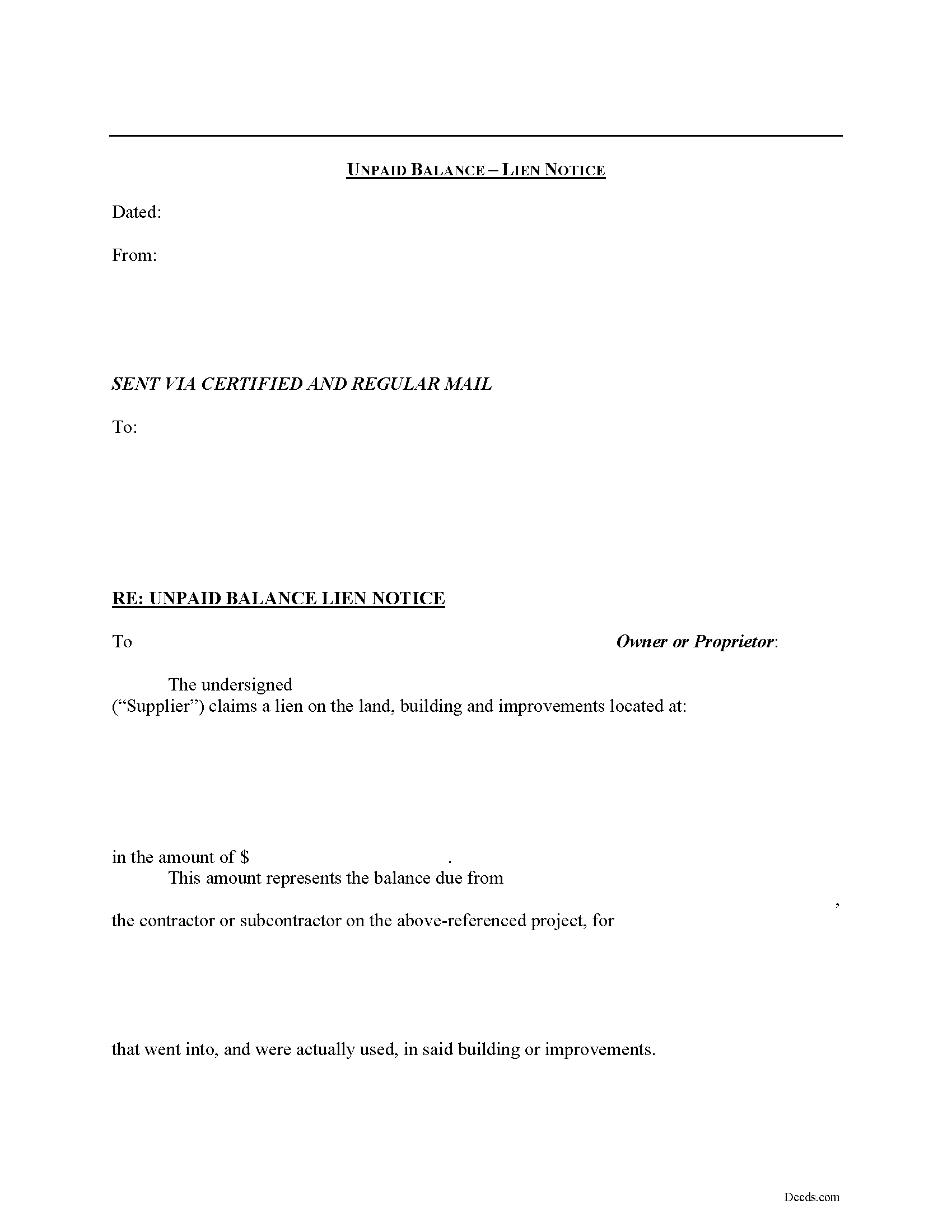
Blount County Notice of Unpaid Balance Lien Form
Fill in the blank Notice of Unpaid Balance Lien form formatted to comply with all Alabama recording and content requirements.
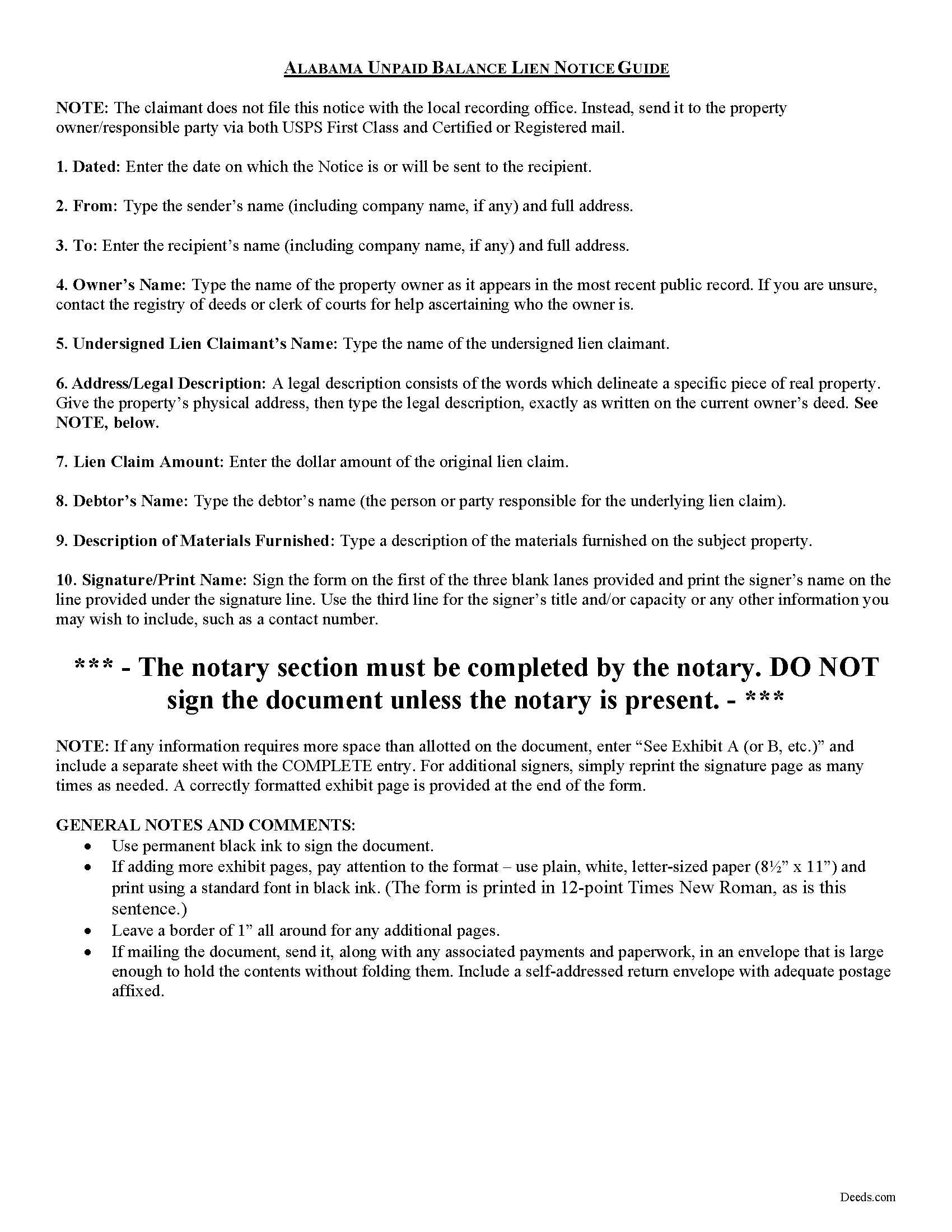
Blount County Notice of Unpaid Balance Lien Guide
Line by line guide explaining every blank on the form.
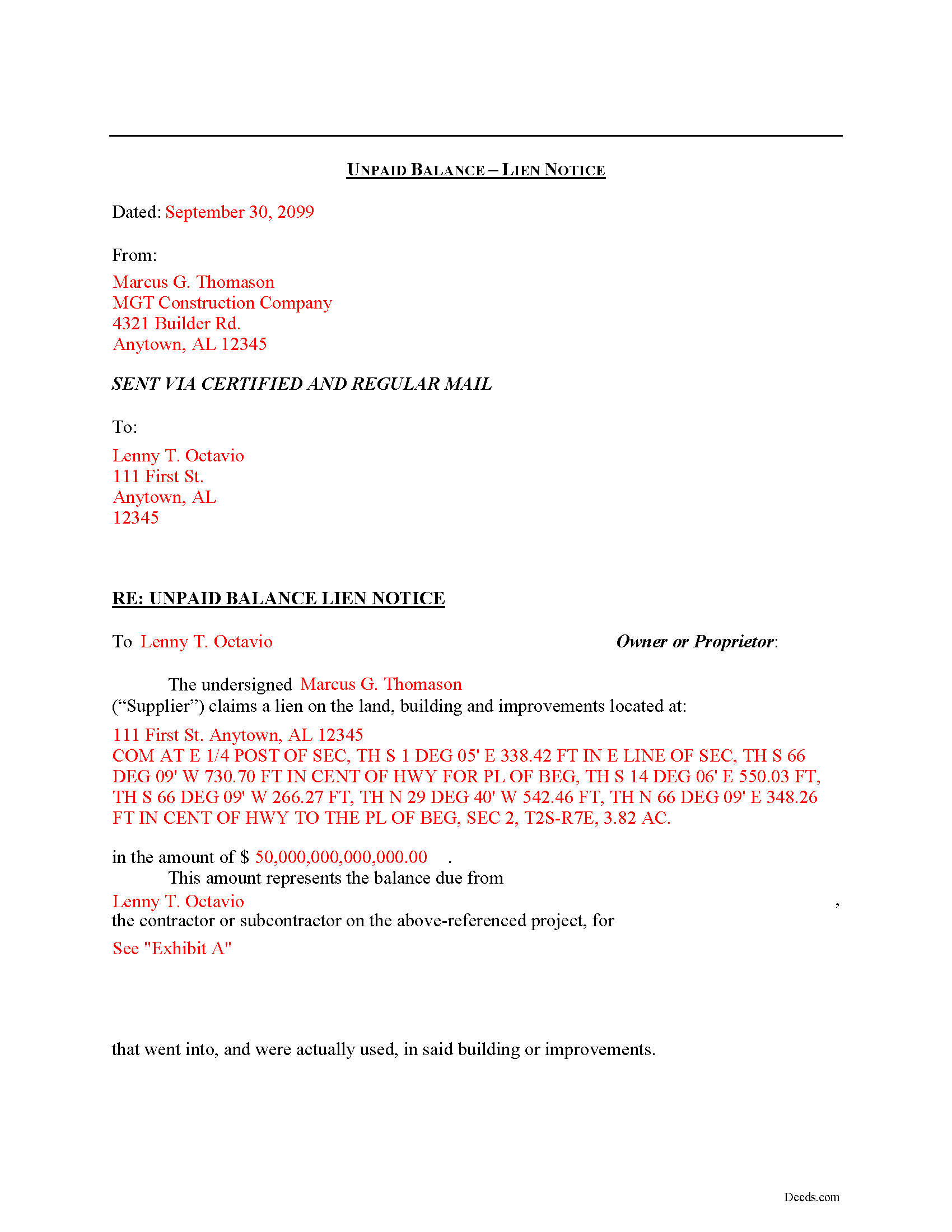
Blount County Completed Example of the Notice of Unpaid Balance Lien Document
Example of a properly completed form for reference.
All 3 documents above included • One-time purchase • No recurring fees
Immediate Download • Secure Checkout
Additional Alabama and Blount County documents included at no extra charge:
Where to Record Your Documents
Blount County Probate Office
Oneonta, Alabama 35121
Hours: 8:00am-5:00pm M-F
Phone: (205) 625-4191
Recording Tips for Blount County:
- Bring your driver's license or state-issued photo ID
- Ensure all signatures are in blue or black ink
- Ask if they accept credit cards - many offices are cash/check only
- Check that your notary's commission hasn't expired
- Documents must be on 8.5 x 11 inch white paper
Cities and Jurisdictions in Blount County
Properties in any of these areas use Blount County forms:
- Allgood
- Blountsville
- Cleveland
- Hayden
- Locust Fork
- Oneonta
- Remlap
Hours, fees, requirements, and more for Blount County
How do I get my forms?
Forms are available for immediate download after payment. The Blount County forms will be in your account ready to download to your computer. An account is created for you during checkout if you don't have one. Forms are NOT emailed.
Are these forms guaranteed to be recordable in Blount County?
Yes. Our form blanks are guaranteed to meet or exceed the applicable formatting requirements used for recording in Blount County, including margin requirements, font requirements, and other layout standards. This guarantee applies to formatting, not to the legal sufficiency of information entered by the user or the suitability of a form for a particular transaction.
Can I reuse these forms?
Yes. You can reuse the forms for your personal use. For example, if you have multiple properties in Blount County you only need to order once.
What do I need to use these forms?
The forms are PDFs that you fill out on your computer. The free Adobe Acrobat Reader is recommended, and most PDF apps also work. You do NOT enter your property information online - you download the blank forms and complete them privately on your own computer.
Are there any recurring fees?
No. This is a one-time purchase. Nothing to cancel, no memberships, no recurring fees.
How much does it cost to record in Blount County?
Recording fees in Blount County vary. Contact the recorder's office at (205) 625-4191 for current fees.
Questions answered? Let's get started!
Declaring an Unpaid Balance Lien in Alabama
Unpaid balance liens are used by material suppliers on a construction job. The term "material suppliers" refers to those parties who furnish materials incorporated in the building or improvement on the subject property.
Employees of the contractor or persons furnishing material to him or her, shall have a lien that extends only to the amount of any unpaid balance due to the contractor by the owner or proprietor, and the employees and materialmen shall also have a lien on the unpaid balance. See Ala. Code Ann. 35-11-210.
The unpaid balance lien notice contains the names of the lien claimant and property owner, as well as a description of the owner's property and of the materials furnished, and the claimed price amount. The notice should be sent to the owner of the property and any other interested party by both regular and certified mail to ensure delivery.
This article is provided for informational purposes only and should not be relied upon as a substitute for the advice from a licensed attorney. Please contact an Alabama attorney for any questions regarding mechanic's liens.
Important: Your property must be located in Blount County to use these forms. Documents should be recorded at the county recording office listed above.
This Notice of Unpaid Balance Lien meets all recording requirements specific to Blount County.
Our Promise
The documents you receive here are guaranteed to meet or exceed the applicable Blount County recording format requirements. If there is a rejection caused by our formatting, we will correct the issue or refund your payment. This guarantee applies to document formatting only and does not extend to information entered by the user, the selection of the form, or the legal effect of the completed document.
Save Time and Money
Get your Blount County Notice of Unpaid Balance Lien form done right the first time with Deeds.com Uniform Conveyancing Blanks. At Deeds.com, we understand that your time and money are valuable resources, and we don't want you to face a penalty fee or rejection imposed by a county recorder for submitting nonstandard documents. We constantly review and update our forms to meet rapidly changing state and county recording requirements for roughly 3,500 counties and local jurisdictions.
4.8 out of 5 - ( 4,819 Reviews )
Catherine A. 5 out of 5 stars
Very good site, easy to get around, very thourough, easy to use. Definately will use again. I give you 5 stars
Thank you for your feedback. We really appreciate it. Have a great day!
David H. 5 out of 5 stars
Thank You the form is easy to use.
Thank you!
Frank T. 5 out of 5 stars
Great service, fast easy to use, accurate forms for our project. Thank you. FTM
Thank you for your feedback. We really appreciate it. Have a great day!
Scott W. 5 out of 5 stars
Finding and downloading necessary forms, and especially the example forms, were tremendously easy and trouble free, and the fact the forms were updated recently was a big selling point. If other forms are needed, this is were I'm coming.
We appreciate your business and value your feedback. Thank you. Have a wonderful day!
KAREN I. 5 out of 5 stars
it worked. fantastic. thanks!
Your insights are invaluable to us and help us strive for better service. Thank you for taking the time to share your thoughts.
Robert J D. 5 out of 5 stars
I accidentally ordered 2 forms for the affidavit of death. I only need one.
Thanks for your feedback. Looking at your account we do not see any duplicate orders. Our system does stop duplicate orders before they are processed in many cases. Have a great day.
Rick F. 5 out of 5 stars
Your website was very easy to navigate and I accomplished my single task successfully. It was accomplished with zero issues and in a timely fashion. When or if the need arises, I will definitely use your service again. Thank you!
Thank you for your feedback. We really appreciate it. Have a great day!
Richard L. 5 out of 5 stars
very useful
Thank you!
Ann K. 5 out of 5 stars
I ordered a Quit Claim Deed for my county. Once I read the detailed instructions and filled it out I submitted it to the local Register of Deeds and it was filed on the spot while I waited! Thank you, you made a difficult and expensive task easy (for a laymen with no knowledge) at little expense. Highly recommend your site!!!
Thank you for your feedback. We really appreciate it. Have a great day!
David C. 5 out of 5 stars
I got what I expected. Thank you
Thank you for your feedback. We really appreciate it. Have a great day!
Gerald S. 5 out of 5 stars
Very pleased with the services provided by deeds.com. Quick response time after information was provided.
We appreciate your business and value your feedback. Thank you. Have a wonderful day!
Benjamin B. 5 out of 5 stars
Your software was beneficial; facilitating preparation of a legal document and cover page in a state where I had limited legal experience.
Thank you for your feedback. We really appreciate it. Have a great day!
James B. 5 out of 5 stars
Reliable and fast. A great assest.
Thank you!
Mark W. 5 out of 5 stars
Easy, simple and fast. I am familiar with deeds in my state and these looked correct. The common missed document of TRANSFER OF REAL ESTATE VALUE document was also included. Kudos on being complete.
Thanks Mark, we really appreciate your feedback.
Evelyn R. 5 out of 5 stars
Filing my deed through your service was great. All directions were clear and specific; it was very easy to upload the documents and most of all feedback from your office was professional and very timely. You service was excellent. Thank you!! Thank you so very much!!
Thank you for your feedback. We really appreciate it. Have a great day!