Pickens County Notice of Unpaid Balance Lien Form
Last validated August 21, 2026 by our Forms Development TeamFormatted for recording in Pickens County, for property anywhere in the county: rural and unincorporated areas as well as Aliceville, Carrollton, Ethelsville, Gordo, Mc Shan, Reform.
- 3 documents included
- Immediate PDF download
- Formatting guarantee
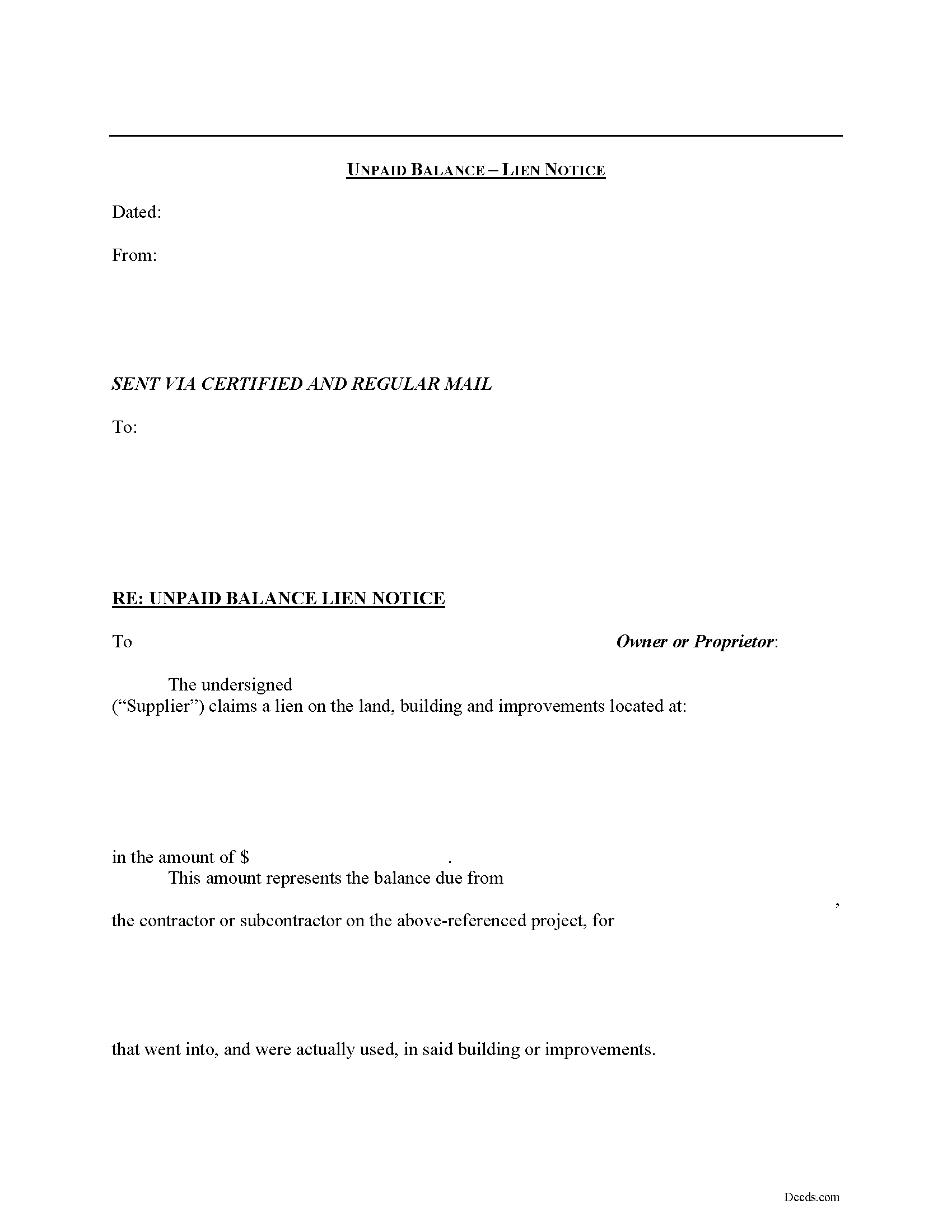
Pickens County Notice of Unpaid Balance Lien Form
Fill in the blank Notice of Unpaid Balance Lien form formatted to comply with all Alabama recording and content requirements.
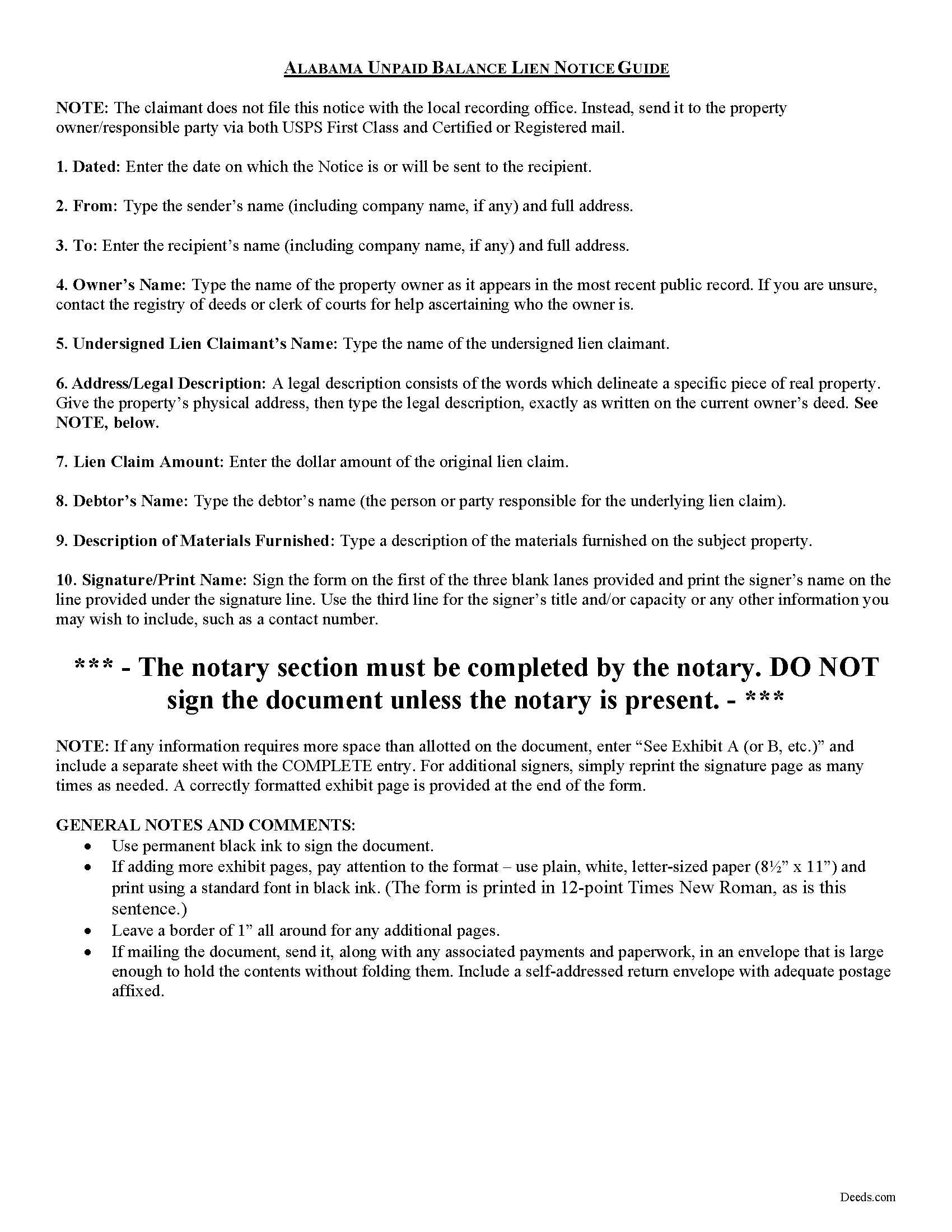
Pickens County Notice of Unpaid Balance Lien Guide
Line by line guide explaining every blank on the form.
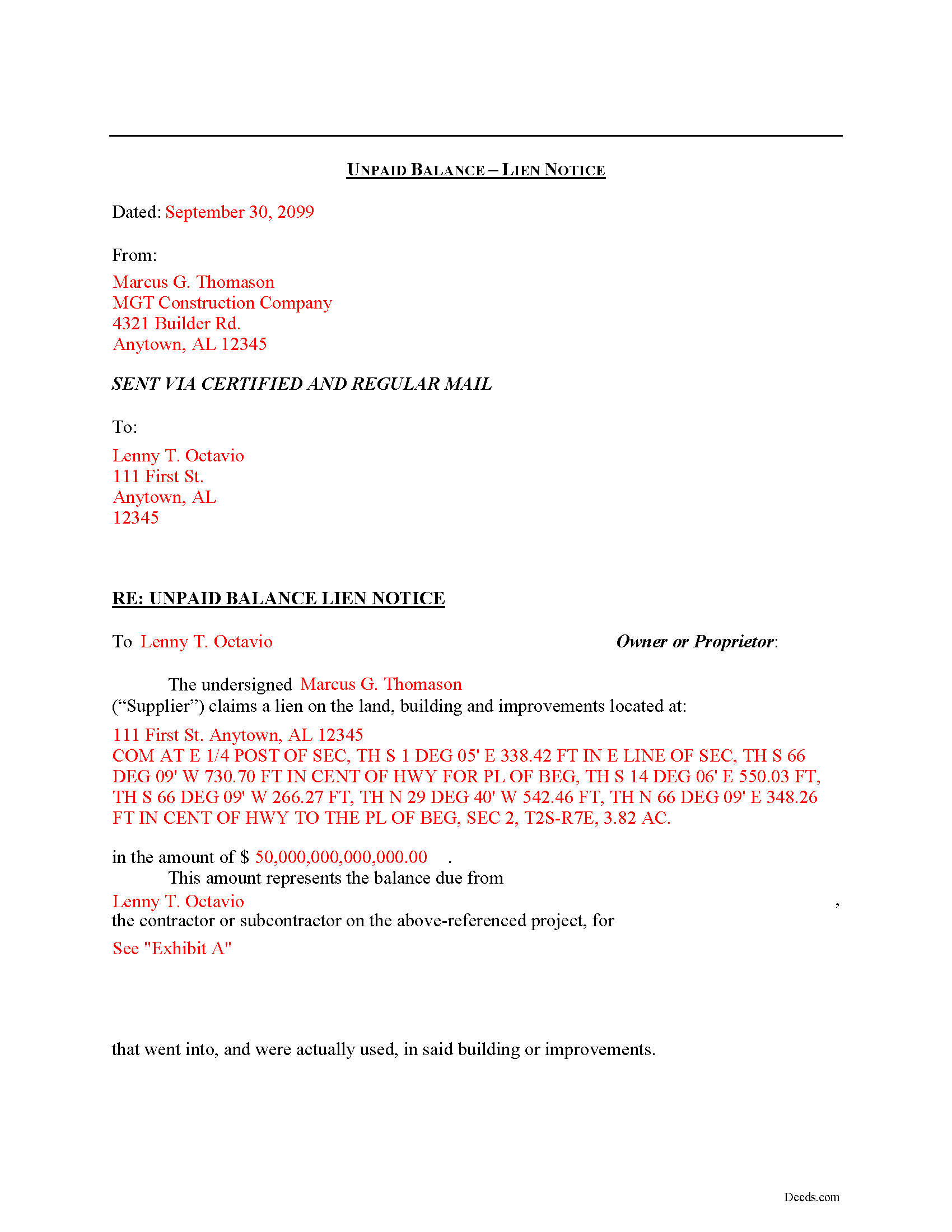
Pickens County Completed Example of the Notice of Unpaid Balance Lien Document
Example of a properly completed form for reference.
All 3 documents above included • One-time purchase • No recurring fees
Immediate Download • Secure Checkout
Additional Alabama and Pickens County documents included at no extra charge:
Where to Record Your Documents
Pickens County Probate Office
Carrollton, Alabama 35447
Hours: 8:00 to 4:00 M-F
Phone: (205) 367-2010
Recording Tips for Pickens County:
- Bring your driver's license or state-issued photo ID
- Ensure all signatures are in blue or black ink
- Verify all names are spelled correctly before recording
- White-out or correction fluid may cause rejection
- Ask about their eRecording option for future transactions
Cities and Jurisdictions in Pickens County
Properties in any of these areas use Pickens County forms:
- Aliceville
- Carrollton
- Ethelsville
- Gordo
- Mc Shan
- Reform
Hours, fees, requirements, and more for Pickens County
How do I get my forms?
Forms are available for immediate download after payment. The Pickens County forms will be in your account ready to download to your computer. An account is created for you during checkout if you don't have one. Forms are NOT emailed.
Are these forms guaranteed to be recordable in Pickens County?
Yes. Our form blanks are guaranteed to meet or exceed the applicable formatting requirements used for recording in Pickens County, including margin requirements, font requirements, and other layout standards. This guarantee applies to formatting, not to the legal sufficiency of information entered by the user or the suitability of a form for a particular transaction.
Can I reuse these forms?
Yes. You can reuse the forms for your personal use. For example, if you have multiple properties in Pickens County you only need to order once.
What do I need to use these forms?
The forms are PDFs that you fill out on your computer. The free Adobe Acrobat Reader is recommended, and most PDF apps also work. You do NOT enter your property information online - you download the blank forms and complete them privately on your own computer.
Are there any recurring fees?
No. This is a one-time purchase. Nothing to cancel, no memberships, no recurring fees.
How much does it cost to record in Pickens County?
Recording fees in Pickens County vary. Contact the recorder's office at (205) 367-2010 for current fees.
Questions answered? Let's get started!
Declaring an Unpaid Balance Lien in Alabama
Unpaid balance liens are used by material suppliers on a construction job. The term "material suppliers" refers to those parties who furnish materials incorporated in the building or improvement on the subject property.
Employees of the contractor or persons furnishing material to him or her, shall have a lien that extends only to the amount of any unpaid balance due to the contractor by the owner or proprietor, and the employees and materialmen shall also have a lien on the unpaid balance. See Ala. Code Ann. 35-11-210.
The unpaid balance lien notice contains the names of the lien claimant and property owner, as well as a description of the owner's property and of the materials furnished, and the claimed price amount. The notice should be sent to the owner of the property and any other interested party by both regular and certified mail to ensure delivery.
This article is provided for informational purposes only and should not be relied upon as a substitute for the advice from a licensed attorney. Please contact an Alabama attorney for any questions regarding mechanic's liens.
Important: Your property must be located in Pickens County to use these forms. Documents should be recorded at the county recording office listed above.
This Notice of Unpaid Balance Lien meets all recording requirements specific to Pickens County.
Our Promise
The documents you receive here are guaranteed to meet or exceed the applicable Pickens County recording format requirements. If there is a rejection caused by our formatting, we will correct the issue or refund your payment. This guarantee applies to document formatting only and does not extend to information entered by the user, the selection of the form, or the legal effect of the completed document.
Save Time and Money
Get your Pickens County Notice of Unpaid Balance Lien form done right the first time with Deeds.com Uniform Conveyancing Blanks. At Deeds.com, we understand that your time and money are valuable resources, and we don't want you to face a penalty fee or rejection imposed by a county recorder for submitting nonstandard documents. We constantly review and update our forms to meet rapidly changing state and county recording requirements for roughly 3,500 counties and local jurisdictions.
4.8 out of 5 - ( 4,829 Reviews )
FRANK D. 5 out of 5 stars
Excellent software along with my other Will/Trust programs. I always use your program regarding deeds.
Thank you!
Cameron M. 5 out of 5 stars
This service is amazing. Always same day recording. Quick and easy. Thank you!
We appreciate your business and value your feedback. Thank you. Have a wonderful day!
Veronica G. 5 out of 5 stars
Excellent service A+
Thank you!
Jennifer A. 5 out of 5 stars
All I needed to do was changed from my previously married name to my now maiden name and a Quit Claim Deed was all I needed. I loved that they offered a sample along with very detailed directions. Great site! Thank you!
We appreciate your business and value your feedback. Thank you. Have a wonderful day!
DONALD S. 5 out of 5 stars
Using the Administrators Deed, pay attention to "Exhibit A". The blank will allow you to type a full legal description BUT it will not save it. Use "Exhibit A" to type the legal description. The form was great and I filed it this morning with no problems.
Thank you for your feedback. We really appreciate it. Have a great day!
Connie E. 5 out of 5 stars
Great service! Easy to download and view. Florida should have the Revocable Transfer on Death (TOD)deed, that many other States have. That's the one I really wanted. This one will do in the meantime.
We appreciate your business and value your feedback. Thank you. Have a wonderful day!
Thomas B. 5 out of 5 stars
My deeds were filed with Pinellas County Florida with a simple process and with no problems. 5 star for sure.
We appreciate your business and value your feedback. Thank you. Have a wonderful day!
Charlotte M. 5 out of 5 stars
Absolutely perfect! Quitclaim deed form was easy to complete and the recorder had no issues with it whatsoever, a rarity around here! Thanks sooo much!
Your satisfaction with our services is of utmost importance to us. Thank you for letting us know how we did!
Elizabeth R. 5 out of 5 stars
It was easy to download and save the Revocation of Beneficiary of Deed form. The example and instructions helped a lot. When I went to file with the county clerk's office, she read through it carefully and said "perfect" when she was through. Thank you for making it so easy!
Thank you!
Stephen B. 5 out of 5 stars
They have been fabulous not only for getting me the Title and Property info I needed quickly, but also for determining which Deed (of many) that I actually needed. They are an outstanding resource for any real estate investor, property owner, Realtor, or attorney.
Thank you for your feedback. We really appreciate it. Have a great day!
Ernest B. 5 out of 5 stars
Forms were perfect, recorded quickly with no issue.
Thank you!
Scott P. 5 out of 5 stars
So far so good
Thank you!
leslie w. 5 out of 5 stars
Easy to use! Thanks for saving the time and expense of an attorney!
Thank you for your feedback. We really appreciate it. Have a great day!
Nanc T. 5 out of 5 stars
Great experience, highly recommend.
Thank you for your positive words! We’re thrilled to hear about your experience.
Micael J. 5 out of 5 stars
Easy to follow and fill out forms online.
Thank you for your feedback. We really appreciate it. Have a great day!