Randolph County Quitclaim Deed (Corporation Grantor) Form
Last validated October 21, 2026 by our Forms Development TeamFormatted for recording in Randolph County, for property anywhere in the county: rural and unincorporated areas as well as Graham, Roanoke, Wadley, Wedowee, Woodland.
- 3 documents included
- Immediate PDF download
- Formatting guarantee
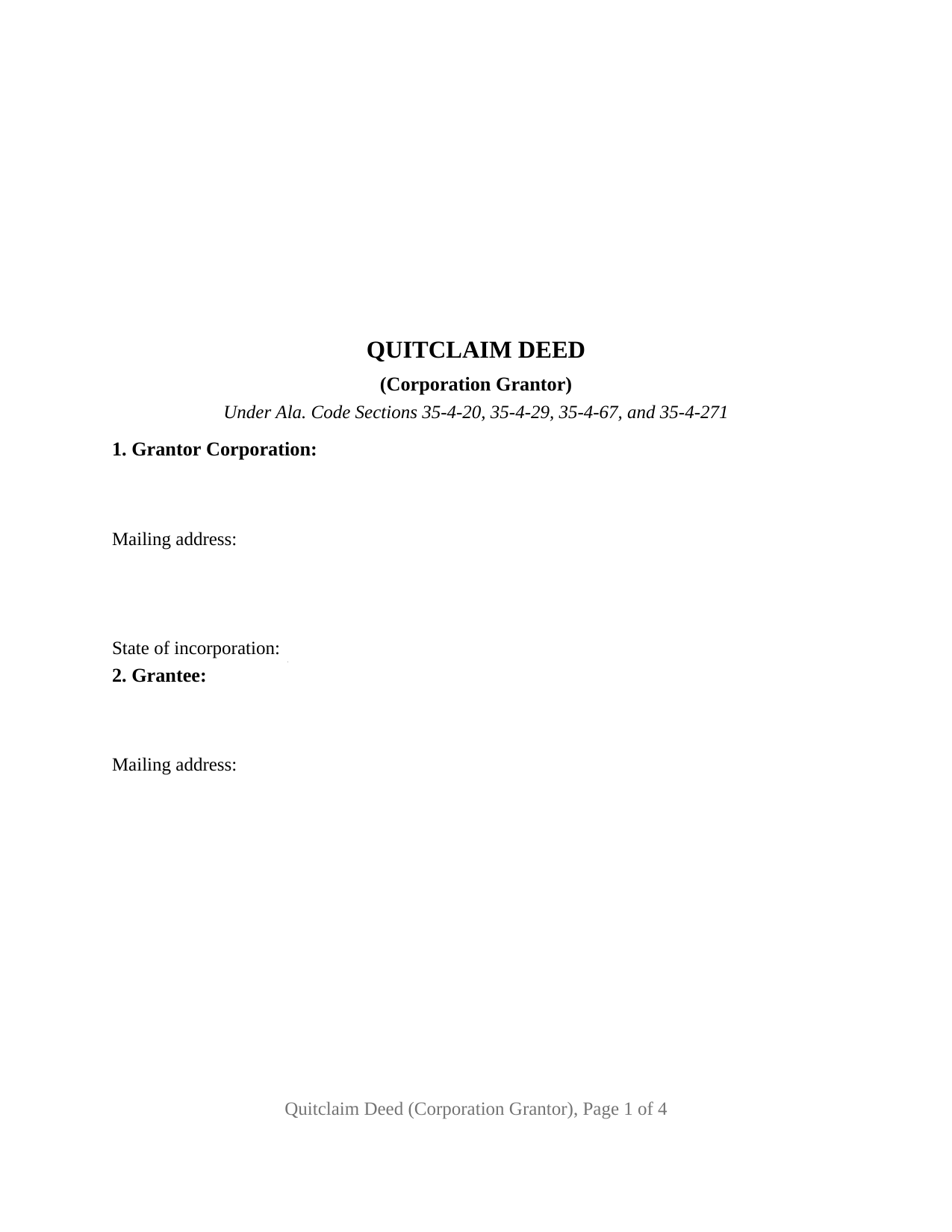
Randolph County Quitclaim Deed (Corporation Grantor) Form
Fill in the blank Quitclaim Deed (Corporation Grantor) form formatted to comply with all Alabama recording and content requirements.
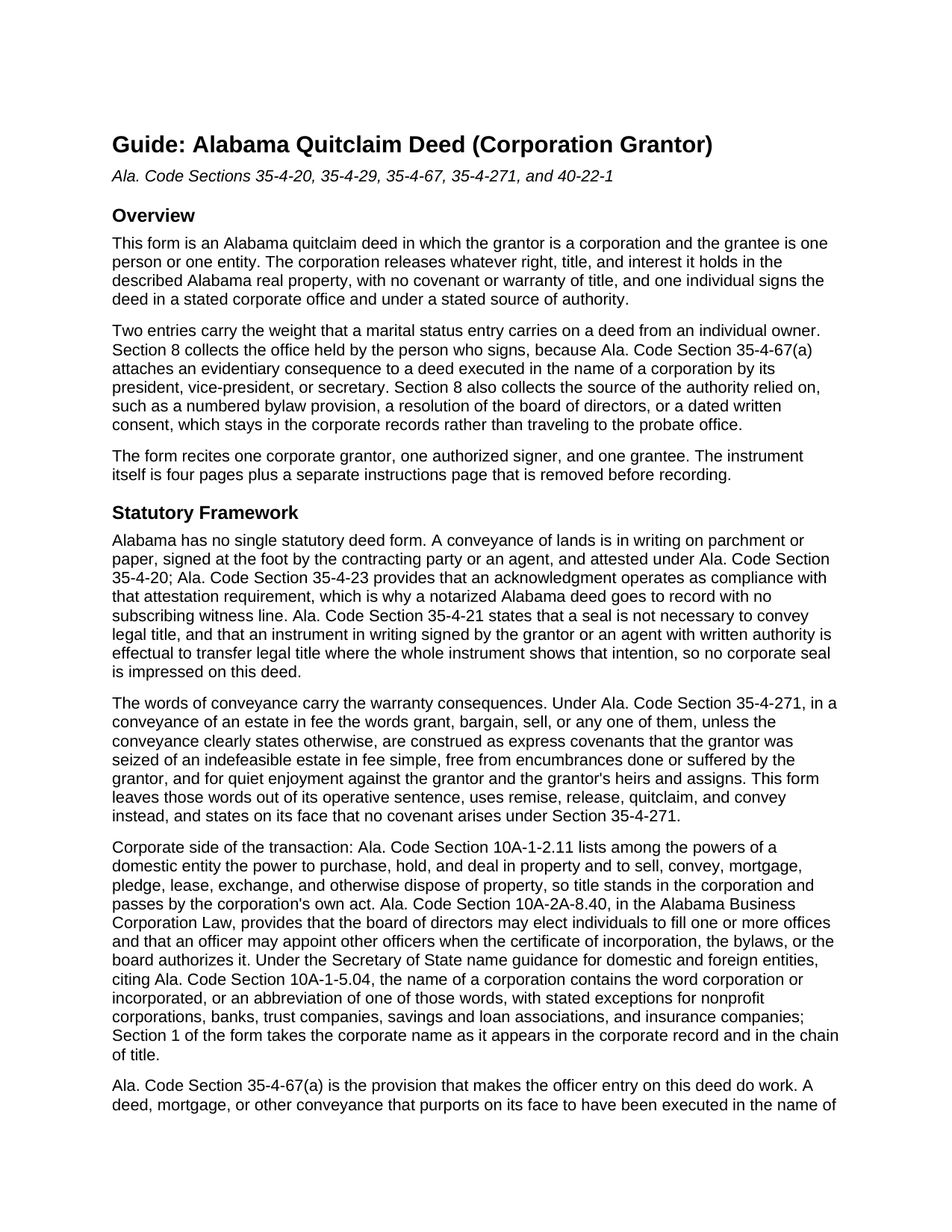
Randolph County Quitclaim Deed (Corporation Grantor) Guide
Line by line guide explaining every blank on the Quitclaim Deed (Corporation Grantor) form.
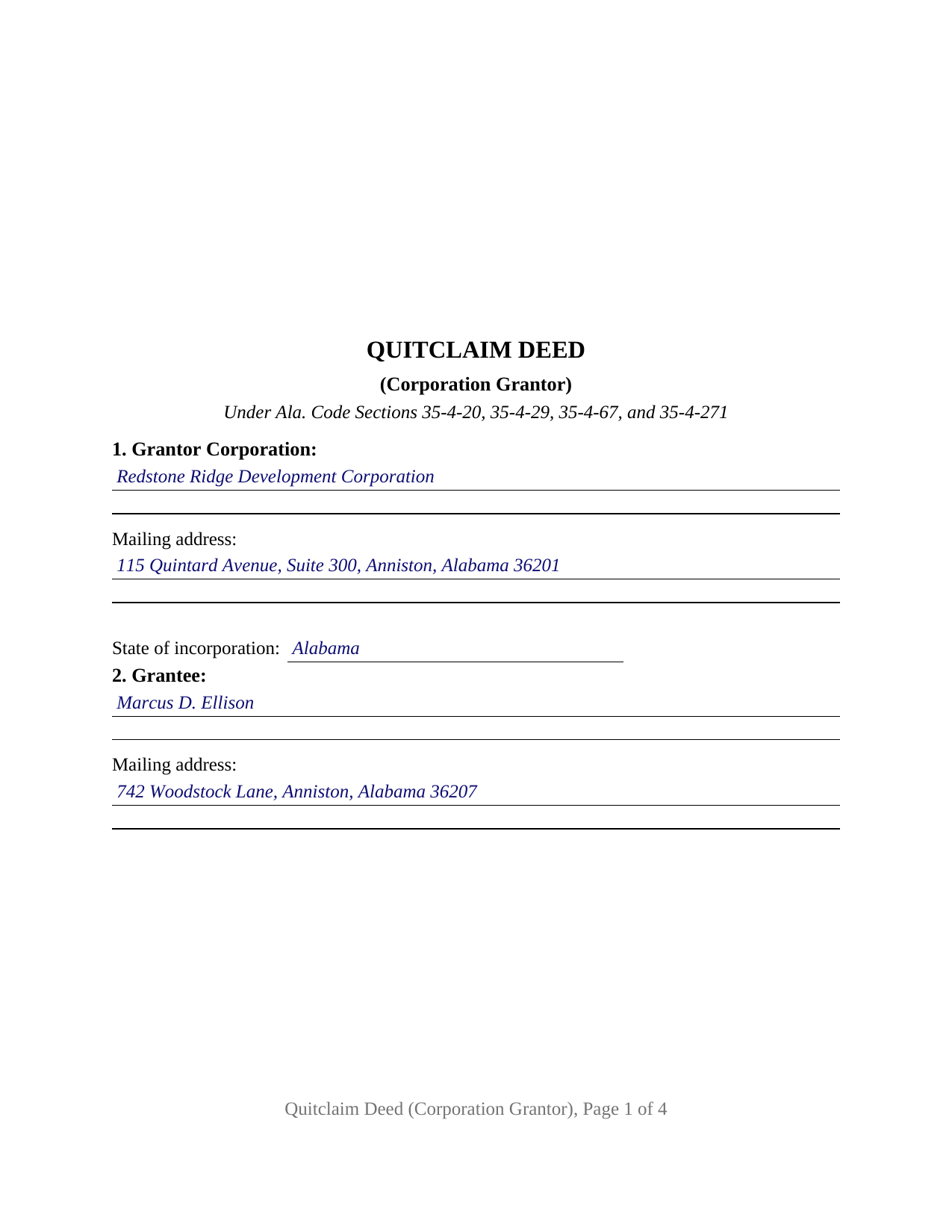
Randolph County Completed Example of the Quitclaim Deed (Corporation Grantor) Document
Example of a properly completed Alabama Quitclaim Deed (Corporation Grantor) document for reference.
All 3 documents above included • One-time purchase • No recurring fees
Immediate Download • Secure Checkout
Additional Alabama and Randolph County documents included at no extra charge:
Where to Record Your Documents
Probate Office: Records Department
Wedowee, Alabama 36278
Hours: 8:30 to 4:30 M-F
Phone: (256) 357-4933
Recording Tips for Randolph County:
- Bring your driver's license or state-issued photo ID
- Ensure all signatures are in blue or black ink
- Recording fees may differ from what's posted online - verify current rates
- Request a receipt showing your recording numbers
- Ask about accepted payment methods when you call ahead
Cities and Jurisdictions in Randolph County
Properties in any of these areas use Randolph County forms:
- Graham
- Roanoke
- Wadley
- Wedowee
- Woodland
Hours, fees, requirements, and more for Randolph County
How do I get my forms?
Forms are available for immediate download after payment. The Randolph County forms will be in your account ready to download to your computer. An account is created for you during checkout if you don't have one. Forms are NOT emailed.
Are these forms guaranteed to be recordable in Randolph County?
Yes. Our form blanks are guaranteed to meet or exceed the applicable formatting requirements used for recording in Randolph County, including margin requirements, font requirements, and other layout standards. This guarantee applies to formatting, not to the legal sufficiency of information entered by the user or the suitability of a form for a particular transaction.
Can I reuse these forms?
Yes. You can reuse the forms for your personal use. For example, if you have multiple properties in Randolph County you only need to order once.
What do I need to use these forms?
The forms are PDFs that you fill out on your computer. The free Adobe Acrobat Reader is recommended, and most PDF apps also work. You do NOT enter your property information online - you download the blank forms and complete them privately on your own computer.
Are there any recurring fees?
No. This is a one-time purchase. Nothing to cancel, no memberships, no recurring fees.
How much does it cost to record in Randolph County?
Recording fees in Randolph County vary. Contact the recorder's office at (256) 357-4933 for current fees.
Questions answered? Let's get started!
Alabama's recording statutes name three corporate offices, and this deed is built around that short list. The Alabama Quitclaim Deed (Corporation Grantor) releases a corporation's interest in Alabama real property to one grantee, with no covenant of title, and its officer section asks which office the signing individual holds, because Ala. Code Section 35-4-67 attaches an evidentiary consequence to a conveyance executed in a corporate name by a president, vice-president, or secretary.
The office beside the signature, and what Alabama makes of it
Section 35-4-67(a) speaks to a deed purporting on its face to be executed in a corporation's name by a person as its president, vice-president, or secretary, and duly attested or acknowledged. Such a deed is prima facie evidence that the conveyance was executed in the corporate name by that person as such officer, that the person held the office, and that the corporation duly authorized it. Subsection (b) makes a conveyance executed that way evidence in Alabama courts, once recorded, without further proof. The form prints the office in Section 8 and again on the printed name line.
Configured for one corporation and one signing officer
Section 1 takes the corporate name as it stands in the corporate record and in the chain of title, with its mailing address and state of incorporation. Section 8 takes the individual who signs, the office held, and the source of authority relied on, such as a dated board resolution or a numbered bylaw provision. Section 10 carries one signature block captioned for the corporation signing by its authorized officer, and one certificate closes the instrument. A corporation releasing a parcel to the person who bought it years earlier, and one clearing its own name from a chain of title where an old instrument left an apparent interest, present the pattern recited here. The configuration does not reach two grantors, a fiduciary signer, or a parcel titled in a subsidiary or a shareholder.
Authority that stays in the minute book
Ala. Code Section 10A-1-2.11 counts the power to sell and convey property among a domestic entity's powers, so the release is the corporation's own act, and Ala. Code Section 10A-2A-8.40 leaves the roster of offices to the certificate of incorporation, the bylaws, or the board. The corporate act itself, a resolution or a written consent, is named in Section 8 and travels no further. A second corporate question also stays off the deed: under Ala. Code Section 10A-2A-12.02, a disposition that would leave the corporation without a significant continuing business activity takes stockholder approval.
No marital status line, no spouse, no seal
Three entries familiar from an individual's deed are absent. The recording gate of Ala. Code Section 35-4-73 reaches an individual grantor or vendor, and the operative section answers it by stating that the grantor is a corporation. The homestead assent rule of Ala. Code Section 6-10-3 addresses a married person, which a corporation is not. And nothing is sealed: Ala. Code Section 35-4-21 provides that a seal is not necessary to convey legal title to land.
Release words, and the trip to the judge of probate
The operative sentence remises, releases, quitclaims, and conveys, omitting grant, bargain, and sell, the words Ala. Code Section 35-4-271 construes as express covenants in a fee conveyance, and it adds that no such covenant arises. The closing certificate follows the corporate wording of Ala. Code Section 35-4-29: the notary certifies that the person whose name as an officer is signed to the conveyance executed it as such officer and with full authority, for and as the act of the corporation. Recording follows in the county holding the land, an unrecorded conveyance being inoperative against a purchaser, mortgagee, or judgment creditor without notice (Ala. Code Section 35-4-90). The probate judge collects the deed tax of fifty cents for each five hundred dollars of value with the sales value information Alabama gathers on Form RT-1 (Ala. Code Section 40-22-1). Page one keeps its top three inches free for the stamp, and the preparer endorsement Alabama makes a recording prerequisite (Sections 35-4-110 and 35-4-113) sits inside the deed.
Searches also run to quit claim deed, quick claim deed, and corporate deed. The package holds the blank fillable PDF, a completed example built on a Calhoun County release, and a guide covering every entry, the officer and authority section, and the certificate. Nothing here is legal advice; how these rules land on one corporation and one chain of title is a question for an Alabama attorney.
Important: Your property must be located in Randolph County to use these forms. Documents should be recorded at the county recording office listed above.
This Quitclaim Deed (Corporation Grantor) meets all recording requirements specific to Randolph County.
Our Promise
The documents you receive here are guaranteed to meet or exceed the applicable Randolph County recording format requirements. If there is a rejection caused by our formatting, we will correct the issue or refund your payment. This guarantee applies to document formatting only and does not extend to information entered by the user, the selection of the form, or the legal effect of the completed document.
Save Time and Money
Get your Randolph County Quitclaim Deed (Corporation Grantor) form done right the first time with Deeds.com Uniform Conveyancing Blanks. At Deeds.com, we understand that your time and money are valuable resources, and we don't want you to face a penalty fee or rejection imposed by a county recorder for submitting nonstandard documents. We constantly review and update our forms to meet rapidly changing state and county recording requirements for roughly 3,500 counties and local jurisdictions.
4.8 out of 5 - ( 4,833 Reviews )
Timothy C. 5 out of 5 stars
The process was all very clear and easy -- pay the fee online and download the state and county forms onto my computer. I will do as instructed for the Revocable Transfer on Death Deed, then update my review after I file this with the office of the Sandoval County (New Mexico) Clerk.
We appreciate your business and value your feedback. Thank you. Have a wonderful day!
Eric G. 3 out of 5 stars
Need to offer option to download ALL forms as a single (bookmarked) PDF, rather than as separates... Quite inefficient as is.
Thank you for your feedback. We really appreciate it. Have a great day!
George R. 5 out of 5 stars
One of the most satisfactory and easy to use websites I have come across. Being able to record documents in the court records without having to pay an atty $500 per hour and accomplish the recording in about 24 hours instead of days and even weeks i s invaluable. Worked perfectly.
Thank you!
Melody P. 5 out of 5 stars
Thanks again for such great service!
Thank you!
Chris M. 5 out of 5 stars
always helpful always informative always awesome
Your feedback is greatly appreciated. Thank you for taking the time to share your experience!
Jerry O. 2 out of 5 stars
Everything I needed including detailed instructions to transfer the deed on my house from me alone to me and my wife as joint owners with right of survivorship. Formatting was compliant and blanks for all information required were provided in all the right places. 5 stars
We appreciate your business and value your feedback. Thank you. Have a wonderful day!
Ardys A. 5 out of 5 stars
Very pleased with all the info I received and not just a blank form.
We appreciate your business and value your feedback. Thank you. Have a wonderful day!
Nawal F. 5 out of 5 stars
Friendly user
Thank you!
Renata L. 3 out of 5 stars
Was a bit difficult to navigate. I feel a fee to access the site and a fee to print is a bit much. I am in the real estate business and find the deeds very useful
Thank you for your feedback. We really appreciate it. Have a great day!
Beverly J. A. 5 out of 5 stars
Thank you for the paperwork. It was so much easier to do at home than go out and have to have people miss work.
Thank you!
Karen S. 5 out of 5 stars
Excellent support! They were patient and knowledgeable.
Thank you!
James M. 5 out of 5 stars
Very good experience.
Thank you!
Zina J. 5 out of 5 stars
Deeds.com supplied exactly what I needed to complete a quitclaim. Deeds.com saved me $180, supplied the necessary forms, and a sample page to use as a guide. I recommend Deeds.com.
Thank you!
Michaela D. 1 out of 5 stars
I purchased this form to add my boyfriend to the deed of our home. He owns his own business so he cannot be on our mortgage. The guide doesn't clearly explain adding a person rather than focusing on transferring during a purchase or selling of a home. For future, I'd recommend make a few different examples for those who are trying to use this for the other options a Quit Claim Deed is needed for.
Thank you for your feedback. We really appreciate it. Have a great day!
John R. 5 out of 5 stars
All the material included made preparing the quit claim deed very easy. Good product.
Thank you for your feedback. We really appreciate it. Have a great day!