Calhoun County Quitclaim Deed (Individual Grantor by Attorney-in-Fact) Form
Last validated October 16, 2026 by our Forms Development TeamFormatted for recording in Calhoun County, for property anywhere in the county: rural and unincorporated areas as well as Alexandria, Anniston, Bynum, Choccolocco, De Armanville, Eastaboga, Jacksonville, Ohatchee and 4 more.
- 3 documents included
- Immediate PDF download
- Formatting guarantee
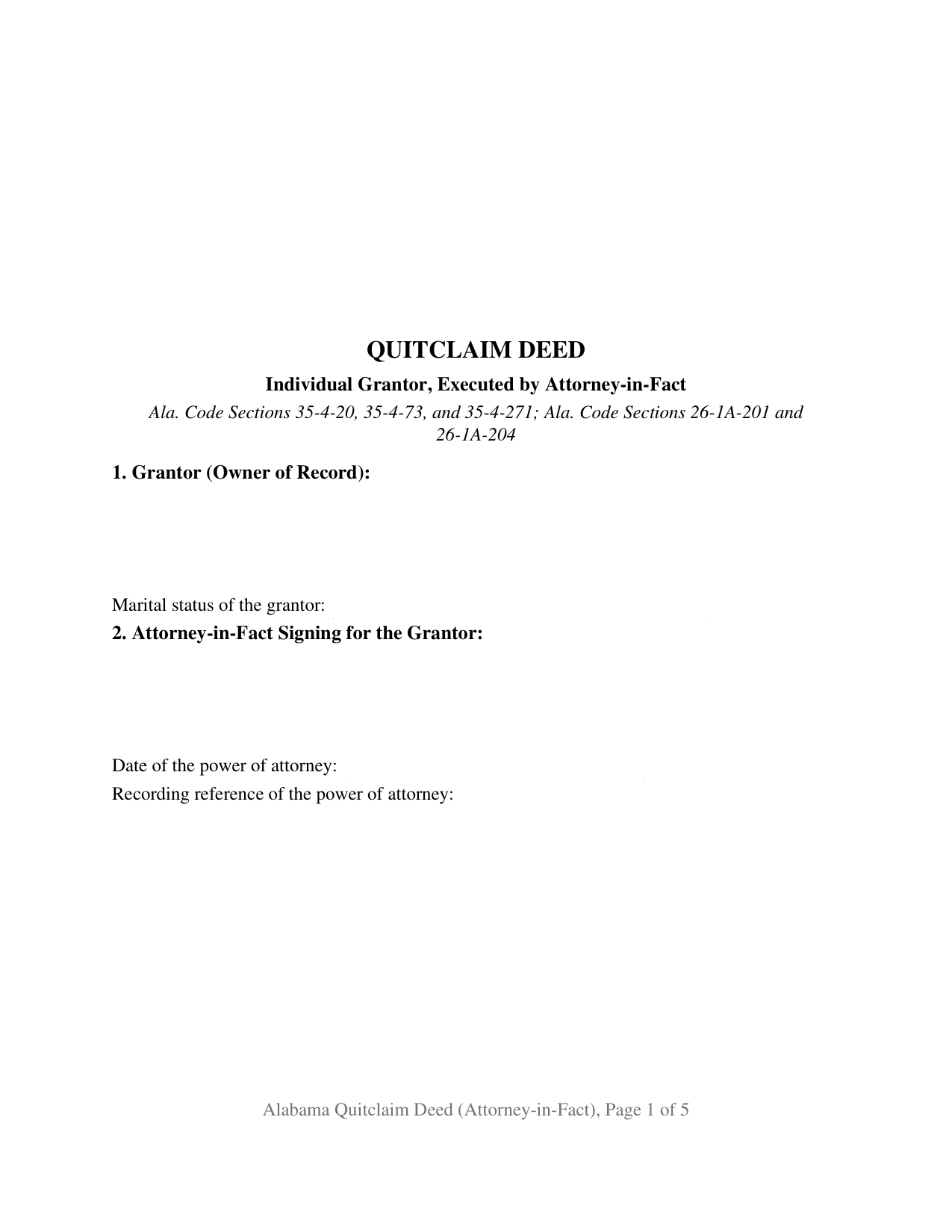
Calhoun County Quitclaim Deed (Individual Grantor by Attorney-in-Fact) Form
Fill in the blank Quitclaim Deed (Individual Grantor by Attorney-in-Fact) form formatted to comply with all Alabama recording and content requirements.
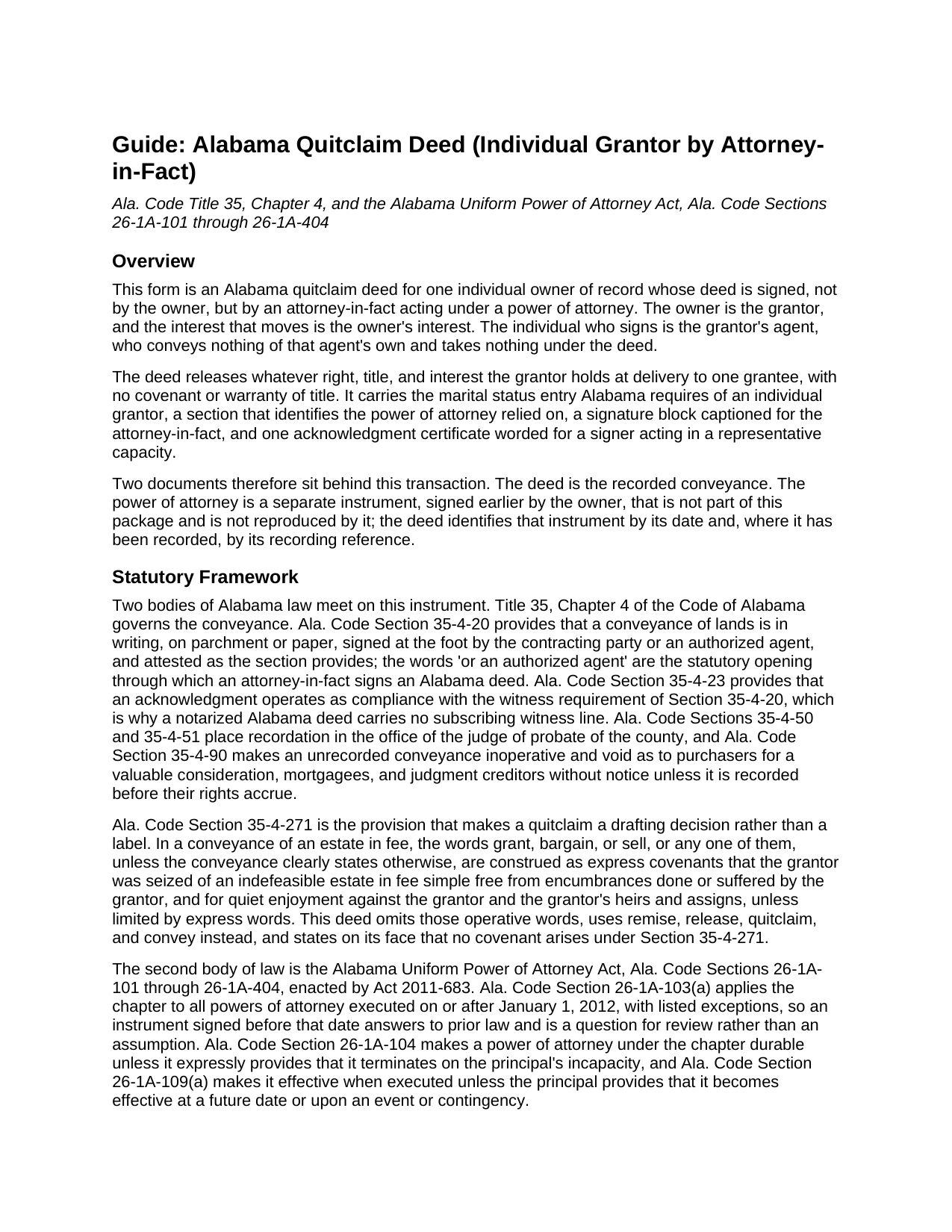
Calhoun County Quitclaim Deed (Individual Grantor by Attorney-in-Fact) Guide
Line by line guide explaining every blank on the Quitclaim Deed (Individual Grantor by Attorney-in-Fact) form.
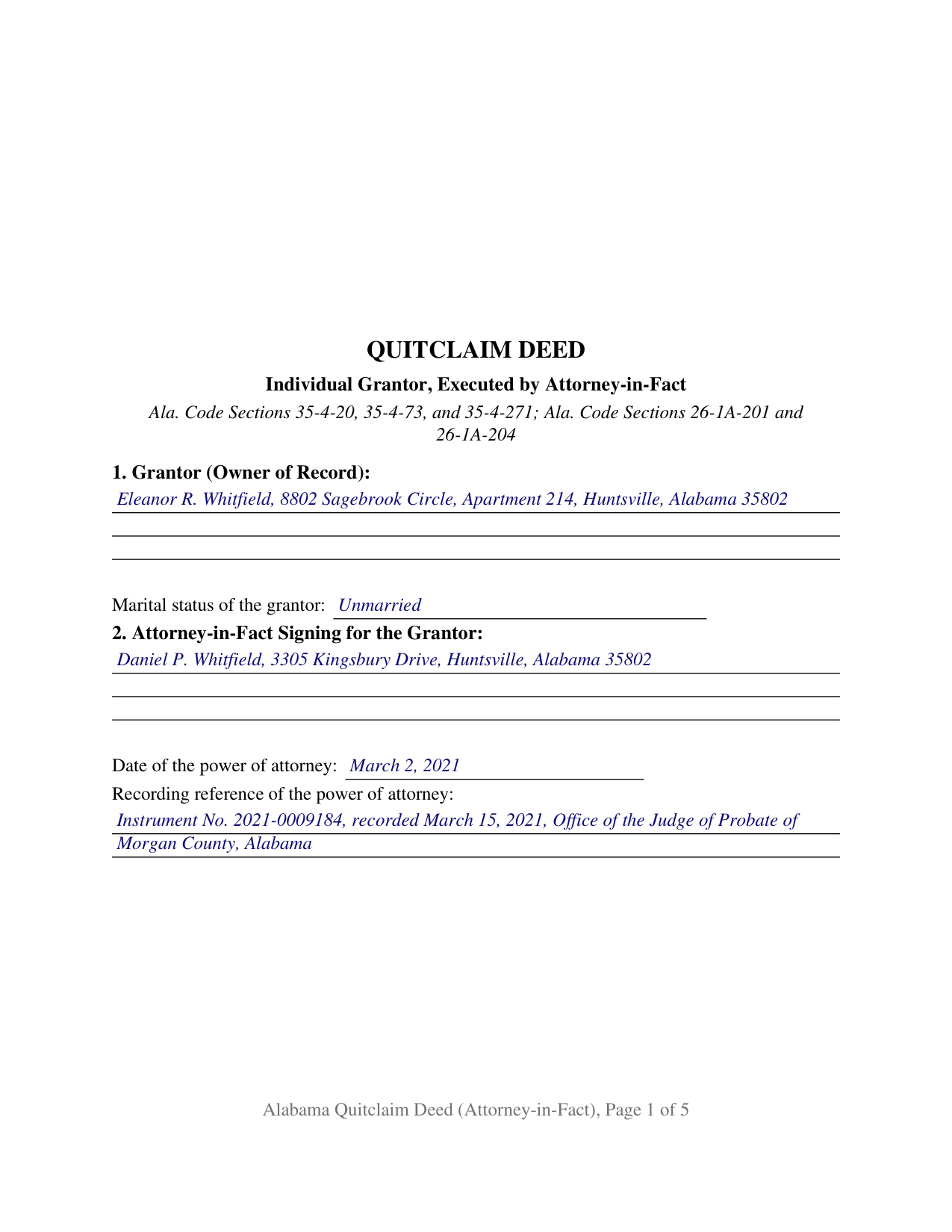
Calhoun County Completed Example of the Quitclaim Deed (Individual Grantor by Attorney-in-Fact) Document
Example of a properly completed Alabama Quitclaim Deed (Individual Grantor by Attorney-in-Fact) document for reference.
All 3 documents above included • One-time purchase • No recurring fees
Immediate Download • Secure Checkout
Additional Alabama and Calhoun County documents included at no extra charge:
Where to Record Your Documents
Judge of Probate: Recording Div.
Anniston, Alabama 36201
Hours: 8:00 to 4:30 M-F
Phone: (256) 241-2825
Recording Tips for Calhoun County:
- Bring your driver's license or state-issued photo ID
- Ensure all signatures are in blue or black ink
- Avoid the last business day of the month when possible
- Both spouses typically need to sign if property is jointly owned
- Bring extra funds - fees can vary by document type and page count
Cities and Jurisdictions in Calhoun County
Properties in any of these areas use Calhoun County forms:
- Alexandria
- Anniston
- Bynum
- Choccolocco
- De Armanville
- Eastaboga
- Jacksonville
- Ohatchee
- Oxford
- Piedmont
- Weaver
- Wellington
Hours, fees, requirements, and more for Calhoun County
How do I get my forms?
Forms are available for immediate download after payment. The Calhoun County forms will be in your account ready to download to your computer. An account is created for you during checkout if you don't have one. Forms are NOT emailed.
Are these forms guaranteed to be recordable in Calhoun County?
Yes. Our form blanks are guaranteed to meet or exceed the applicable formatting requirements used for recording in Calhoun County, including margin requirements, font requirements, and other layout standards. This guarantee applies to formatting, not to the legal sufficiency of information entered by the user or the suitability of a form for a particular transaction.
Can I reuse these forms?
Yes. You can reuse the forms for your personal use. For example, if you have multiple properties in Calhoun County you only need to order once.
What do I need to use these forms?
The forms are PDFs that you fill out on your computer. The free Adobe Acrobat Reader is recommended, and most PDF apps also work. You do NOT enter your property information online - you download the blank forms and complete them privately on your own computer.
Are there any recurring fees?
No. This is a one-time purchase. Nothing to cancel, no memberships, no recurring fees.
How much does it cost to record in Calhoun County?
Recording fees in Calhoun County vary. Contact the recorder's office at (256) 241-2825 for current fees.
Questions answered? Let's get started!
The name on the signature line of this deed is not the grantor's. The Alabama Quitclaim Deed (Individual Grantor by Attorney-in-Fact) is drafted for an individual owner of record whose deed is signed by an agent under a power of attorney. The owner is the grantor and the owner's interest is what moves; the person holding the pen signs in a stated capacity, parts with nothing personally, and takes nothing under the deed. No covenant of title travels with the release.
Quitclaim is a word the power of attorney statute prints
Alabama did not leave agency authority over land to inference. Ala. Code Section 26-1A-204(a)(2), in the Alabama Uniform Power of Attorney Act, lists what general real property authority lets an agent do, and the verb quitclaim sits in that list beside sell, exchange, convey with or without covenants, and encumber. The subsection opens with words carrying as much weight as the list, unless the power of attorney otherwise provides, so a limit in the owner's own document outranks the statutory catalog.
Configured for one owner, one agent, one grantee
Section 1 takes the owner of record's name, address, and marital status. Section 2 takes the individual who signs, the date the owner signed the power of attorney, and its recording reference. Section 10 carries one signature line captioned for the attorney-in-fact, and one certificate closes it. An owner whose durable power of attorney was signed years earlier and whose agent now completes a release the owner arranged, and an owner deployed on military assignment who signed a power of attorney before leaving, present the agency pattern this deed recites. The form is not set up for two owners of record, for co-agents acting jointly under Ala. Code Section 26-1A-111, for a company or trust grantor, or for an owner signing in person.
Two limits the deed prints in capital letters
Agency authority has edges, and this deed puts two of them on the paper. Under Ala. Code Section 26-1A-201(b), an agent who is not an ancestor, spouse, or descendant of the principal may not create an interest in the principal's property in the agent unless the power of attorney expressly says otherwise, which reaches a deed running from the owner to the agent. Under Ala. Code Section 26-1A-110(a), the authority ends at the principal's death, on revocation, on an expressed termination, or when its purpose is done. The homestead assent rule of Ala. Code Section 6-10-3 is printed the same way, this configuration carrying no spouse block.
A certificate written for a signer acting in a capacity
Ala. Code Section 35-4-20 contemplates a land conveyance signed at the foot by the contracting party or an authorized agent, the doorway an attorney-in-fact uses. The closing certificate matches that signature: among the substantial forms of Ala. Code Section 35-4-29 sits a representative capacity version, under which the officer certifies that the person whose name as the stated capacity is signed to the conveyance executed it in that capacity on the day it bears date. Its wide blank takes the signer's name with the capacity, and no witness line appears, acknowledgment having answered the attestation rule of Section 35-4-23.
The second instrument at the probate counter
A deed signed by an agent rarely travels alone. Ala. Code Section 35-4-28 lets an instrument conferring authority to convey property be acknowledged and recorded in the same manner as a conveyance, which is why Section 2 has a blank for its recording data. That section is permissive, and each probate office publishes its own intake terms. Ala. Code Section 26-1A-302 supplies an agent's certification format, prepared separately and not included here. The deed goes to the judge of probate where the land sits, where the Ala. Code Section 40-22-1 deed tax is computed on the value conveyed and Alabama's sales value information is taken on Form RT-1. First page stamp space and the preparer endorsement of Ala. Code Sections 35-4-110 and 35-4-113 come built into the layout.
Shoppers reach this Alabama quitclaim deed as a quit claim deed, a quick claim deed, or a power of attorney deed. Three files download: the blank fillable PDF, a completed example on a Morgan County release, and a guide walking Section 2's authority blanks and the capacity certificate with every other entry. Alabama law is described here in general terms and never applied to anyone's facts, so none of this is legal advice; an Alabama attorney can weigh one power of attorney and one title against it.
Important: Your property must be located in Calhoun County to use these forms. Documents should be recorded at the county recording office listed above.
This Quitclaim Deed (Individual Grantor by Attorney-in-Fact) meets all recording requirements specific to Calhoun County.
Our Promise
The documents you receive here are guaranteed to meet or exceed the applicable Calhoun County recording format requirements. If there is a rejection caused by our formatting, we will correct the issue or refund your payment. This guarantee applies to document formatting only and does not extend to information entered by the user, the selection of the form, or the legal effect of the completed document.
Save Time and Money
Get your Calhoun County Quitclaim Deed (Individual Grantor by Attorney-in-Fact) form done right the first time with Deeds.com Uniform Conveyancing Blanks. At Deeds.com, we understand that your time and money are valuable resources, and we don't want you to face a penalty fee or rejection imposed by a county recorder for submitting nonstandard documents. We constantly review and update our forms to meet rapidly changing state and county recording requirements for roughly 3,500 counties and local jurisdictions.
4.8 out of 5 - ( 4,836 Reviews )
Gary S. 5 out of 5 stars
Excellent service! Incorrectly ordered a document and order was immediately canceled when I requested. Was then able to order and download correct document and complete with no problems.
Thank you for your feedback. We really appreciate it. Have a great day!
yourr m. 1 out of 5 stars
Did not tell me how to obtain the deed to America, I am now sad that I cannot own America
Sorry to have caused your sadness, we do hope that you day gets better.
Sara P. 5 out of 5 stars
Wonderful response time, and patient with me. Thank you.
We appreciate your business and value your feedback. Thank you. Have a wonderful day!
Martin B. 5 out of 5 stars
Excellent Detailed and clear Easy to use
We appreciate your business and value your feedback. Thank you. Have a wonderful day!
Dubelsa T. 5 out of 5 stars
Loved it!!!!! Beats going downtown!!!! Super easy and fast!!!
We appreciate your business and value your feedback. Thank you. Have a wonderful day!
Frank T. 5 out of 5 stars
Site was very helpful in getting the form needed to file a Quitclaim and the procedures to complete the task
We appreciate your business and value your feedback. Thank you. Have a wonderful day!
Marvin C. 5 out of 5 stars
My client needed to provide a statutory Oklahoma Memorandum of Trust. I was able to provide her with the form quickly and inexpensively.
We appreciate your business and value your feedback. Thank you. Have a wonderful day!
Christopher S. 5 out of 5 stars
very easy to use, and comprehensive...I like the e-recording package
We are grateful for your feedback and looking forward to serving you again. Thank you!
Donald P. 4 out of 5 stars
Very fast and efficient. Easy to fill out but was upset the latest tax exemptions ruled in 2014 did not seem to be included. Exclusion of sale to blood relatives, etc. _ the one I needed.
Thank you for your feedback. We really appreciate it. Have a great day!
Lucinda E. 5 out of 5 stars
I thought this form was great and easy to complete but the instructions were unclear as to whether the grantee- beneficiaries needed to sign and notarize their signatures as well. It did not appear to be the case but it would be helpful if the instructions spelled this out better.
Thank you for your feedback. We really appreciate it. Have a great day!
Mark G. 5 out of 5 stars
I was very impressed on what I needed to get the Deed I requested. Everything was there and I got it all printed out with no problems.
Glad to hear everything came together smoothly. We appreciate you taking the time to share this.
Camesha Y. 5 out of 5 stars
Was working with a notary client that need to do a deed. We got on this site, ordered the blank forms, he filled them out and we printed them so he could sign. Really clean forms, easy to understand and complete in a hurry. I will be letting all my clients know about this site.
That's terrific Camesha, glad to hear. Have a great day!
Joshua W. 5 out of 5 stars
Very efficient and easy to use, worth the price.
Thank you for your feedback. We really appreciate it. Have a great day!
Sara D. 3 out of 5 stars
Would have been beneficial to have more information about the previous sale history of the property. The report was received in a very timely manner.
Thank you for your feedback. We really appreciate it. Have a great day!
KIMBERLY B. 5 out of 5 stars
AWSOME!
Thank you!