Autauga County Quitclaim Deed (Reserving Life Estate) Form
Last validated October 9, 2026 by our Forms Development TeamFormatted for recording in Autauga County, for property anywhere in the county: rural and unincorporated areas as well as Autaugaville, Billingsley, Booth, Jones, Marbury, Prattville.
- 3 documents included
- Immediate PDF download
- Formatting guarantee
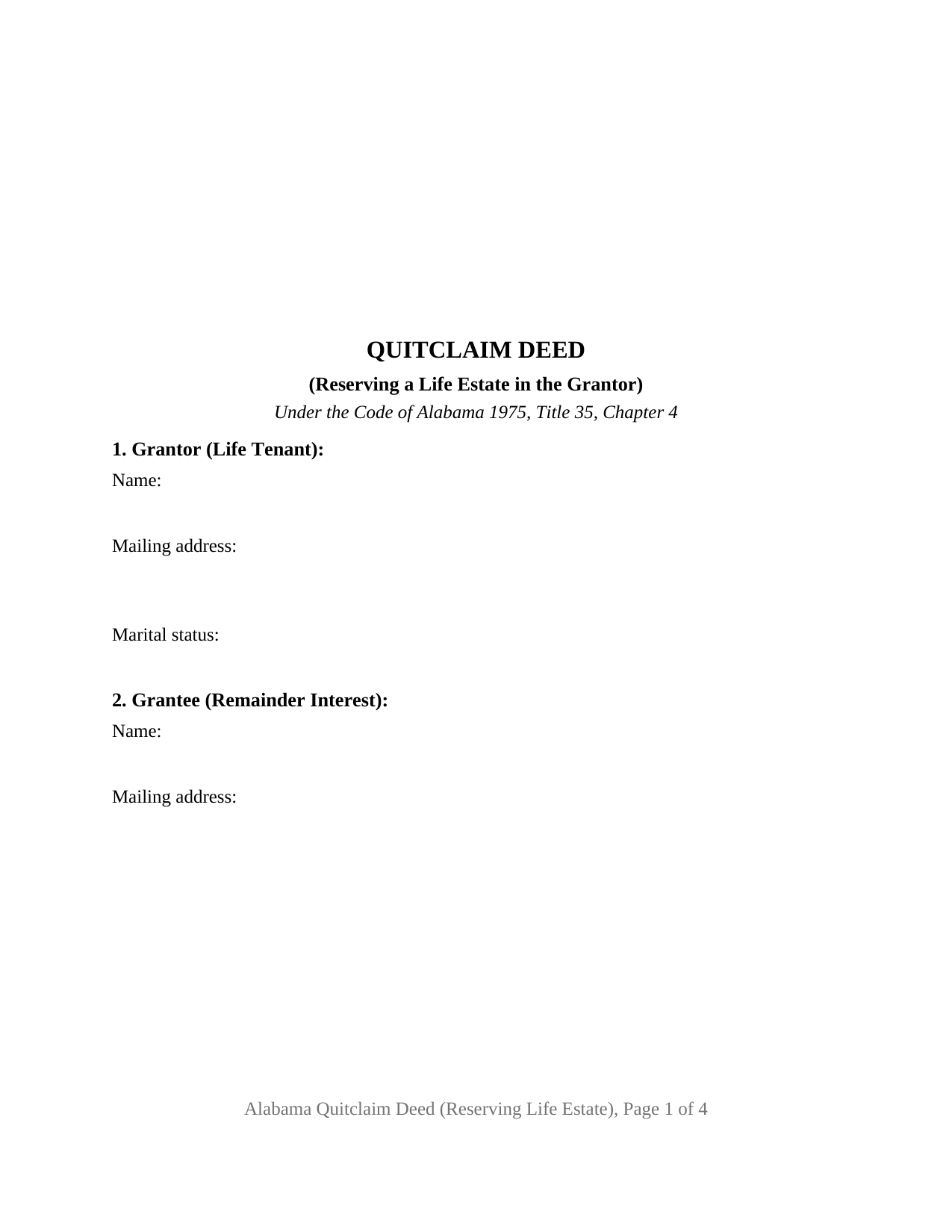
Autauga County Quitclaim Deed (Reserving Life Estate) Form
Fill in the blank Quitclaim Deed (Reserving Life Estate) form formatted to comply with all Alabama recording and content requirements.
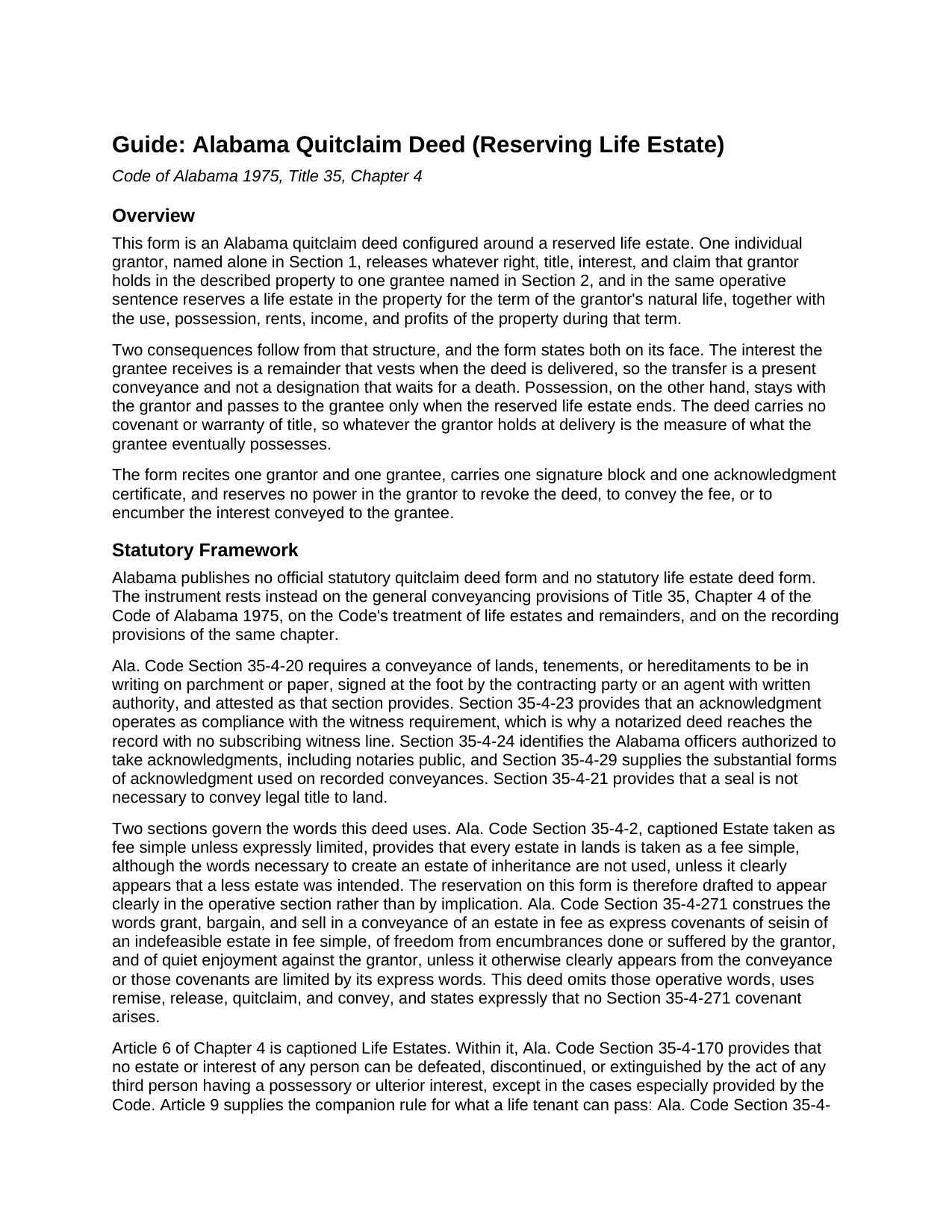
Autauga County Quitclaim Deed (Reserving Life Estate) Guide
Line by line guide explaining every blank on the Quitclaim Deed (Reserving Life Estate) form.
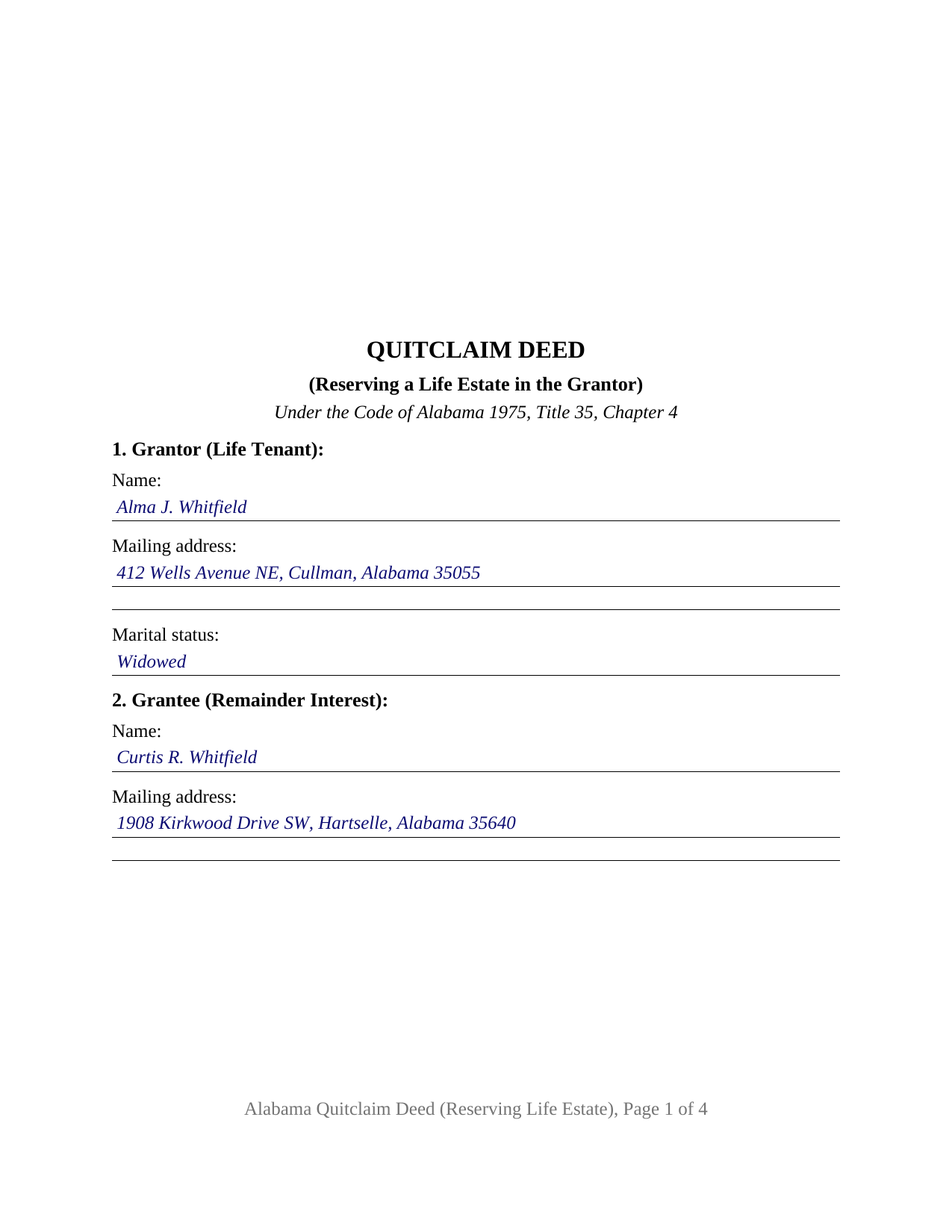
Autauga County Completed Example of the Quitclaim Deed (Reserving Life Estate) Document
Example of a properly completed Alabama Quitclaim Deed (Reserving Life Estate) document for reference.
All 3 documents above included • One-time purchase • No recurring fees
Immediate Download • Secure Checkout
Additional Alabama and Autauga County documents included at no extra charge:
Where to Record Your Documents
Judge of Probate: Recording Dept.
Prattville, Alabama 36067
Hours: Monday - Friday 8:30 a.m. - 5:00 p.m. All documents presented for recording after 4:00 p.m. will be recorded on the next business day
Phone: 334-361-3731
Recording Tips for Autauga County:
- Bring your driver's license or state-issued photo ID
- Ensure all signatures are in blue or black ink
- Make copies of your documents before recording - keep originals safe
- Recorded documents become public record - avoid including SSNs
- Recording fees may differ from what's posted online - verify current rates
Cities and Jurisdictions in Autauga County
Properties in any of these areas use Autauga County forms:
- Autaugaville
- Billingsley
- Booth
- Jones
- Marbury
- Prattville
Hours, fees, requirements, and more for Autauga County
How do I get my forms?
Forms are available for immediate download after payment. The Autauga County forms will be in your account ready to download to your computer. An account is created for you during checkout if you don't have one. Forms are NOT emailed.
Are these forms guaranteed to be recordable in Autauga County?
Yes. Our form blanks are guaranteed to meet or exceed the applicable formatting requirements used for recording in Autauga County, including margin requirements, font requirements, and other layout standards. This guarantee applies to formatting, not to the legal sufficiency of information entered by the user or the suitability of a form for a particular transaction.
Can I reuse these forms?
Yes. You can reuse the forms for your personal use. For example, if you have multiple properties in Autauga County you only need to order once.
What do I need to use these forms?
The forms are PDFs that you fill out on your computer. The free Adobe Acrobat Reader is recommended, and most PDF apps also work. You do NOT enter your property information online - you download the blank forms and complete them privately on your own computer.
Are there any recurring fees?
No. This is a one-time purchase. Nothing to cancel, no memberships, no recurring fees.
How much does it cost to record in Autauga County?
Recording fees in Autauga County vary. Contact the recorder's office at 334-361-3731 for current fees.
Questions answered? Let's get started!
The grantor who signs this deed steps out of the title and stays in the house. The Alabama Quitclaim Deed (Reserving Life Estate) releases one individual owner's interest in Alabama real property to a single grantee and, in the same sentence, reserves to that owner a life estate for the term of the owner's natural life, with the use, possession, rents, and income that go with it. No covenant or warranty of title travels with the release.
A remainder that vests now, possession that waits
Two interests come out of one sentence. What the grantee receives is a remainder, and it vests when the deed is delivered, a present conveyance rather than a designation that ripens at a death. What the grantor keeps is the right to occupy the property until that reserved estate ends. The deed prints both halves and adds a third: the grantor reserves no power to revoke it, to convey the fee, or to encumber what the grantee now owns. Deeds marketed elsewhere as enhanced life estate deeds reserve those powers; no Alabama statute authorizing one was located, and this form reserves none.
The reservation has to be plain on the page
Alabama presumes the larger estate. Under Ala. Code Section 35-4-2, every estate in lands is taken as a fee simple, although the words that create an estate of inheritance are absent, unless it clearly appears that a less estate was intended. A reserved life estate is that lesser estate, so the deed states the reservation in its operative section rather than by inference. Its release words are remise, release, quitclaim, and convey, and the deed states that no covenant arises under Ala. Code Section 35-4-271, which reads title covenants into a different set of operative words.
What the life tenant can sign afterward
Alabama answers in the Code. A conveyance by a tenant for life purporting to pass a greater interest than the tenant holds does not forfeit the life estate; it passes what the tenant could lawfully convey (Ala. Code Section 35-4-232). A warranty by a tenant for life is void as against those in remainder or reversion (Section 35-4-270). And no person's estate can be defeated, discontinued, or extinguished by the act of a third person holding a possessory or ulterior interest, except as the Code especially provides (Section 35-4-170). Together they put a sale free of the reservation, during the grantor's life, in the hands of two signers.
Configured for one owner and one remainder holder
Section 1 takes the grantor's name, mailing address, and the marital status Ala. Code Section 35-4-73 keeps in the recording gate. Section 2 takes the grantee's name and address under a heading naming the remainder interest. Section 9 carries a single signature line, and one certificate, worded from the individual acknowledgment form of Ala. Code Section 35-4-29, closes the instrument. A widowed owner putting the residence in an adult child's name while keeping the right to live there, and an owner deeding farm acreage to a niece while keeping its rents for life, present the pattern this deed recites. The form is not set up for two grantors, an entity or fiduciary grantor, a signer acting under a power of attorney, or a life estate measured by another person's life; a married grantor conveying homestead property meets a two signature condition under Ala. Code Section 6-10-3 that this form does not carry, and the deed prints that condition in capital letters.
Why this one belongs in the record early
Possession is the ordinary outward sign that title has moved, and here it stays put, so the record carries the news. Ala. Code Section 35-4-90 leaves an unrecorded conveyance void as to purchasers, mortgagees, and judgment creditors without notice, and Ala. Code Section 35-4-91 speaks to instruments creating estates in lands in remainder or reversion after an estate for life. The judge of probate measures the Section 40-22-1 tax against the value of the interest conveyed, the remainder, not the whole fee, and takes Alabama's sales value information on Department of Revenue Form RT-1.
Searches for this deed run to quit claim deed, quick claim deed, and life estate deed. Three files download: the blank fillable PDF, a completed example worked through a Cullman County transfer, and a guide covering every entry, the reservation language, and the certificate. Nothing here is legal advice; these pages state Alabama law generally, and how it lands on one home and one family belongs with an Alabama attorney.
Important: Your property must be located in Autauga County to use these forms. Documents should be recorded at the county recording office listed above.
This Quitclaim Deed (Reserving Life Estate) meets all recording requirements specific to Autauga County.
Our Promise
The documents you receive here are guaranteed to meet or exceed the applicable Autauga County recording format requirements. If there is a rejection caused by our formatting, we will correct the issue or refund your payment. This guarantee applies to document formatting only and does not extend to information entered by the user, the selection of the form, or the legal effect of the completed document.
Save Time and Money
Get your Autauga County Quitclaim Deed (Reserving Life Estate) form done right the first time with Deeds.com Uniform Conveyancing Blanks. At Deeds.com, we understand that your time and money are valuable resources, and we don't want you to face a penalty fee or rejection imposed by a county recorder for submitting nonstandard documents. We constantly review and update our forms to meet rapidly changing state and county recording requirements for roughly 3,500 counties and local jurisdictions.
4.8 out of 5 - ( 4,831 Reviews )
Gillian G. 5 out of 5 stars
Looks good and provides lots of instruction.
Thank you!
Carl S. 5 out of 5 stars
Five Stars!
Thank you!
Margaret S. 5 out of 5 stars
Great experience, quick and easy, thank you!
Thank you for your feedback. We really appreciate it. Have a great day!
Cathy S. 5 out of 5 stars
Great forms! Repeat customer here, wouldn't go anywhere else.
We appreciate your business and value your feedback. Thank you. Have a wonderful day!
Wayne T. 5 out of 5 stars
I was skeptical when I first came upon this website. Not sure why I had such a negative feeling, but after I received the printed deed I felt relieved and completely satisfied. This is a great website for everyone who wouldn't want to retrieve their deed in person and worth the reasonable fee.
We appreciate your business and value your feedback. Thank you. Have a wonderful day!
Samantha A. 5 out of 5 stars
This company is a super time saver for our firm and our client! Their website was easy to use and their staff was fast and efficient. Their fees are very reasonable. I would most certainly use their services again.
We appreciate your business and value your feedback. Thank you. Have a wonderful day!
Jenny E. 5 out of 5 stars
I thought the website was good. But once I paid the money and downloaded the papers I needed for Grays Harbor. I had to end up calling a escrow company that we had worked with only to find out that they work with a slightly different version. The escrow company was kind enough to email me the version Grays Harbor recommends and uses. There is a chance I could use theses in the future.
Thank you for your feedback. We really appreciate it. Have a great day!
Renasha P. 5 out of 5 stars
I was searching information about my boyfriend family home and received the results in a timely manner. I now have the information that we were seeking.
Thank you for your feedback. We really appreciate it. Have a great day!
Bobby T. 5 out of 5 stars
Great!! Helps me out
Thank you!
Roy P. 5 out of 5 stars
The forms were just what I needed, very helpful.
Thank you for your feedback. We really appreciate it. Have a great day!
Mildred S. 5 out of 5 stars
This was an excellent service to amend a deed. It was a little frustrating at first, but well worth it, as they review your documents before submission to your "Recorder of Deeds" to make sure they are not rejected. Would definitely use them again.
We appreciate your business and value your feedback. Thank you. Have a wonderful day!
Katherine A R. 5 out of 5 stars
It's very easy to navigate through the website to find the service that you want. Great program.
Thank you!
Christina H. 5 out of 5 stars
I appreciate having forms available and not having to go to a business supply or attorney. This is great. However, there are two individual quit claim deed forms and I don't know which one is appropriate.
Thank you for your feedback. We really appreciate it. Have a great day!
Ben F. 5 out of 5 stars
My initial review during download and before reading the guide and forms looks promising.
Thank you!
Sylvia H. 5 out of 5 stars
I appreciated the fact that all the forms I needed were available, and even some I don't need right now but will need in the future (homestead exemption) were also available. And the price is very good. Thank you
Your kind words have brightened our teams day! Thank you for the positive feedback.