Valdez Cordova Borough Quitclaim Deed (Partnership or Limited Partnership Grantor) Form
Last validated October 8, 2026 by our Forms Development TeamFormatted for recording in Valdez Cordova Borough, for property anywhere in the borough or census area: rural and unincorporated areas as well as Chitina, Copper Center, Cordova, Gakona, Glennallen, Tatitlek, Valdez, Whittier.
- 3 documents included
- Immediate PDF download
- Formatting guarantee
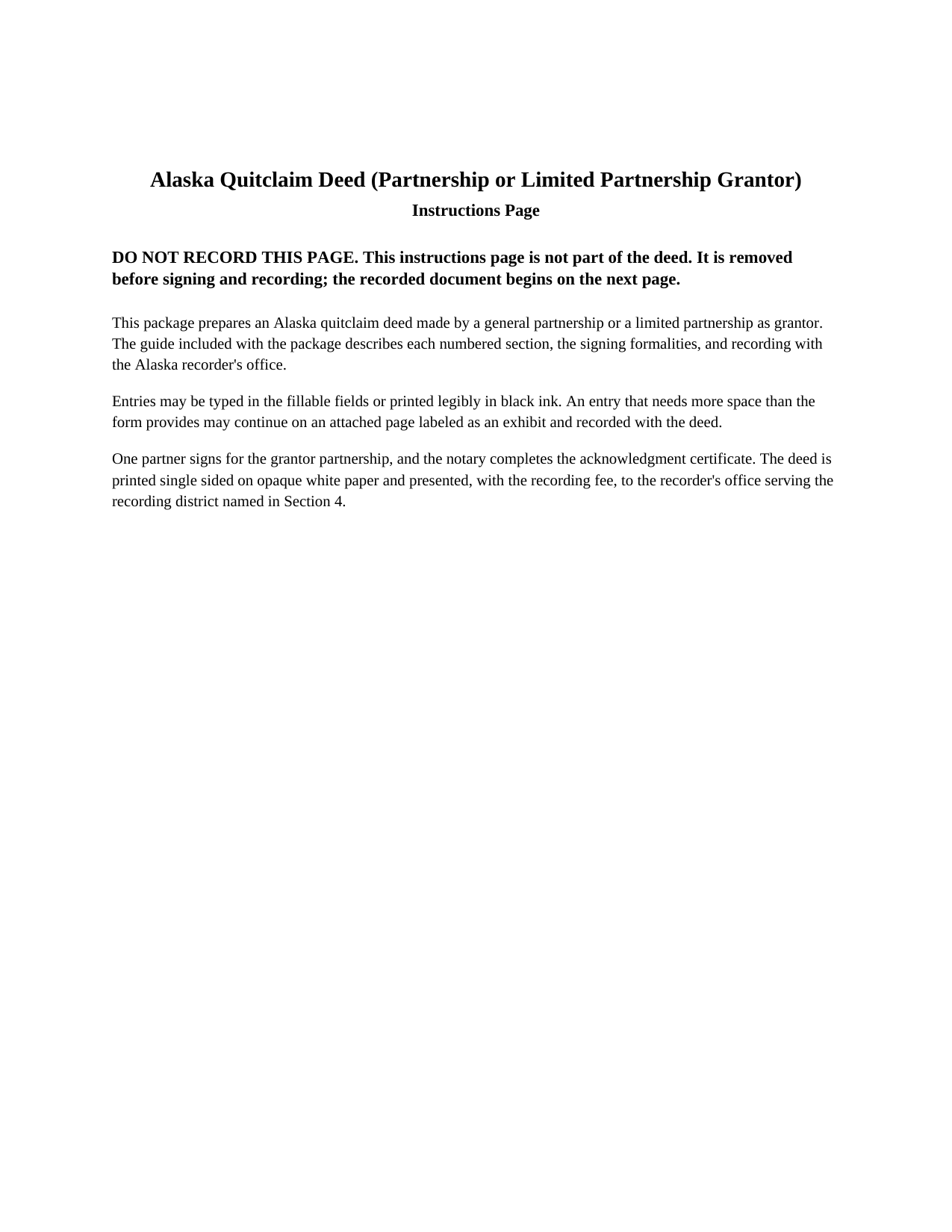
Valdez Cordova Borough Quitclaim Deed (Partnership or Limited Partnership Grantor) Form
Fill in the blank Quitclaim Deed (Partnership or Limited Partnership Grantor) form formatted to comply with all Alaska recording and content requirements.
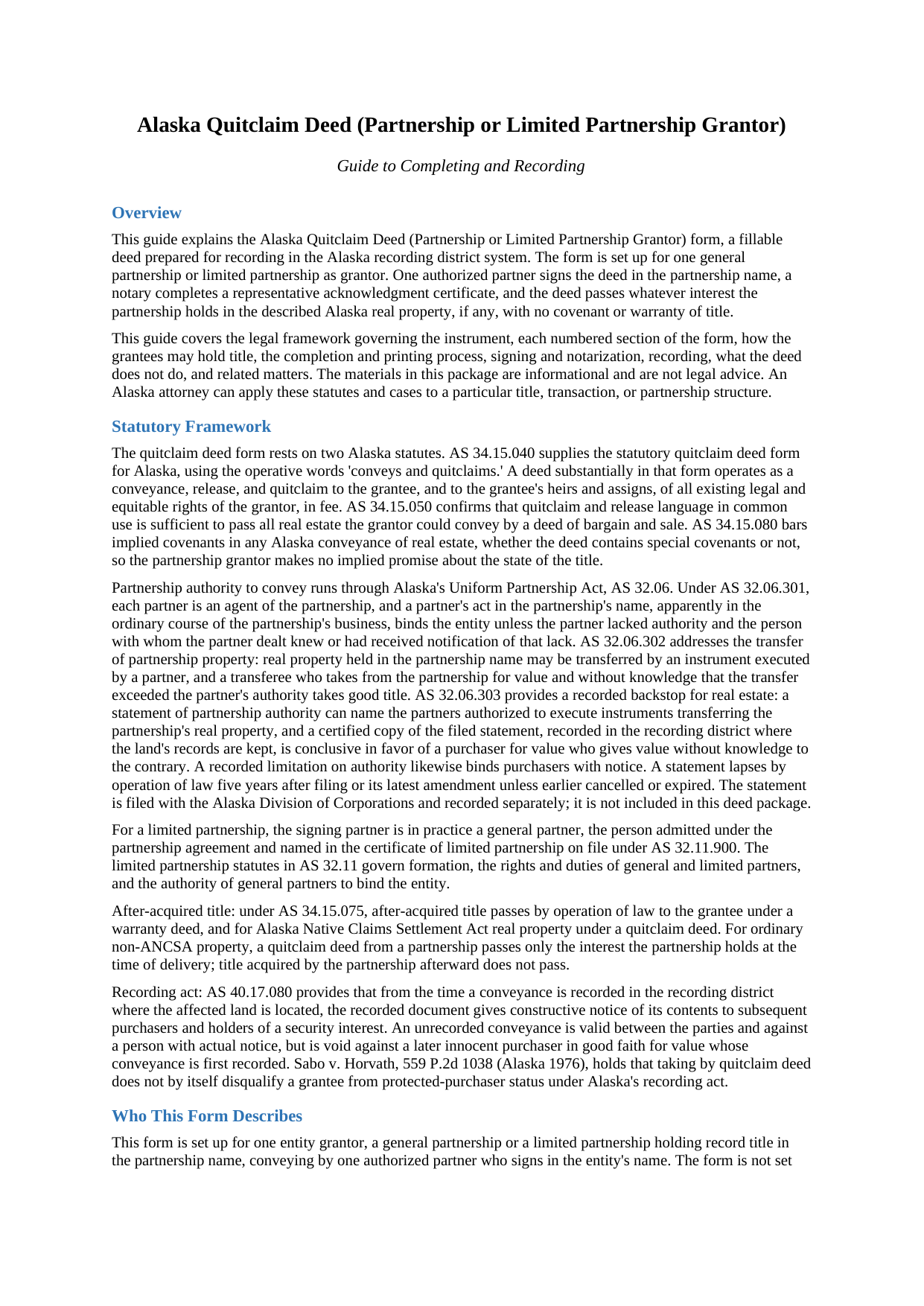
Valdez Cordova Borough Quitclaim Deed (Partnership or Limited Partnership Grantor) Guide
Line by line guide explaining every blank on the Quitclaim Deed (Partnership or Limited Partnership Grantor) form.
Valdez Cordova Borough Completed Example of the Quitclaim Deed (Partnership or Limited Partnership Grantor) Document
Example of a properly completed Alaska Quitclaim Deed (Partnership or Limited Partnership Grantor) document for reference.
All 3 documents above included • One-time purchase • No recurring fees
Immediate Download • Secure Checkout
Additional Alaska and Valdez Cordova Borough documents included at no extra charge:
Where to Record Your Documents
Anchorage Recorder (for Chitina, Cordova & Valdez District)
Anchorage, Alaska 99501-3564
Hours: 8:00 to 3:30 M-F / Research from 7:30
Phone: (907) 269-8872 or 269-8876
Recording Tips for Valdez Cordova Borough:
- Bring your driver's license or state-issued photo ID
- Ensure all signatures are in blue or black ink
- Check that your notary's commission hasn't expired
- Documents must be on 8.5 x 11 inch white paper
- Double-check legal descriptions match your existing deed
Cities and Jurisdictions in Valdez Cordova Borough
Properties in any of these areas use Valdez Cordova Borough forms:
- Chitina
- Copper Center
- Cordova
- Gakona
- Glennallen
- Tatitlek
- Valdez
- Whittier
Hours, fees, requirements, and more for Valdez Cordova Borough
How do I get my forms?
Forms are available for immediate download after payment. The Valdez Cordova Borough forms will be in your account ready to download to your computer. An account is created for you during checkout if you don't have one. Forms are NOT emailed.
Are these forms guaranteed to be recordable in Valdez Cordova Borough?
Yes. Our form blanks are guaranteed to meet or exceed the applicable formatting requirements used for recording in Valdez Cordova Borough, including margin requirements, font requirements, and other layout standards. This guarantee applies to formatting, not to the legal sufficiency of information entered by the user or the suitability of a form for a particular transaction.
Can I reuse these forms?
Yes. You can reuse the forms for your personal use. For example, if you have multiple properties in Valdez Cordova Borough you only need to order once.
What do I need to use these forms?
The forms are PDFs that you fill out on your computer. The free Adobe Acrobat Reader is recommended, and most PDF apps also work. You do NOT enter your property information online - you download the blank forms and complete them privately on your own computer.
Are there any recurring fees?
No. This is a one-time purchase. Nothing to cancel, no memberships, no recurring fees.
How much does it cost to record in Valdez Cordova Borough?
Recording fees in Valdez Cordova Borough vary. Contact the recorder's office at (907) 269-8872 or 269-8876 for current fees.
Questions answered? Let's get started!
One partner's signature moves title held by an entire Alaska partnership. This form prepares an Alaska quitclaim deed in which the grantor is a general partnership or a limited partnership holding record title in the partnership name: one authorized partner executes in the entity's name, a single acknowledgment certificate is completed in a representative capacity, and the deed passes whatever interest the partnership holds in the property, if any, with no warranty of title.
One Partner Signs for the Whole Partnership
The deed recites the partnership grantor by its exact name, its form and state of organization, and its complete mailing address, and it states that title stands in the partnership name. The signature section carries the partnership's name, one partner's signature and printed name, the date, and the signer's title or capacity, in the style General Partner; the notary certificate's name-and-capacity line then reads in the representative style, naming the partner, the capacity, and the partnership on whose behalf the deed is signed. Patterns that present this configuration in the record include a partnership distributing a parcel during winding up, a family limited partnership rearranging its holdings, related entities moving property between themselves, and a partnership releasing whatever interest it may hold so a cloud on the record clears. The form recites one entity grantor holding title in the entity's own name; record title standing in the individual partners' personal names presents individual grantors and a different execution pattern than the single entity signature recited here.
Authority the Record Can Carry
Alaska's Uniform Partnership Act stands behind the one-signature architecture. Under AS 32.06.301, each partner is an agent of the partnership, and a partner's execution of an instrument in the partnership name, apparently in the ordinary course of the partnership's business, binds the entity. AS 32.06.302 governs the transfer of partnership property held in the partnership name, and AS 32.06.303 supplies a recorded backstop built specifically for real estate: a statement of partnership authority that names the partners authorized to execute an instrument transferring the partnership's real property. A certified copy of the filed statement, recorded where the land's records are kept, makes the recorded grant of authority conclusive in favor of a purchaser who gives value without knowledge to the contrary, while a recorded limitation is treated as known; a filed statement lapses by operation of law five years after filing or its latest amendment. The statement is prepared, filed, and recorded separately and is not included in this package. For a limited partnership, the signing partner in practice is a general partner, the person admitted under the partnership agreement and named in the certificate of limited partnership under AS 32.11.900.
What Conveys and Quitclaims Passes
The operative clause is built on the statutory quitclaim form at AS 34.15.040, whose words conveys and quitclaims pass all interest the grantor has, if any: a conveyance, release, and quitclaim of the partnership's existing legal and equitable rights. No covenant is implied under AS 34.15.080, so the grantee takes exactly what the partnership held, subject to liens and other matters affecting title, and the deed says so on its face. Under Sabo v. Horvath, taking by quitclaim does not by itself cost an Alaska grantee protected-purchaser status under the recording act, which leaves prompt recording doing the priority work AS 40.17.080 assigns to it.
Built for Alaska's Recording Eligibility List
The blanks track what the state's recorder examines before accepting a deed. The form names its recording district on the first page, recites complete mailing addresses for the partnership grantor and the grantee, and closes with the return-address block that tells the recorder where the original goes after recording; each of those items comes from AS 40.17.030, and a missing one is a ground for non-acceptance rather than a fee. The layout reserves two inches at the top of page one and keeps every margin and type size within the format regulation, 11 AAC 06.040.
The download contains the fillable quitclaim deed formatted to Alaska recording standards, a completed example showing every section filled in for an Anchorage Recording District fact pattern, and a guide that walks through each numbered section, the partner's signing capacity, and the recording steps. The materials are informational and are not legal advice.
Important: Your property must be located in Valdez Cordova Borough to use these forms. Documents should be recorded at the borough or census area recording office listed above.
This Quitclaim Deed (Partnership or Limited Partnership Grantor) meets all recording requirements specific to Valdez Cordova Borough.
Our Promise
The documents you receive here are guaranteed to meet or exceed the applicable Valdez Cordova Borough recording format requirements. If there is a rejection caused by our formatting, we will correct the issue or refund your payment. This guarantee applies to document formatting only and does not extend to information entered by the user, the selection of the form, or the legal effect of the completed document.
Save Time and Money
Get your Valdez Cordova Borough Quitclaim Deed (Partnership or Limited Partnership Grantor) form done right the first time with Deeds.com Uniform Conveyancing Blanks. At Deeds.com, we understand that your time and money are valuable resources, and we don't want you to face a penalty fee or rejection imposed by a county recorder for submitting nonstandard documents. We constantly review and update our forms to meet rapidly changing state and county recording requirements for roughly 3,500 counties and local jurisdictions.
4.8 out of 5 - ( 4,837 Reviews )
Sandra W. 5 out of 5 stars
I think this is going to be a very resourceful website, really have not had a chance to fully navigate yet. I look forward to accessing more.
Thank you!
Mike F. 5 out of 5 stars
The explanation sheet and example was very handy.
Thank you!
Charles F. 5 out of 5 stars
I am happy with the document but did not know that it would still have to go before the court. Thought it could be handled by the recorder of deeds.
Thank you for your feedback. We really appreciate it. Have a great day!
Ashley H. 5 out of 5 stars
Thank you for the quick response time messaging back and forth to get this completed, and also the fairly speedy e-recording! Excellent customer service!!!
We appreciate your business and value your feedback. Thank you. Have a wonderful day!
Gary F. 5 out of 5 stars
A+
Thank you — we appreciate you taking the time to leave a review.
Cecil S. 5 out of 5 stars
EXCELLENT SERVICE DONE WELL AND QUICKLY
We appreciate your business and value your feedback. Thank you. Have a wonderful day!
Angela B. 5 out of 5 stars
The site made everything very easy to understand and access. I was able to get everything I needed and the cost was reasonable.
We appreciate your business and value your feedback. Thank you. Have a wonderful day!
Pam B. 4 out of 5 stars
This form really helped me out a lot could be a little more explanatory in some areas but all and all it works.
Thanks Pam, we appreciate your feedback.
Byron M. 5 out of 5 stars
Very easy to sign up. Very quick to respond for payment once uploaded. Great communication. More expensive than other recording services.
Thank you for your feedback. We really appreciate it. Have a great day!
Priscilla M. 5 out of 5 stars
Instructions are easy to follow which make filling out the forms easy and simple. I would definitely recommend Deeds.com.
Thank you!
Donna P. 5 out of 5 stars
Your documents were very helpful. I went ahead and filled in all the info for the Release of Lien document. It was easy to do with your example. I had all the necessary info such as plot numbers, etc. for the property and everything fit nicely onto the document. It has been notorized and mailed. My grandparents' Victorian home has new owners who love it and has paid it off. Yeah!!!
We appreciate your business and value your feedback. Thank you. Have a wonderful day!
THOMAS P. 5 out of 5 stars
This site is excellent and makes everything so much easier. 5 star platform.
We appreciate your business and value your feedback. Thank you. Have a wonderful day!
NATALIE A. 5 out of 5 stars
The form was very easy to use and the sample tool you had was very helpful. the only problem i had was saving the document and then trying to find it later. I finally was able to figure out how to save it. but i still cannot find the saved document on my computer. Luckily i printed it before i closed it and did not need to make any changes.
Thank you for your feedback. We really appreciate it. Have a great day!
Steven G. 5 out of 5 stars
Easy to navigate and easy purchase.
Lucinda L. 5 out of 5 stars
mostly good; however, you need to update the annual exclusion gift amount from $14,000 to $15,000 (where it has ben for several years), and you need to make your Gift Deed final paragraph be gender neutral like "they" or "he or she" rather than just"he". We women lawyers and our women clients appreciate that.
Thank you for your feedback. We really appreciate it. Have a great day!