Mississippi County Memorandum and Notice of Agreement Form
Last validated October 15, 2026 by our Forms Development TeamFormatted for recording in Mississippi County, for property anywhere in the county: rural and unincorporated areas as well as Armorel, Bassett, Blytheville, Burdette, Dell, Driver, Dyess, Etowah and 10 more.
- 3 documents included
- Immediate PDF download
- Formatting guarantee
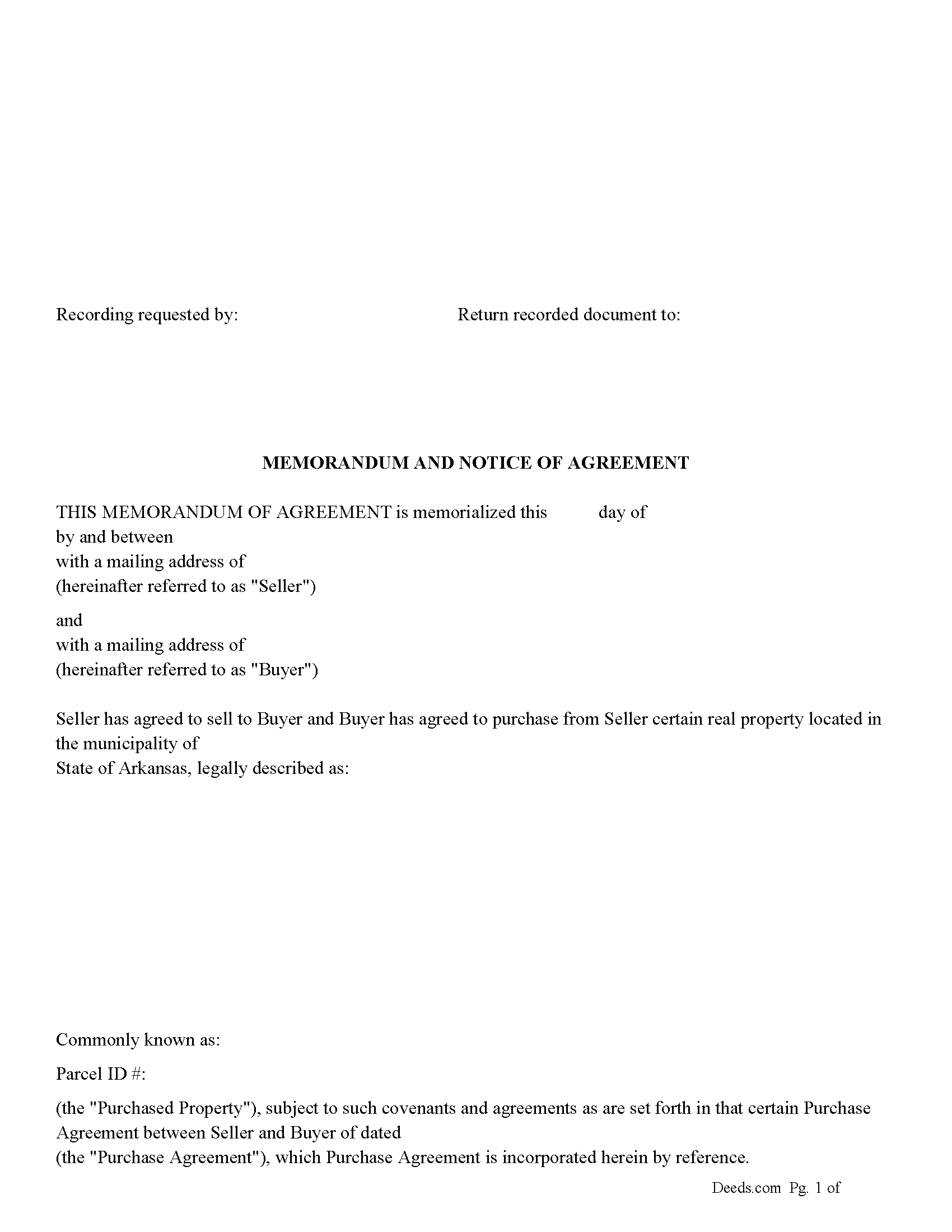
Mississippi County Memorandum and Notice of Agreement Form
Fill in the blank Memorandum and Notice of Agreement form formatted to comply with all Arkansas recording and content requirements.
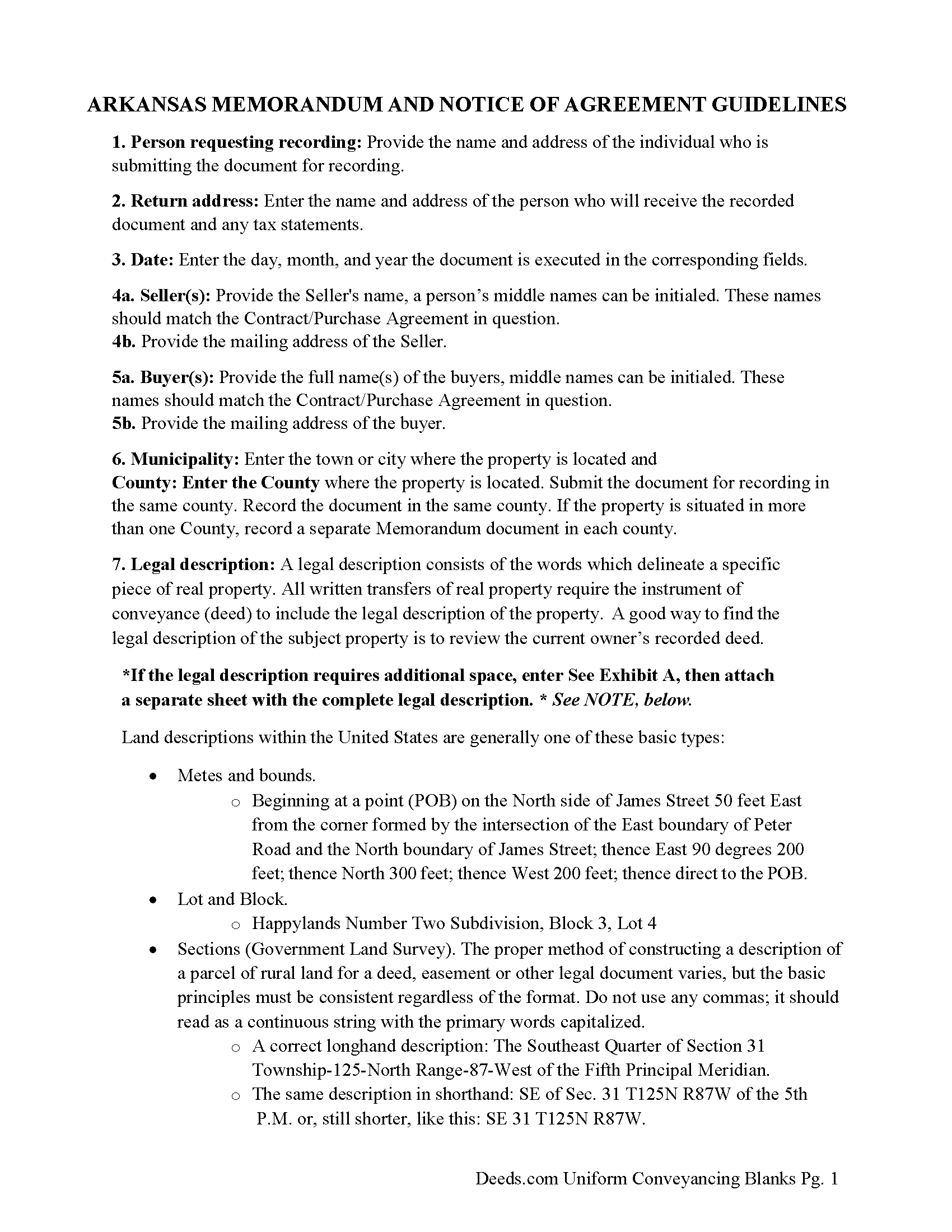
Mississippi County Memorandum and Notice of Agreement Guide
Line by line guide explaining every blank on the Memorandum and Notice of Agreement form.
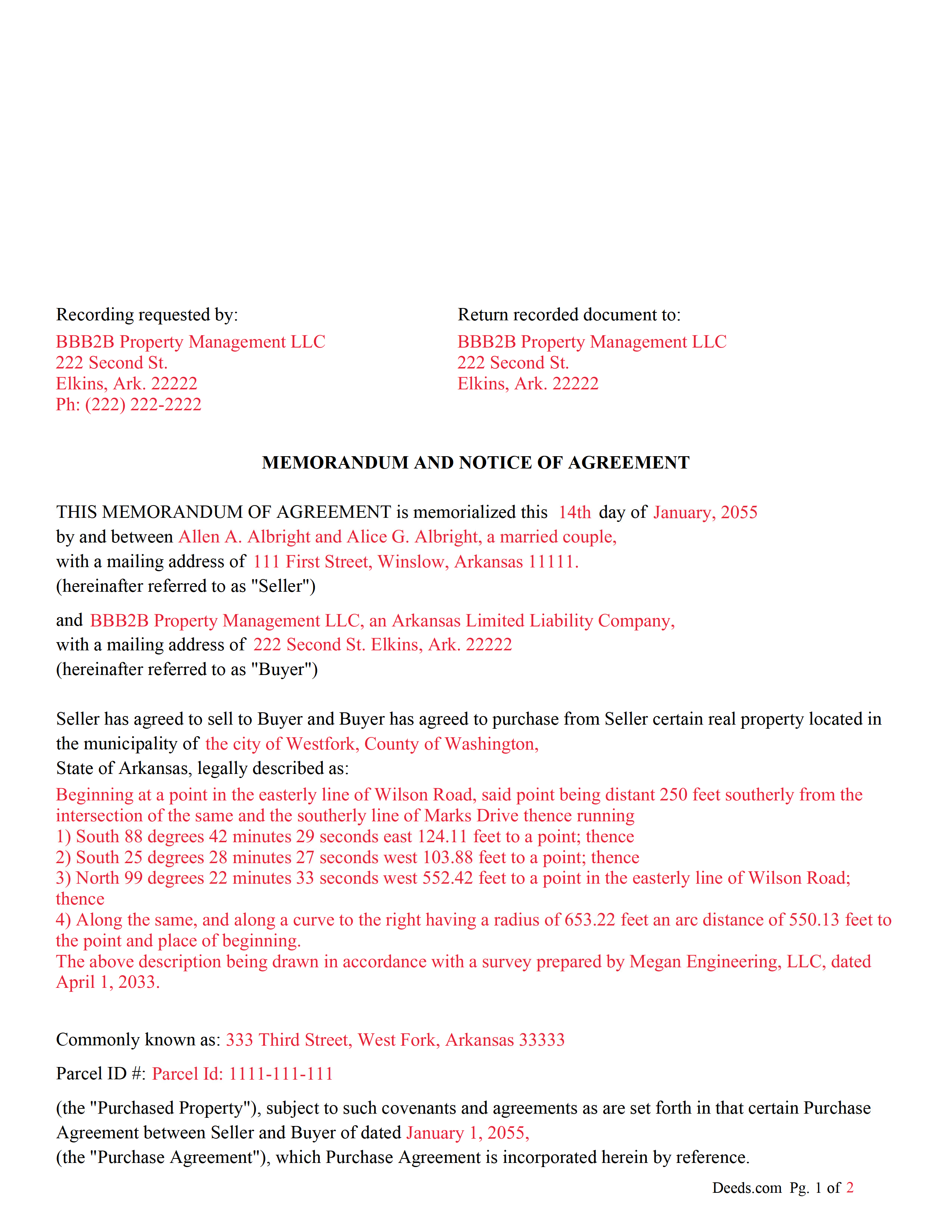
Mississippi County Completed Example of the Memorandum and Notice of Agreement Document
Example of a properly completed Arkansas Memorandum and Notice of Agreement document for reference.
All 3 documents above included • One-time purchase • No recurring fees
Immediate Download • Secure Checkout
Additional Arkansas and Mississippi County documents included at no extra charge:
Where to Record Your Documents
Circuit Clerk - Blytheville
Blytheville, Arkansas 72315
Hours: 8:30 to 4:30 M-F
Phone: (870) 762-2332
Circuit Clerk - Osceola
Osceola, Arkansas 72370
Hours: 8:30 to 4:30 M-F
Phone: (870) 563-6471
Recording Tips for Mississippi County:
- Bring your driver's license or state-issued photo ID
- Ensure all signatures are in blue or black ink
- Check margin requirements - usually 1-2 inches at top
- Leave recording info boxes blank - the office fills these
- Make copies of your documents before recording - keep originals safe
Cities and Jurisdictions in Mississippi County
Properties in any of these areas use Mississippi County forms:
- Armorel
- Bassett
- Blytheville
- Burdette
- Dell
- Driver
- Dyess
- Etowah
- Frenchmans Bayou
- Gosnell
- Joiner
- Keiser
- Leachville
- Luxora
- Manila
- Osceola
- West Ridge
- Wilson
Hours, fees, requirements, and more for Mississippi County
How do I get my forms?
Forms are available for immediate download after payment. The Mississippi County forms will be in your account ready to download to your computer. An account is created for you during checkout if you don't have one. Forms are NOT emailed.
Are these forms guaranteed to be recordable in Mississippi County?
Yes. Our form blanks are guaranteed to meet or exceed the applicable formatting requirements used for recording in Mississippi County, including margin requirements, font requirements, and other layout standards. This guarantee applies to formatting, not to the legal sufficiency of information entered by the user or the suitability of a form for a particular transaction.
Can I reuse these forms?
Yes. You can reuse the forms for your personal use. For example, if you have multiple properties in Mississippi County you only need to order once.
What do I need to use these forms?
The forms are PDFs that you fill out on your computer. The free Adobe Acrobat Reader is recommended, and most PDF apps also work. You do NOT enter your property information online - you download the blank forms and complete them privately on your own computer.
Are there any recurring fees?
No. This is a one-time purchase. Nothing to cancel, no memberships, no recurring fees.
How much does it cost to record in Mississippi County?
Recording fees in Mississippi County vary. Contact the recorder's office at (870) 762-2332 for current fees.
Questions answered? Let's get started!
A "Memorandum of Purchase Agreement" commonly referred to as a "Memorandum of Agreement" (MOA), Memorandum of Contract (MOC) or "Memorandum of Understanding" (MOU) in the context of real estate, is used primarily as a means to provide public notice of an equitable interest in a real estate transaction without disclosing the full details of the purchase agreement. This document is particularly useful in transactions where the buyer and seller have agreed to terms but the final closing and transfer of the deed have not yet occurred. By recording this memorandum with the county recorder's office, the buyer establishes a public record of their interest in the property, which can protect against subsequent claims or liens by third parties.
Key Purposes of a Memorandum of Purchase Agreement:
1. Notice of Equitable Interest: The memorandum serves as notice to the public that the buyer has an equitable interest in the property due to the purchase agreement. This is important in protecting the buyer’s interest against claims by other parties who might otherwise be unaware of the agreement.
2. Protection During the Closing Process: Real estate transactions can involve a lengthy closing process, including financing approval, inspections, and other contingencies. Recording a memorandum helps safeguard the buyer's interest in the property during this period.
3. Confidentiality: A memorandum of purchase agreement allows the parties to keep the specific terms of their agreement, such as the purchase price and other sensitive details, private. Only the essential facts necessary to establish interest in the property are included in the memorandum
Impact on Title: While the memorandum itself does not transfer title, it does create a public record of the buyer’s interest, which can be important in the event of disputes or if the seller attempts to convey the property to another party.
Use with Other Real Estate Transactions: Although commonly associated with purchase agreements, memoranda can also be used with other types of real estate transactions that convey an interest in property, such as land contracts or options to purchase.
Important: Your property must be located in Mississippi County to use these forms. Documents should be recorded at the county recording office listed above.
This Memorandum and Notice of Agreement meets all recording requirements specific to Mississippi County.
Our Promise
The documents you receive here are guaranteed to meet or exceed the applicable Mississippi County recording format requirements. If there is a rejection caused by our formatting, we will correct the issue or refund your payment. This guarantee applies to document formatting only and does not extend to information entered by the user, the selection of the form, or the legal effect of the completed document.
Save Time and Money
Get your Mississippi County Memorandum and Notice of Agreement form done right the first time with Deeds.com Uniform Conveyancing Blanks. At Deeds.com, we understand that your time and money are valuable resources, and we don't want you to face a penalty fee or rejection imposed by a county recorder for submitting nonstandard documents. We constantly review and update our forms to meet rapidly changing state and county recording requirements for roughly 3,500 counties and local jurisdictions.
4.8 out of 5 - ( 4,830 Reviews )
Melody L. 3 out of 5 stars
Beware, you cannot save the information you typed and change it later. It will be a PDF upon saving. So if you need corrections...you have to start all over!
Thank you for your feedback. We really appreciate it. Have a great day!
Sandra T T. 5 out of 5 stars
Great website to find state documents. I do like the one-time charge also vs a recurring charge. Thank you!
Thank you, Sandra! We’re glad you found the state documents you needed and appreciate you mentioning the one-time charge option. We believe in keeping things straightforward and transparent. Thanks again for your kind words and for choosing Deeds.com!
Sera E. 5 out of 5 stars
East, fast, reliable. Great service!
Thank you!
Steven C. 5 out of 5 stars
Easy but a little overpriced
We appreciate your business and value your feedback. Thank you. Have a wonderful day!
Rebecca M. 5 out of 5 stars
This was pretty easy to fill out. The directions on all of the forms was very good. This should make life much easier at the County Recorder. Thank you!
We appreciate your business and value your feedback. Thank you. Have a wonderful day!
Jo Anne C. 5 out of 5 stars
Excellent documentation. Thank you.
Thank you for your feedback. We really appreciate it. Have a great day!
Arletta B. 5 out of 5 stars
Fantastic service, saved me a ton of time and running around. Thanks!
Thank you!
Lacina B. 5 out of 5 stars
Forms were appropriately priced, easy to download
Thank you for your feedback. We really appreciate it. Have a great day!
Seth T. 5 out of 5 stars
THE BEST WEBSITE I HAVE EVER SEEN FOR LEGAL DOCUMENTS!!! THANKS
Thanks Seth, we appreciate your feedback.
Anne G. 5 out of 5 stars
I used deeds.com's services for the first time while the Stay at Home Order is in effect and found it to be very user friendly and seamless. I am very impressed.
Thank you Anne, glad we could help.
Chris M. 5 out of 5 stars
always helpful always informative always awesome
Your feedback is greatly appreciated. Thank you for taking the time to share your experience!
Sarah C. 5 out of 5 stars
Great, but I'd like to see the actual filings/documents in my account, PDF, not only the blank forms. Thank you.
Thank you for your feedback. We really appreciate it. Have a great day!
Donna B. 5 out of 5 stars
Got exactly what I was looking for and for one price! Accessing the documents was super easy! Love this site and will definitely recommend to family and friends!
Thank you!
KAREN S. 5 out of 5 stars
Easy to use this app and I was able to print my forms immediately! Great service and I would use it again.
Thank you for your feedback. We really appreciate it. Have a great day!
Hyacinth A. 5 out of 5 stars
It was easy and helpful to use Deed.com
We appreciate your comments and your trust in us. Thank you.