Fulton County Notice of Intent to File Form
Last validated September 25, 2026 by our Forms Development TeamFormatted for recording in Fulton County, for property anywhere in the county: rural and unincorporated areas as well as Bexar, Camp, Elizabeth, Gepp, Glencoe, Mammoth Spring, Salem, Sturkie and 1 more.
- 3 documents included
- Immediate PDF download
- Formatting guarantee
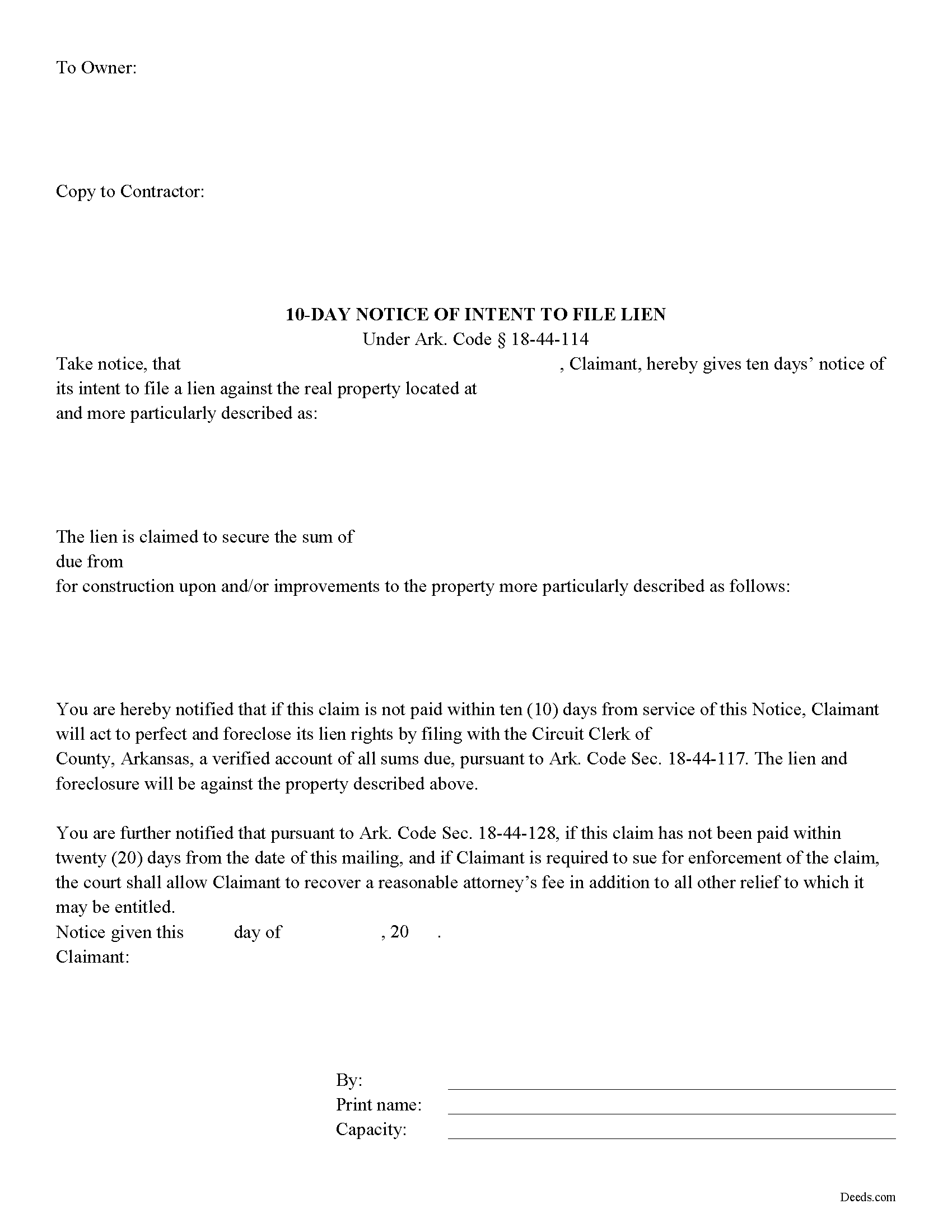
Fulton County Notice of Intent to File Form
Fill in the blank form formatted to comply with all recording and content requirements.
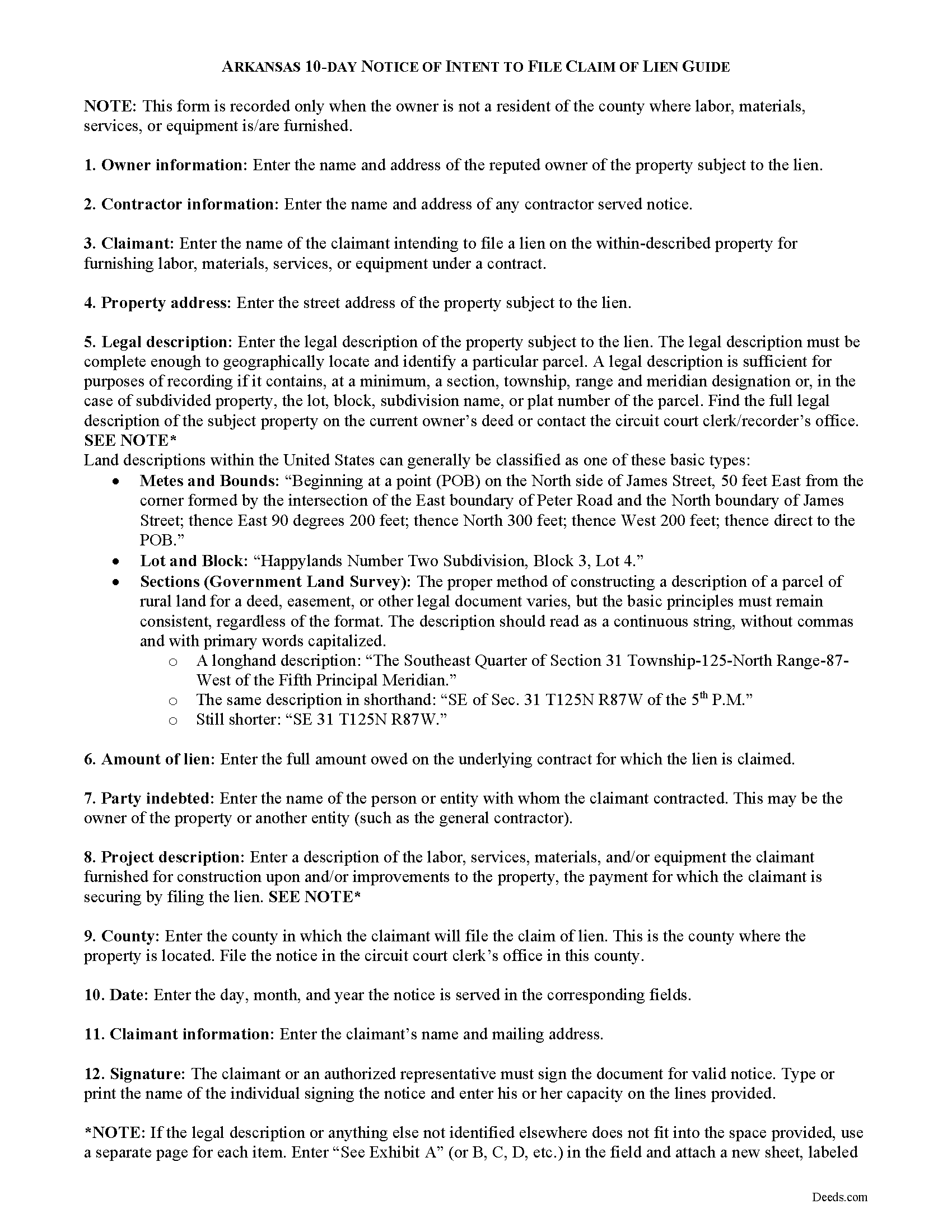
Fulton County Notice of Intent to File Guide
Line by line guide explaining every blank on the form.
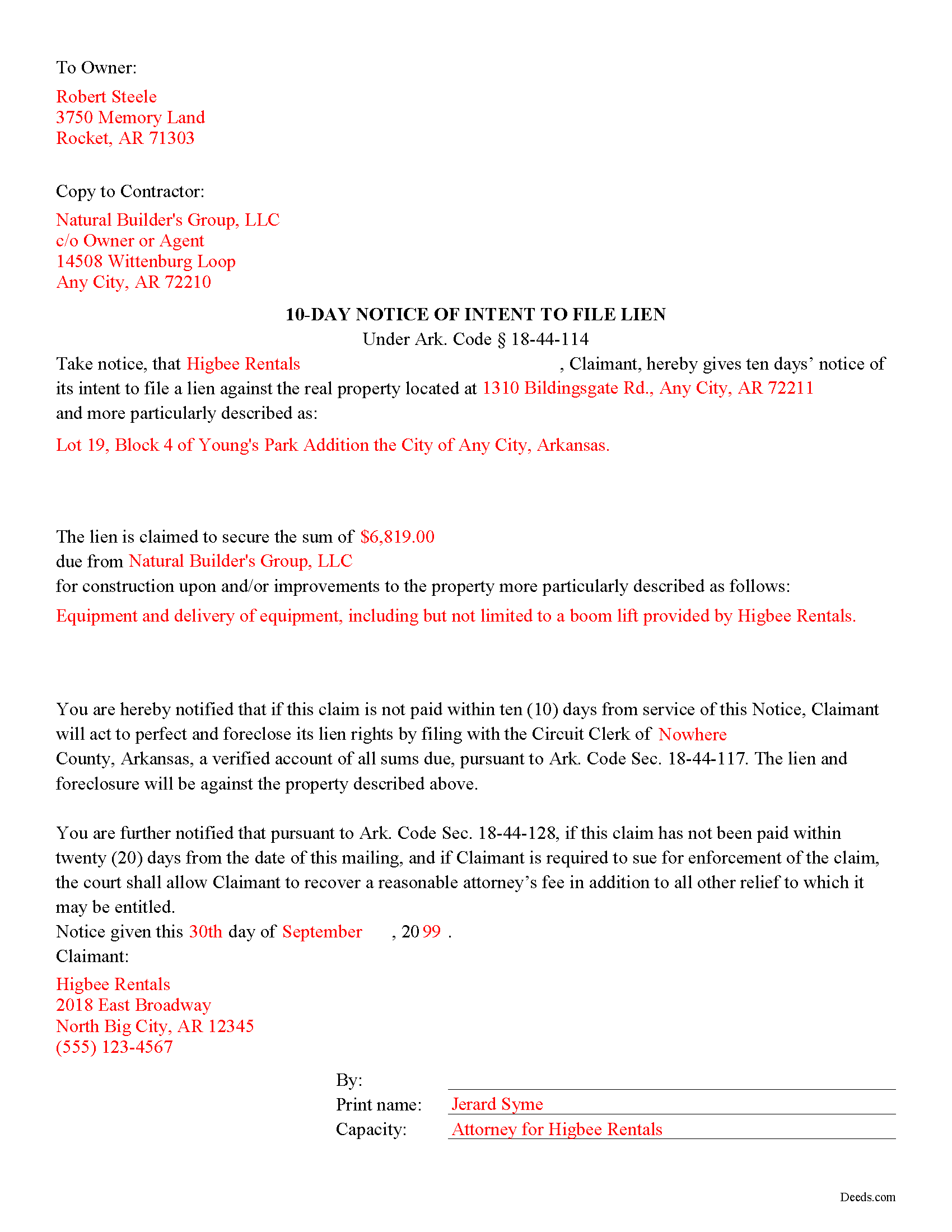
Fulton County Completed Example of the Notice of Intent to File Document
Example of a properly completed form for reference.
All 3 documents above included • One-time purchase • No recurring fees
Immediate Download • Secure Checkout
Additional Arkansas and Fulton County documents included at no extra charge:
Where to Record Your Documents
Circuit and County Clerk
Salem, Arkansas 72576
Hours: 8:00am to 4:30pm M-F
Phone: (870) 895-3310
Recording Tips for Fulton County:
- Bring your driver's license or state-issued photo ID
- Ensure all signatures are in blue or black ink
- Recording fees may differ from what's posted online - verify current rates
- Request a receipt showing your recording numbers
- Ask about accepted payment methods when you call ahead
Cities and Jurisdictions in Fulton County
Properties in any of these areas use Fulton County forms:
- Bexar
- Camp
- Elizabeth
- Gepp
- Glencoe
- Mammoth Spring
- Salem
- Sturkie
- Viola
Hours, fees, requirements, and more for Fulton County
How do I get my forms?
Forms are available for immediate download after payment. The Fulton County forms will be in your account ready to download to your computer. An account is created for you during checkout if you don't have one. Forms are NOT emailed.
Are these forms guaranteed to be recordable in Fulton County?
Yes. Our form blanks are guaranteed to meet or exceed the applicable formatting requirements used for recording in Fulton County, including margin requirements, font requirements, and other layout standards. This guarantee applies to formatting, not to the legal sufficiency of information entered by the user or the suitability of a form for a particular transaction.
Can I reuse these forms?
Yes. You can reuse the forms for your personal use. For example, if you have multiple properties in Fulton County you only need to order once.
What do I need to use these forms?
The forms are PDFs that you fill out on your computer. The free Adobe Acrobat Reader is recommended, and most PDF apps also work. You do NOT enter your property information online - you download the blank forms and complete them privately on your own computer.
Are there any recurring fees?
No. This is a one-time purchase. Nothing to cancel, no memberships, no recurring fees.
How much does it cost to record in Fulton County?
Recording fees in Fulton County vary. Contact the recorder's office at (870) 895-3310 for current fees.
Questions answered? Let's get started!
The Arkansas 10 days' notice of intent to file lien under Ark Code Sec. 18-44-114 is a preliminary notice required from a potential claimant before filing a claim of lien against a property. A claim of lien is unenforceable if the claimant fails to abide notice requirements as directed by law.
The notice, delivered to the owner, states the balance owed on an underlying contract. If the balance is not paid within ten days' receipt of the notice, the claimant has a claim on the property and may proceed to file a claim of lien against the title.
Arkansas law stipulates what constitutes "delivery." Notice may be served by an officer authorized to serve process in a civil action; a person who would be a competent witness; by mail addressed to the person to be served, with restricted delivery and return receipt requested; or by any means that provides written, third-party verification of delivery to anywhere the owner maintains residence or an office or conducts business (18-44-114). When served by persons other than an officer, an affidavit of service of notice is also required. When served by mail, the verification of service is a return receipt signed by the addressee or a returned piece of mail or affidavit by postal worker showing refusal of notice by the addressee or that the notice was unclaimed.
In cases where the owner resides in a county other than the one in which the property under contract is located, the notice gets recorded in the circuit clerk's office. Otherwise, the notice is a standalone document, and is not required to be notarized or recorded. Proof of service of notice, along with a copy of the notice, however, is required when filing a claim of lien, so the document is attached as an exhibit to a claim of lien filing.
An effective notice should also contain a description of the property that will become subject to the lien, a description of the labor, services, materials, or equipment furnished by the claimant, and identify the claimant by name, along with any individual acting on behalf of the claimant signing the notice.
Consult an attorney questions about notice requirements, or for any other issues related to the lien law process in Arkansas.
Important: Your property must be located in Fulton County to use these forms. Documents should be recorded at the county recording office listed above.
This Notice of Intent to File meets all recording requirements specific to Fulton County.
Our Promise
The documents you receive here are guaranteed to meet or exceed the applicable Fulton County recording format requirements. If there is a rejection caused by our formatting, we will correct the issue or refund your payment. This guarantee applies to document formatting only and does not extend to information entered by the user, the selection of the form, or the legal effect of the completed document.
Save Time and Money
Get your Fulton County Notice of Intent to File form done right the first time with Deeds.com Uniform Conveyancing Blanks. At Deeds.com, we understand that your time and money are valuable resources, and we don't want you to face a penalty fee or rejection imposed by a county recorder for submitting nonstandard documents. We constantly review and update our forms to meet rapidly changing state and county recording requirements for roughly 3,500 counties and local jurisdictions.
4.8 out of 5 - ( 4,828 Reviews )
James M. 5 out of 5 stars
Just what I needed to help clear ownership of what has been deeded to be by inheritance
We appreciate your business and value your feedback. Thank you. Have a wonderful day!
Terri B. 4 out of 5 stars
It's worth the money. I would like to have seen a variety of examples showing different scenarios for completing a quitclaim deed.
Thank you!
Deborah O. 5 out of 5 stars
Response time was fantastic. I had no idea it would be so quick. I would definitely use again. They send you a message if they need additional information, etc. I would rate them a 10+ on a 1-10 scale
Thank you for your feedback. We really appreciate it. Have a great day!
Patrick N. 5 out of 5 stars
Everything I expected. Faster and less expensive than my lawyer.
Thank you!
Sylvia H. 5 out of 5 stars
Deeds.com really made the process of completing and submitting the Lien application easy. Thank you, and I will be using you whenever I need a real estate document that you carry.
We appreciate your business and value your feedback. Thank you. Have a wonderful day!
Kimberly H. 5 out of 5 stars
Very fast and easy to use!
Thank you Kimberly. Have a fantastic day.
Yvonne R. 5 out of 5 stars
Quick and easy, however, I couldn't get the guide to download.
Thank you for your feedback. We really appreciate it. Have a great day!
Connie C. 4 out of 5 stars
I thought the process was fairly easy. The price was reasonable. I had a slight problem, some of the words were missing from one page of the documents when I printed it. However, after I saved it to my computer, I was able to print the page in full.
Thank you for your feedback. We really appreciate it. Have a great day!
angela t. 4 out of 5 stars
good forms for what i needed.
We appreciate your business and value your feedback. Thank you. Have a wonderful day!
Karen P. 5 out of 5 stars
Very easy to use.
Thank you!
Ellen d. 5 out of 5 stars
Wonderful tool to have available on line!
We appreciate your business and value your feedback. Thank you. Have a wonderful day!
Jany F. 5 out of 5 stars
Great and quick service.
Thank you!
Peggy D. 5 out of 5 stars
Very helpful in finding the information for me. Quick response. Very easy to use the forms.
Thank you for your feedback. We really appreciate it. Have a great day!
Irma D. 5 out of 5 stars
Very impressed with the Service in Miami-Dade County. THank you
Thank you!
Walter T. 5 out of 5 stars
Awesome thanks
Thank you for your feedback. We really appreciate it. Have a great day!