Lafayette County Notice to Owner Form
Last validated October 5, 2026 by our Forms Development TeamFormatted for recording in Lafayette County, for property anywhere in the county: rural and unincorporated areas as well as Bradley, Buckner, Lewisville, Stamps.
- 3 documents included
- Immediate PDF download
- Formatting guarantee
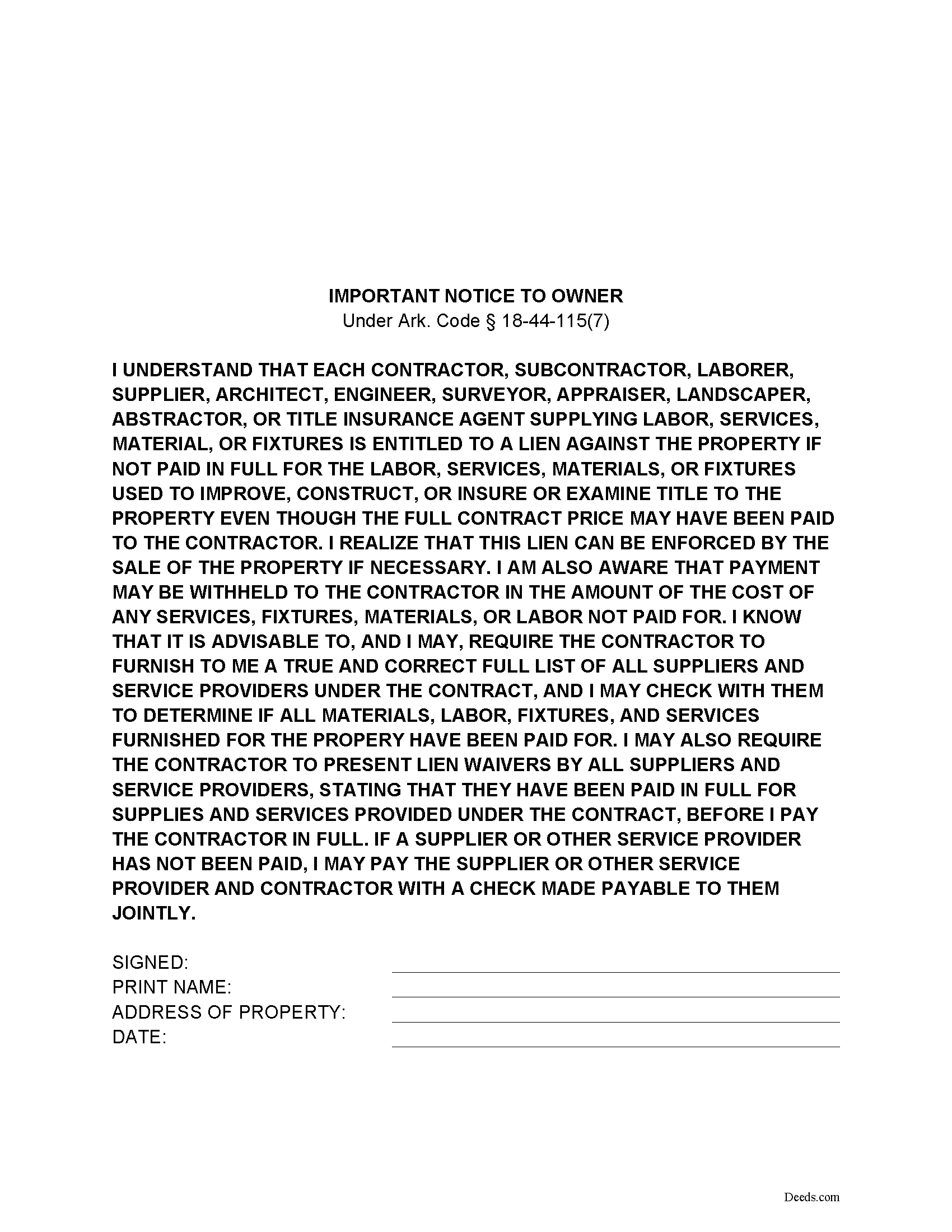
Lafayette County Notice to Owner
Fill in the blank form formatted to comply with all recording and content requirements.
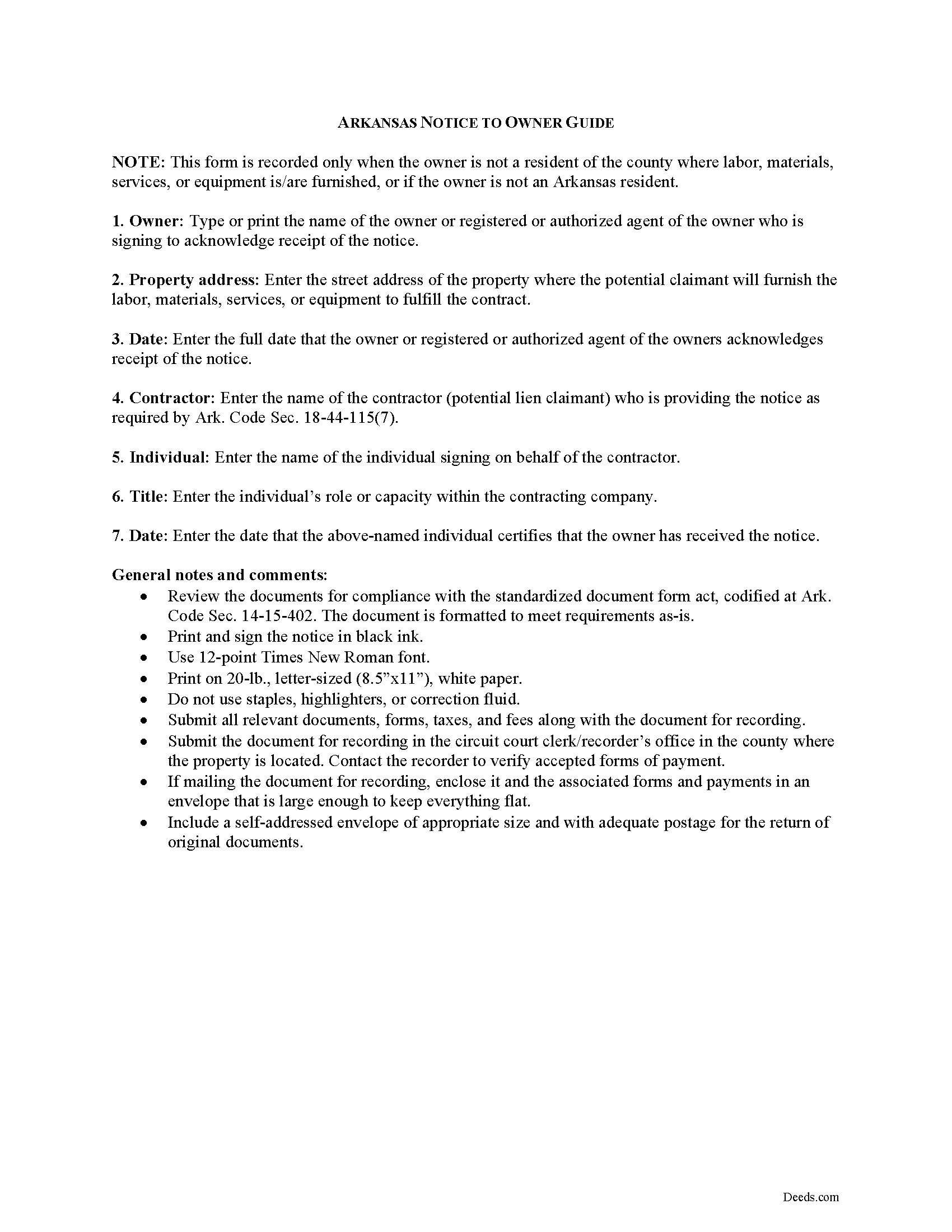
Lafayette County Notice to Owner Guide
Line by line guide explaining every blank on the form.
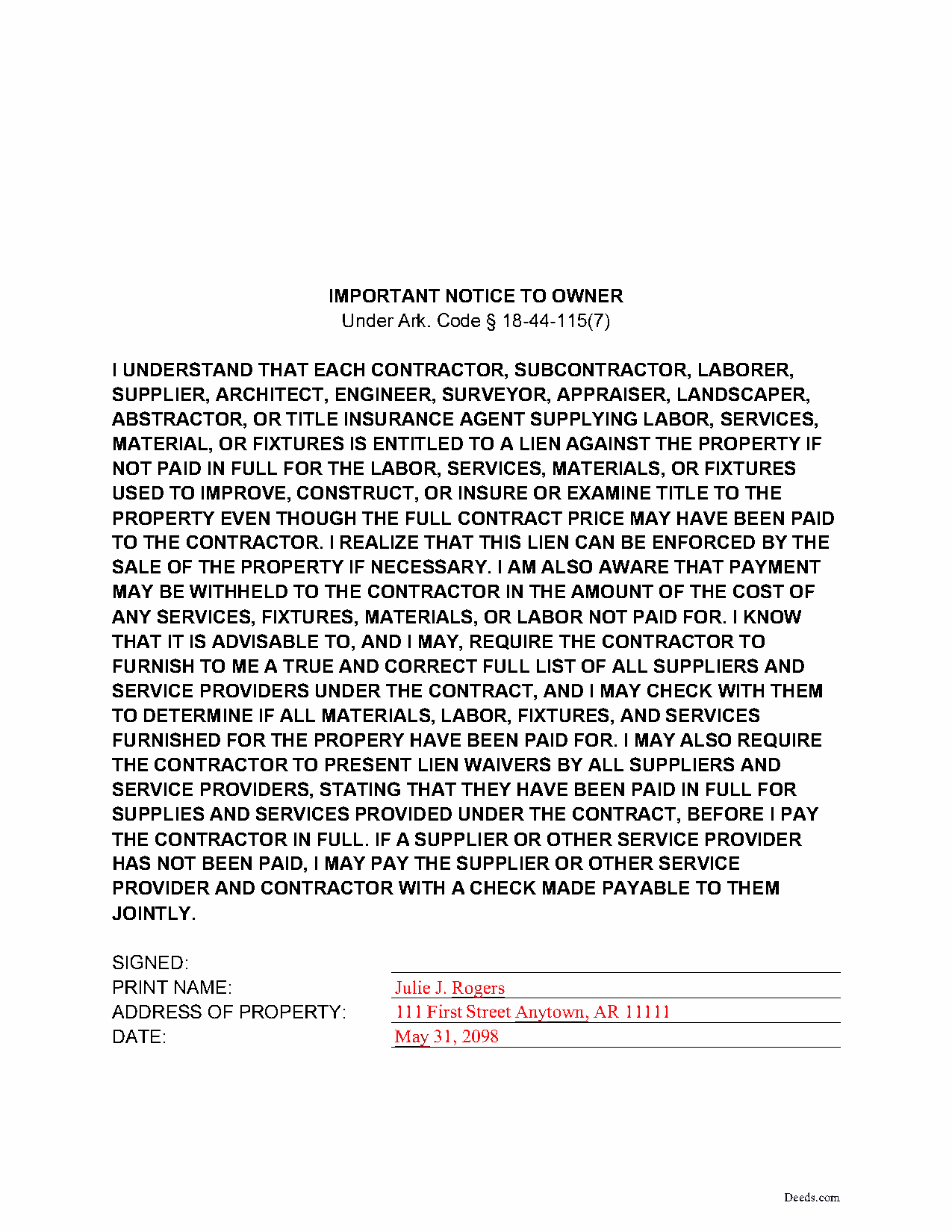
Lafayette County Completed Example of the Notice to Owner Document
Example of a properly completed form for reference.
All 3 documents above included • One-time purchase • No recurring fees
Immediate Download • Secure Checkout
Additional Arkansas and Lafayette County documents included at no extra charge:
Where to Record Your Documents
Lafayette County Circuit Clerk
Lewisville, Arkansas 71845
Hours: 8:00 to 4:30 M-F
Phone: (870) 921-4878
Recording Tips for Lafayette County:
- Bring your driver's license or state-issued photo ID
- Ensure all signatures are in blue or black ink
- Recording fees may differ from what's posted online - verify current rates
- Request a receipt showing your recording numbers
- Ask about accepted payment methods when you call ahead
Cities and Jurisdictions in Lafayette County
Properties in any of these areas use Lafayette County forms:
- Bradley
- Buckner
- Lewisville
- Stamps
Hours, fees, requirements, and more for Lafayette County
How do I get my forms?
Forms are available for immediate download after payment. The Lafayette County forms will be in your account ready to download to your computer. An account is created for you during checkout if you don't have one. Forms are NOT emailed.
Are these forms guaranteed to be recordable in Lafayette County?
Yes. Our form blanks are guaranteed to meet or exceed the applicable formatting requirements used for recording in Lafayette County, including margin requirements, font requirements, and other layout standards. This guarantee applies to formatting, not to the legal sufficiency of information entered by the user or the suitability of a form for a particular transaction.
Can I reuse these forms?
Yes. You can reuse the forms for your personal use. For example, if you have multiple properties in Lafayette County you only need to order once.
What do I need to use these forms?
The forms are PDFs that you fill out on your computer. The free Adobe Acrobat Reader is recommended, and most PDF apps also work. You do NOT enter your property information online - you download the blank forms and complete them privately on your own computer.
Are there any recurring fees?
No. This is a one-time purchase. Nothing to cancel, no memberships, no recurring fees.
How much does it cost to record in Lafayette County?
Recording fees in Lafayette County vary. Contact the recorder's office at (870) 921-4878 for current fees.
Questions answered? Let's get started!
The Notice to Owner by Claimant under Ark. Code Sec. 18-44-115 is a preliminary notice that must be delivered to the owner prior to commencing construction under a contract.
The notice states that contractors, subcontractors, suppliers, and other parties supplying labor, services, materials, or fixtures for the improvement of real property under a contract with the owner are entitled to a lien against the property if not paid in full for their services. It also states that the owner is entitled to ask the contractor for a list of all suppliers and service providers under the contract, the receipt of which allows the owner to determine that all materials, labor, fixtures, and services have been paid for. Without delivering this notice, a potential claimant forfeits its right to file a lien against the property.
Typically, this notice is made part of the contract. However, when the owner does not reside in the same county or state as the property under contract, the claimant can record the notice in the property records of the circuit court clerk's office where the subject property is located (Ark. Code Sec. 18-44-116).
The document should contain the address of the property and the date of signing and comply with the standardized document form act, codified at Ark. Code Sec. 14-15-402.
The notice is signed by the owner as evidence that he or she has received the notice from the potential claimant. Arkansas law does not require the notice to be notarized. The contractor also signs the notice certifying that the owner has received the notice and that the owner or owner's agent's signature appears on the notice.
This notice is not required if the contractor supplies a bond or if the transaction is a direct sale to the property owner (as in, the property owner orders materials or services from the lien claimant) (18-44-115(a)(8)).
Consult a lawyer with questions about preliminary lien notices or mechanic's liens in the State of Arkansas.
Important: Your property must be located in Lafayette County to use these forms. Documents should be recorded at the county recording office listed above.
This Notice to Owner meets all recording requirements specific to Lafayette County.
Our Promise
The documents you receive here are guaranteed to meet or exceed the applicable Lafayette County recording format requirements. If there is a rejection caused by our formatting, we will correct the issue or refund your payment. This guarantee applies to document formatting only and does not extend to information entered by the user, the selection of the form, or the legal effect of the completed document.
Save Time and Money
Get your Lafayette County Notice to Owner form done right the first time with Deeds.com Uniform Conveyancing Blanks. At Deeds.com, we understand that your time and money are valuable resources, and we don't want you to face a penalty fee or rejection imposed by a county recorder for submitting nonstandard documents. We constantly review and update our forms to meet rapidly changing state and county recording requirements for roughly 3,500 counties and local jurisdictions.
4.8 out of 5 - ( 4,836 Reviews )
Robert B. 5 out of 5 stars
Everything worked Fine. I wish there was an John Doe type of an example for the Tax form.
Thank you!
Sheilah C. 5 out of 5 stars
So far very good. I will know more when I complete the forms and submit them.
Thank you!
James A. 5 out of 5 stars
As advertised.
Thank you!
Dennis T. 5 out of 5 stars
I liked the service very much. The form I ordered wasn't provided by the local government agency and I couldn't find it on the internet. I liked that the form came with easy to follow, line by line, instructions and a sample. I also appreciated that I wasn't forced to take on a trial membership to keep me on the hook. I would definitely use this service again in the future!
Thank you for your feedback. We really appreciate it. Have a great day!
Boyd B. 5 out of 5 stars
I had an issue because of what I was doing, thanks to these guys. I received an email and lickety-split done no more problems.
We appreciate your business and value your feedback. Thank you. Have a wonderful day!
Giovanni S. 5 out of 5 stars
Simple and easy going process
Thank you!
Alan S. 5 out of 5 stars
Quick, easy, and accurate. And if there's ever a problem, the resolution is also quick, easy, and accurate. The service is hard to beat.
Thank you for your feedback. We really appreciate it. Have a great day!
Denise S. 5 out of 5 stars
Took all the guesswork out of what we were trying to accomplish, and gave us peace of mind that we would have the correct documents.
We appreciate your business and value your feedback. Thank you. Have a wonderful day!
Maurice B. 5 out of 5 stars
The program fields should allow the customer to change font size and allow additional space for information to be place on the Deed. Not Bad, still needs improvement.
Thank you for your feedback Maurice. Unfortunately we do not make the requirements for things like font size and margins, we only make the documents to be compliant with them.
Anabel H. 5 out of 5 stars
Everything went smoothly, quickly and efficiently.
We appreciate your business and value your feedback. Thank you. Have a wonderful day!
Duane S. 5 out of 5 stars
Really glad to find your site. Made filing so much easier.
Thank you for your feedback. We really appreciate it. Have a great day!
Thomas C. 5 out of 5 stars
I got the right form but I waited too long to use it and Oregon changed the formatting. I should have checked and made sure the form was still good. Deeds responded quickly.
Thank you!
Nola B. 4 out of 5 stars
I like the form except the title should be ENHANCED LIFE ESTATE DEED and not Quit Claim Deed
Thank you for your feedback. We really appreciate it. Have a great day!
MIchelle S. 4 out of 5 stars
You had the generic document that I was looking for Yay! The "example" page was helpful and reassuring. The auto input sections of my document looked ok until i printed it and then it appeared to be out of alignment which is why my rating is lowered to 4 stars it would be nice to have the ability to correct the title (created by me) when downloading PDFs for an e-filing
Thank you for your feedback. We really appreciate it. Have a great day!
Margaret M. 5 out of 5 stars
Great job with these forms. Super easy and up to date, a rare find online these days. Thank you.
Thank you!